1 · Hero card
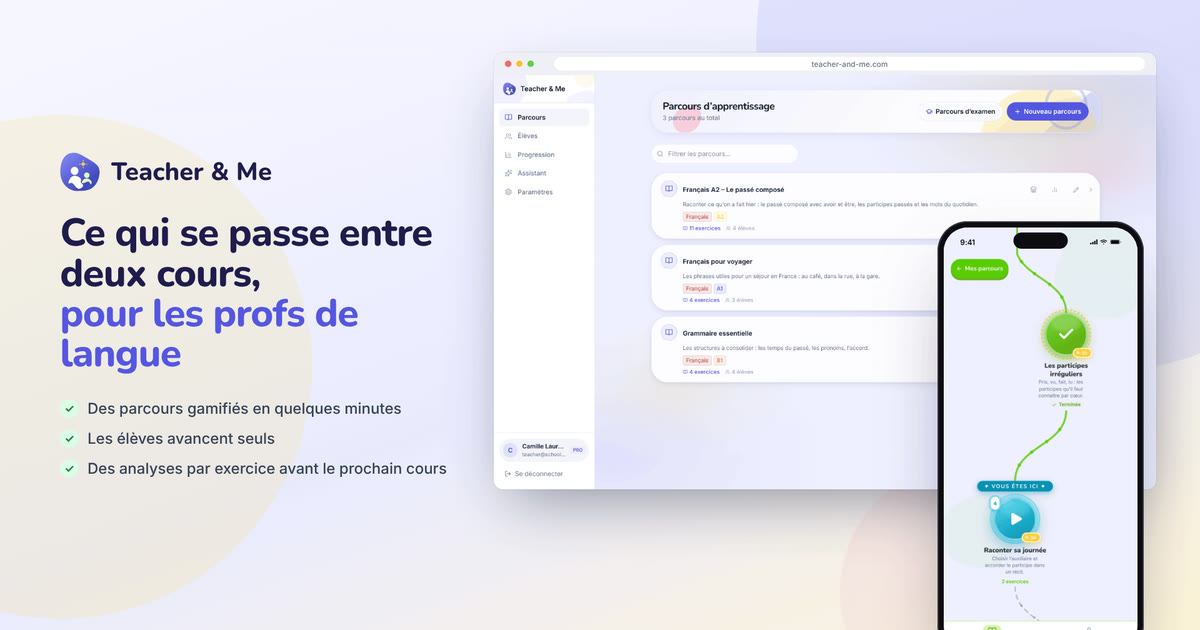
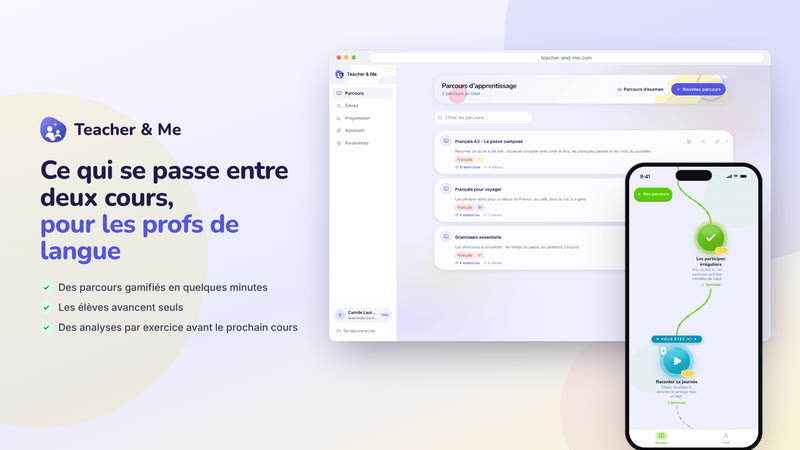
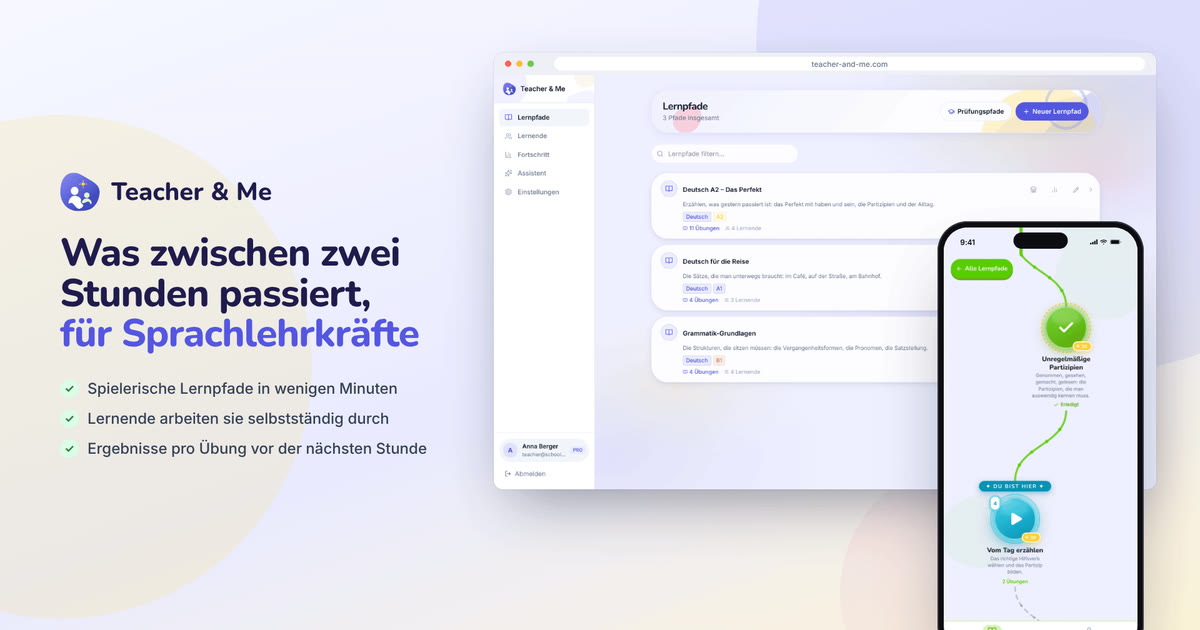
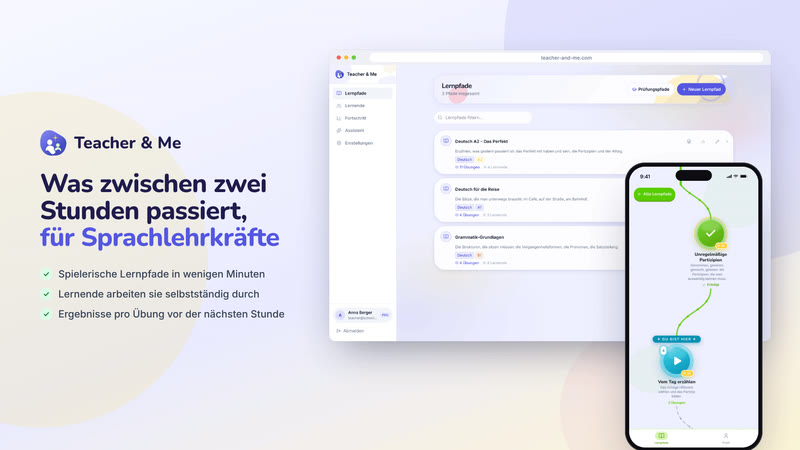
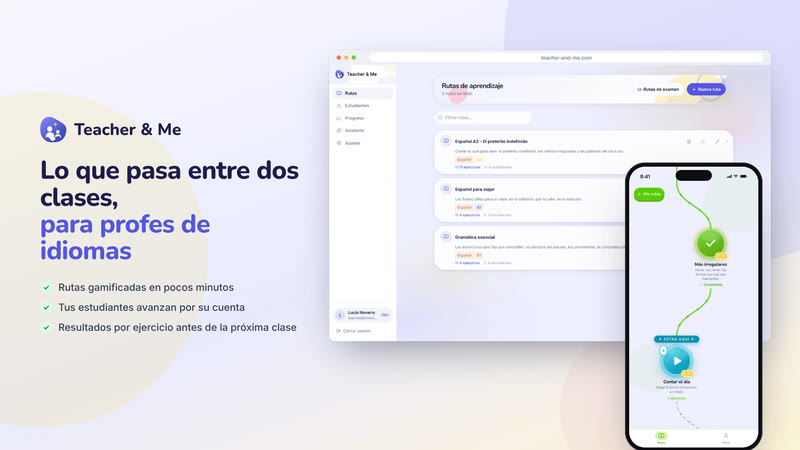
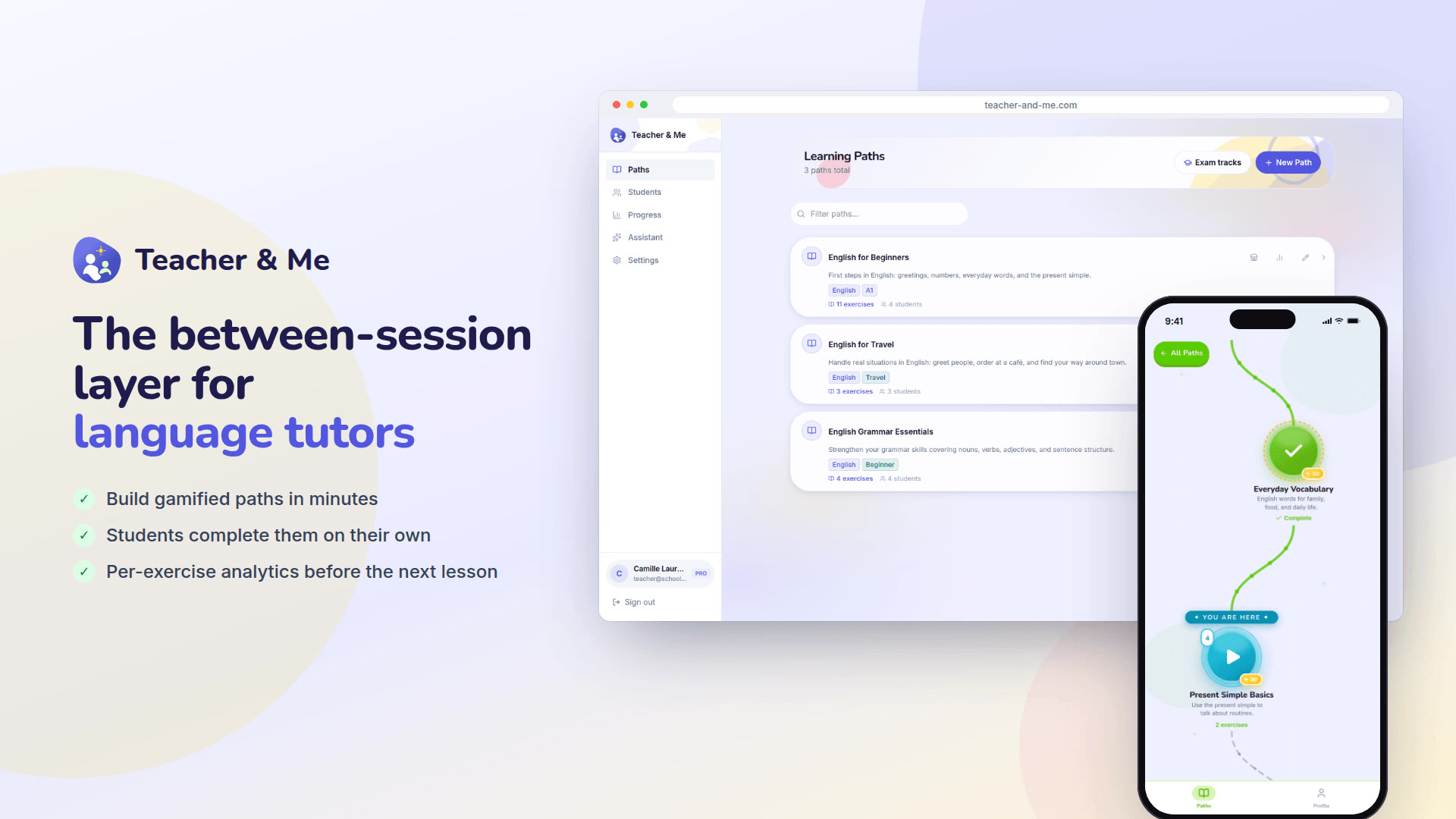
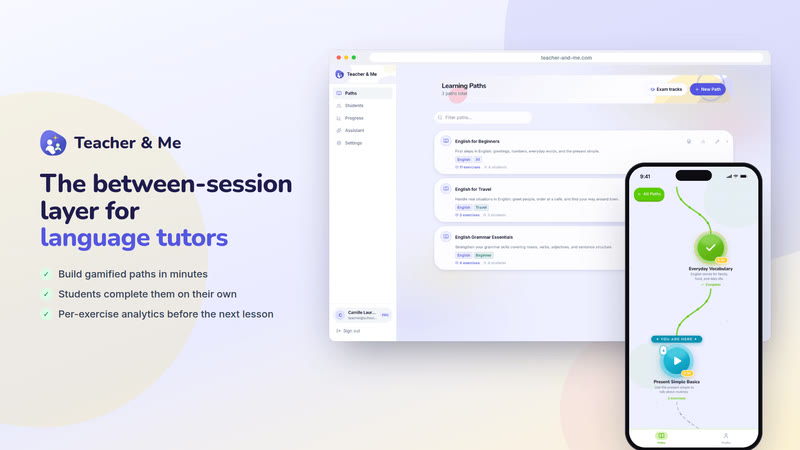
The default featured image. It carries the name, the pitch and both sides of the product in one frame, and reads at thumbnail size.
https://teacher-and-me.com/press-assets/cards/hero-1200x630.jpg
Use this page if you are writing or publishing something about Teacher and Me. If you are not, it is not for you. For that, everything here may be reproduced with a visible link back to teacher-and-me.com; nothing beyond that is granted (the terms).
Teacher and Me is a web app for independent language tutors: build gamified learning paths, assign them between sessions, and get per-exercise diagnostics on every answer, retry and time on task, so the next lesson starts where the student actually struggled.
Free. No paid plan, no card, no trial clock. Every screenshot shows invented demo data; under Assets, pick the language the app is shown in. The same facts are published as data at https://teacher-and-me.com/press.json.
The featured images, the cards, the screenshots and the archive show the app in the language picked here. The page itself stays in English.
Three cards made for the slot, best first. Each is the same poster in four sizes: 1920×1080, 1200×630 (the Open Graph size, a crop of the card’s middle band, not a squash), 800×450 and 400×225, all JPEG. Click one to see it large. Five more cards cover one part of the product each.
The default featured image. It carries the name, the pitch and both sides of the product in one frame, and reads at thumbnail size.
https://teacher-and-me.com/press-assets/cards/hero-1200x630.jpg
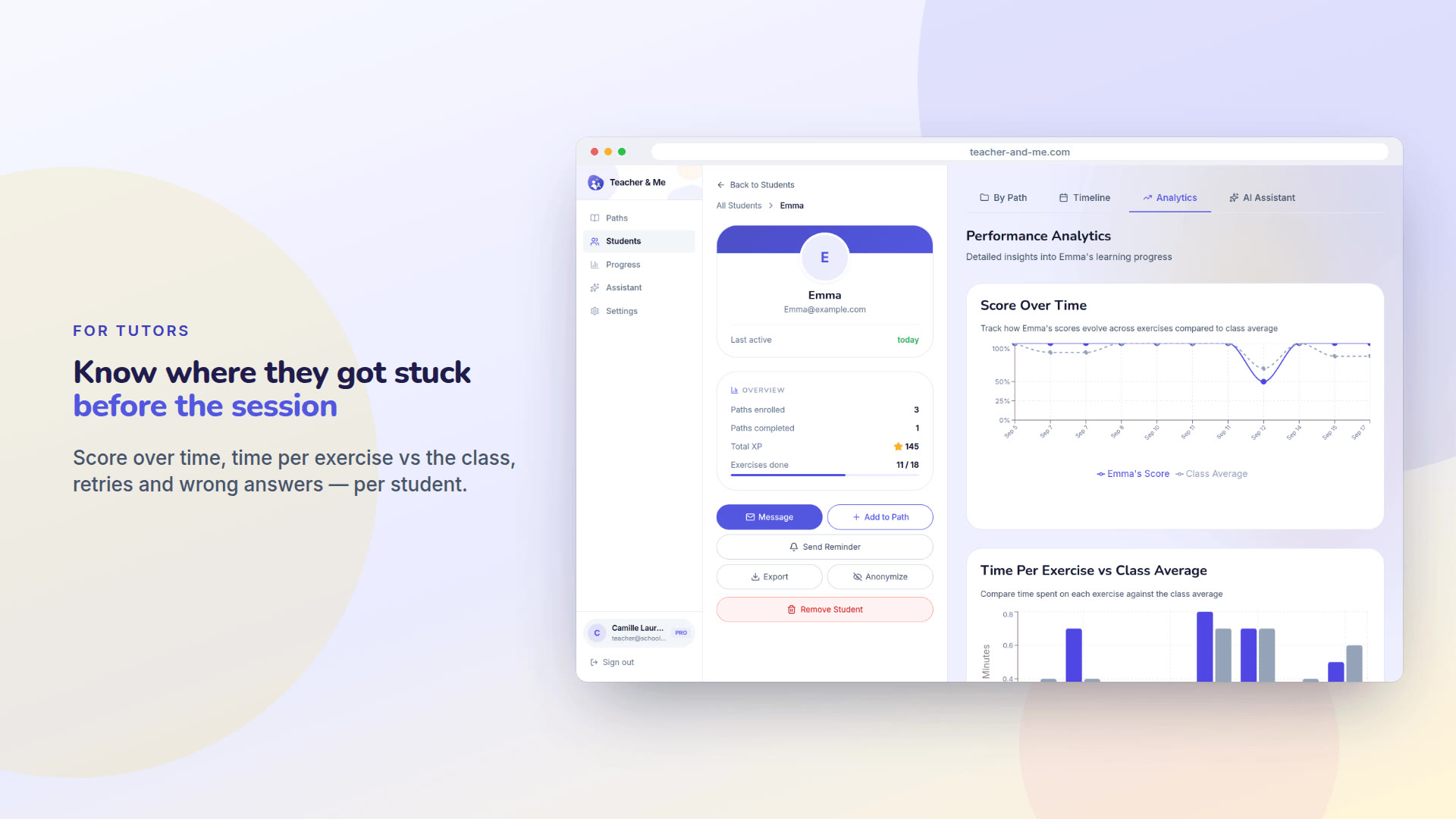
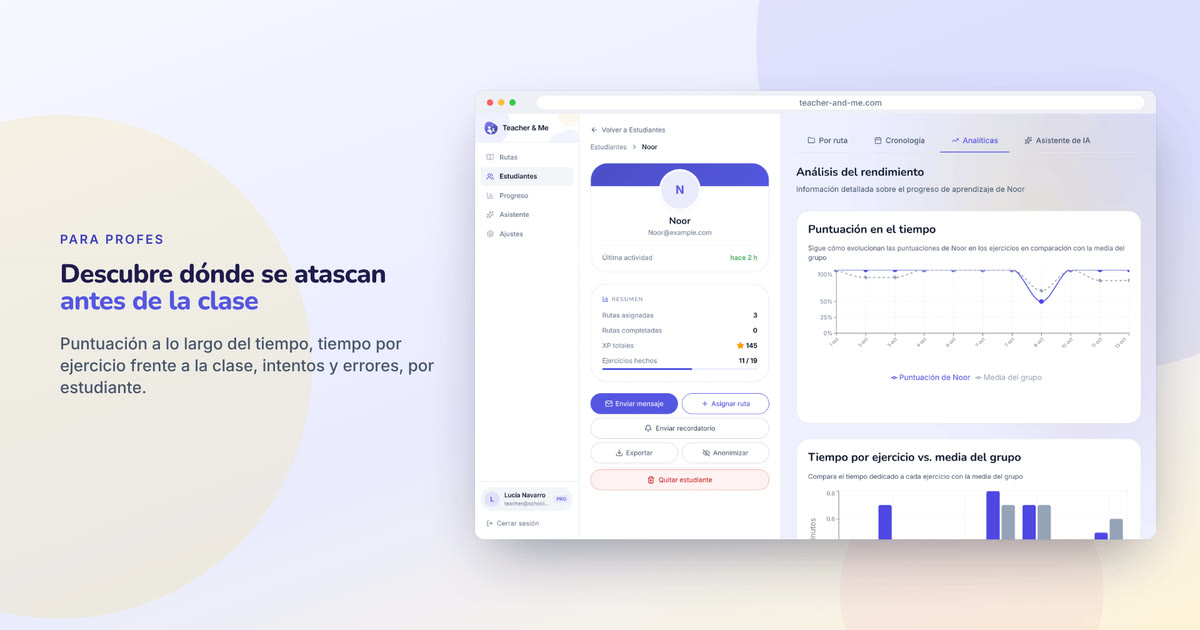
The strongest claim the product makes, as a poster. The second featured image.
https://teacher-and-me.com/press-assets/cards/analytics-1200x630.jpg
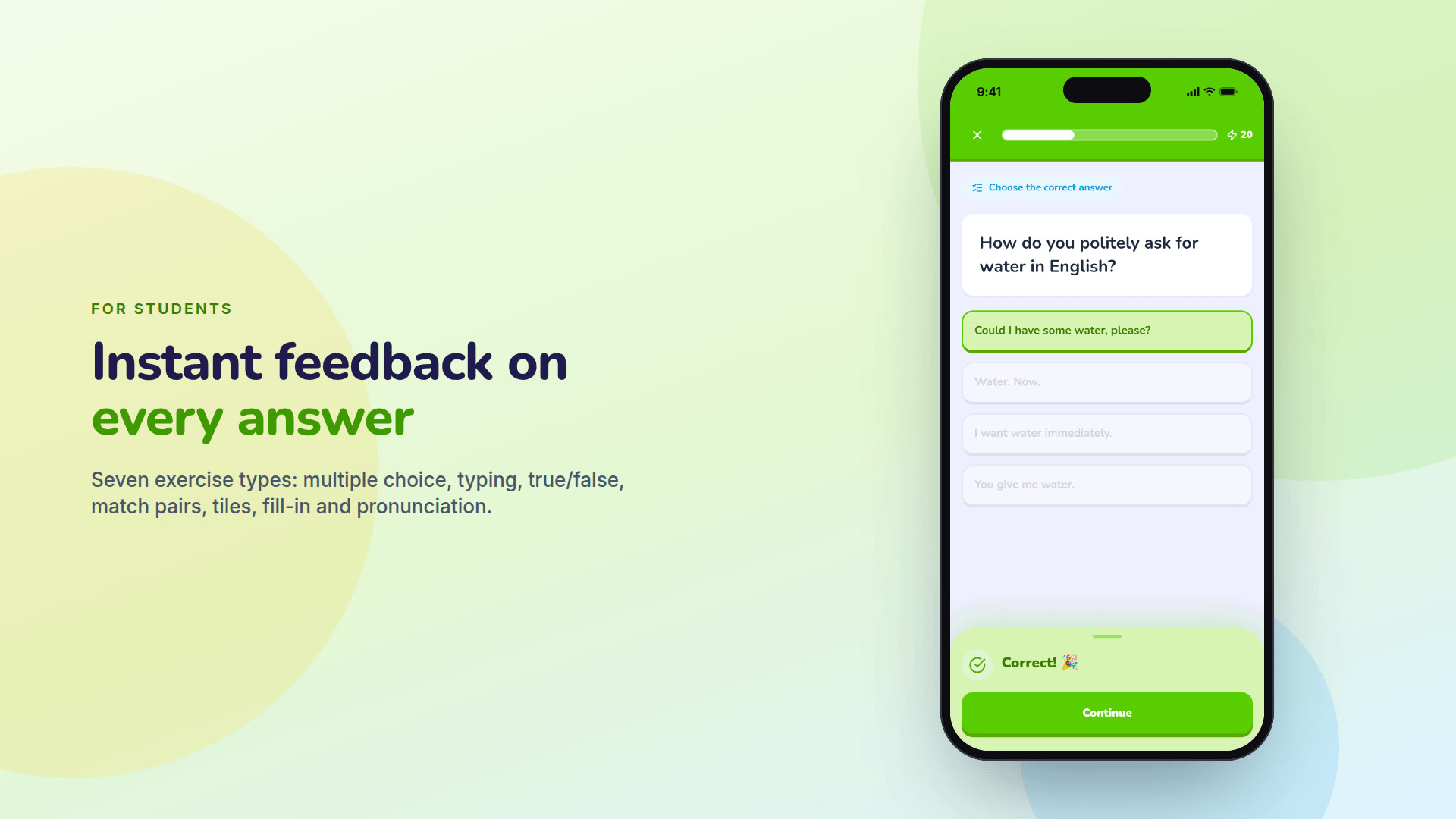
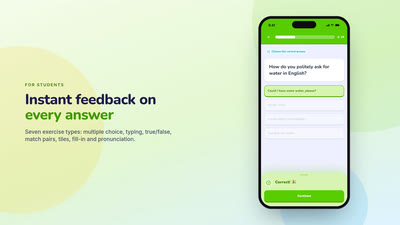
The student experience in one glance. The third featured image, and the one to pick for a mobile-first outlet.
https://teacher-and-me.com/press-assets/cards/exercise-1200x630.jpg
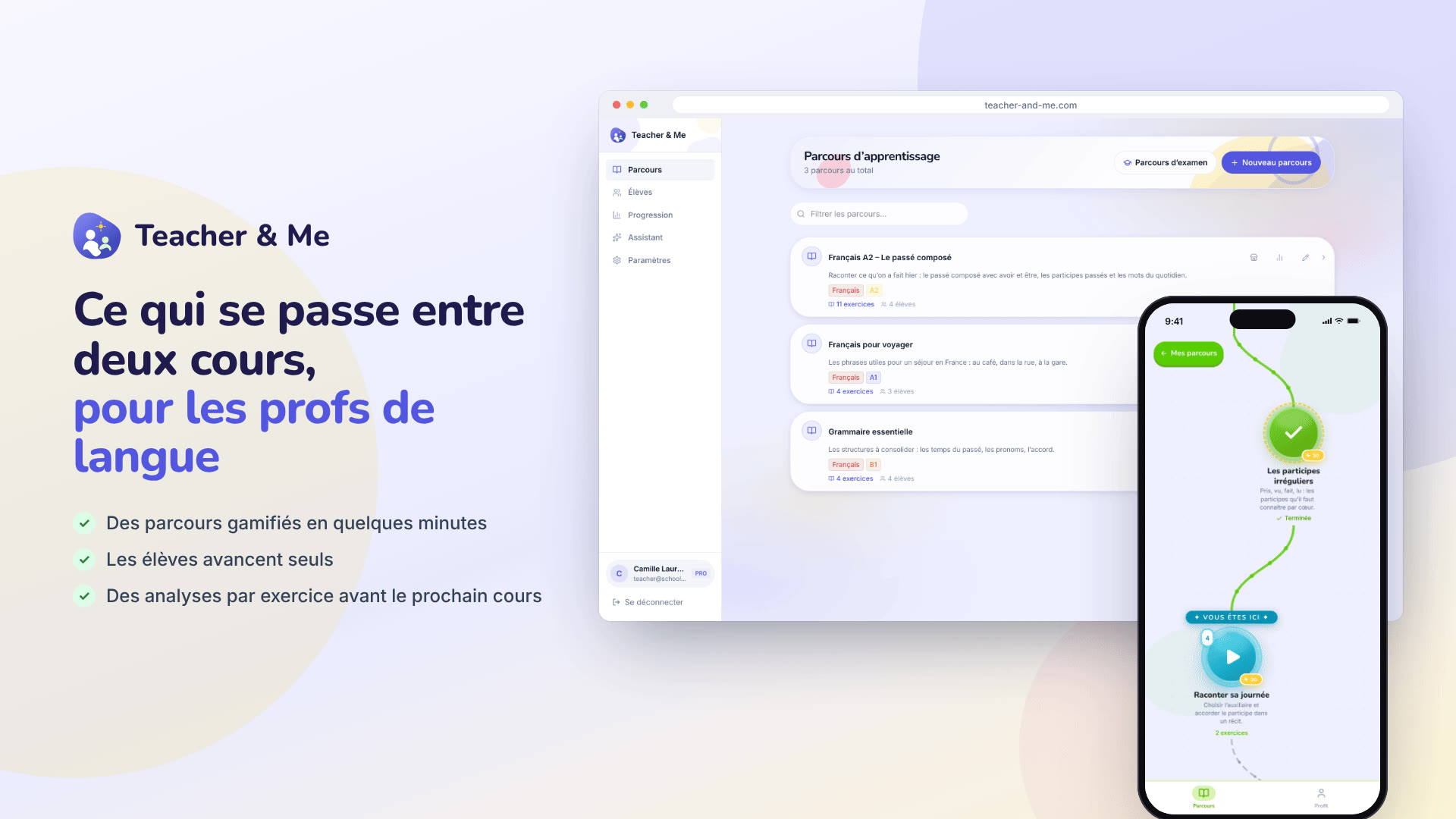
The default featured image. It carries the name, the pitch and both sides of the product in one frame, and reads at thumbnail size.
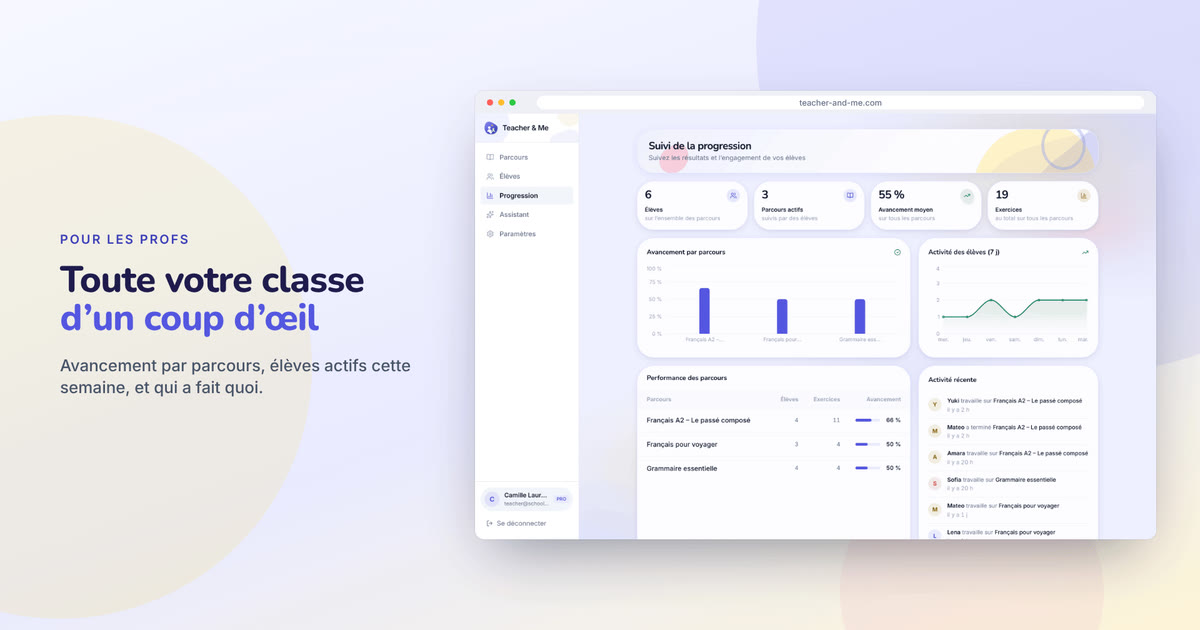
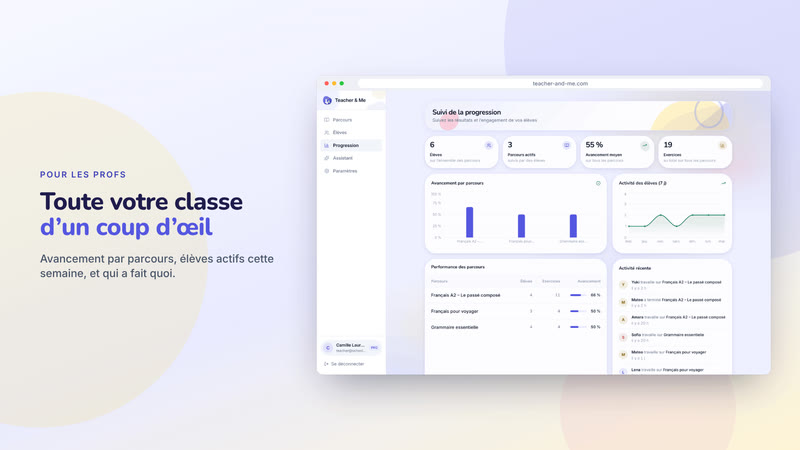
https://teacher-and-me.com/press-assets/fr/cards/hero-1200x630.jpg
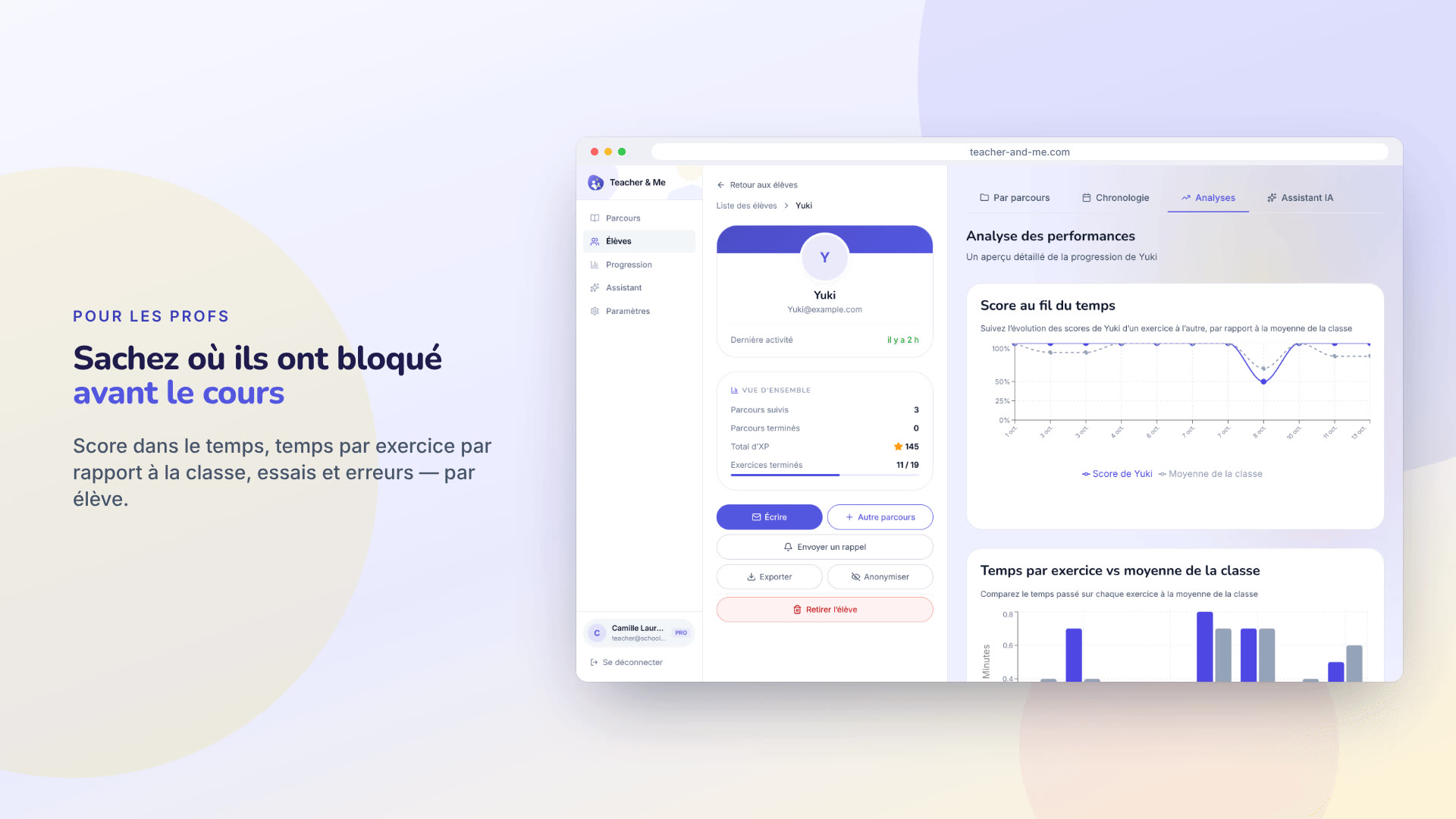
The strongest claim the product makes, as a poster. The second featured image.
https://teacher-and-me.com/press-assets/fr/cards/analytics-1200x630.jpg
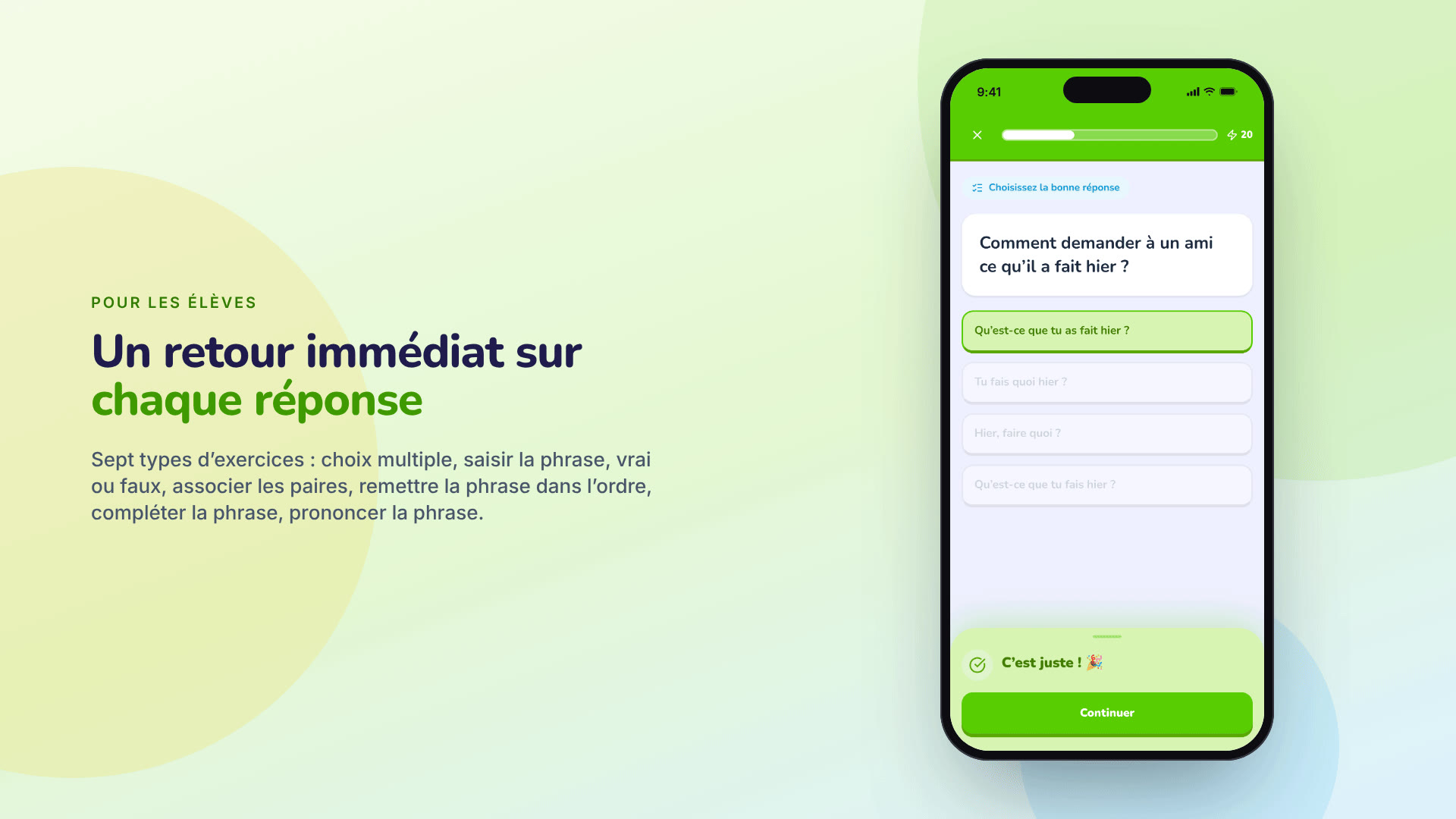
The student experience in one glance. The third featured image, and the one to pick for a mobile-first outlet.
https://teacher-and-me.com/press-assets/fr/cards/exercise-1200x630.jpg
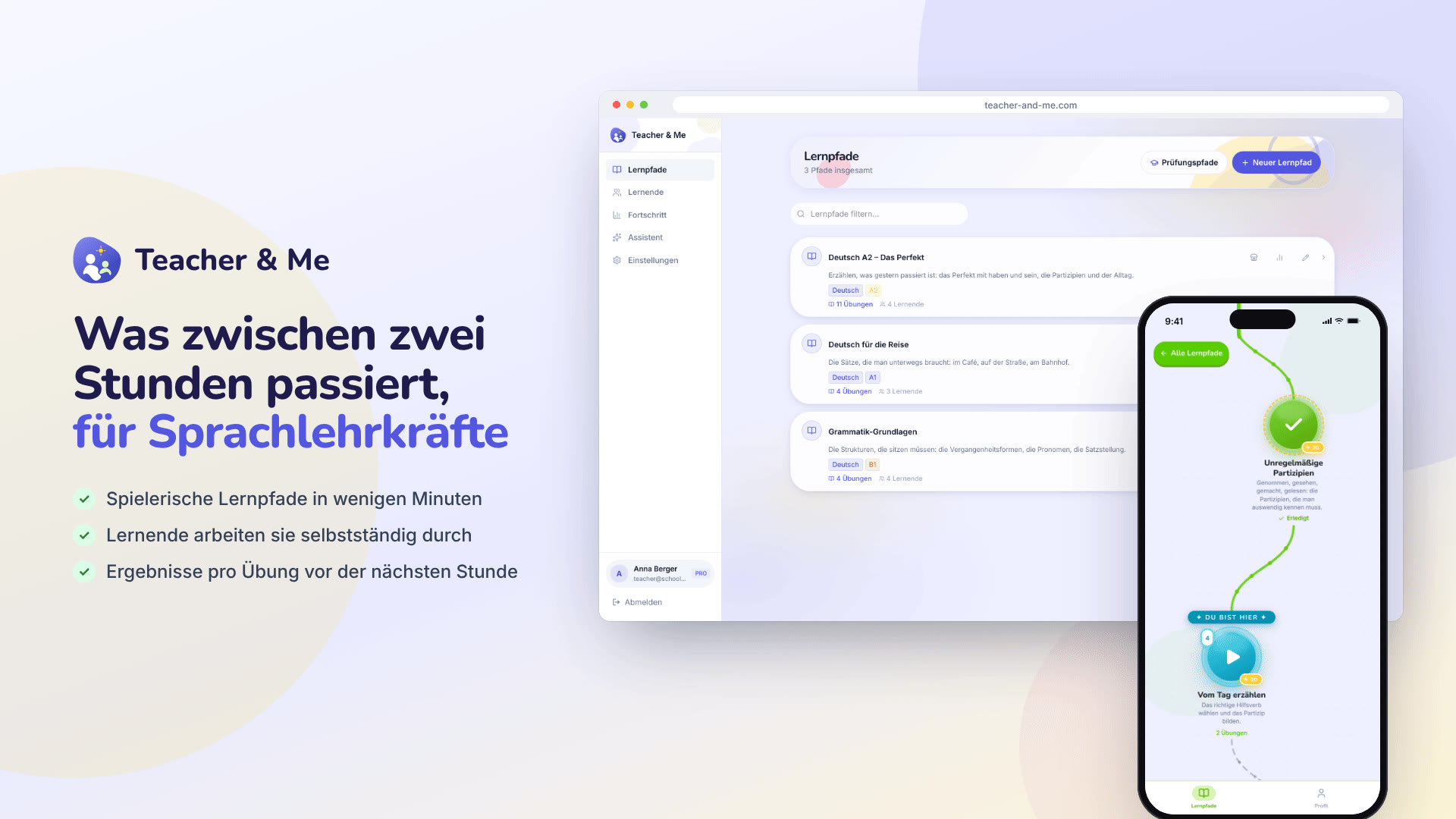
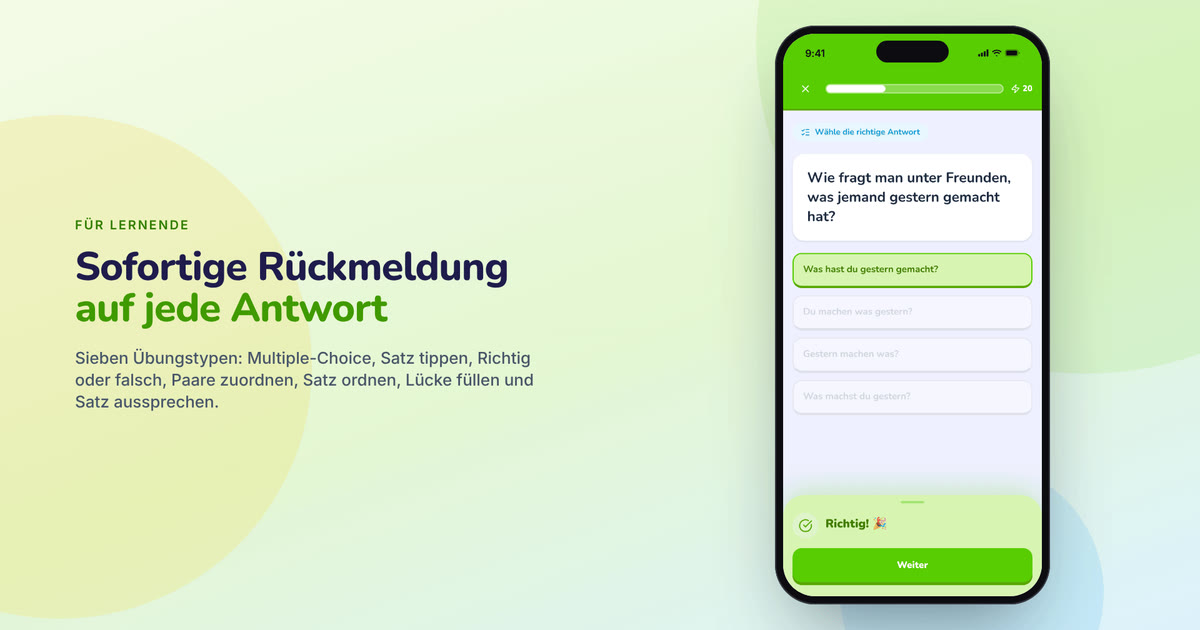
The default featured image. It carries the name, the pitch and both sides of the product in one frame, and reads at thumbnail size.
https://teacher-and-me.com/press-assets/de/cards/hero-1200x630.jpg

The strongest claim the product makes, as a poster. The second featured image.
https://teacher-and-me.com/press-assets/de/cards/analytics-1200x630.jpg
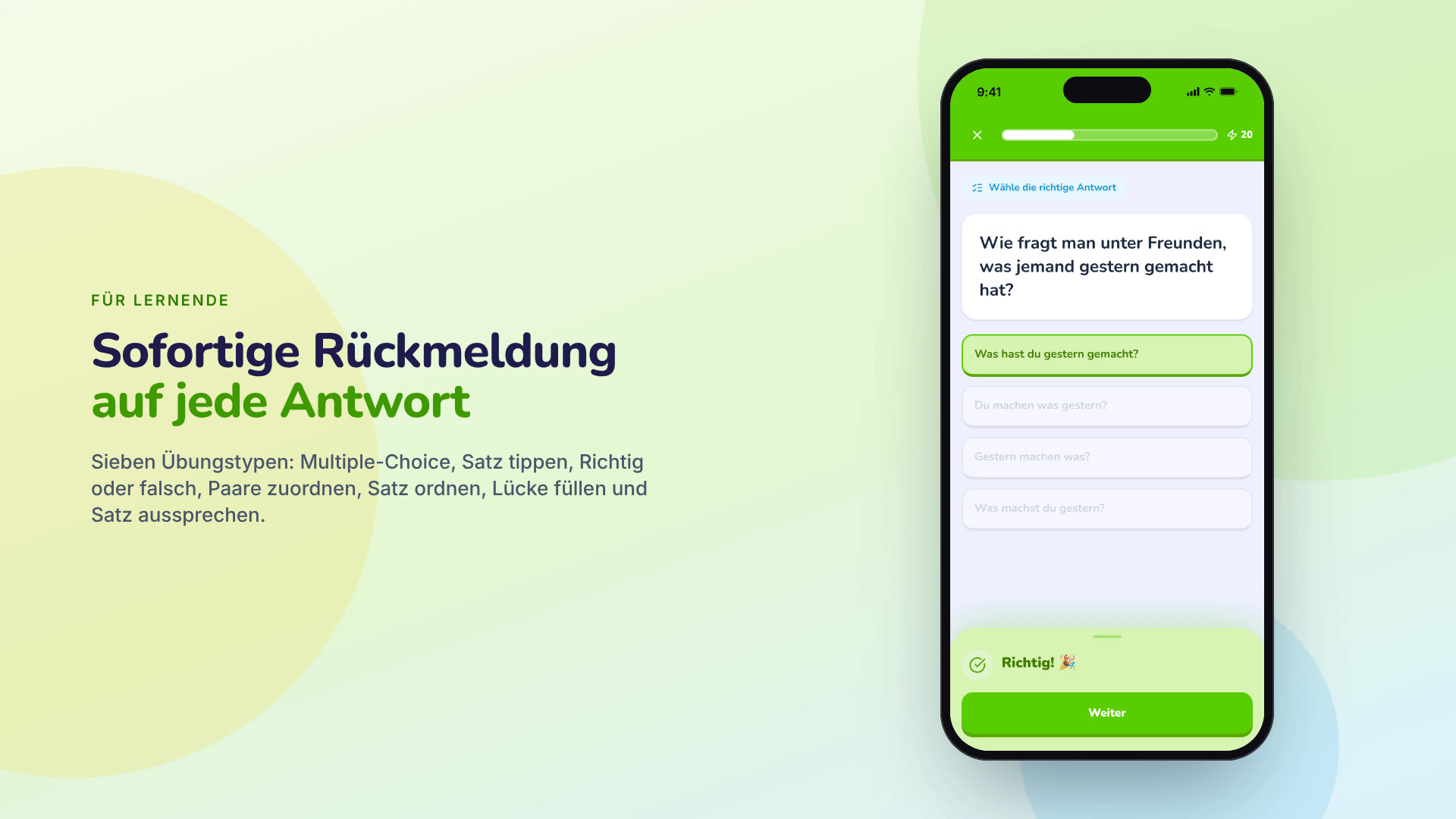
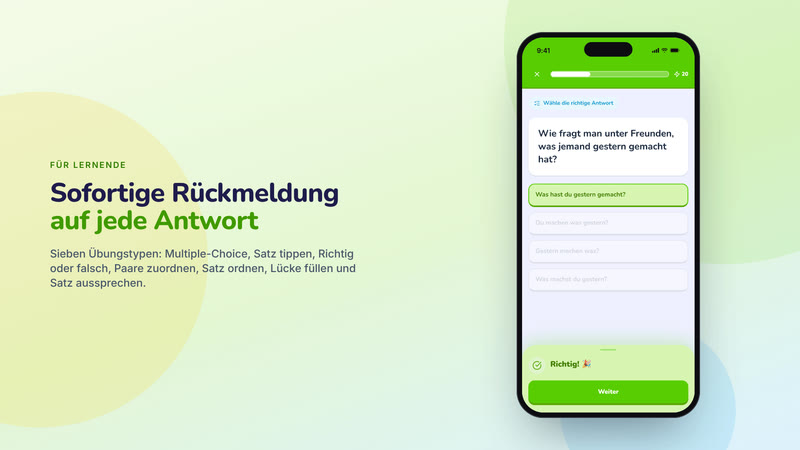
The student experience in one glance. The third featured image, and the one to pick for a mobile-first outlet.
https://teacher-and-me.com/press-assets/de/cards/exercise-1200x630.jpg
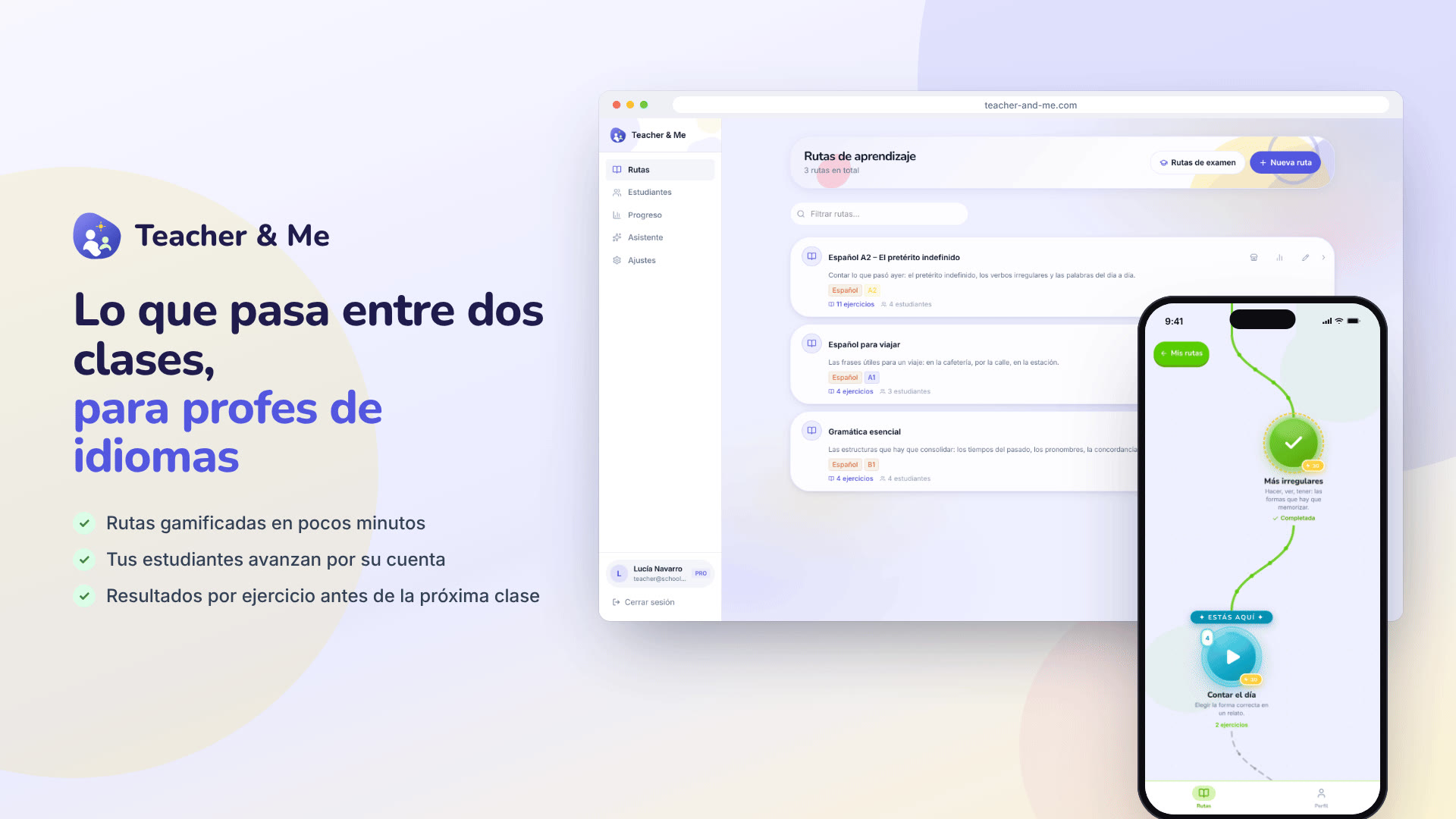
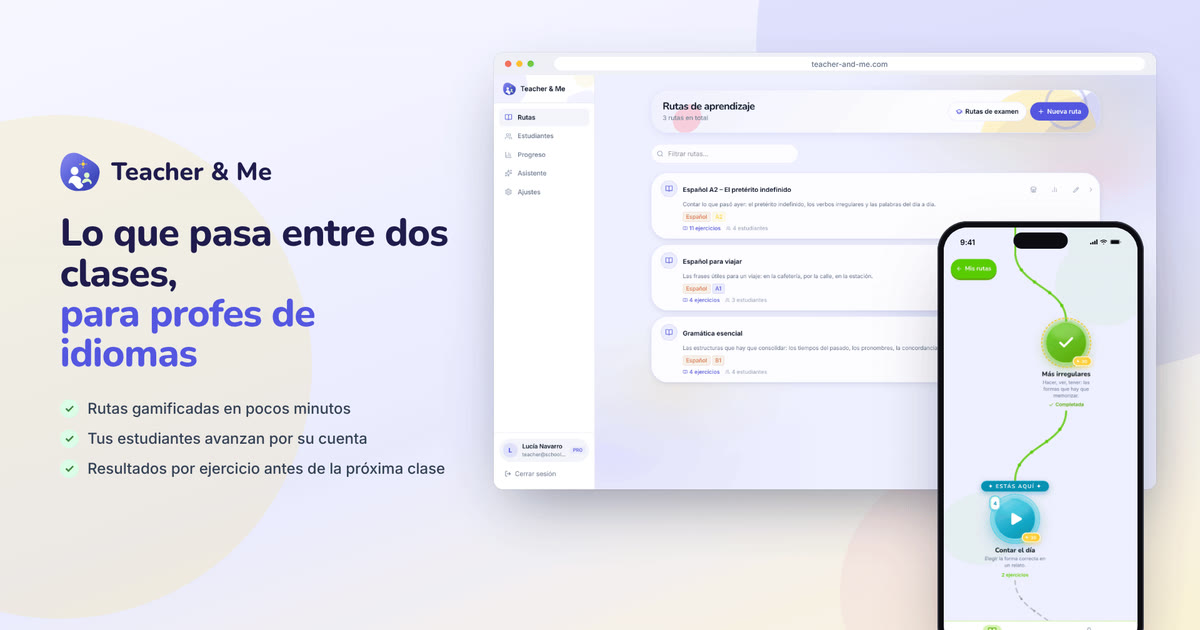
The default featured image. It carries the name, the pitch and both sides of the product in one frame, and reads at thumbnail size.
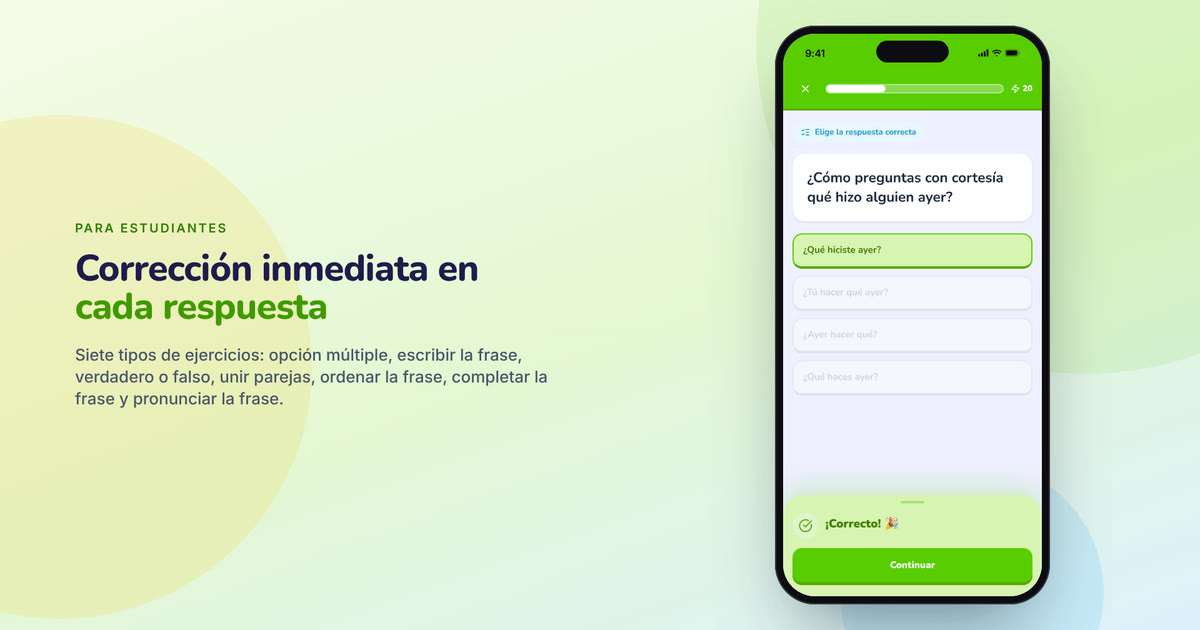
https://teacher-and-me.com/press-assets/es/cards/hero-1200x630.jpg
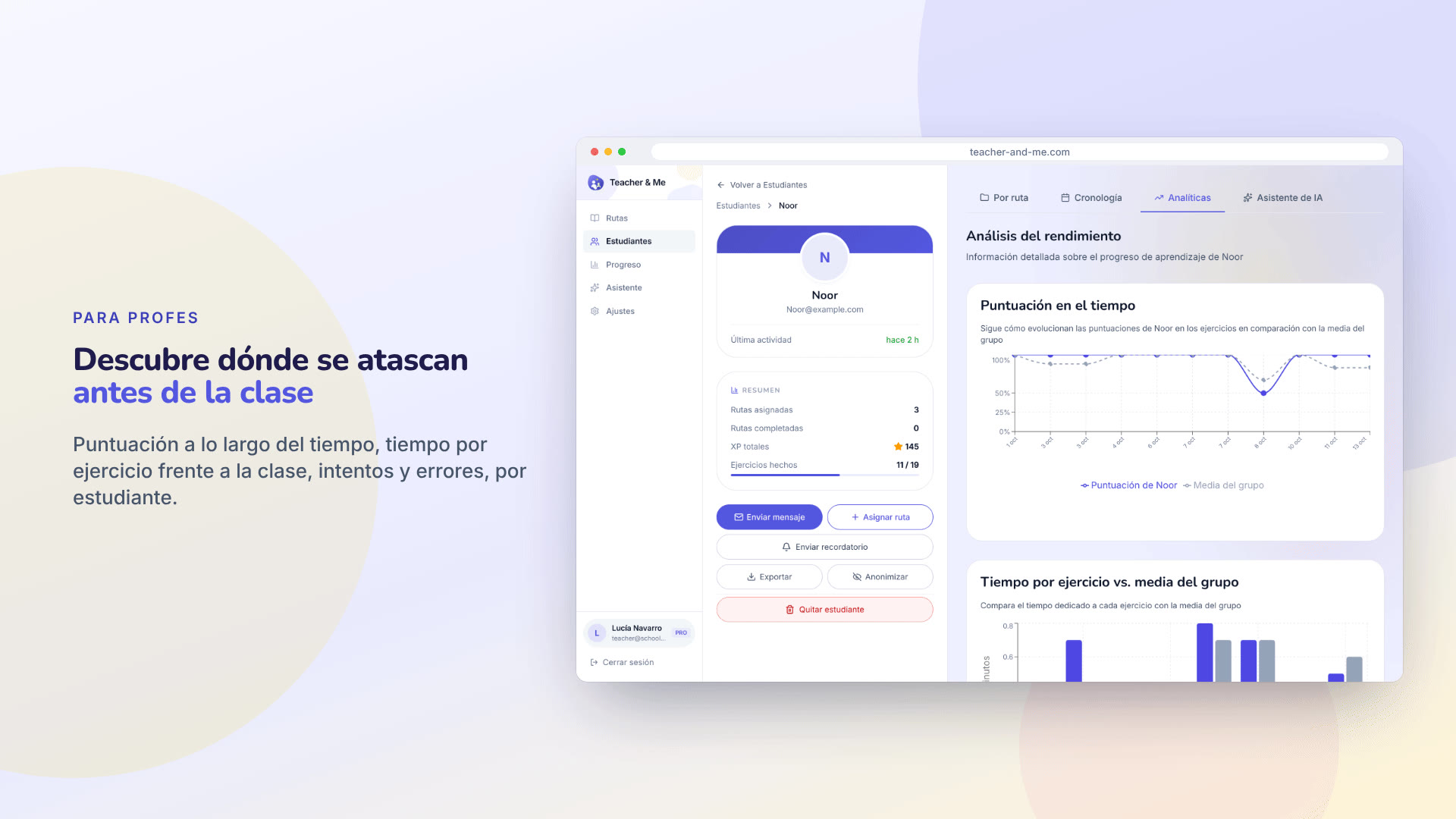
The strongest claim the product makes, as a poster. The second featured image.
https://teacher-and-me.com/press-assets/es/cards/analytics-1200x630.jpg
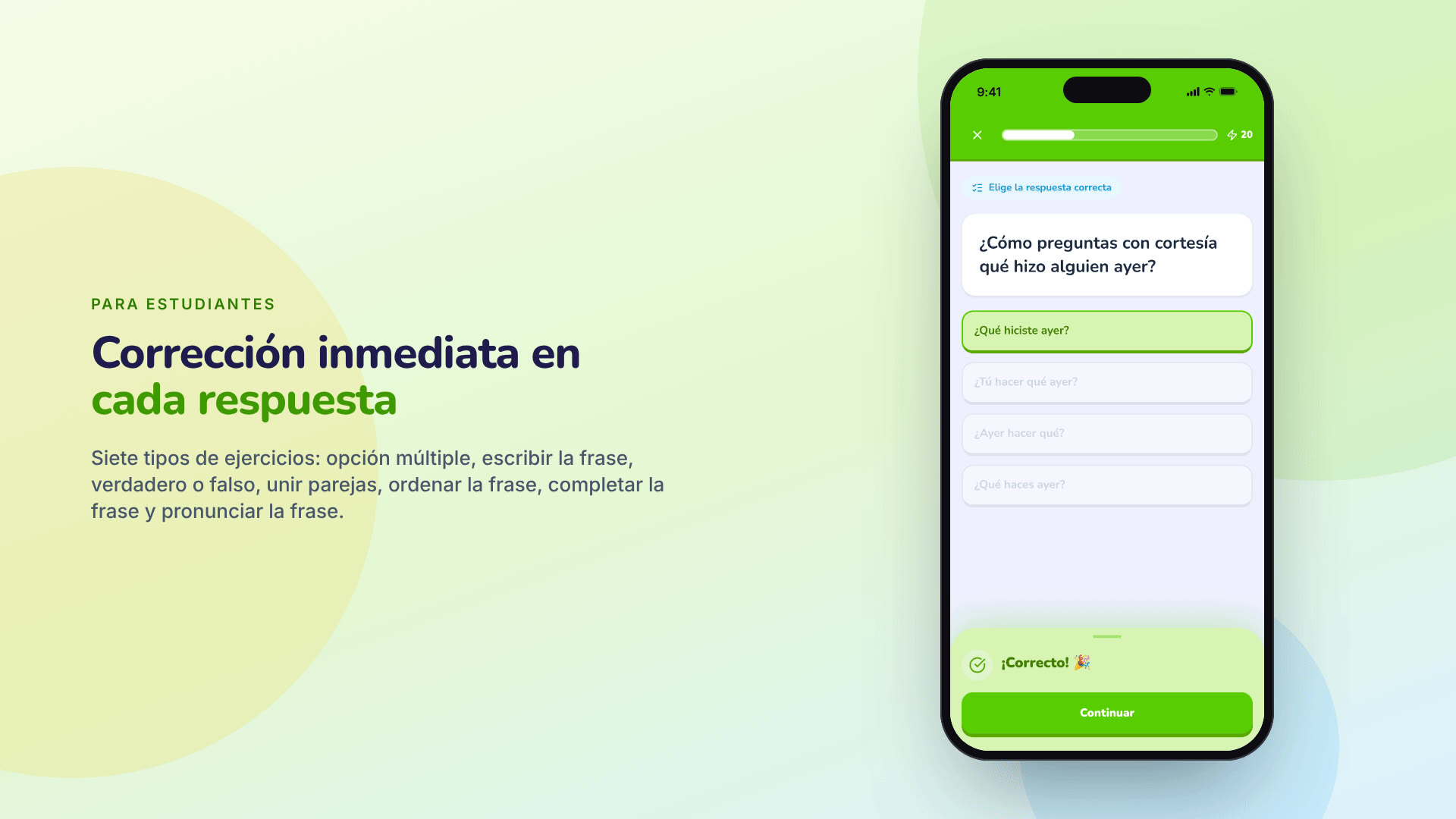
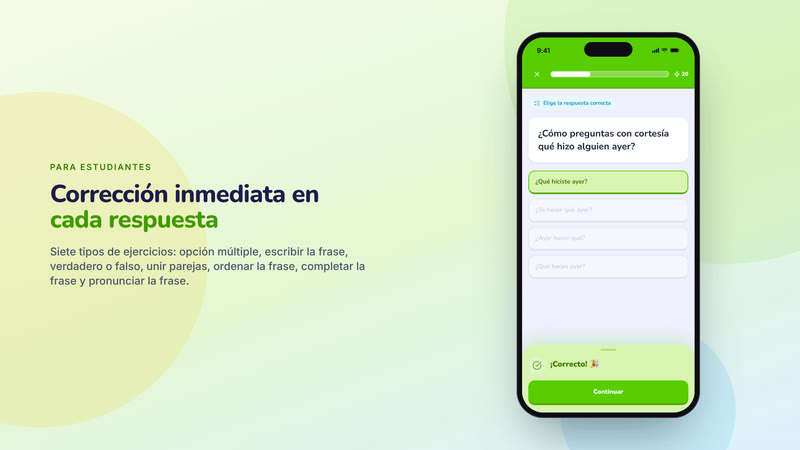
The student experience in one glance. The third featured image, and the one to pick for a mobile-first outlet.
https://teacher-and-me.com/press-assets/es/cards/exercise-1200x630.jpg
A short and a long version in each of five languages, written from the same facts as this page and the legal notice, so they cannot drift. Pick a language, then paste either version as it is, or cut it; please keep the last line.
Teacher and Me is a web app for independent language tutors: gamified learning paths to assign between two lessons, with per-exercise results before the next one. The tutor sees every answer, every retry and the time on task. Free: no paid plan, no card, no trial, no ads. Built by Mathieu Soysal.
Teacher and Me is a web app for independent language tutors whose students practise between two lessons. The tutor builds a path of lessons and exercises and shares it with a link. There are seven exercise types: multiple choice, typing, true / false, match pairs, sentence tiles, fill in the blank, pronunciation. Students answer on their phone and get instant feedback with the tutor’s explanation; XP, weekly goals and streaks keep the habit going. The tutor sees, per exercise, score over time, time against the class, retries and the wrong answers, so the next lesson starts where the student struggled. It installs as a progressive web app and works offline once installed; data stays in Europe (EU or UK). Free: no paid plan, no card, no trial, no ads. Built by Mathieu Soysal.
Teacher and Me est une application web pour les professeurs de langue indépendants : des parcours d’exercices gamifiés à donner entre deux cours, et les résultats par exercice avant le cours suivant. Le professeur voit chaque réponse, chaque essai et le temps passé. Gratuit : sans abonnement, sans carte bancaire, sans période d’essai, sans publicité. Développé par Mathieu Soysal.
Teacher and Me est une application web pour les professeurs de langue indépendants dont les élèves s’entraînent entre deux cours. Le professeur construit un parcours d’exercices et le partage par un lien. Sept types d’exercices : choix multiple, saisir la phrase, vrai ou faux, associer les paires, remettre la phrase dans l’ordre, compléter la phrase, prononcer la phrase. L’élève répond sur son téléphone, avec un retour immédiat et l’explication du professeur ; XP, objectif hebdomadaire et séries entretiennent l’habitude. Le professeur voit, par exercice, le score dans le temps, le temps comparé à la classe, les essais, les erreurs : le cours suivant commence là où l’élève a bloqué. Application web progressive, elle fonctionne hors ligne une fois installée ; les données restent en Europe (UE ou Royaume-Uni). Gratuit : sans abonnement, sans carte bancaire, sans période d’essai, sans publicité. Développé par Mathieu Soysal.
Teacher and Me ist eine Web-App für selbstständige Sprachlehrkräfte: spielerische Lernpfade für die Zeit zwischen zwei Unterrichtsstunden, mit Ergebnissen pro Übung vor der nächsten Stunde. Die Lehrkraft sieht jede Antwort, jeden Versuch und die Bearbeitungszeit. Kostenlos: kein Bezahlplan, keine Karte, keine Testphase, keine Werbung. Entwickelt von Mathieu Soysal.
Teacher and Me ist eine Web-App für selbstständige Sprachlehrkräfte, deren Lernende zwischen zwei Unterrichtsstunden üben. Die Lehrkraft baut einen Lernpfad aus Lektionen und Übungen und teilt ihn per Link. Es gibt sieben Übungstypen: Multiple-Choice, Satz tippen, Richtig oder falsch, Paare zuordnen, Satz ordnen, Lücke füllen, Satz aussprechen. Die Lernenden antworten auf dem Smartphone und erhalten sofort eine Rückmeldung mit der Erklärung der Lehrkraft; XP, Wochenziele und Serien halten die Gewohnheit aufrecht. Die Lehrkraft sieht pro Übung den Verlauf der Ergebnisse, die Zeit im Vergleich zur Klasse, die Versuche und die falschen Antworten, sodass die nächste Stunde dort beginnt, wo es gehakt hat. Die App lässt sich als Progressive Web App installieren und funktioniert danach auch offline; die Daten bleiben in Europa (EU oder Vereinigtes Königreich). Kostenlos: kein Bezahlplan, keine Karte, keine Testphase, keine Werbung. Entwickelt von Mathieu Soysal.
Teacher and Me es una aplicación web para profesores de idiomas independientes: rutas de ejercicios gamificadas para trabajar entre dos clases, con los resultados por ejercicio antes de la siguiente. El profesor ve cada respuesta, cada intento y el tiempo dedicado. Gratis: sin plan de pago, sin tarjeta, sin periodo de prueba, sin publicidad. Creado por Mathieu Soysal.
Teacher and Me es una aplicación web para profesores de idiomas independientes cuyos estudiantes practican entre dos clases. El profesor construye una ruta de ejercicios y la comparte por enlace. Siete tipos de ejercicios: opción múltiple, escribir la frase, verdadero o falso, unir parejas, ordenar la frase, completar la frase, pronunciar la frase. Los estudiantes responden desde el móvil, con corrección inmediata y la explicación del profesor; XP, objetivo semanal y rachas mantienen el hábito. El profesor ve, por ejercicio, la evolución de la puntuación, el tiempo respecto a la clase, intentos y errores: la siguiente clase empieza donde el estudiante se atascó. Aplicación web progresiva, funciona sin conexión una vez instalada; los datos se alojan en Europa (UE o Reino Unido). Gratis: sin plan de pago, sin tarjeta, sin periodo de prueba, sin publicidad. Creado por Mathieu Soysal.
Teacher and Me è un’applicazione web per insegnanti di lingue indipendenti: percorsi di esercizi gamificati da assegnare tra una lezione e l’altra, con i risultati per esercizio prima della lezione successiva. L’insegnante vede ogni risposta, ogni tentativo e il tempo impiegato. Gratuito: nessun piano a pagamento, nessuna carta, nessun periodo di prova, nessuna pubblicità. Creato da Mathieu Soysal.
Teacher and Me è un’applicazione web per insegnanti di lingue indipendenti i cui studenti si esercitano tra una lezione e l’altra. L’insegnante costruisce un percorso di esercizi e lo condivide con un link. Ci sono sette tipi di esercizi: scelta multipla, digitazione, vero o falso, abbinamenti, frase da ricomporre, testo con lacune, pronuncia. Gli studenti rispondono dal telefono, con riscontro immediato e la spiegazione dell’insegnante; XP, obiettivo settimanale e serie mantengono l’abitudine. L’insegnante vede, per esercizio, l’andamento del punteggio, il tempo rispetto alla classe, i tentativi e gli errori: la lezione successiva riparte da dove lo studente si è bloccato. Applicazione web progressiva, funziona offline una volta installata; i dati restano in Europa (UE o Regno Unito). Gratuito: nessun piano a pagamento, nessuna carta, nessun periodo di prova, nessuna pubblicità. Creato da Mathieu Soysal.
Free: no paid plan, no card, no trial, no ads. Built by Mathieu Soysal.
Every item: a thumbnail you can click to enlarge (arrow keys, Escape, or a swipe), its size and weight, a Download, and its URL to copy or embed. Under “Sizes” are the other editions.
Interface in English, invented demo data.
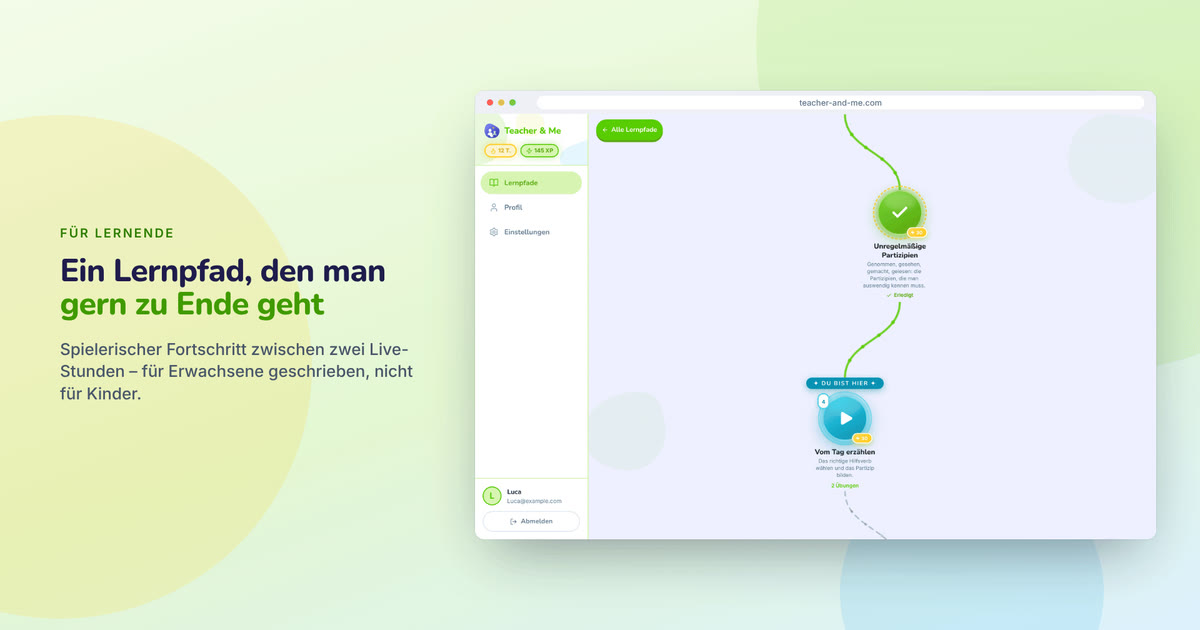
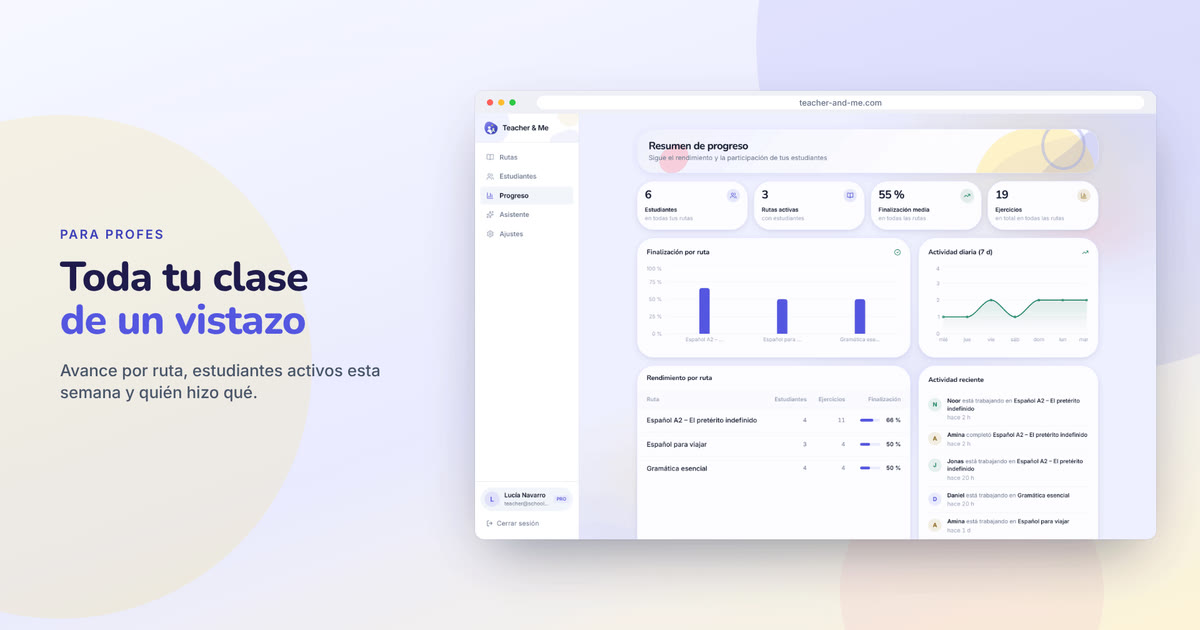
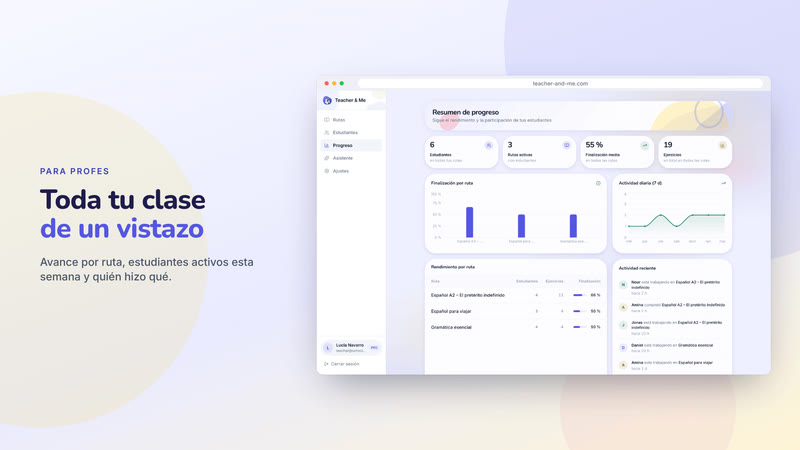
Posters drawn from the real screens, 1920×1080: a headline beside a device frame, on the product’s own palette. The three above are the featured set; the Copy URL under each card is its 1200×630 edition.
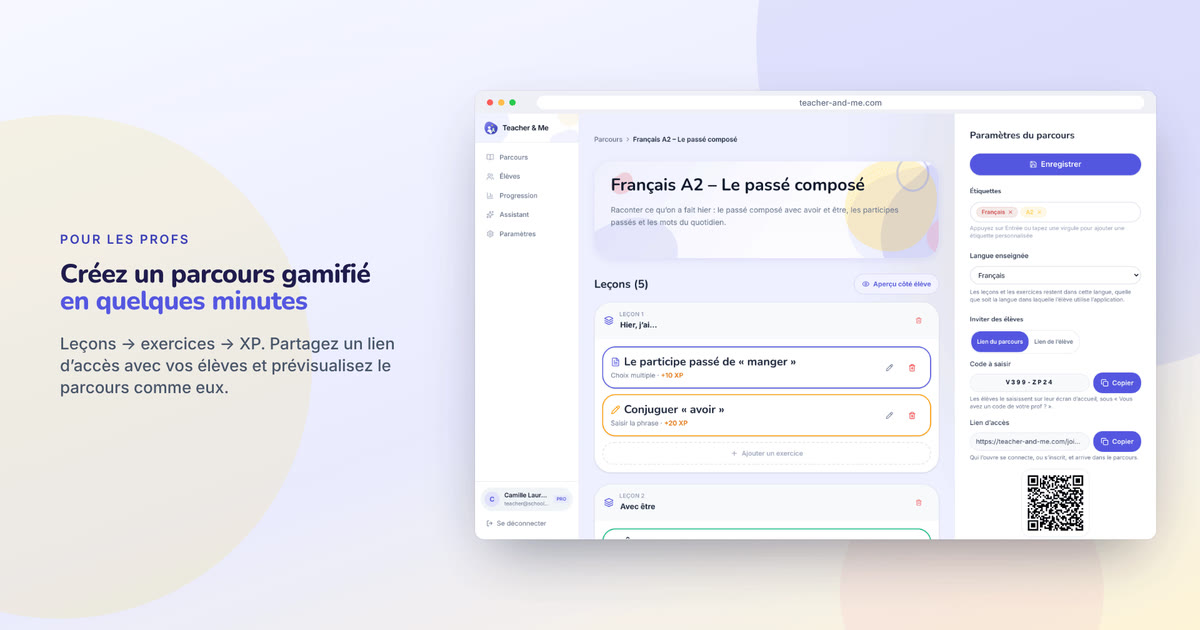
The one card that says what the product is: logo, tagline and both apps side by side.
https://teacher-and-me.com/press-assets/cards/hero-1200x630.jpg
The default featured image. It carries the name, the pitch and both sides of the product in one frame, and reads at thumbnail size.
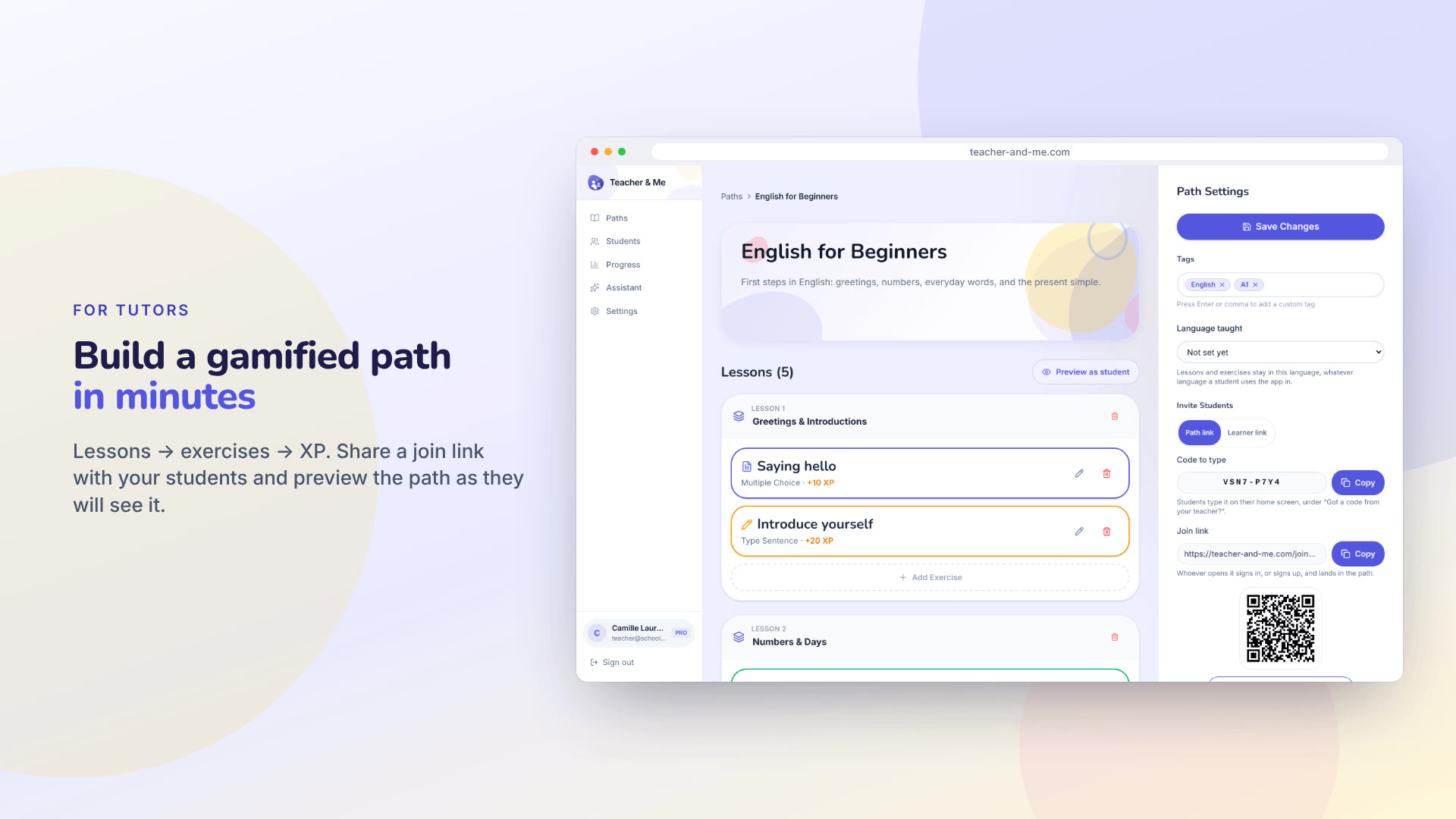
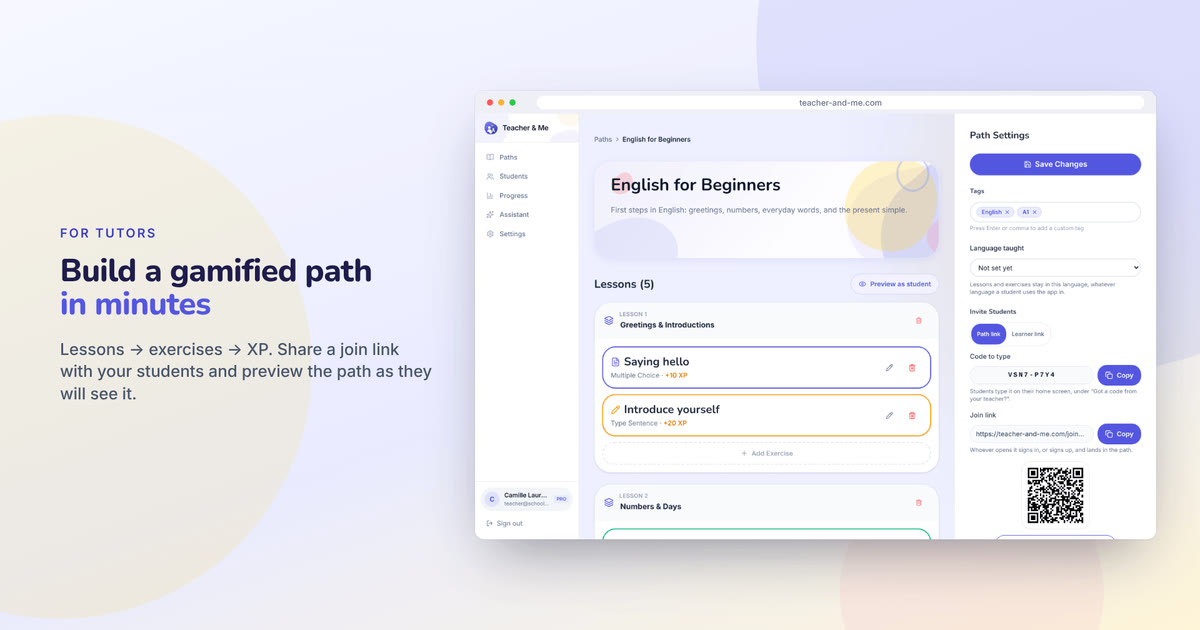
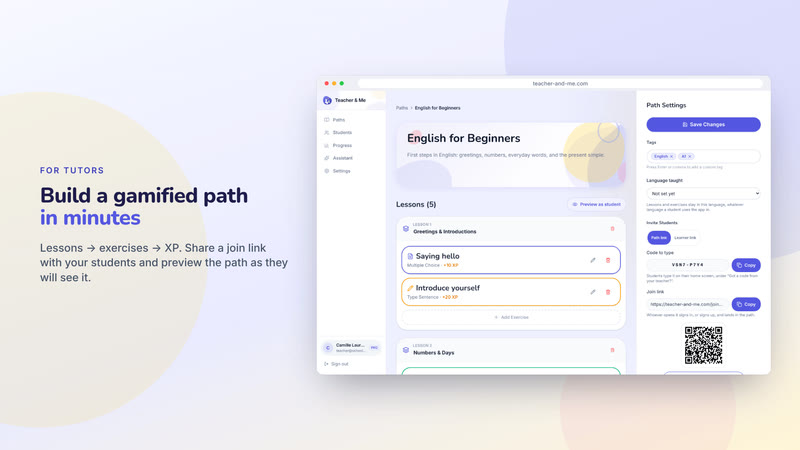
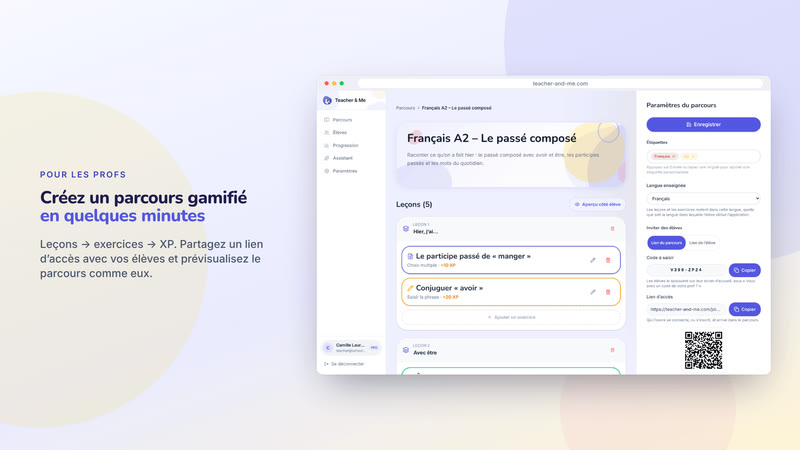
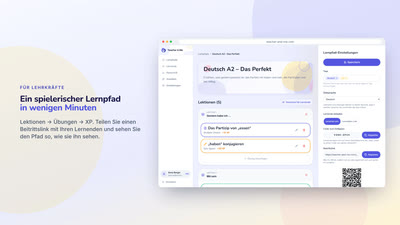
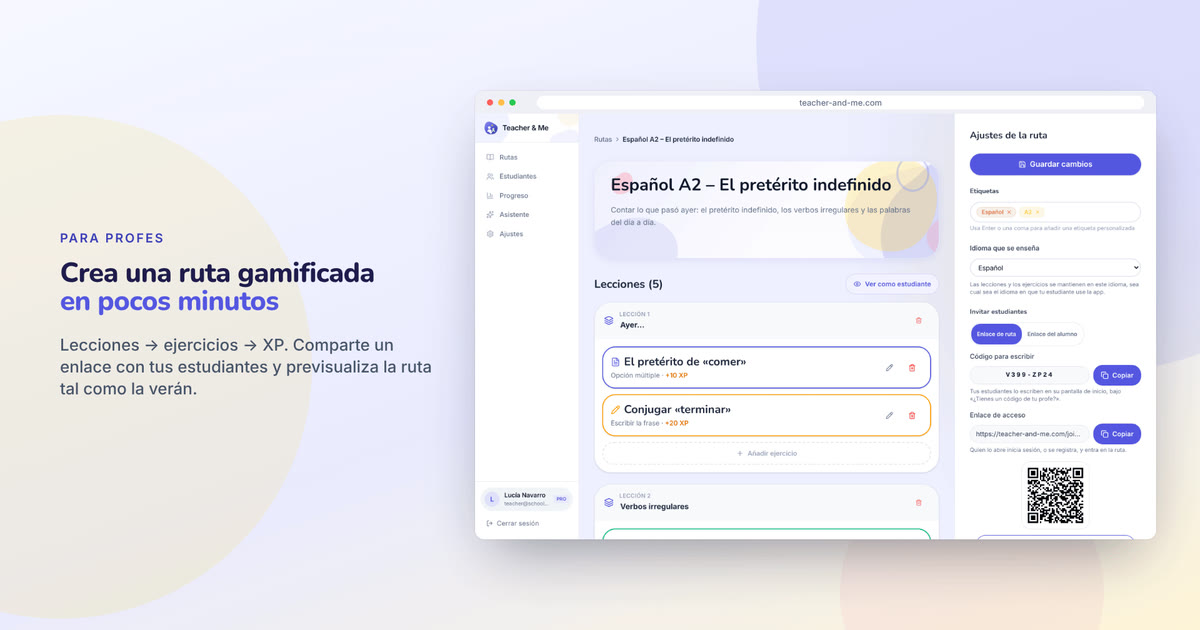
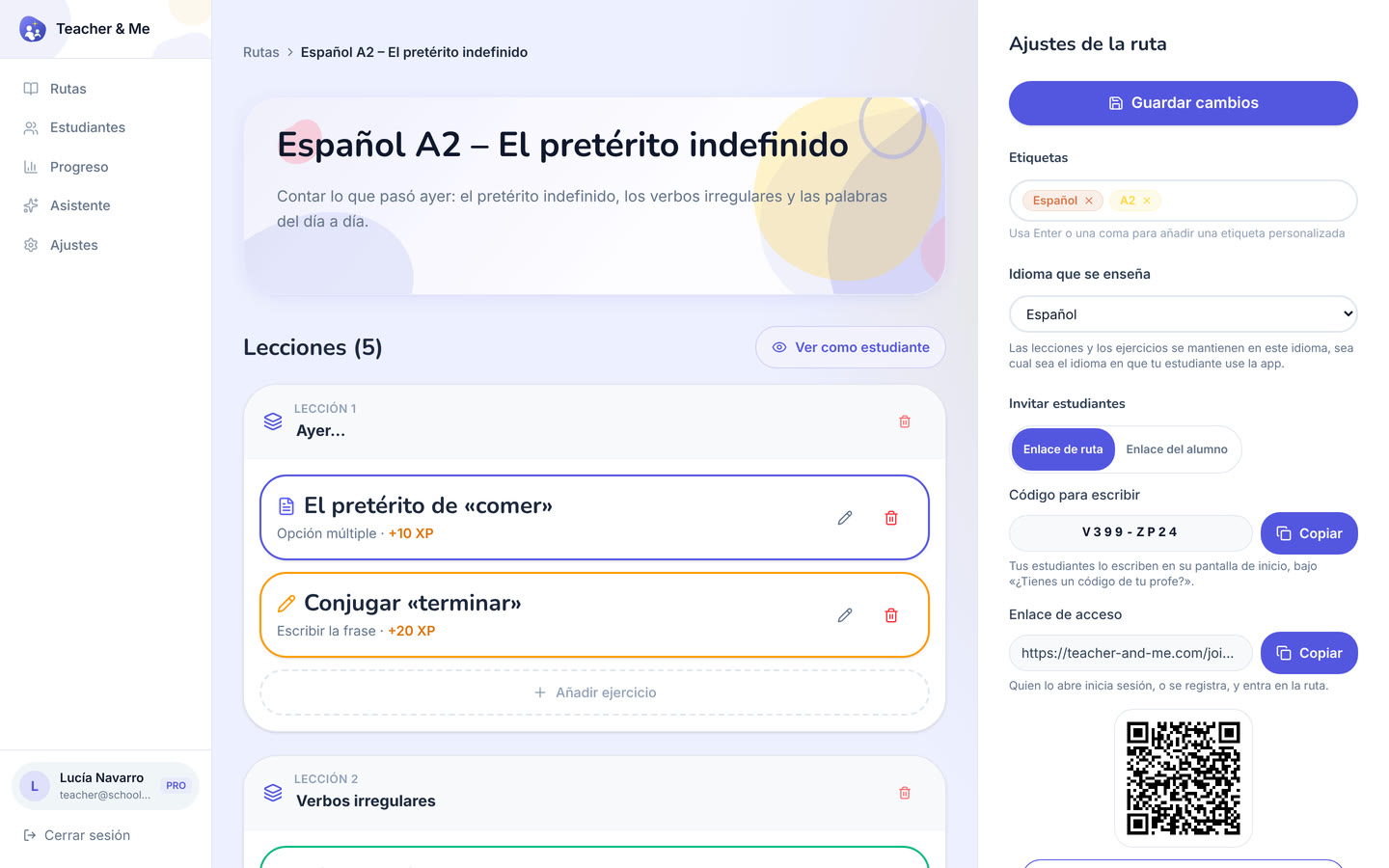
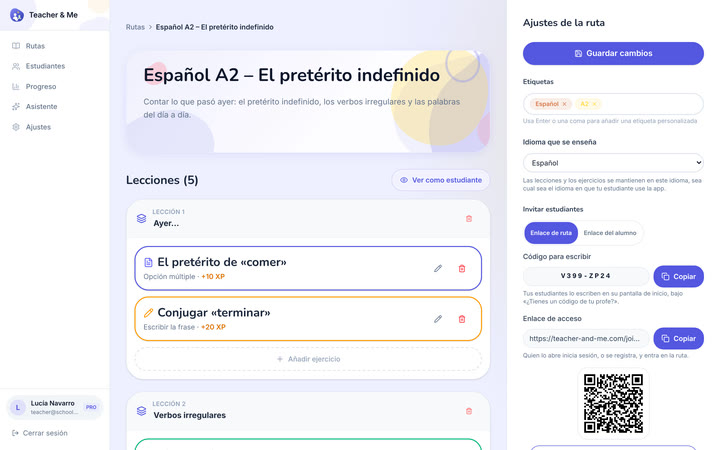
The tutor’s path editor in a browser frame, with the join link and its QR code.
https://teacher-and-me.com/press-assets/cards/path-editor-1200x630.jpg
An article about how a path is built. Pairs with the exercise editor card.
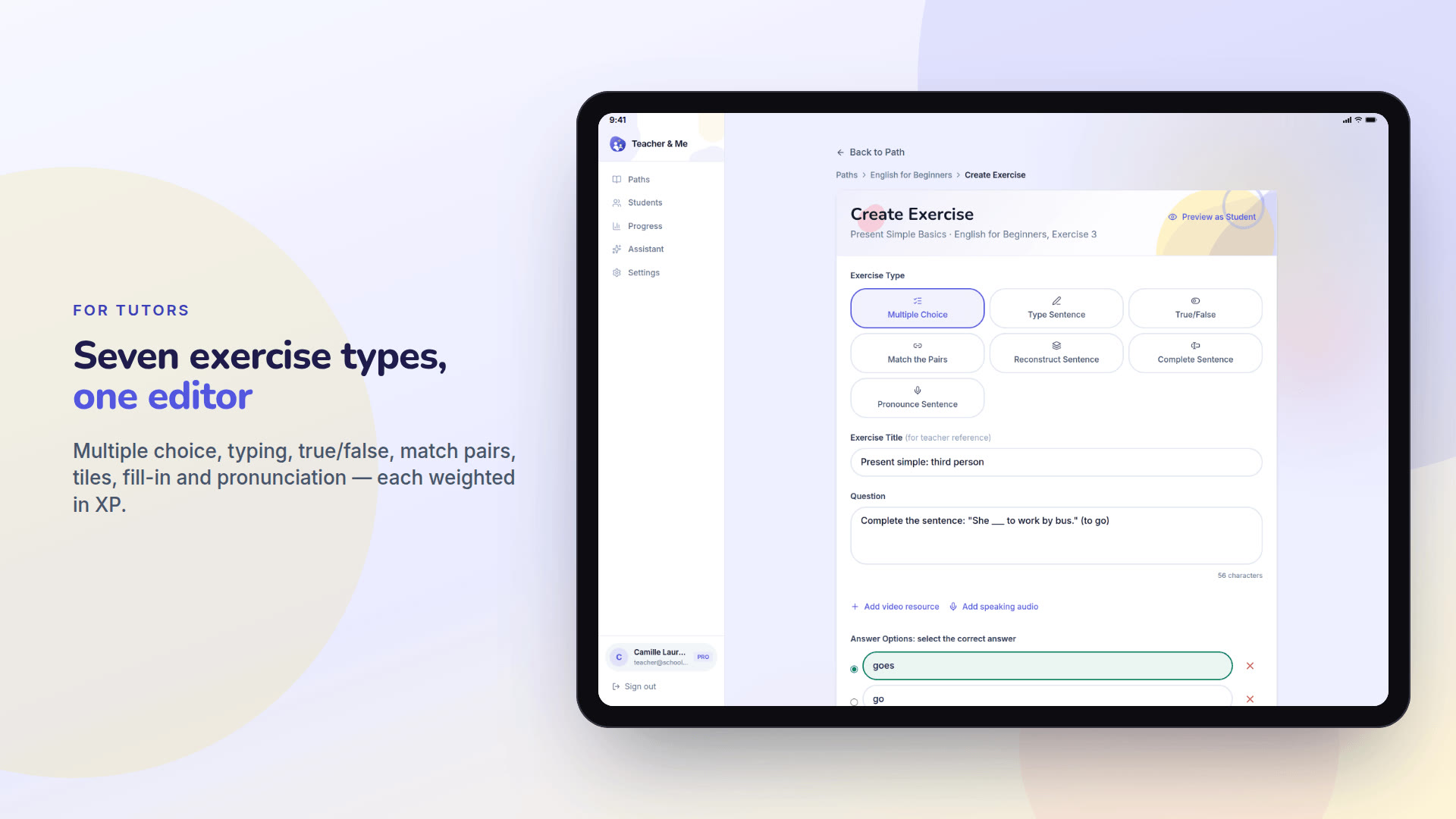
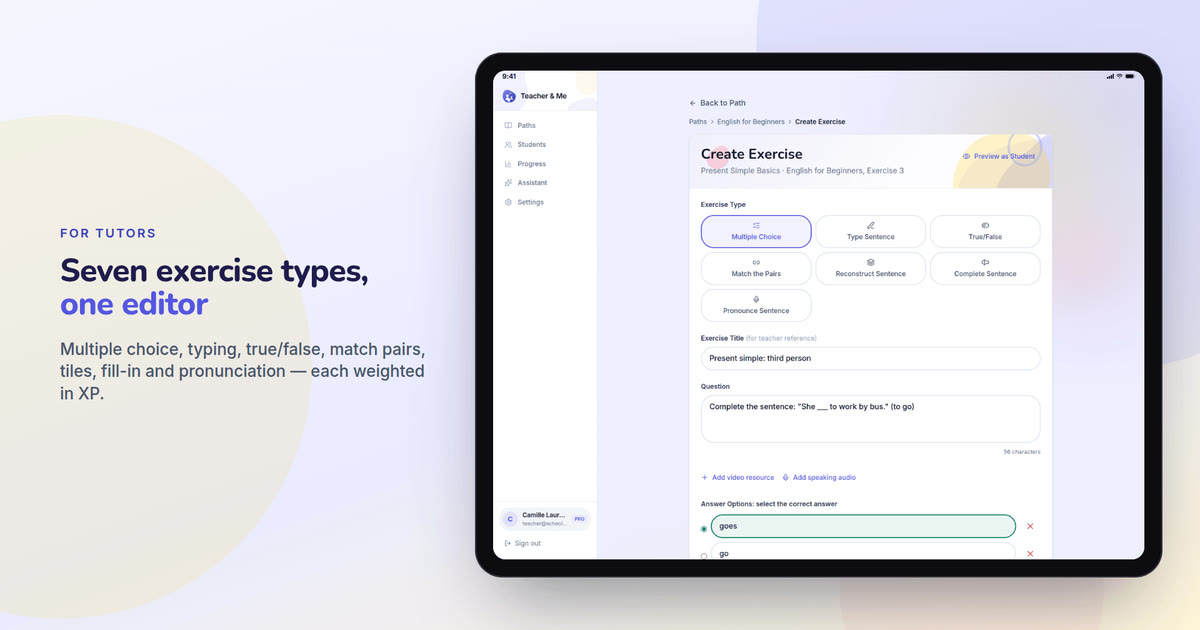
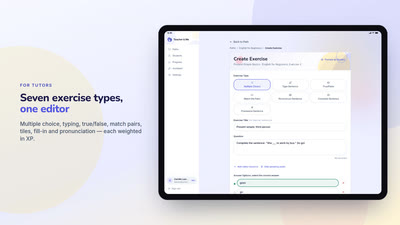
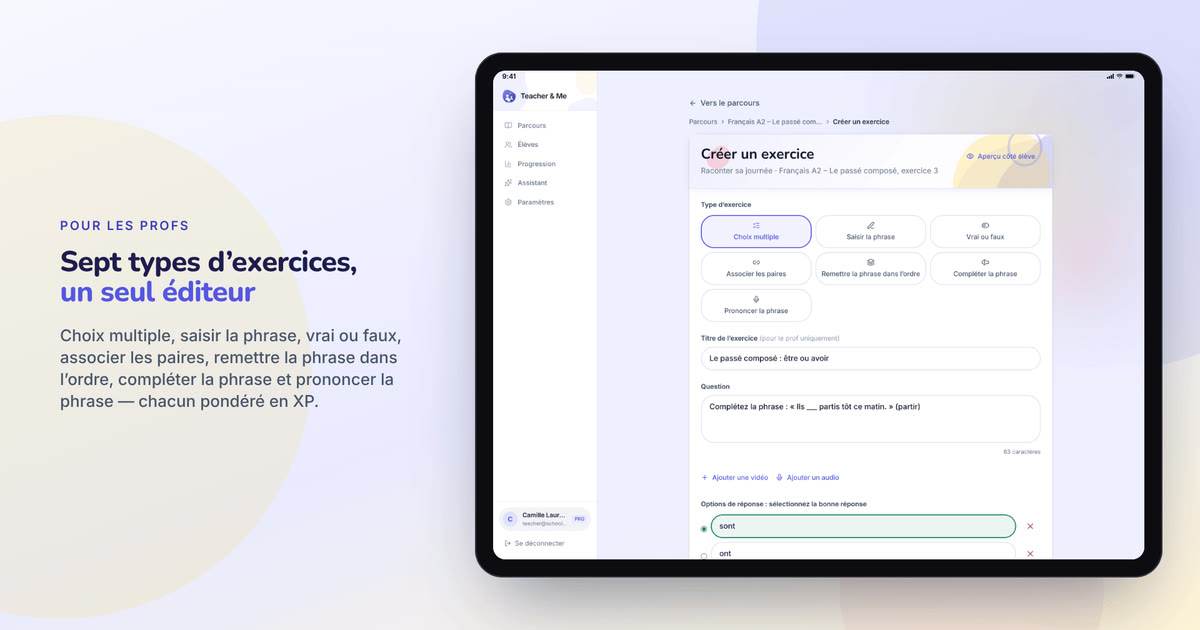
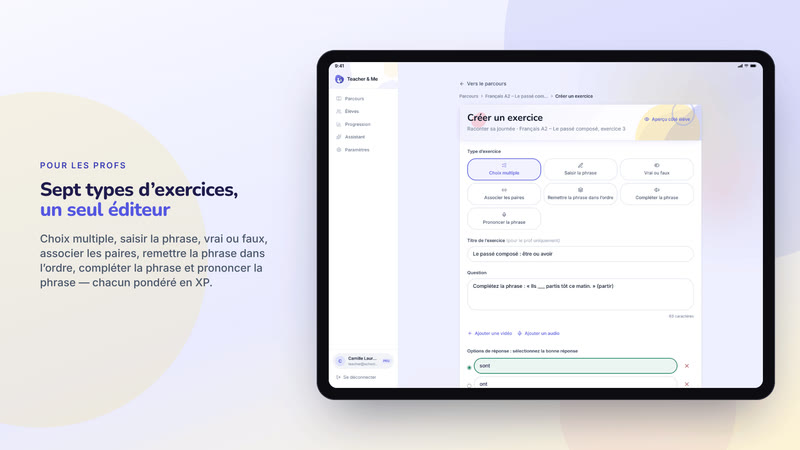
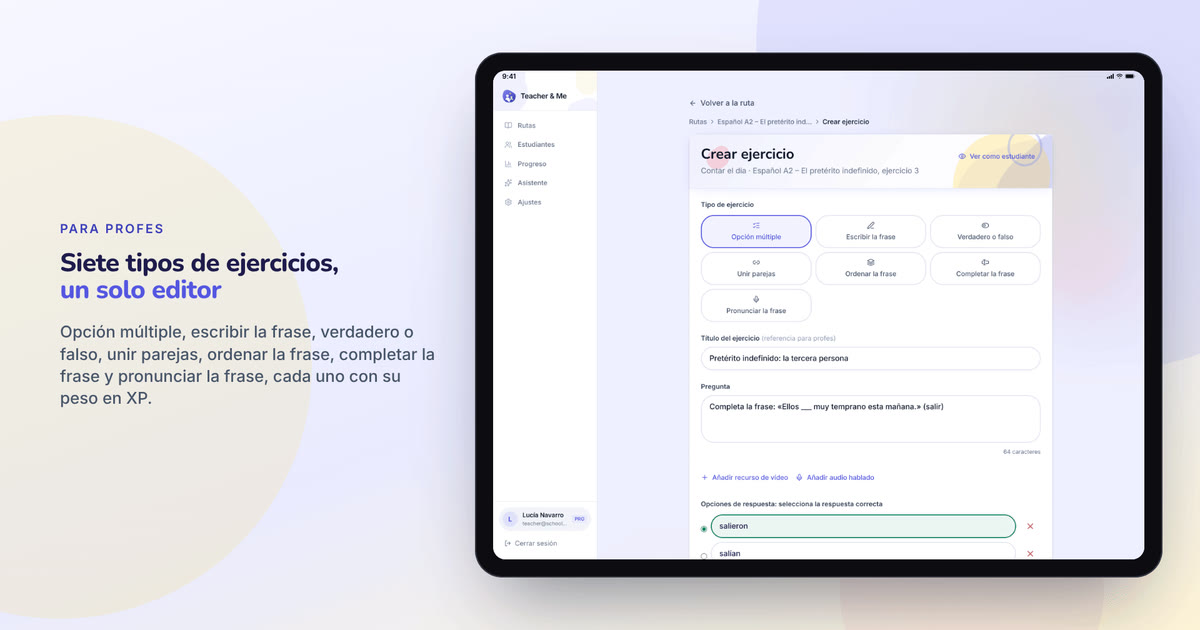
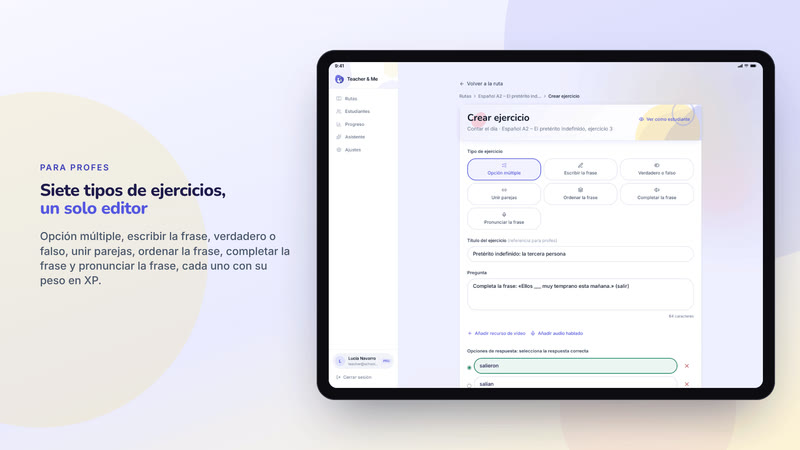
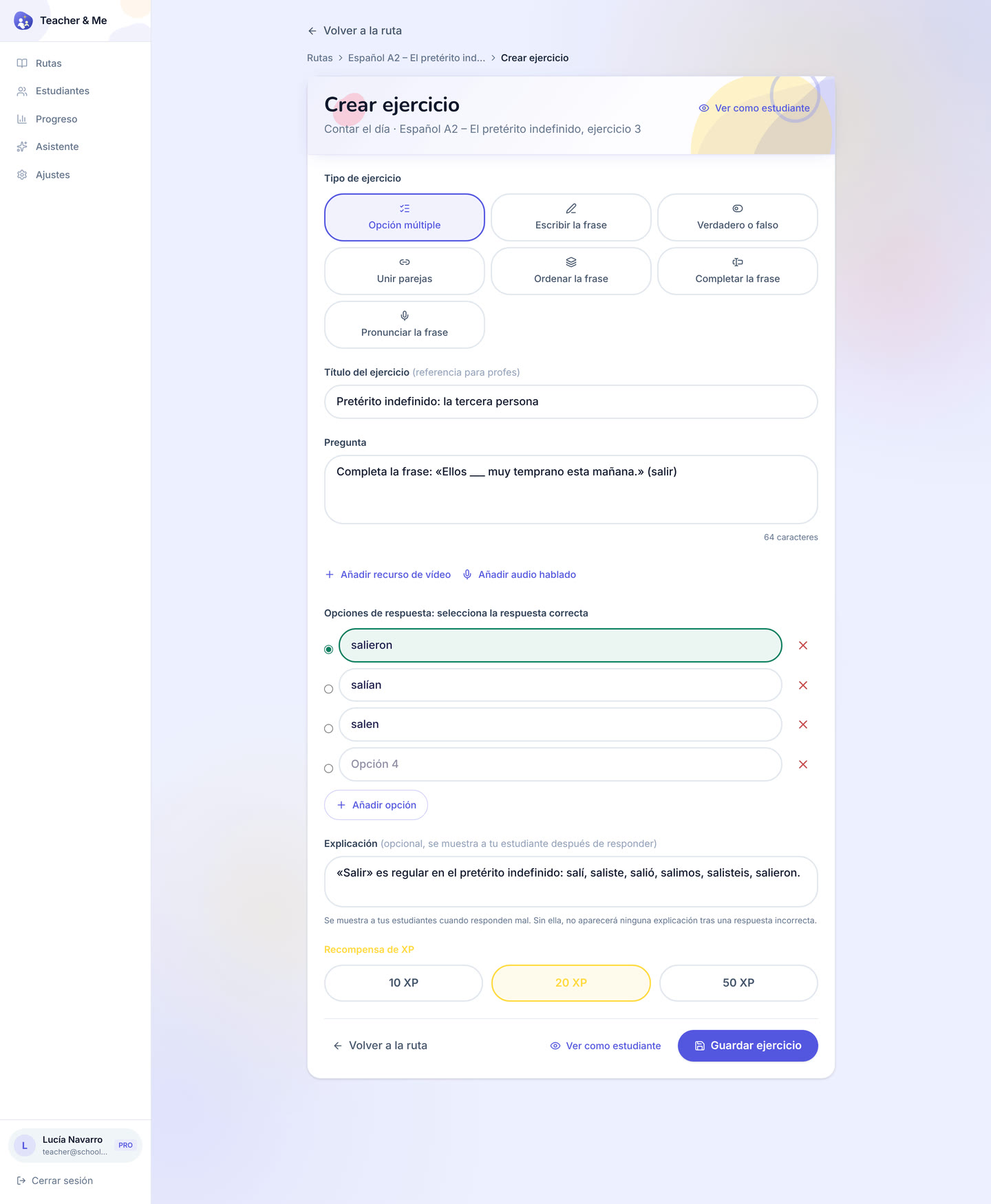
The exercise editor in a tablet frame, the seven-type grid at the top of the form.
https://teacher-and-me.com/press-assets/cards/exercise-builder-1200x630.jpg
When one image has to carry "seven exercise types". The only card framed as a tablet, because the form is tall.
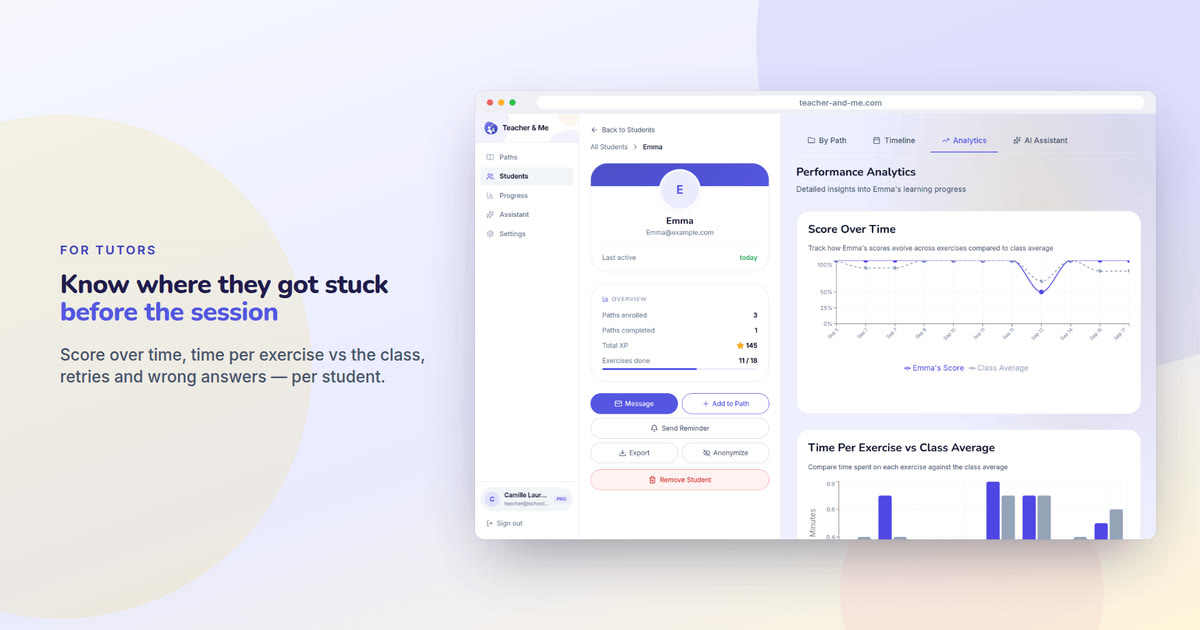
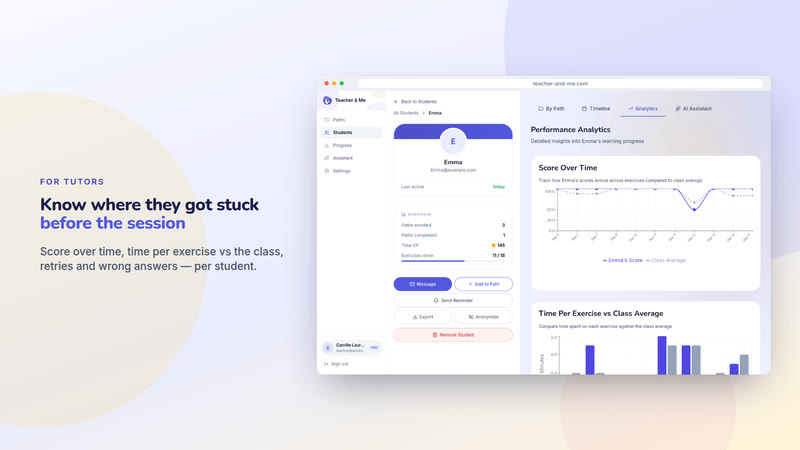
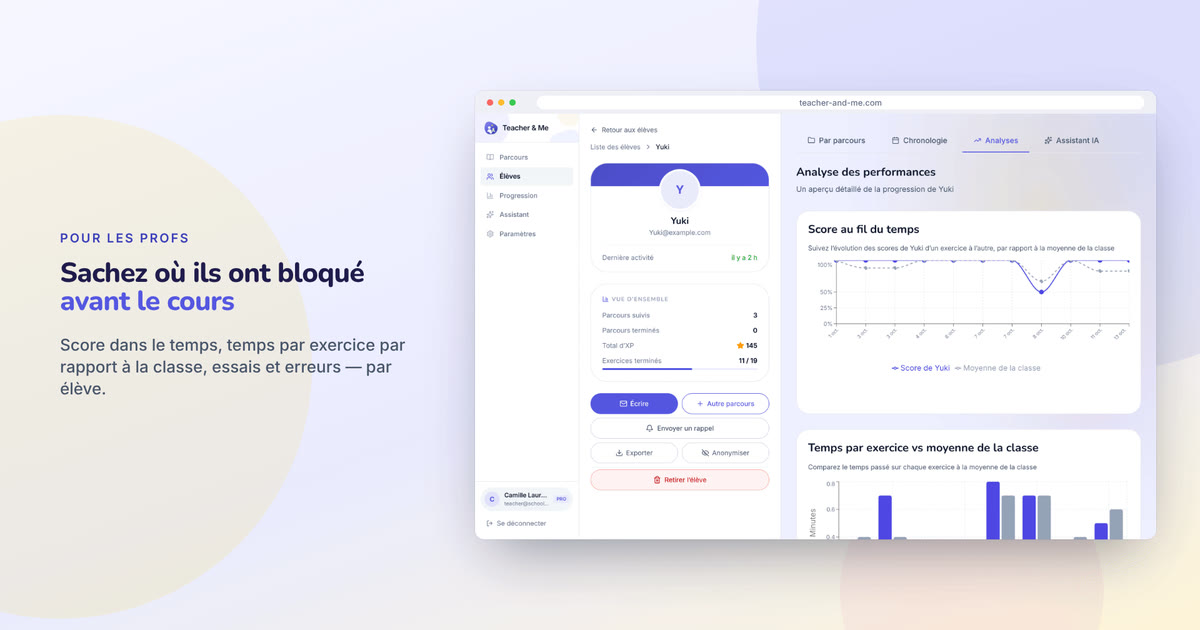
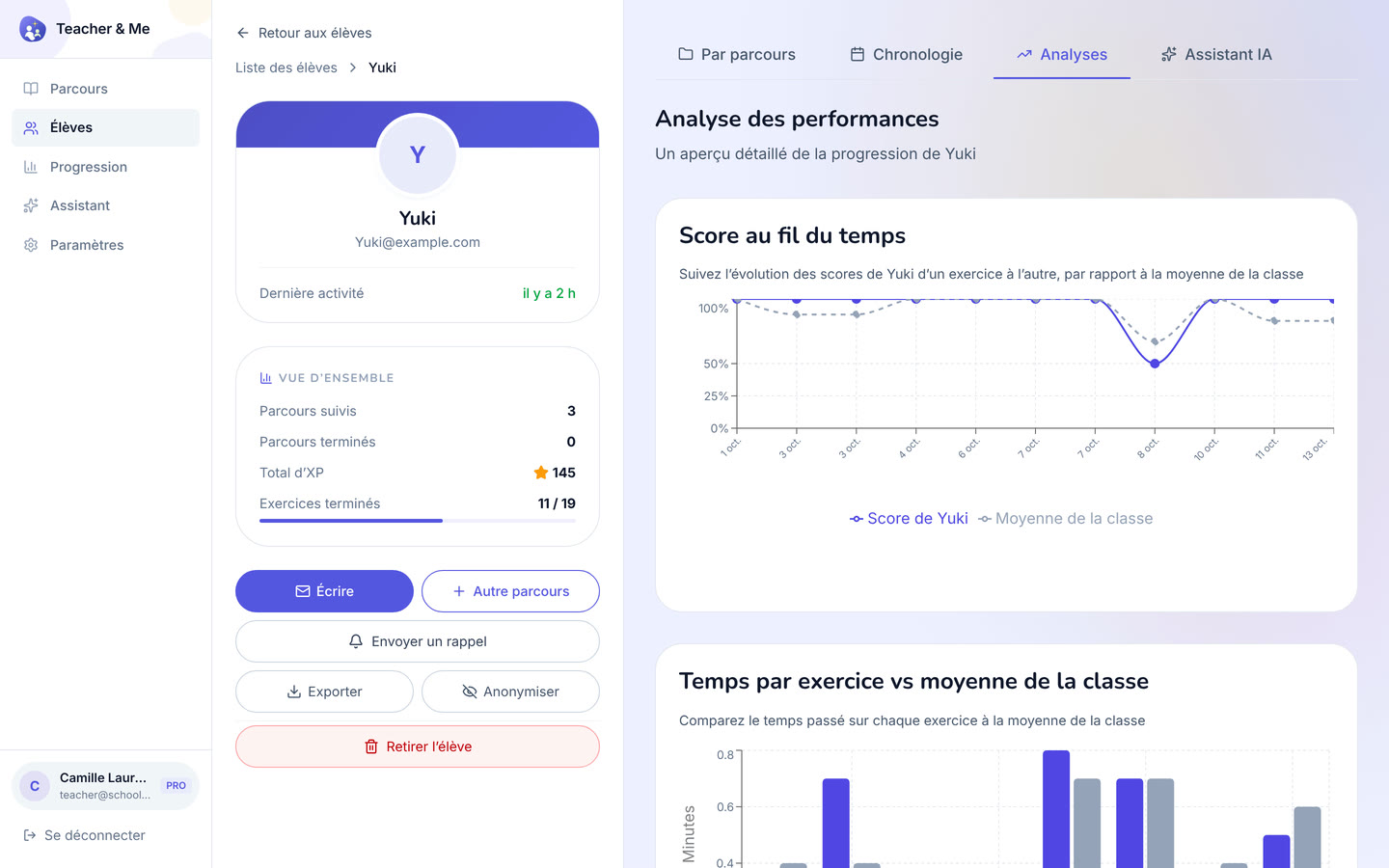
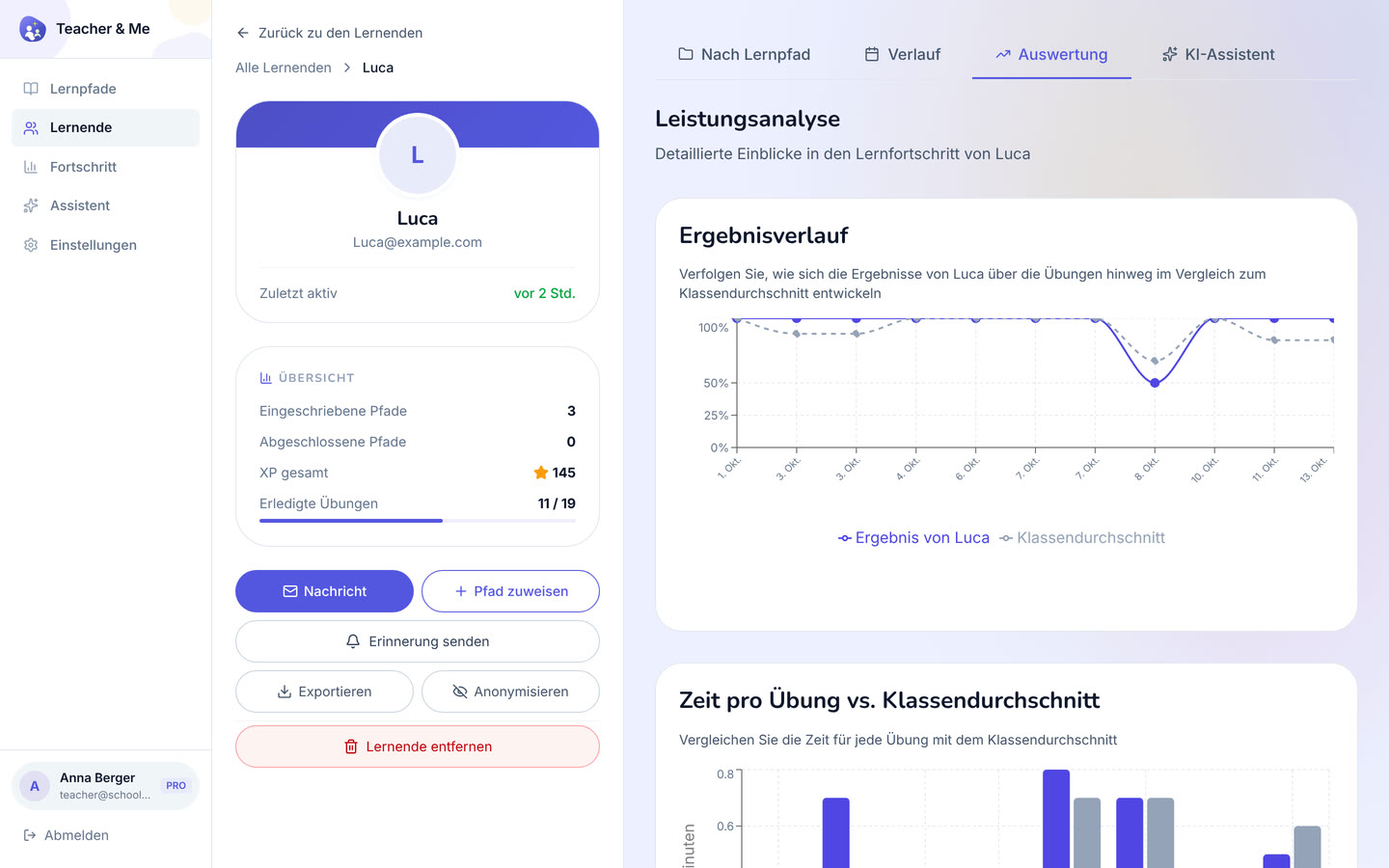
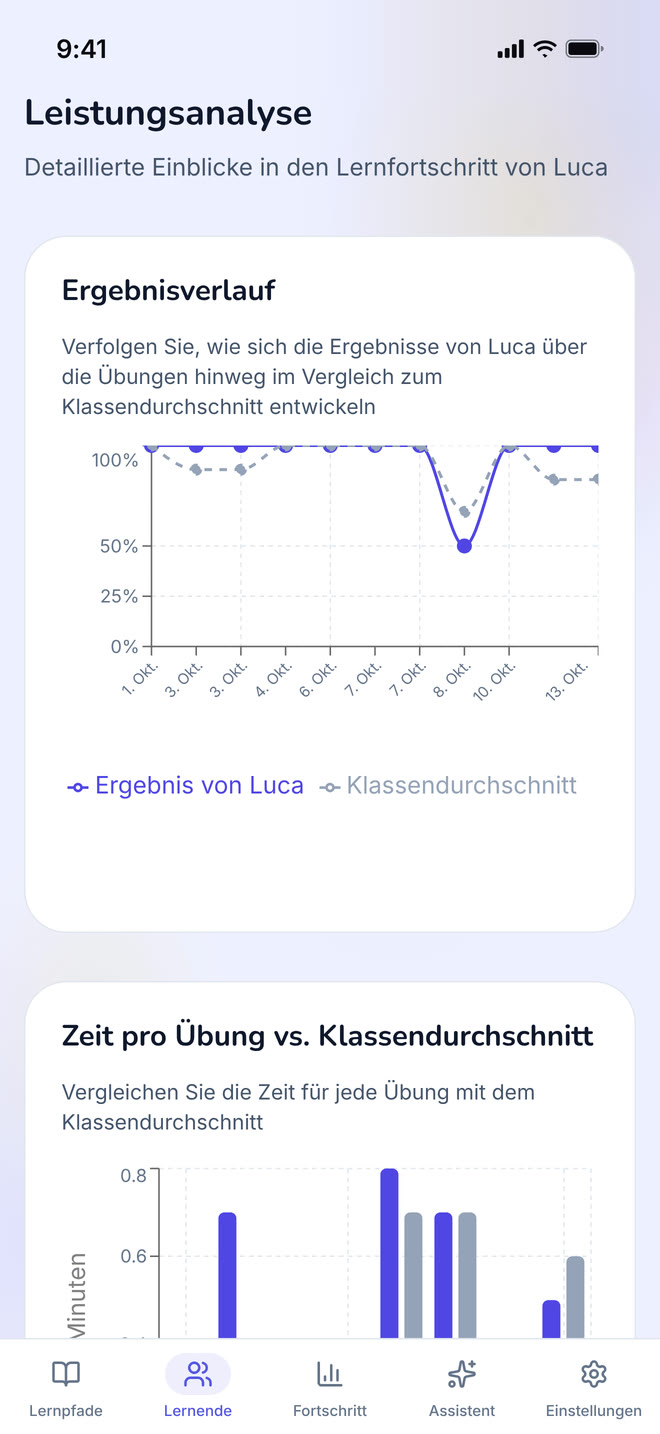
One student’s analytics in a browser frame: score over time and time per exercise.
https://teacher-and-me.com/press-assets/cards/analytics-1200x630.jpg
The strongest claim the product makes, as a poster. The second featured image.
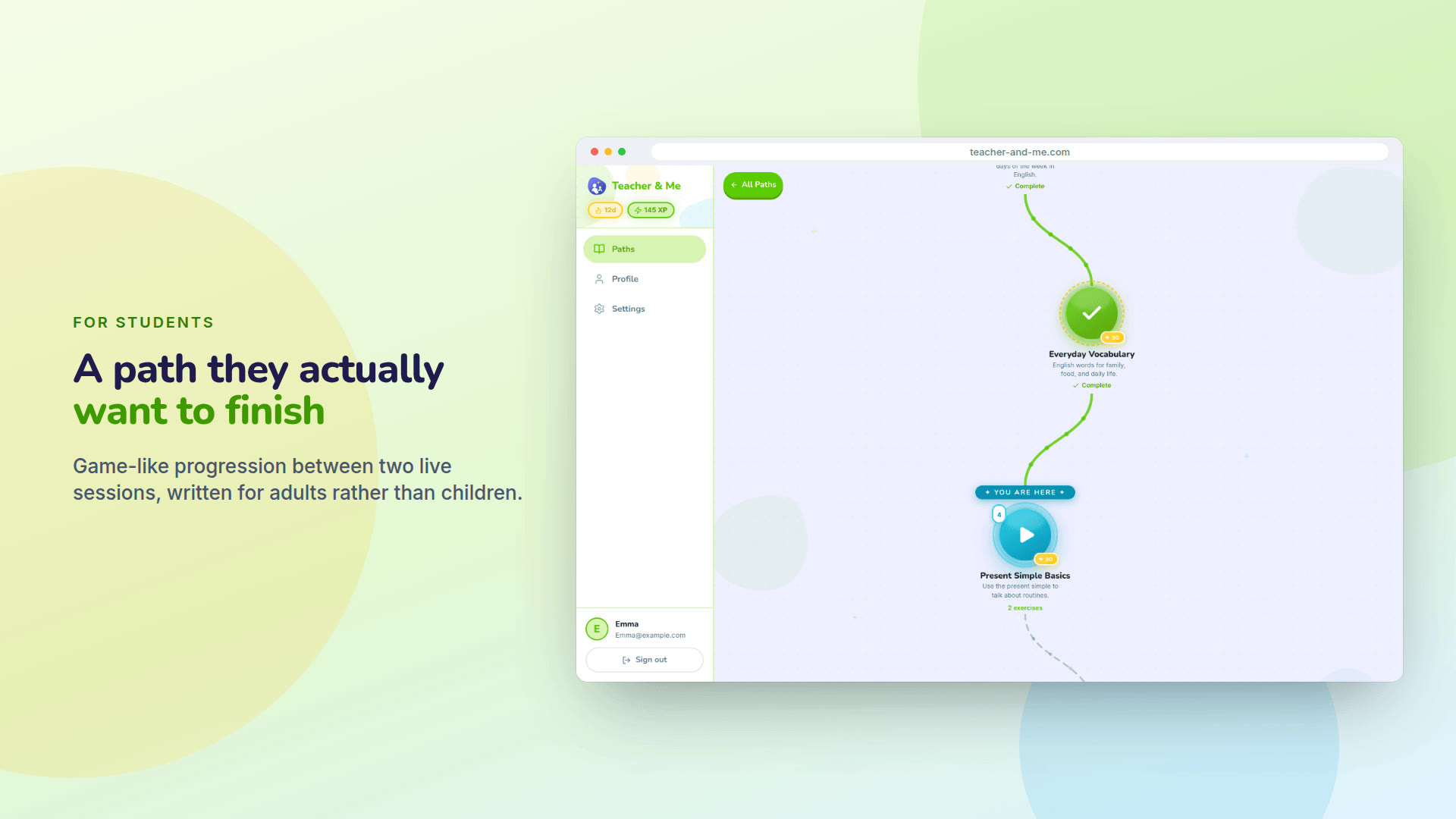
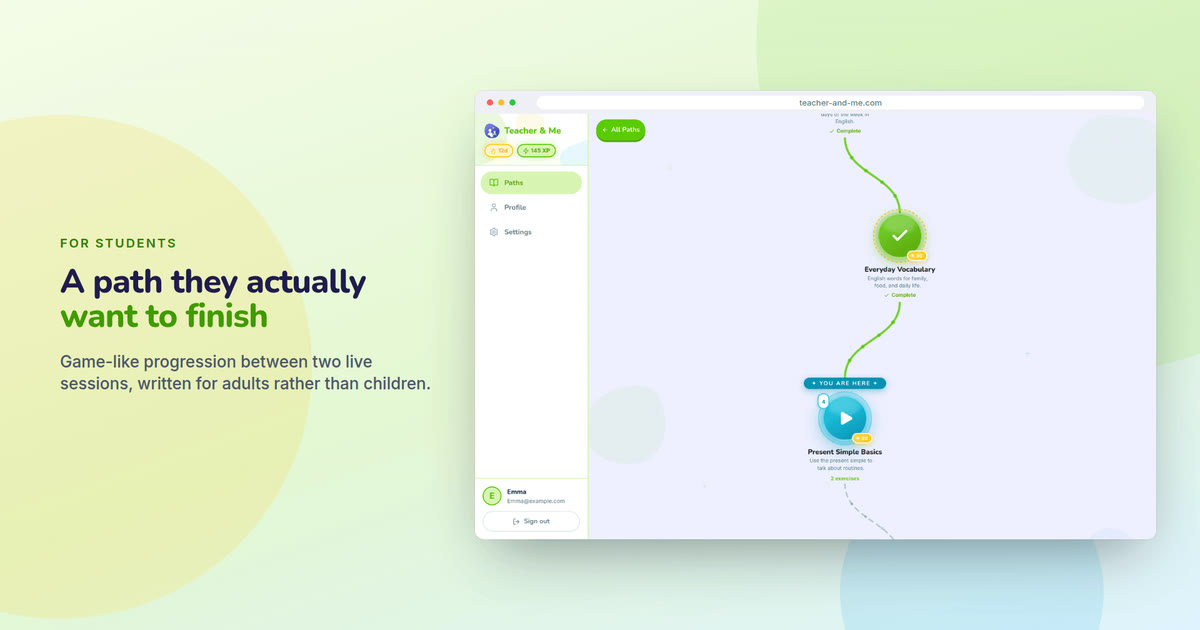
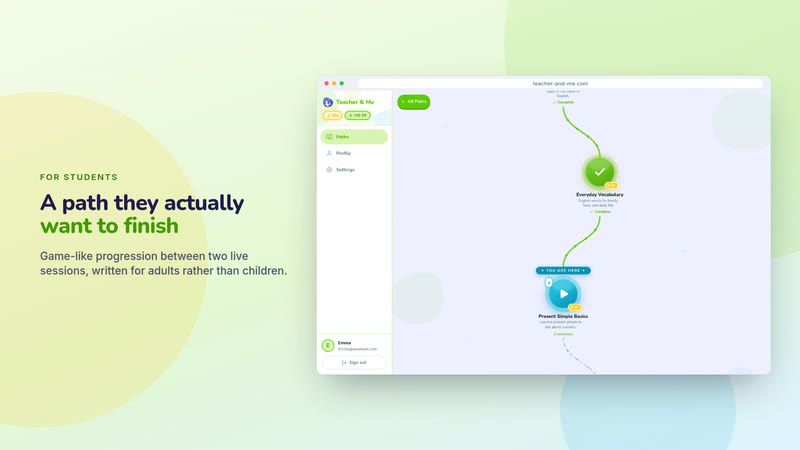
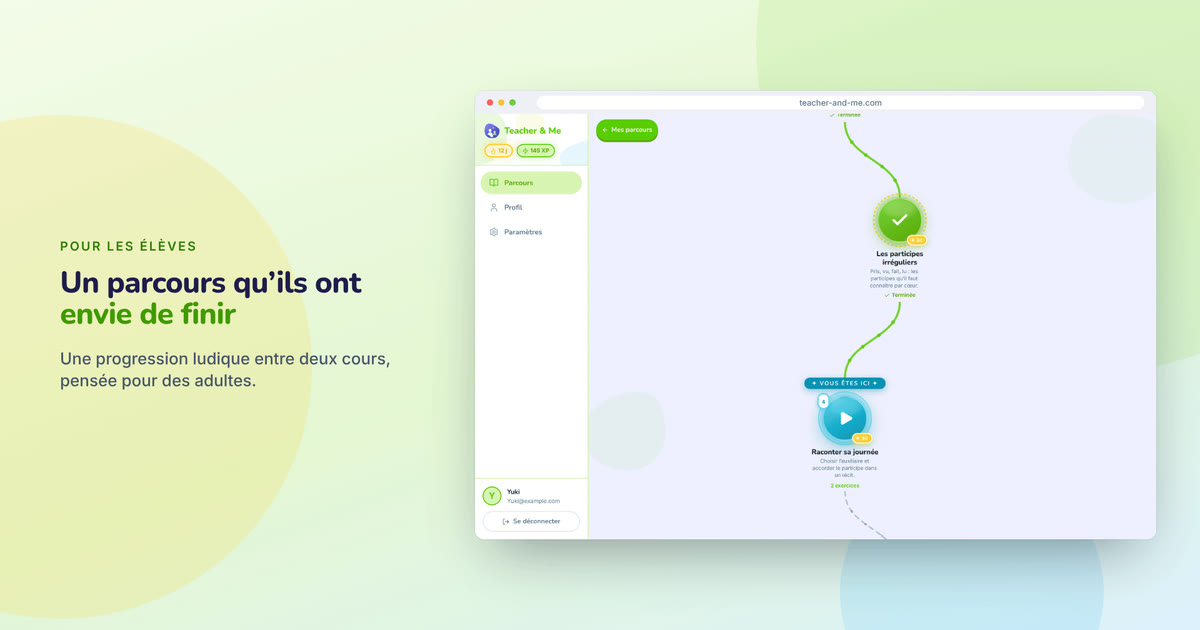
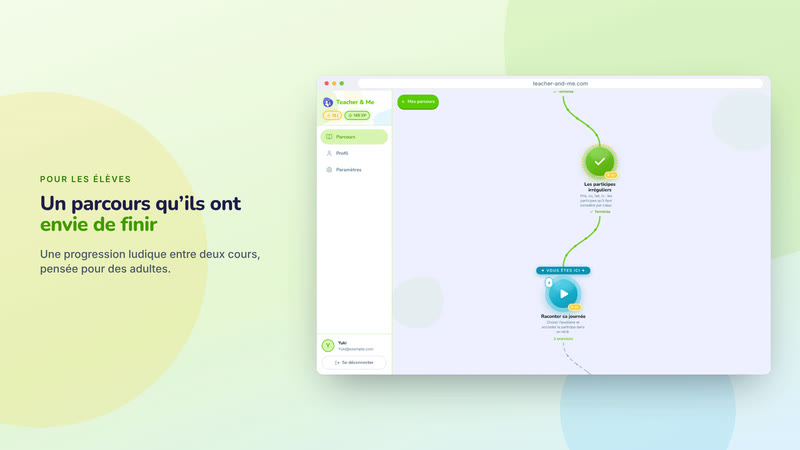
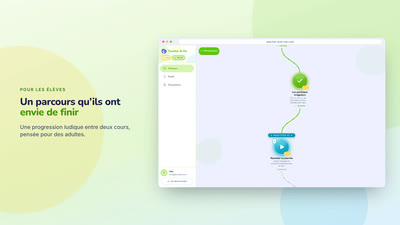
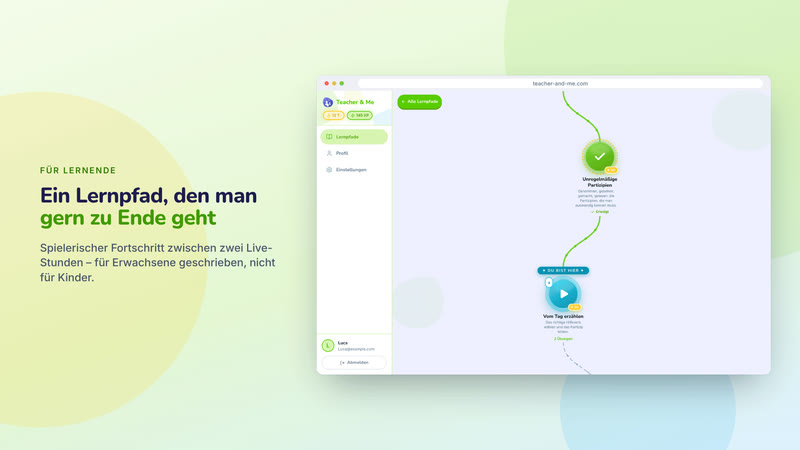
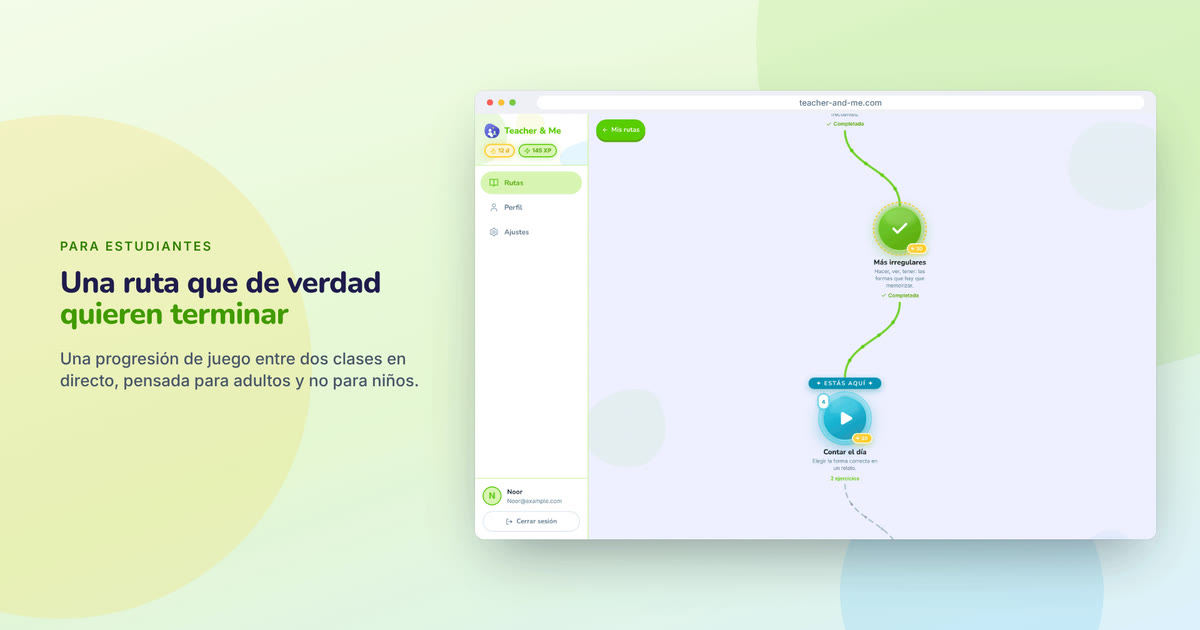
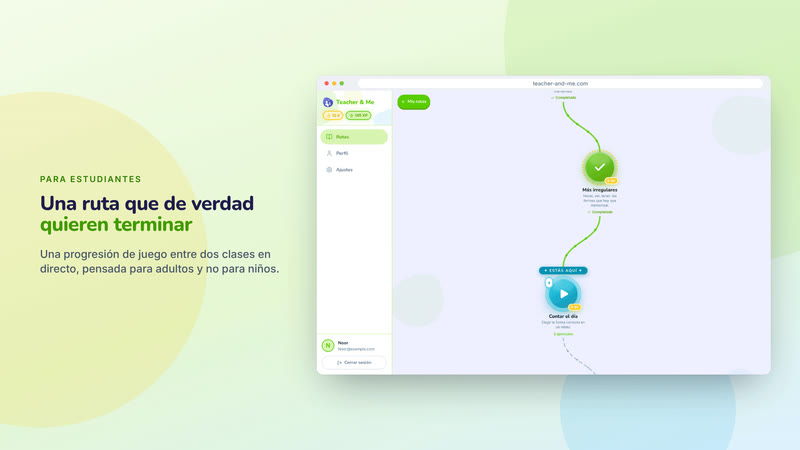
The student’s winding lesson map in a browser frame.
https://teacher-and-me.com/press-assets/cards/student-path-1200x630.jpg
The student-side hook on a desktop. For a phone, use the feedback card.
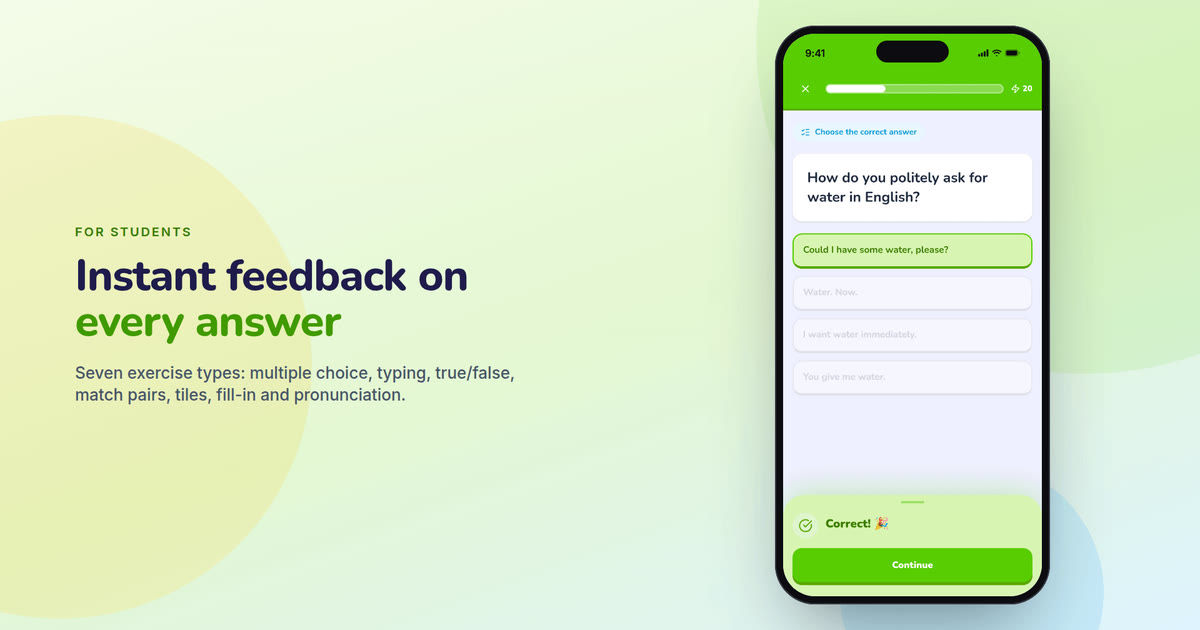
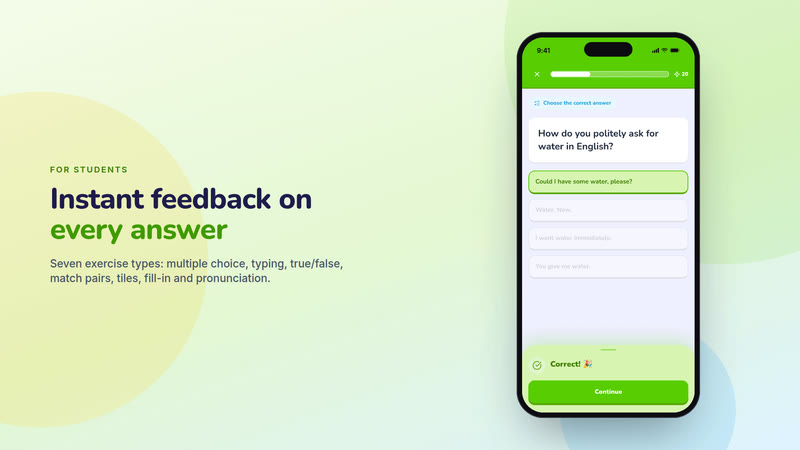
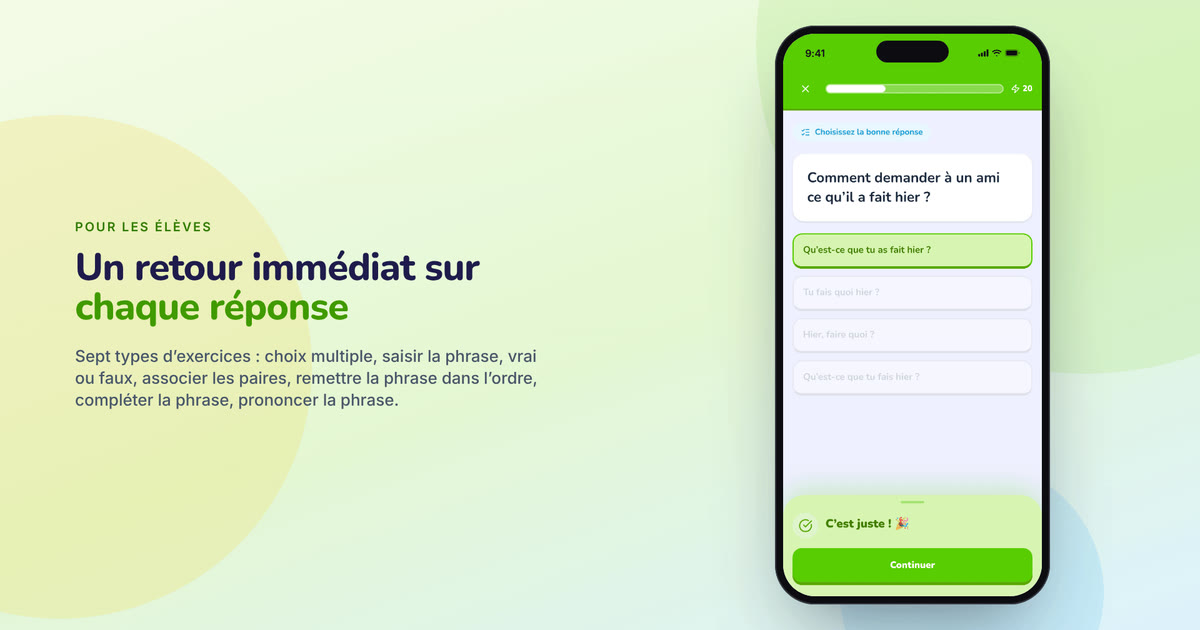
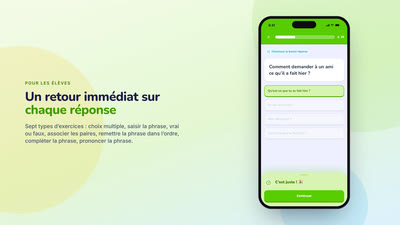
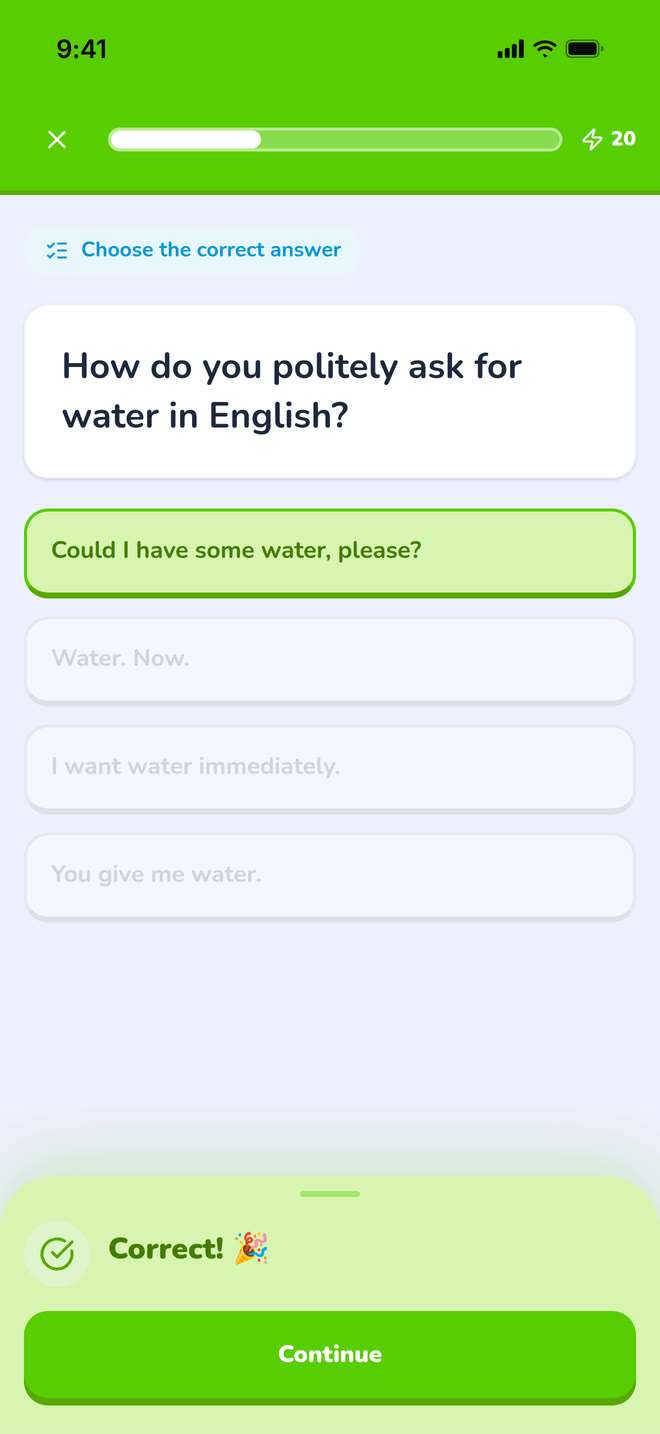
A multiple-choice question answered correctly, on a phone.
https://teacher-and-me.com/press-assets/cards/exercise-1200x630.jpg
The student experience in one glance. The third featured image, and the one to pick for a mobile-first outlet.
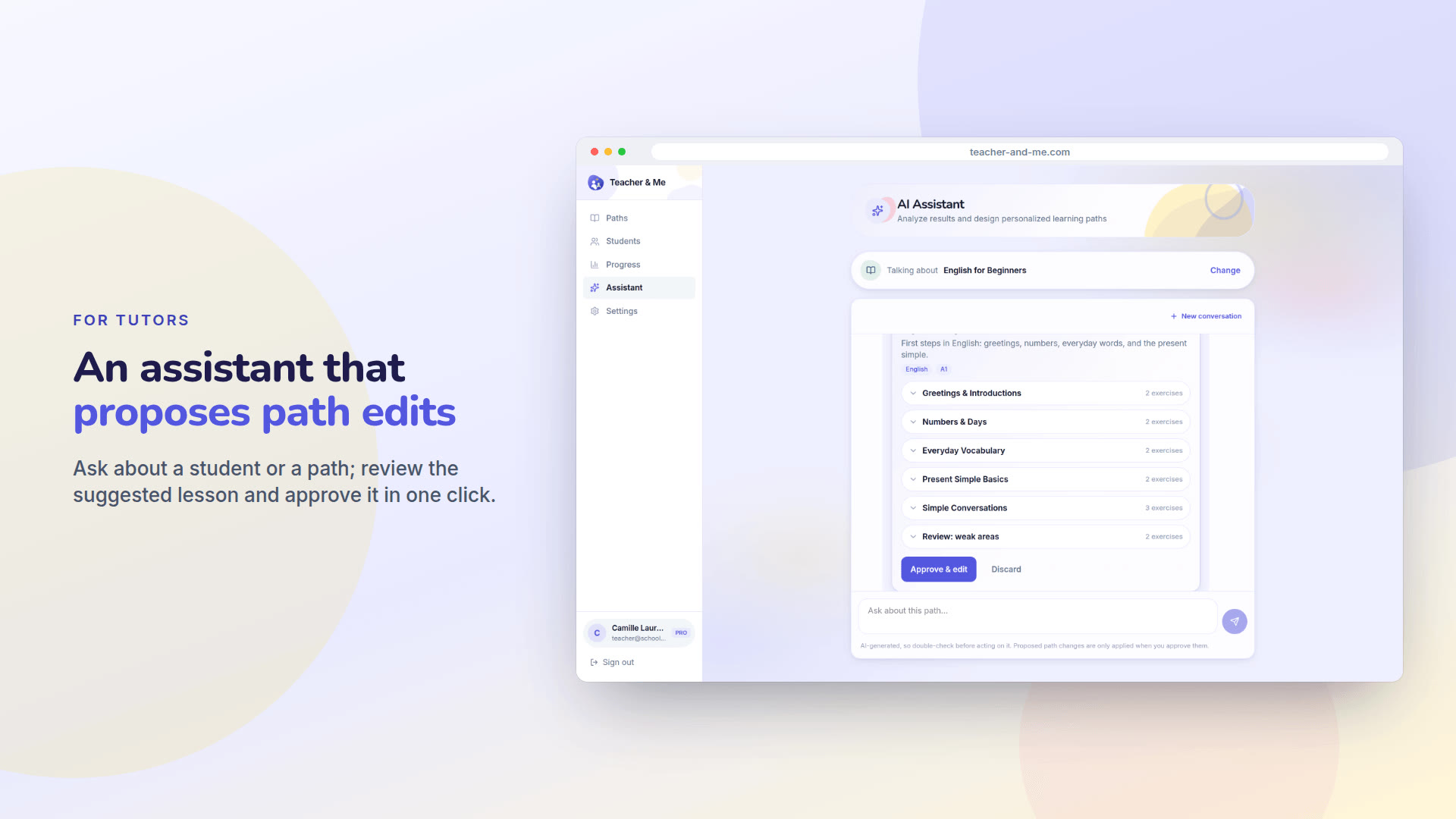
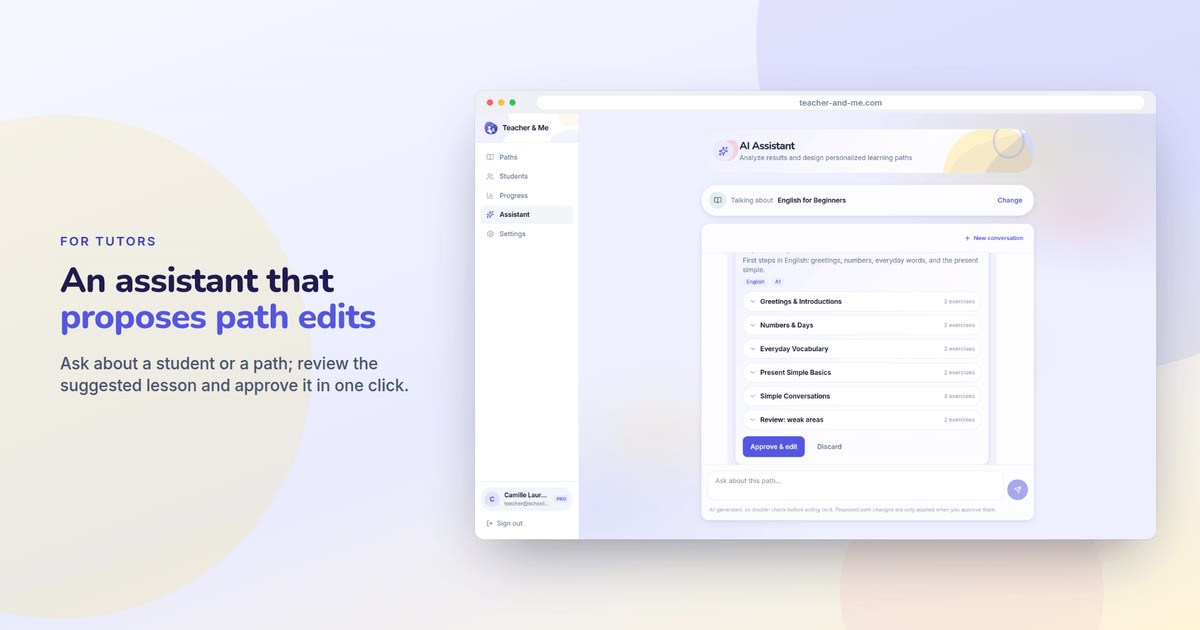
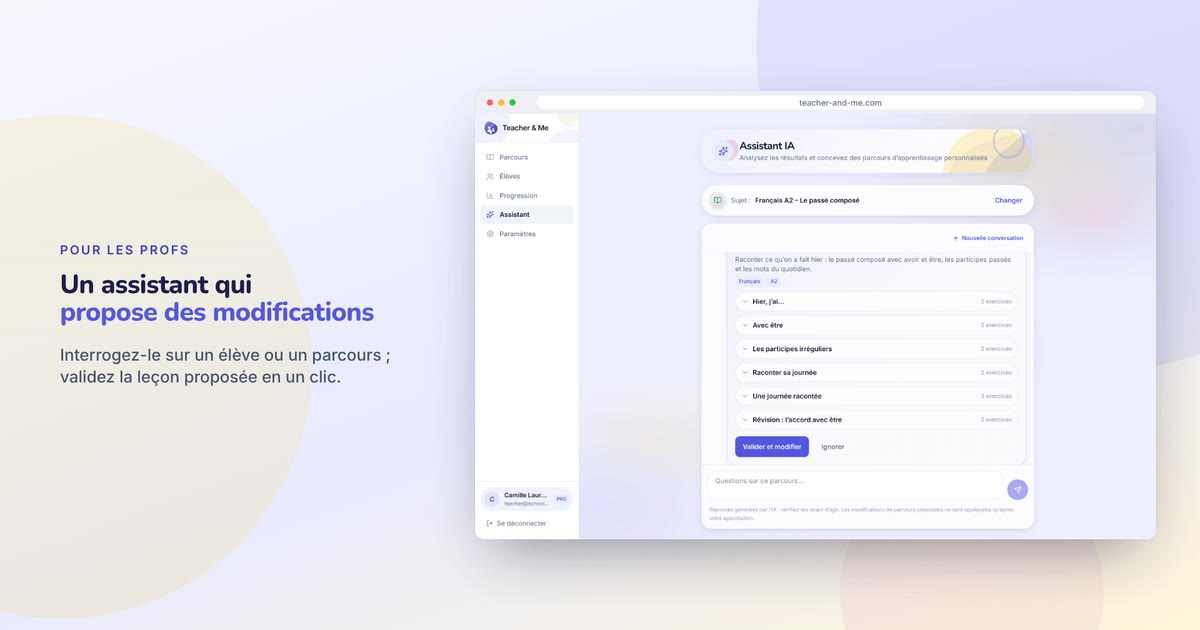
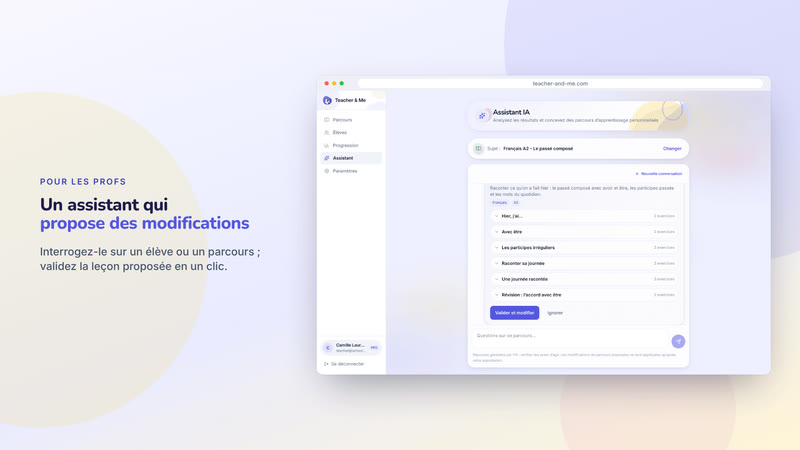
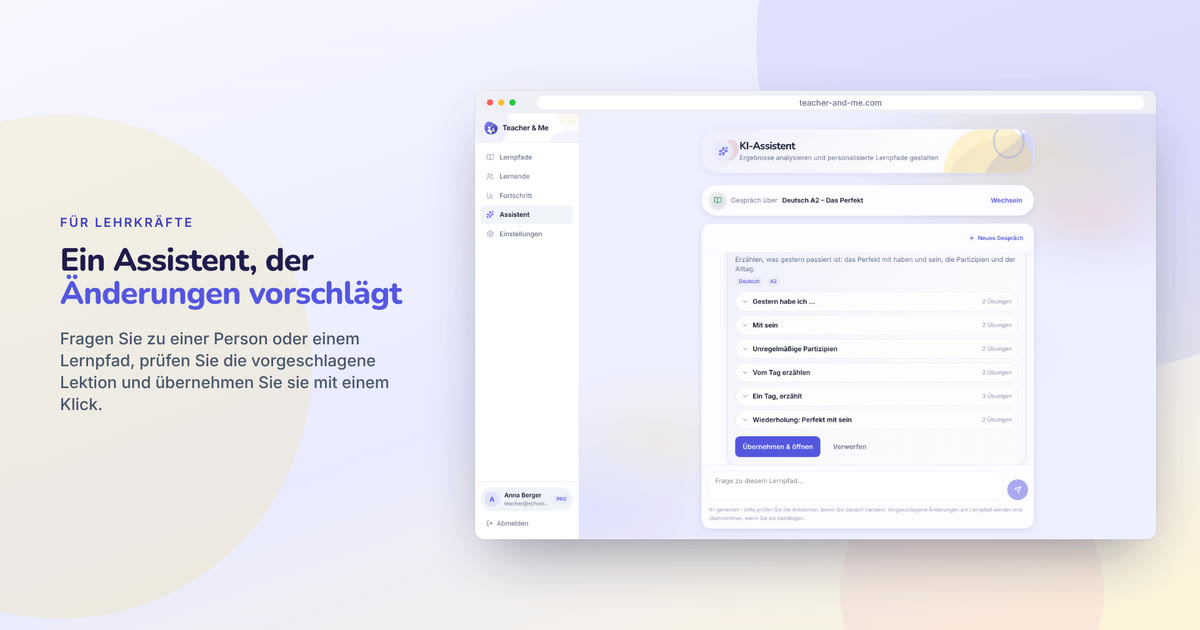
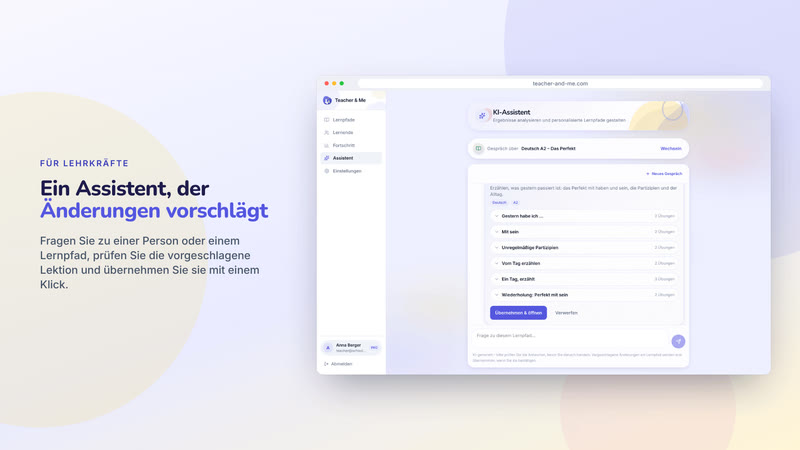
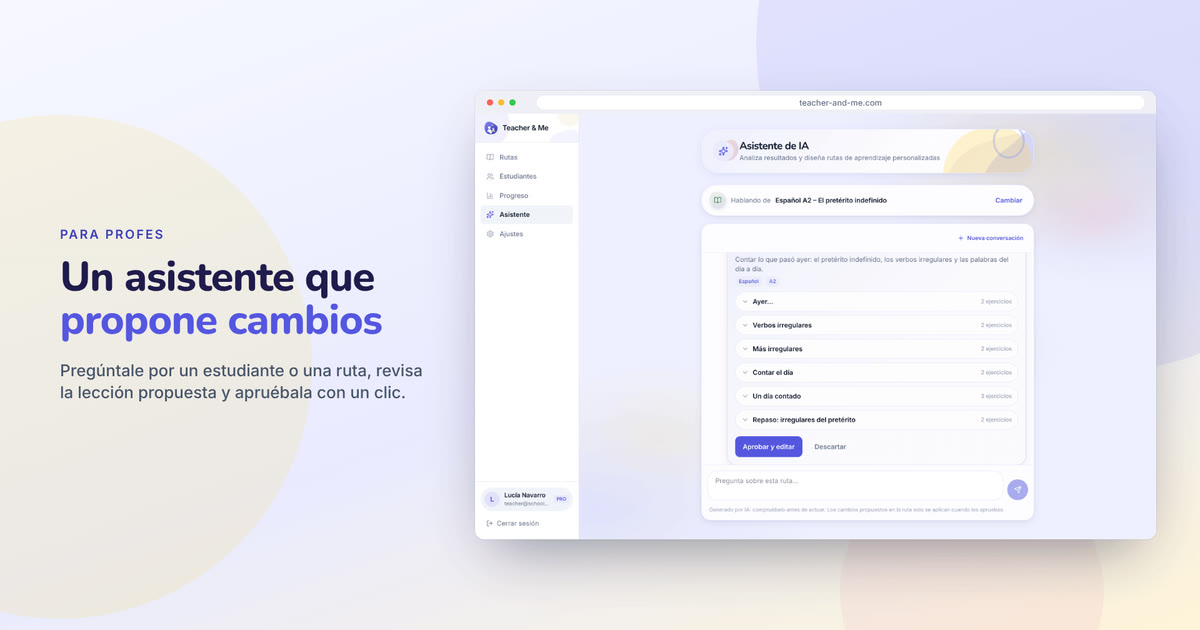
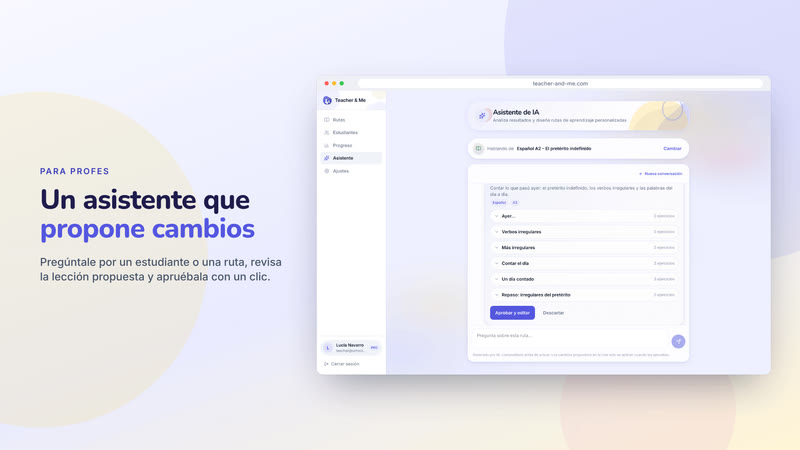
The assistant proposing a lesson for review, in a browser frame.
https://teacher-and-me.com/press-assets/cards/assistant-1200x630.jpg
An article about the assistant. Keep the caption honest: it proposes, the tutor approves.
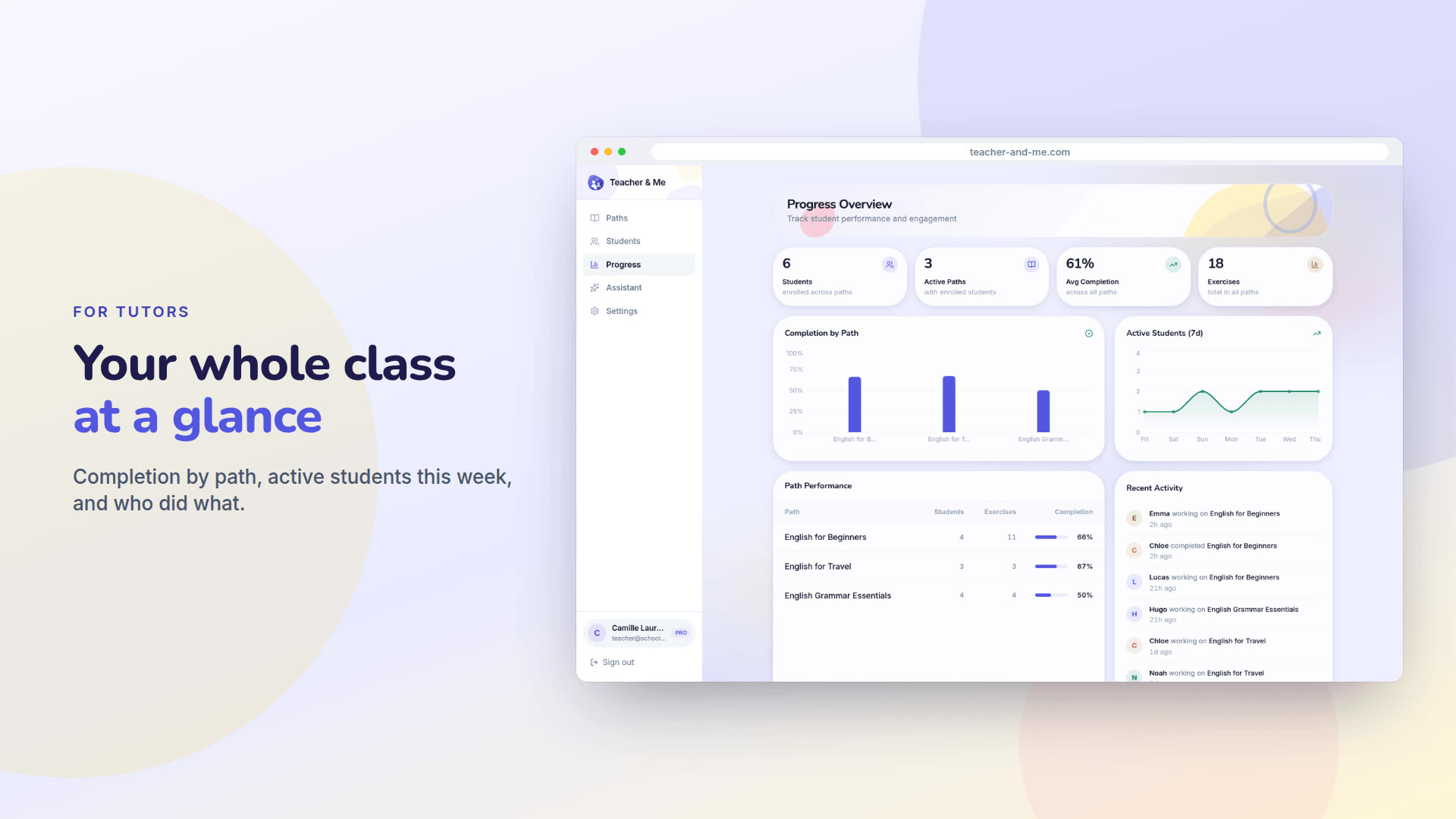
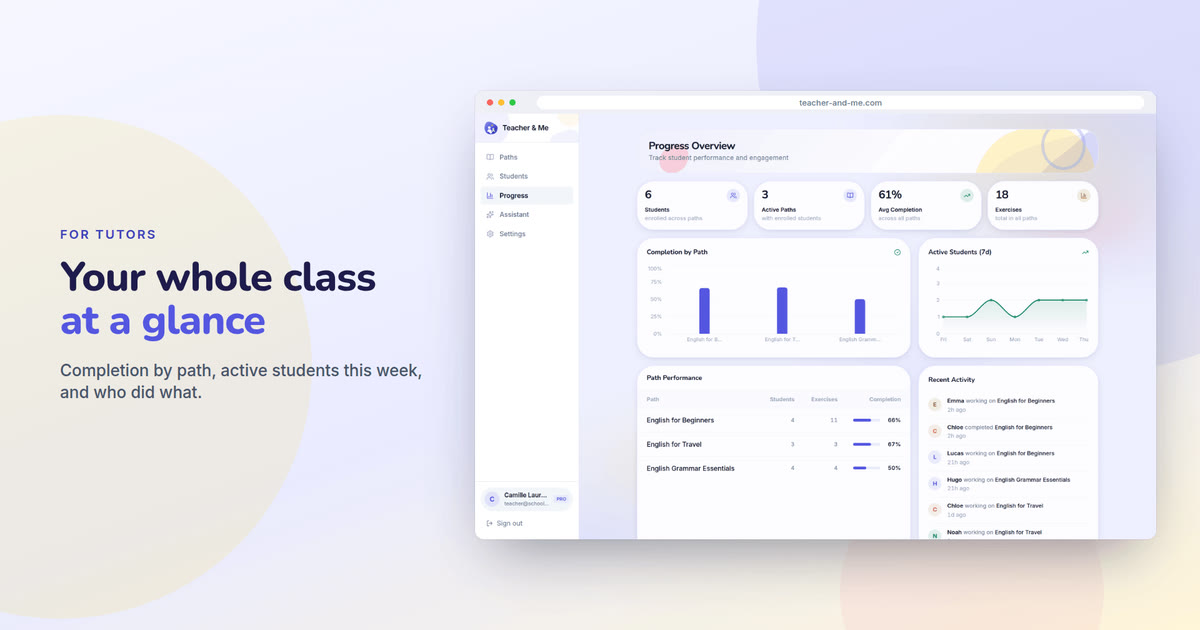
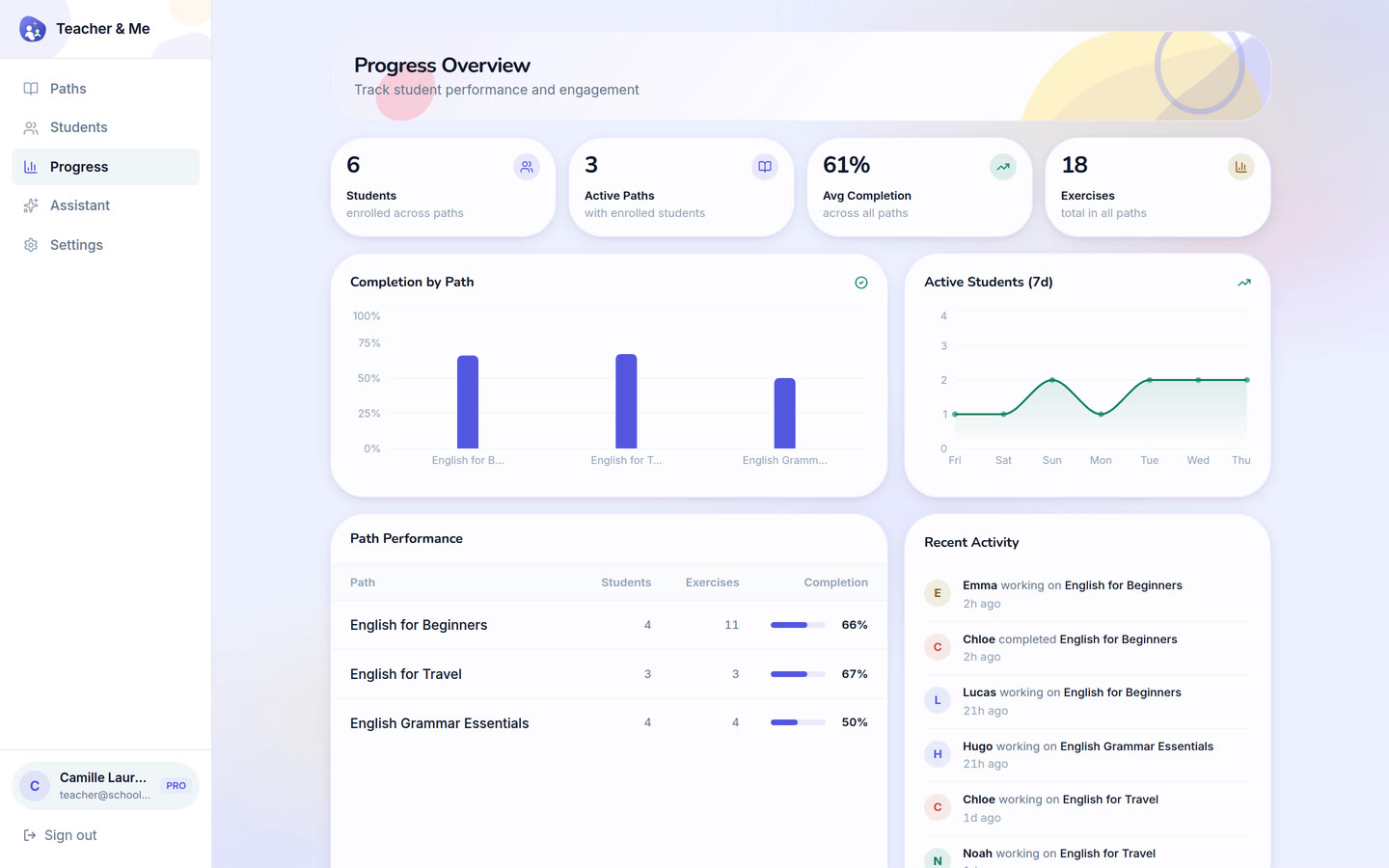
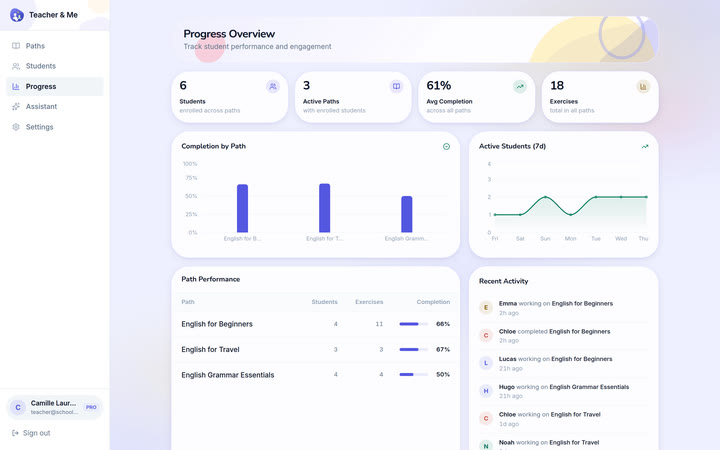
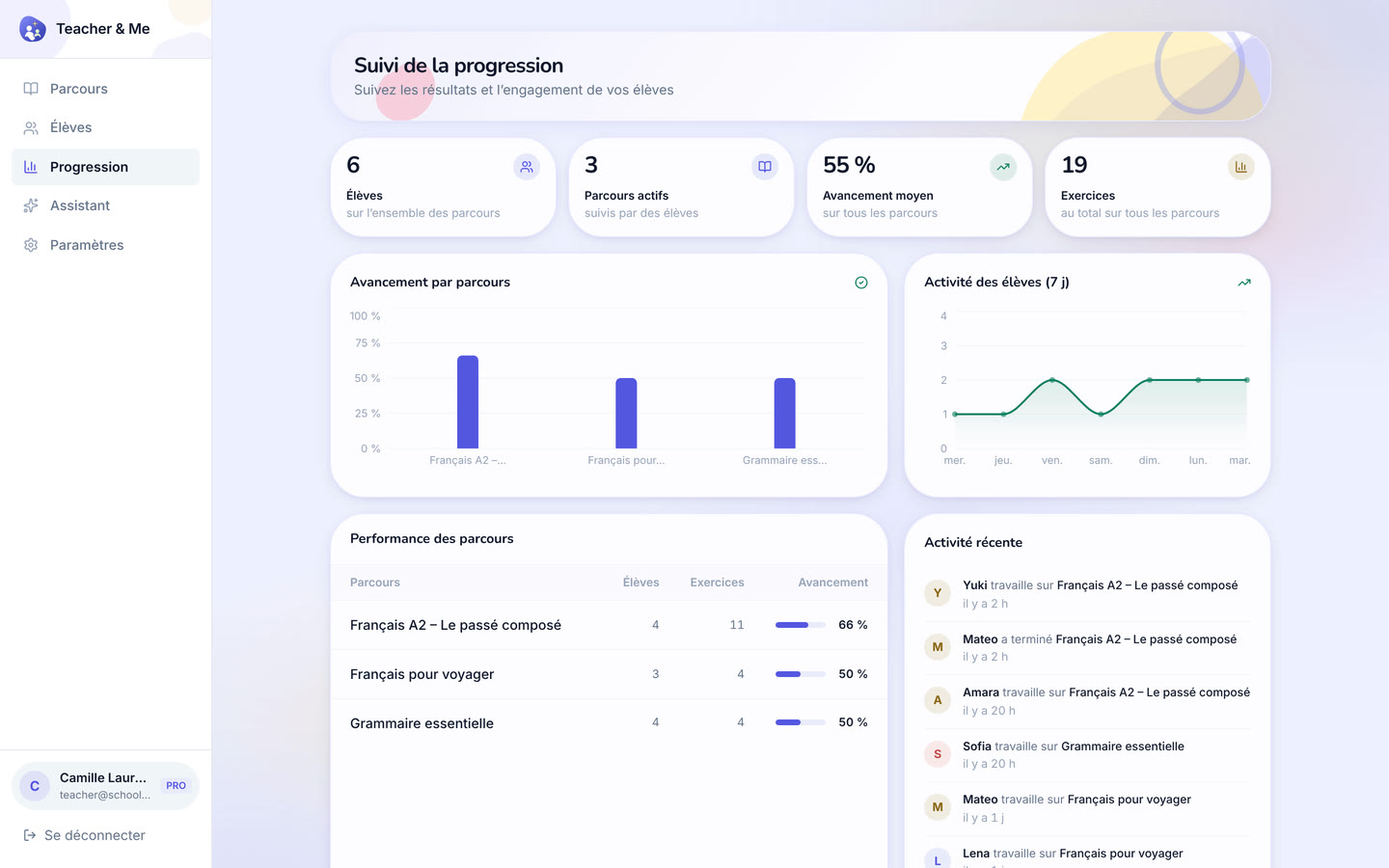
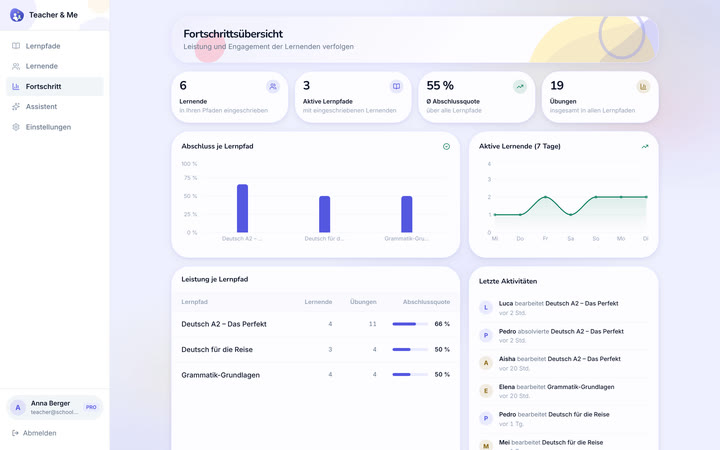
The progress dashboard in a browser frame: tiles, charts and the activity feed.
https://teacher-and-me.com/press-assets/cards/progress-1200x630.jpg
A tutor with more than a handful of students. The whole-class view.
The app as captured on a 1440×900 viewport at 2× device pixel ratio: 2880×1800 PNG, with Medium and Small JPEGs under “Sizes”. In the order the product is used: the public pages, the tutor’s app, the student’s app.
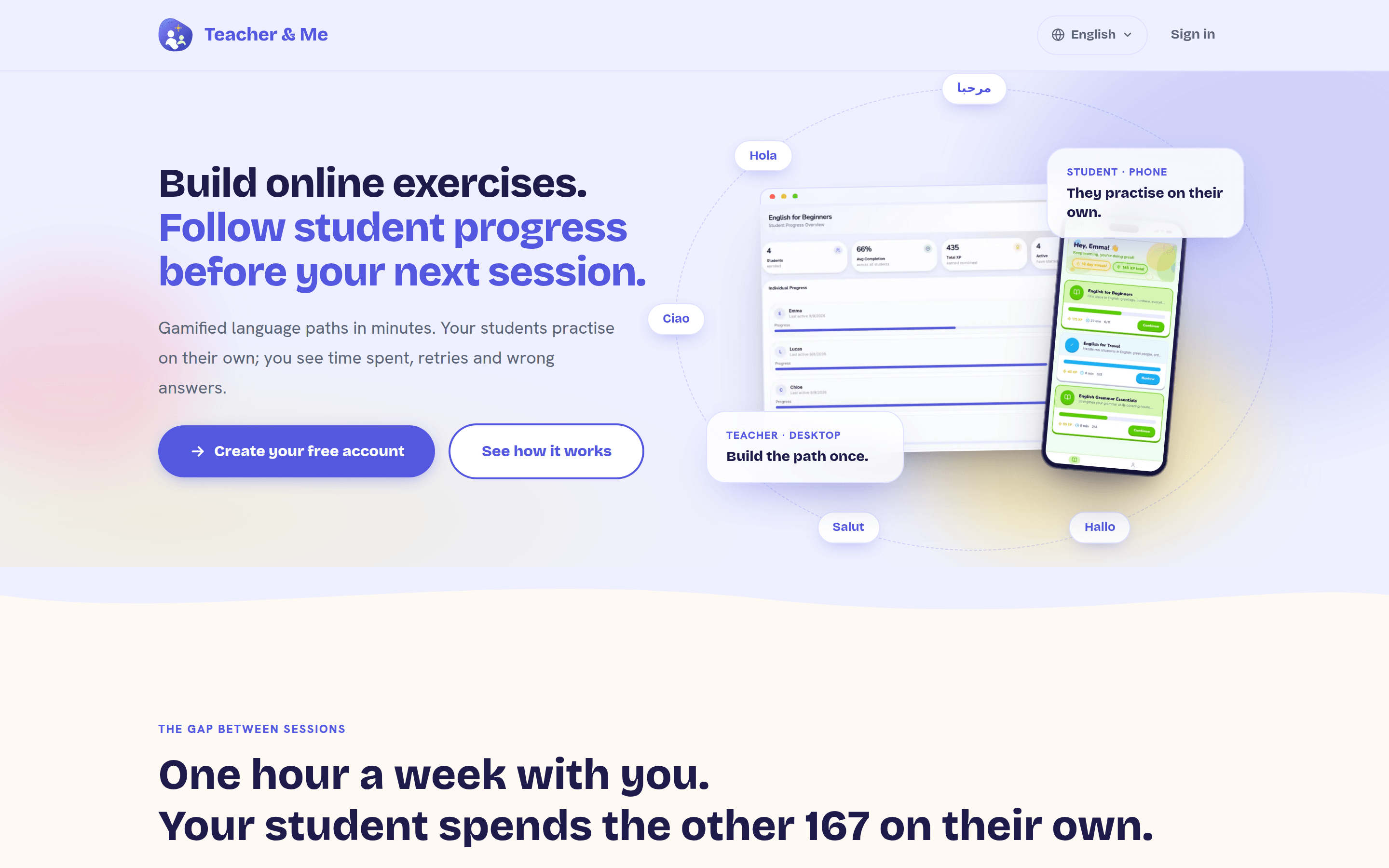
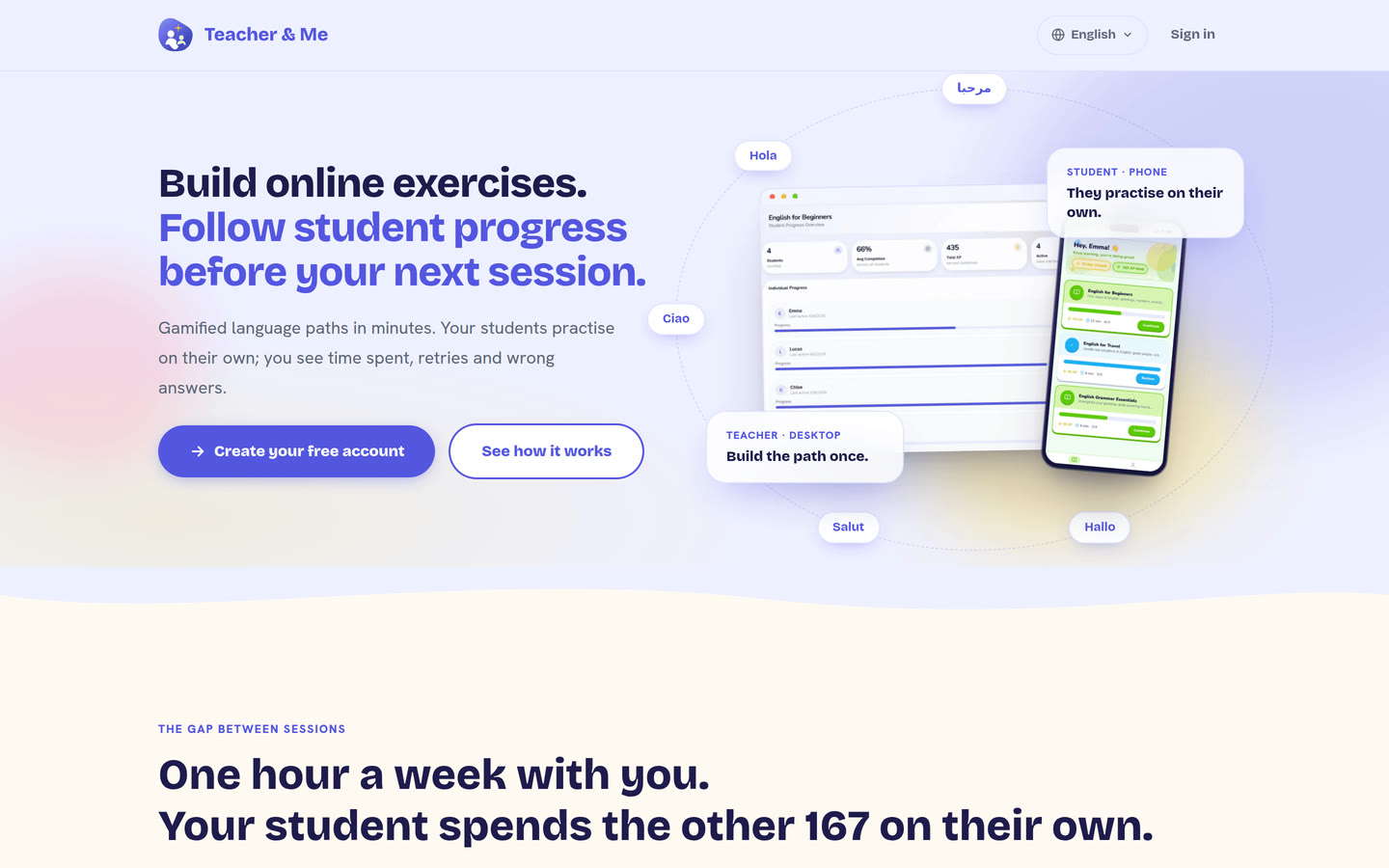
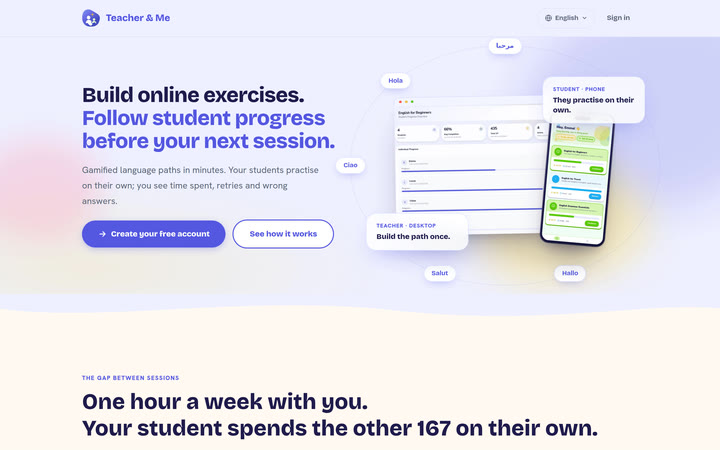
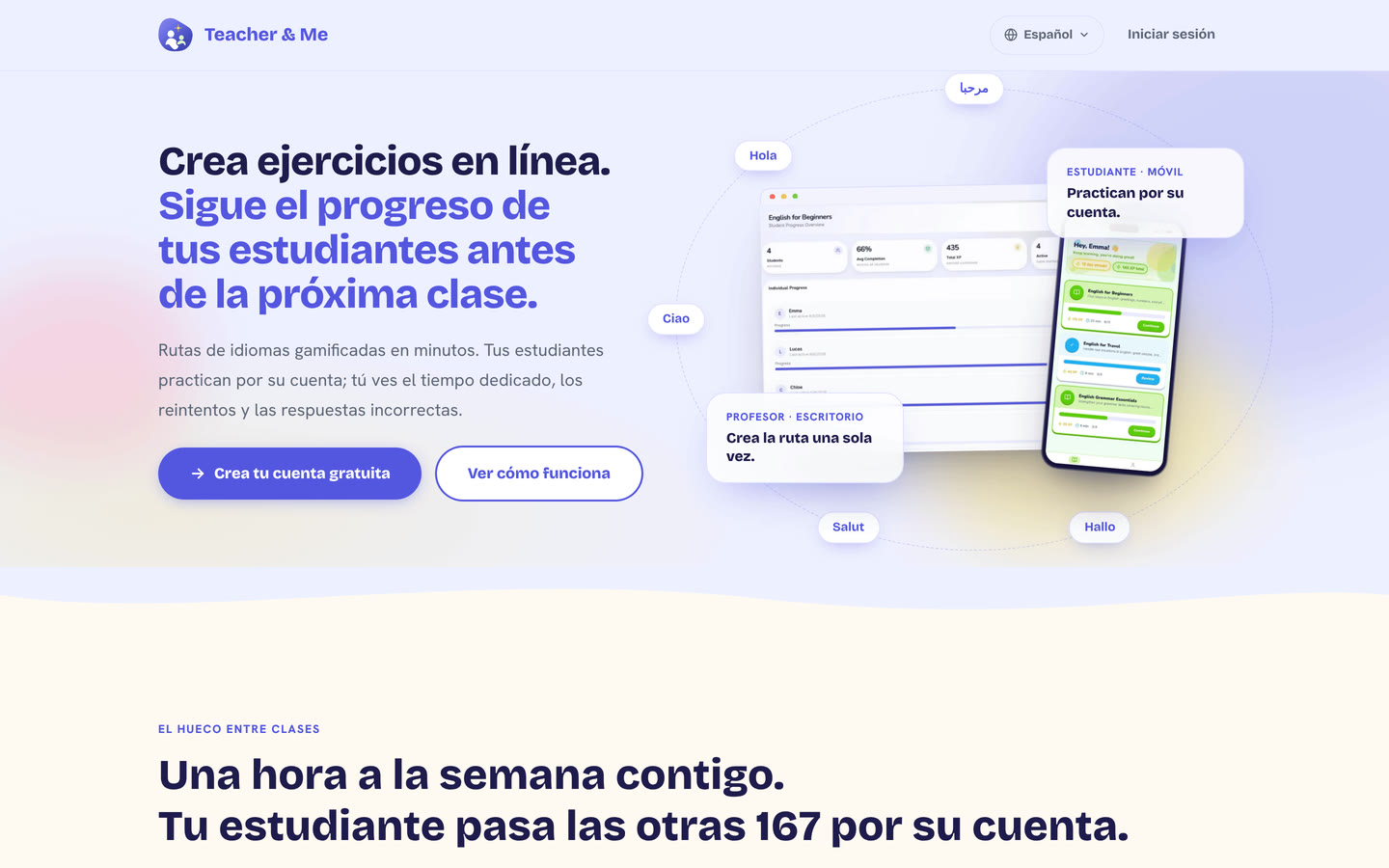
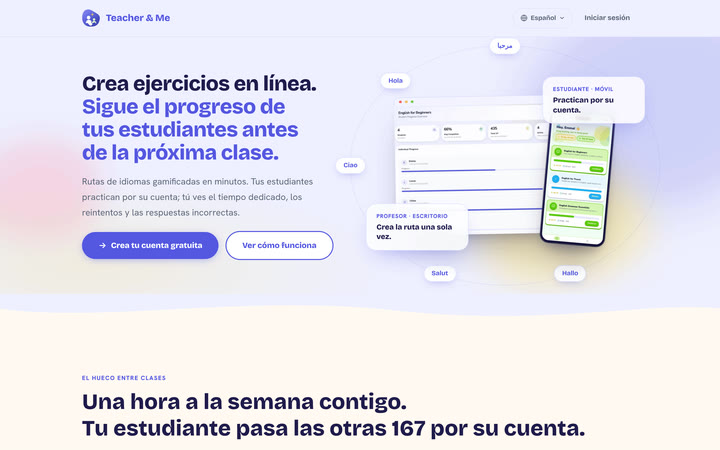
The public homepage as it first paints, above the fold.
https://teacher-and-me.com/press-assets/desktop/landing.png
The product’s own pitch, in its own words. Quote the headline from here rather than inventing a new one.
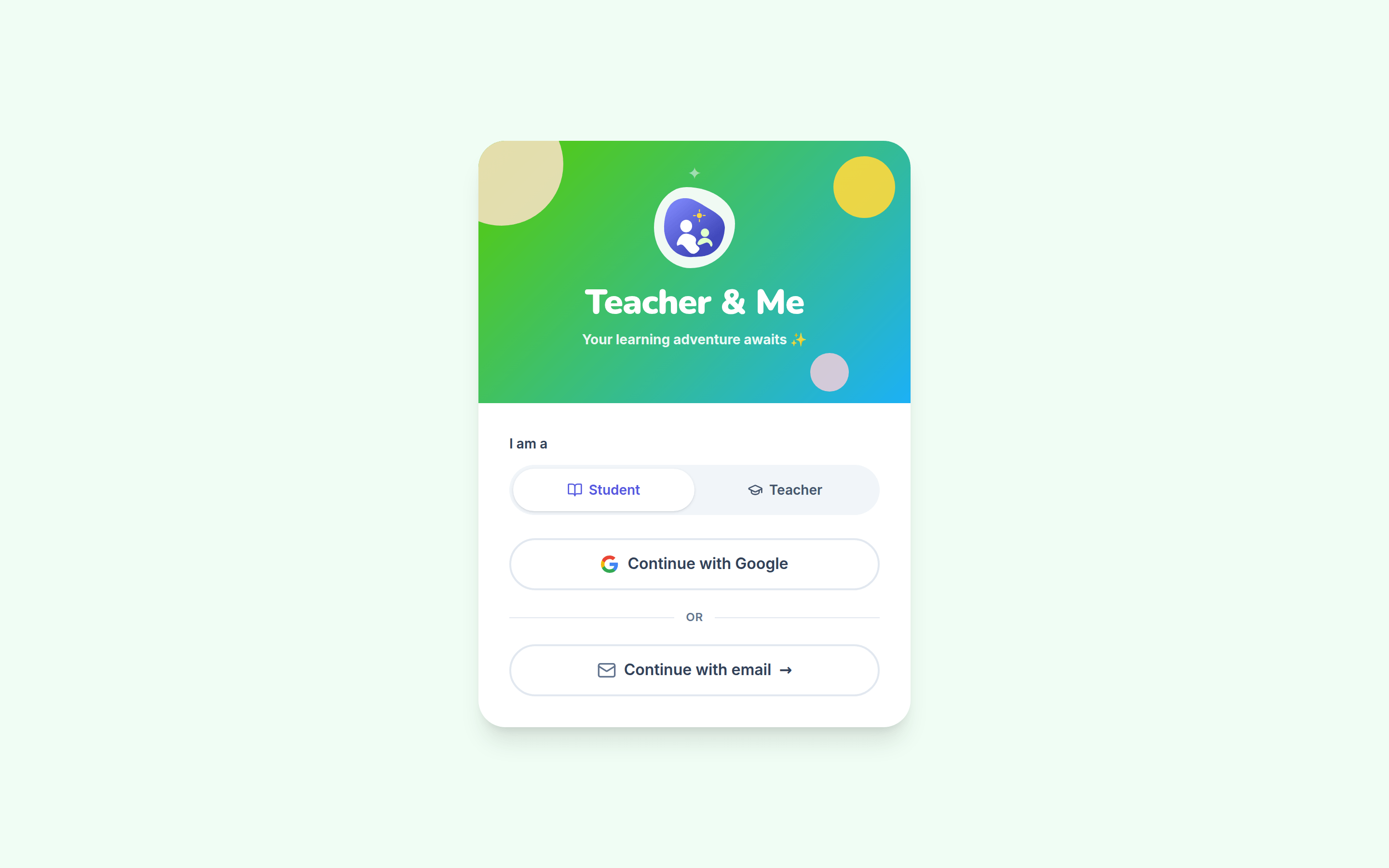
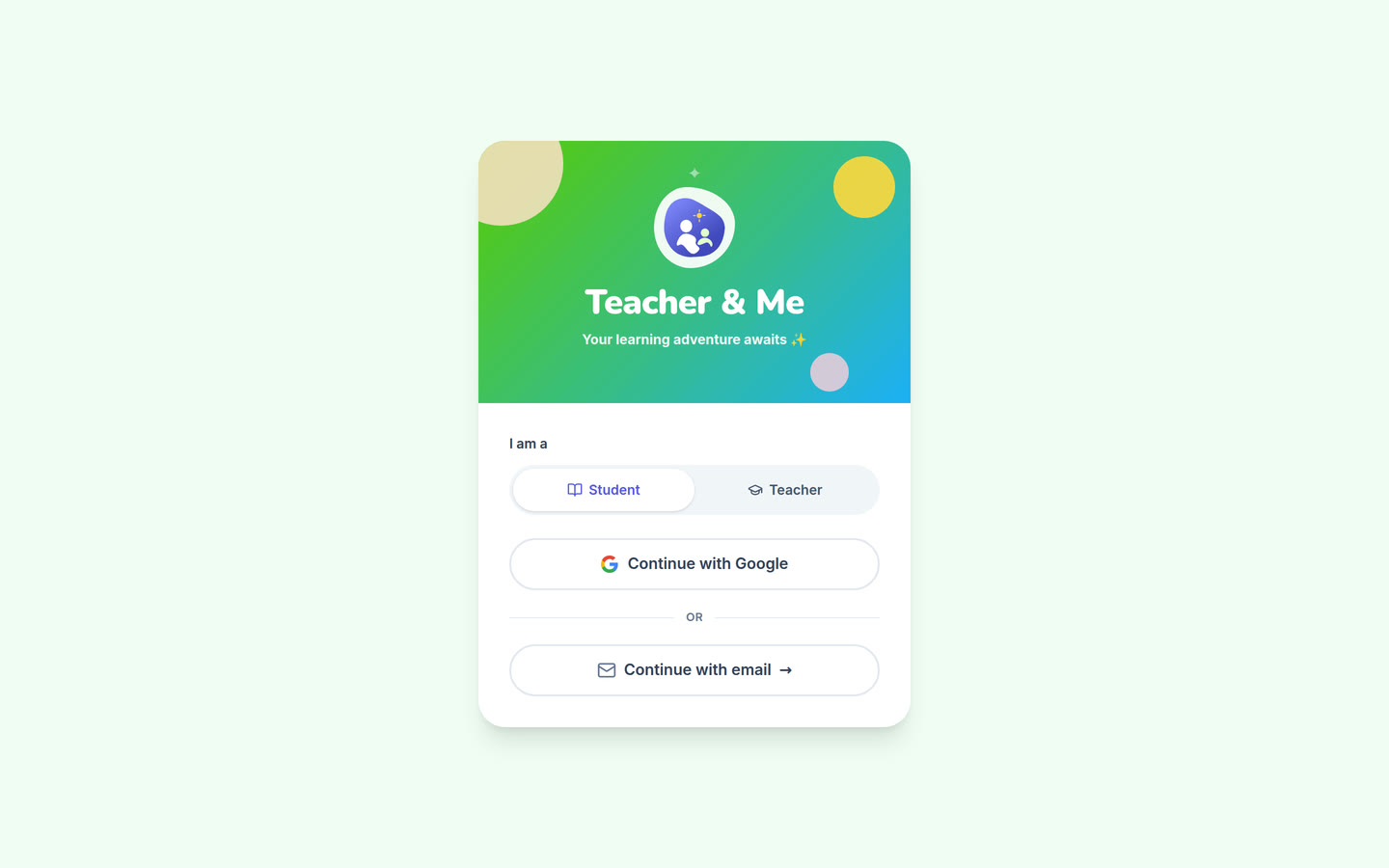
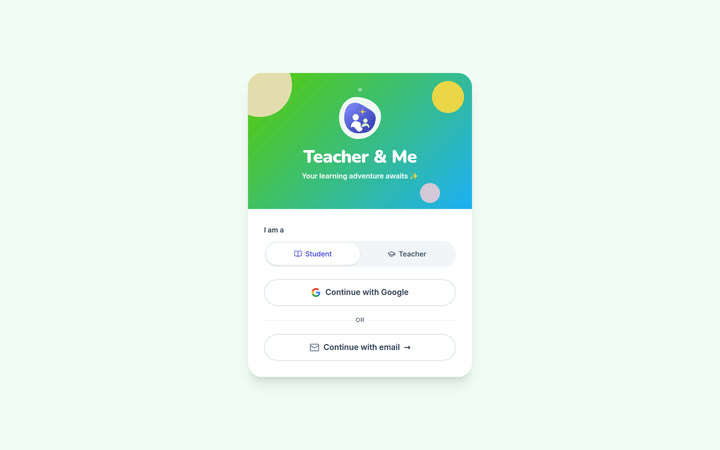
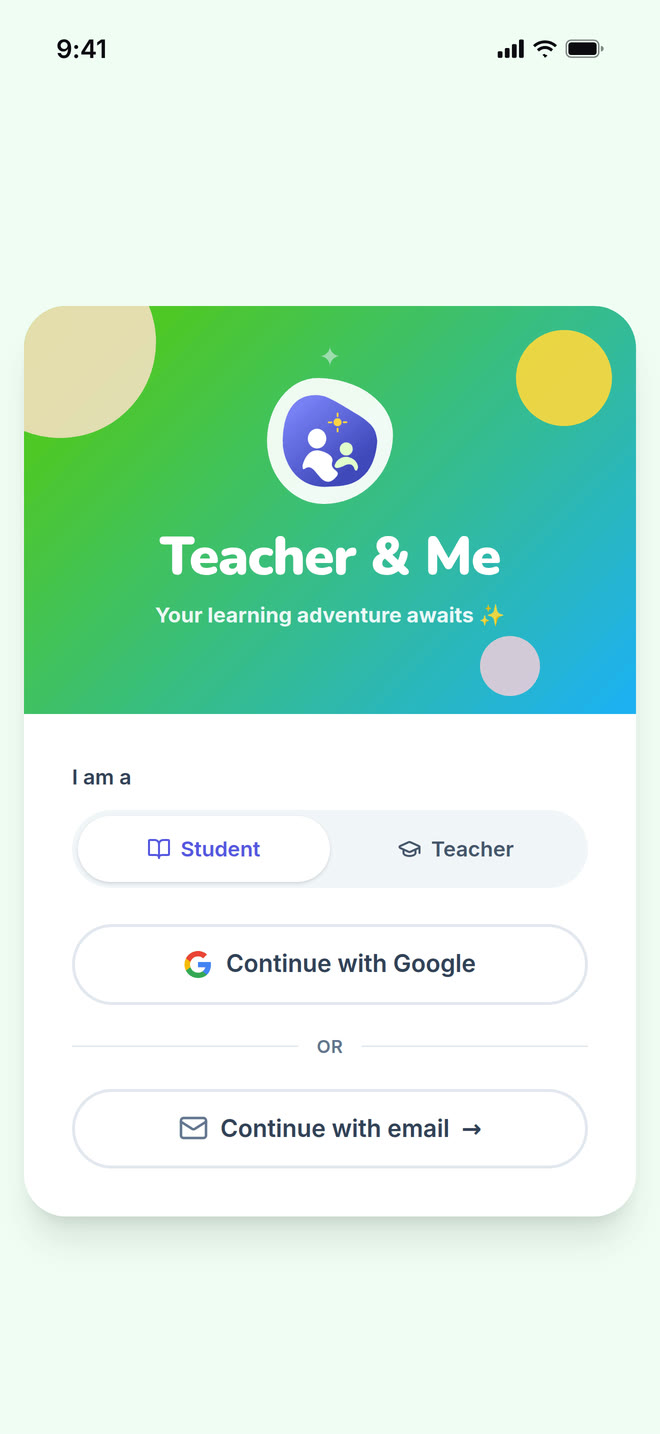
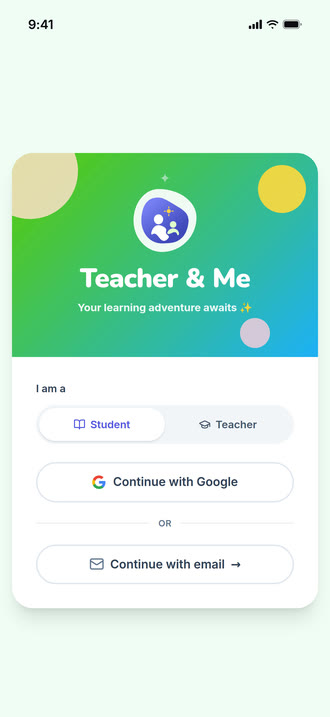
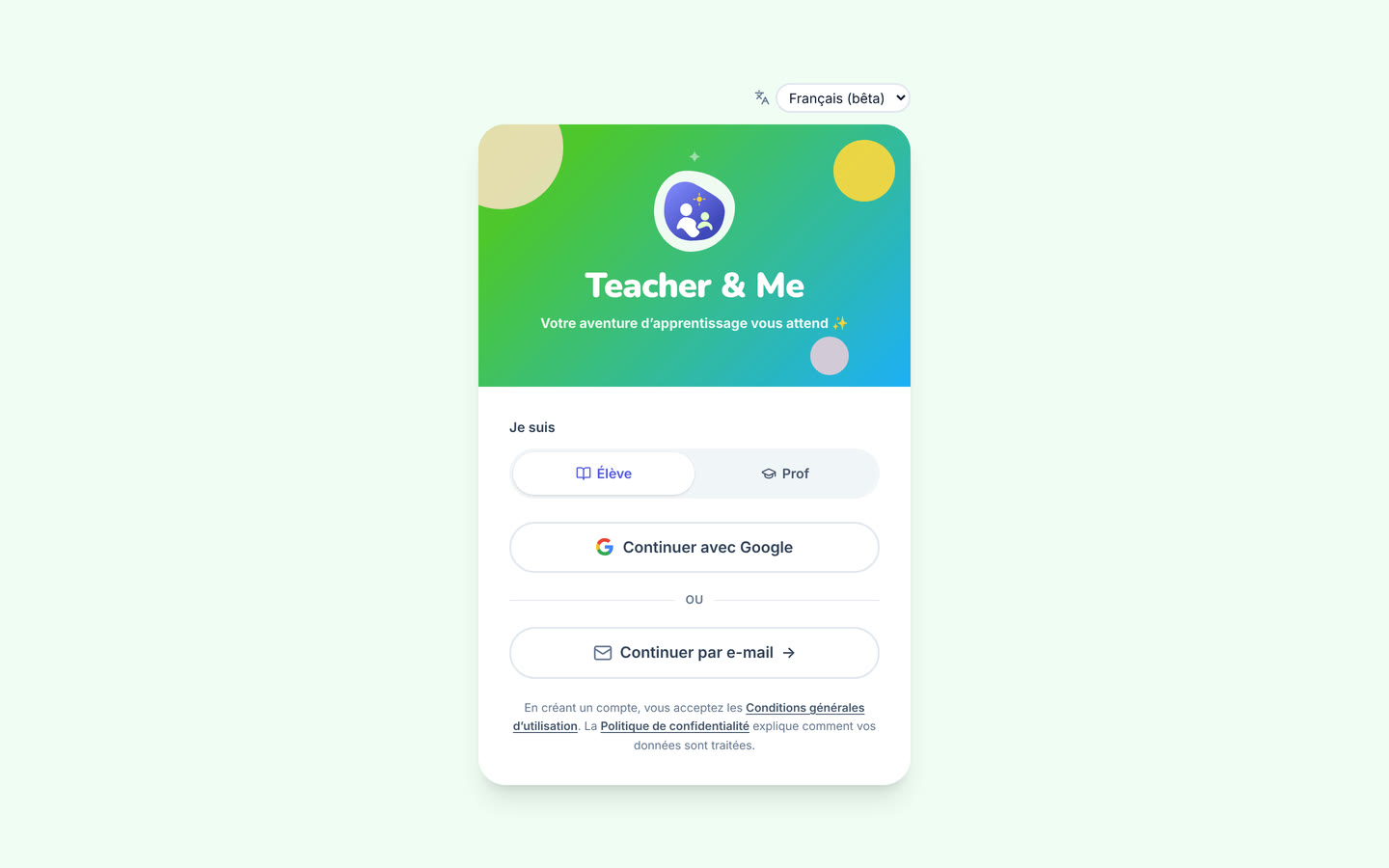
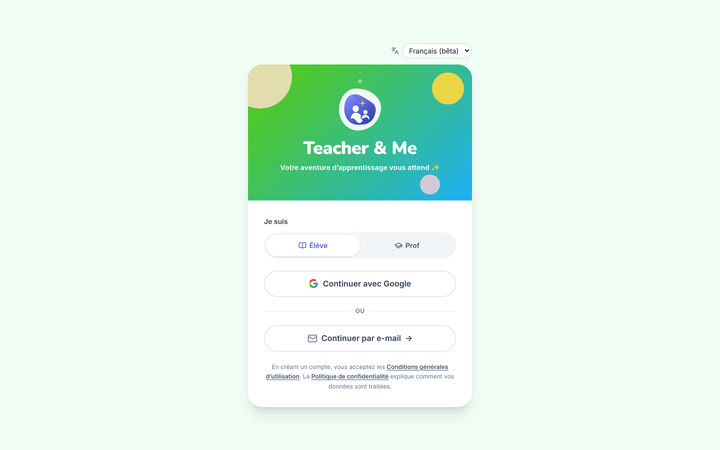
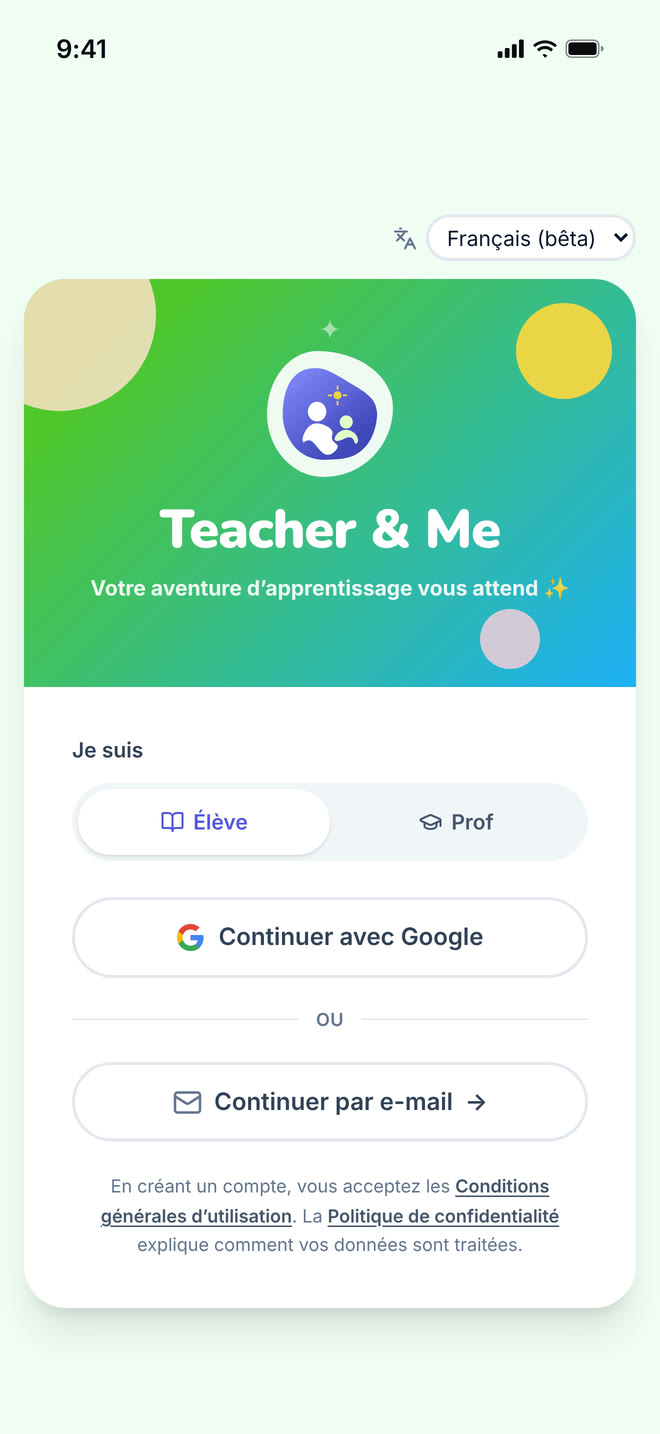
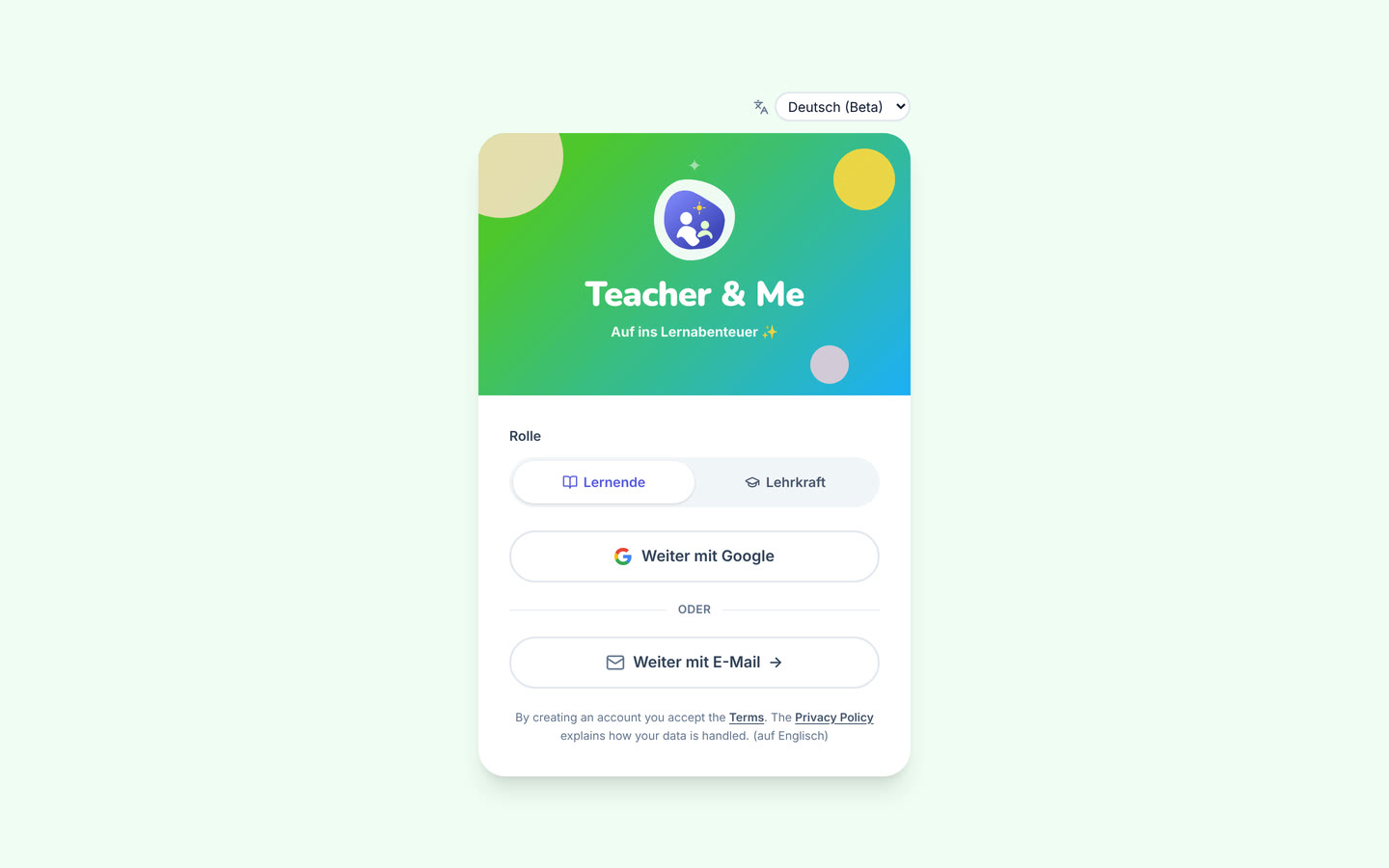
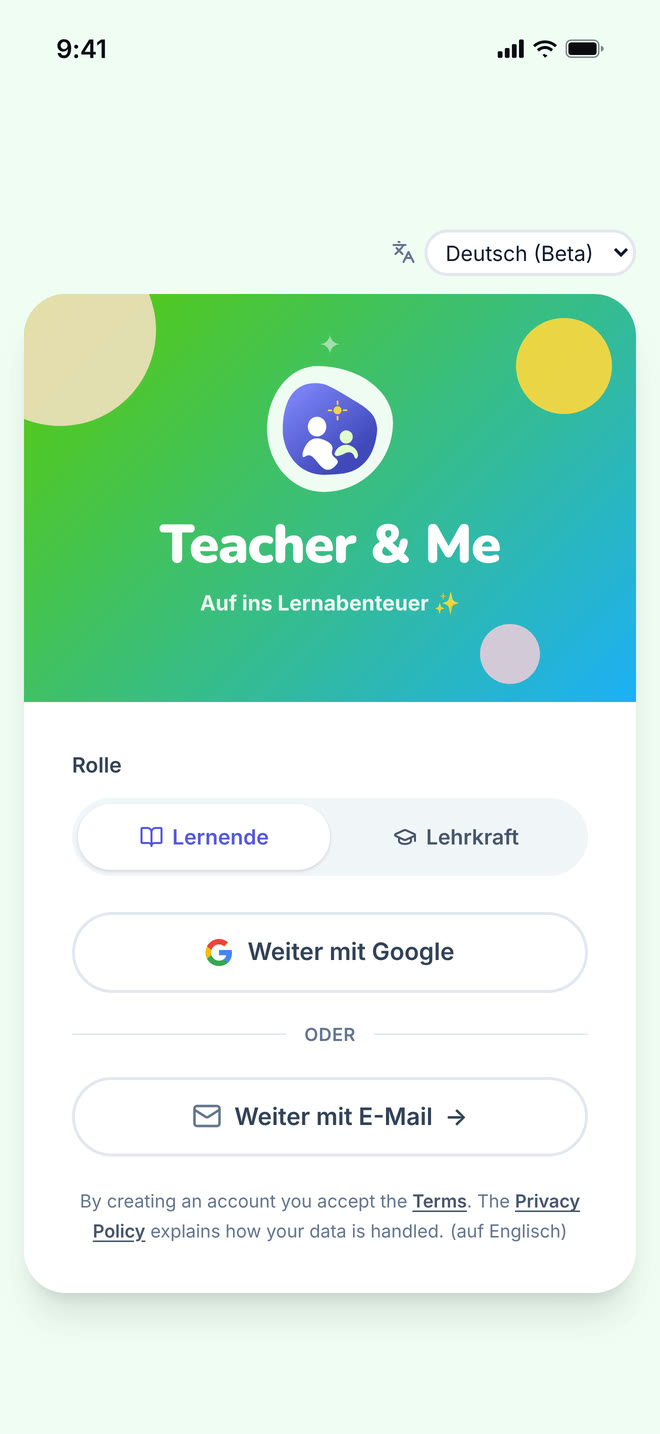
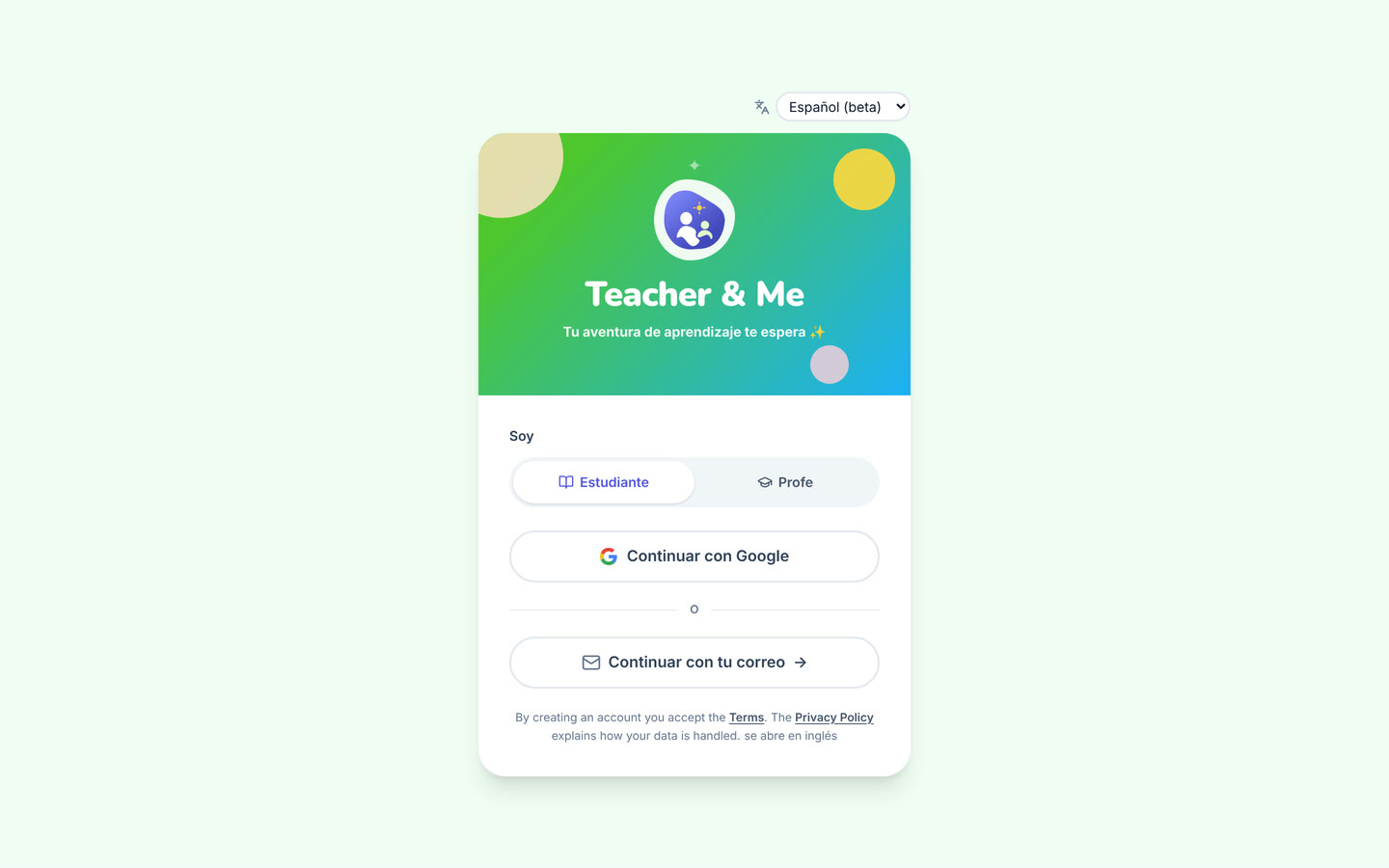
The single sign-in card, shared by students and tutors.
https://teacher-and-me.com/press-assets/desktop/signin.png
That there is one door for both roles, that signing in is passwordless, and that a person picks their own role. The toggle is the role switch: it is self-service, not an admin setting.
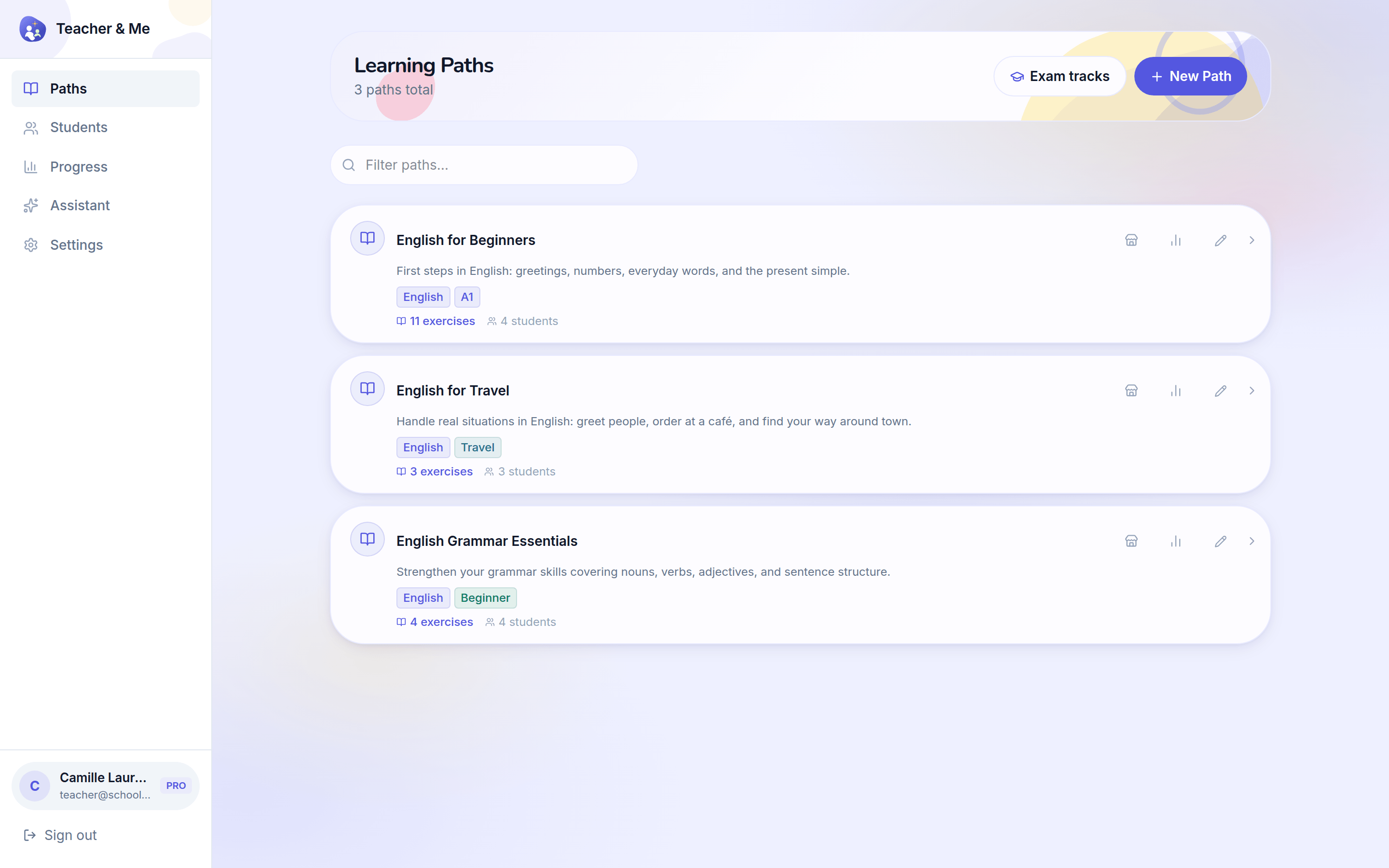
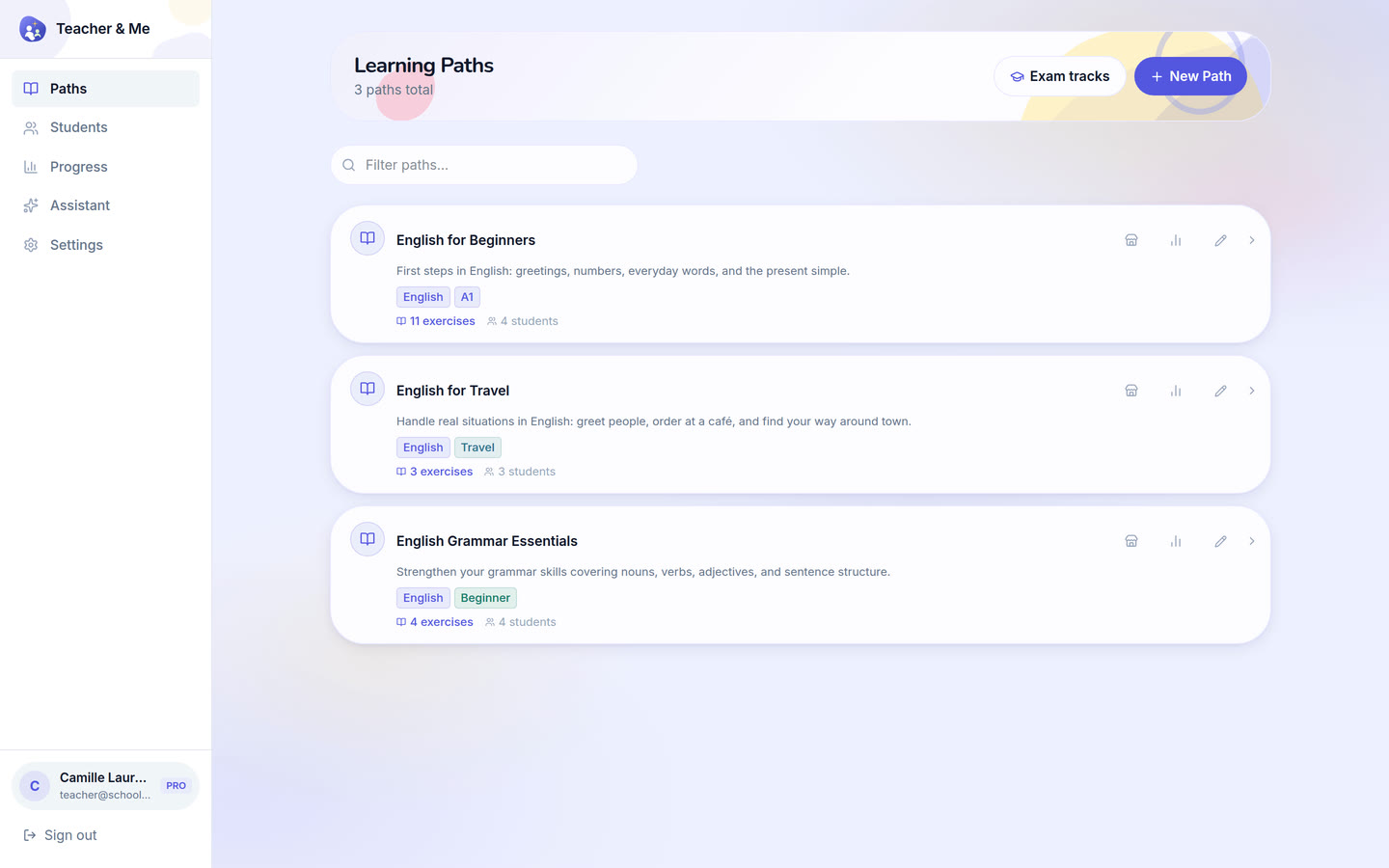
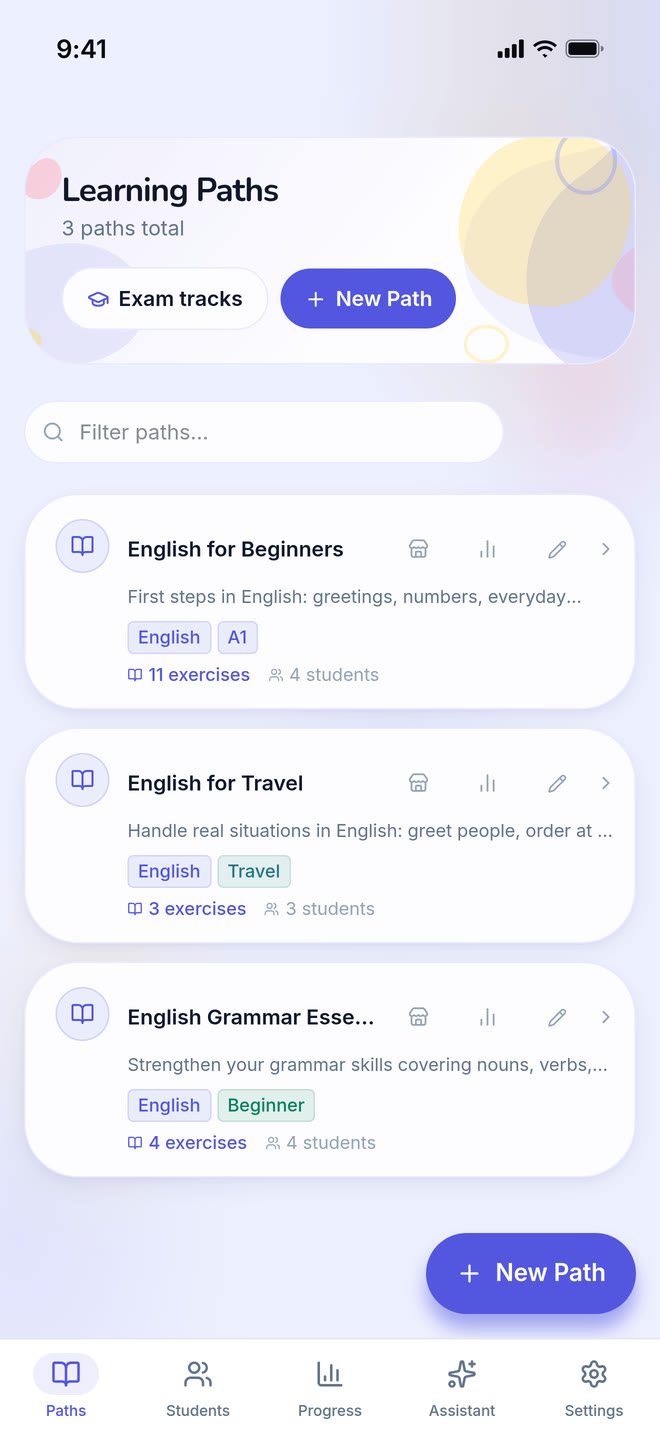
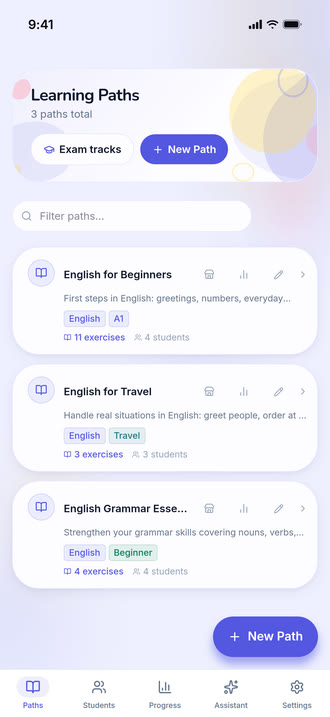
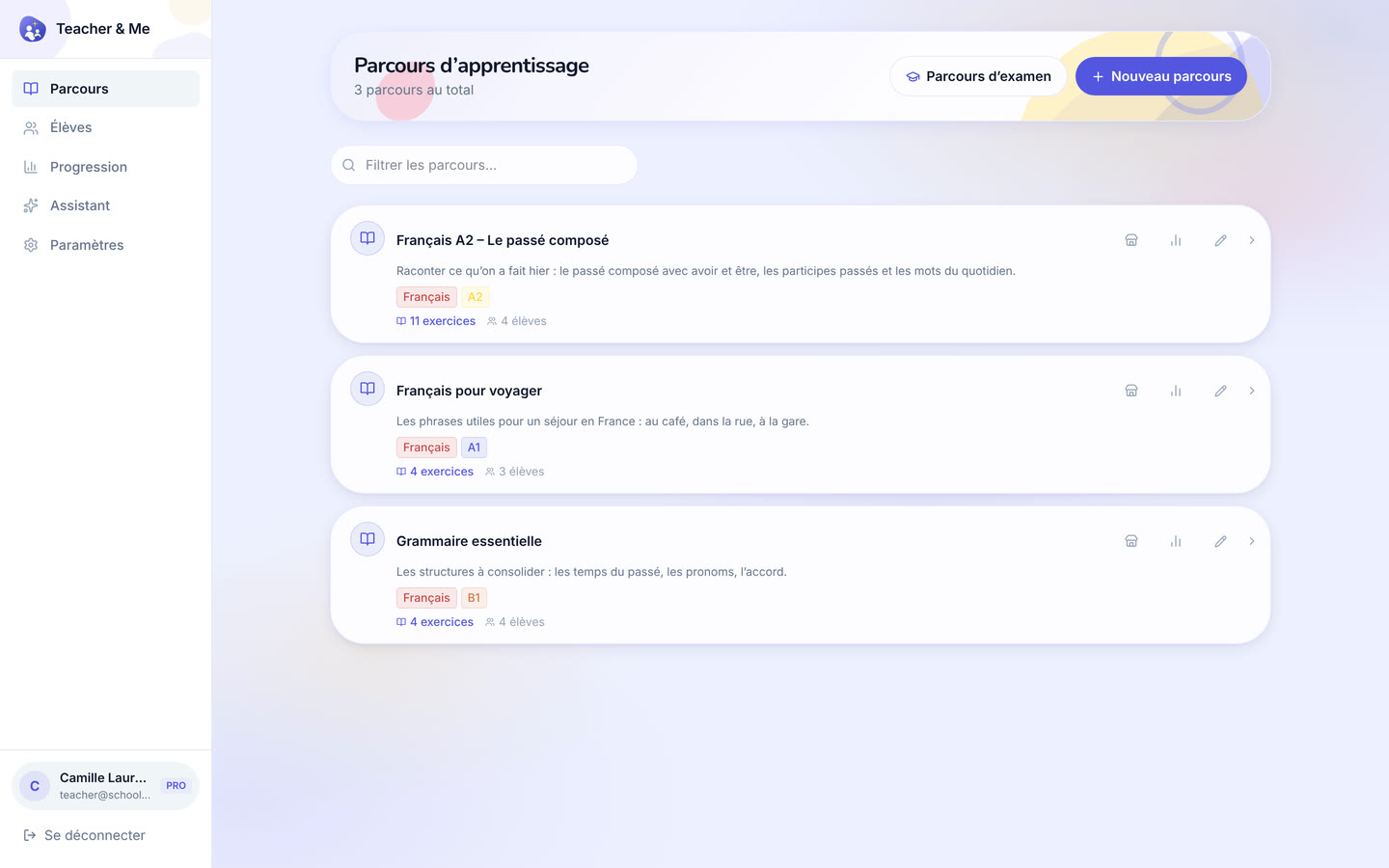
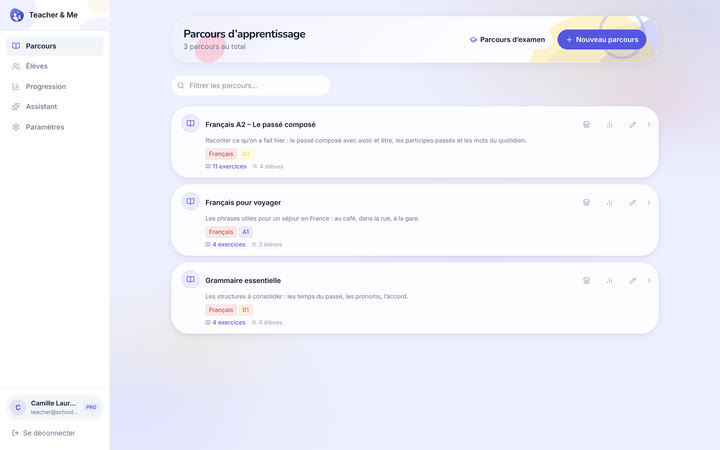
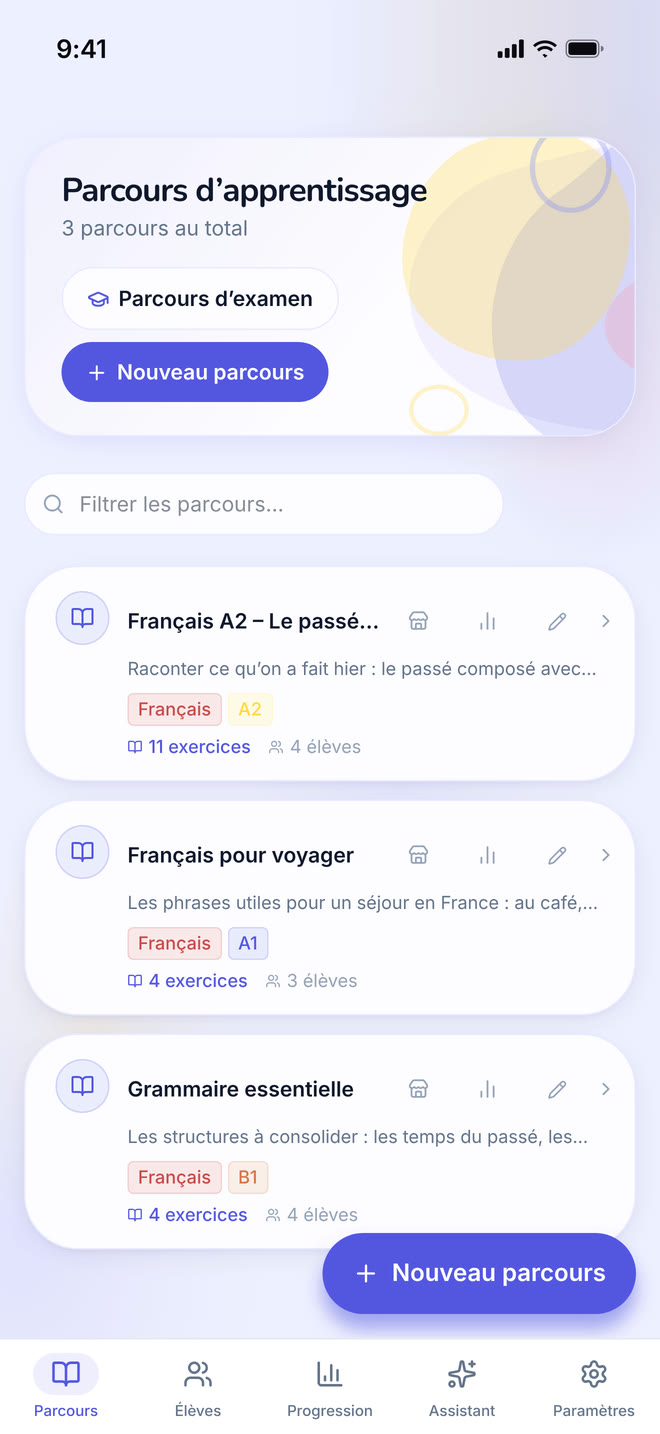
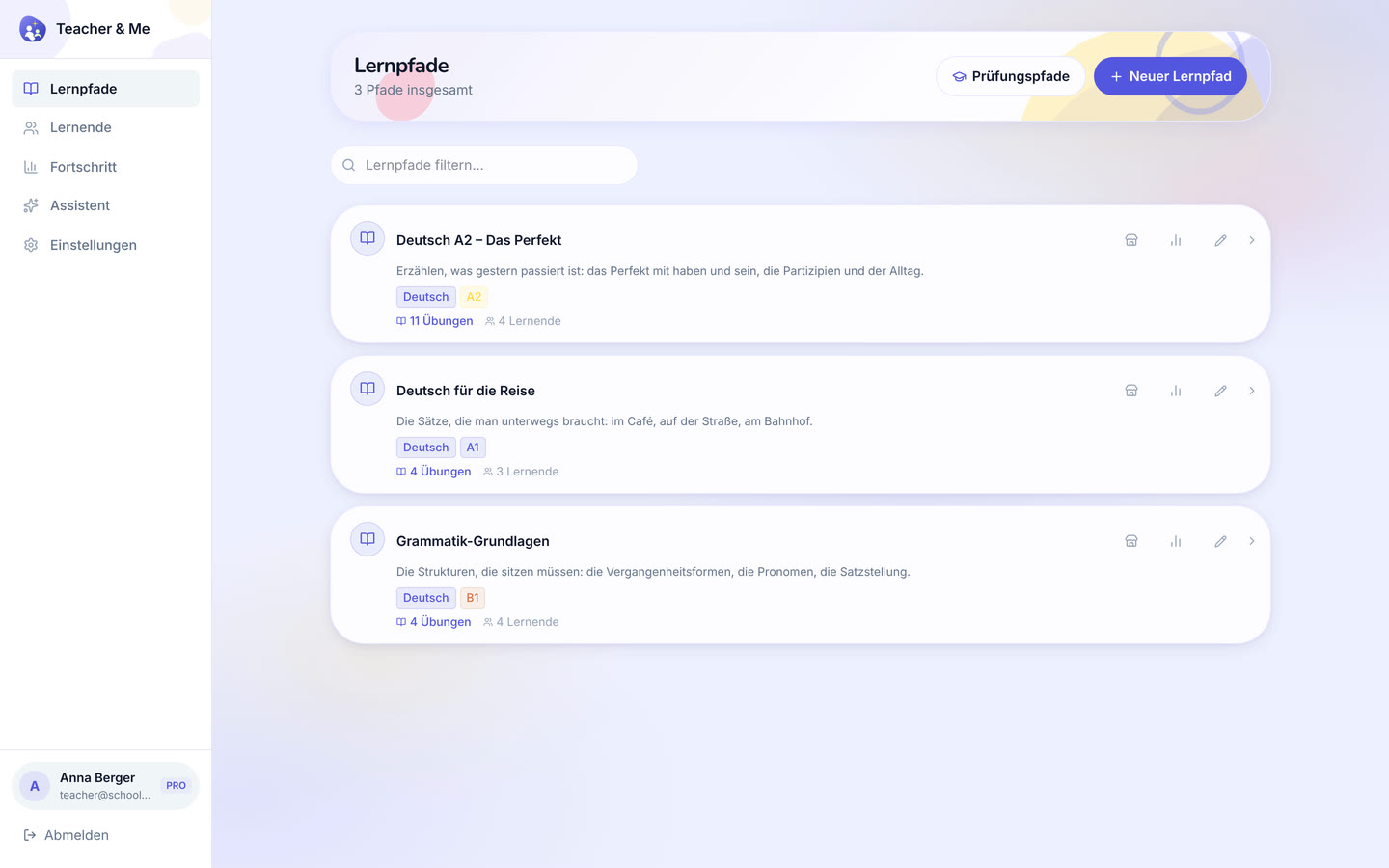
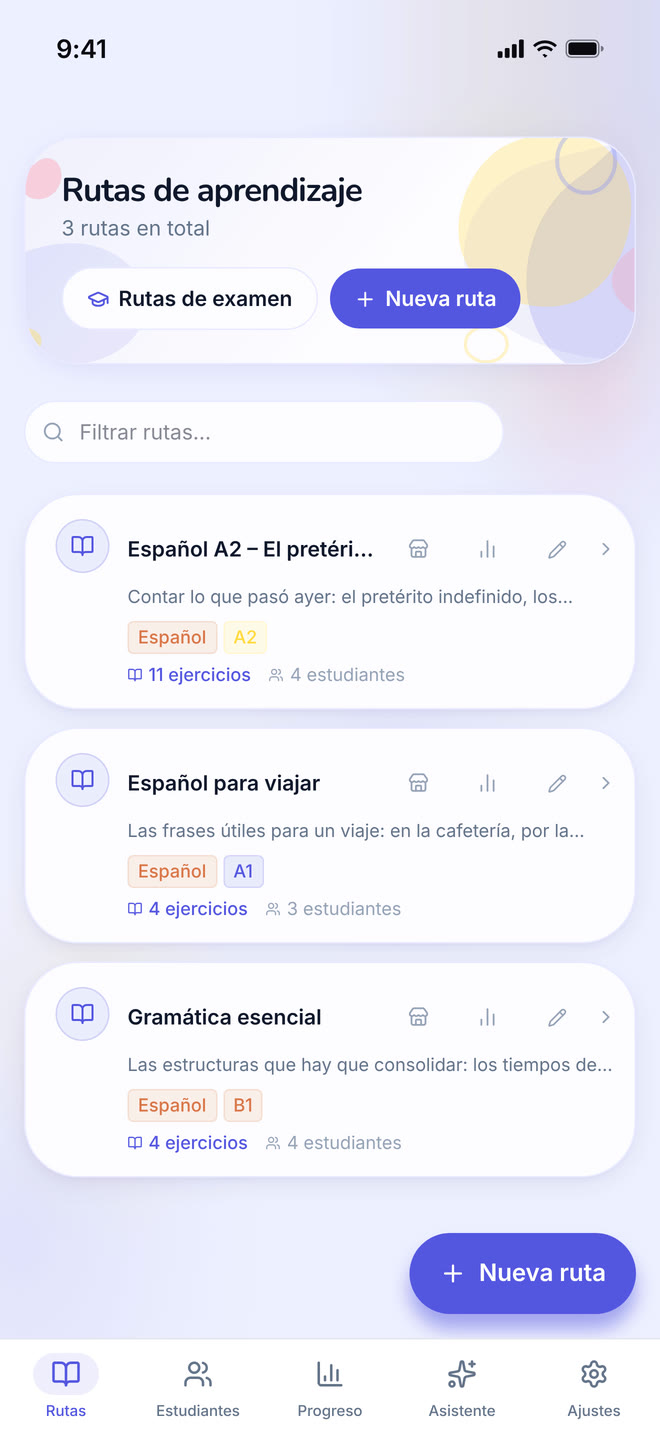
The tutor’s own paths, the first screen after signing in as a teacher.
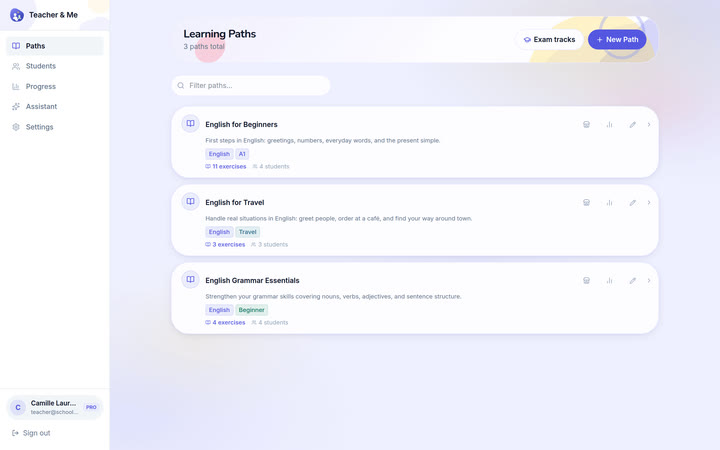
https://teacher-and-me.com/press-assets/desktop/teacher-paths.png
That a tutor’s whole workspace is one list, and that a path is a small, countable object.
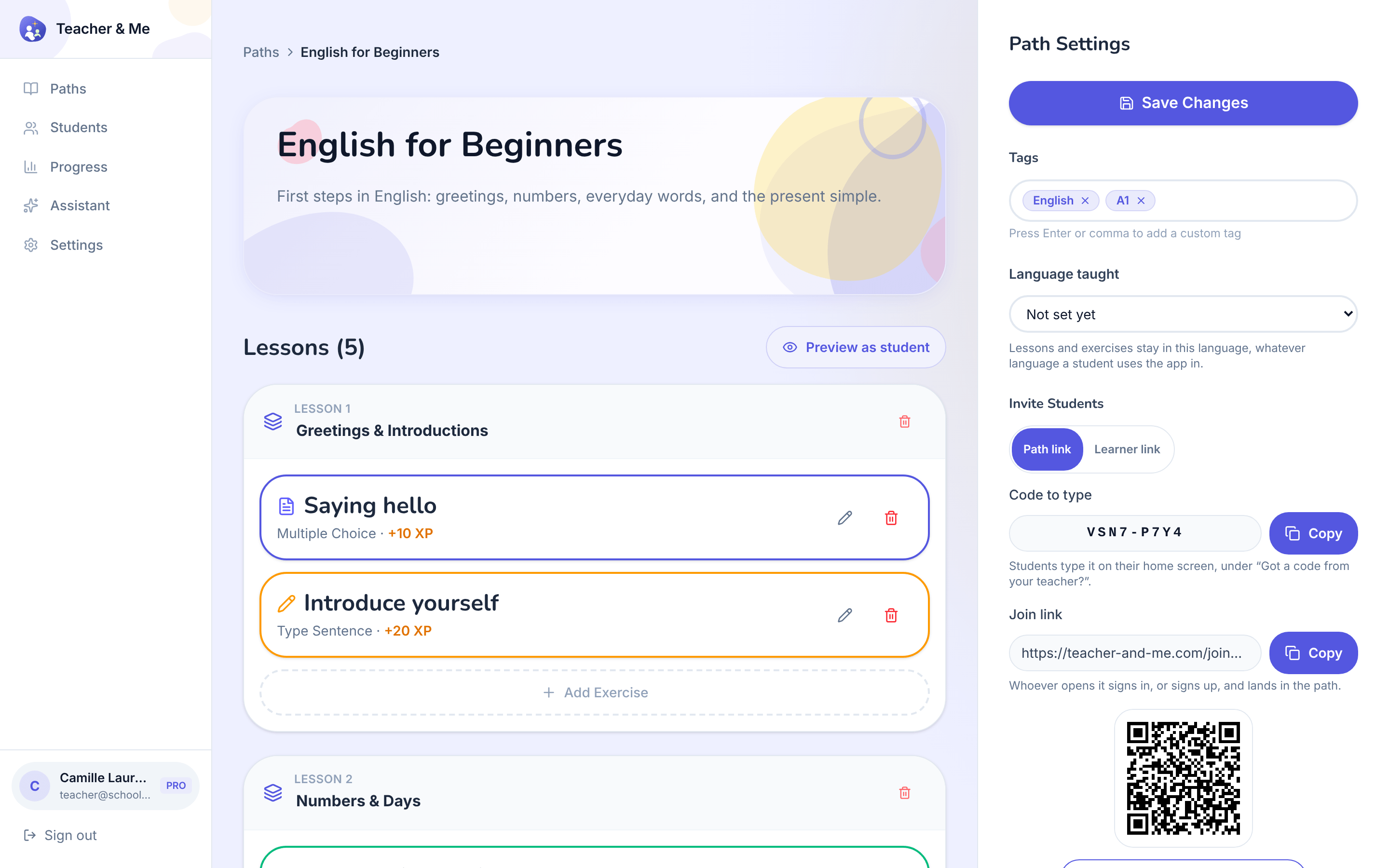
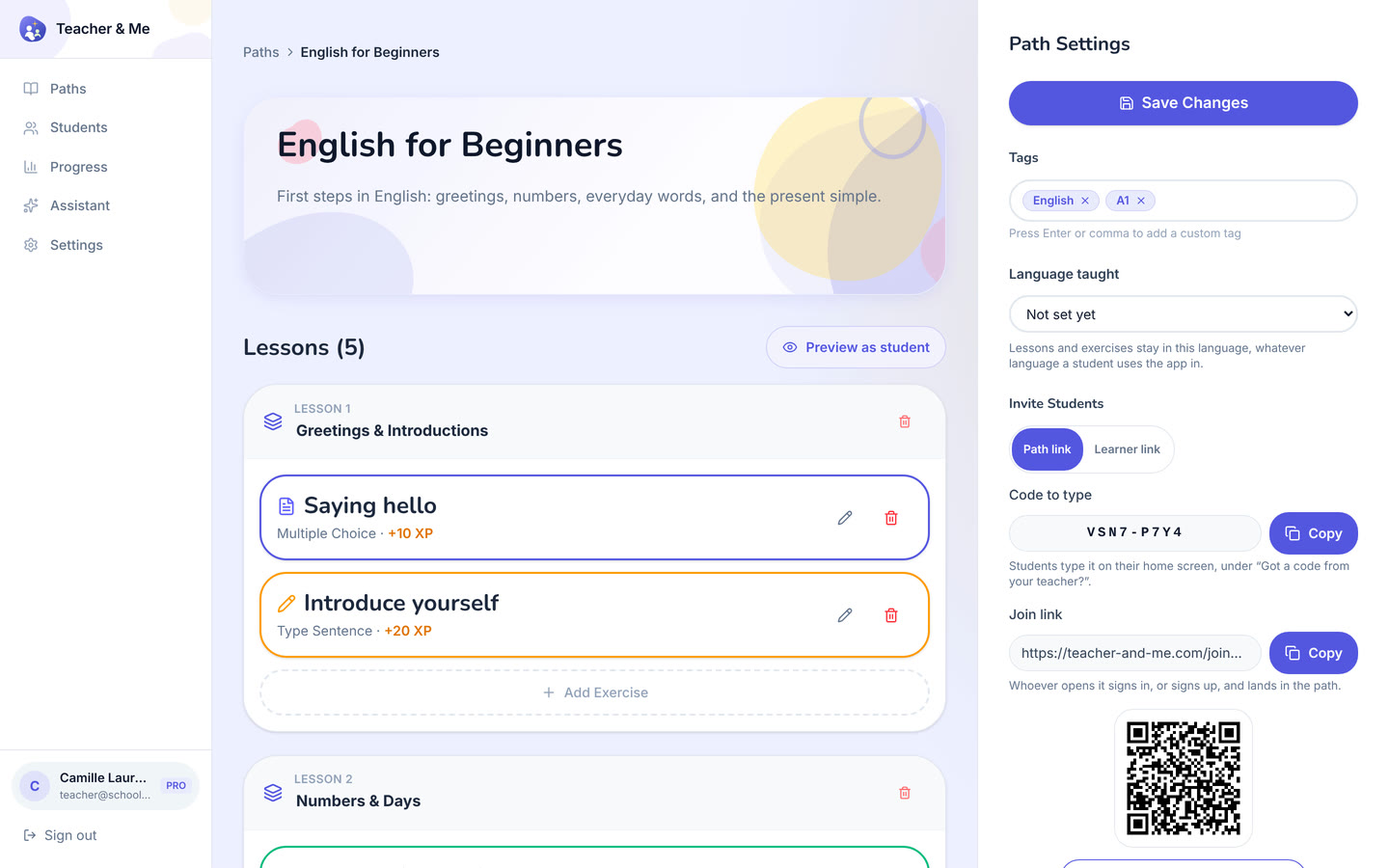
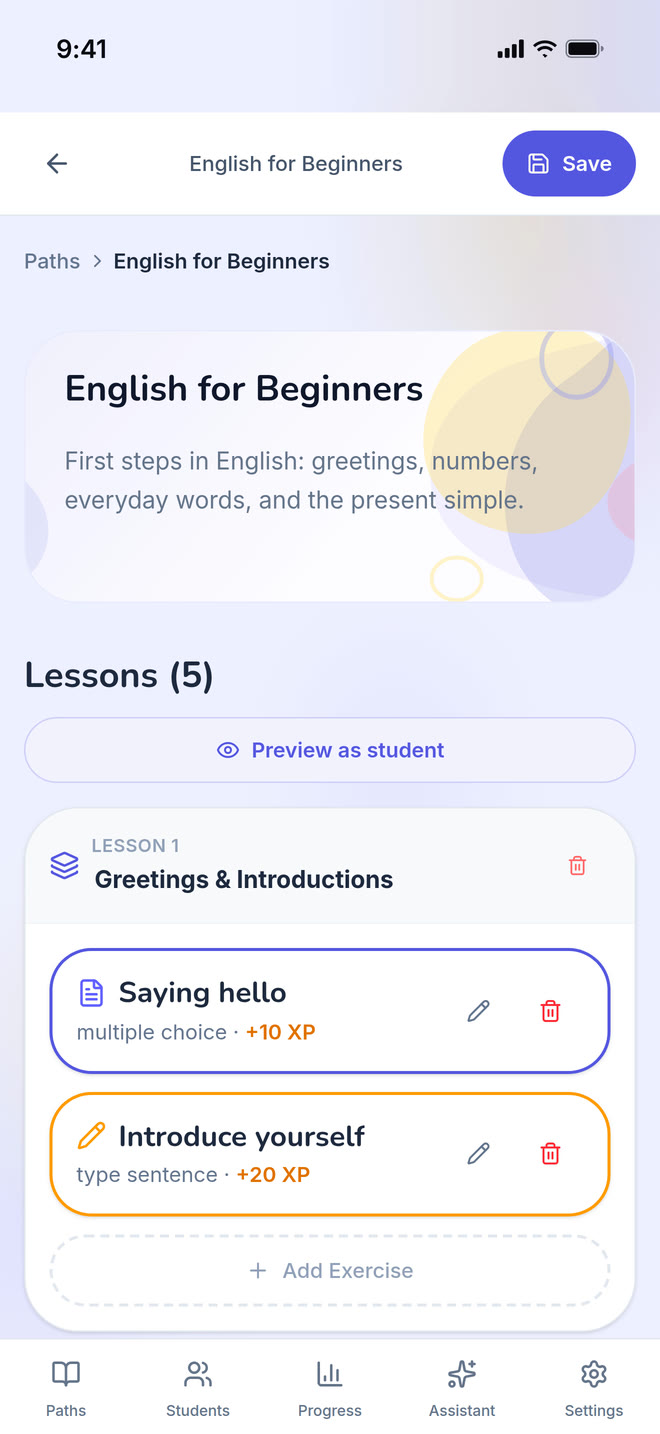
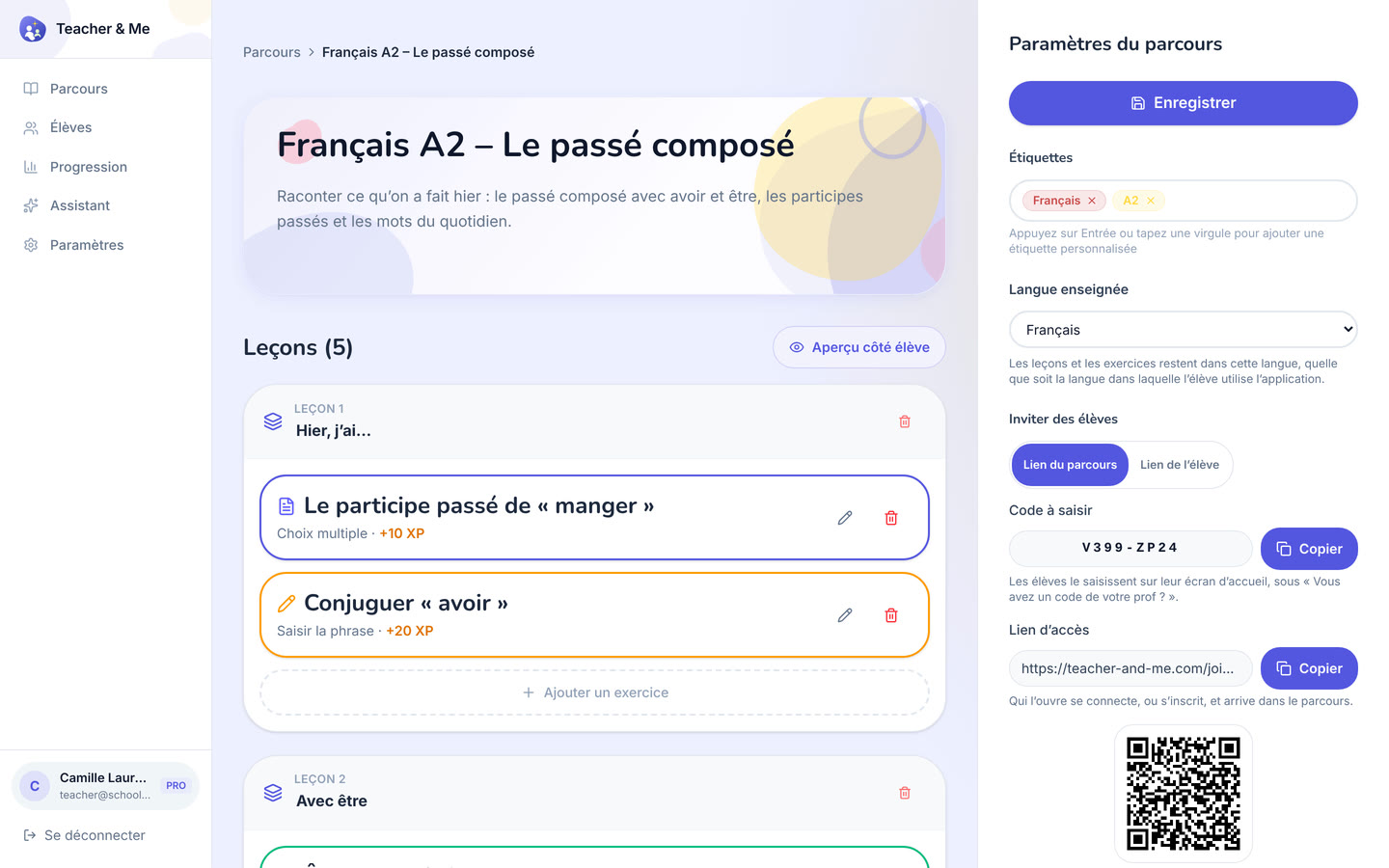
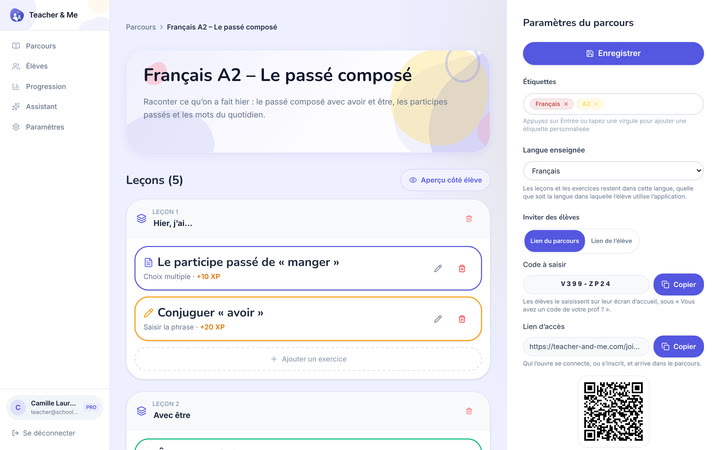
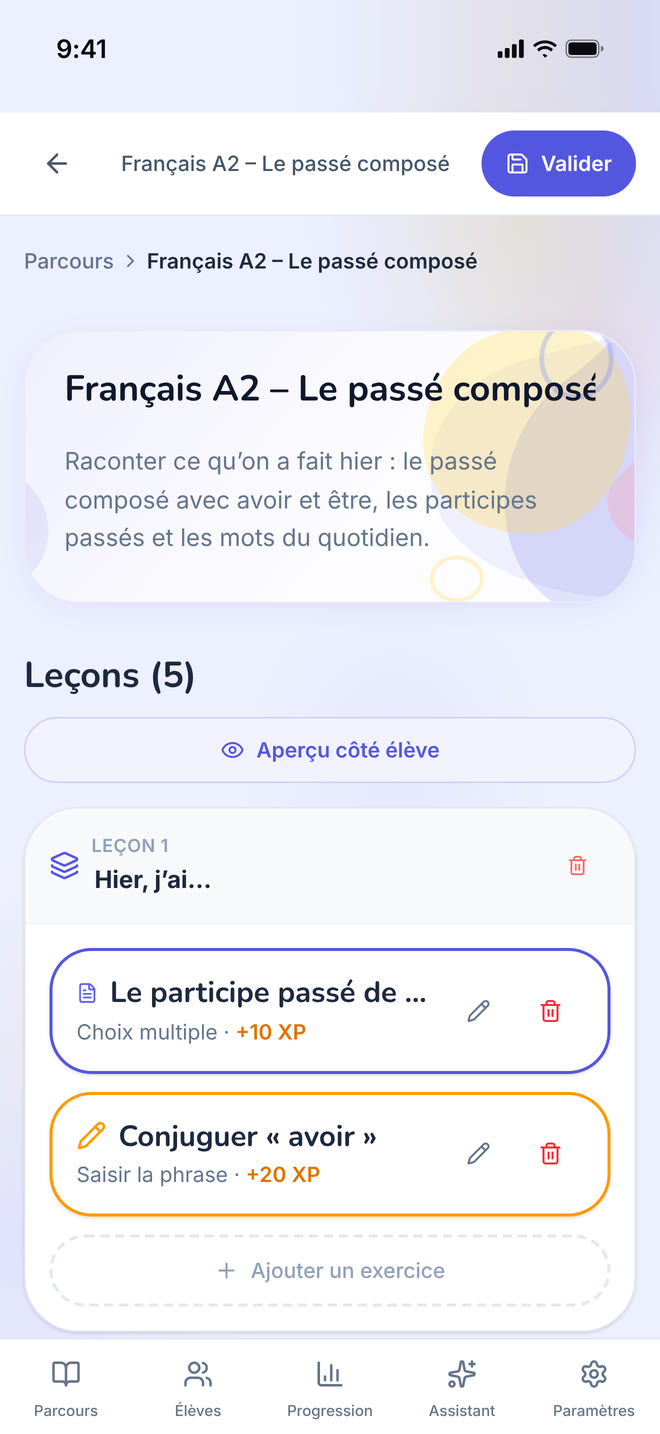
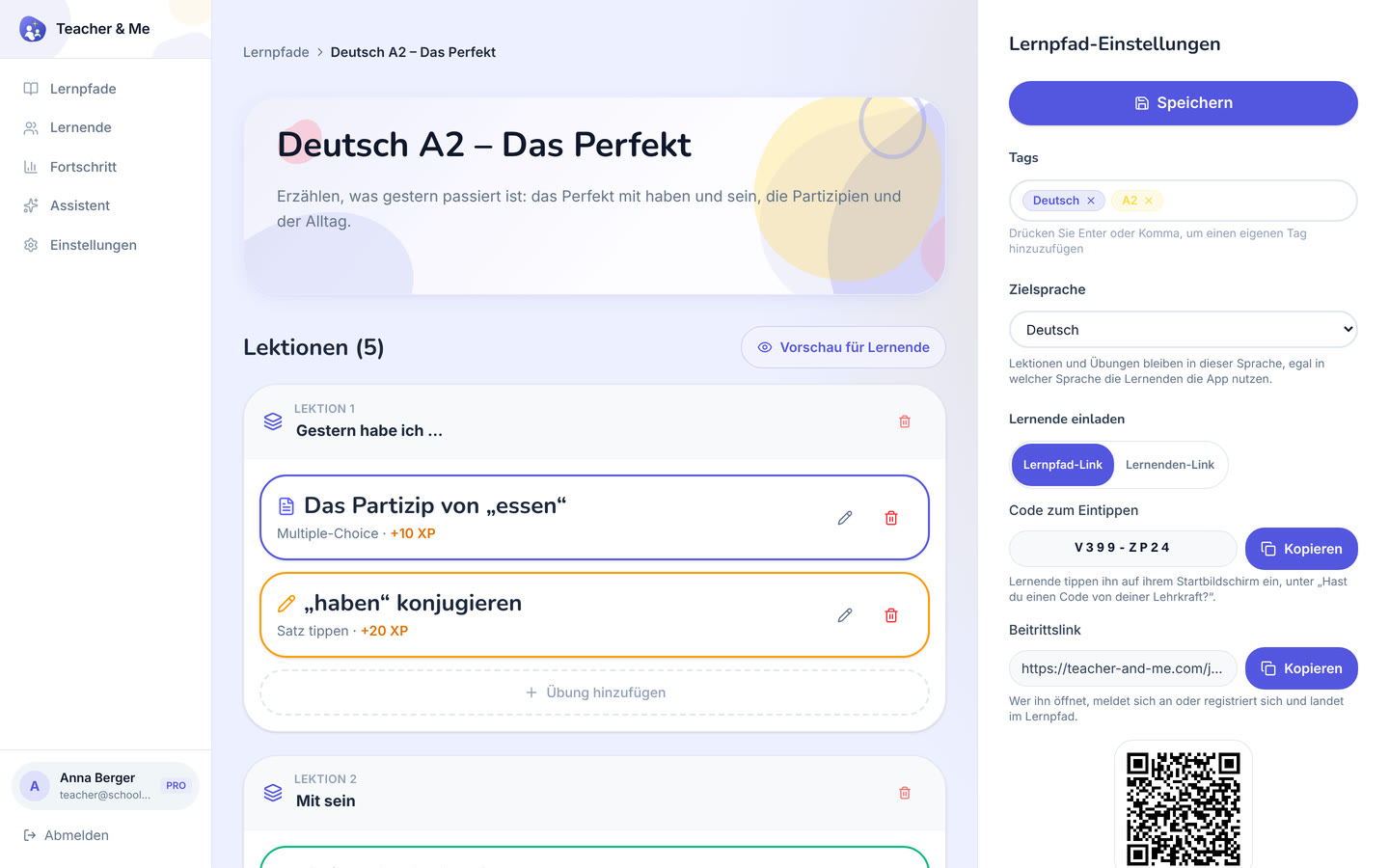
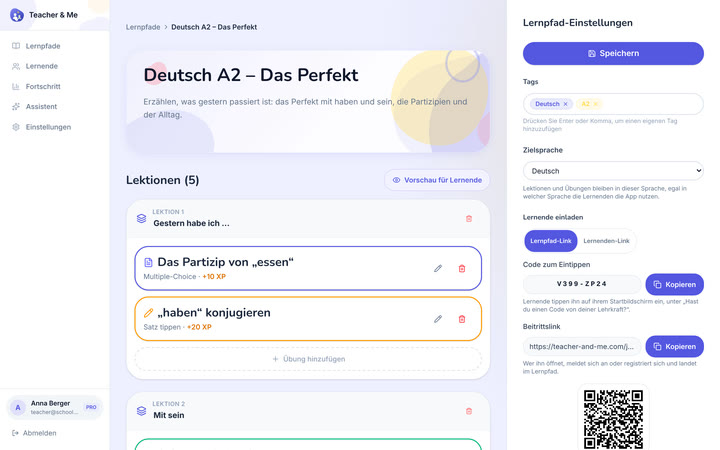
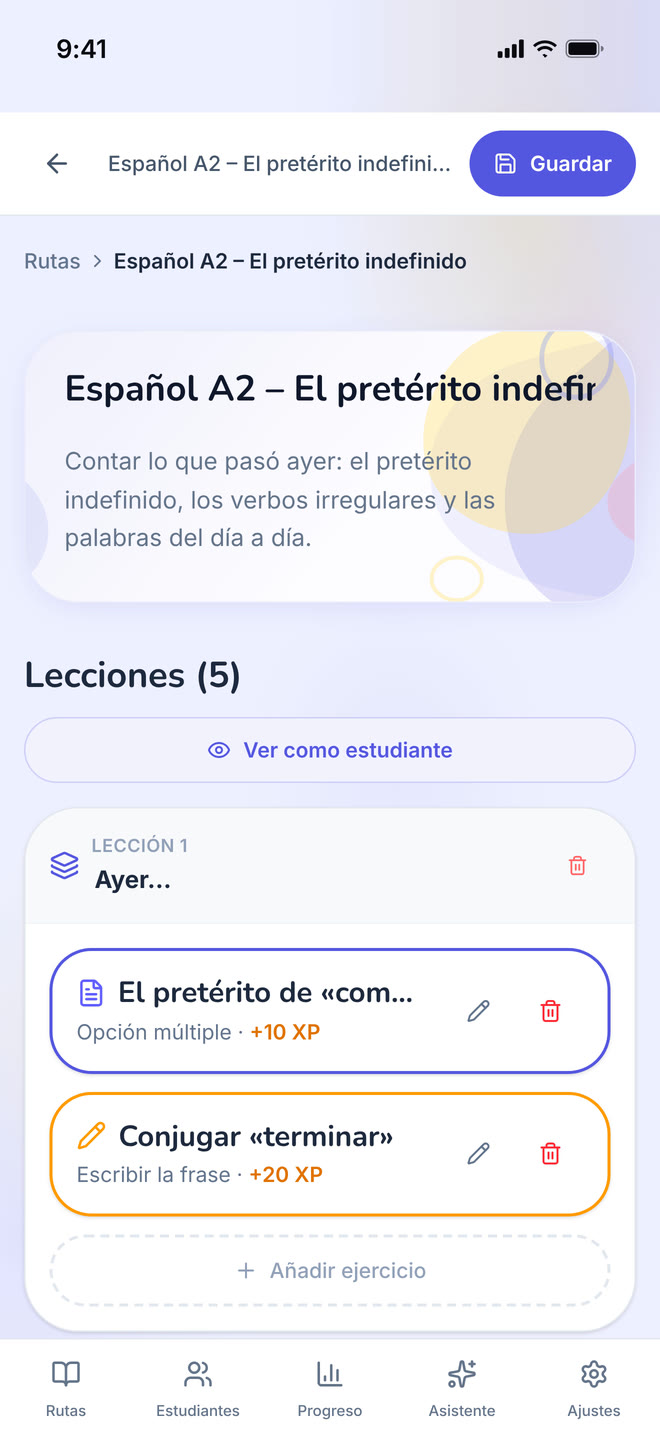
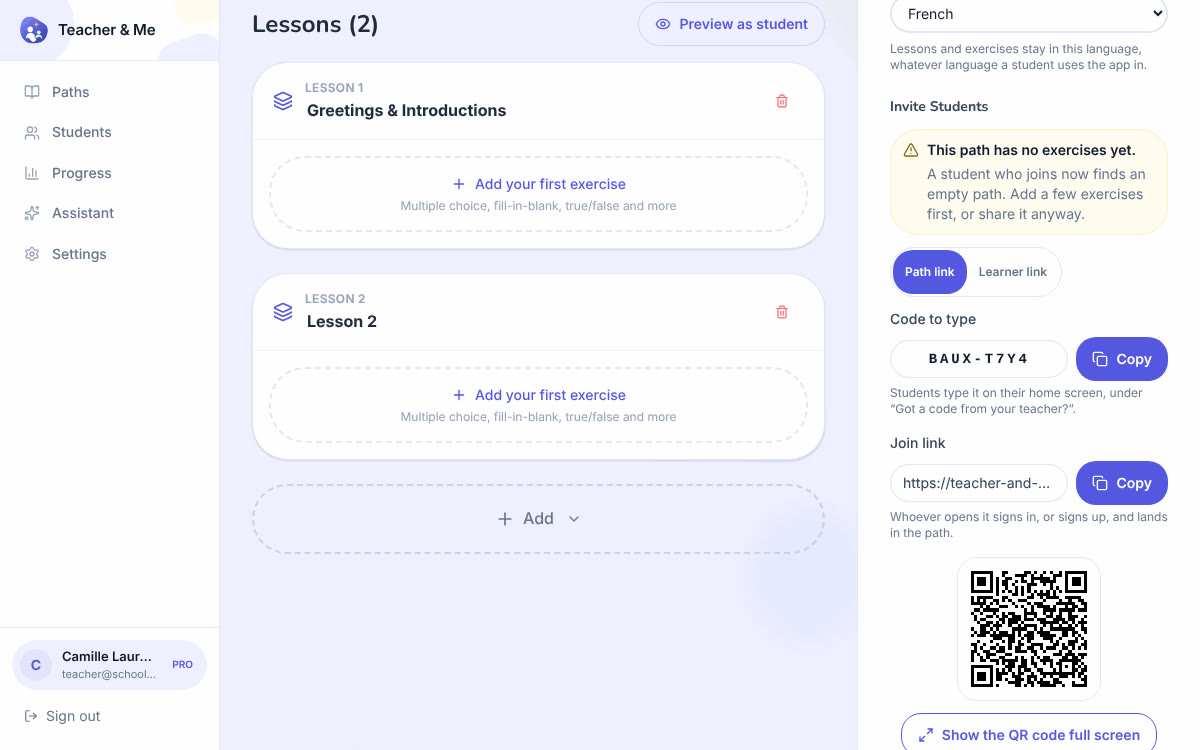
One path opened for editing: its lessons, in order.
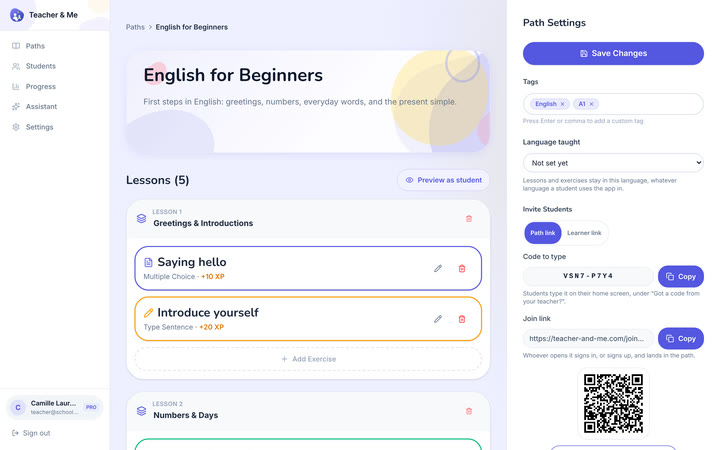
https://teacher-and-me.com/press-assets/desktop/teacher-path-editor.png
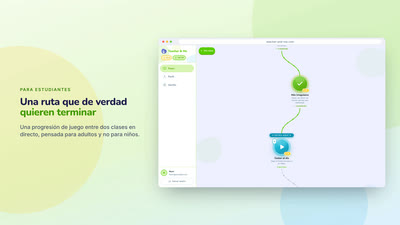
The "build a path in minutes" claim. This is the screen that shows a path is lessons, and a lesson is exercises.
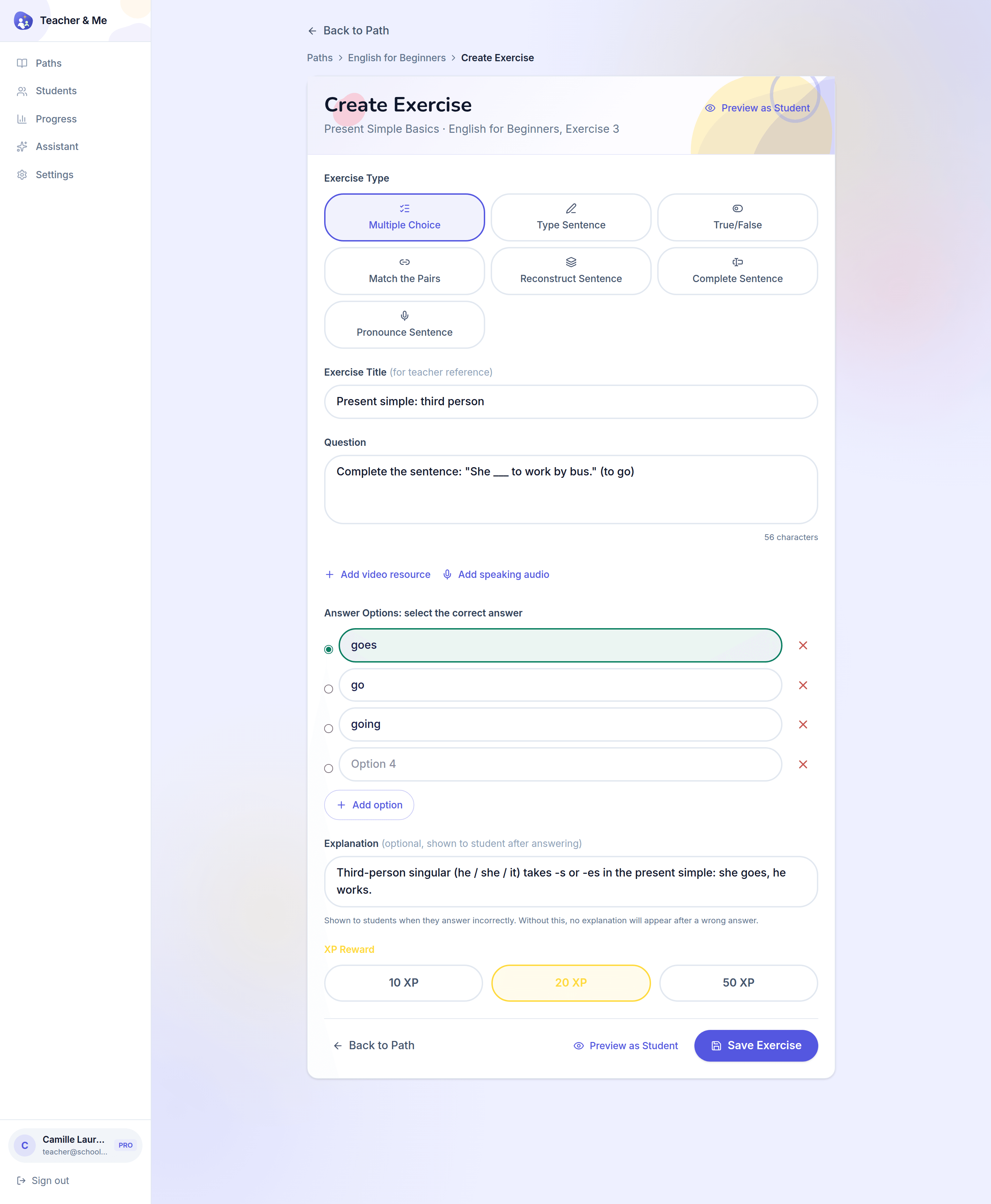
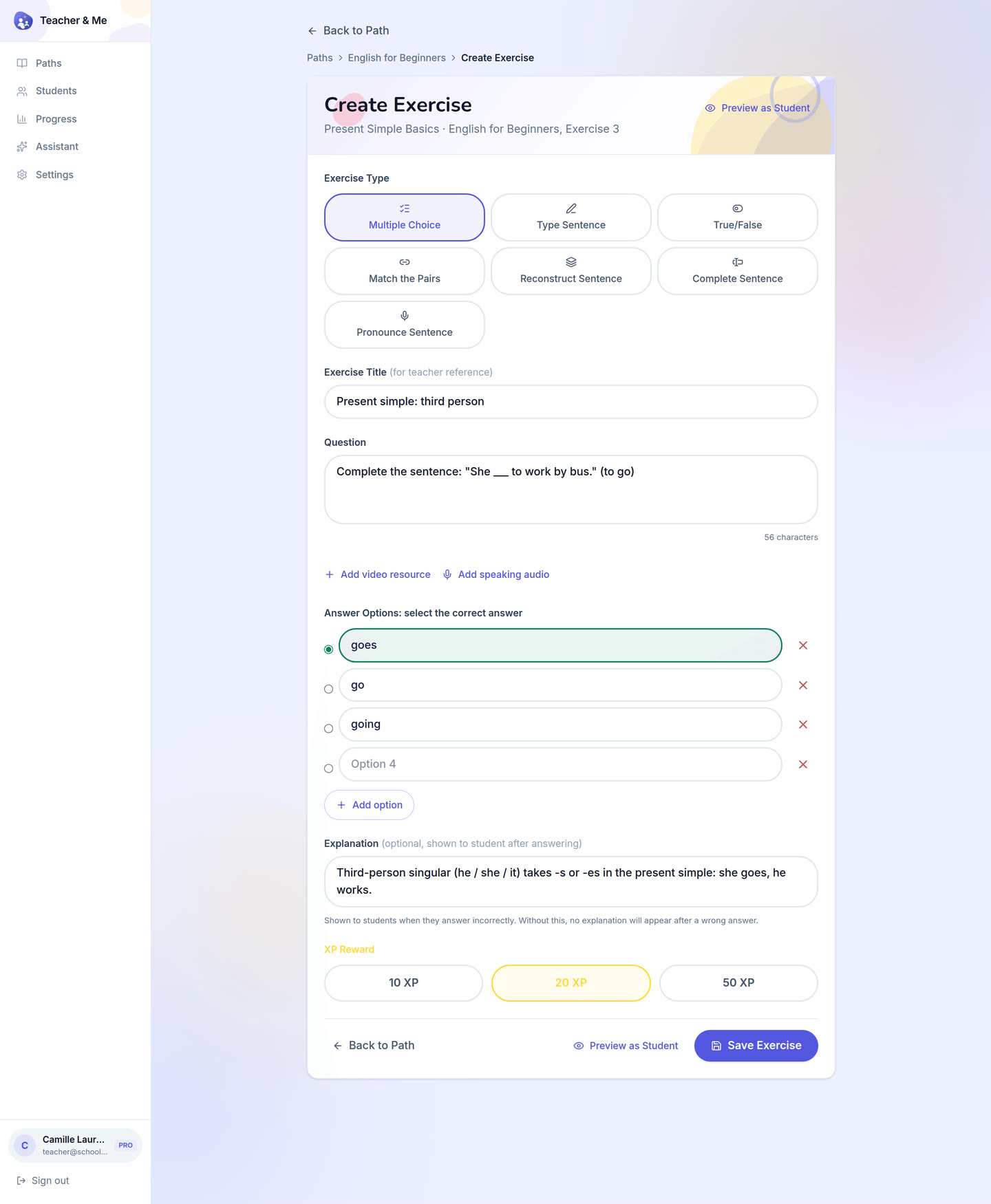
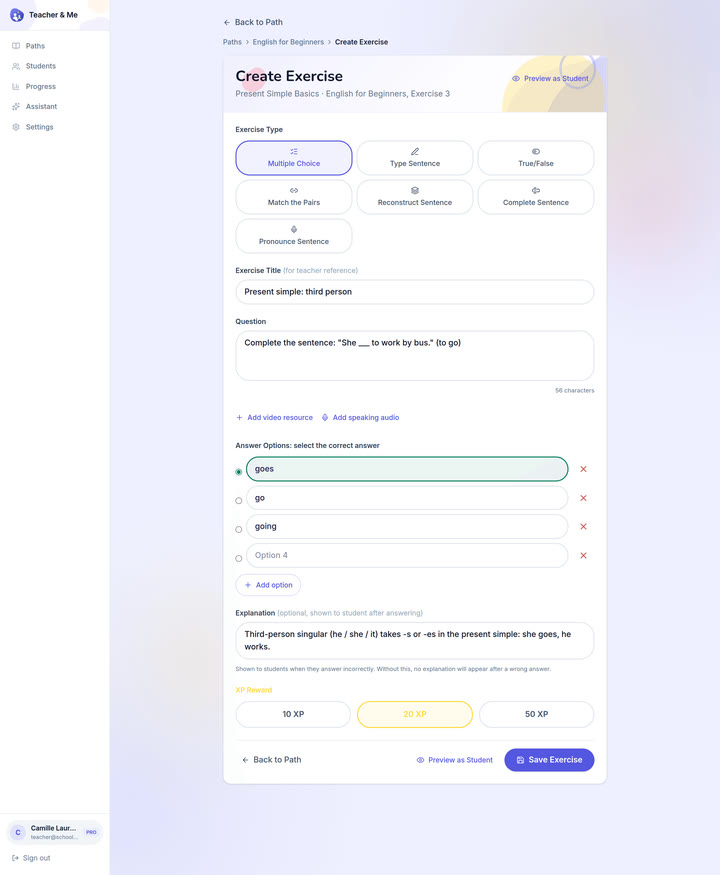
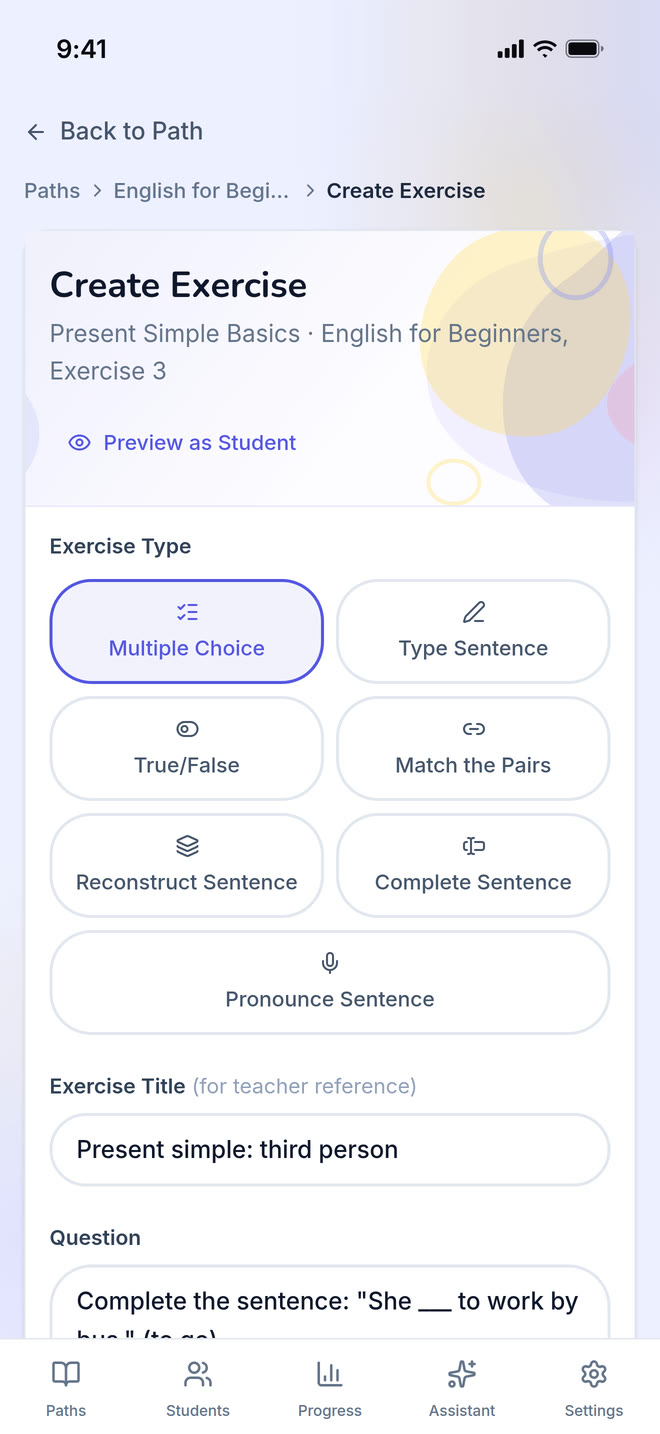
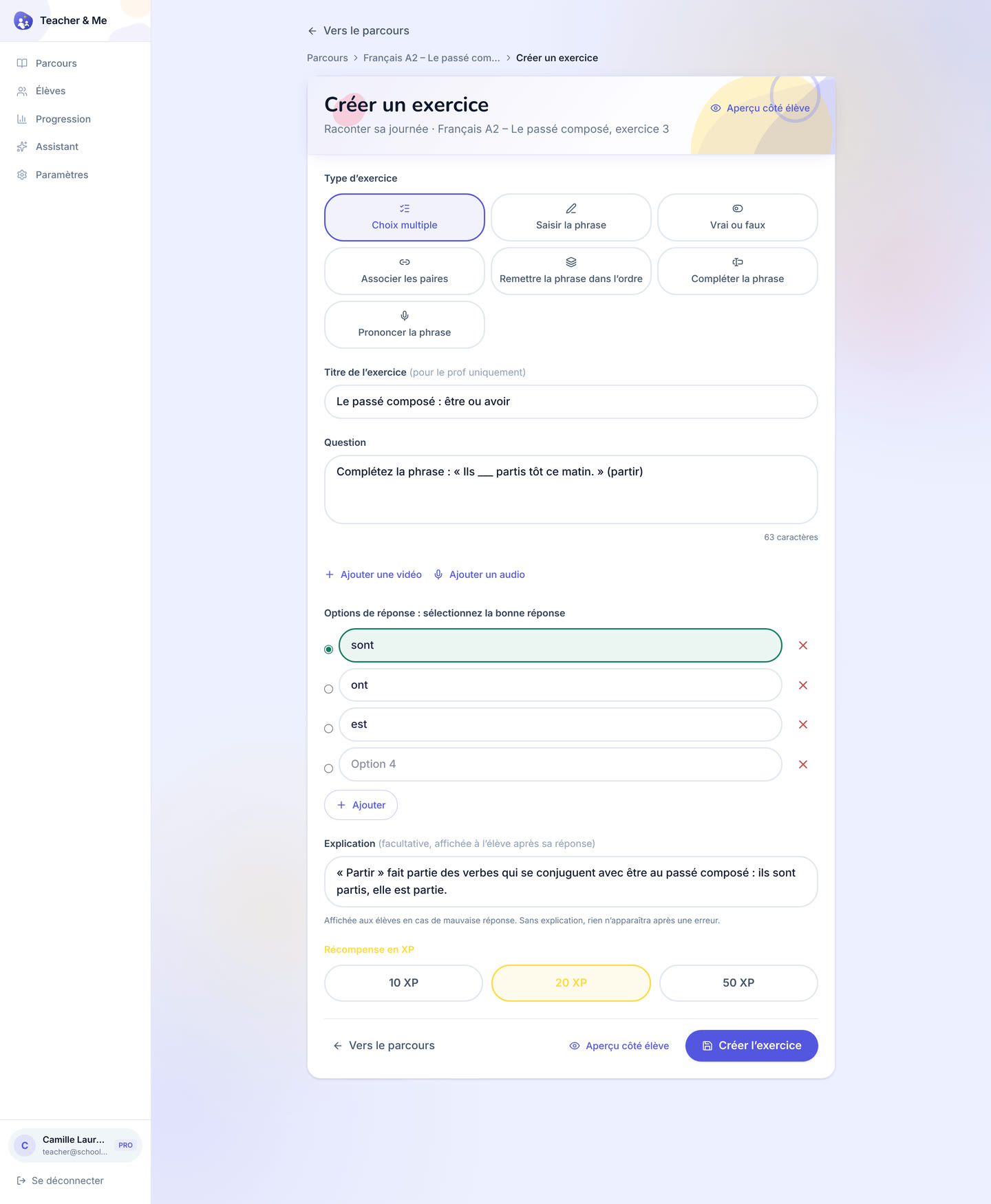
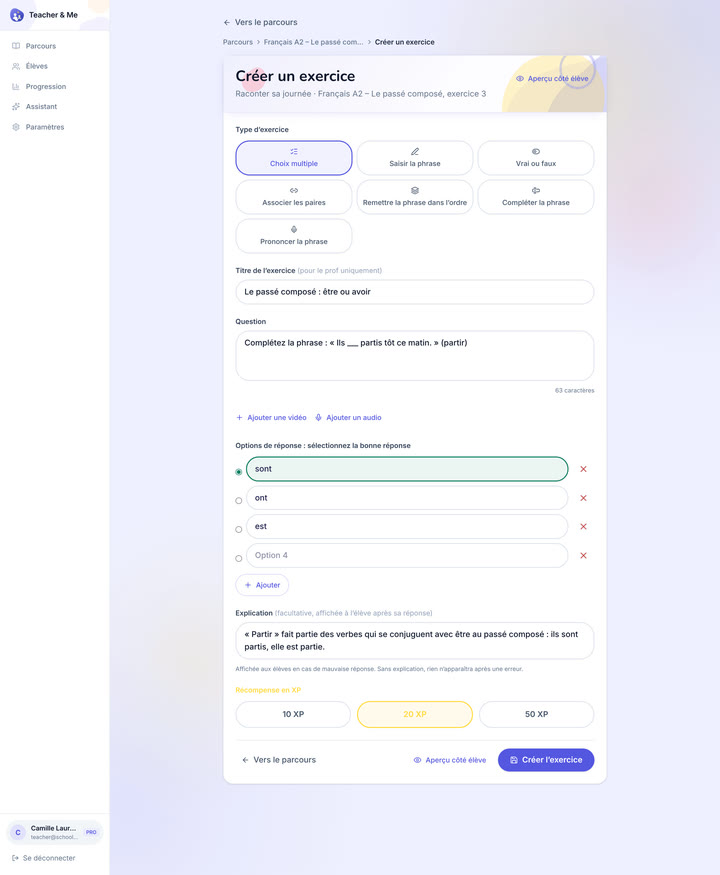
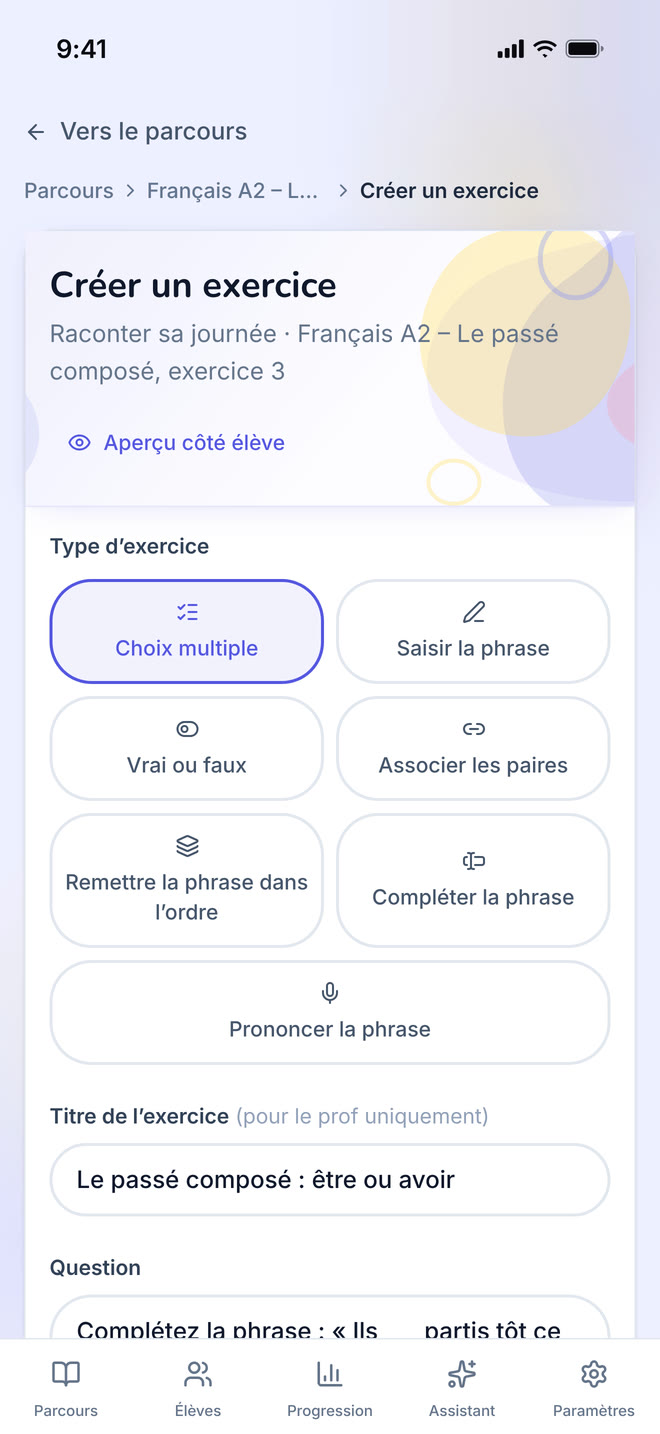
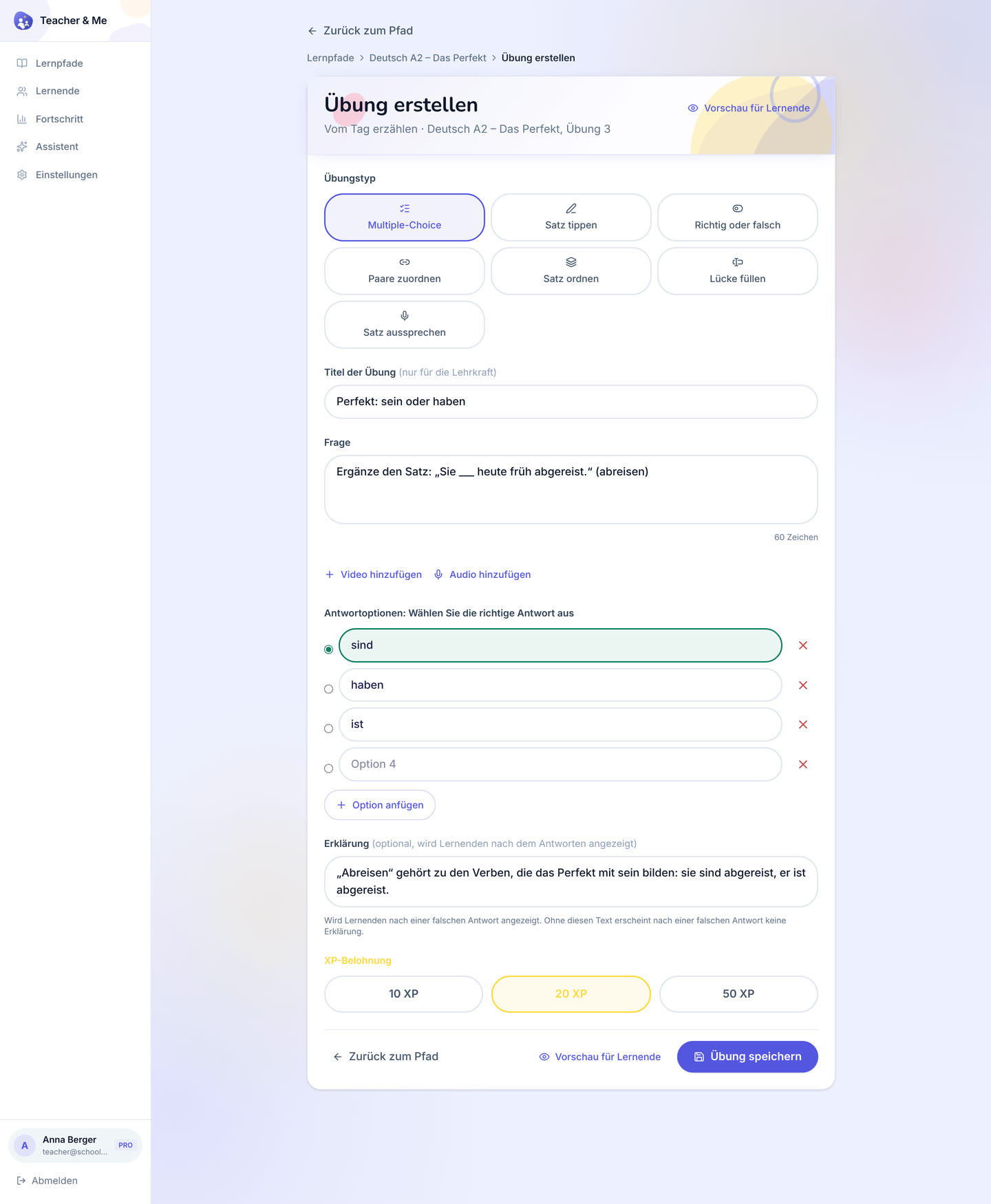
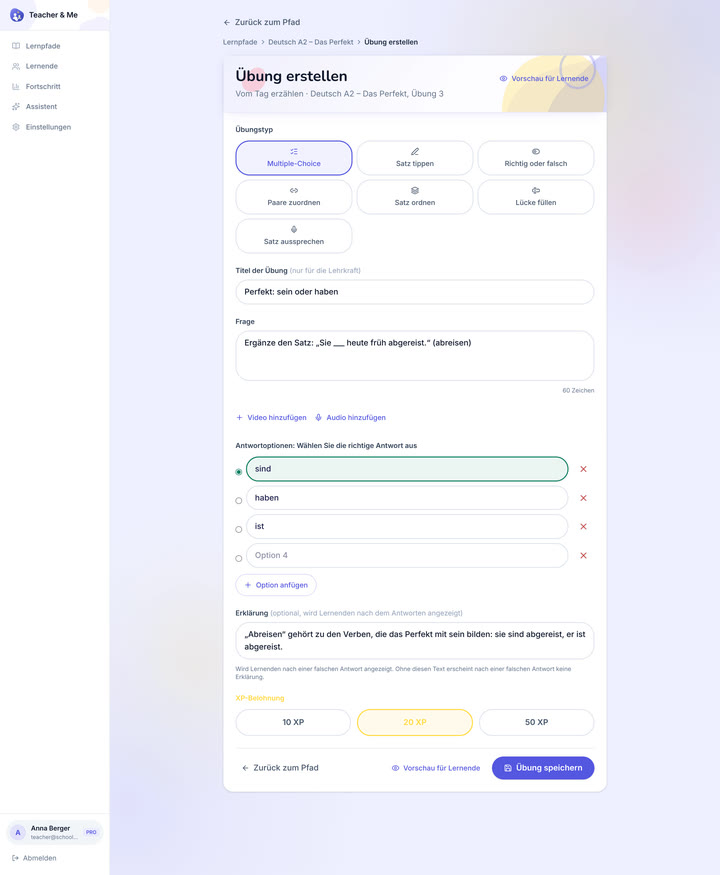
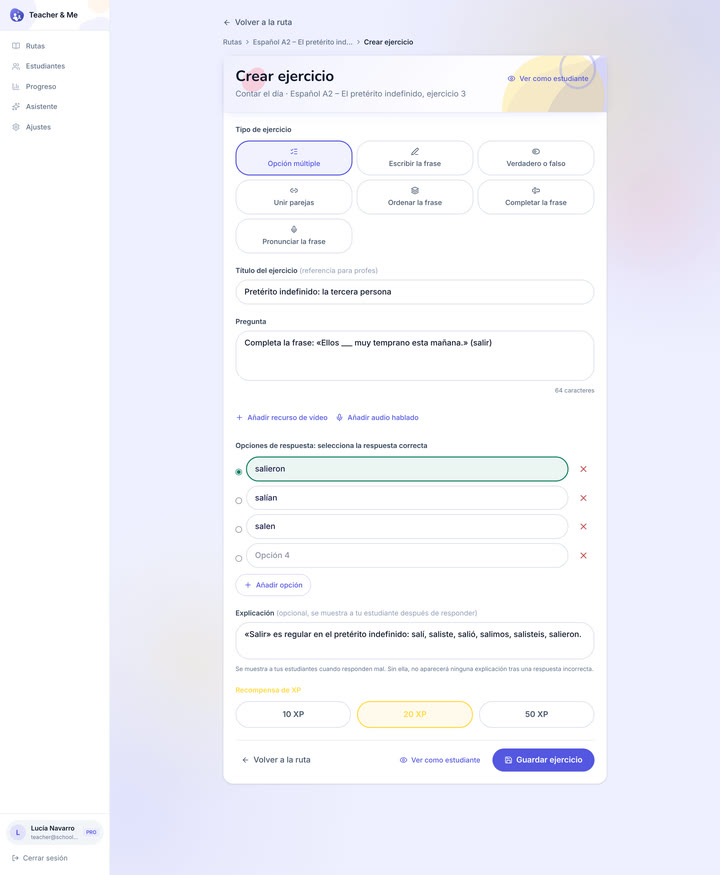
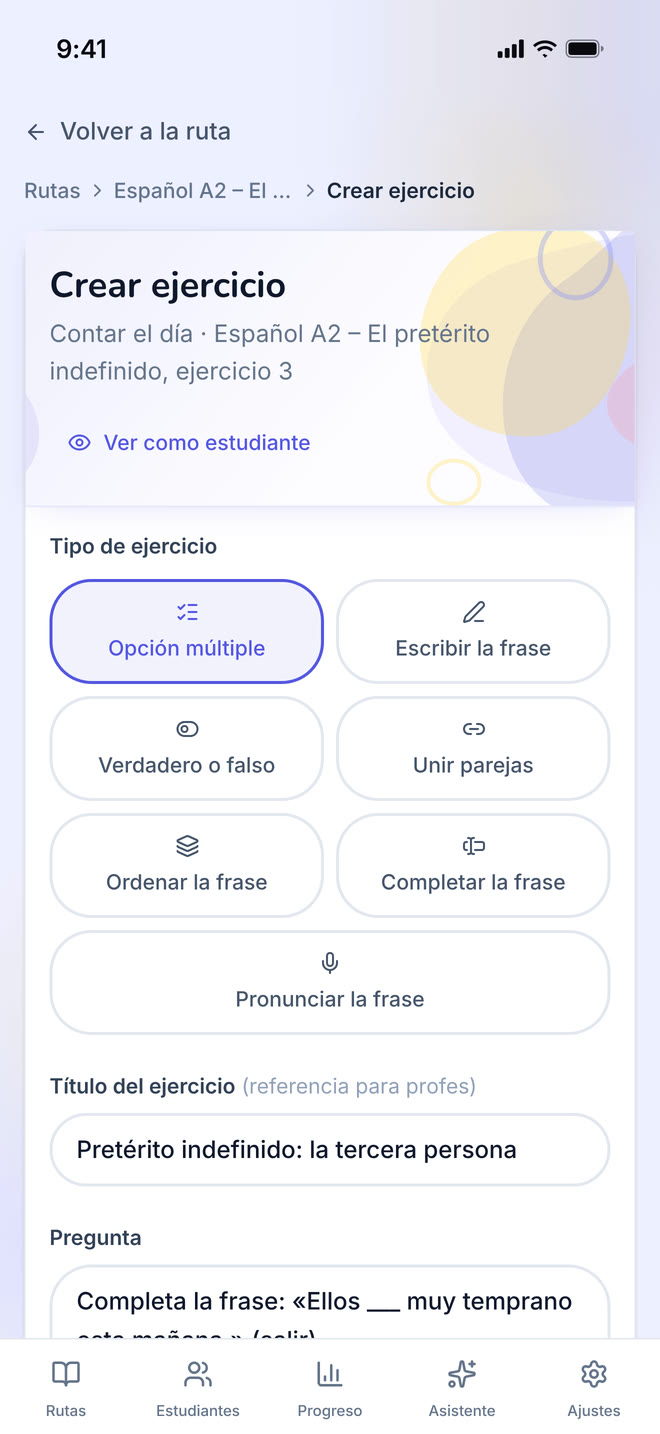
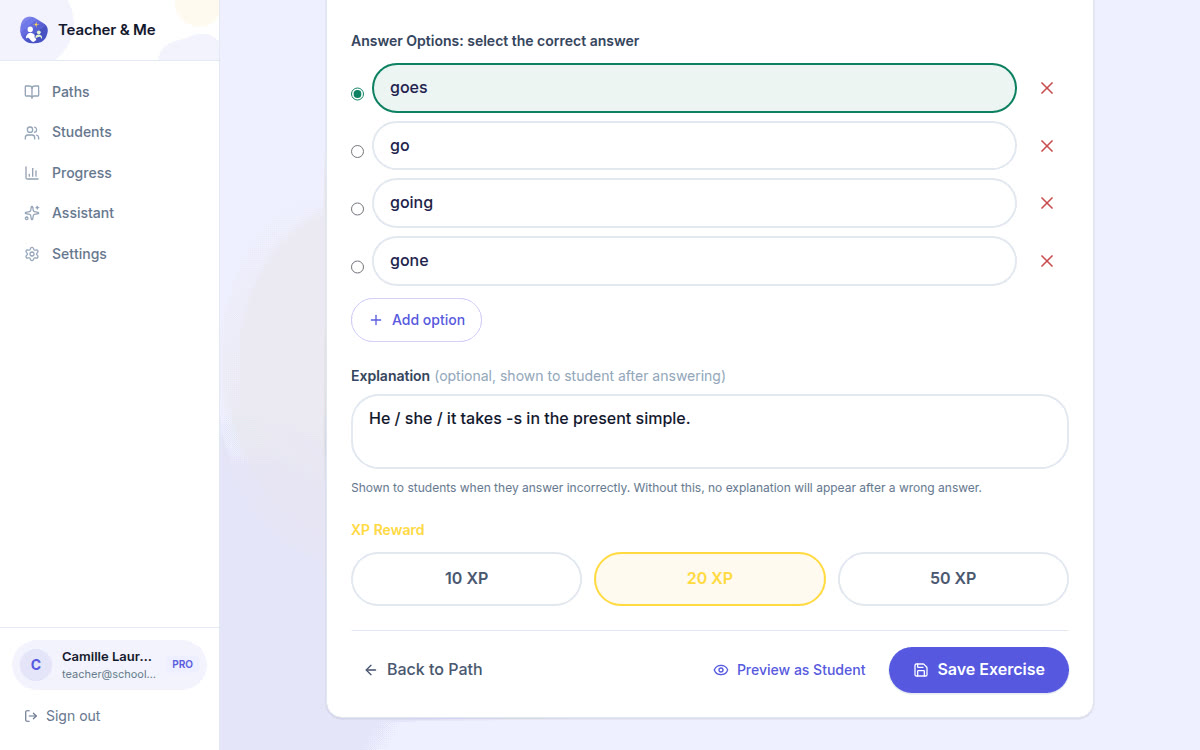
The form one exercise is written in, filled with a multiple-choice question.
https://teacher-and-me.com/press-assets/desktop/teacher-exercise-builder.png
The "seven exercise types, one editor" claim, and that a tutor writes the explanation, not a template. The desktop capture is deliberately taller than the others so the whole form fits one frame.
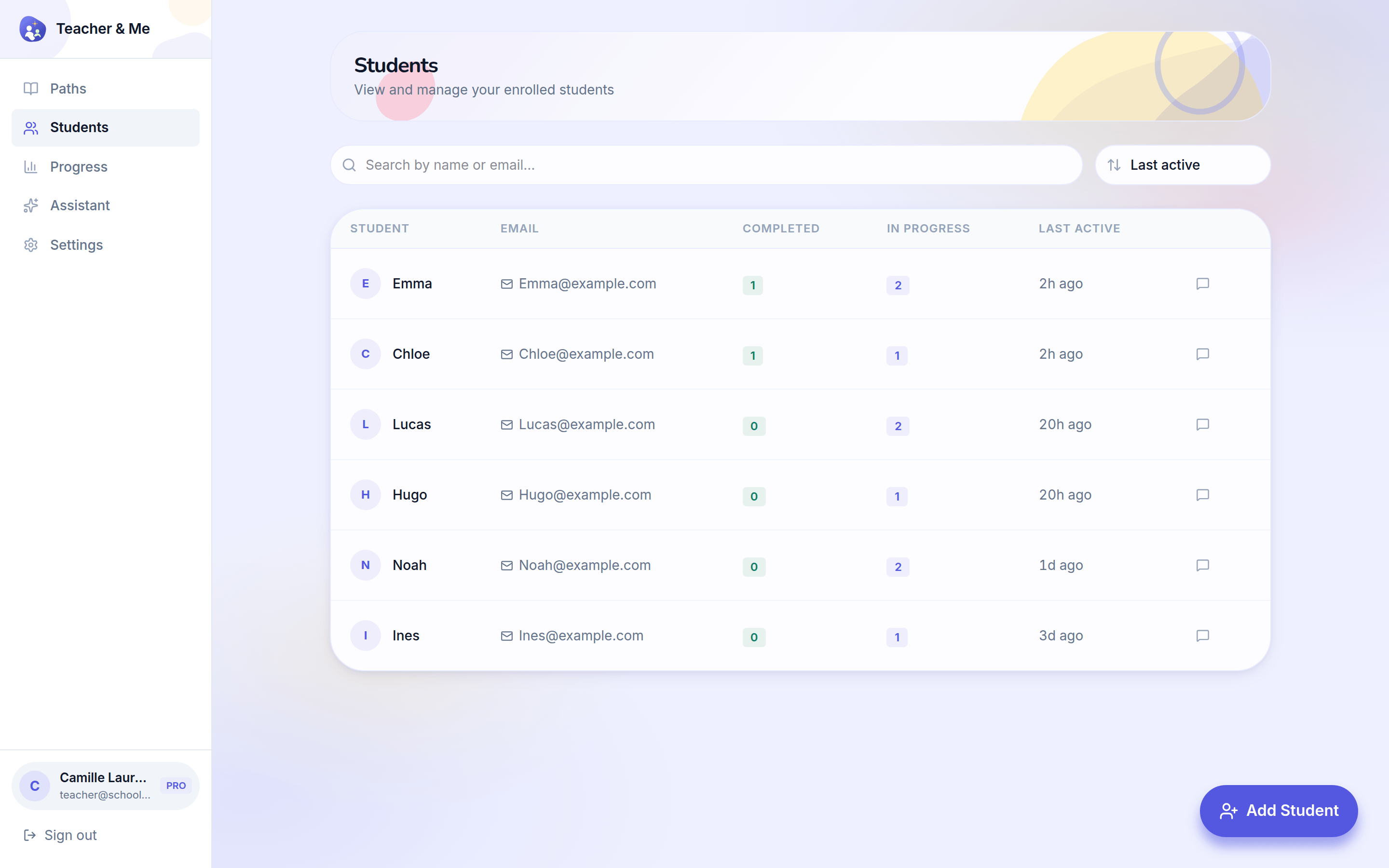
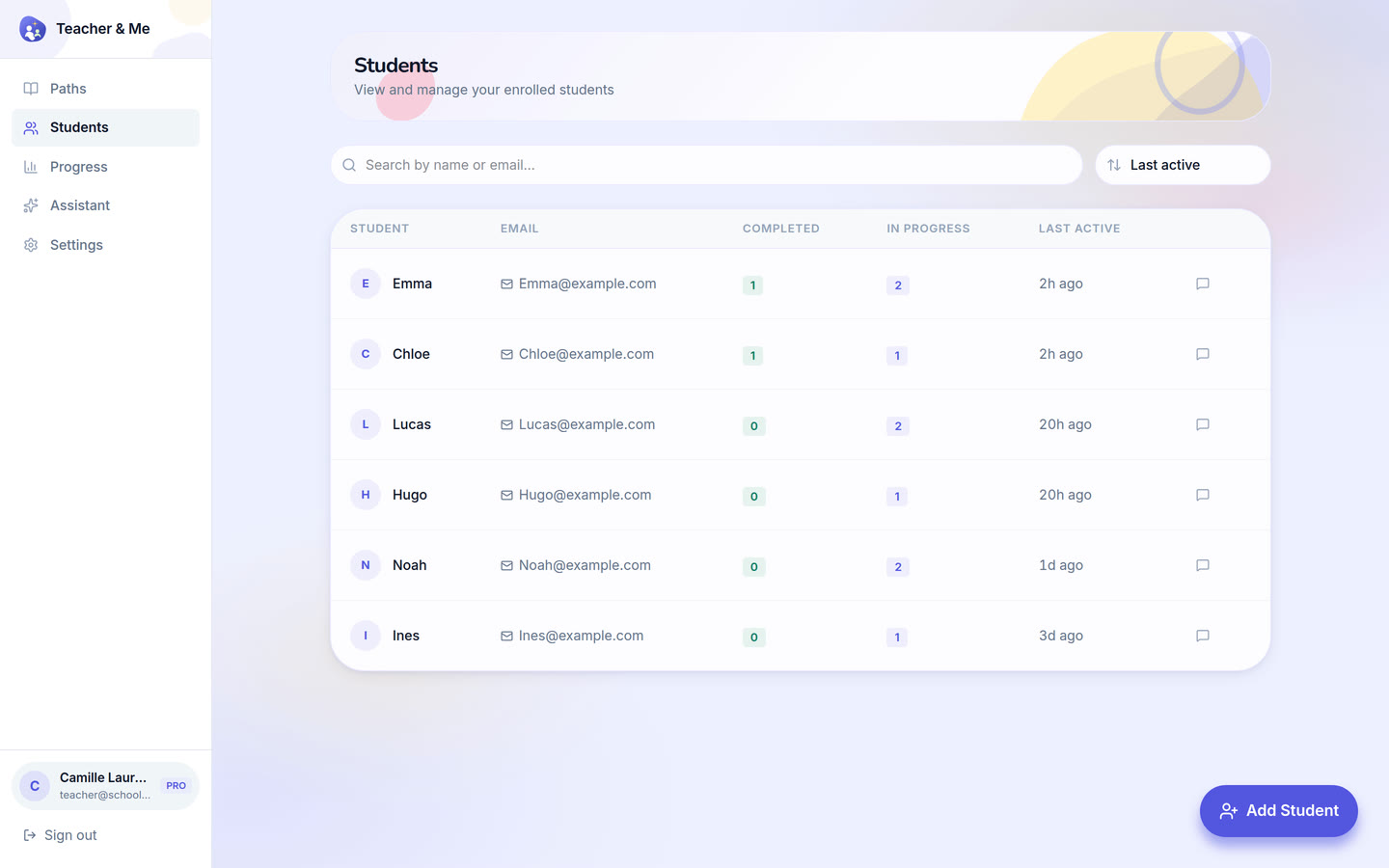
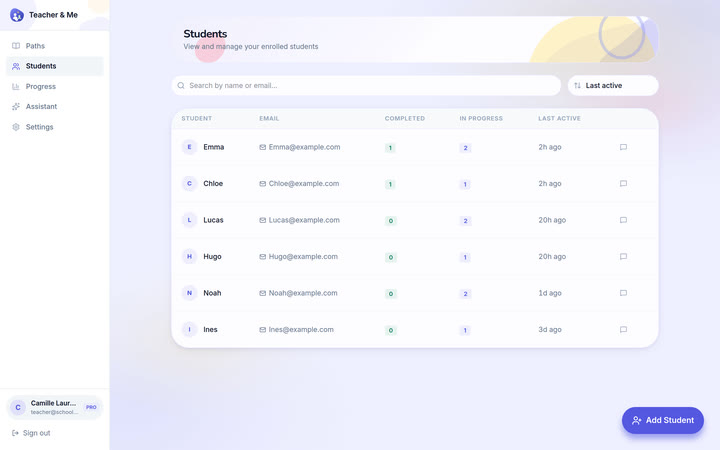
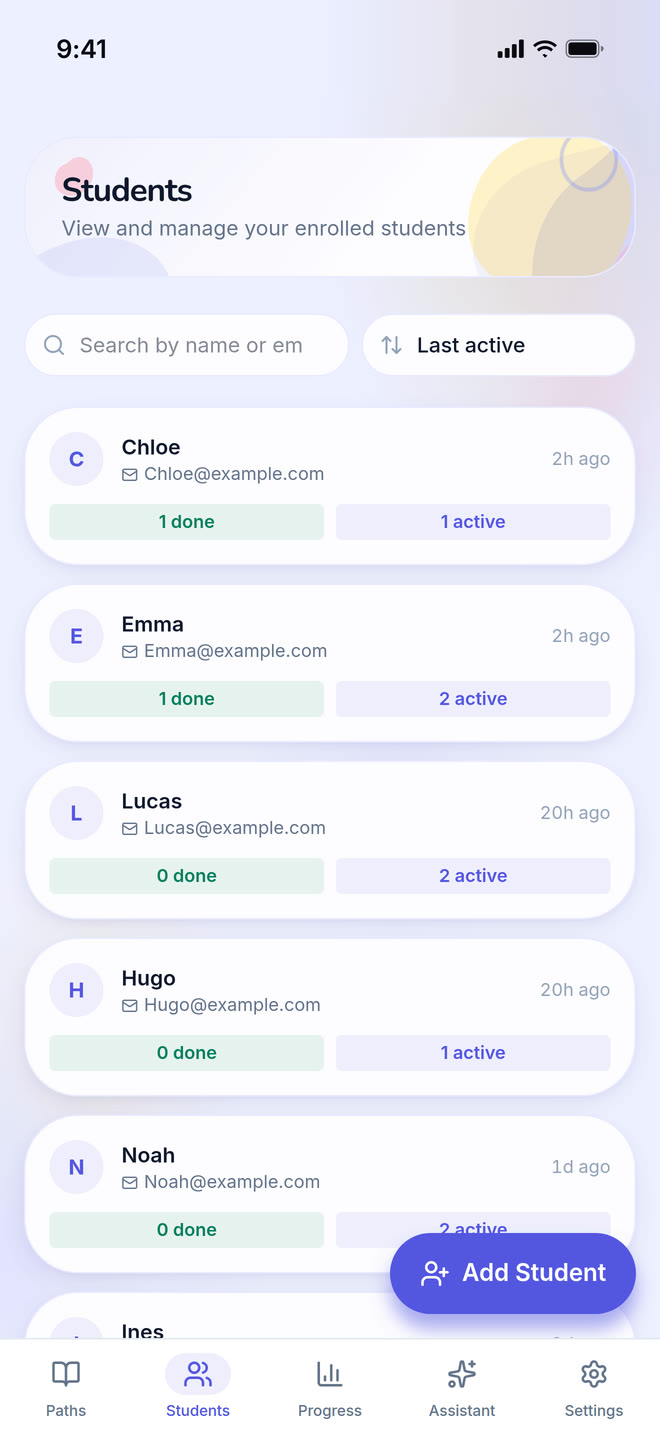
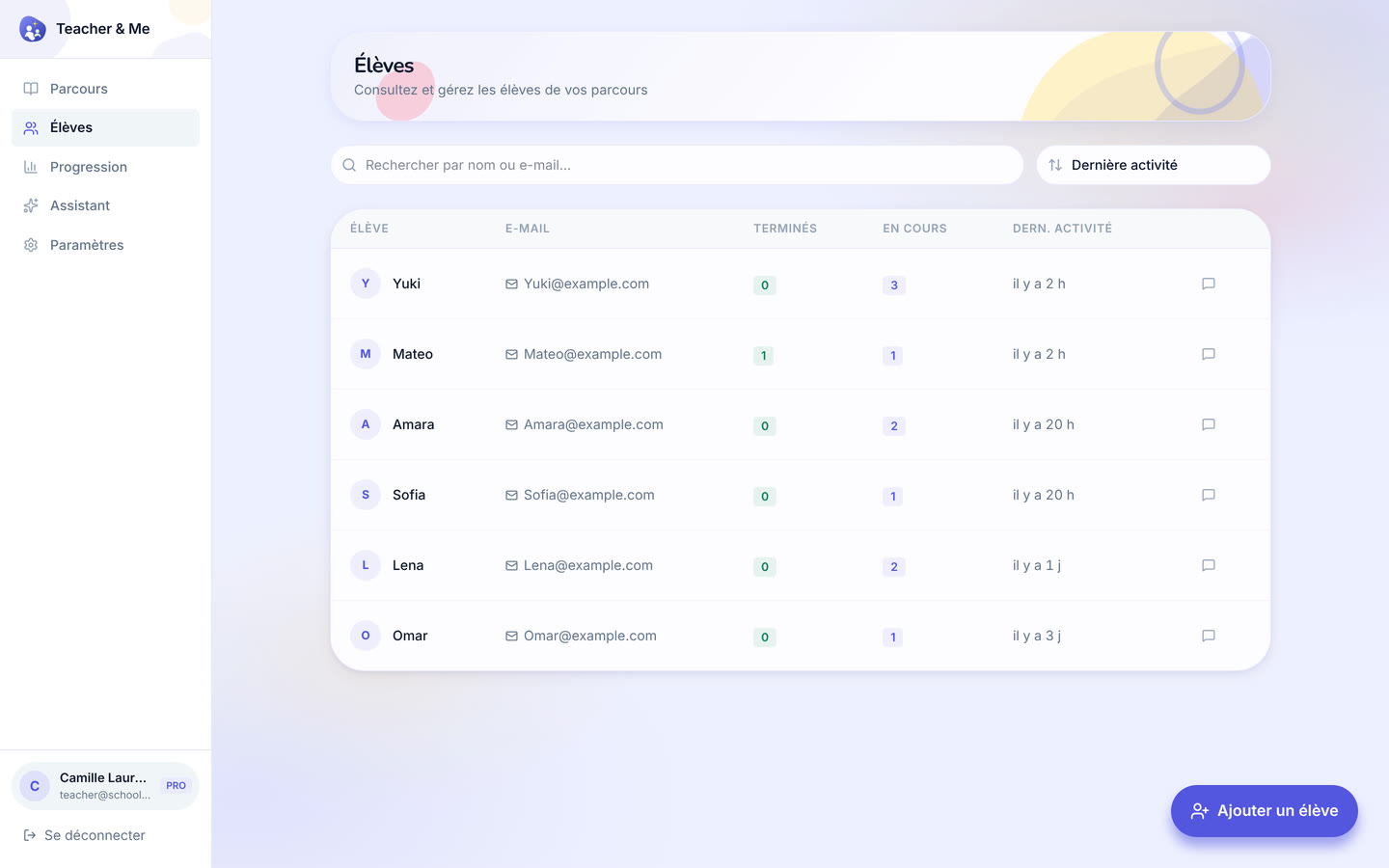
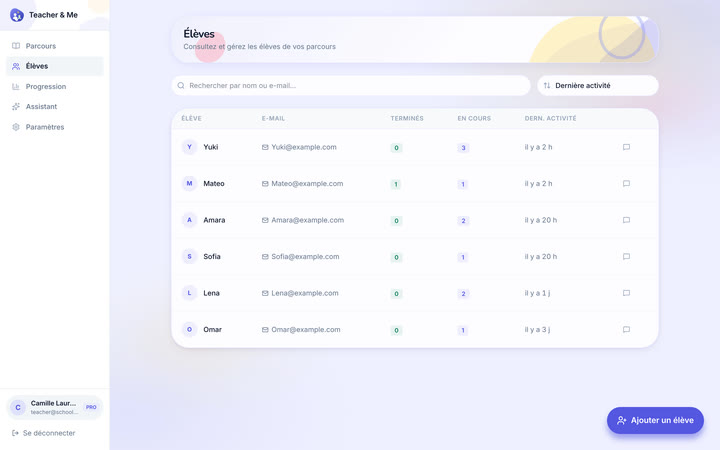
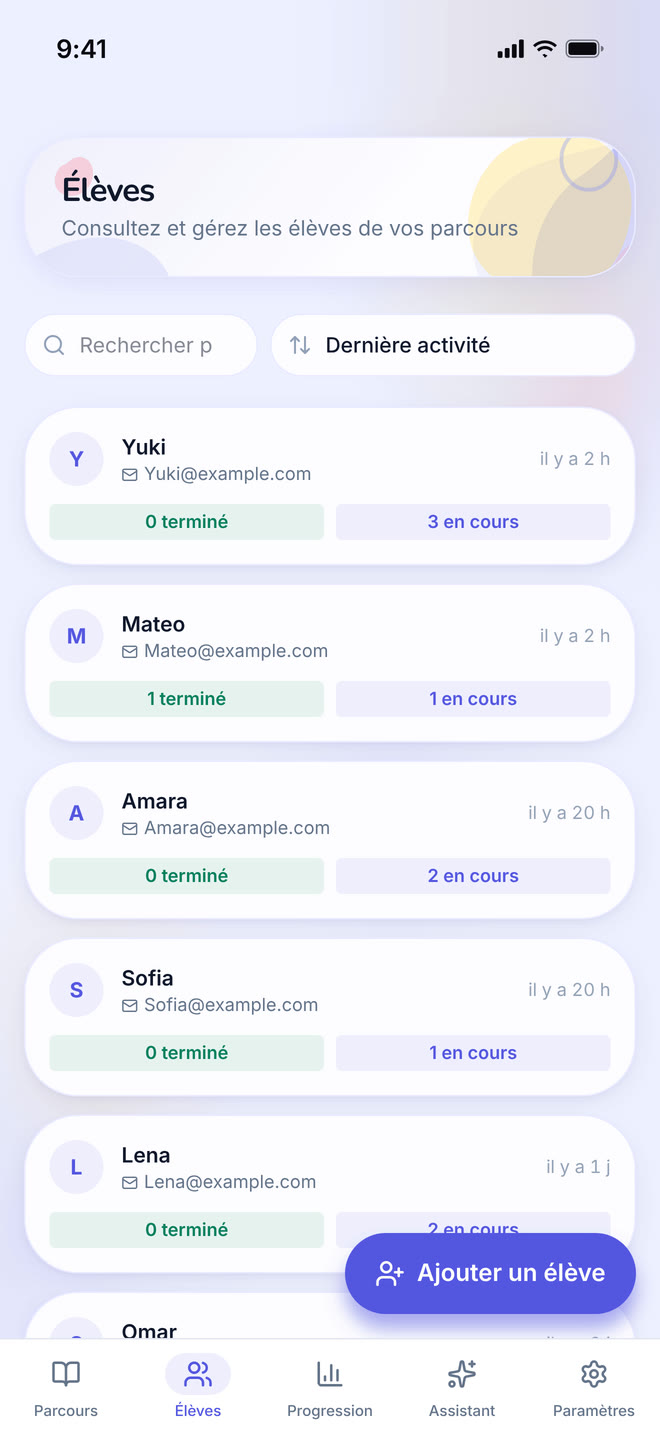
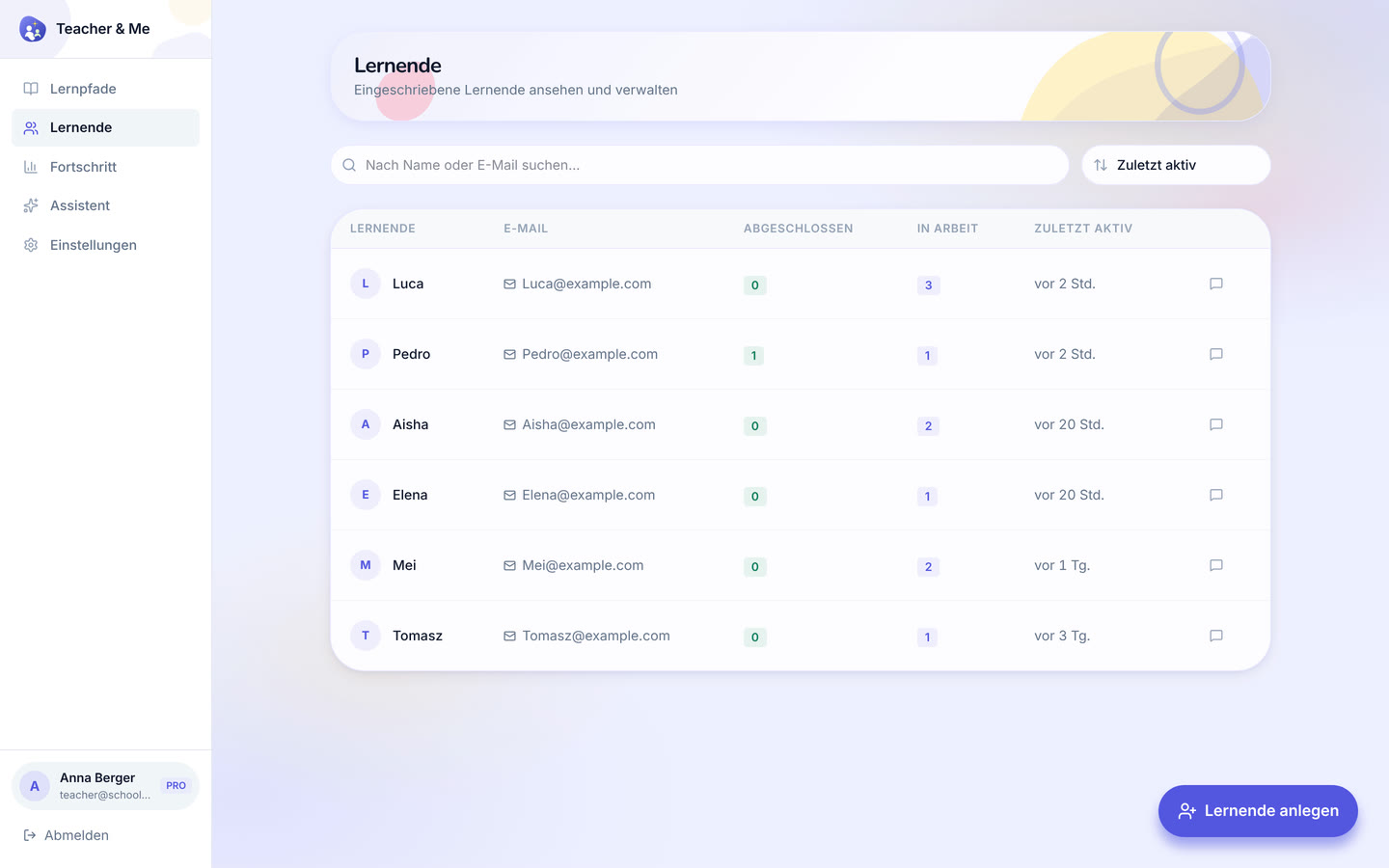
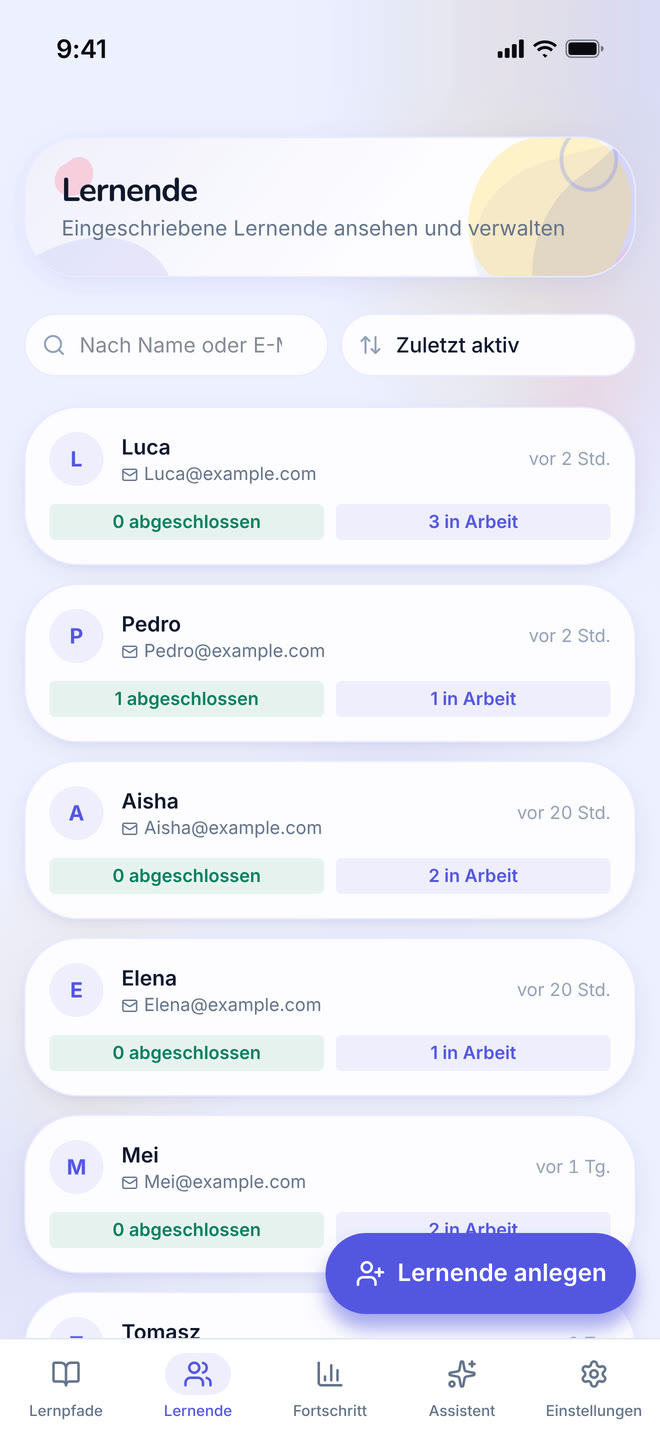
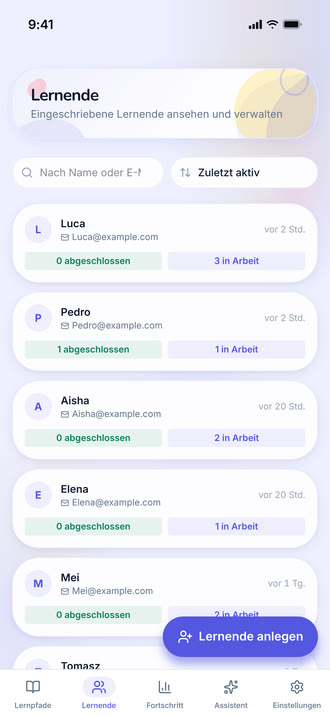
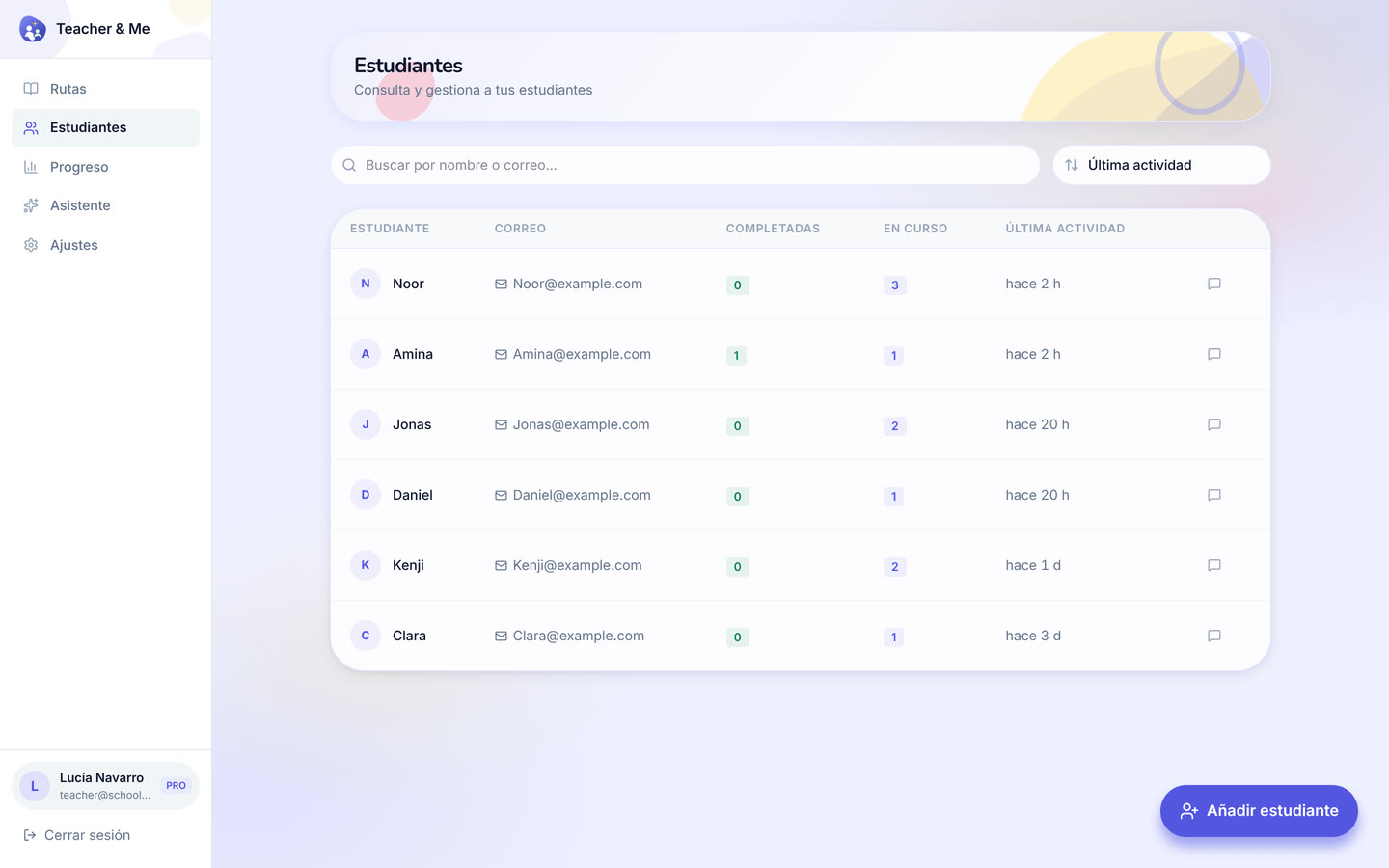
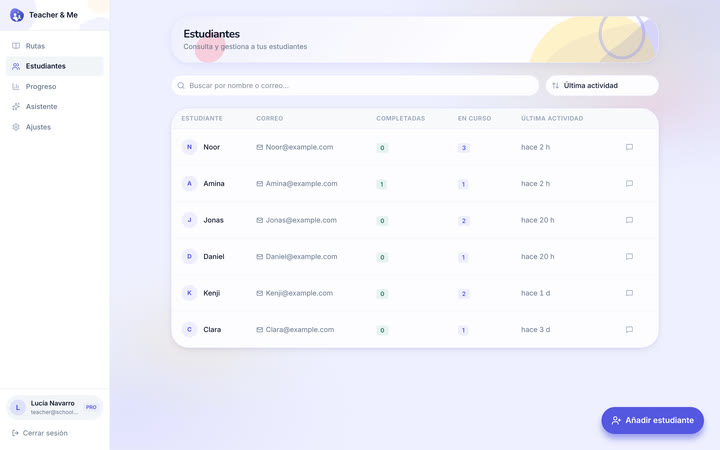
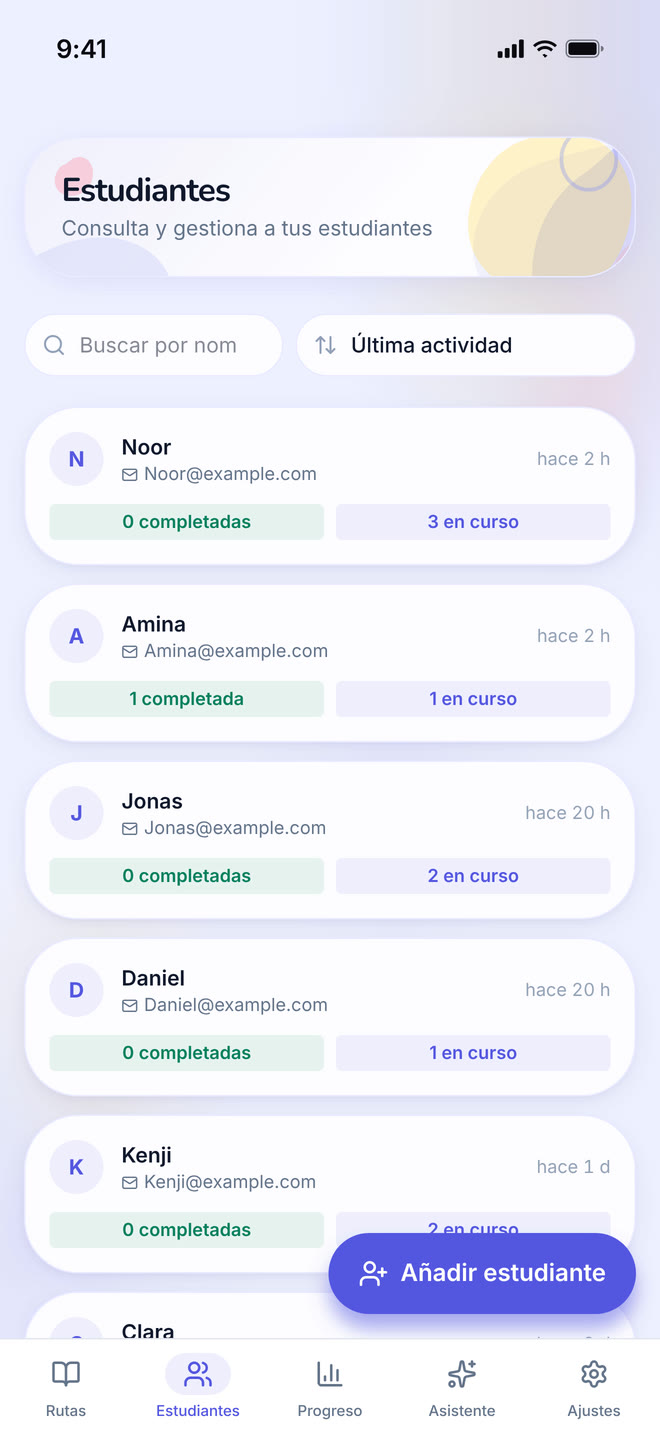
The tutor’s roster: every student they teach, in one searchable list.
https://teacher-and-me.com/press-assets/desktop/teacher-students.png
That the product is one-to-one and small-group teaching, not a course platform with open enrolment.
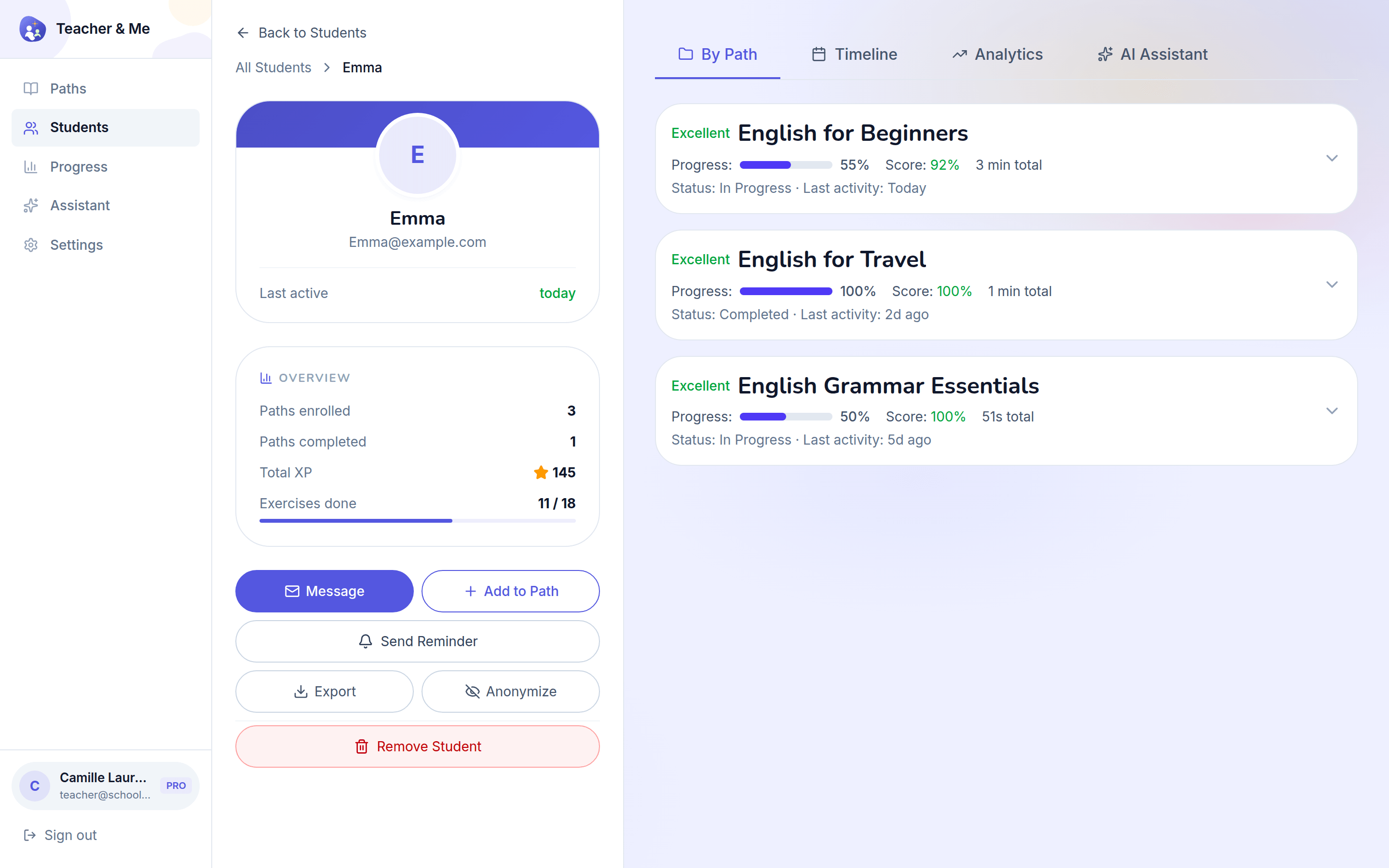
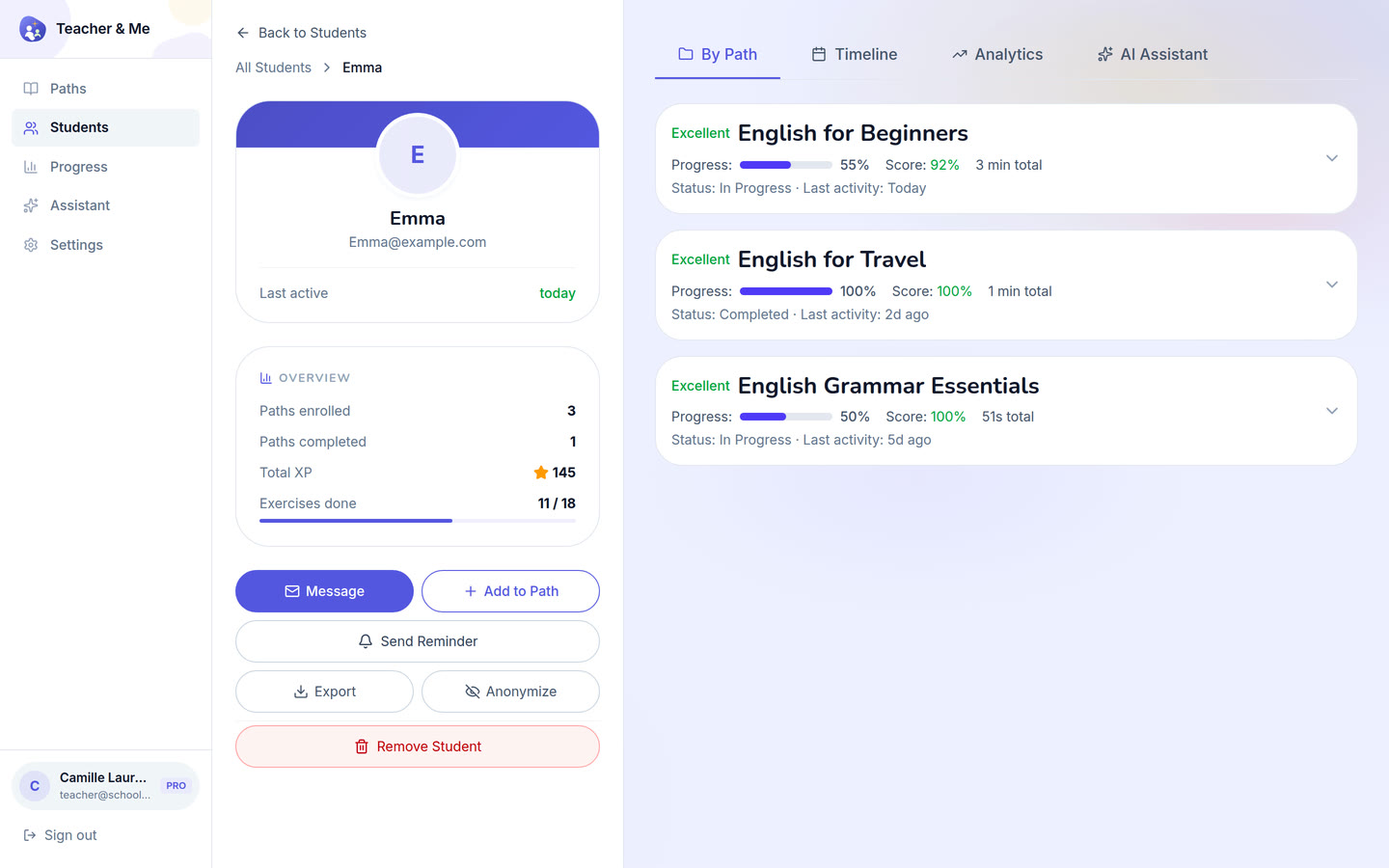
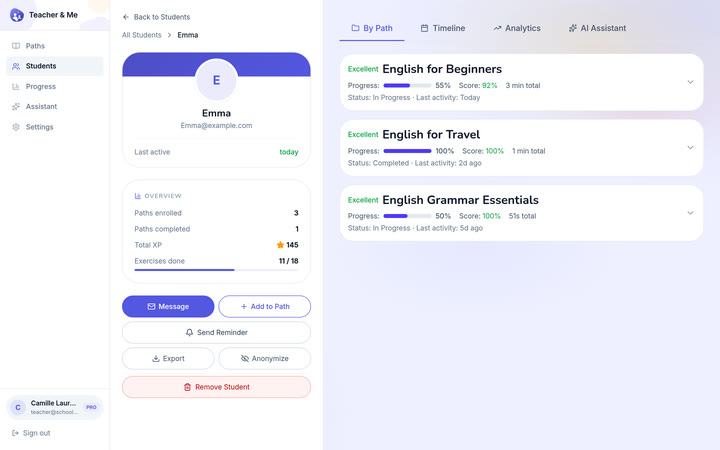
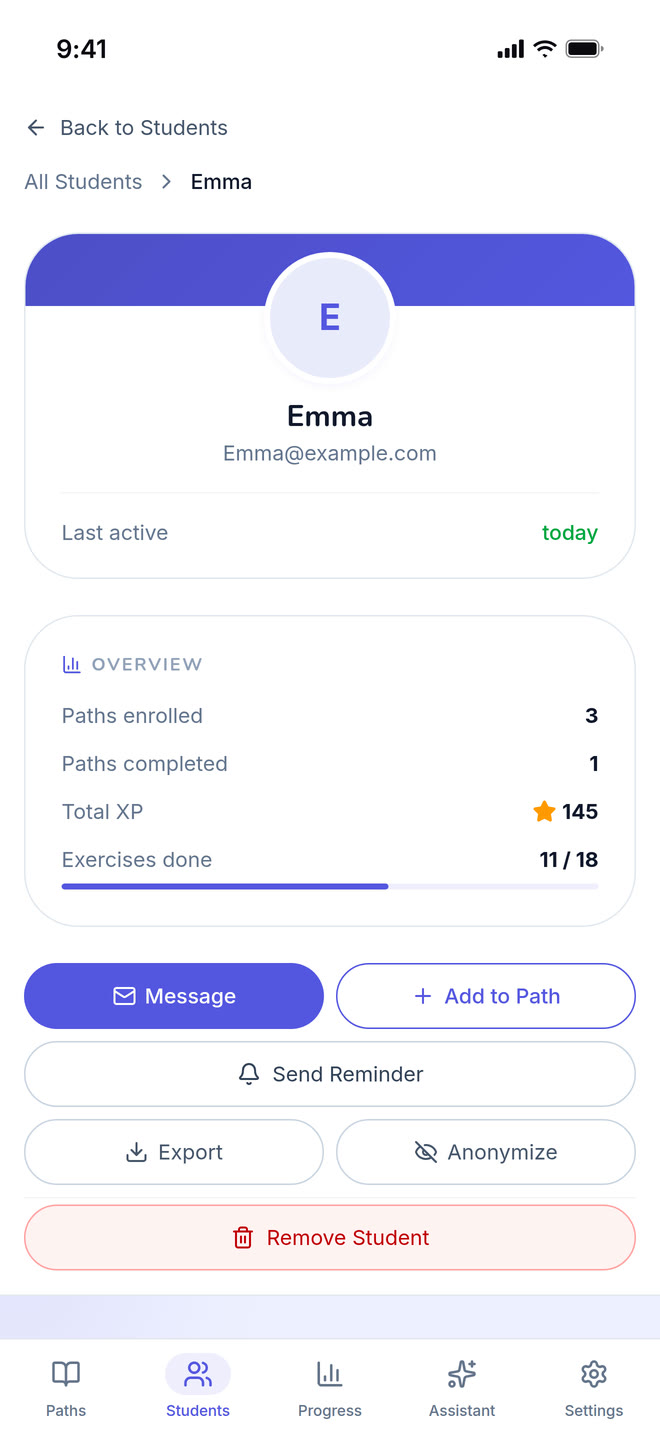
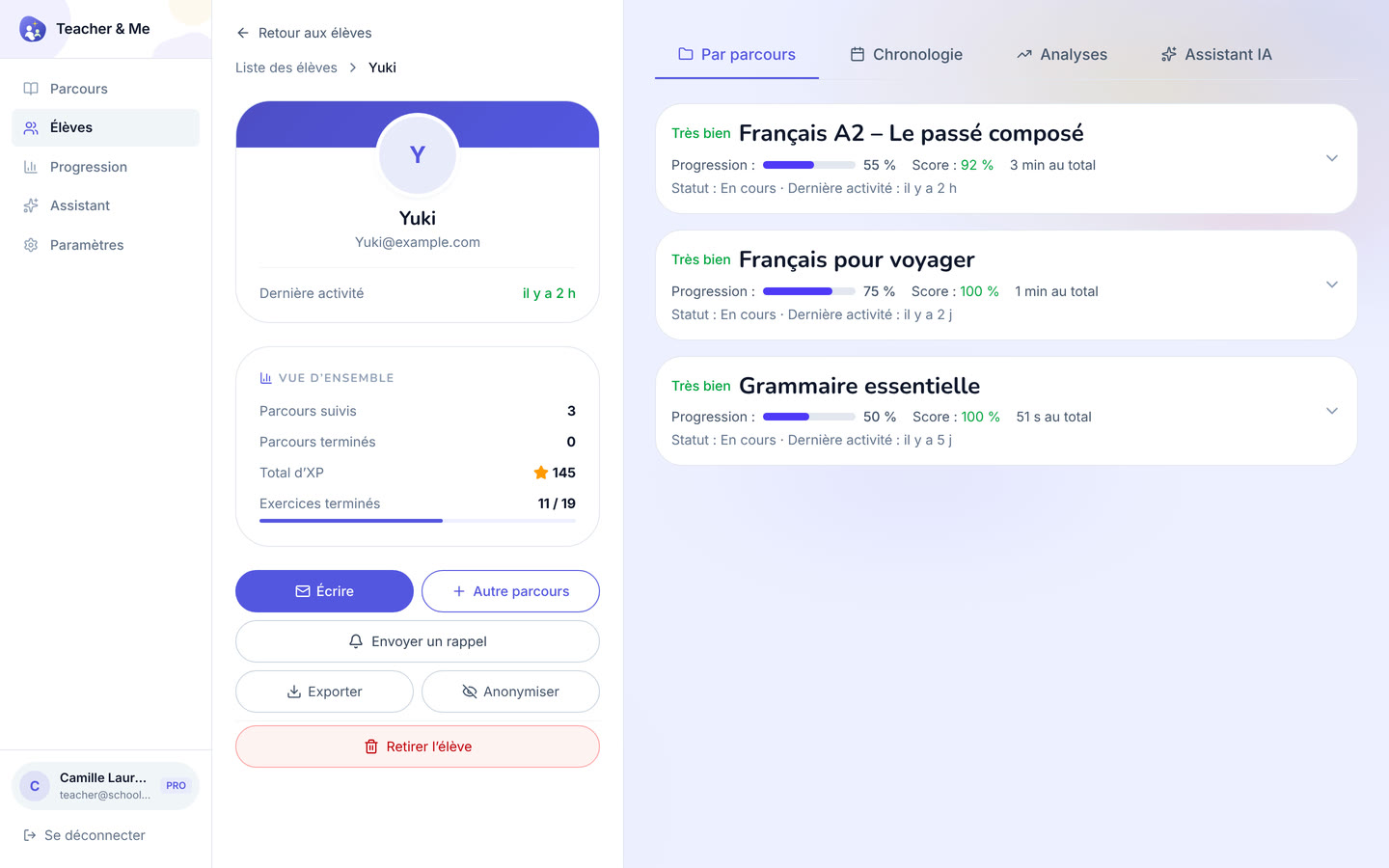
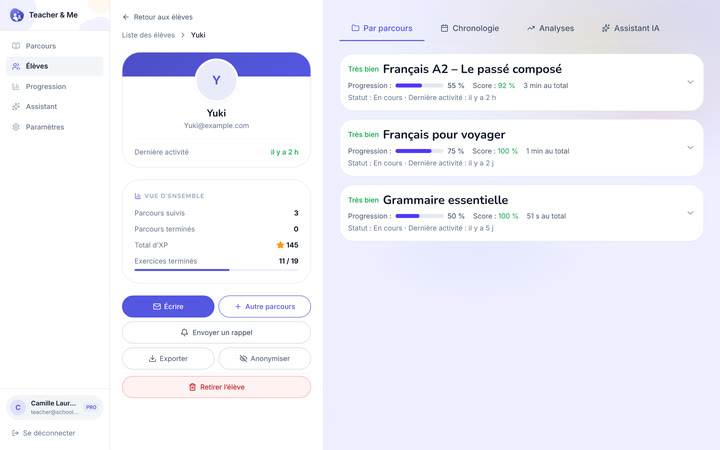
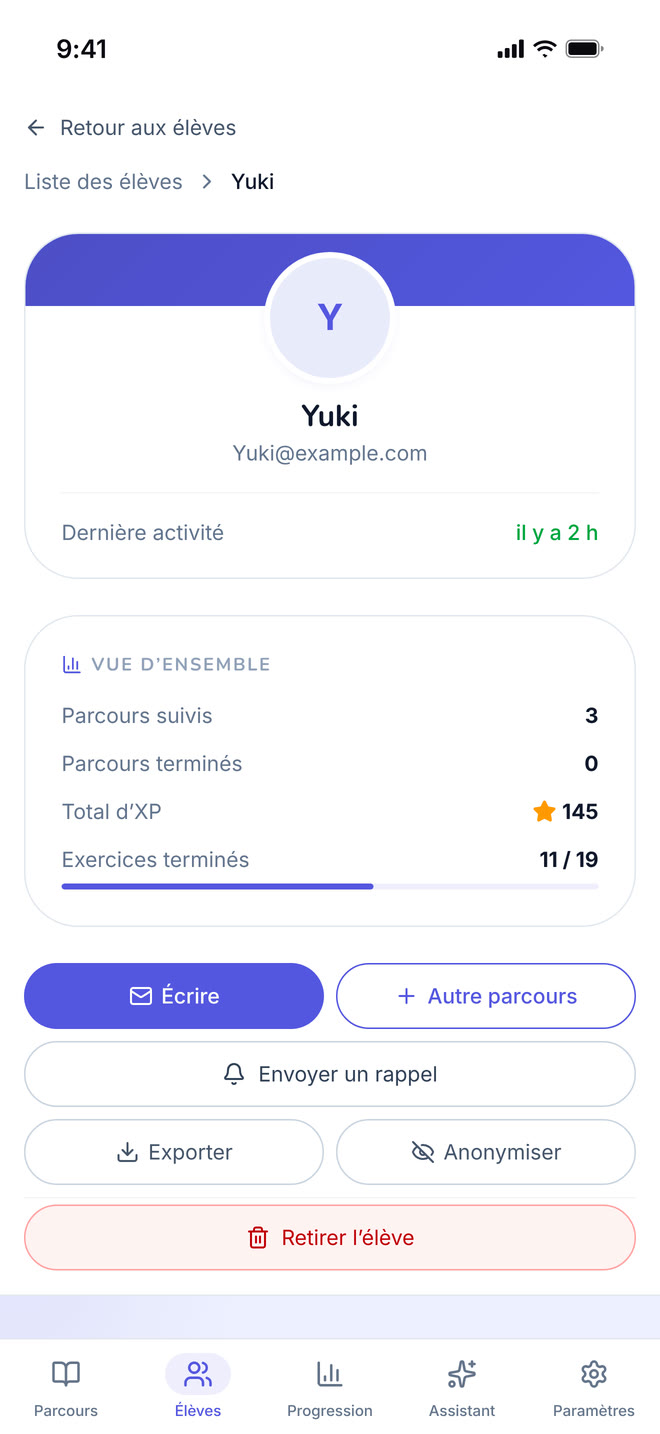
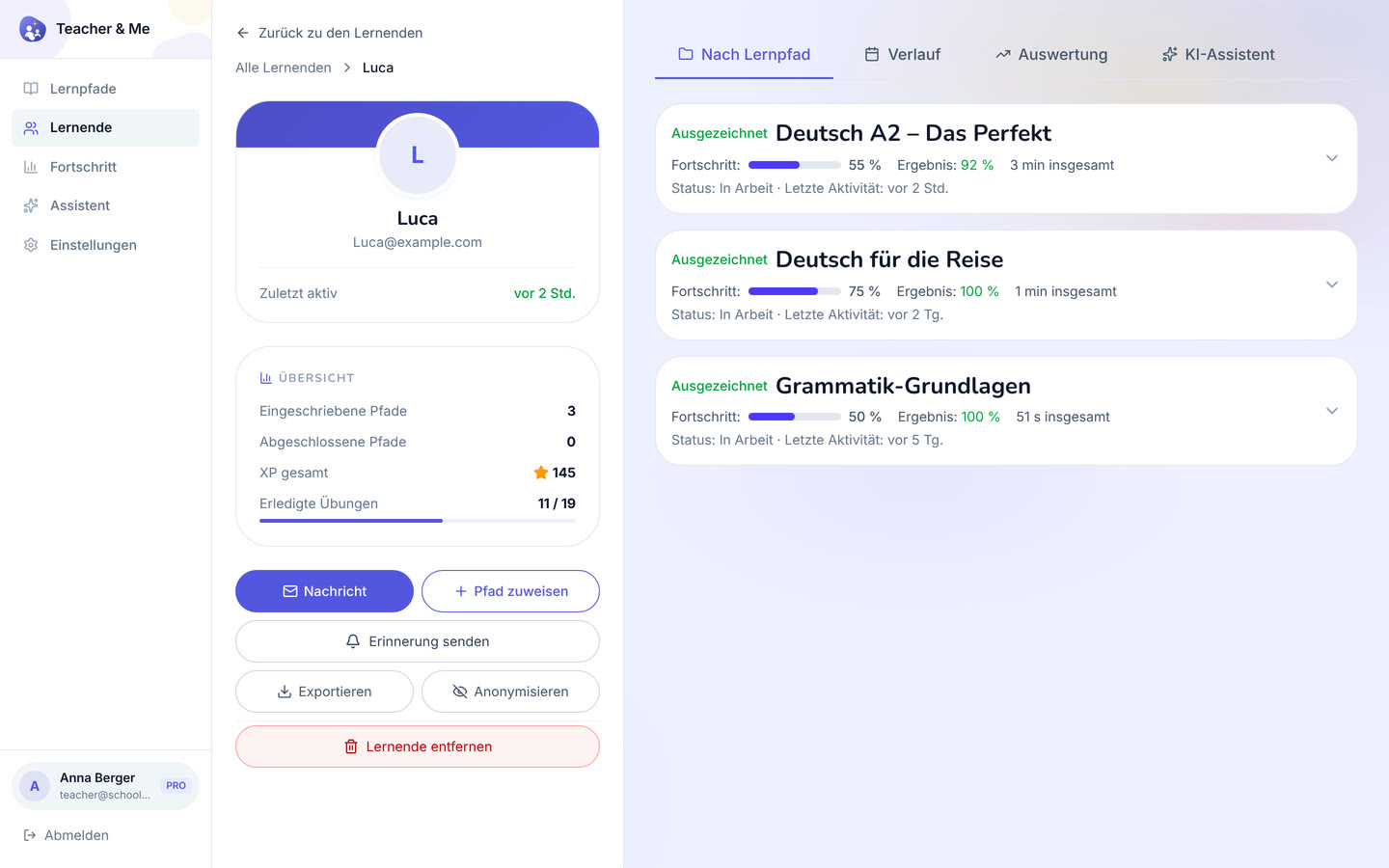
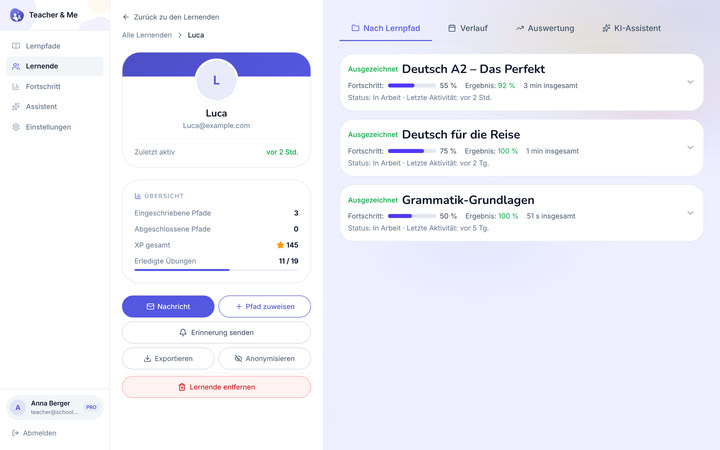
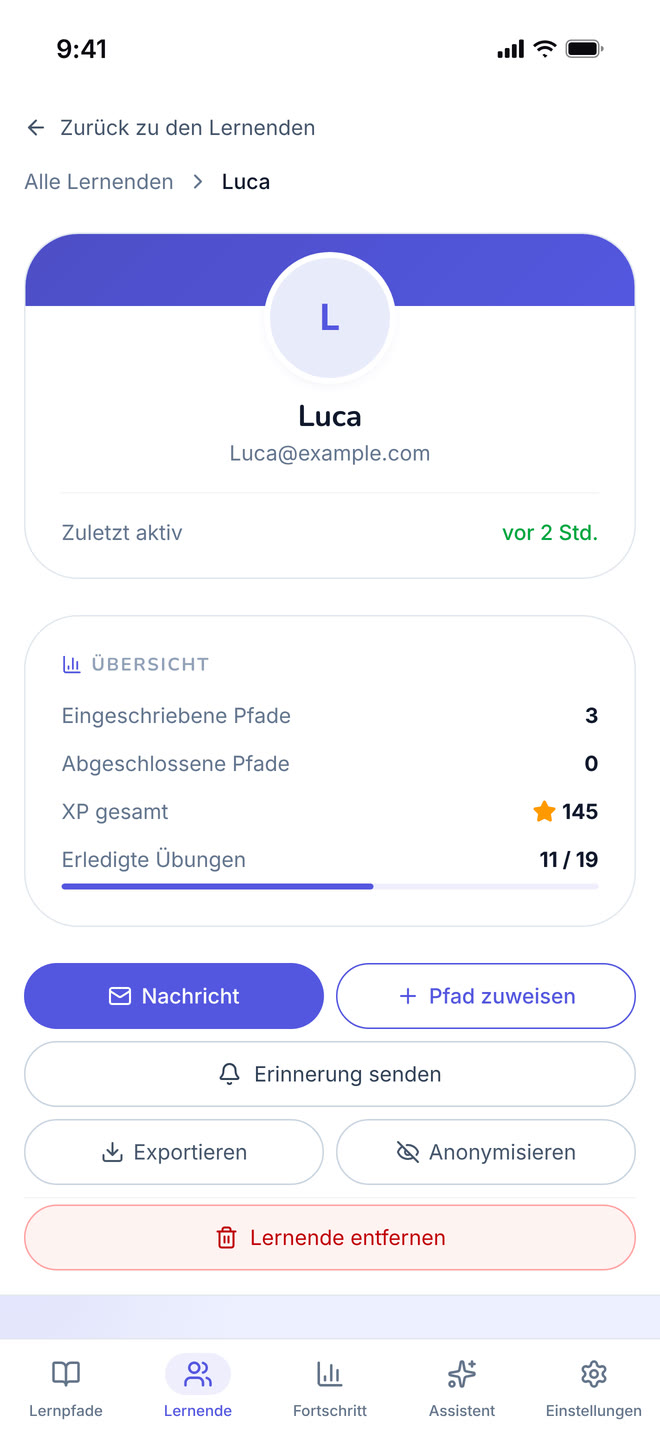
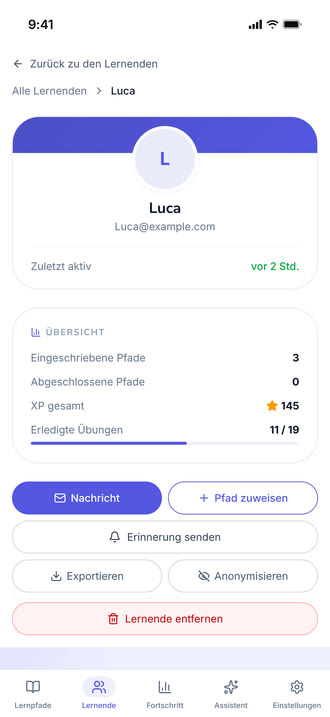
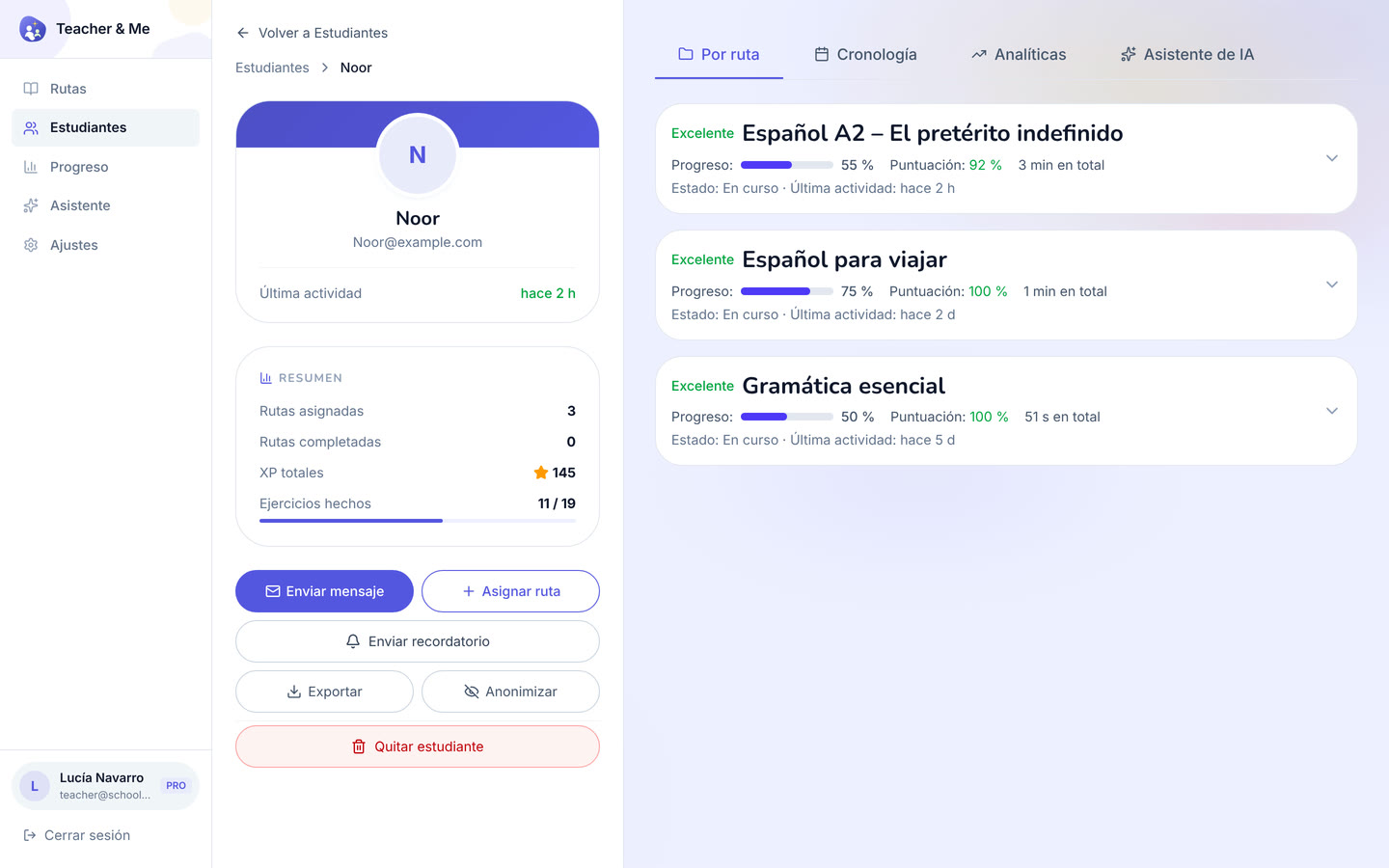
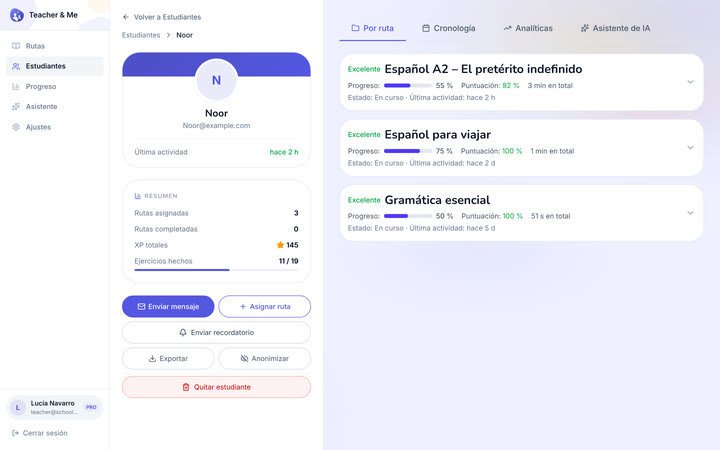
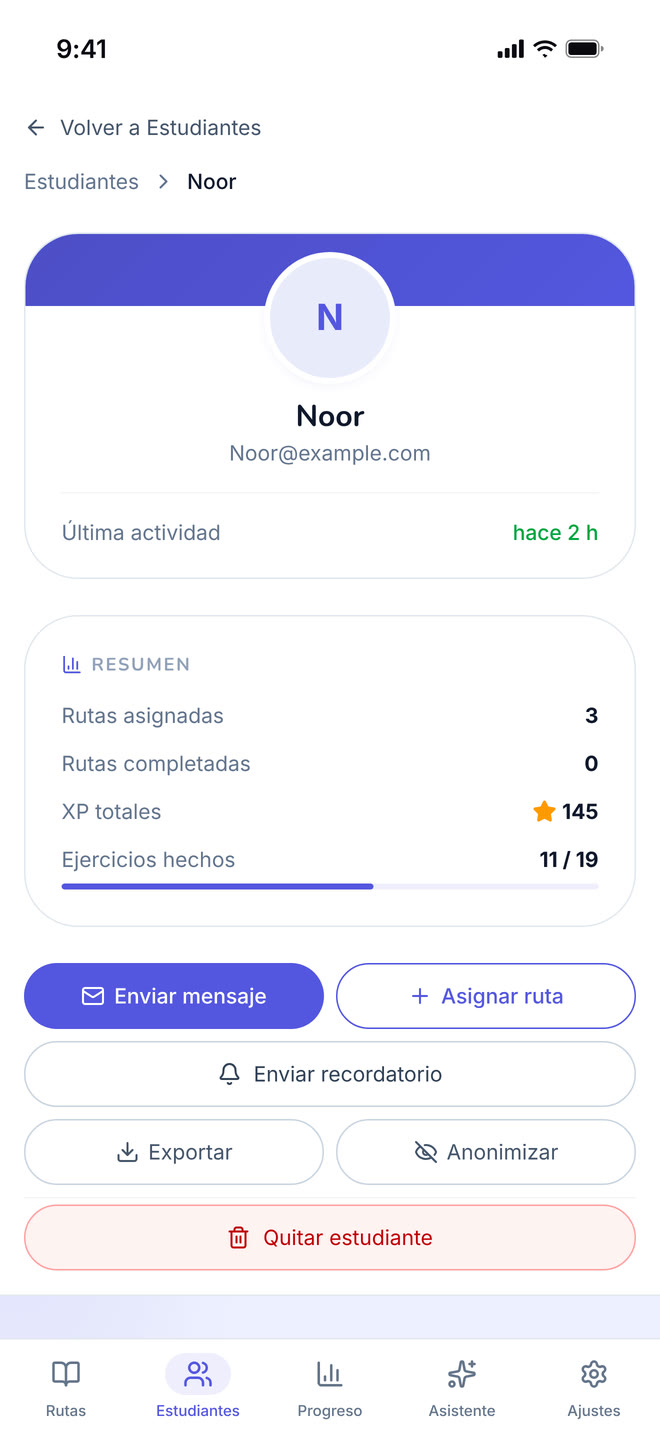
A single student’s page, on the "By Path" tab.
https://teacher-and-me.com/press-assets/desktop/teacher-student-profile.png
That the tutor sees a student as a whole, and that the data is exportable and can be anonymised, a privacy point worth making.
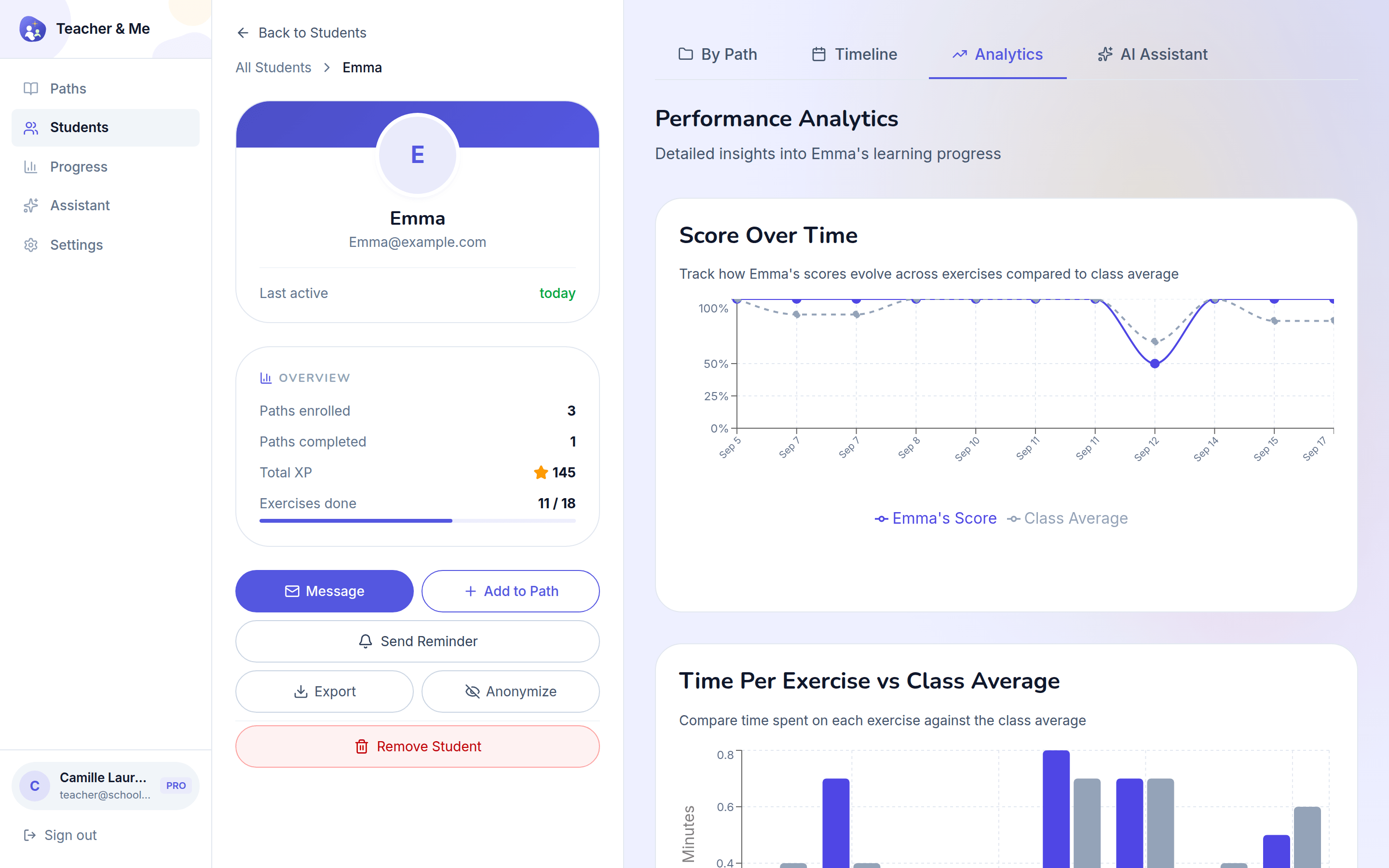
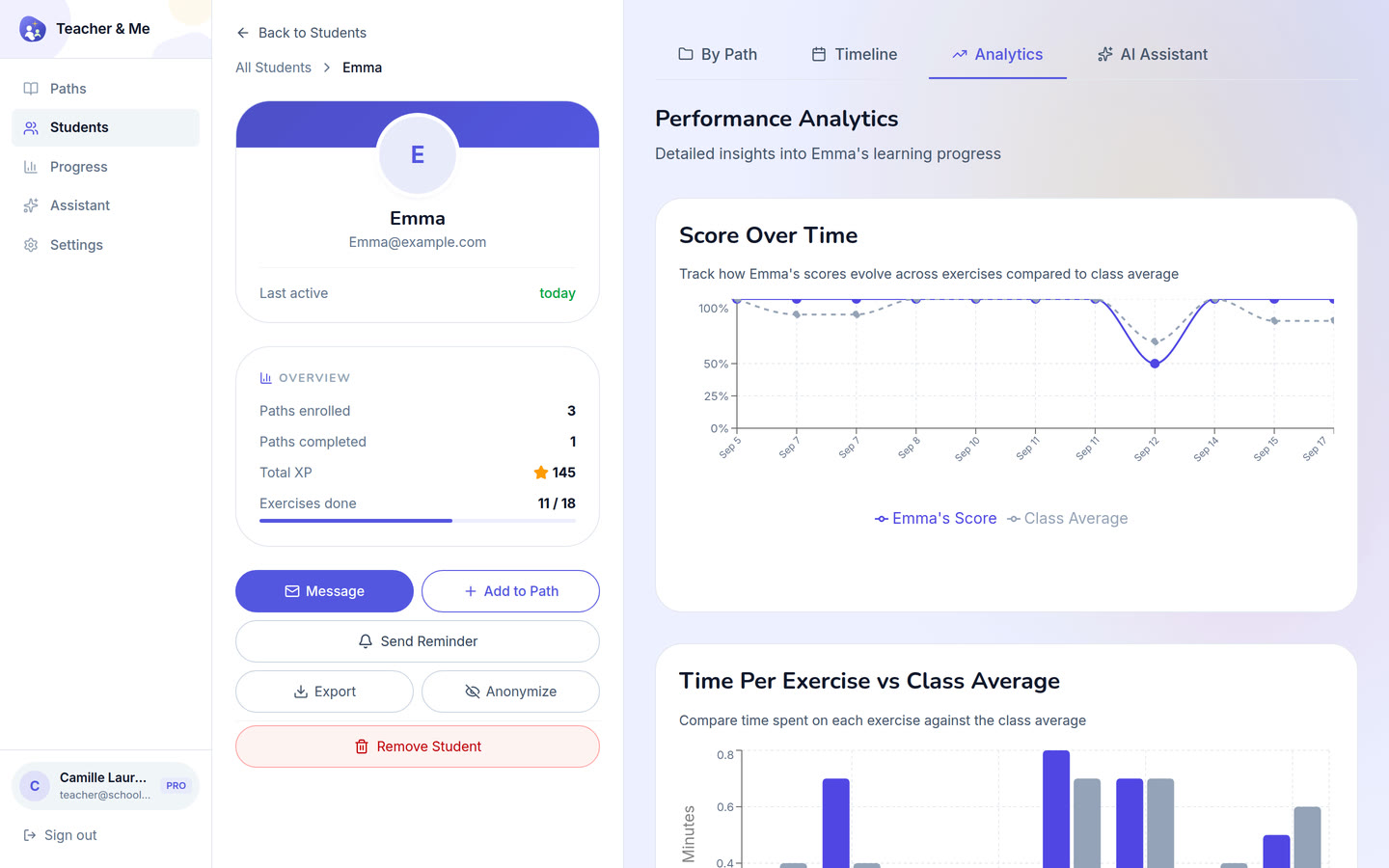
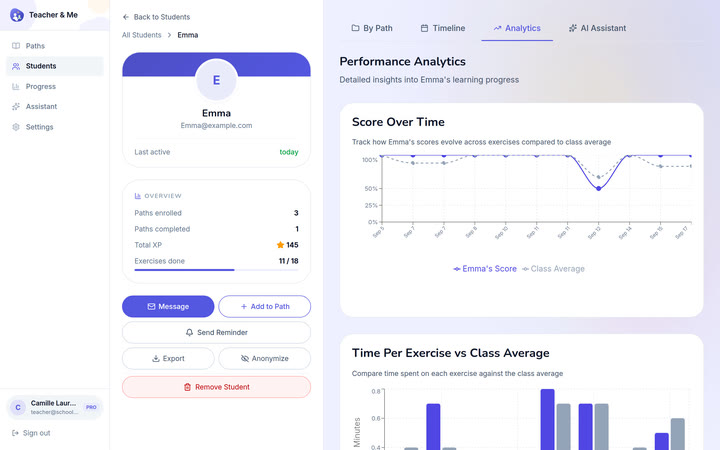
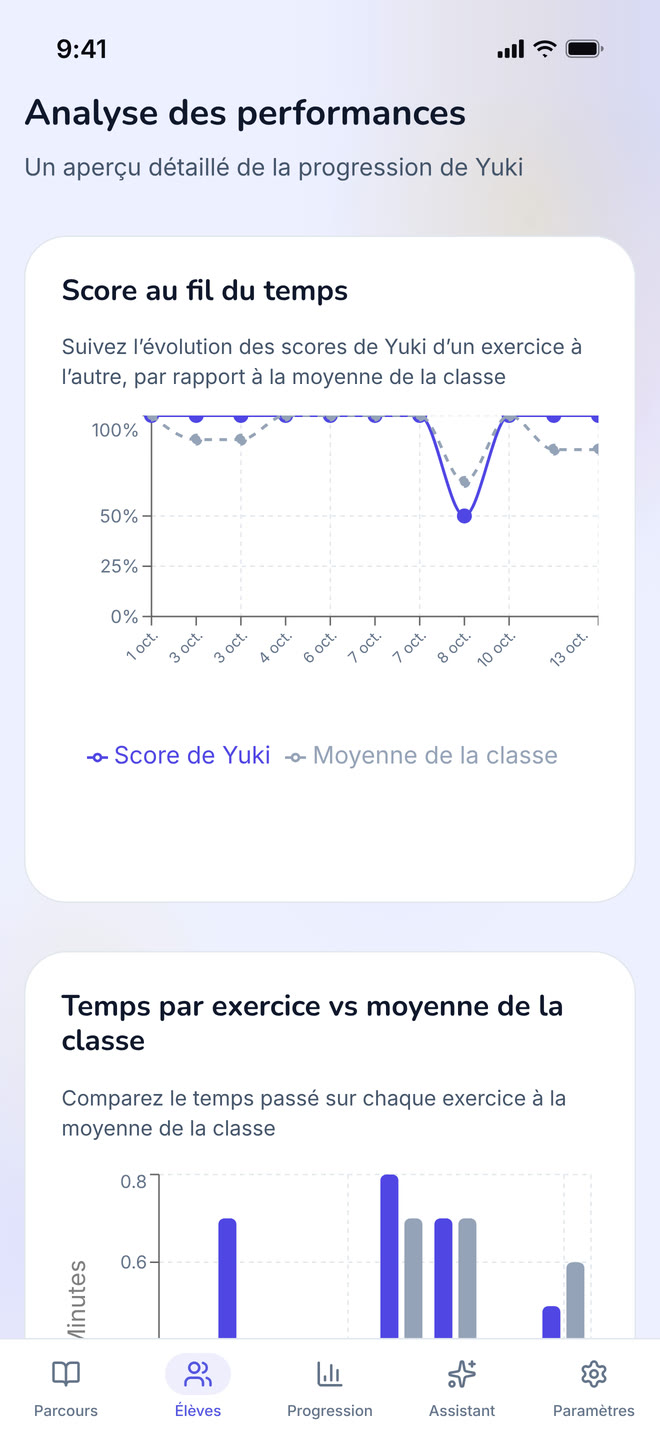
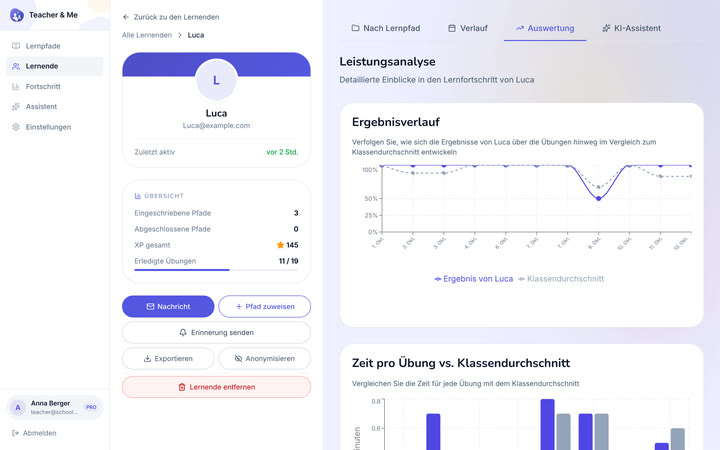
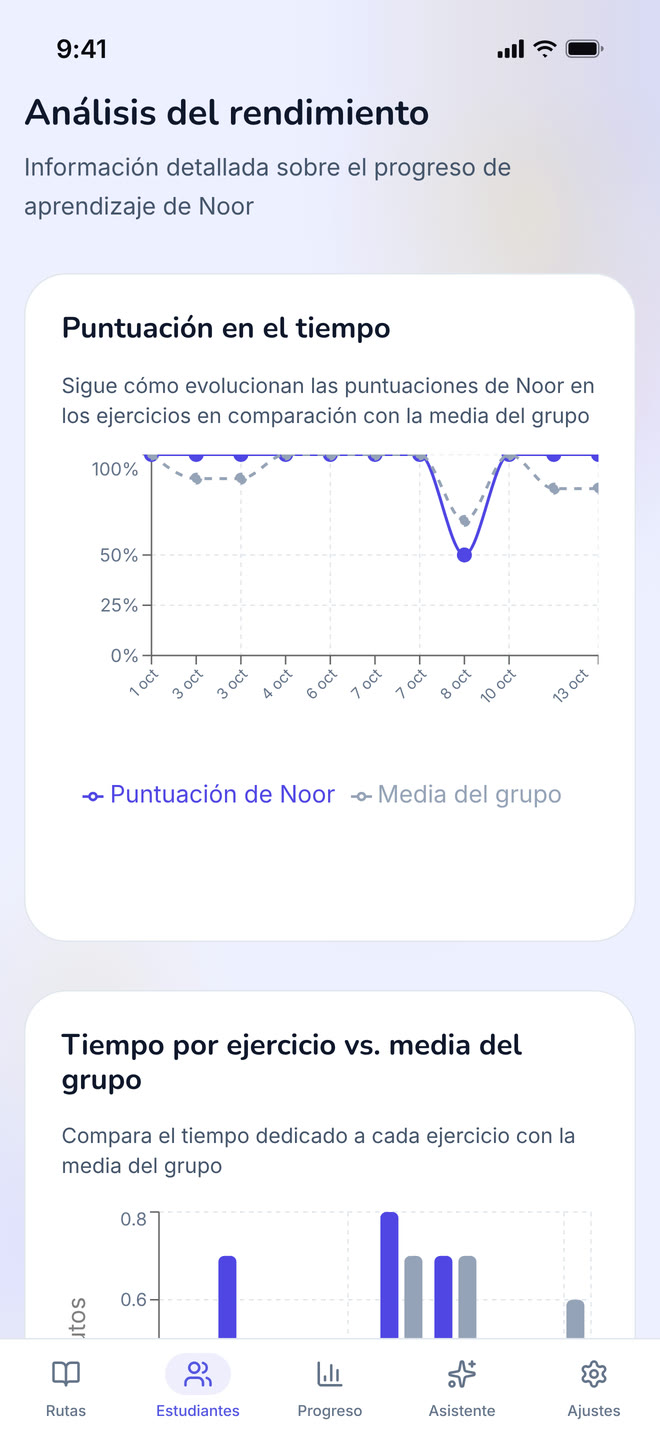
The diagnostic view: how one student performed, exercise by exercise.
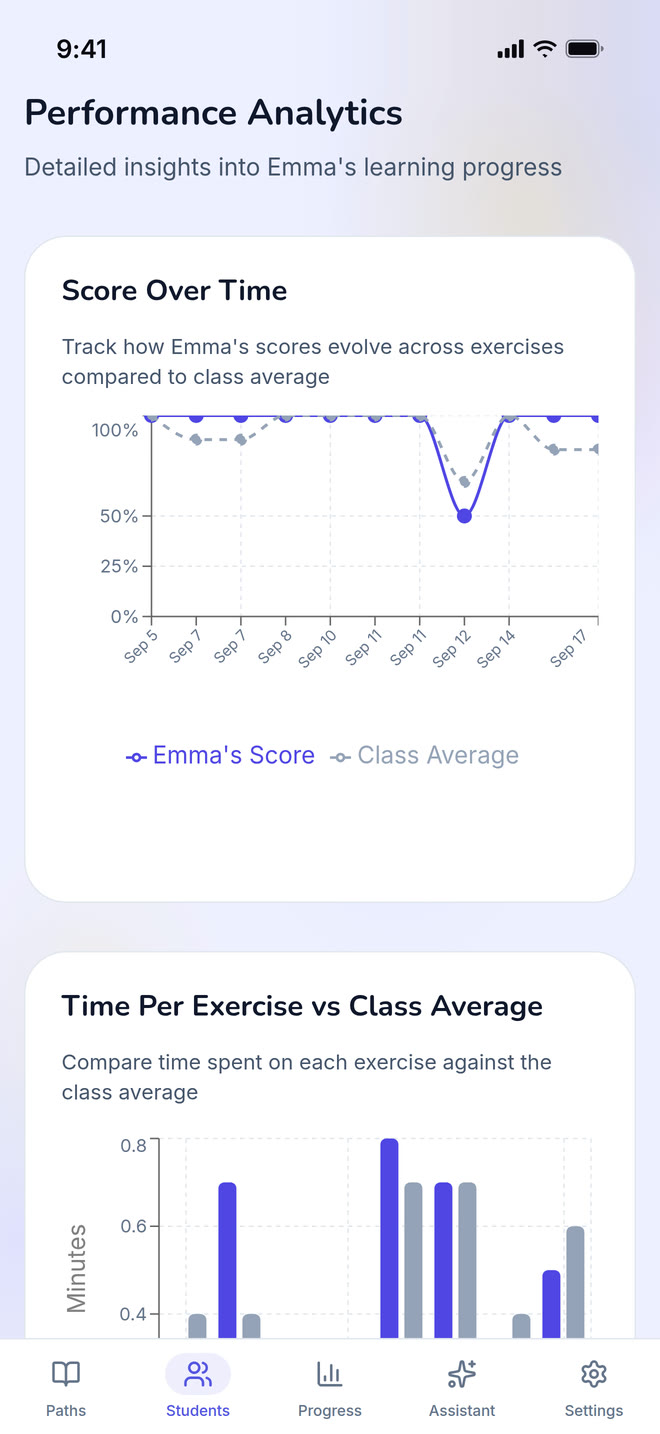
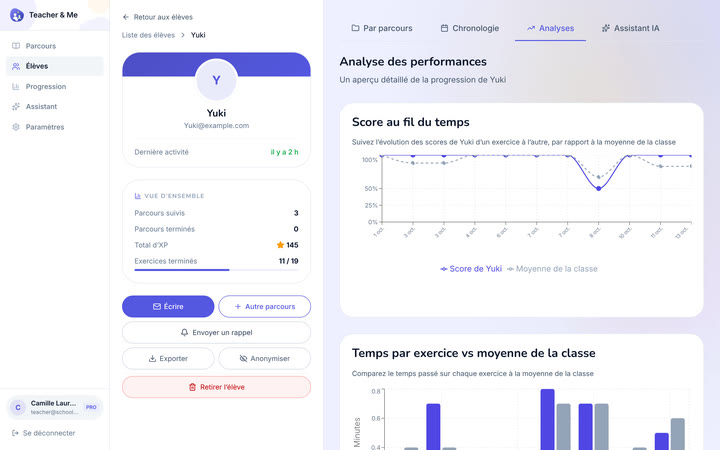
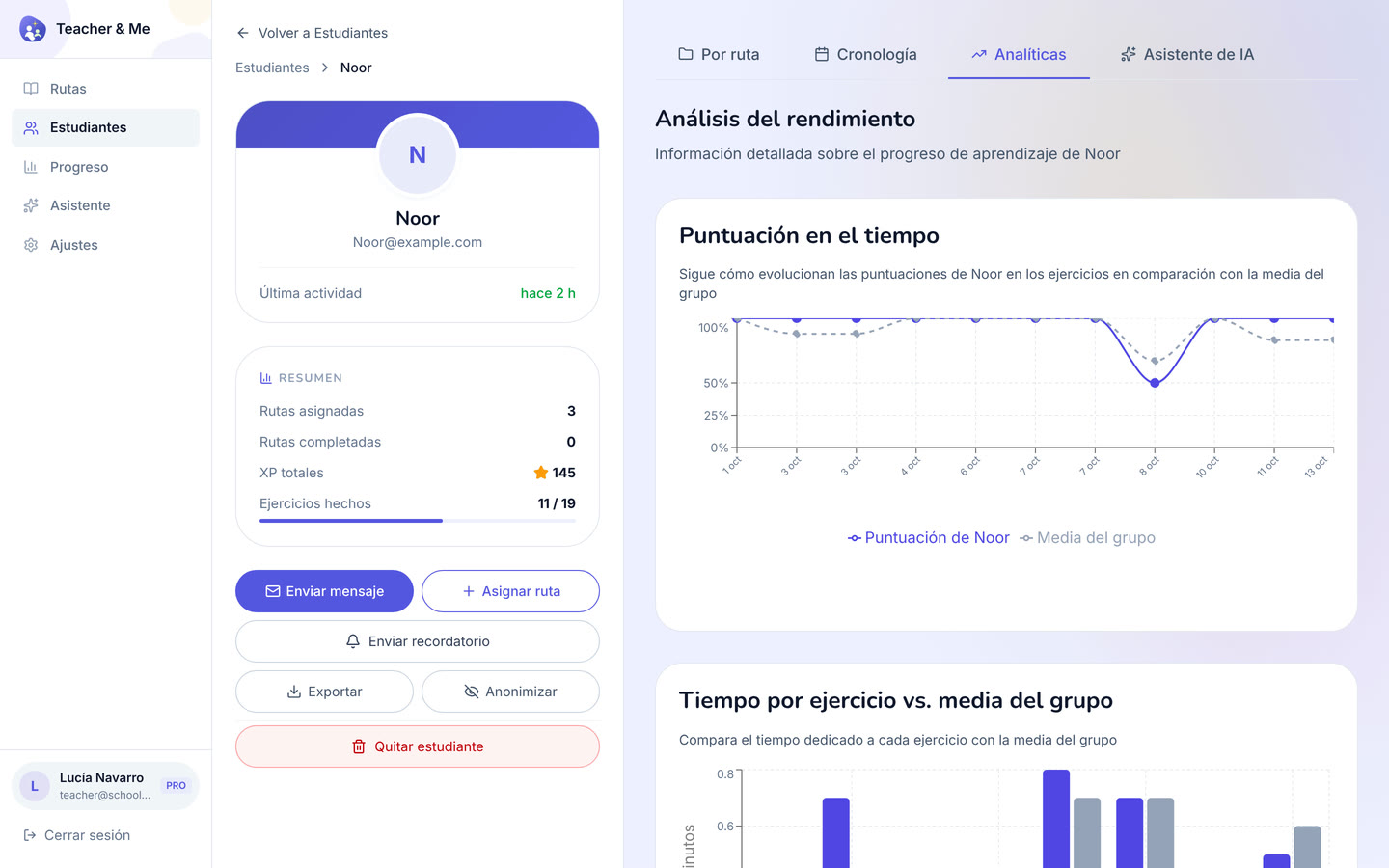
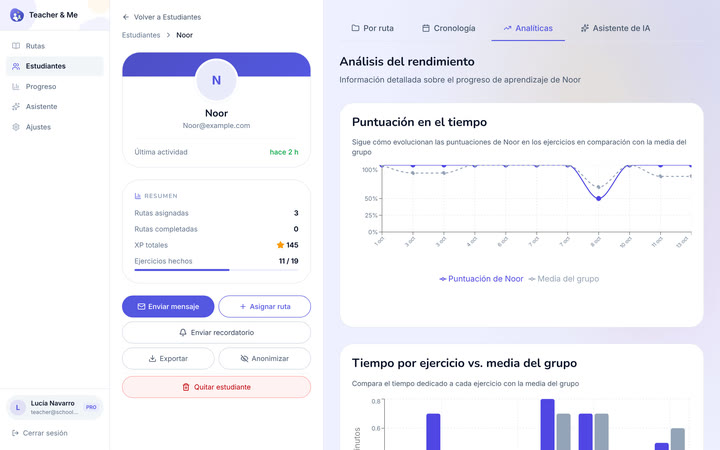
https://teacher-and-me.com/press-assets/desktop/teacher-student-analytics.png
The strongest single claim the product makes: you know where a student got stuck before the next lesson starts. If an ad shows one tutor-side screen, this is usually the one.
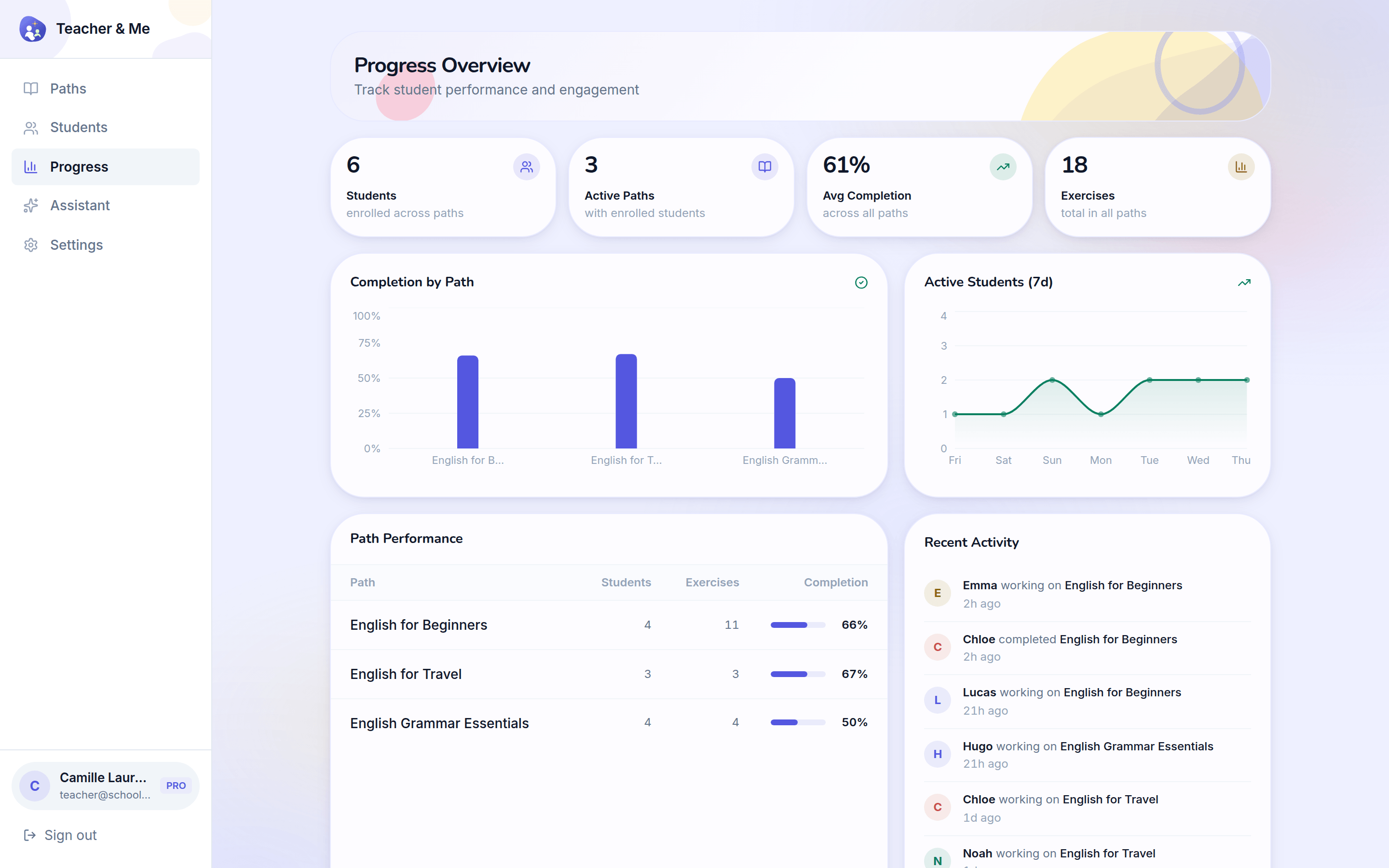
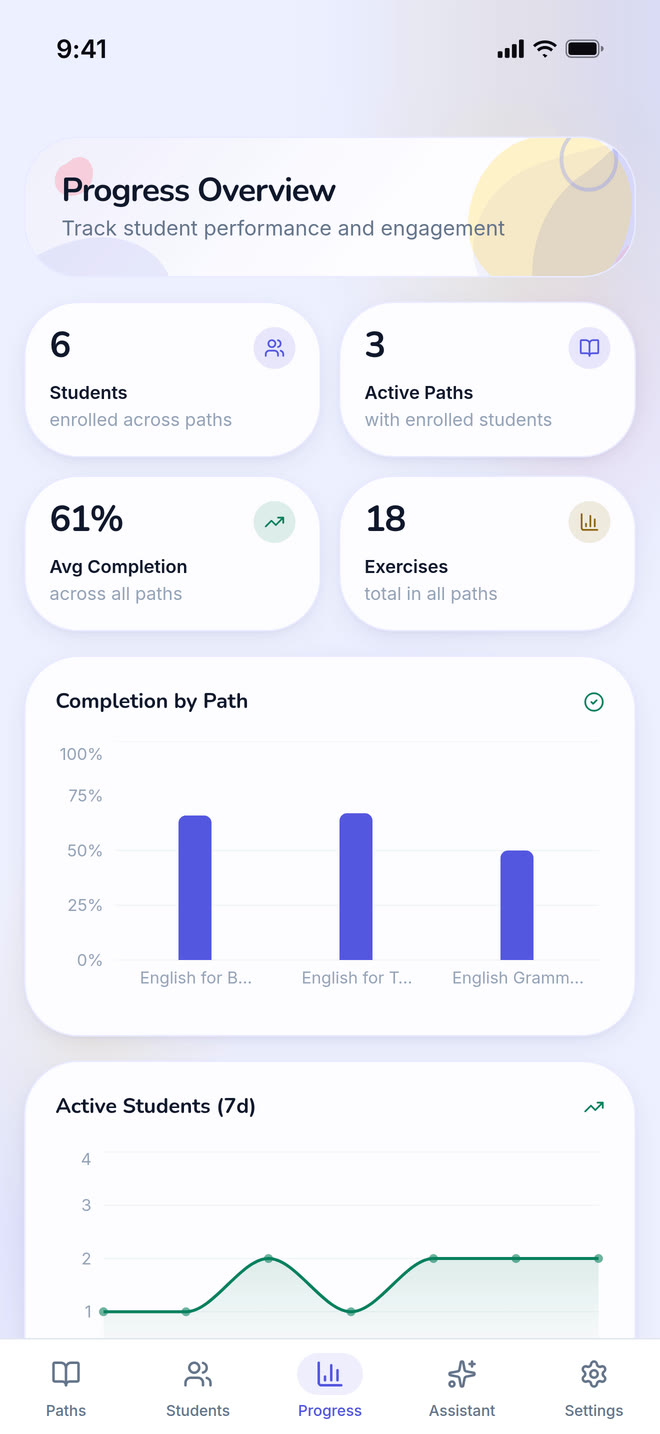
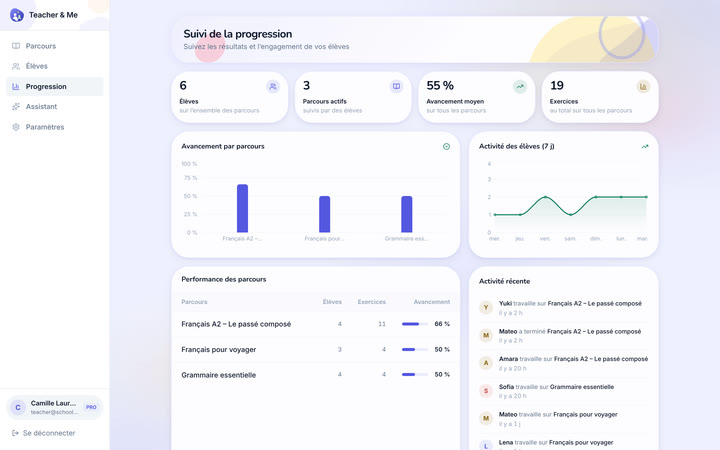
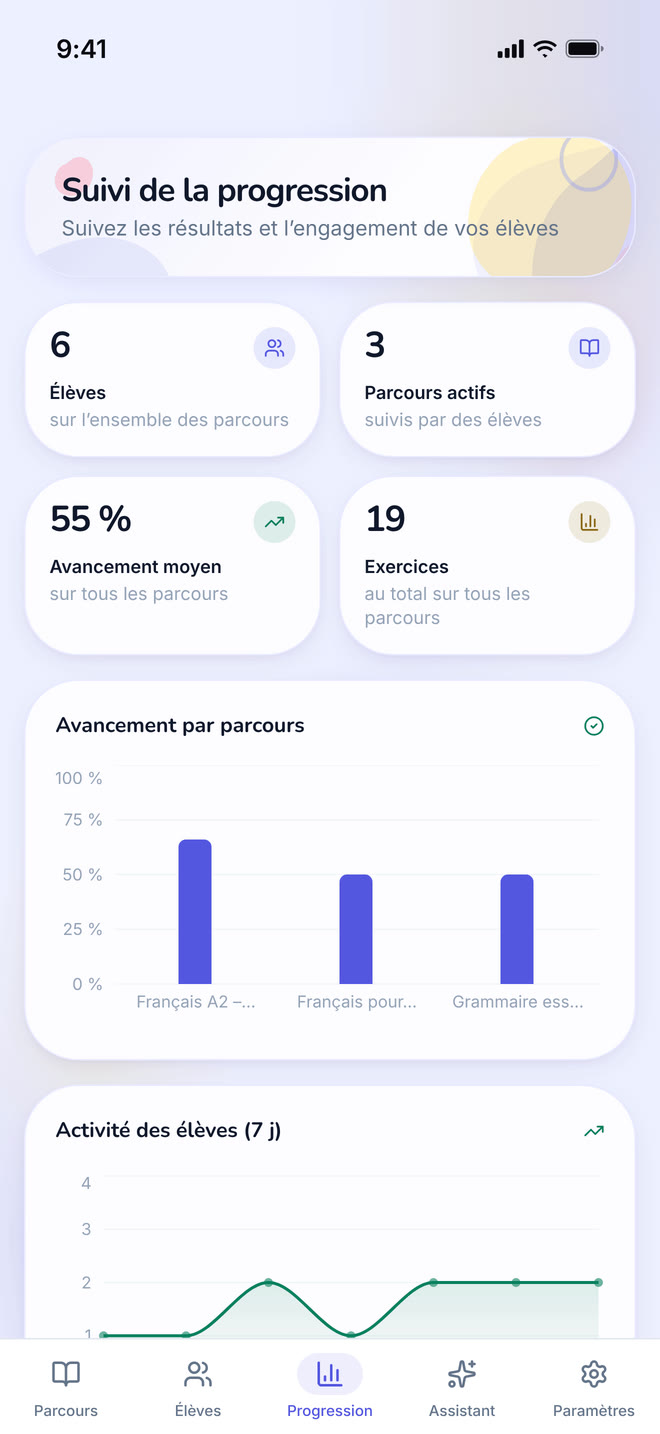
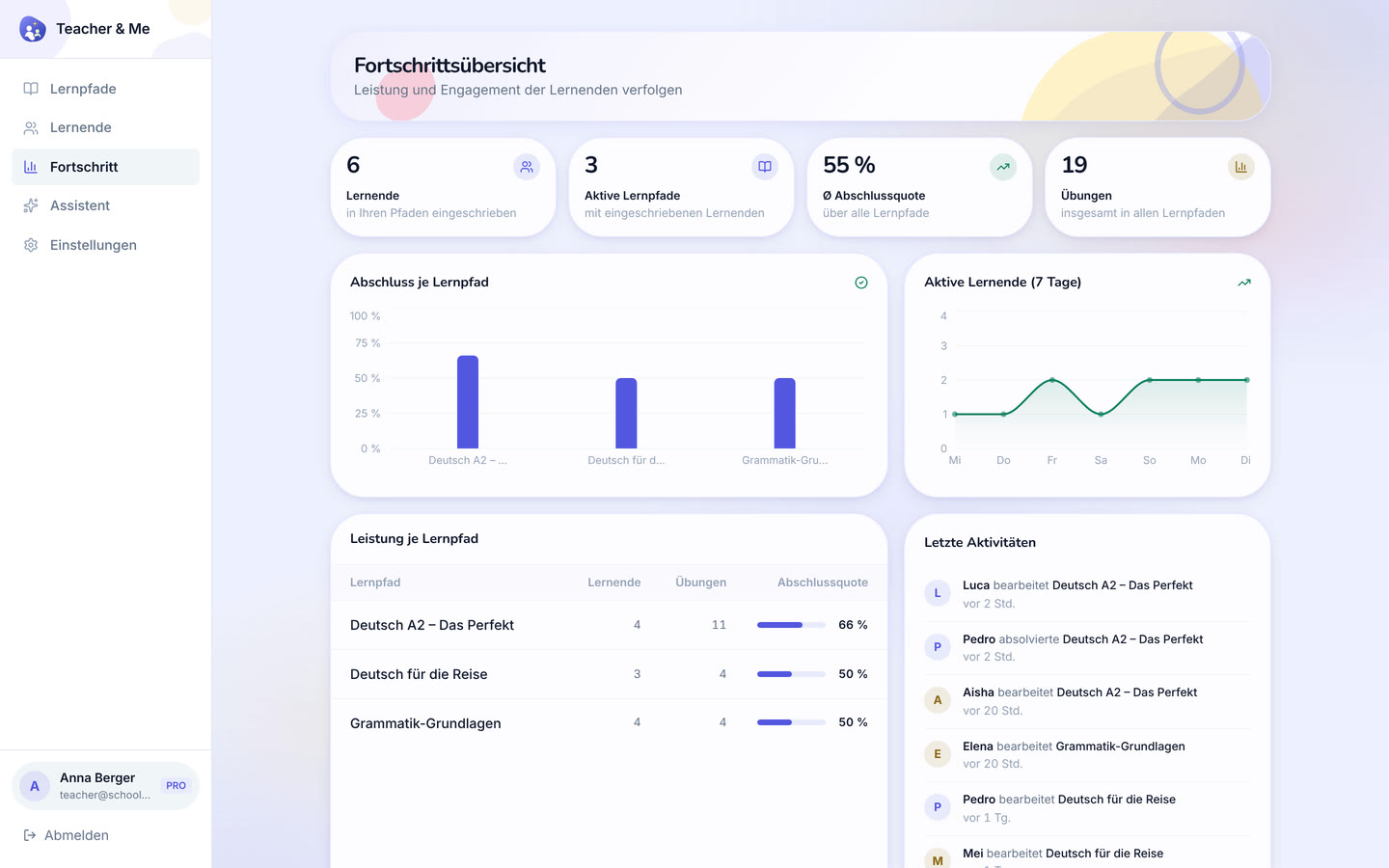
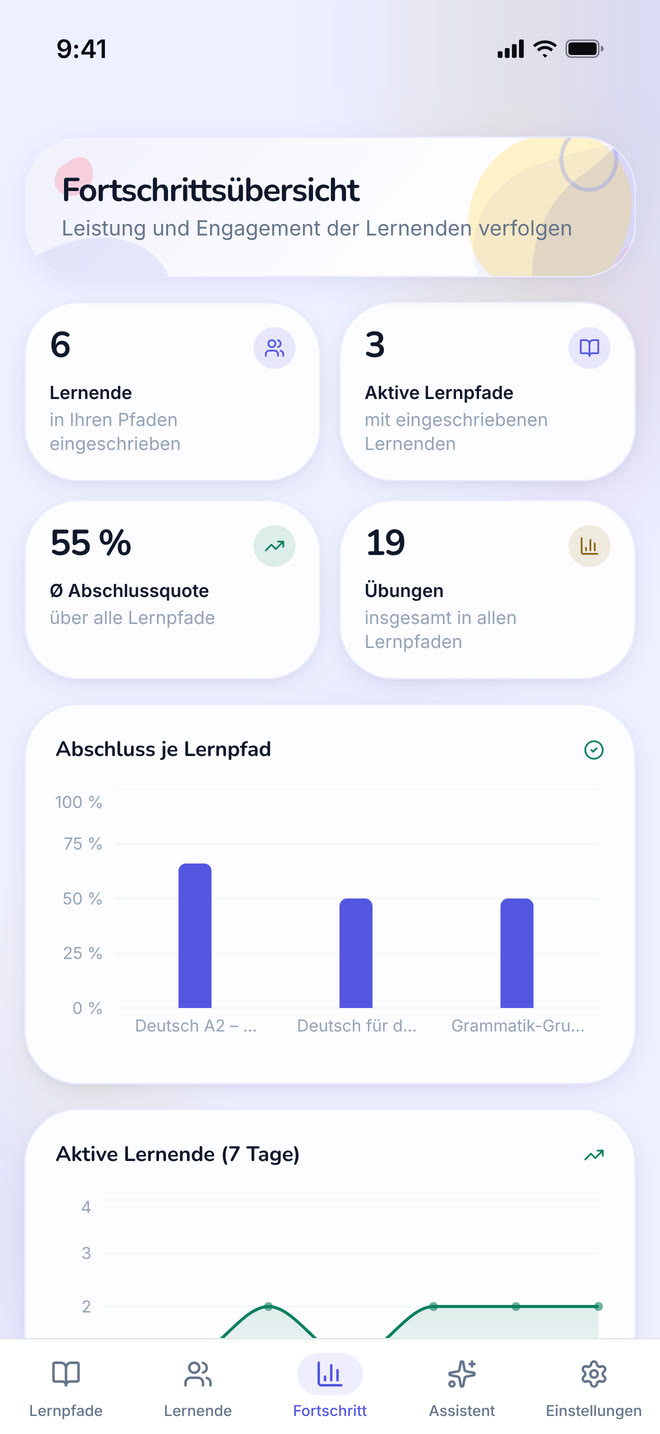
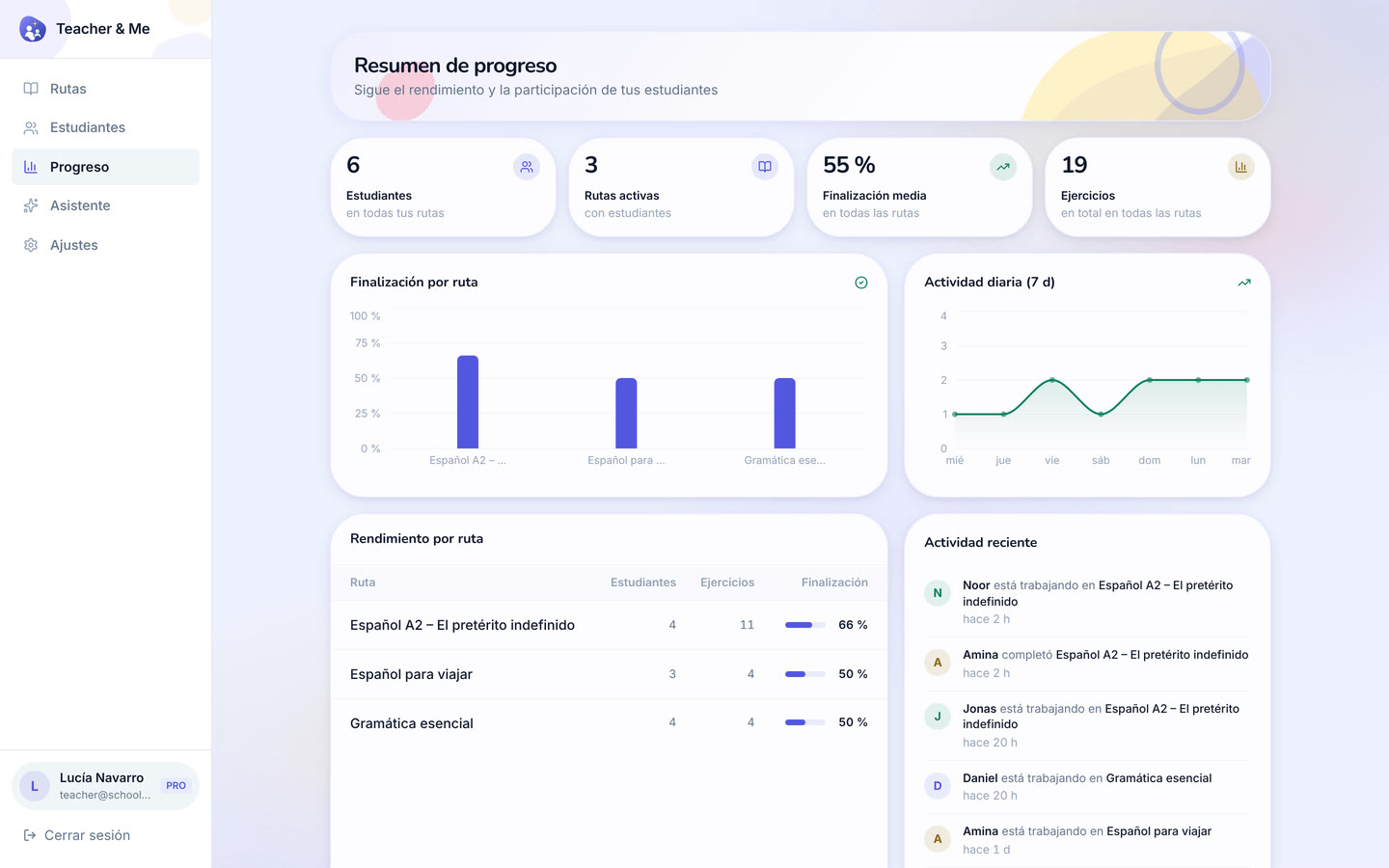
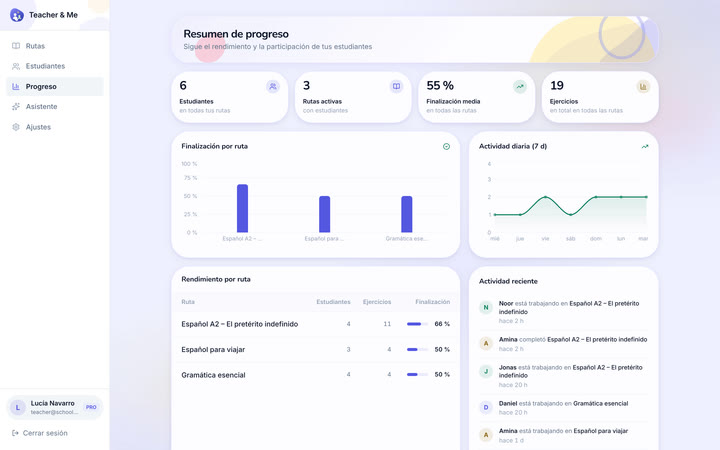
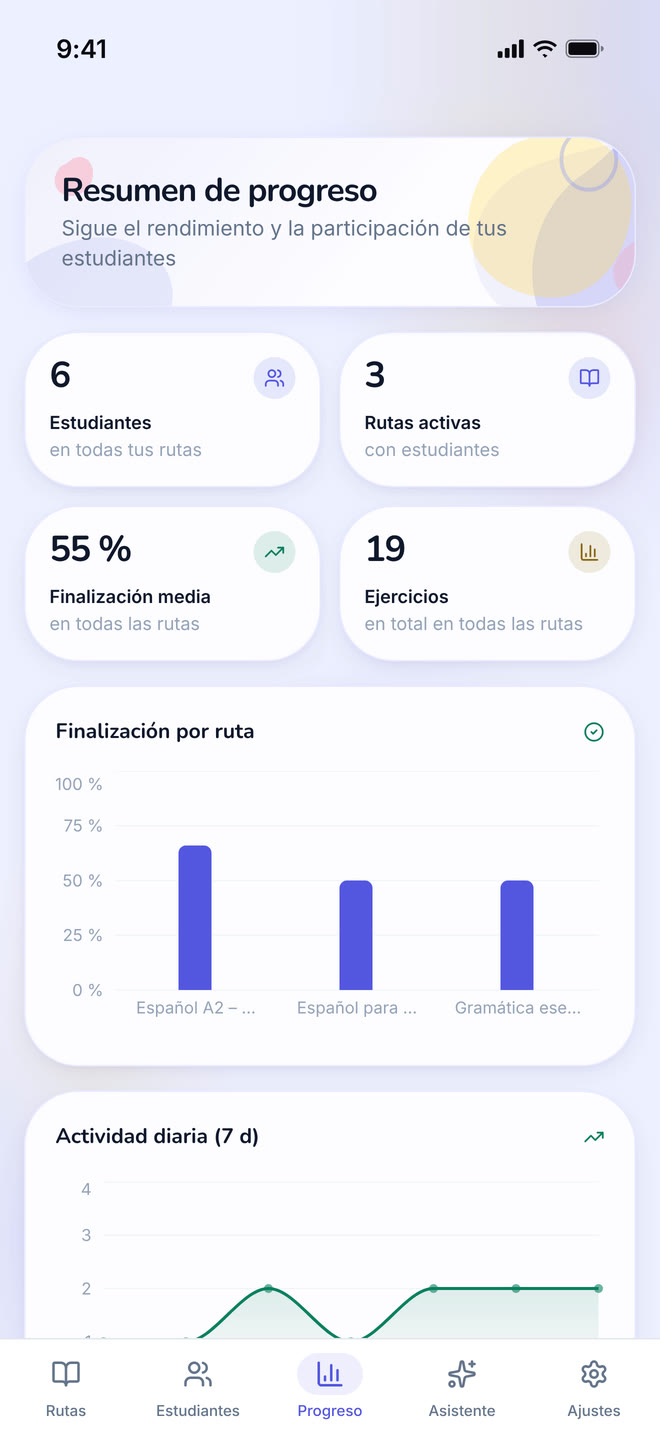
Every student and every path on one dashboard.
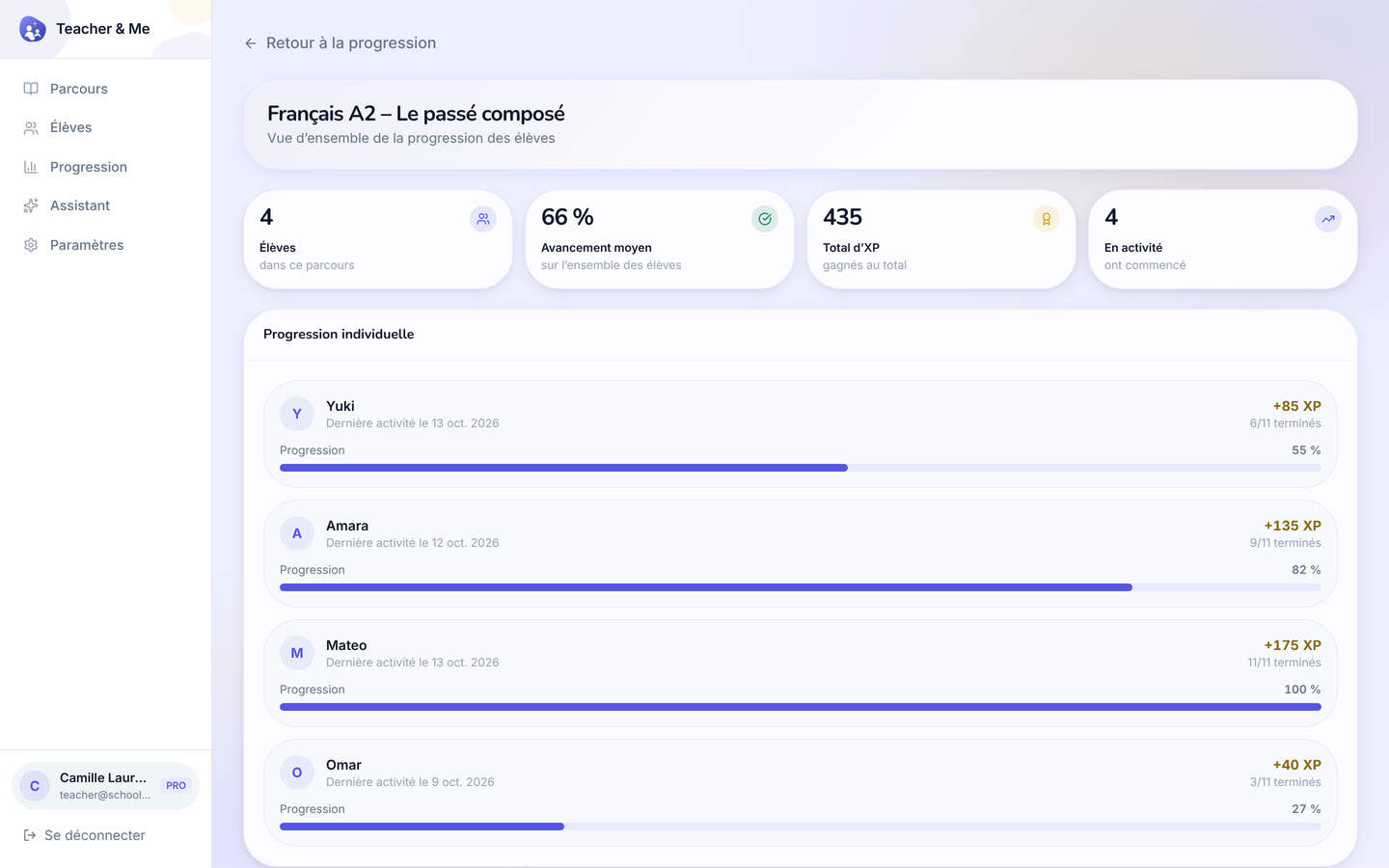
https://teacher-and-me.com/press-assets/desktop/teacher-progress.png
The whole-class view. Good for a tutor with more than a handful of students.
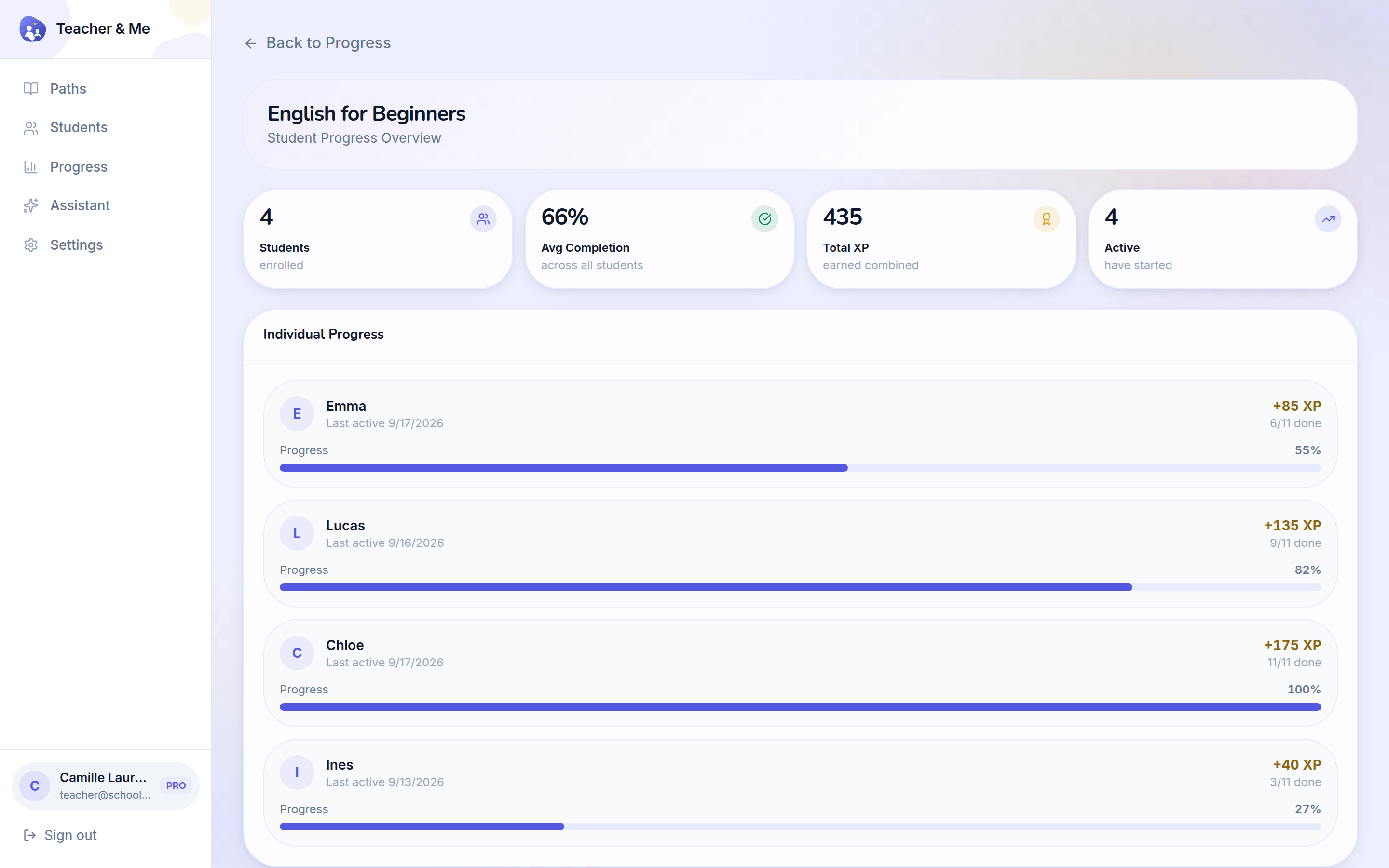
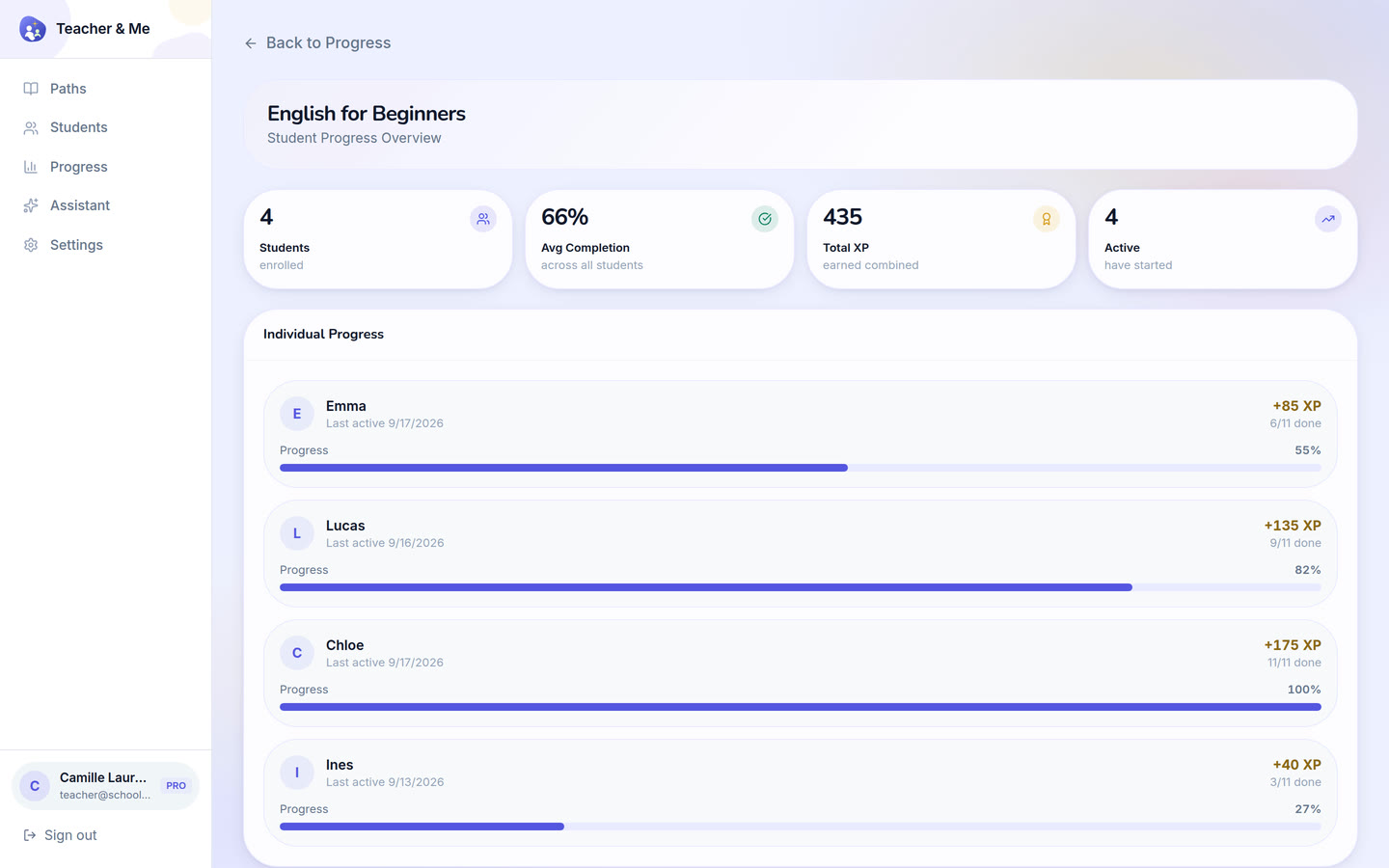
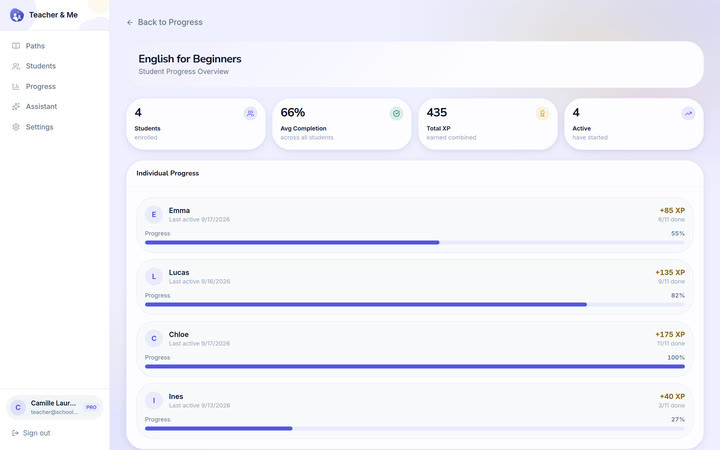
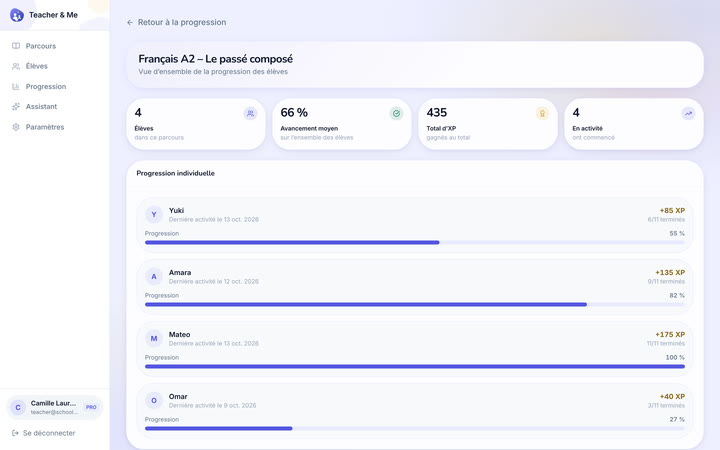
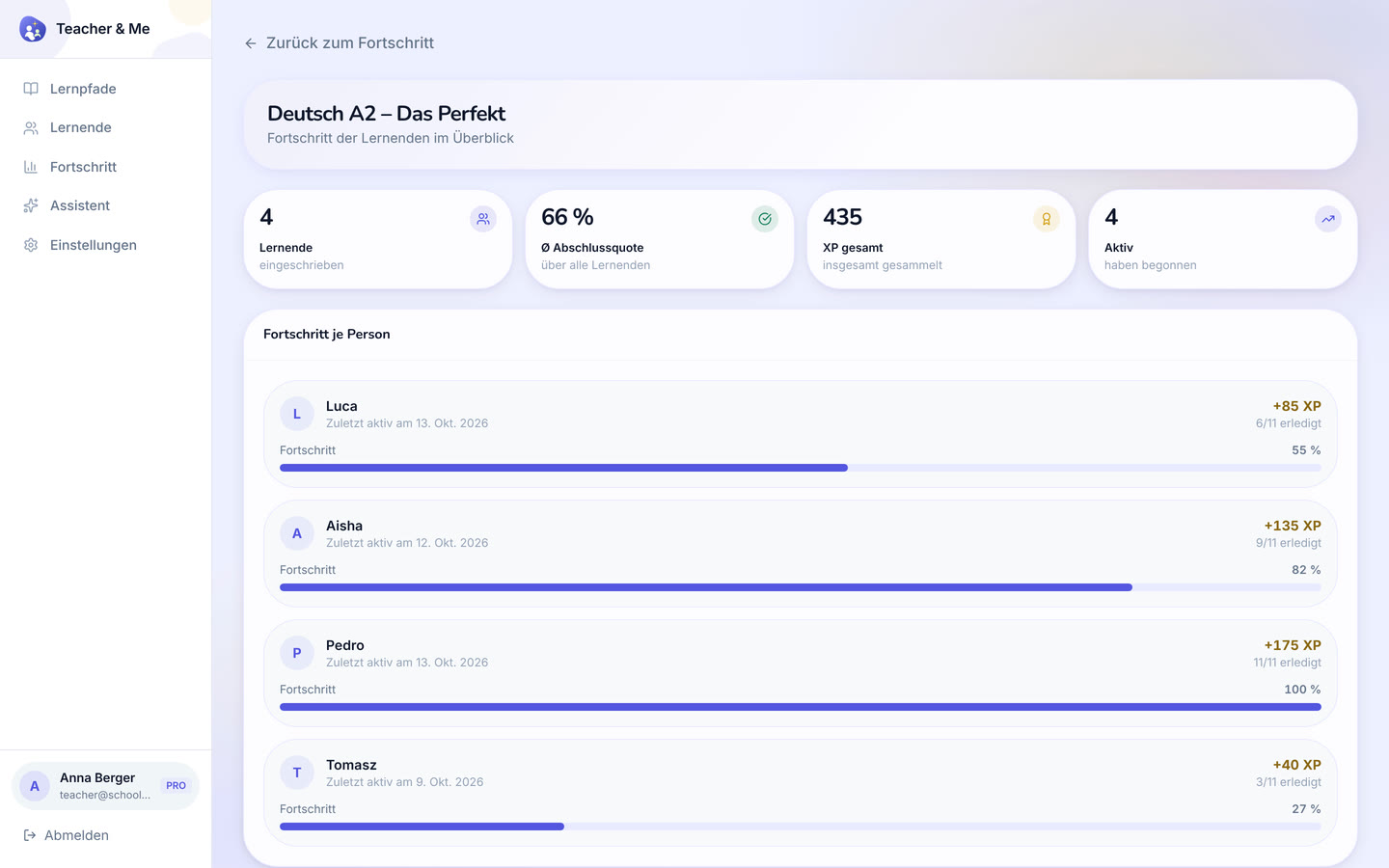
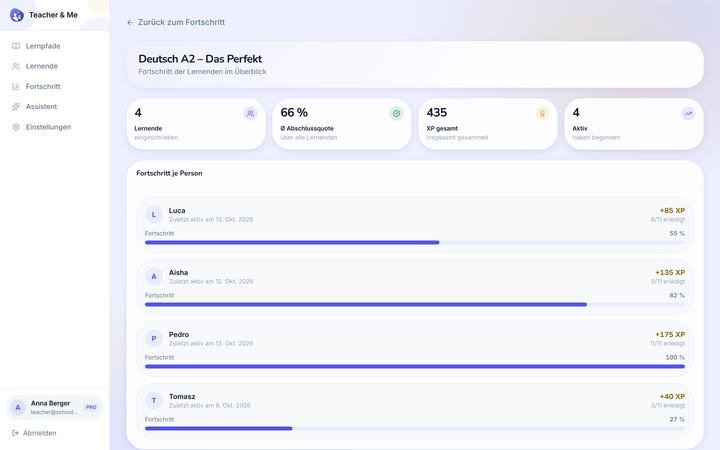
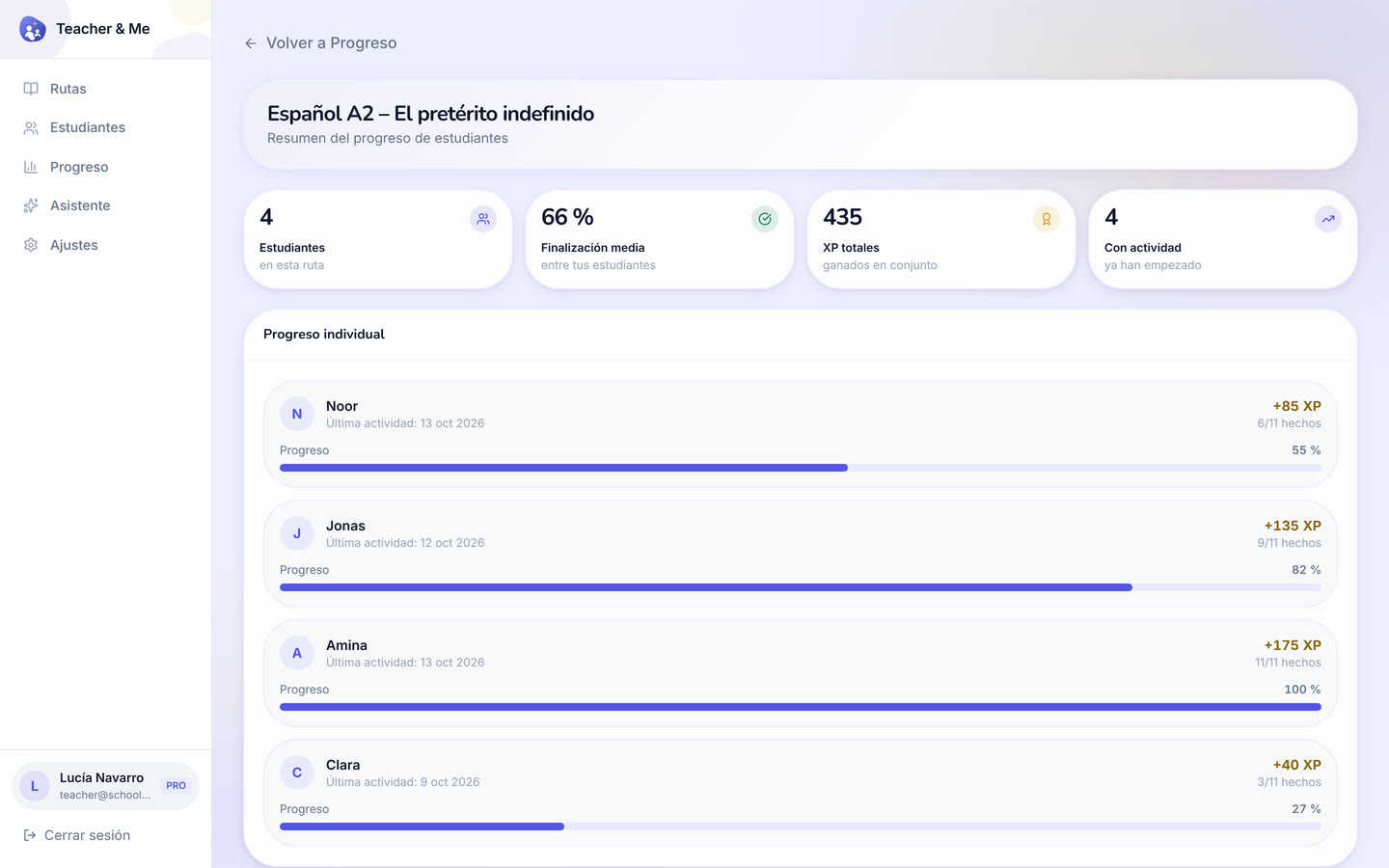
The same overview narrowed to a single path.
https://teacher-and-me.com/press-assets/desktop/teacher-path-progress.png
Following one cohort through one path: who has finished it and who has not started.
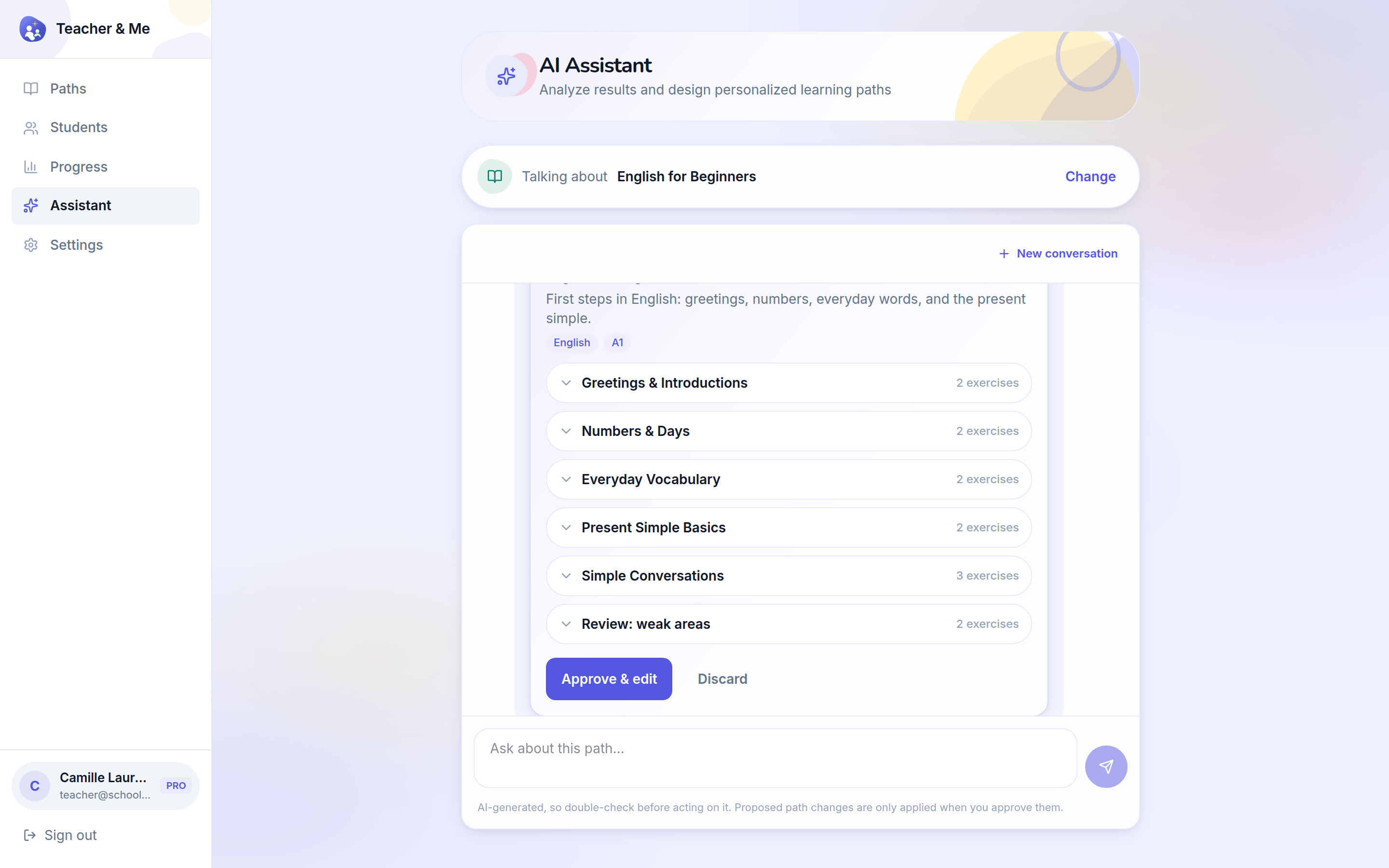
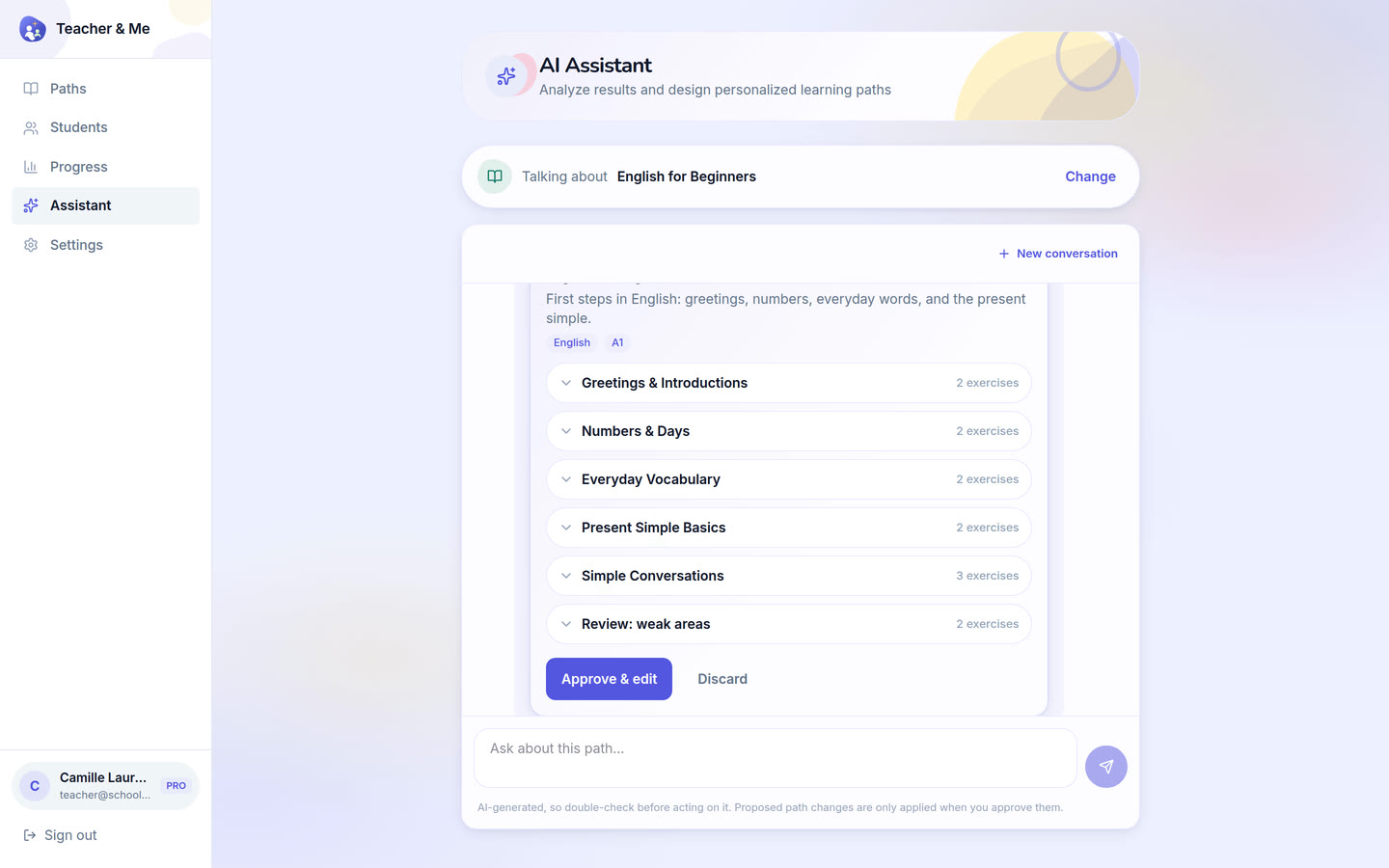
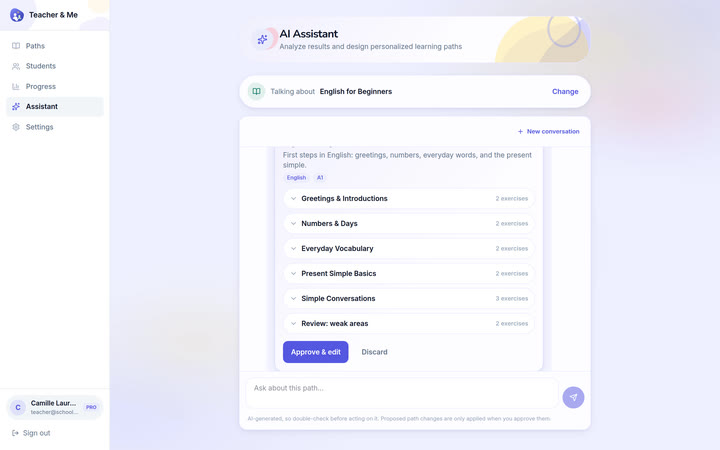
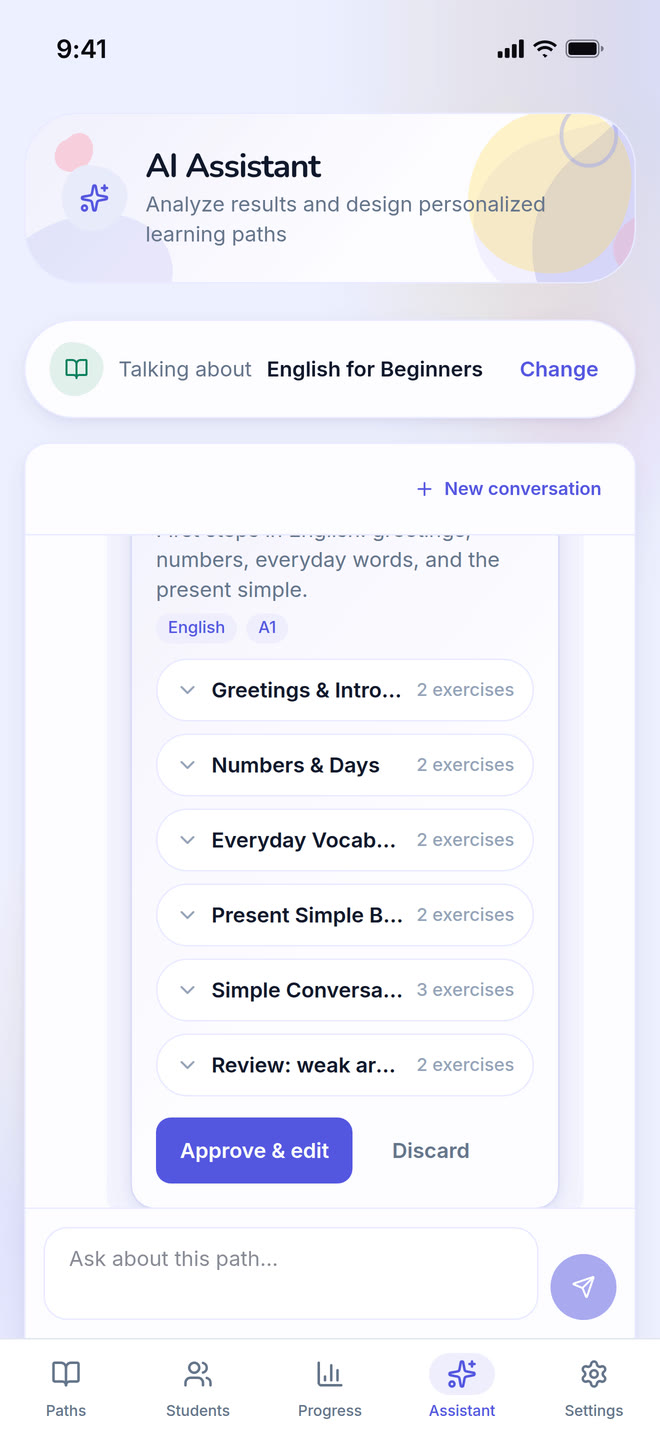
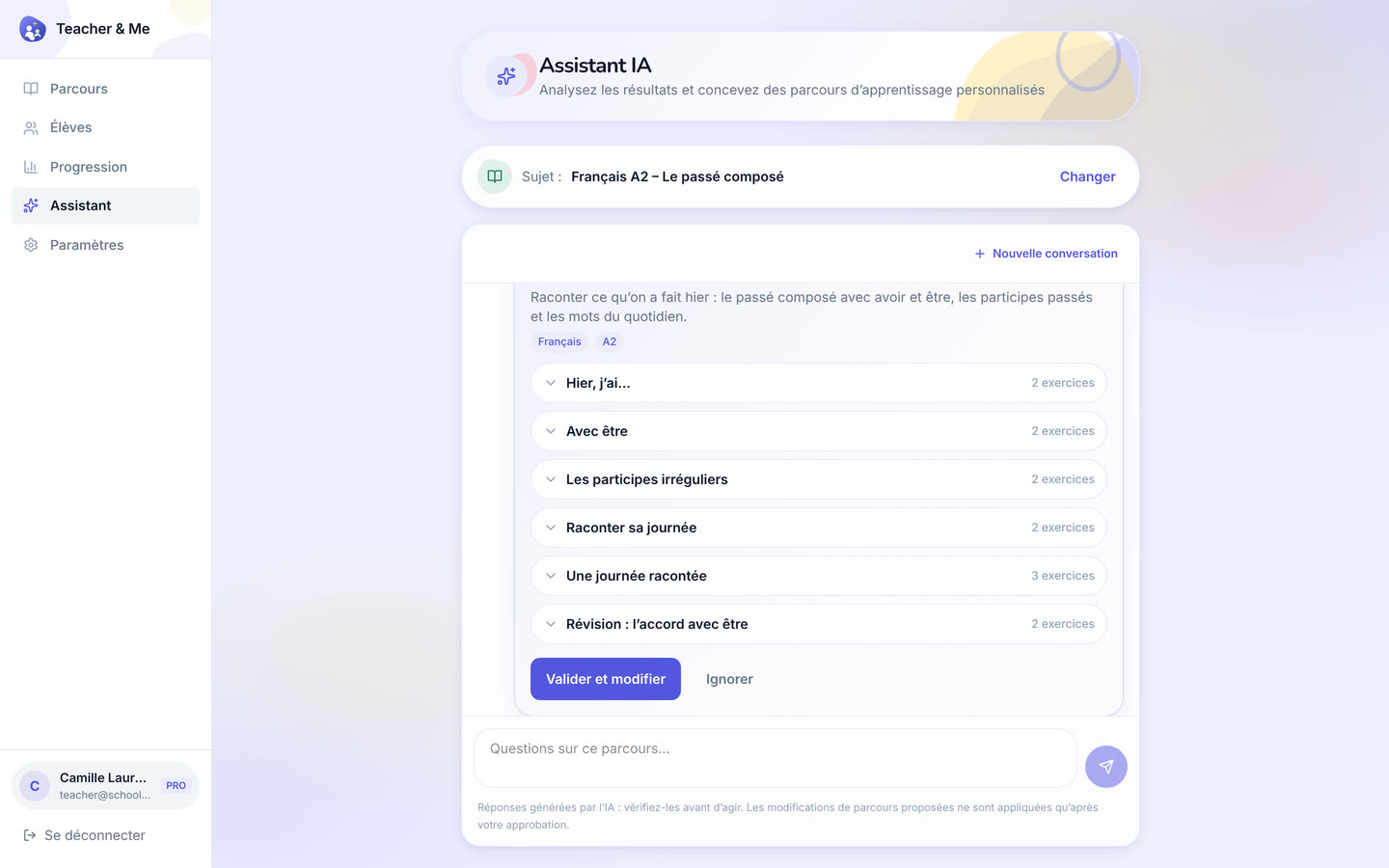
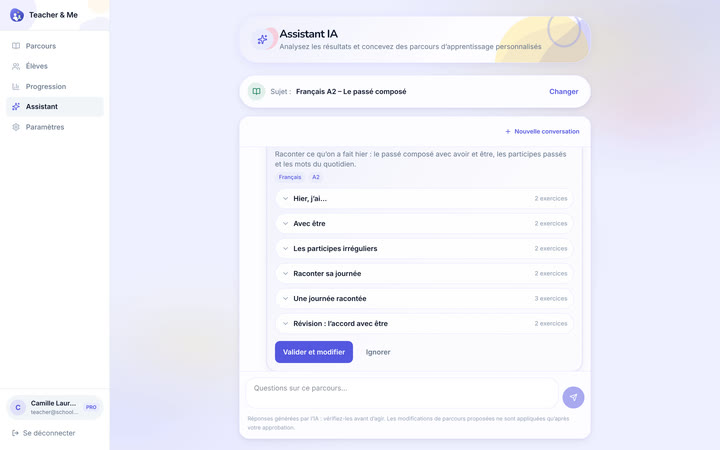
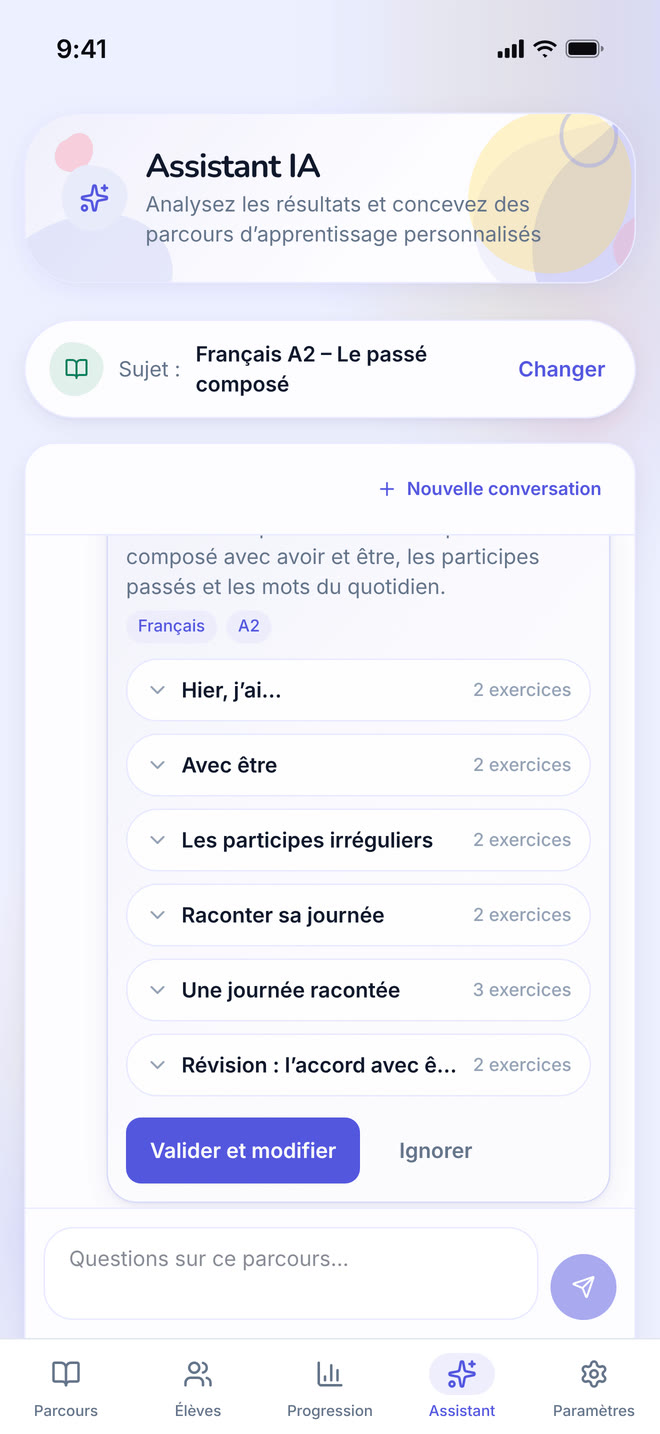
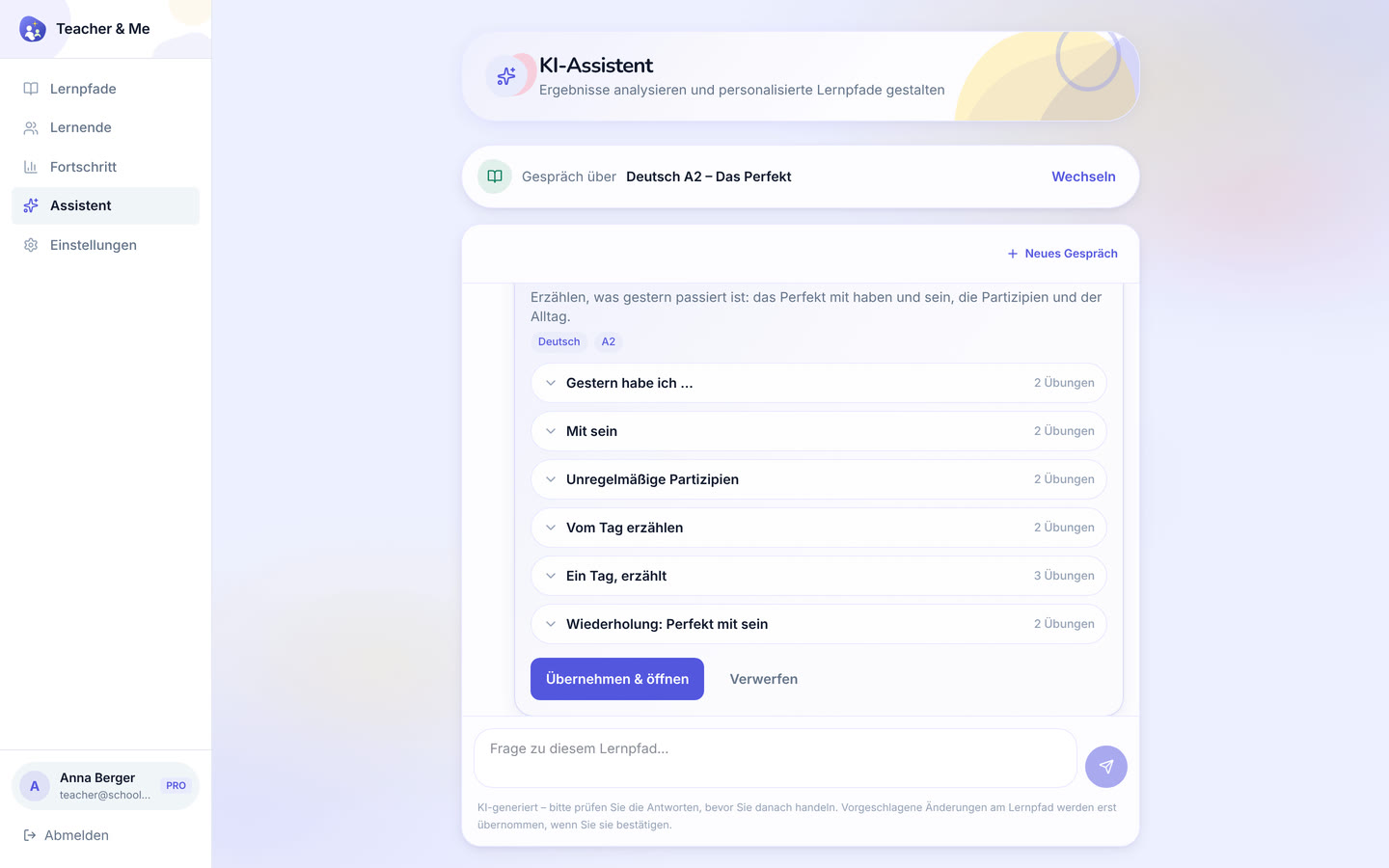
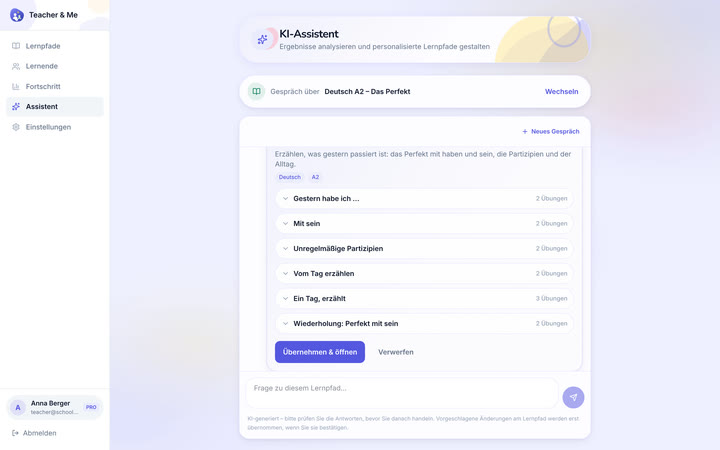
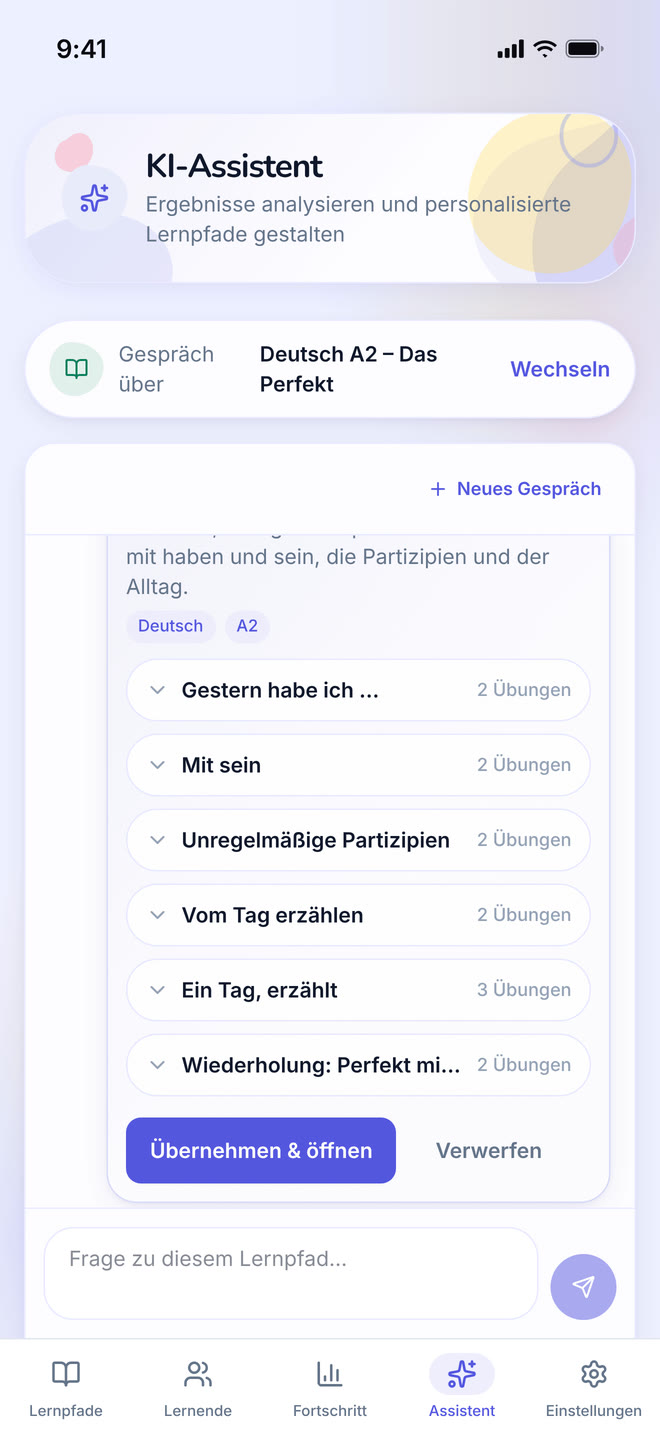
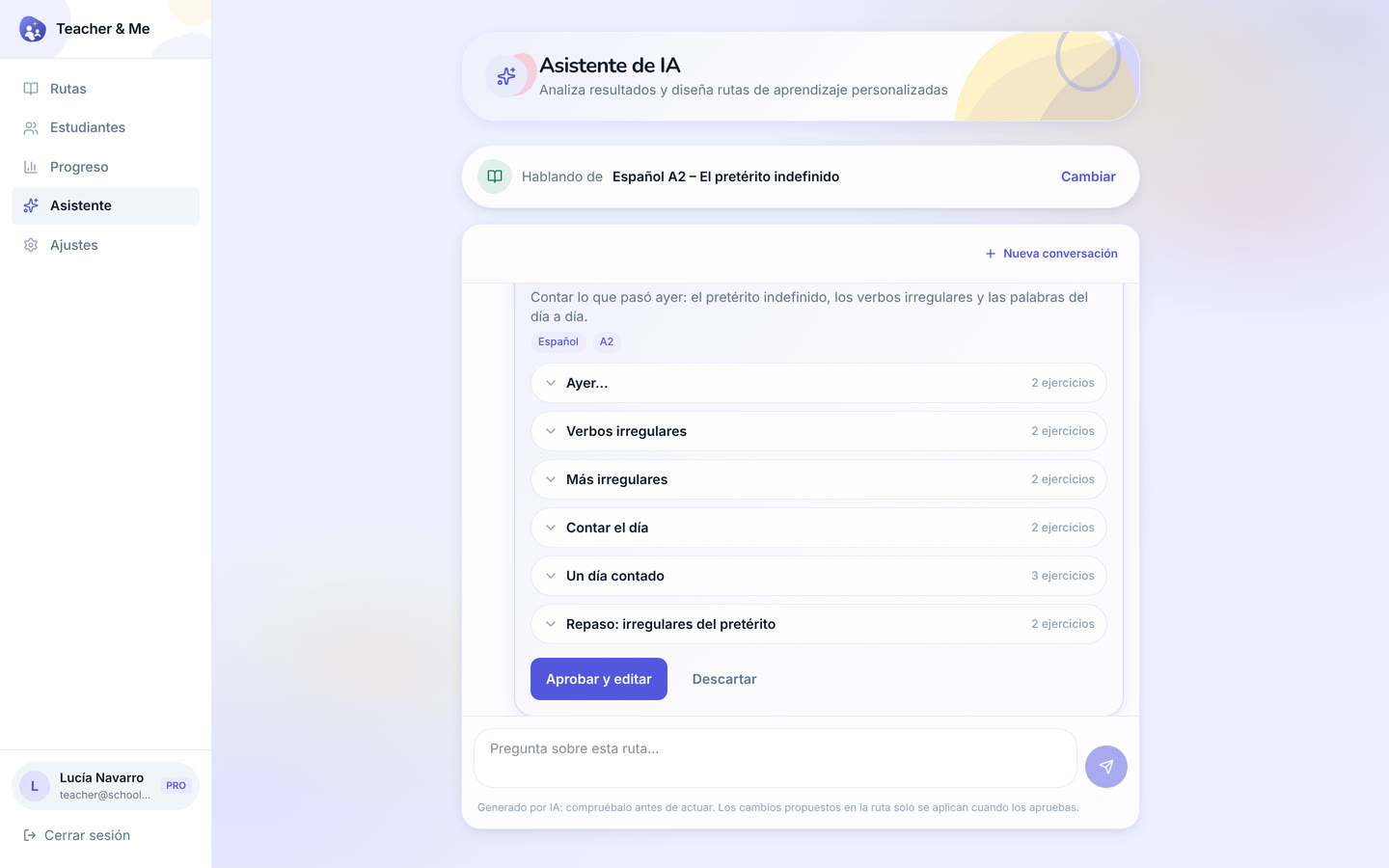
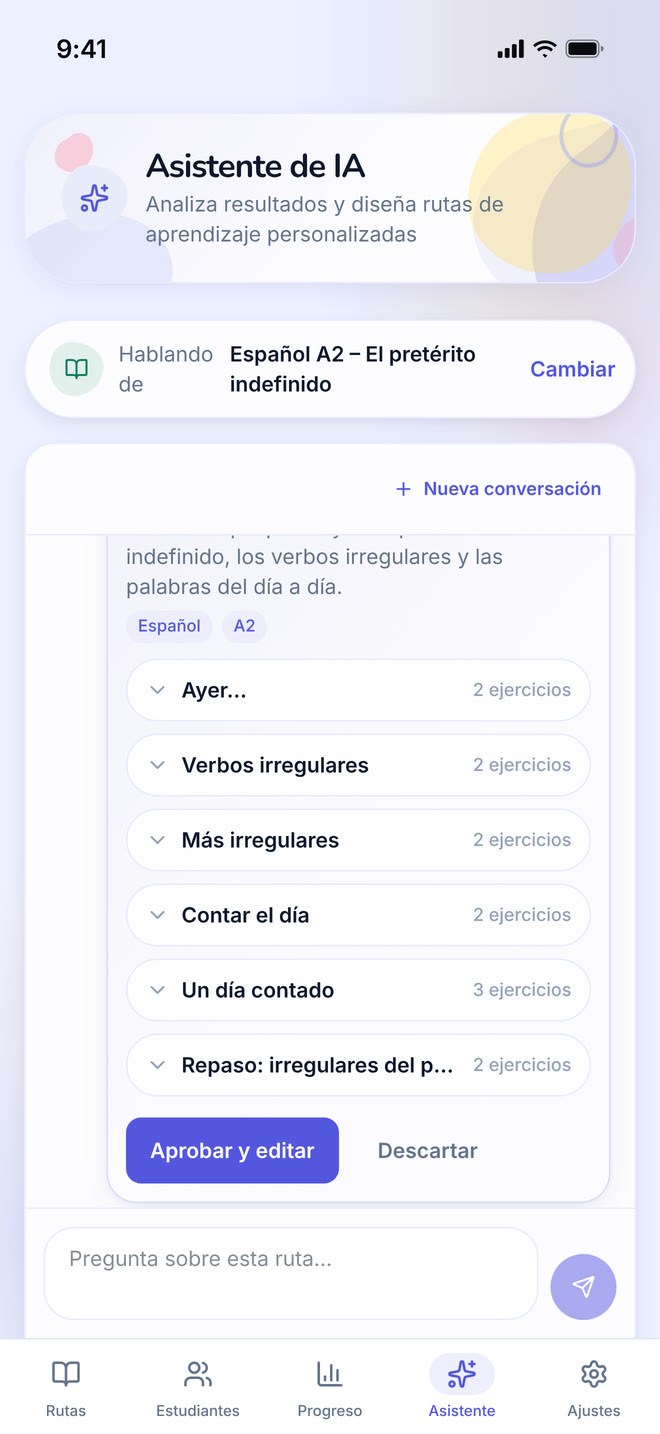
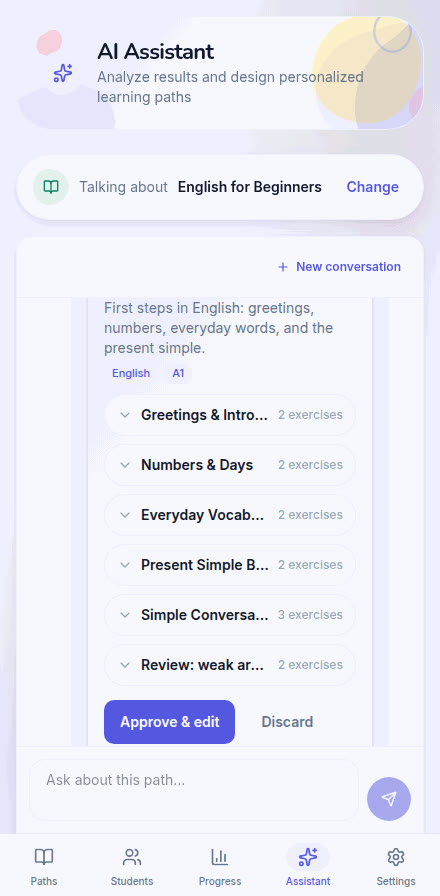
The assistant answering a question about a path and proposing a lesson to add, with an approve control.
https://teacher-and-me.com/press-assets/desktop/teacher-assistant.png
That the assistant proposes an edit the tutor approves: it reads the results and drafts, the tutor decides. Do not describe it as teaching the student or acting on its own.
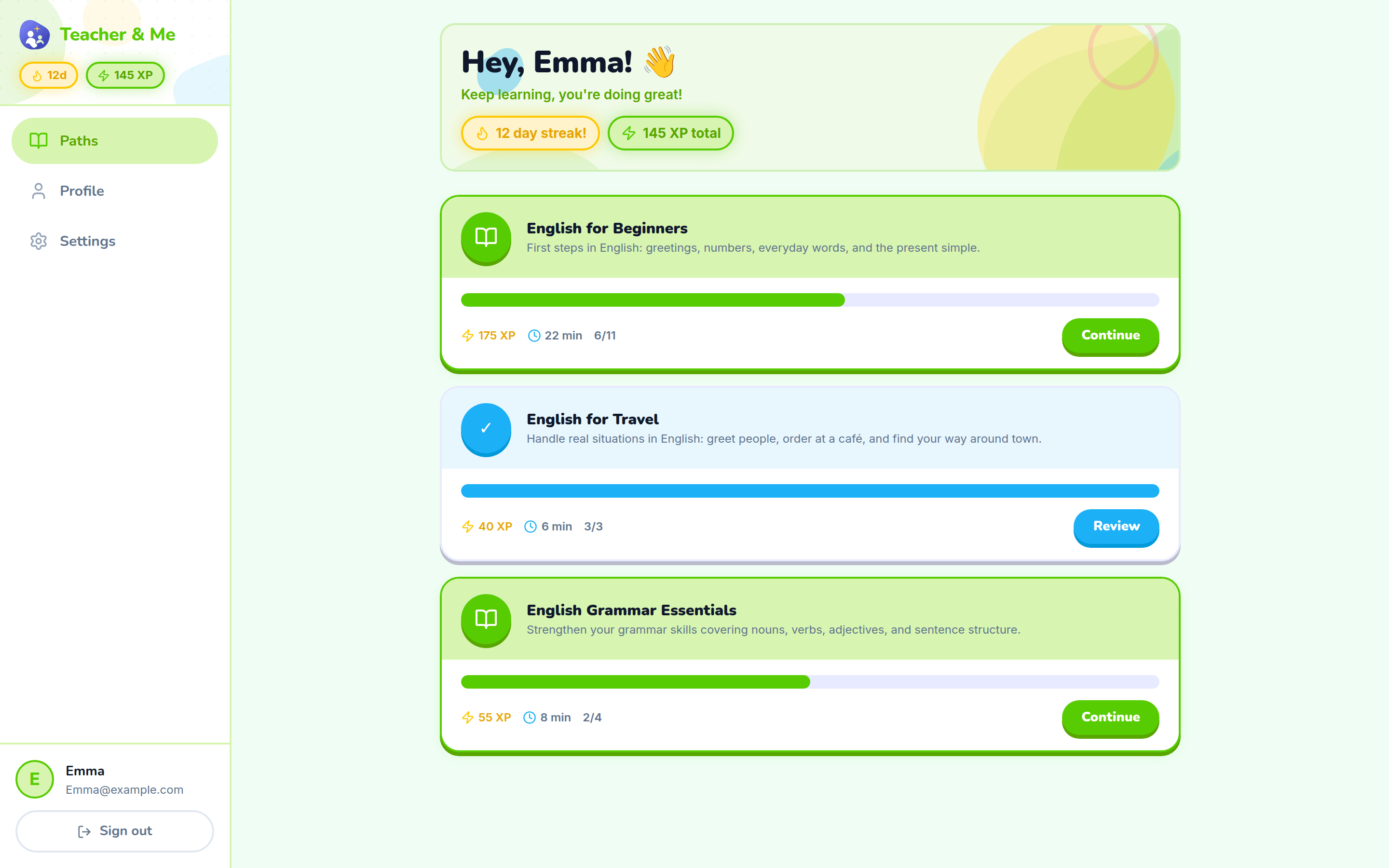
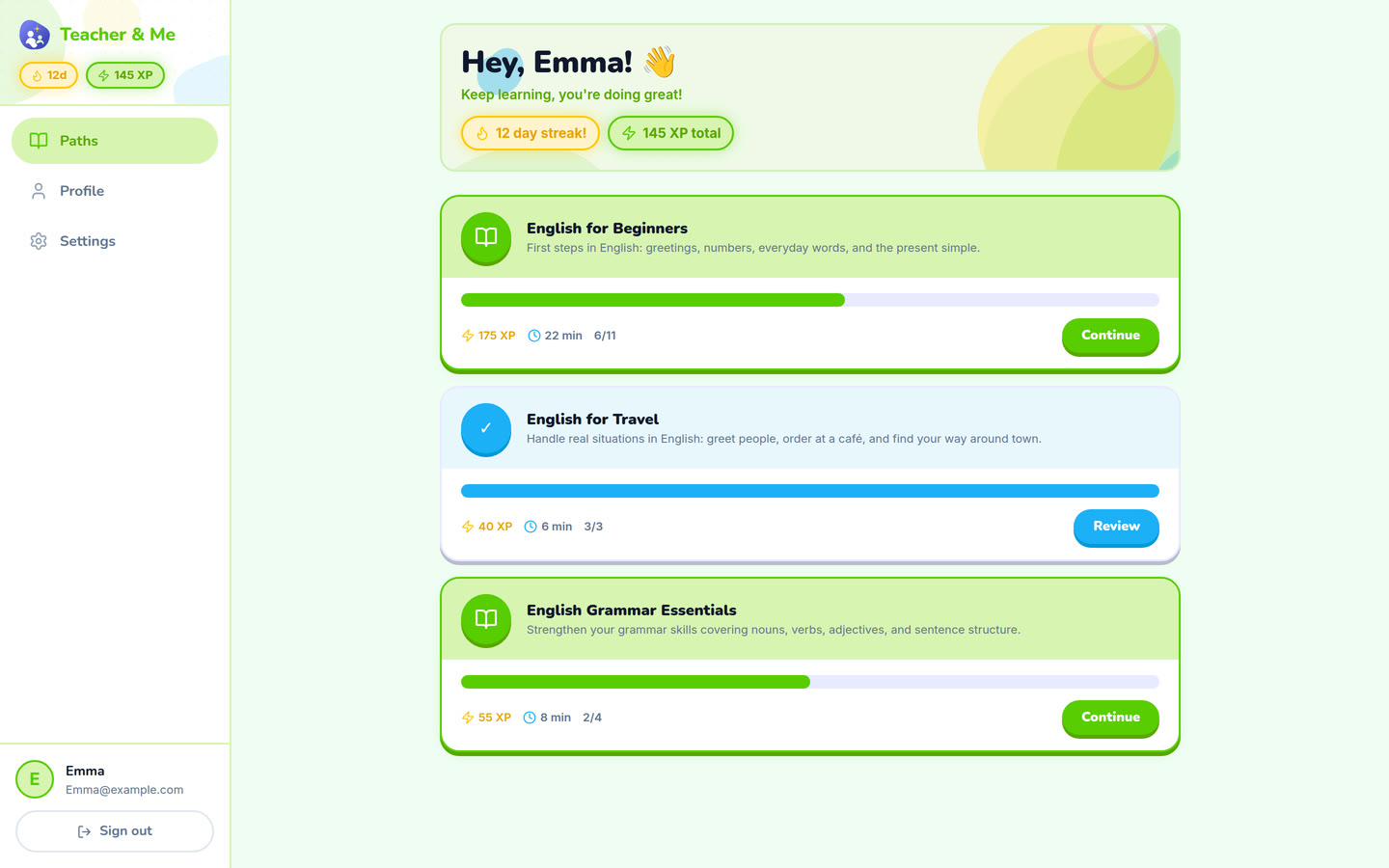
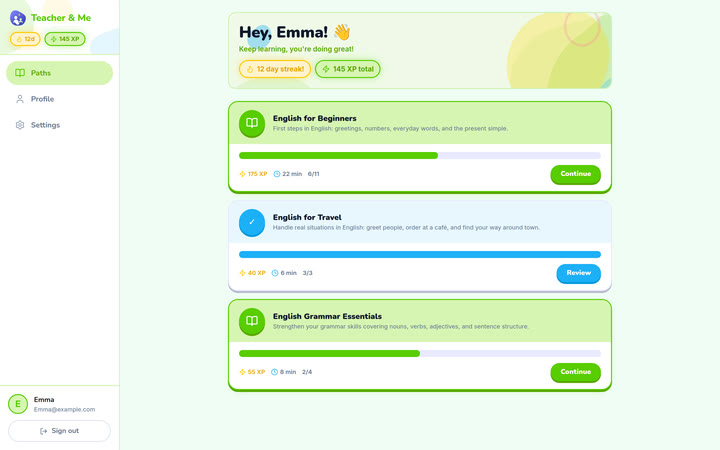
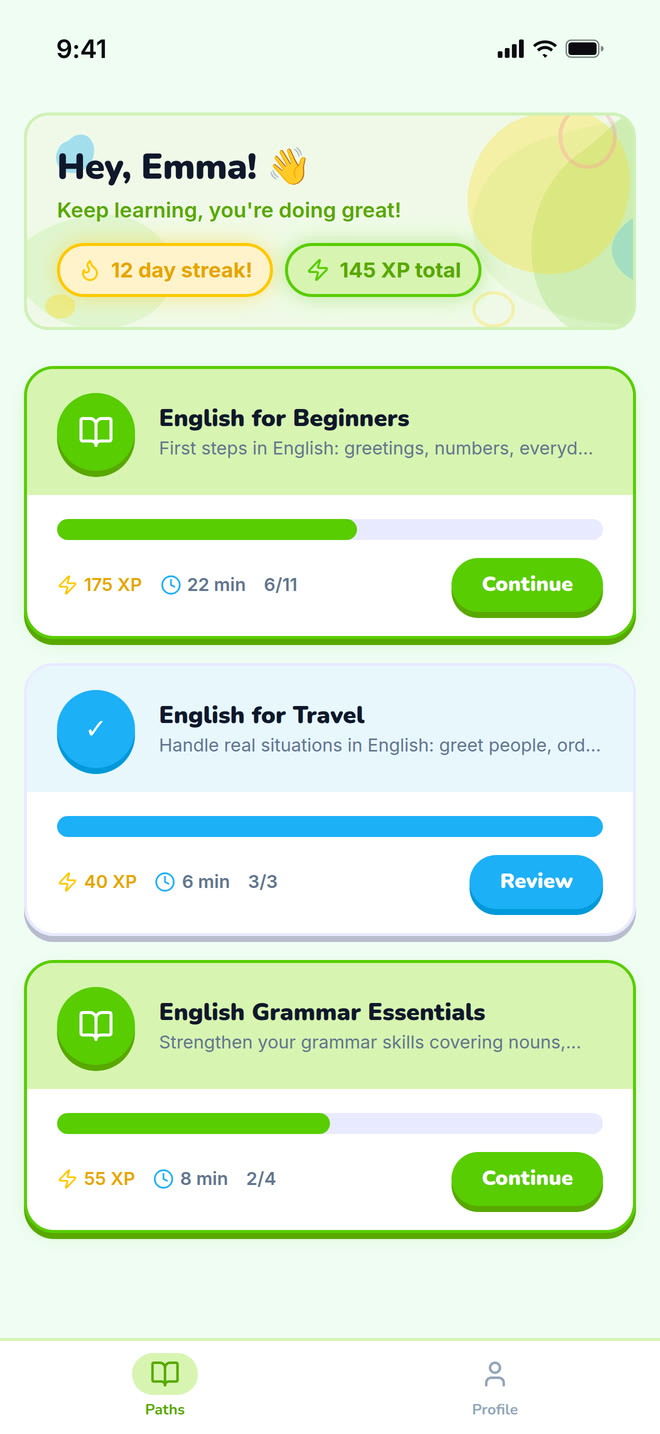
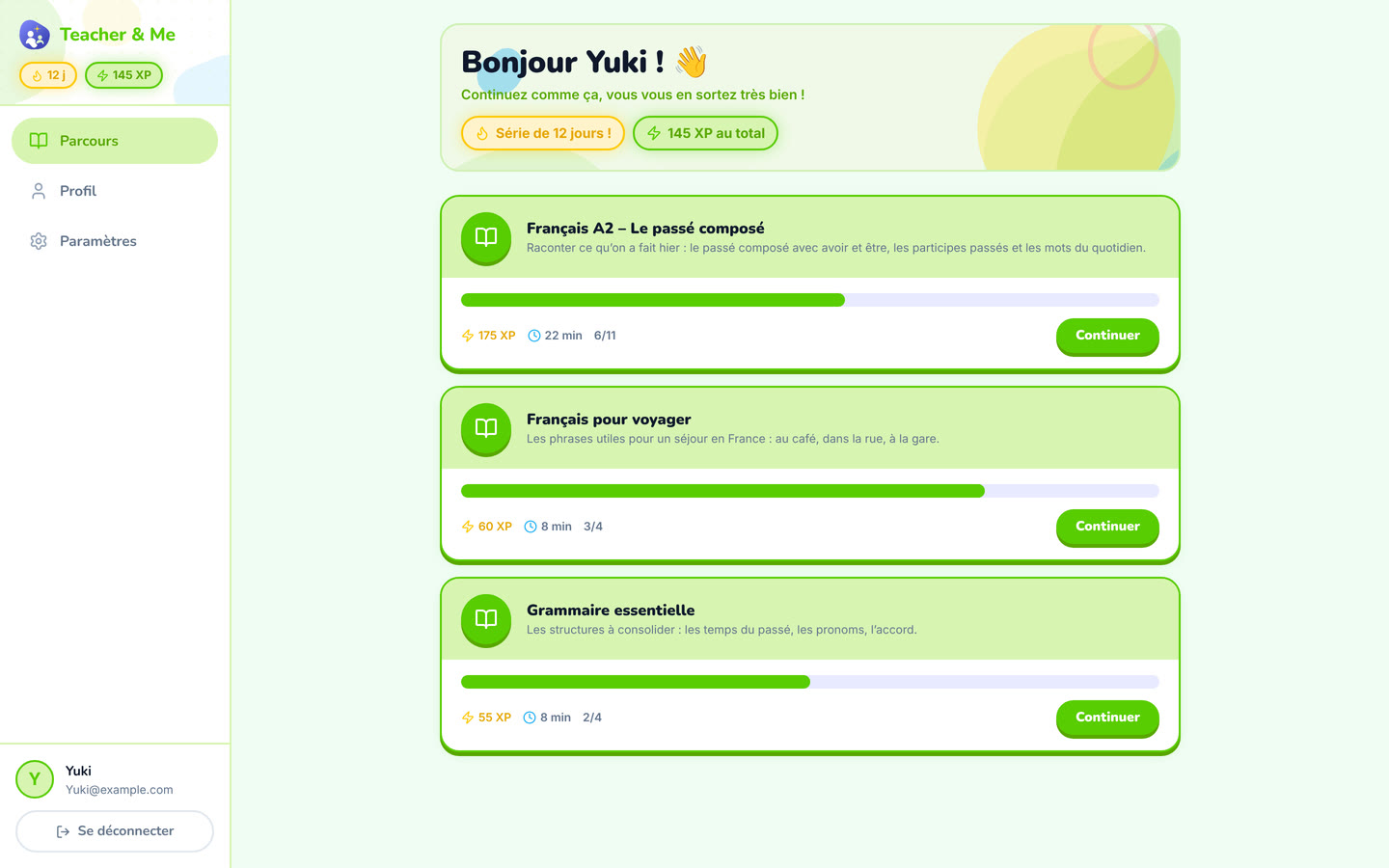
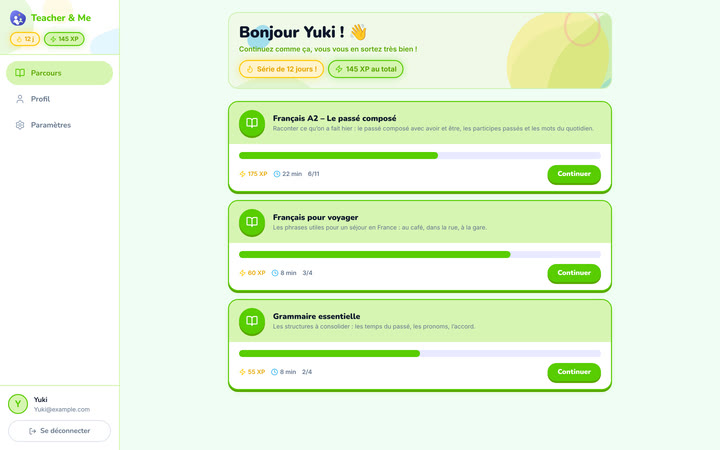
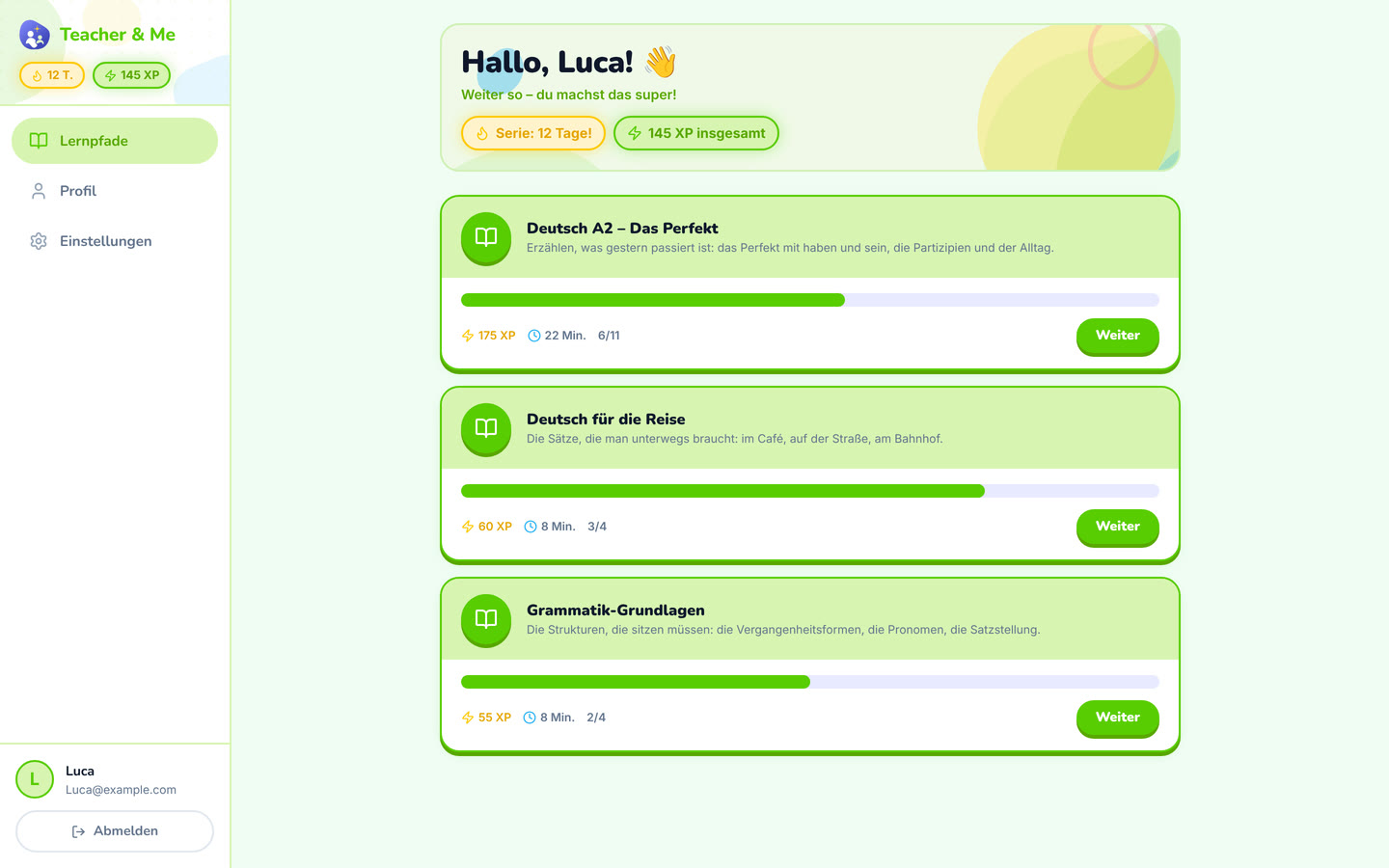
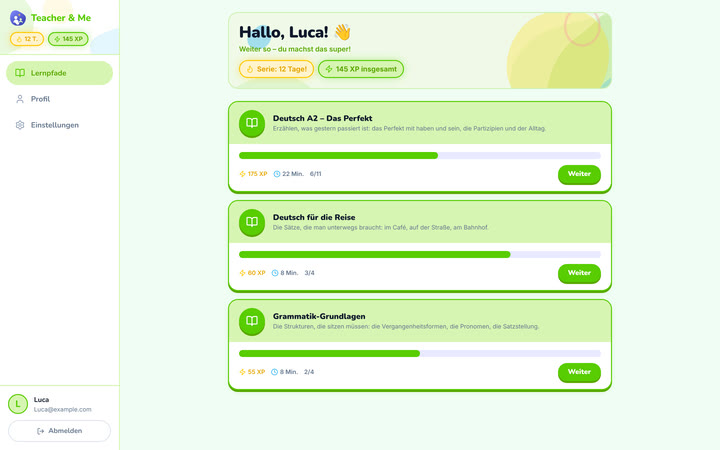
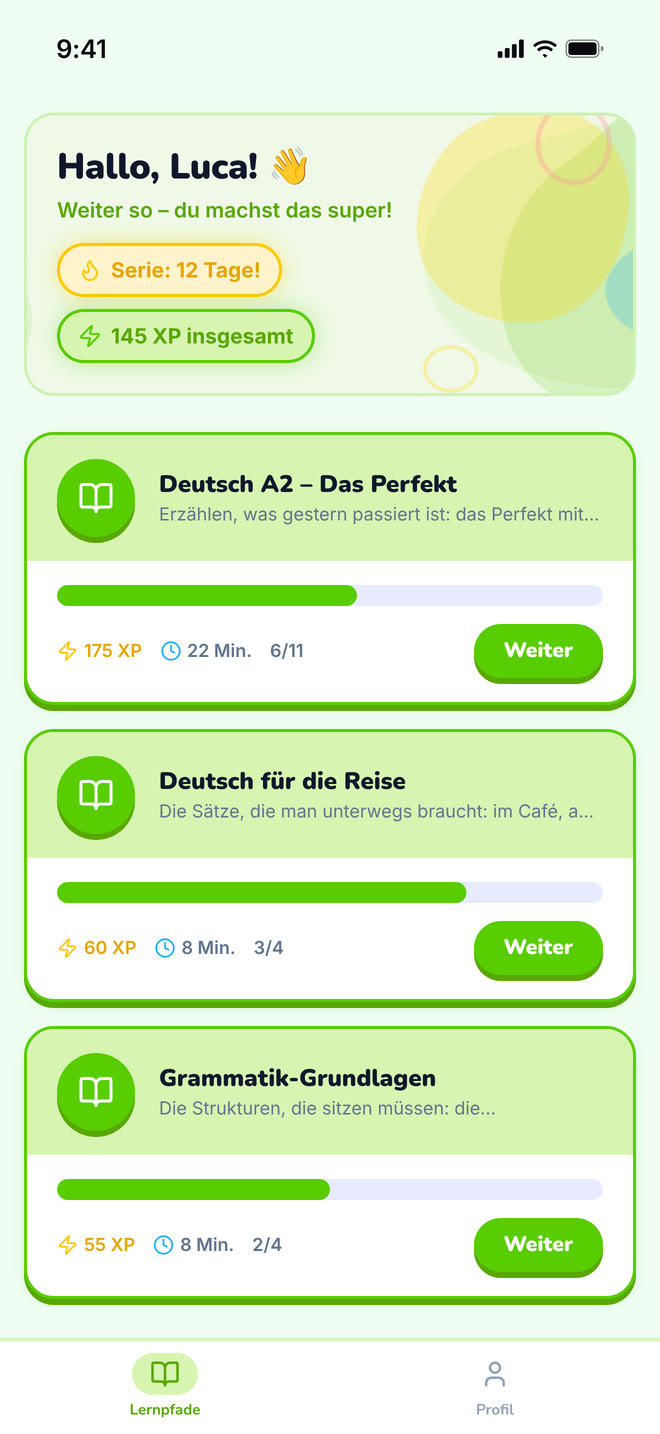
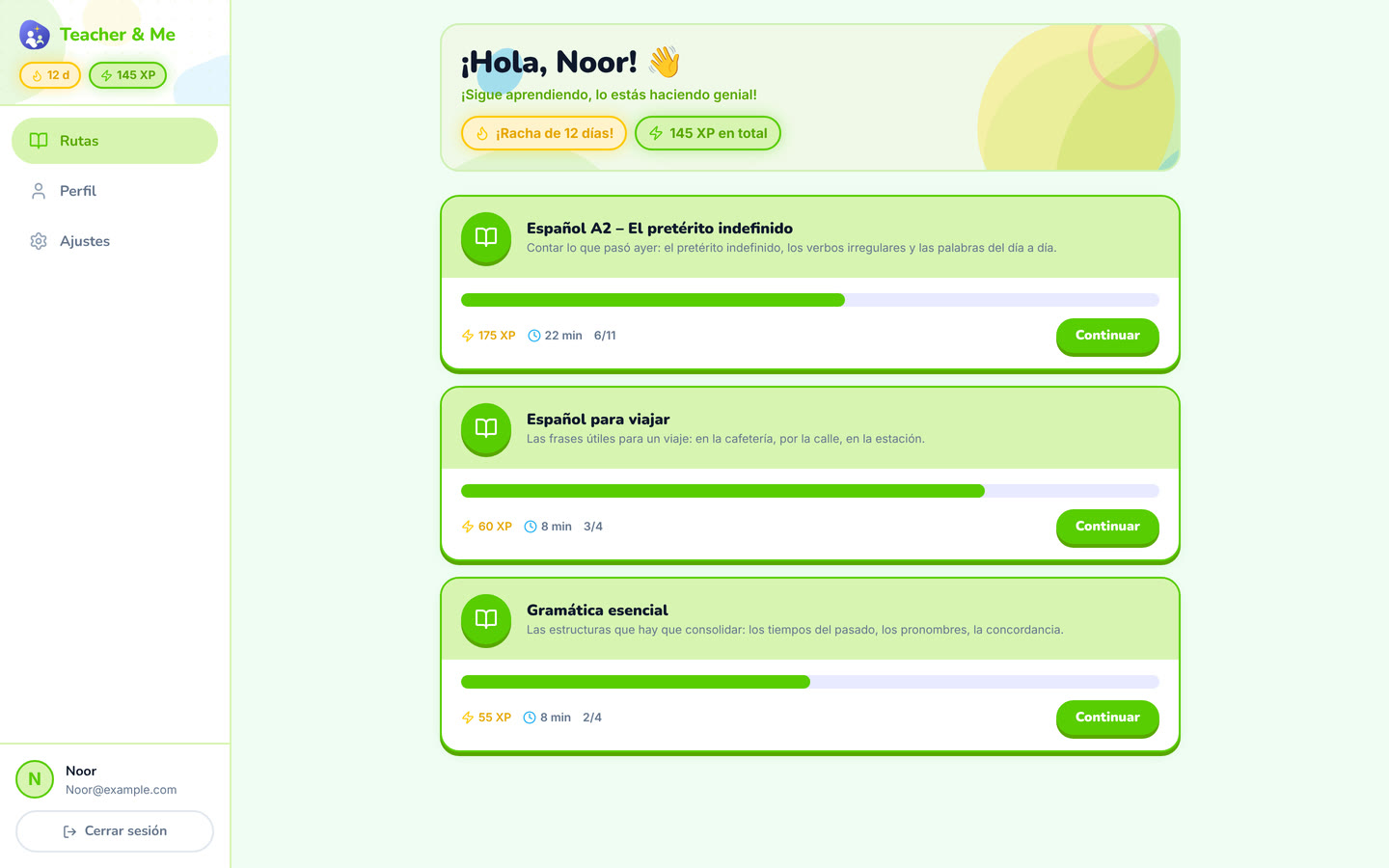
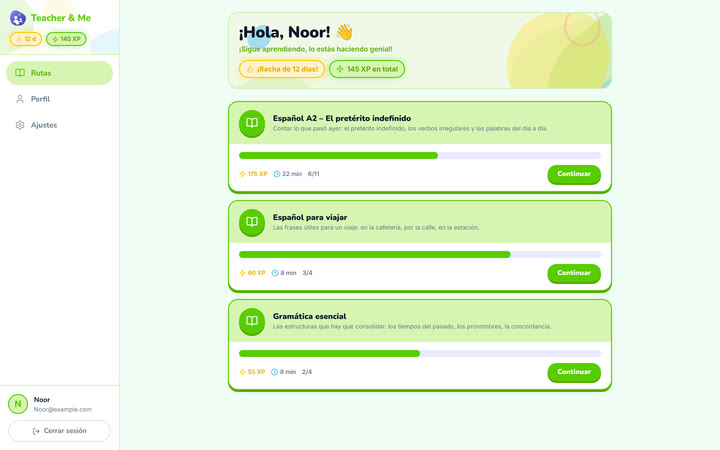
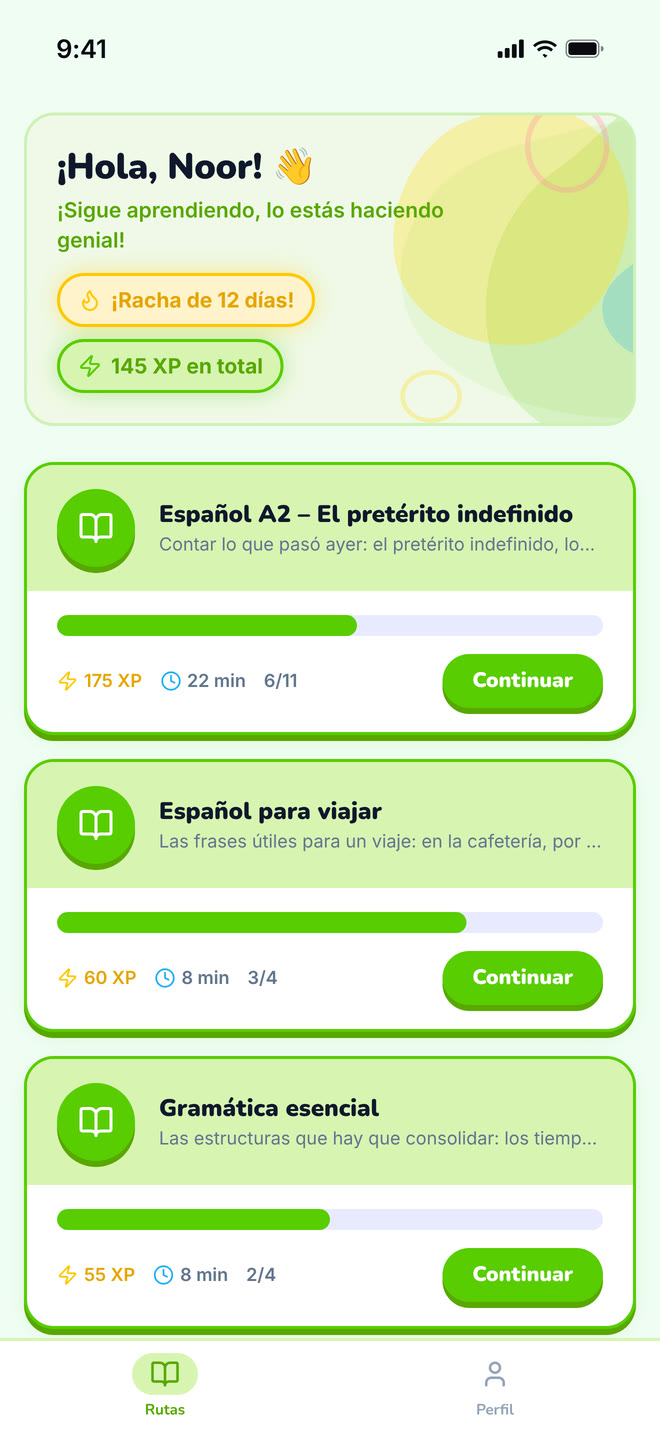
The student’s home: the paths their tutor assigned them.
https://teacher-and-me.com/press-assets/desktop/student-paths.png
That the student’s homework arrives from their own tutor rather than from a catalogue.
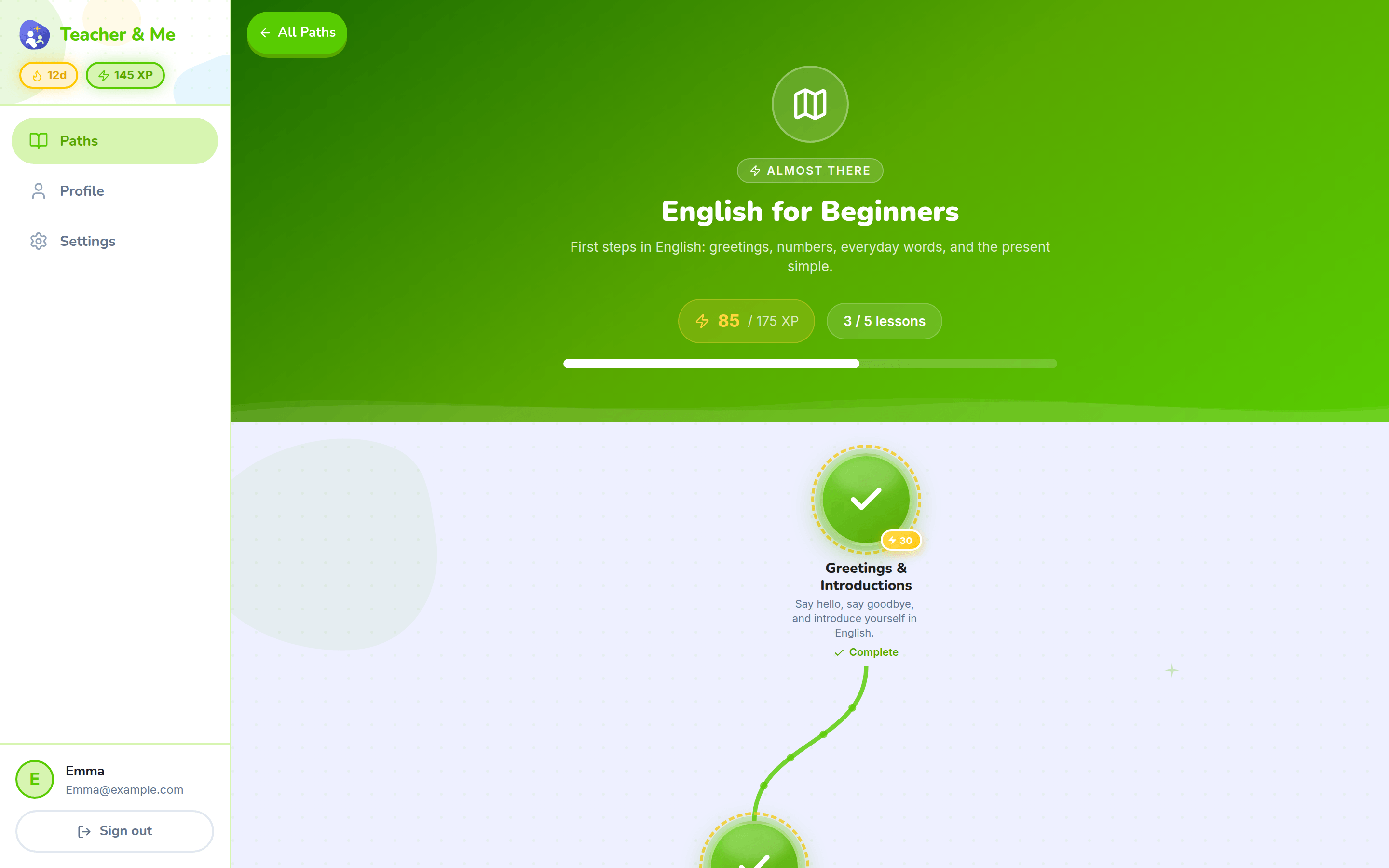
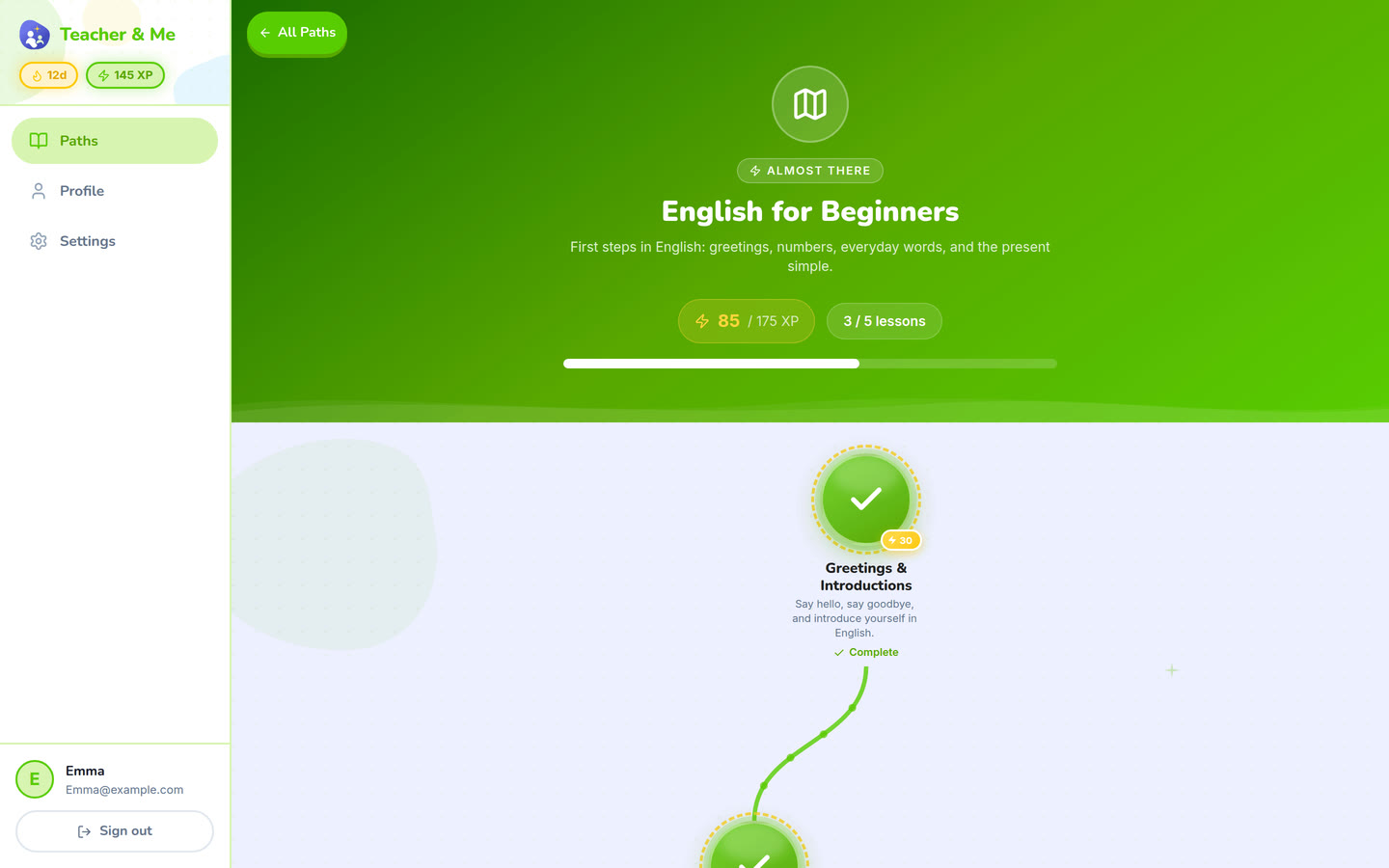
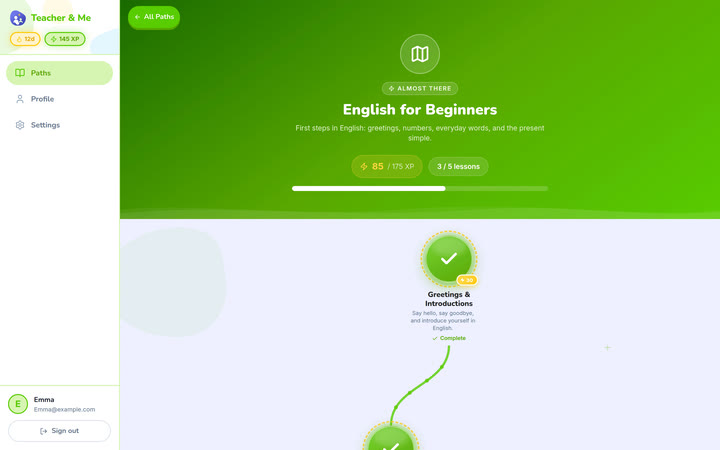
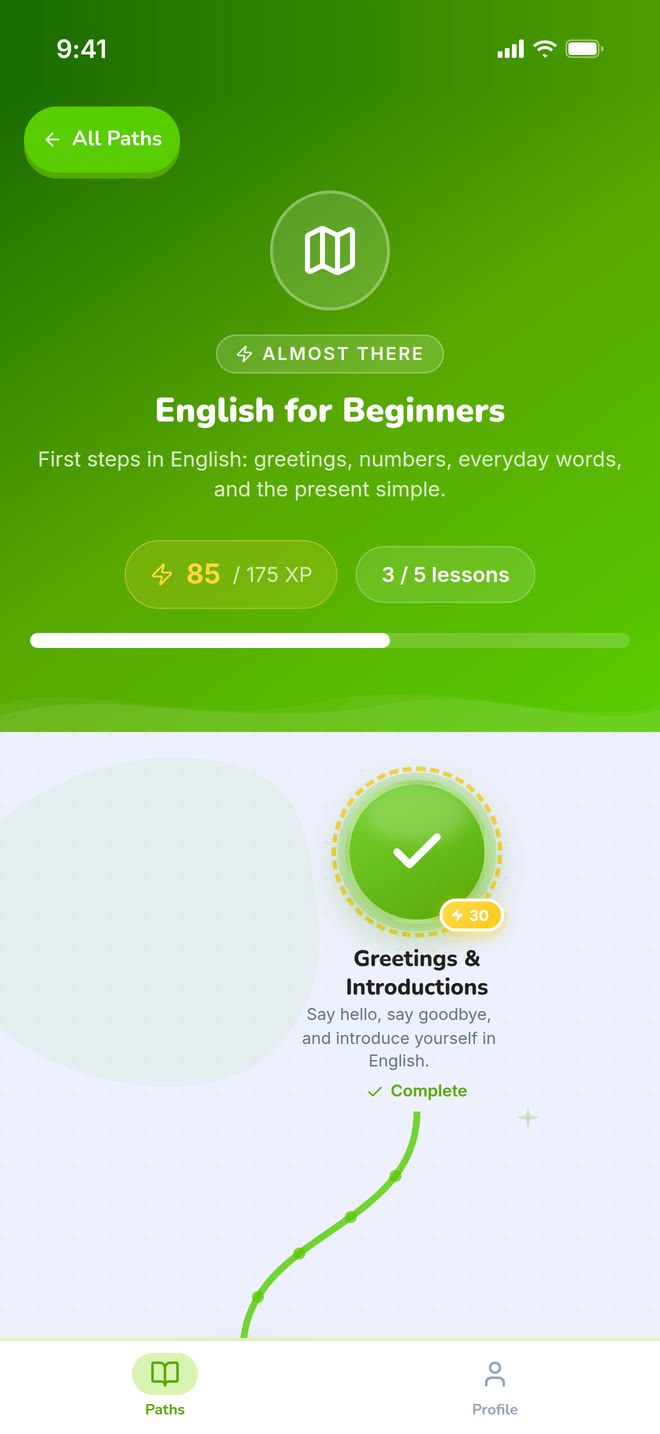
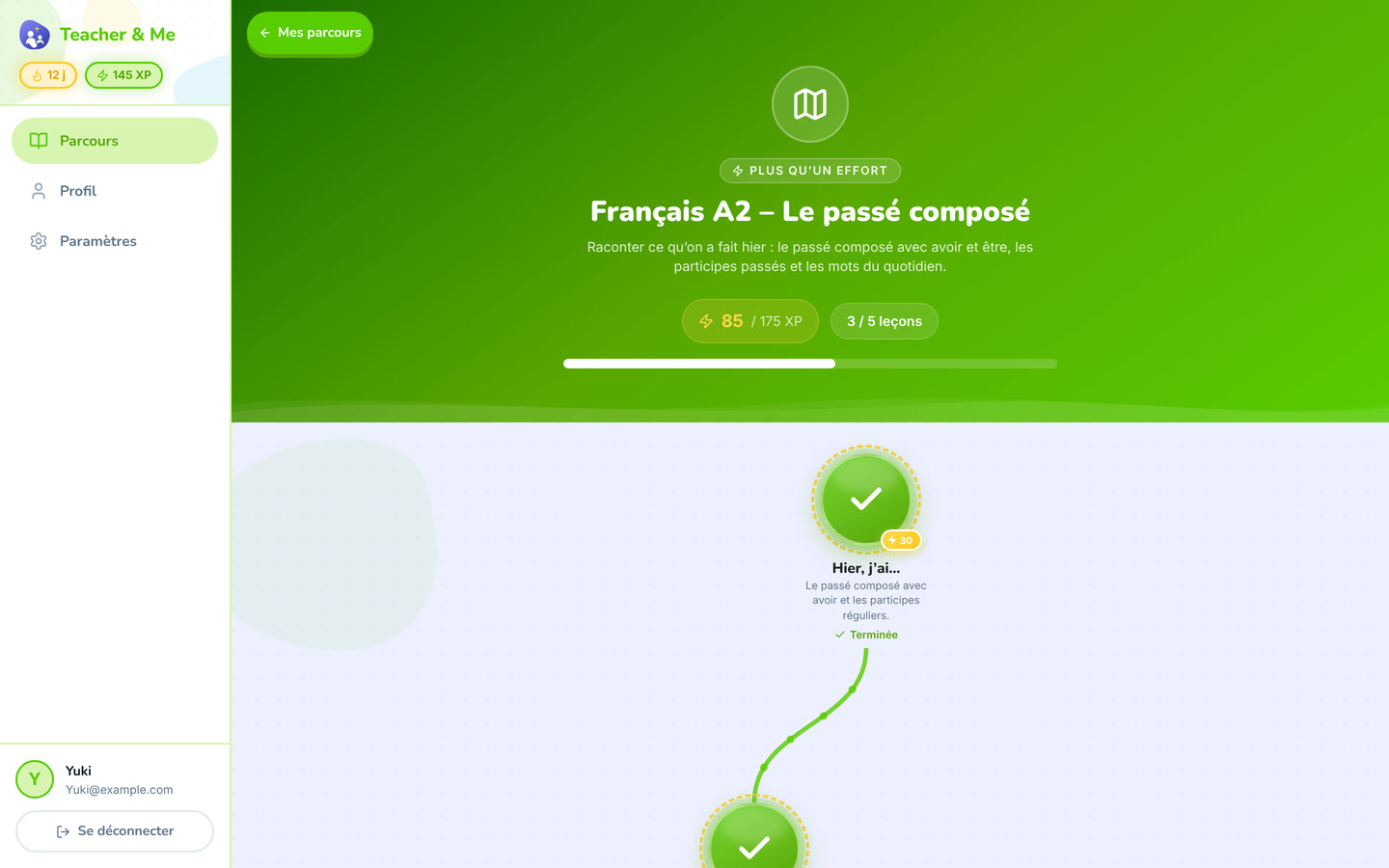
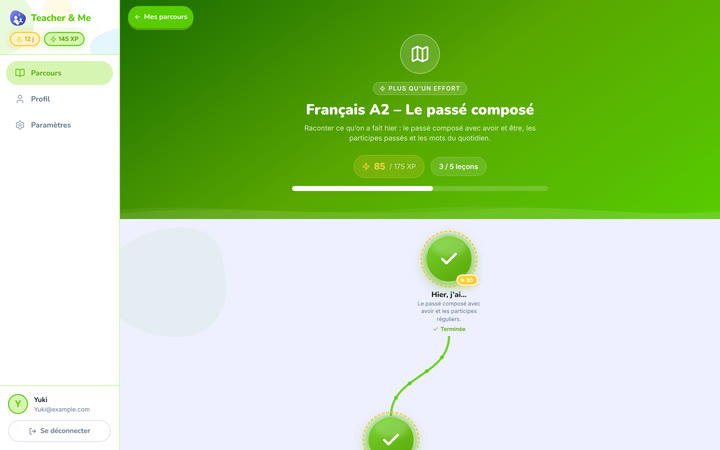
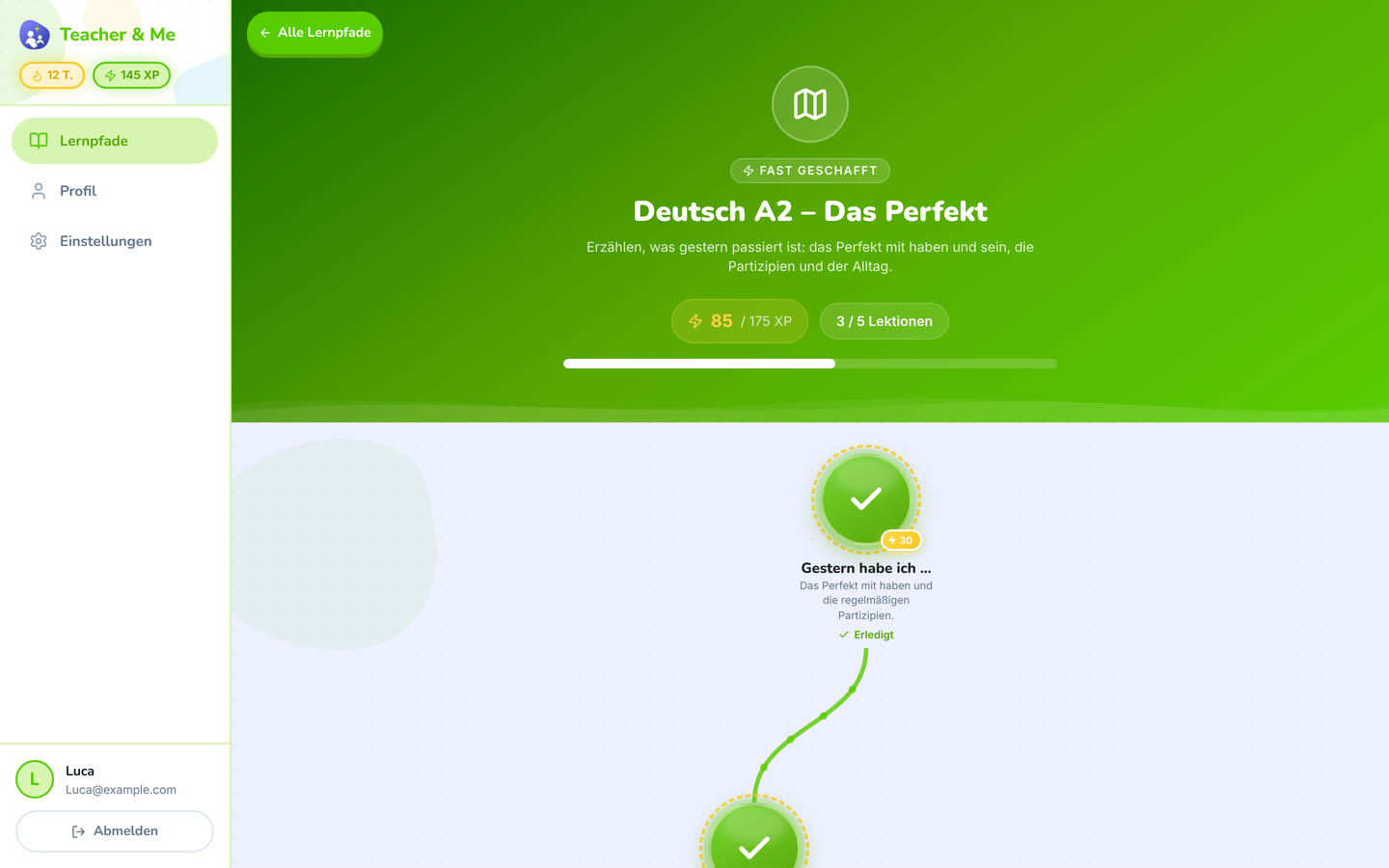
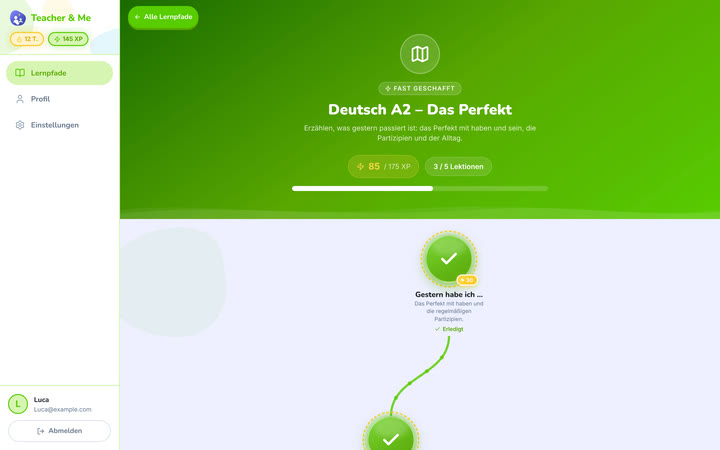
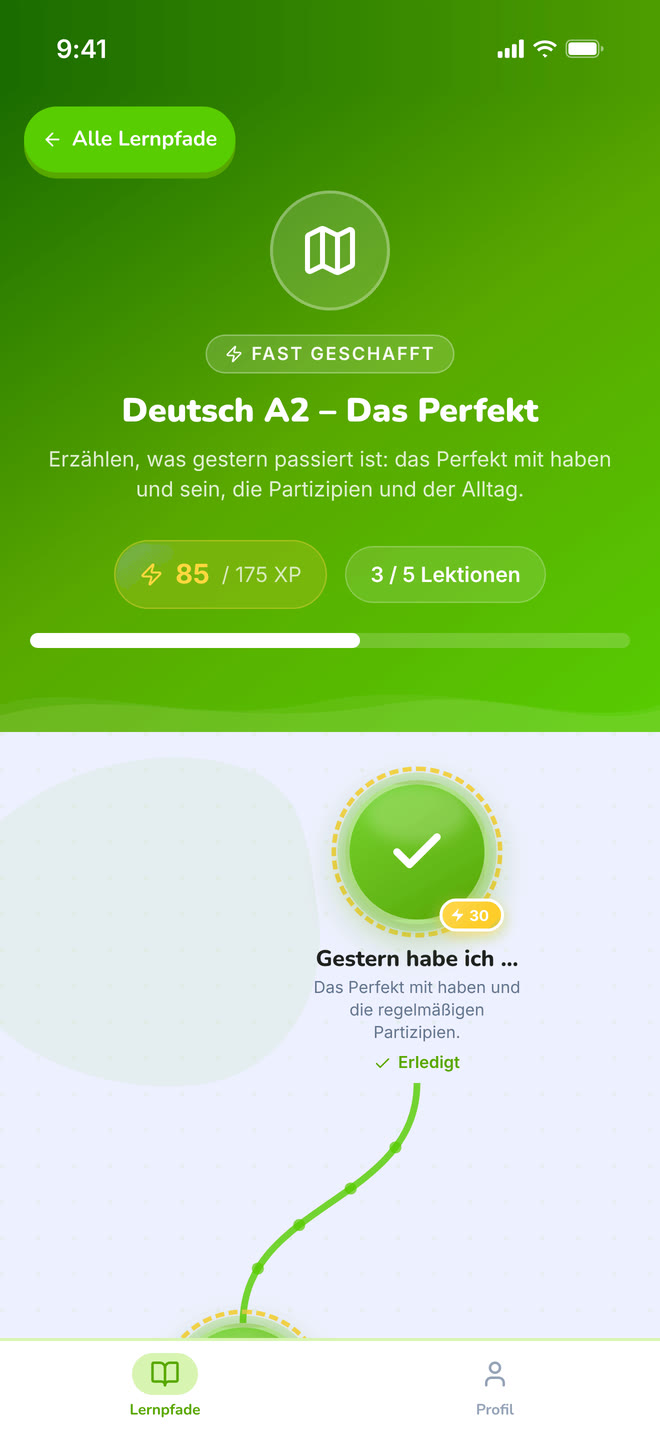
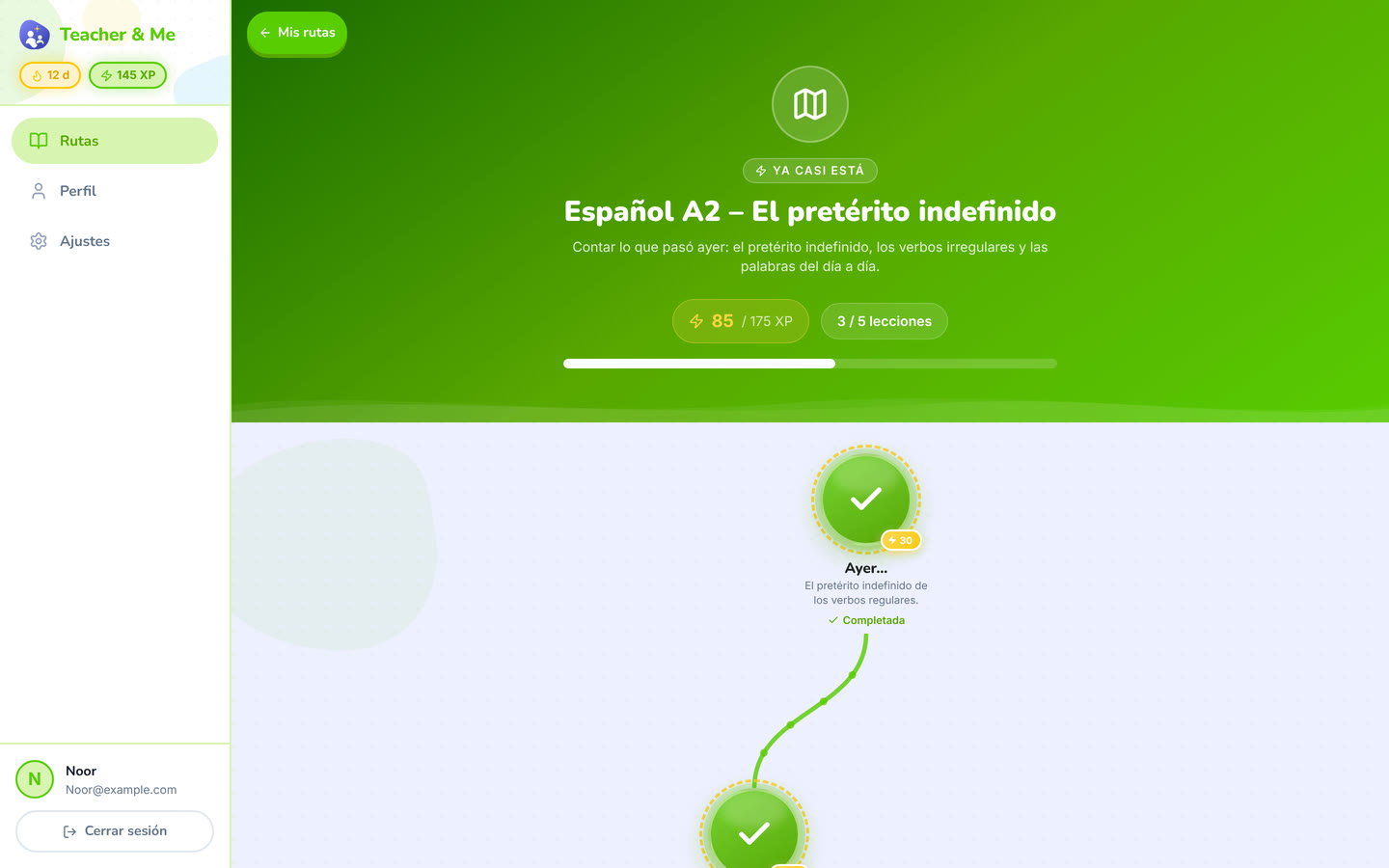
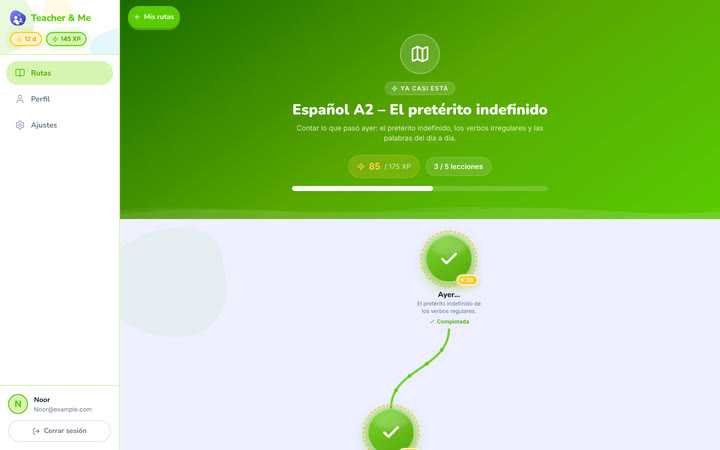
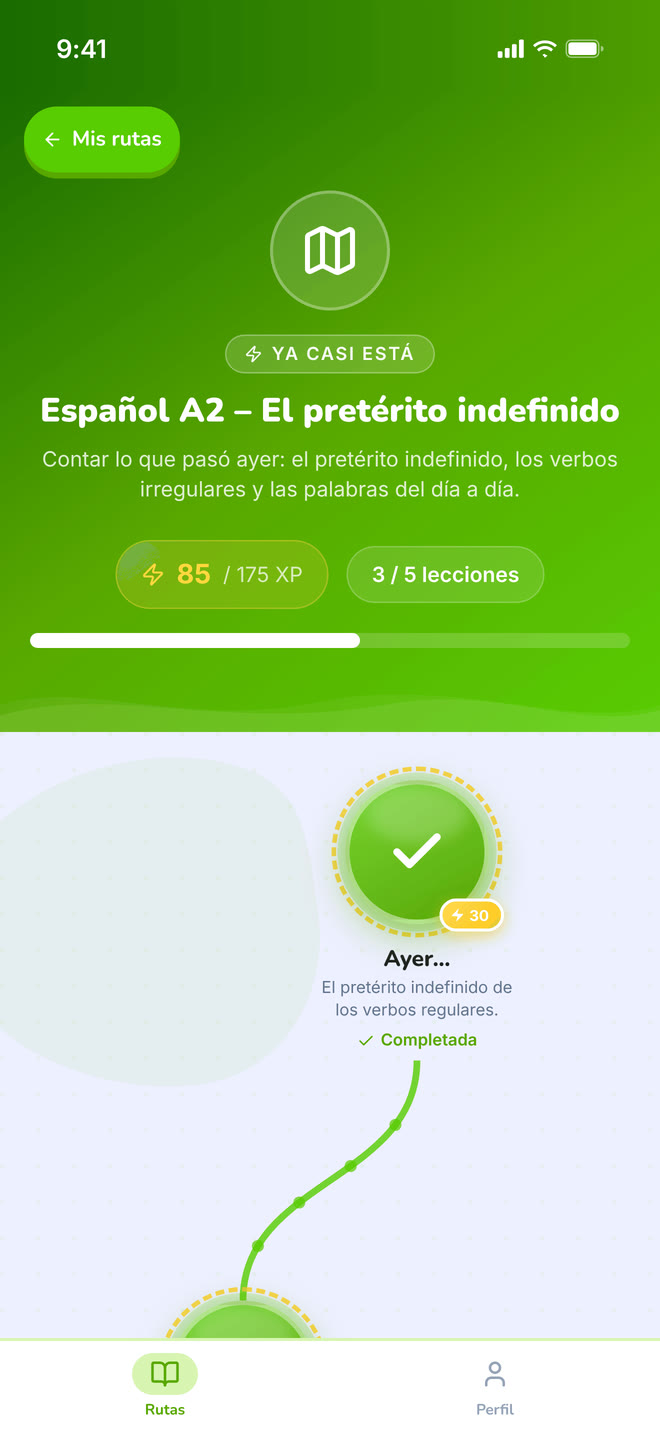
The top of one path: its title, XP and progress, above the map.
https://teacher-and-me.com/press-assets/desktop/student-path-map-top.png
Opening a story about one path, where the map shot would start mid-journey.
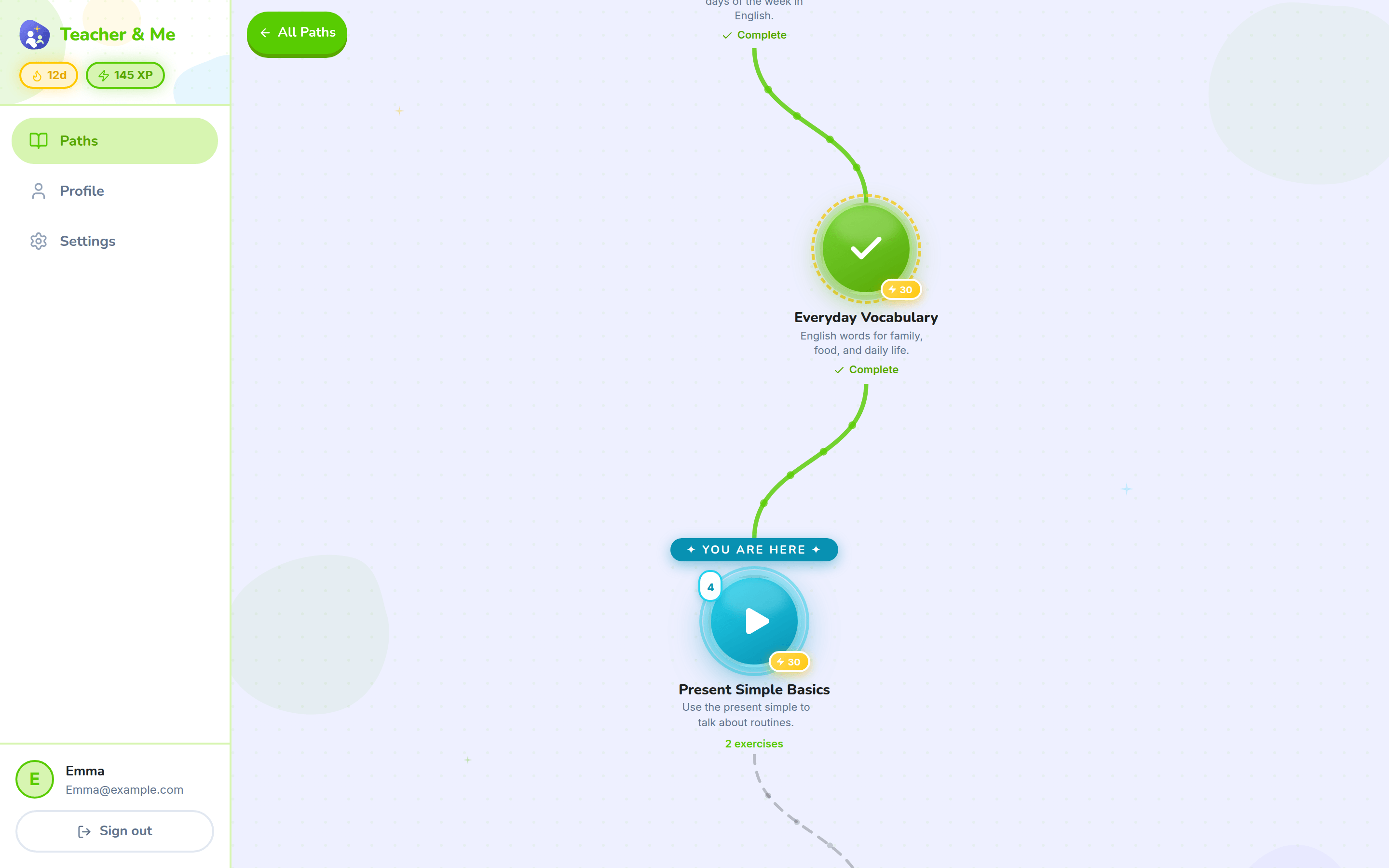
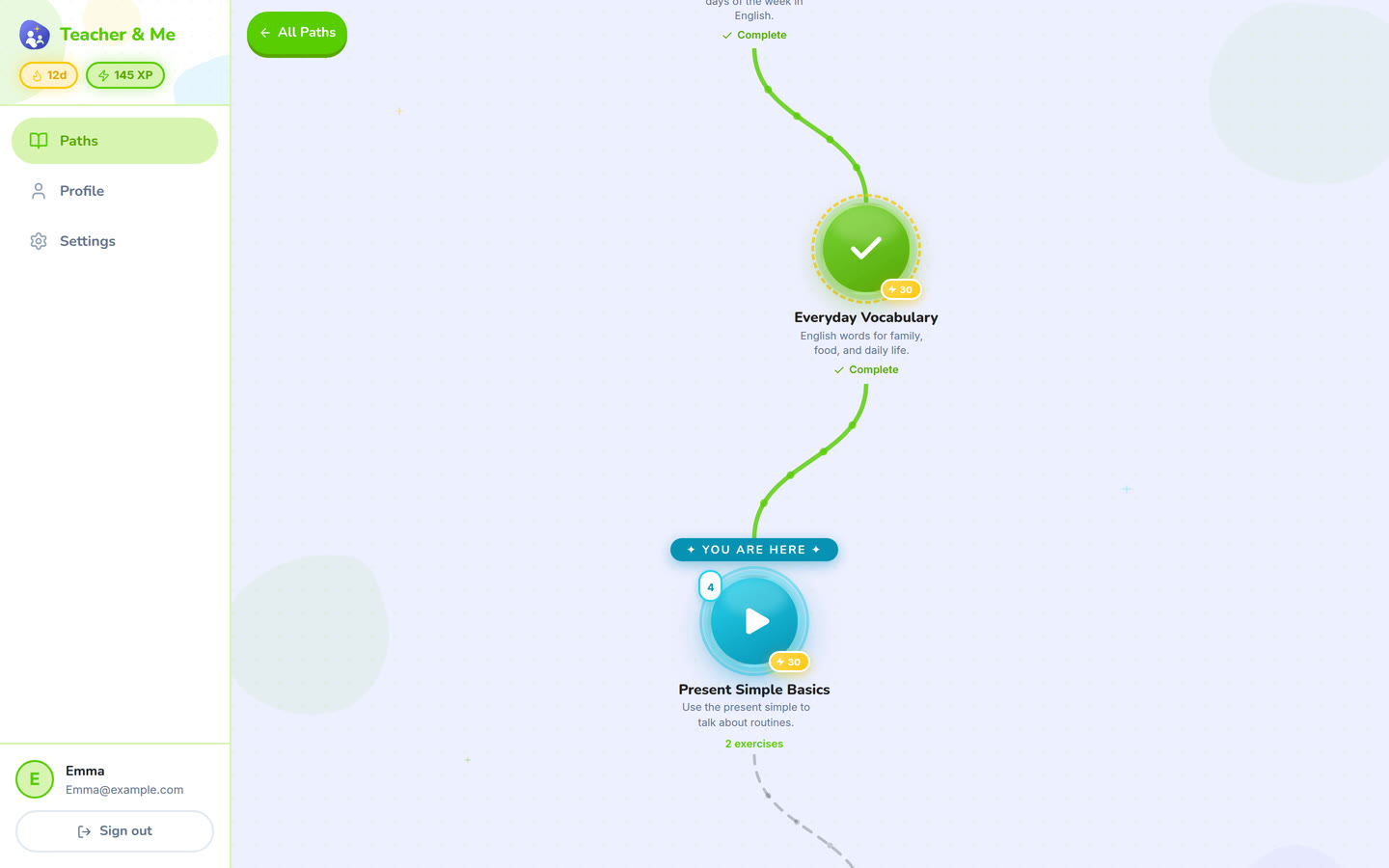
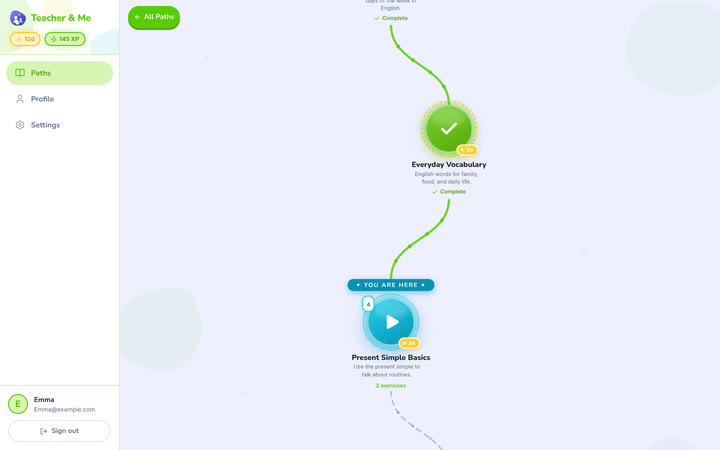
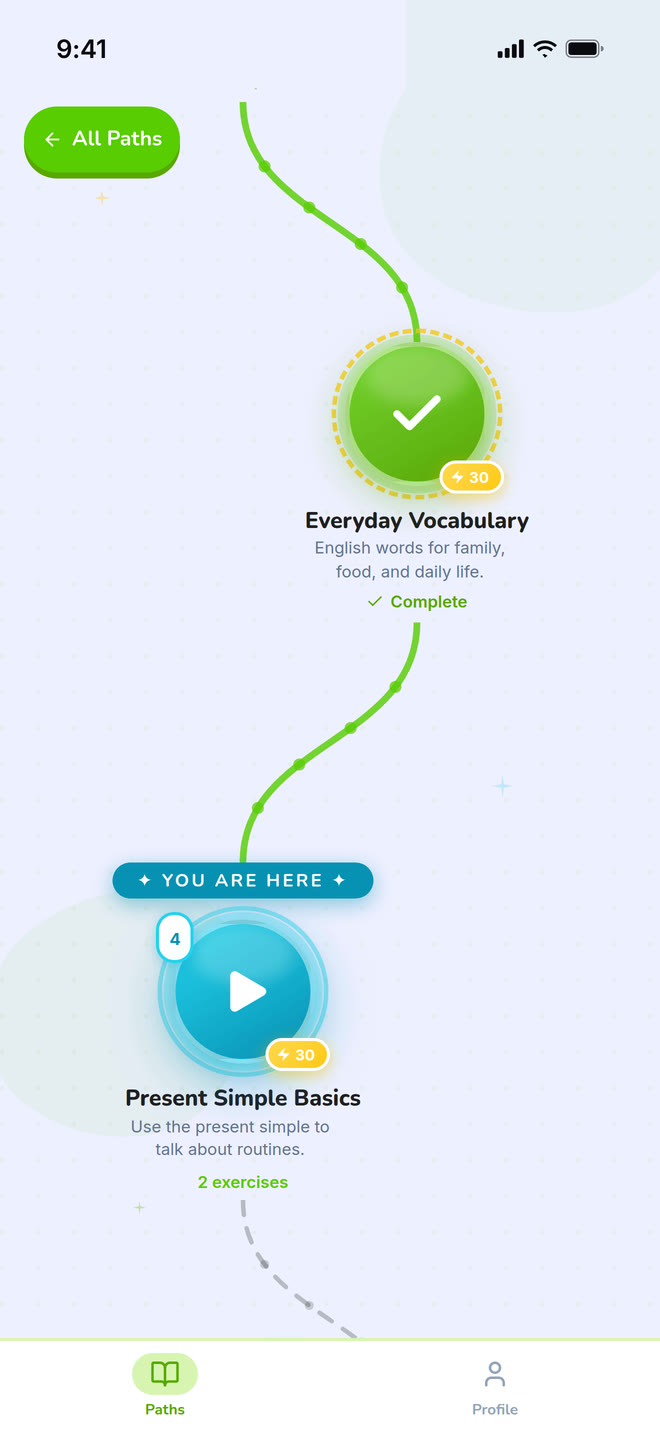
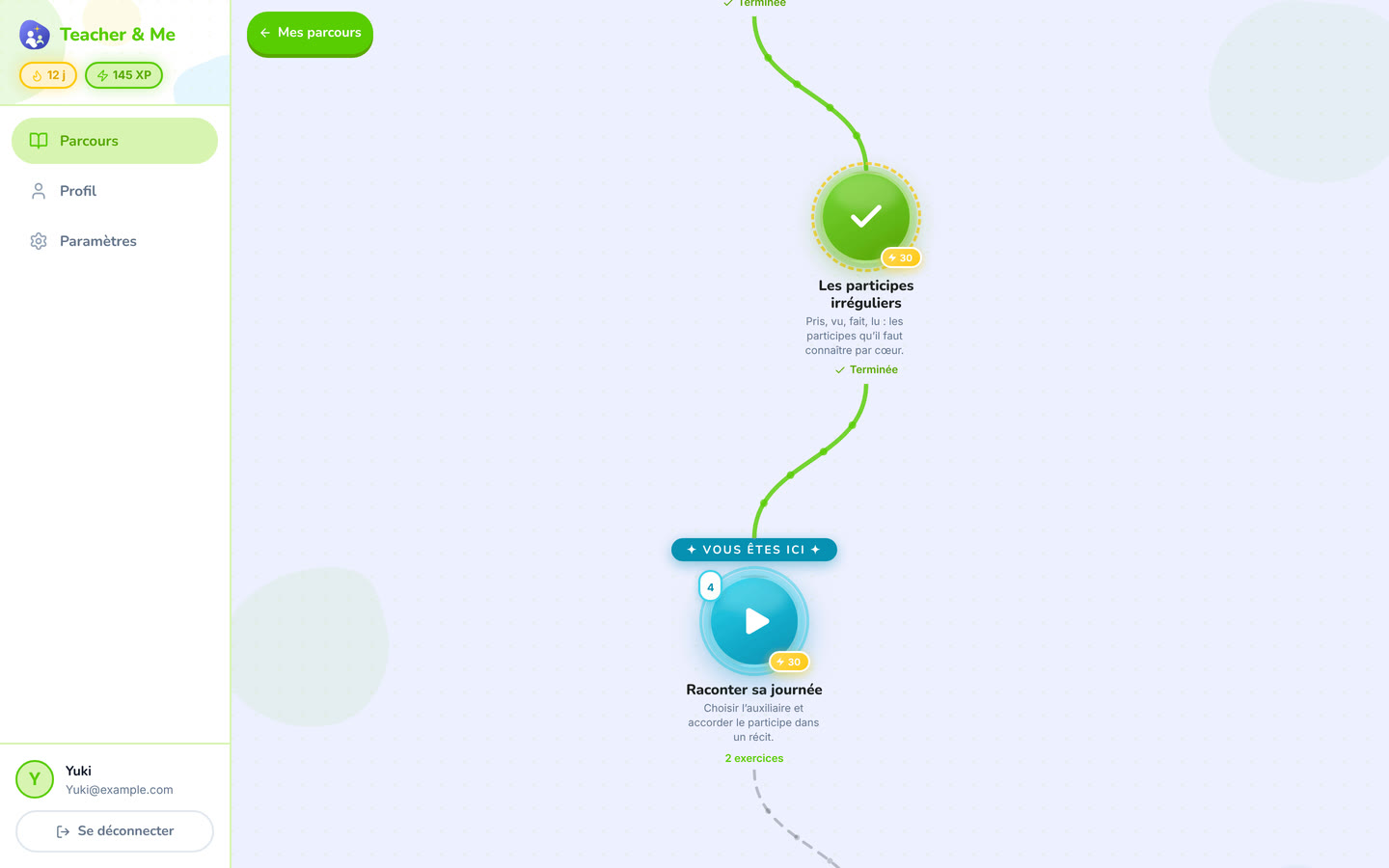
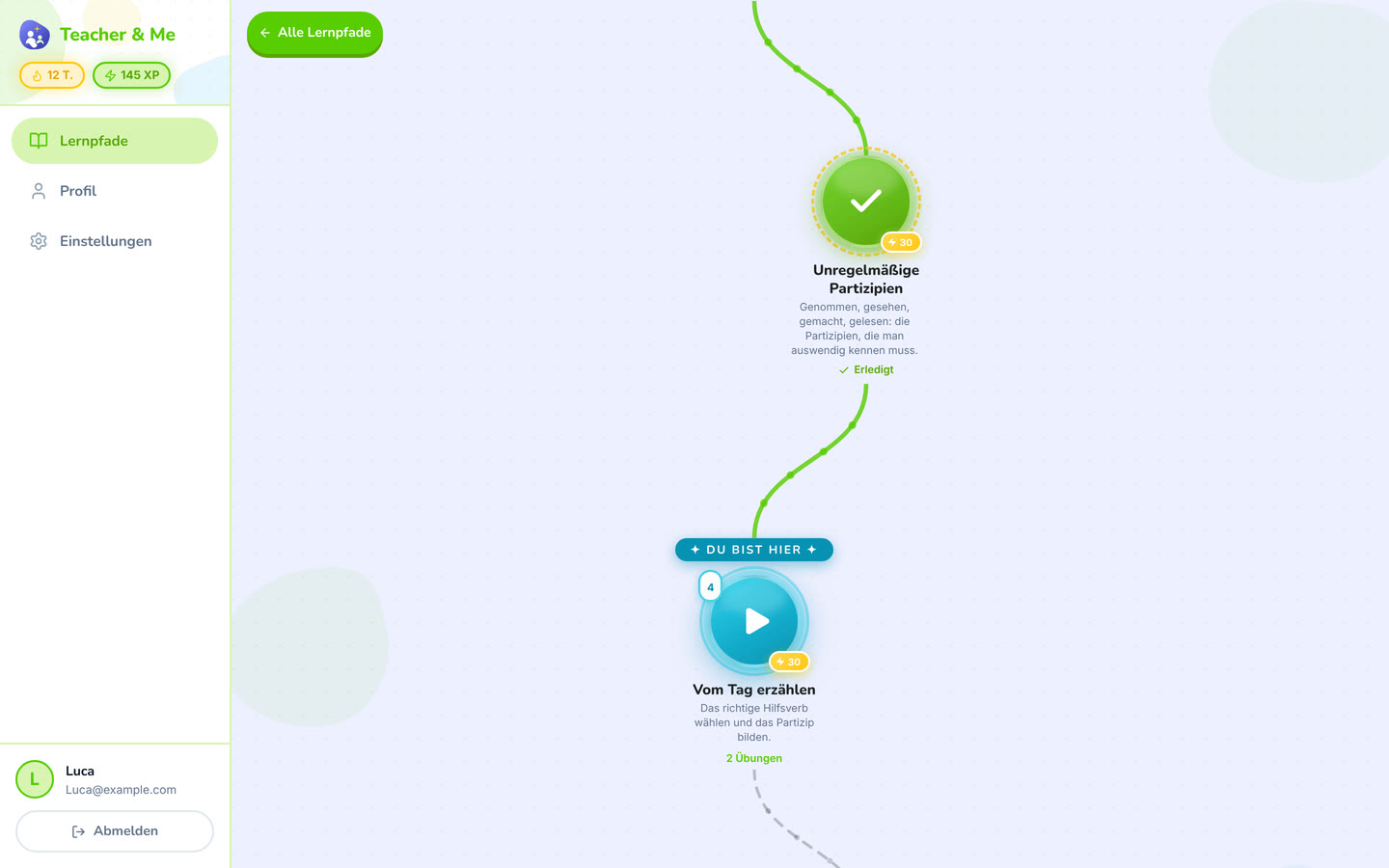
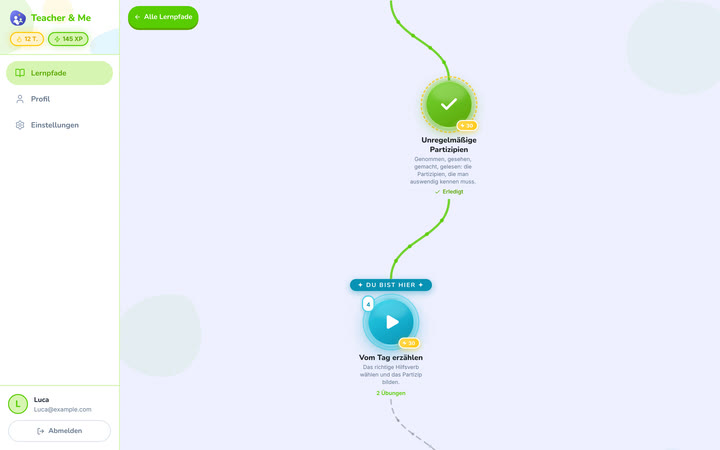
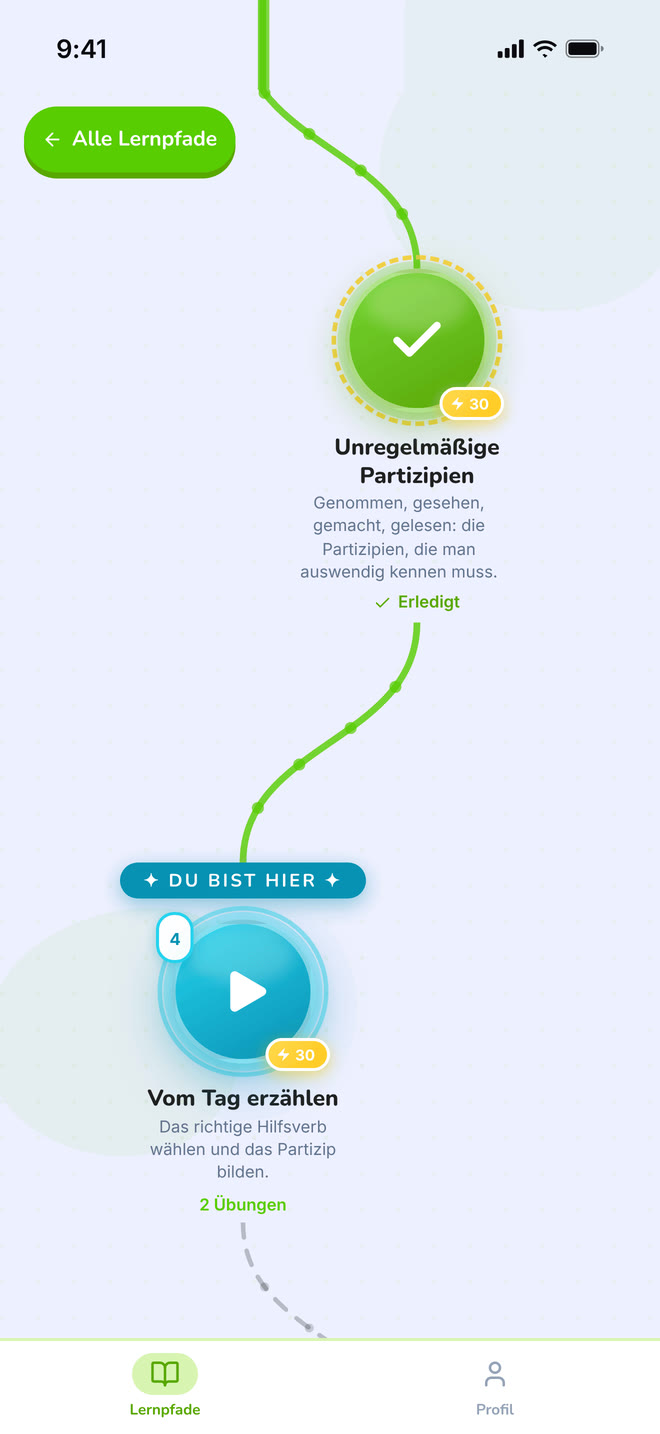
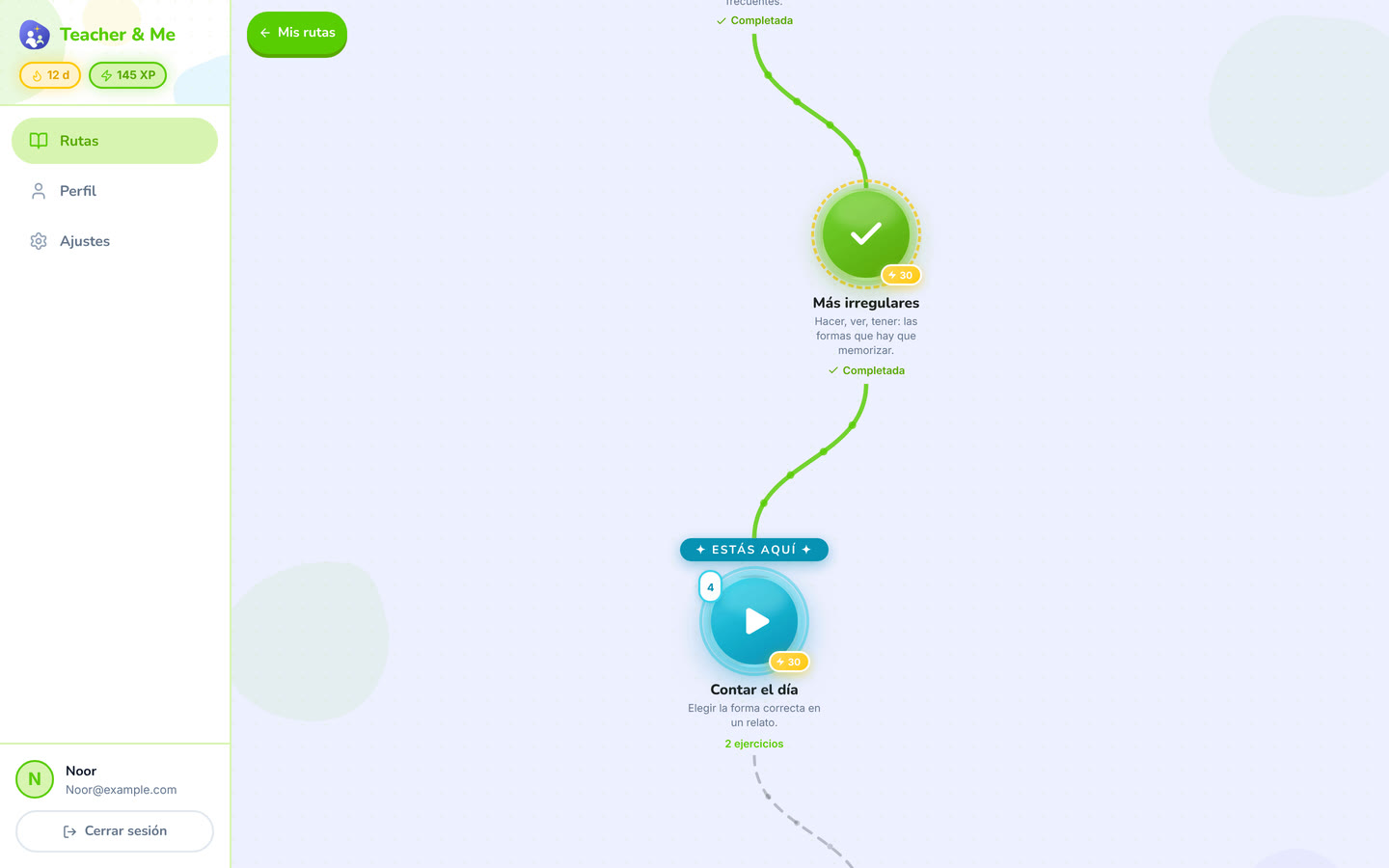
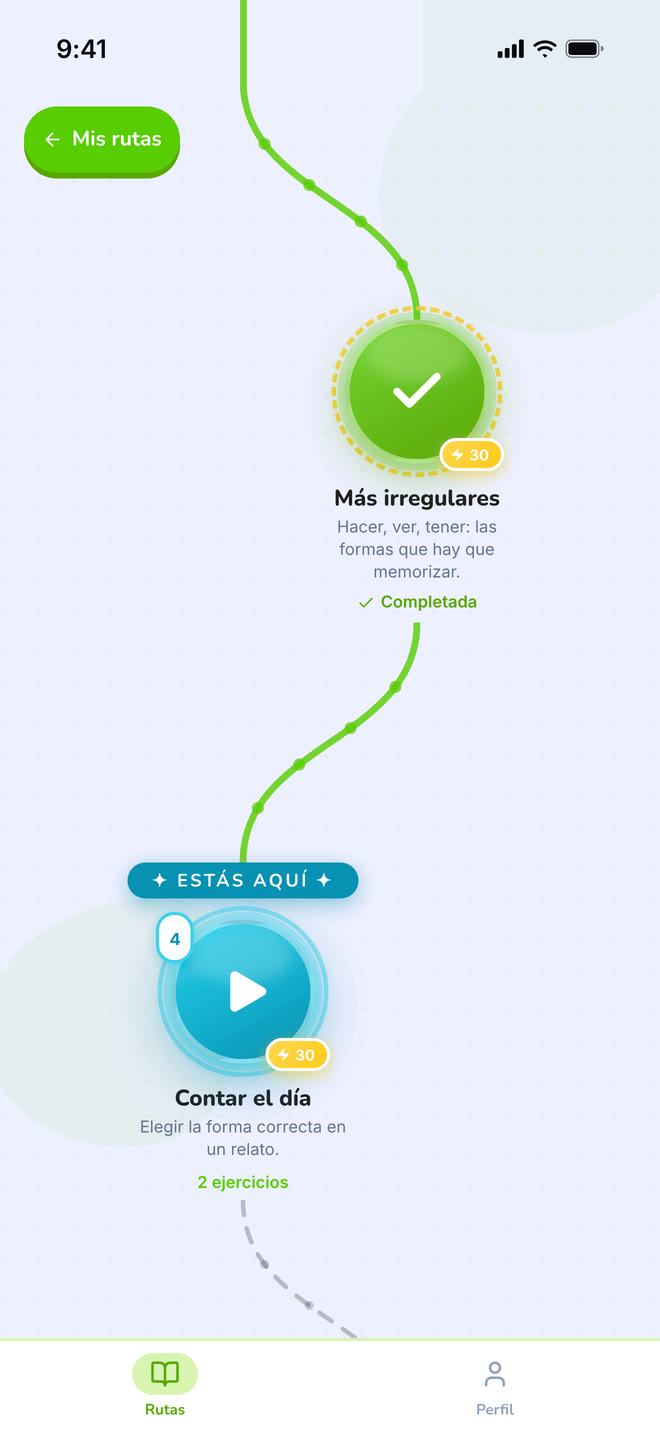
The winding map the student walks, one lesson at a time.
https://teacher-and-me.com/press-assets/desktop/student-path-map.png
The game-like progression, which is the student-side hook. This is the single most recognisable screen in the product.
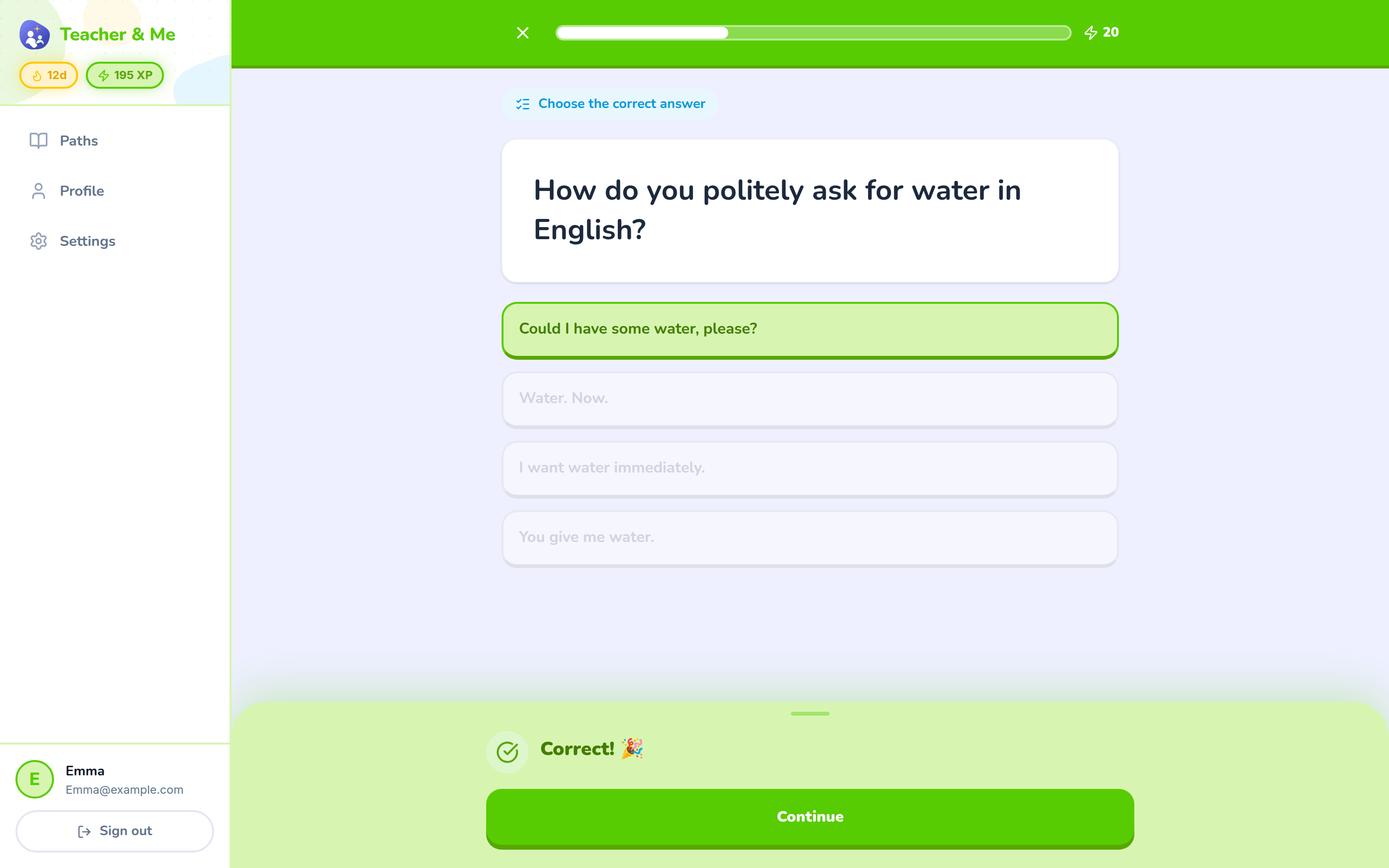
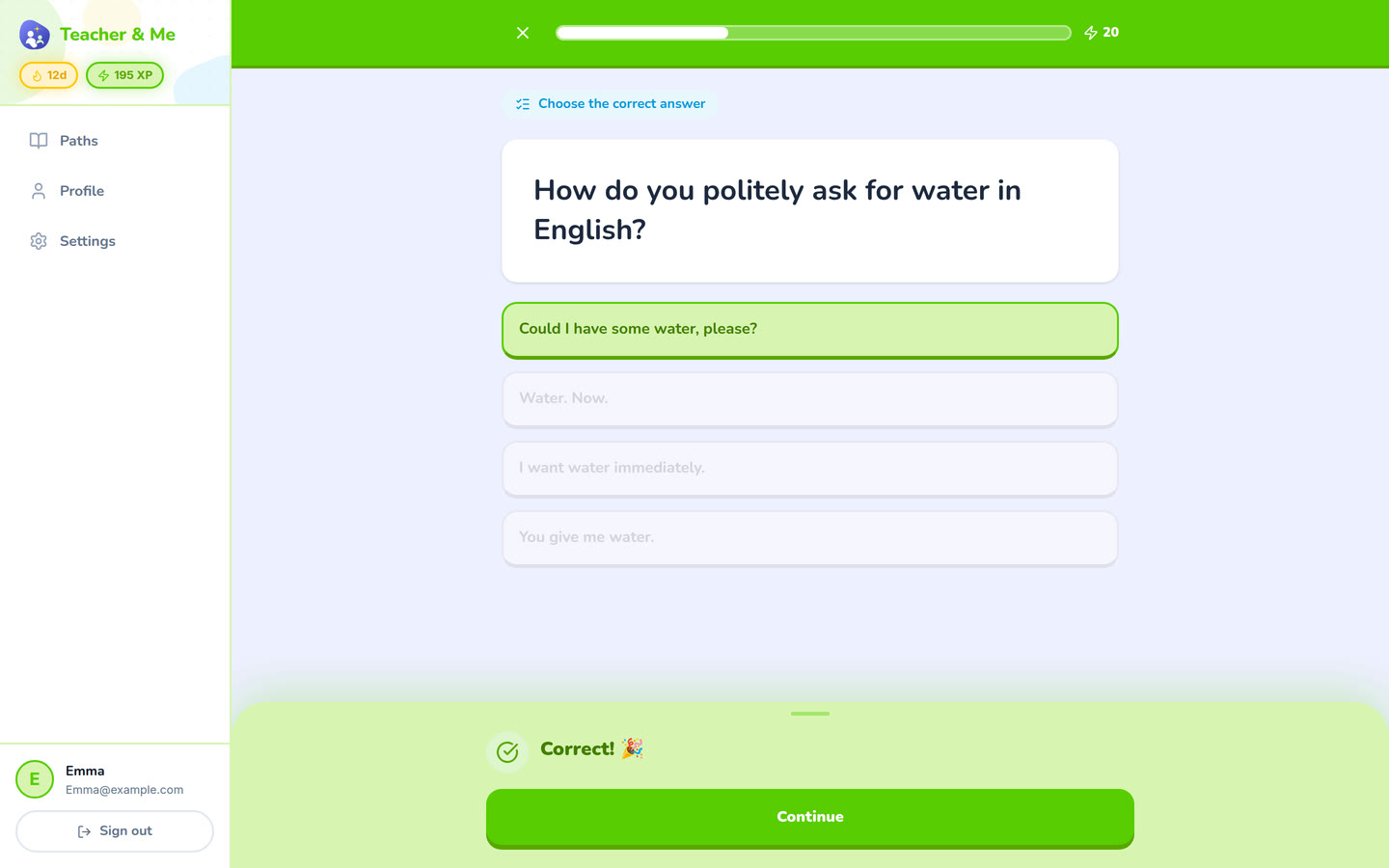
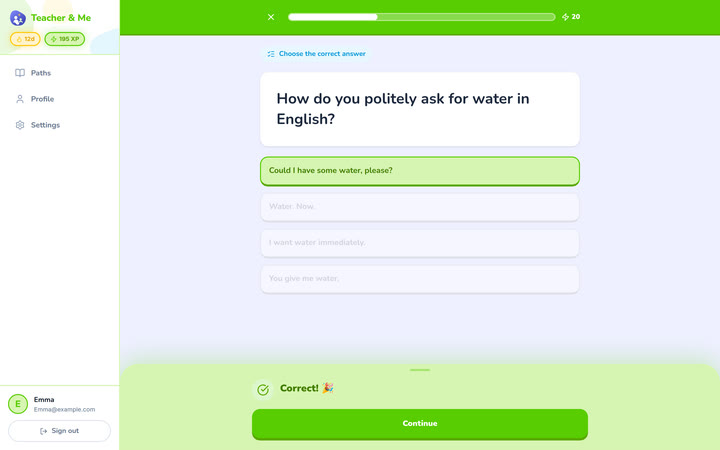
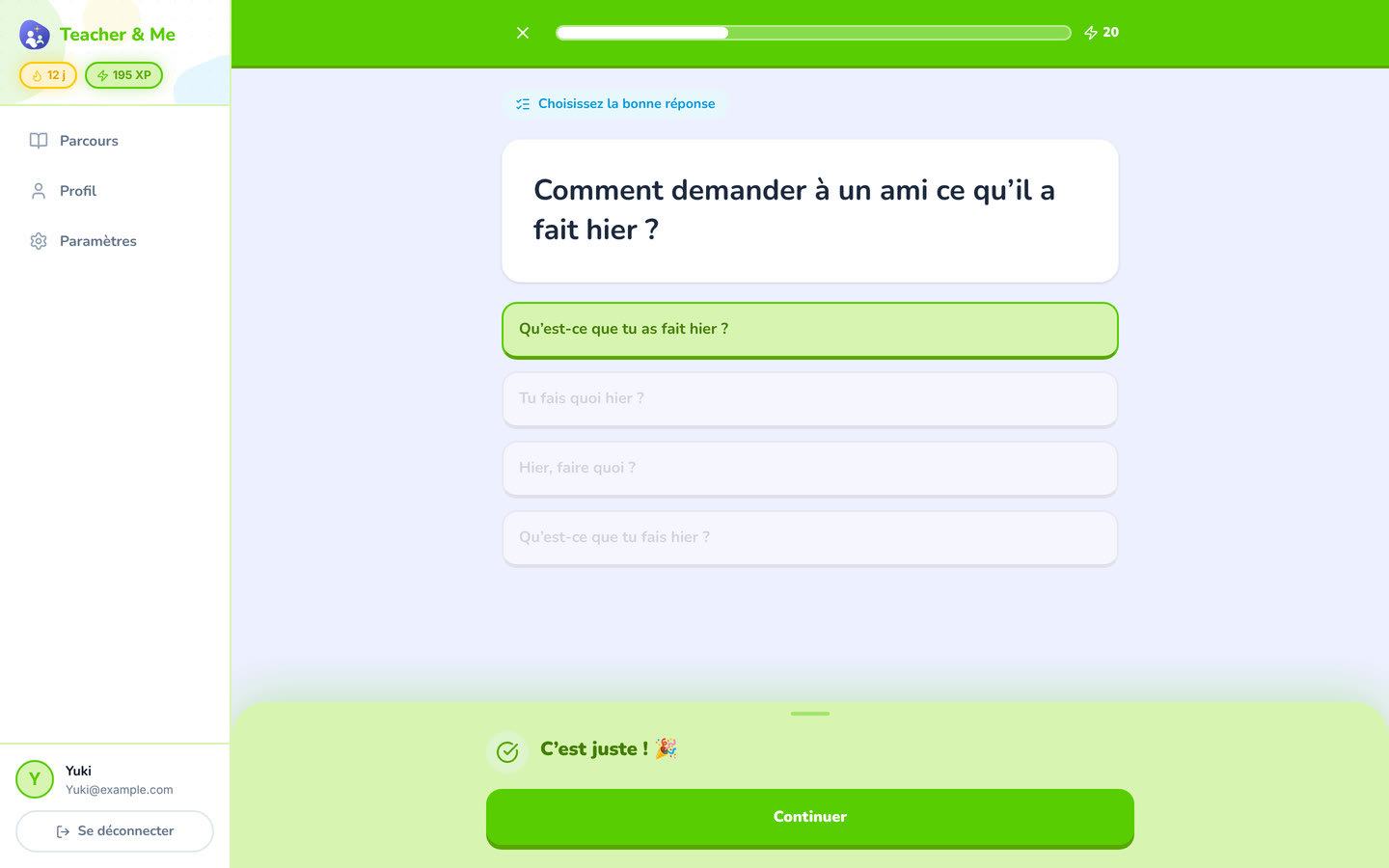
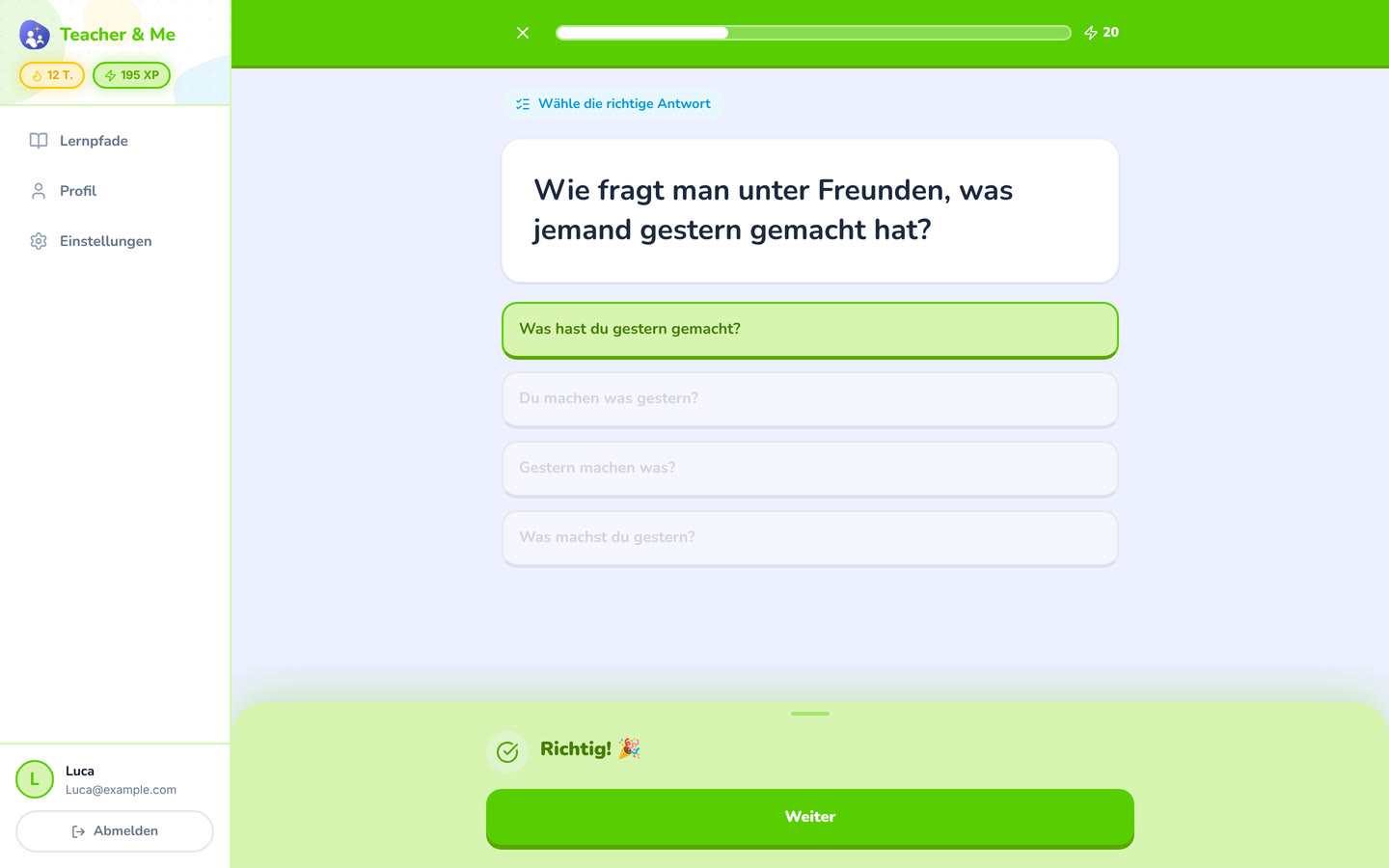
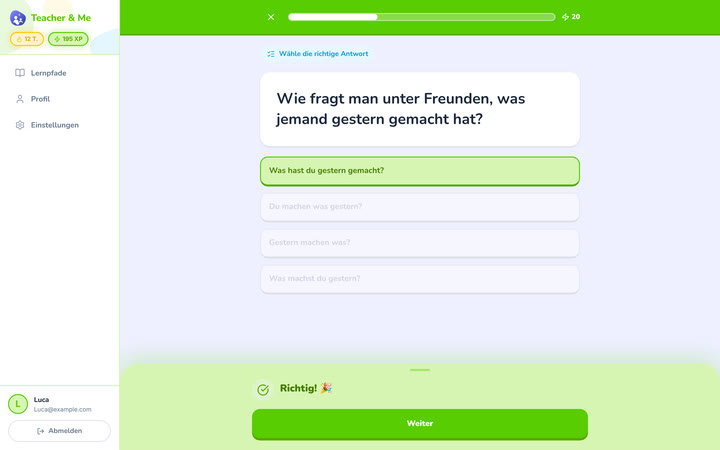
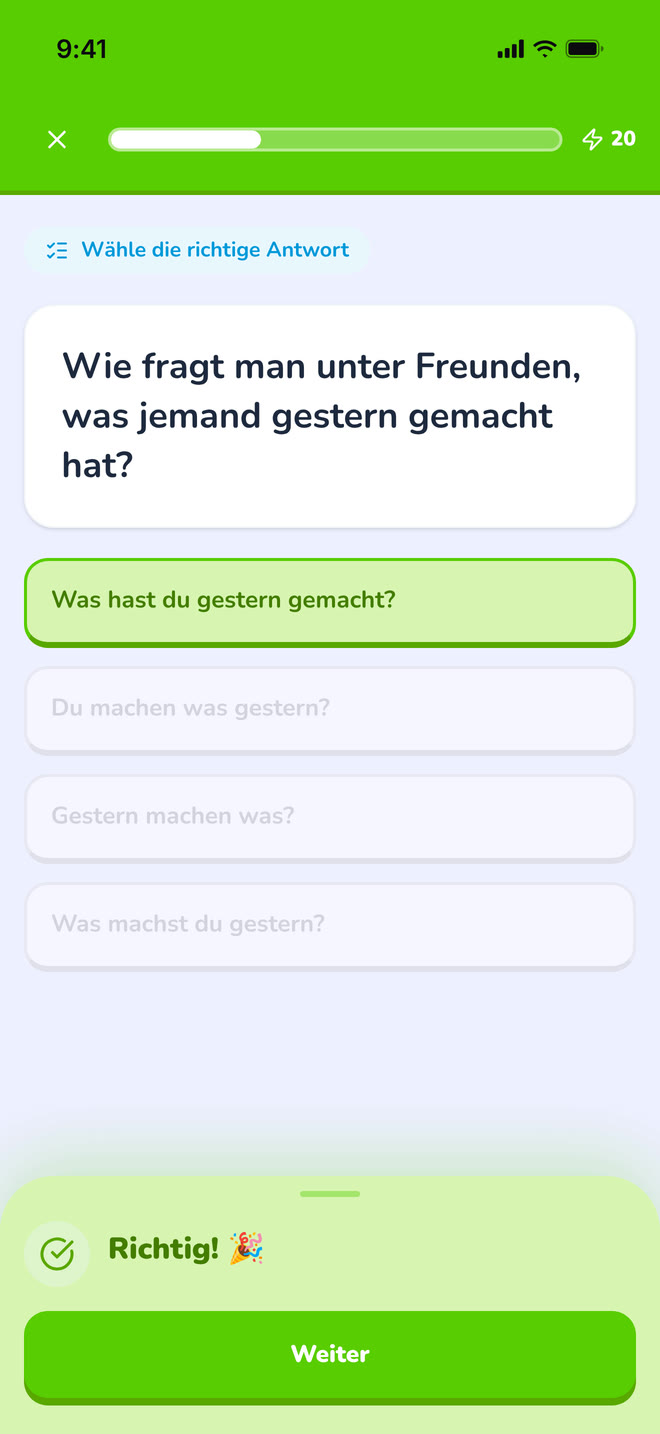
A multiple-choice question just answered correctly, showing the feedback state.
https://teacher-and-me.com/press-assets/desktop/student-exercise-correct.png
Instant feedback on every answer: the claim that the student is never left guessing.
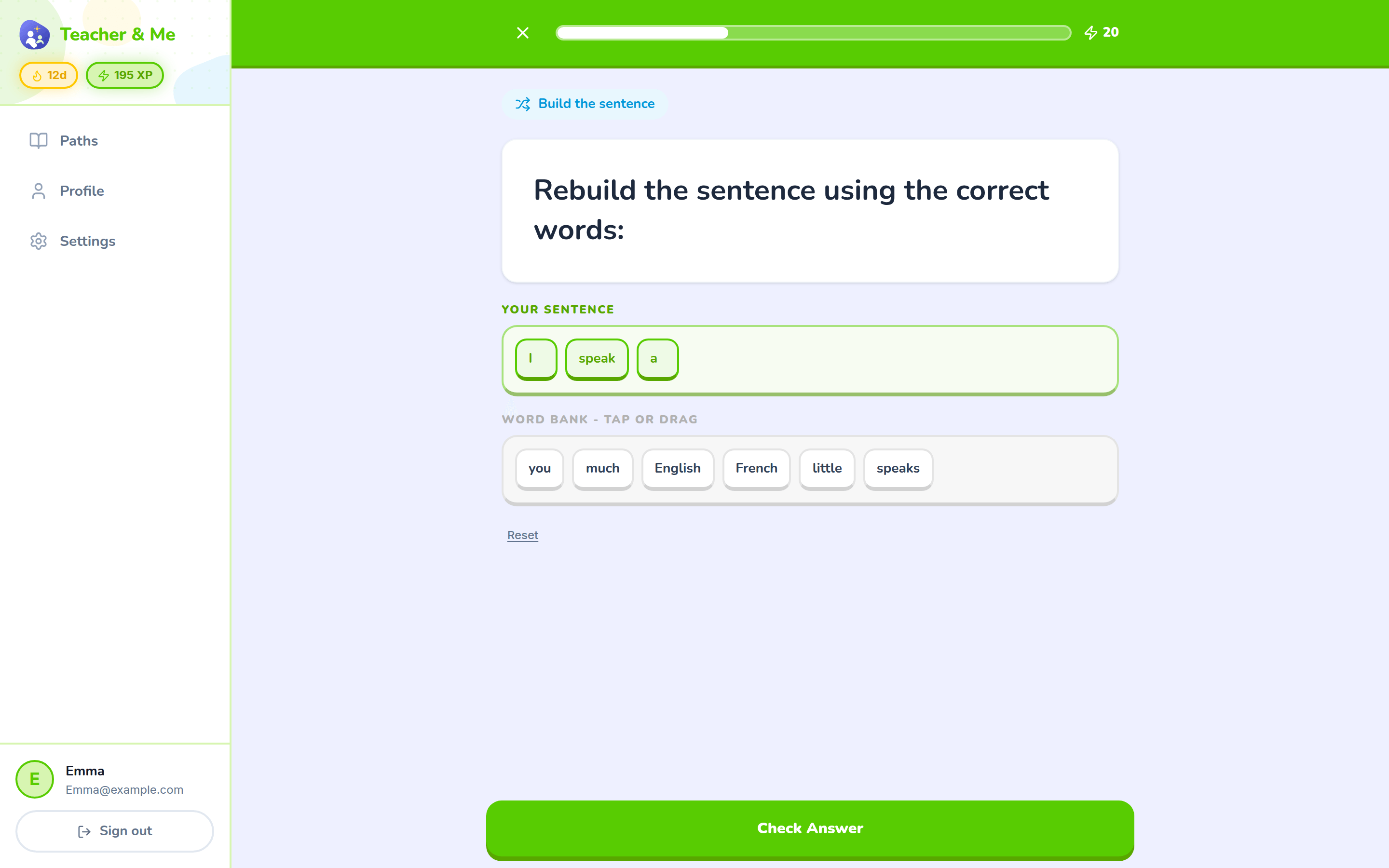
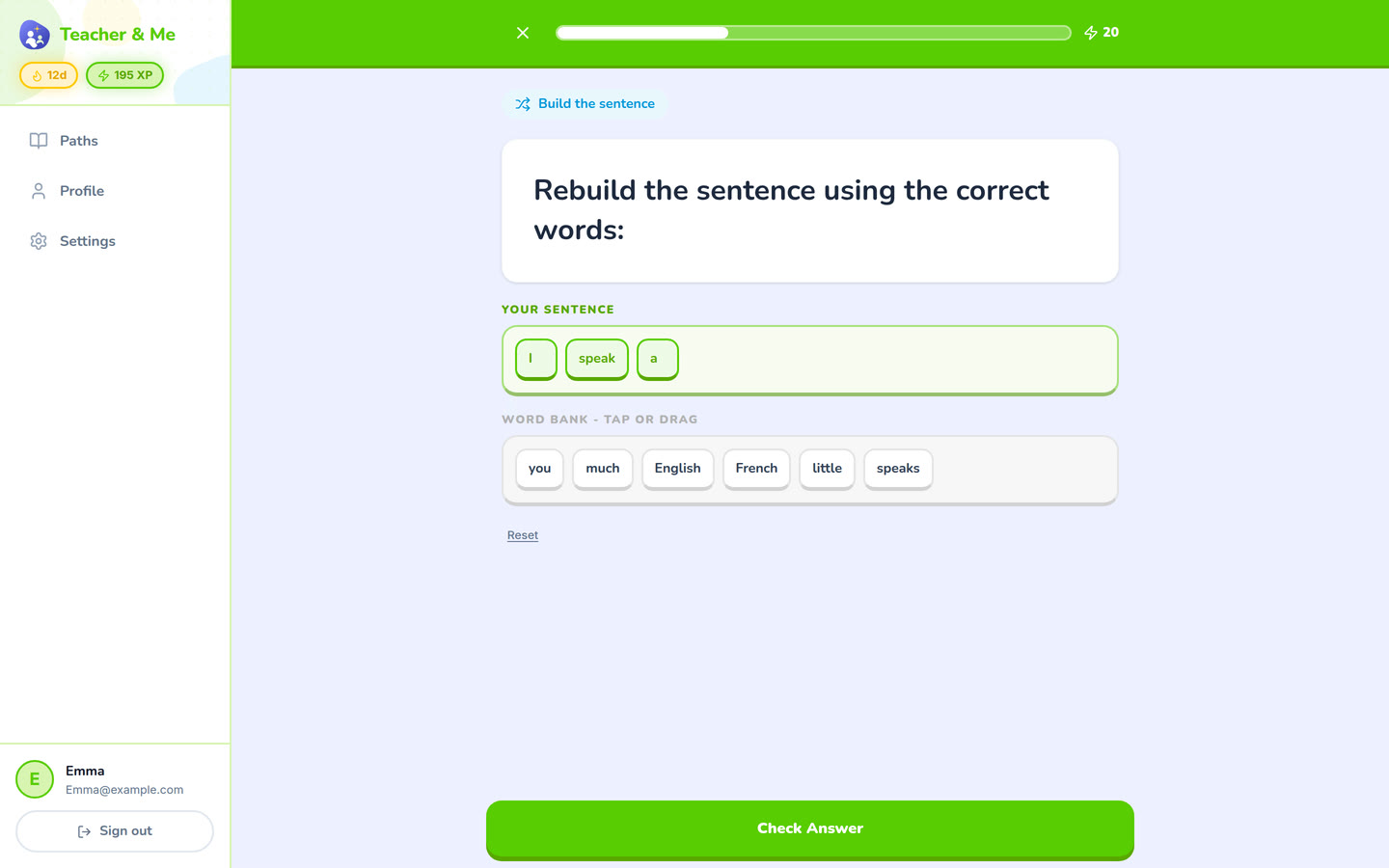
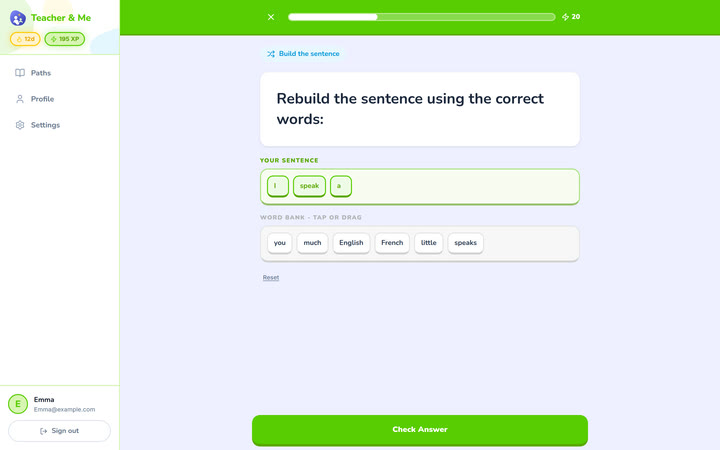
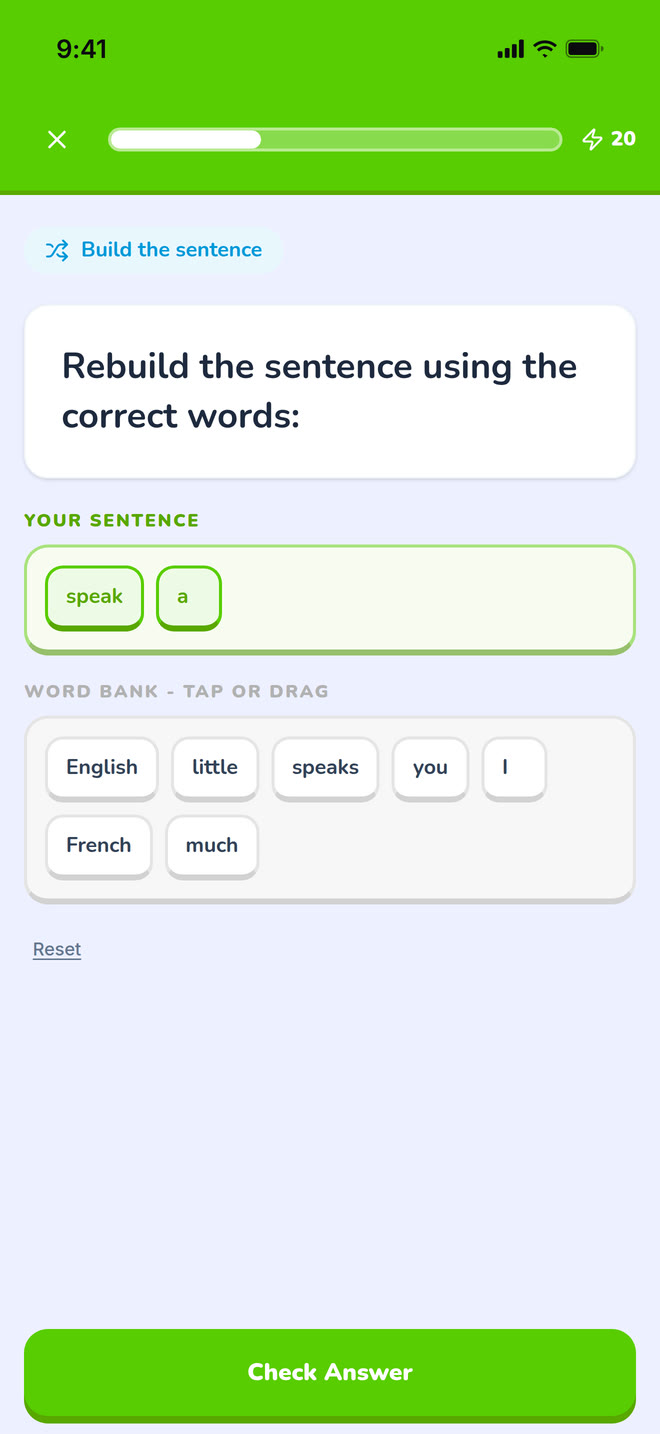
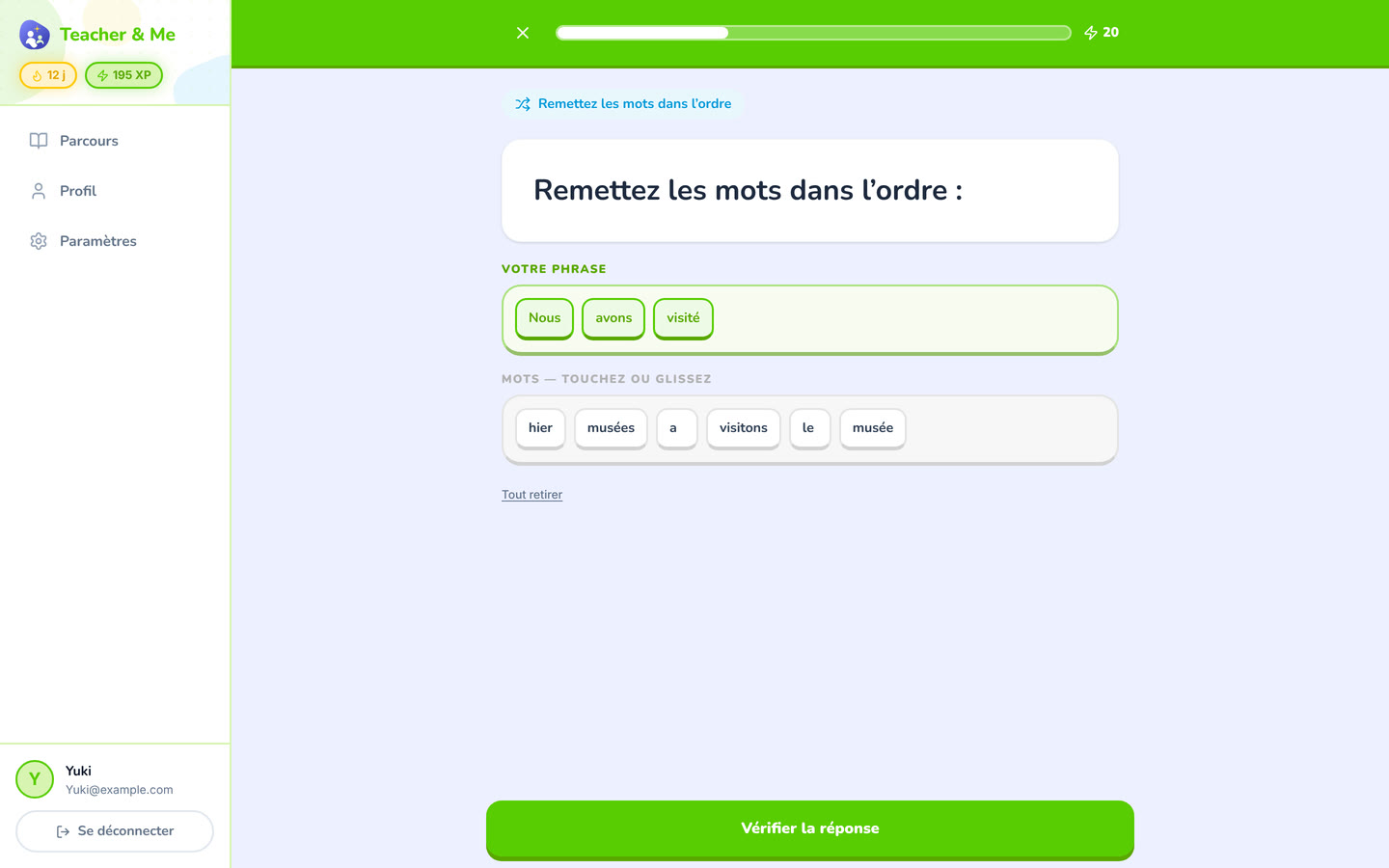
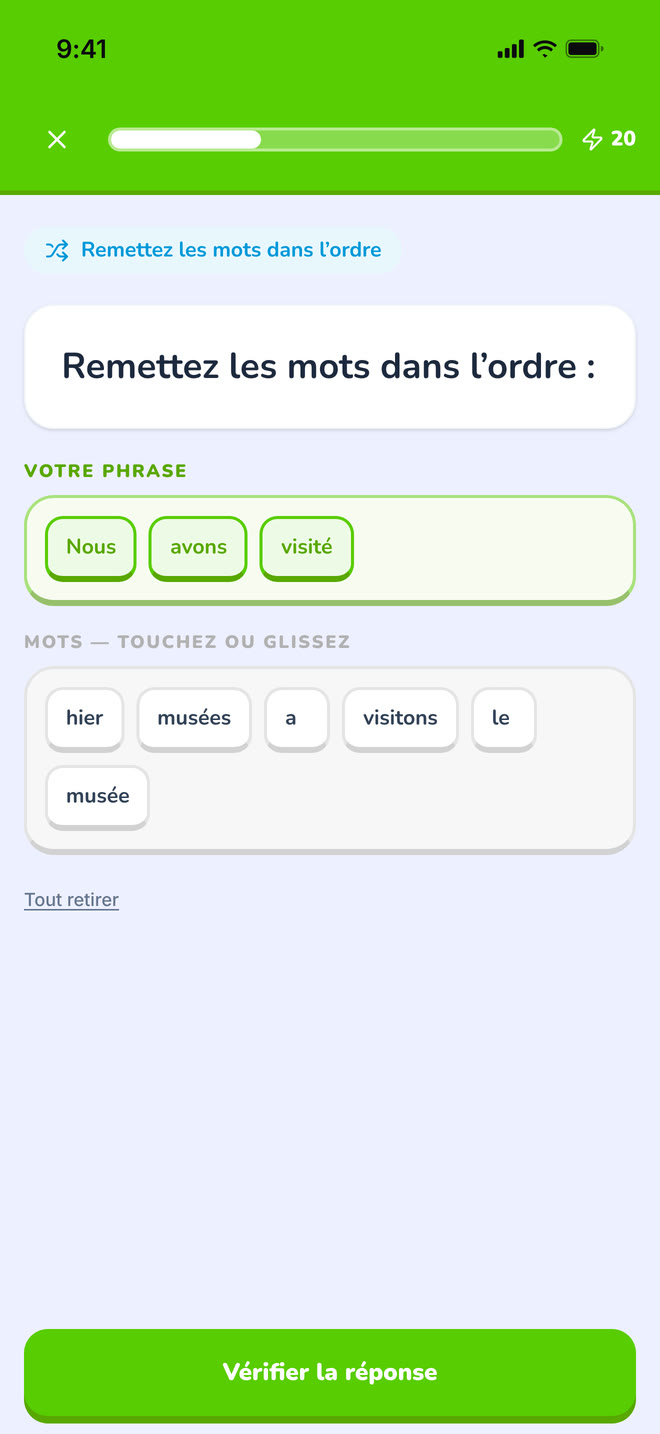
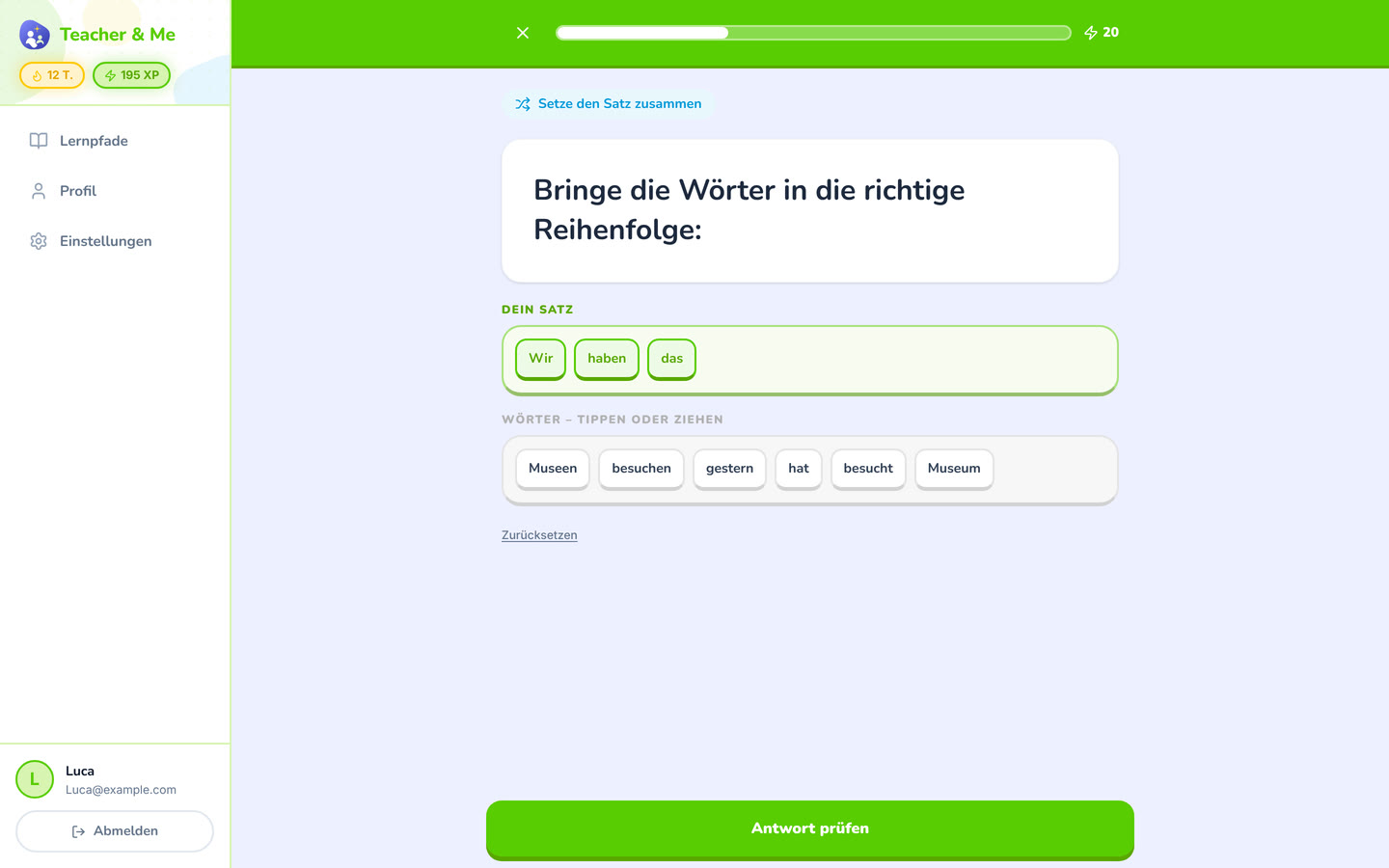
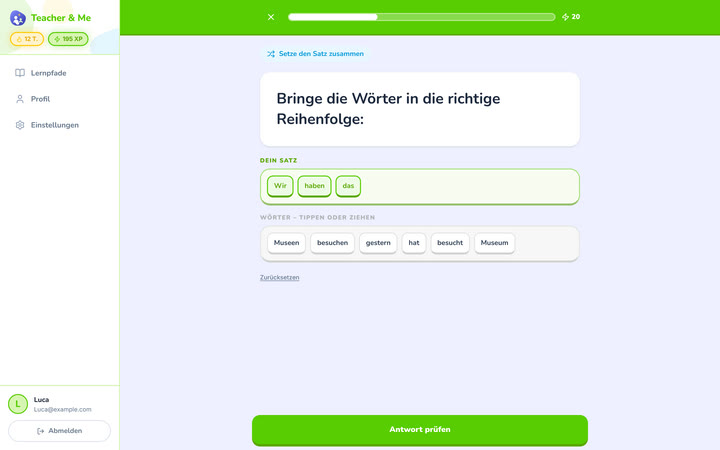
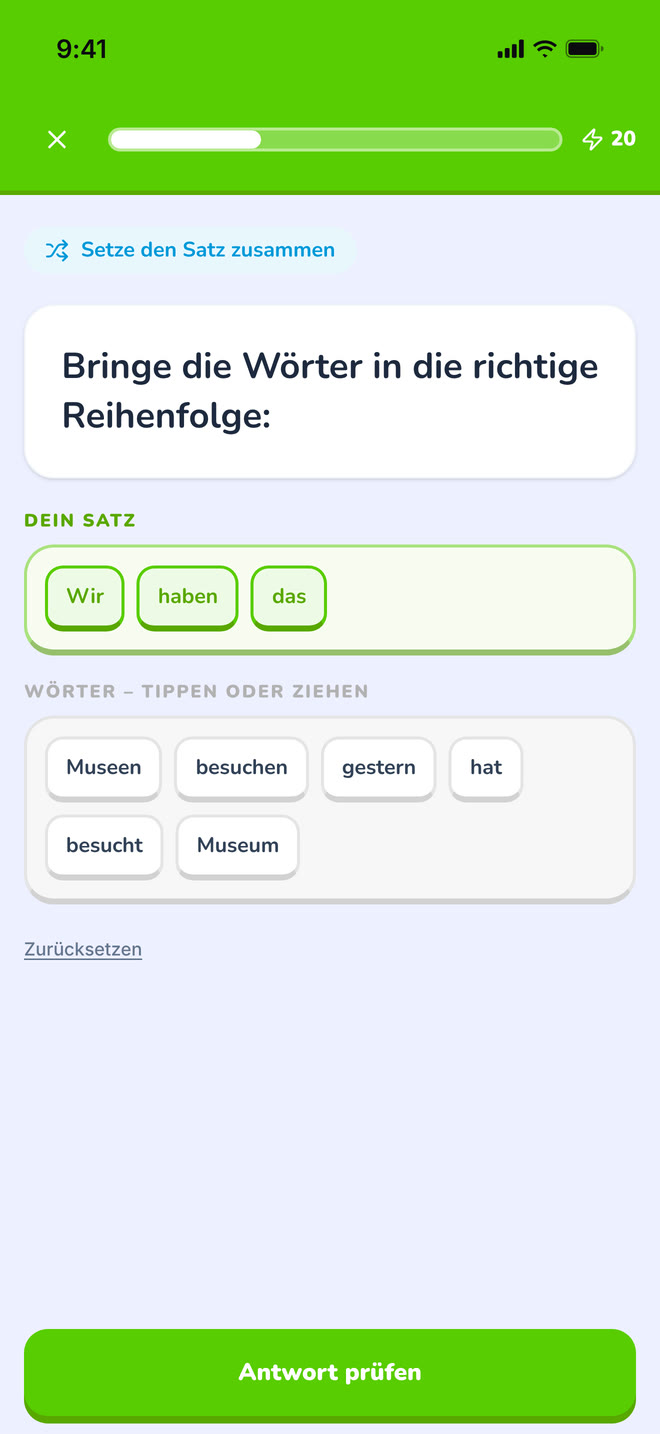
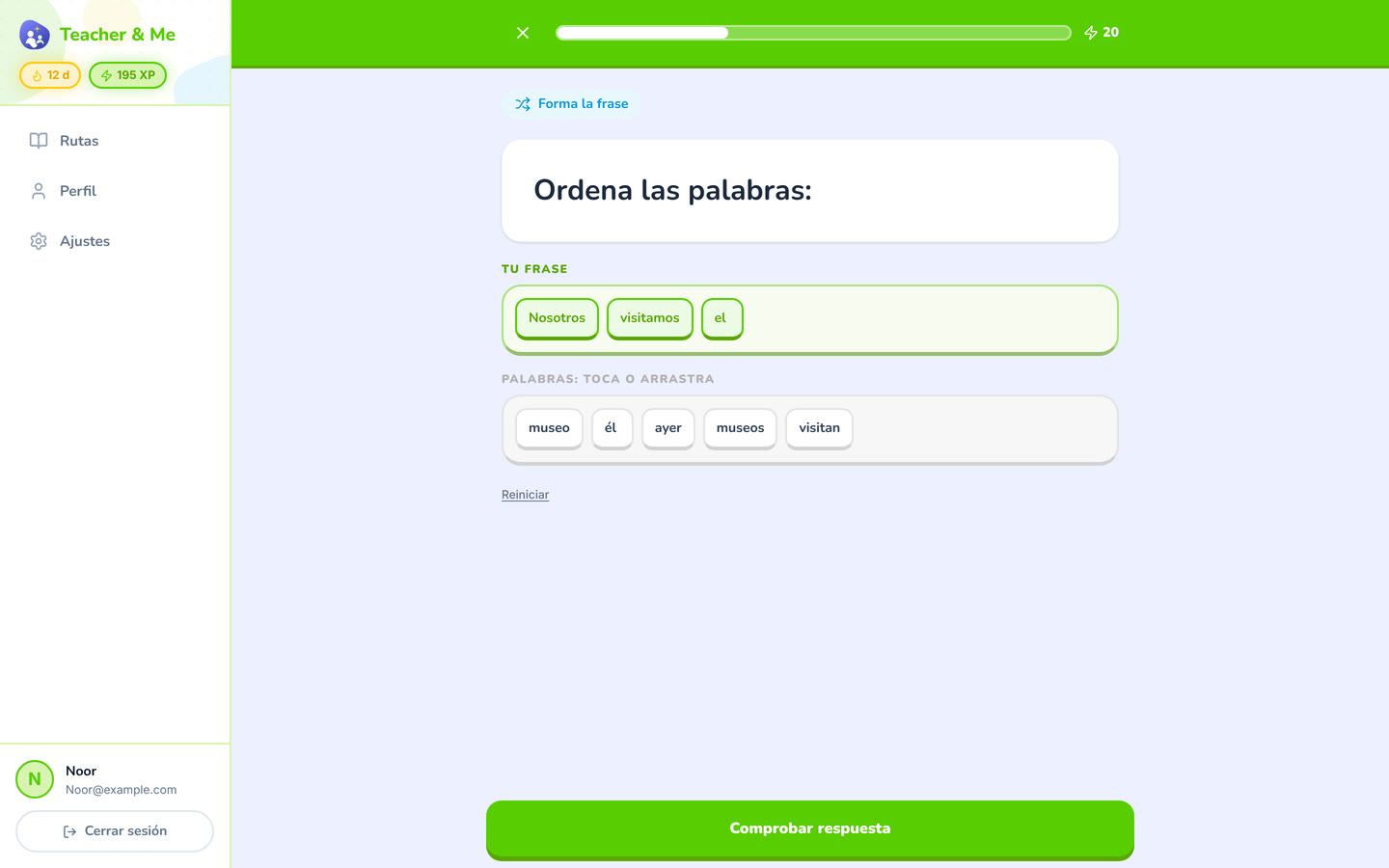
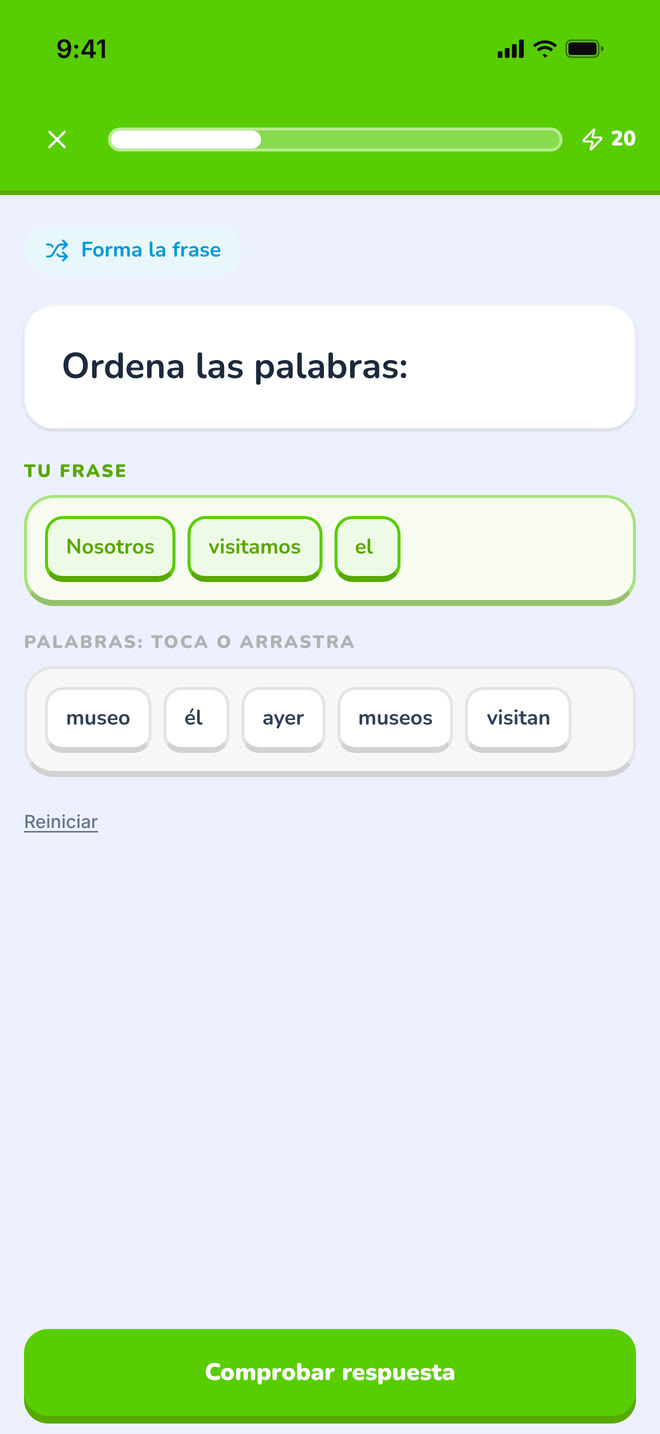
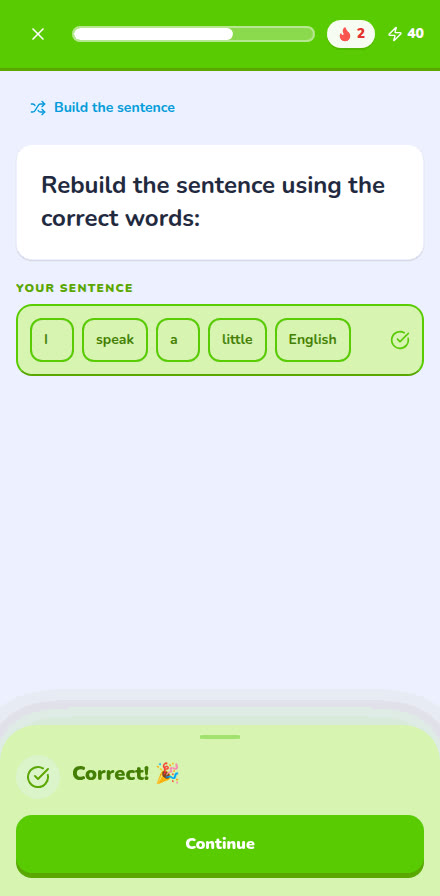
The tile builder mid-answer: a sentence being assembled word by word.
https://teacher-and-me.com/press-assets/desktop/student-exercise-tiles.png
That the exercise types go past multiple choice. Good when one image has to carry "seven types".
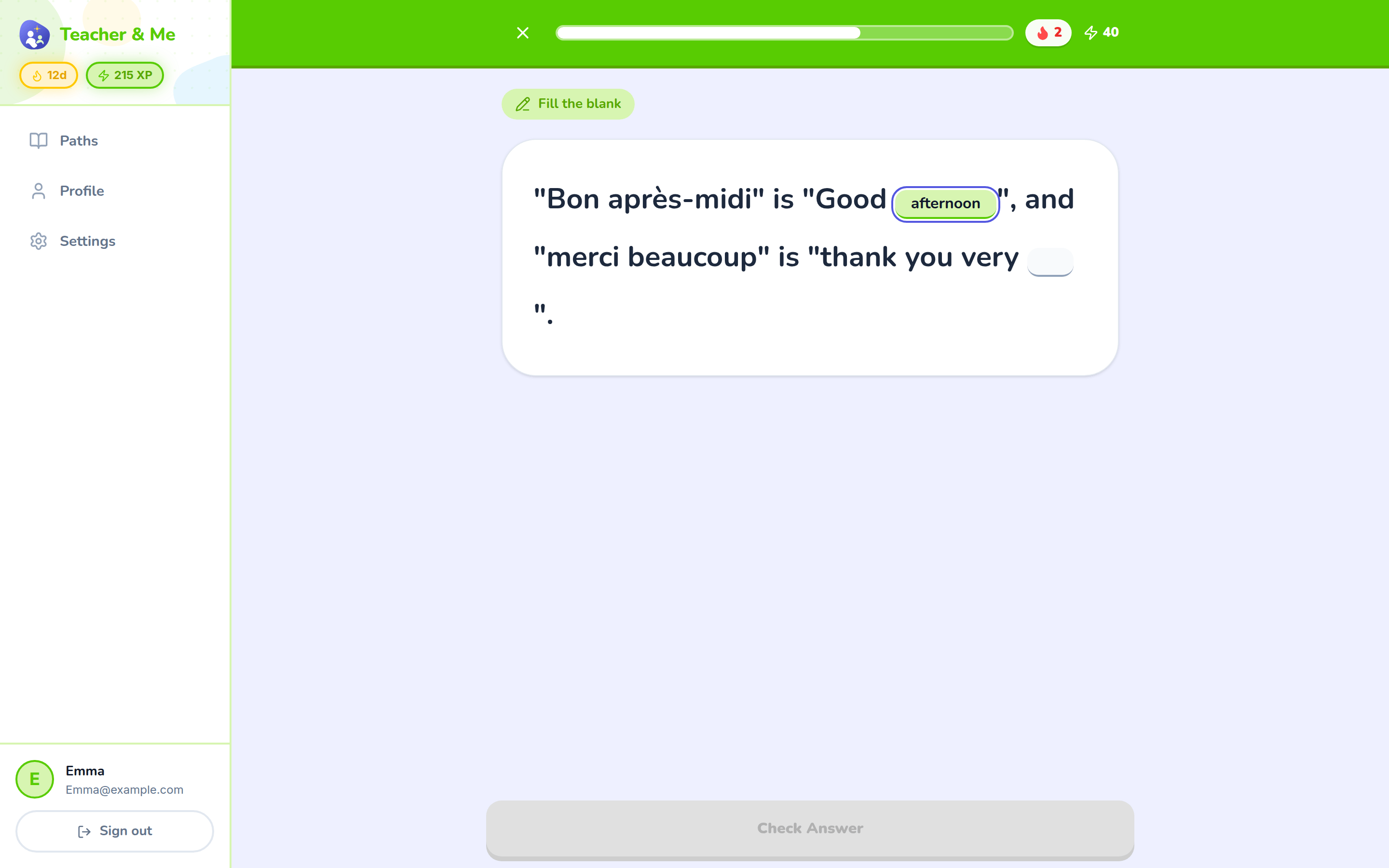
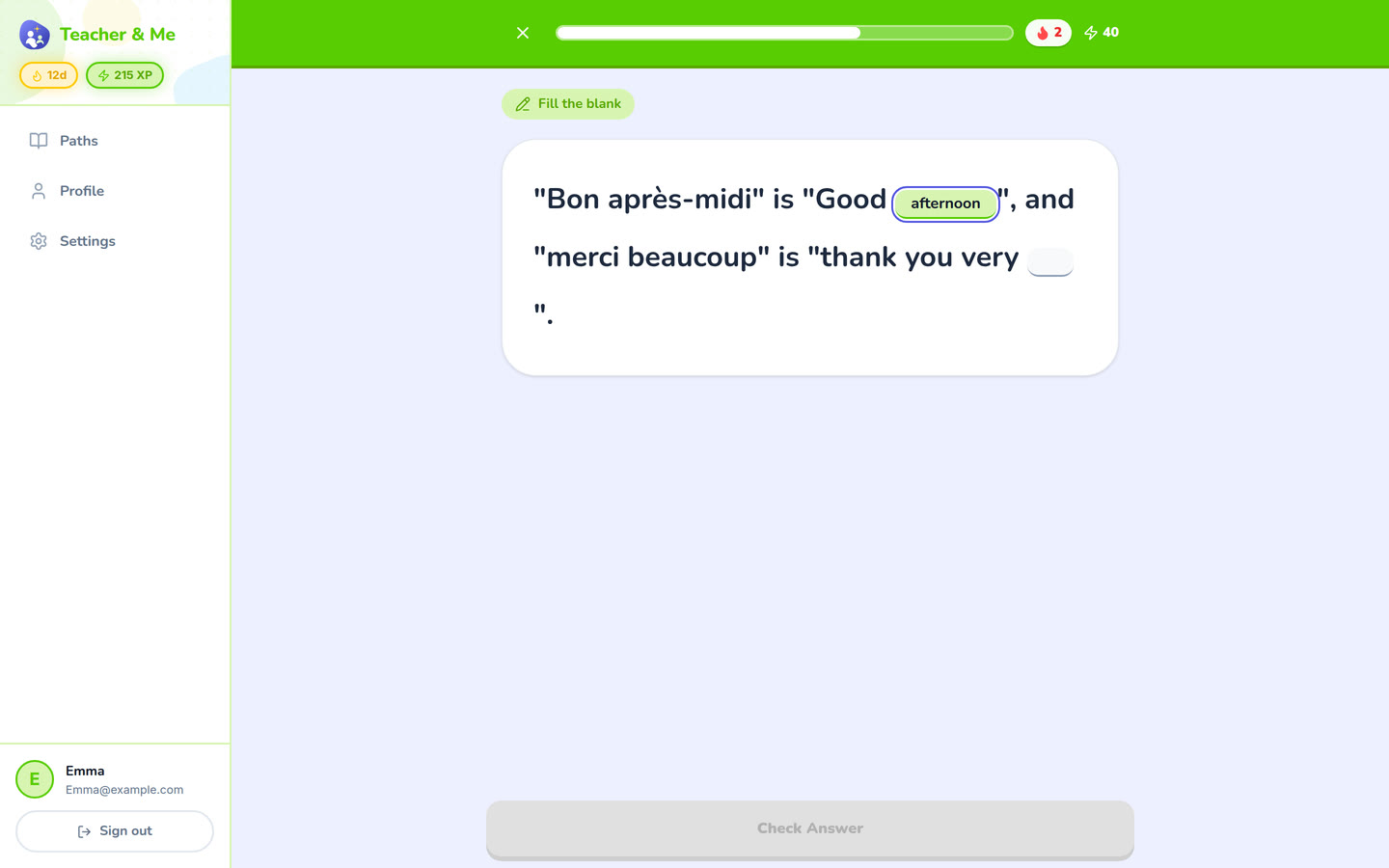
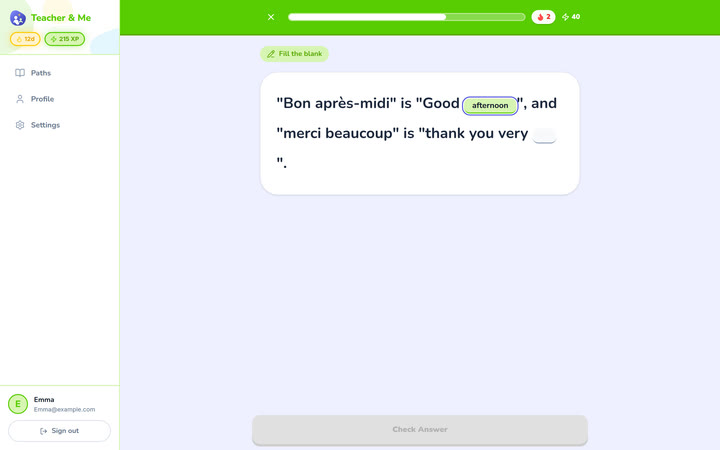
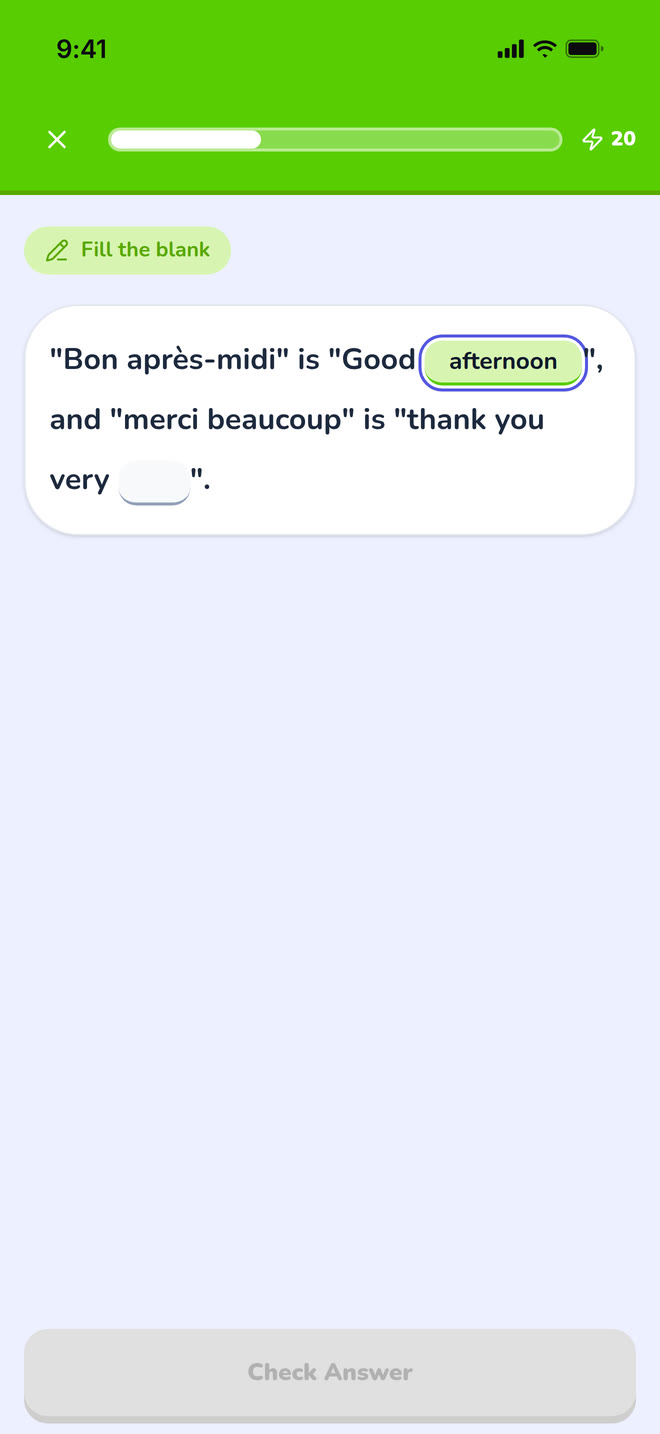
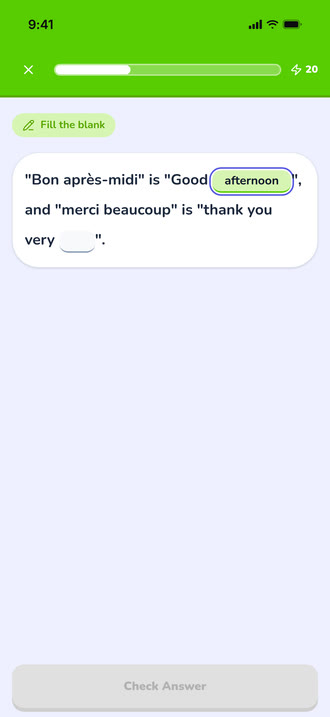
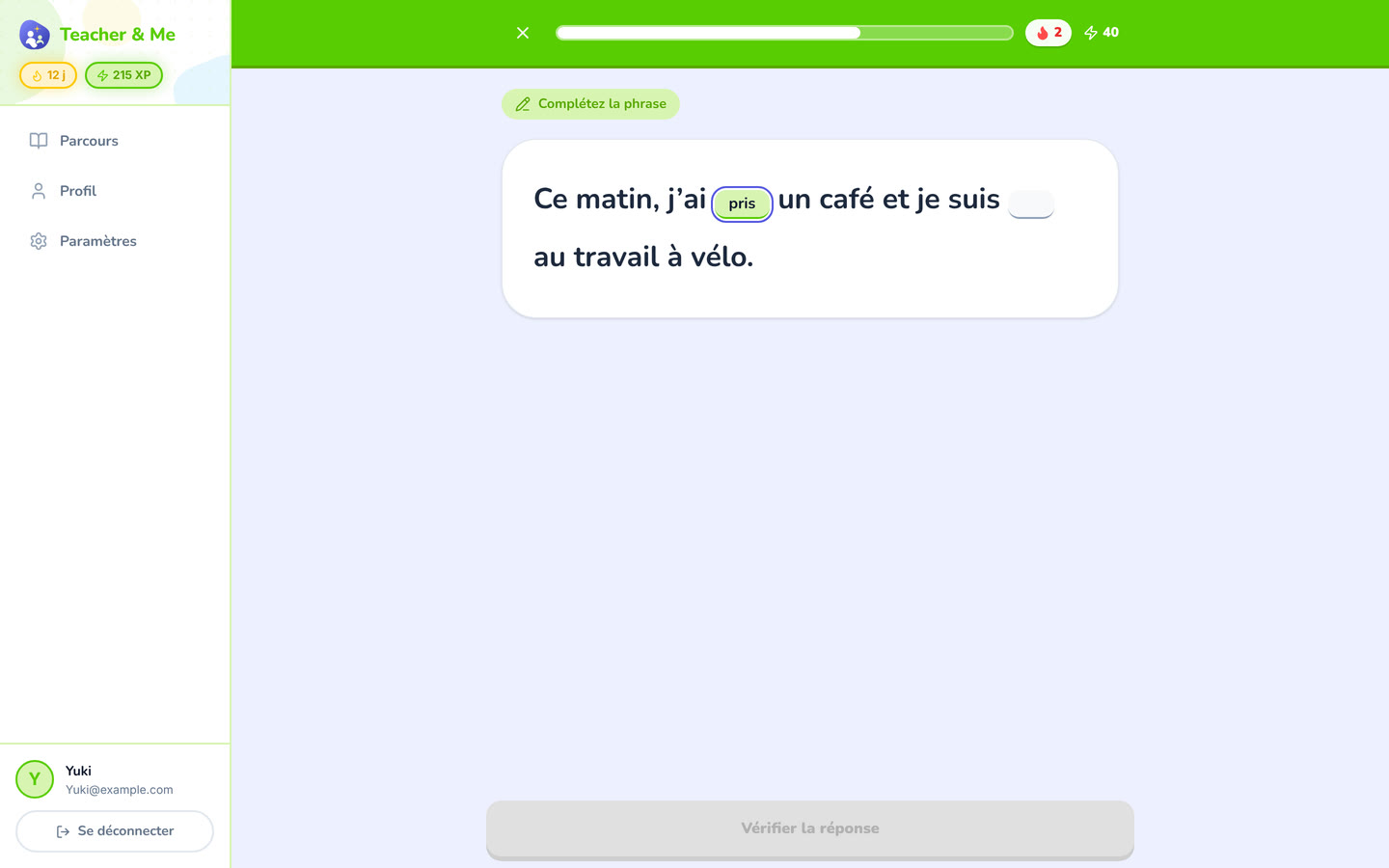
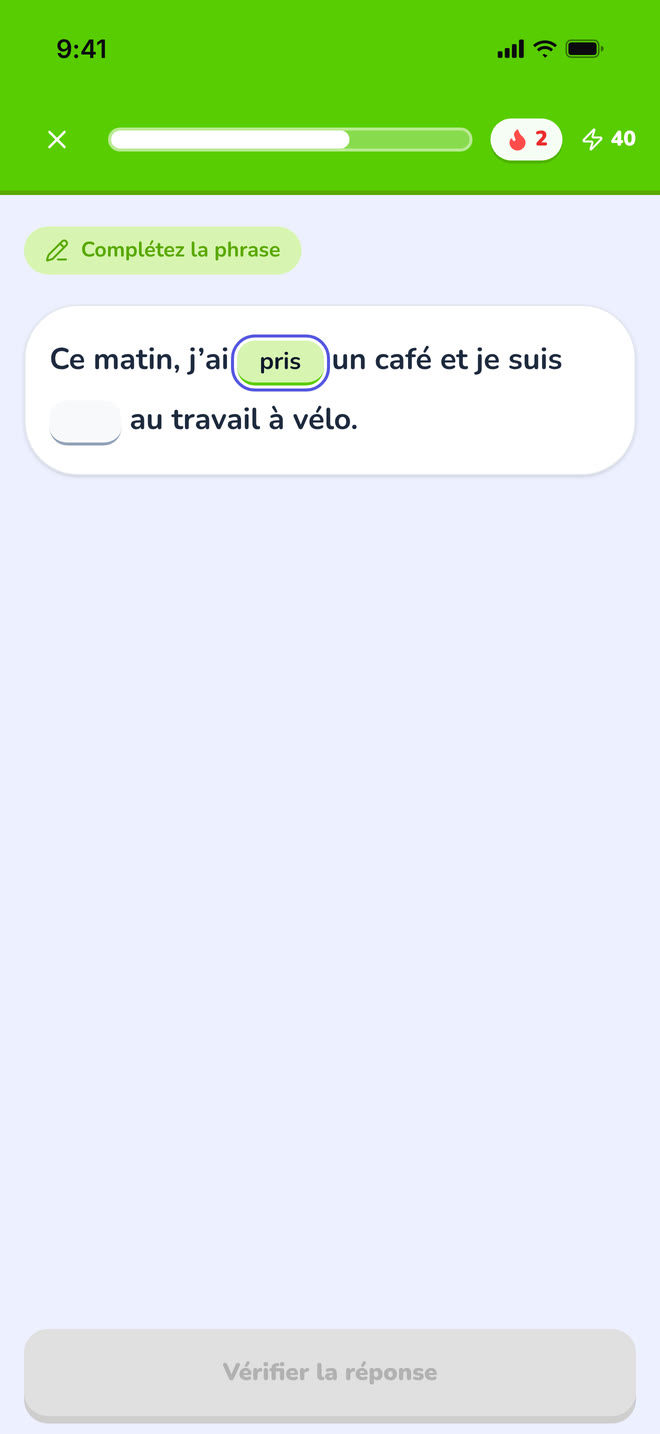
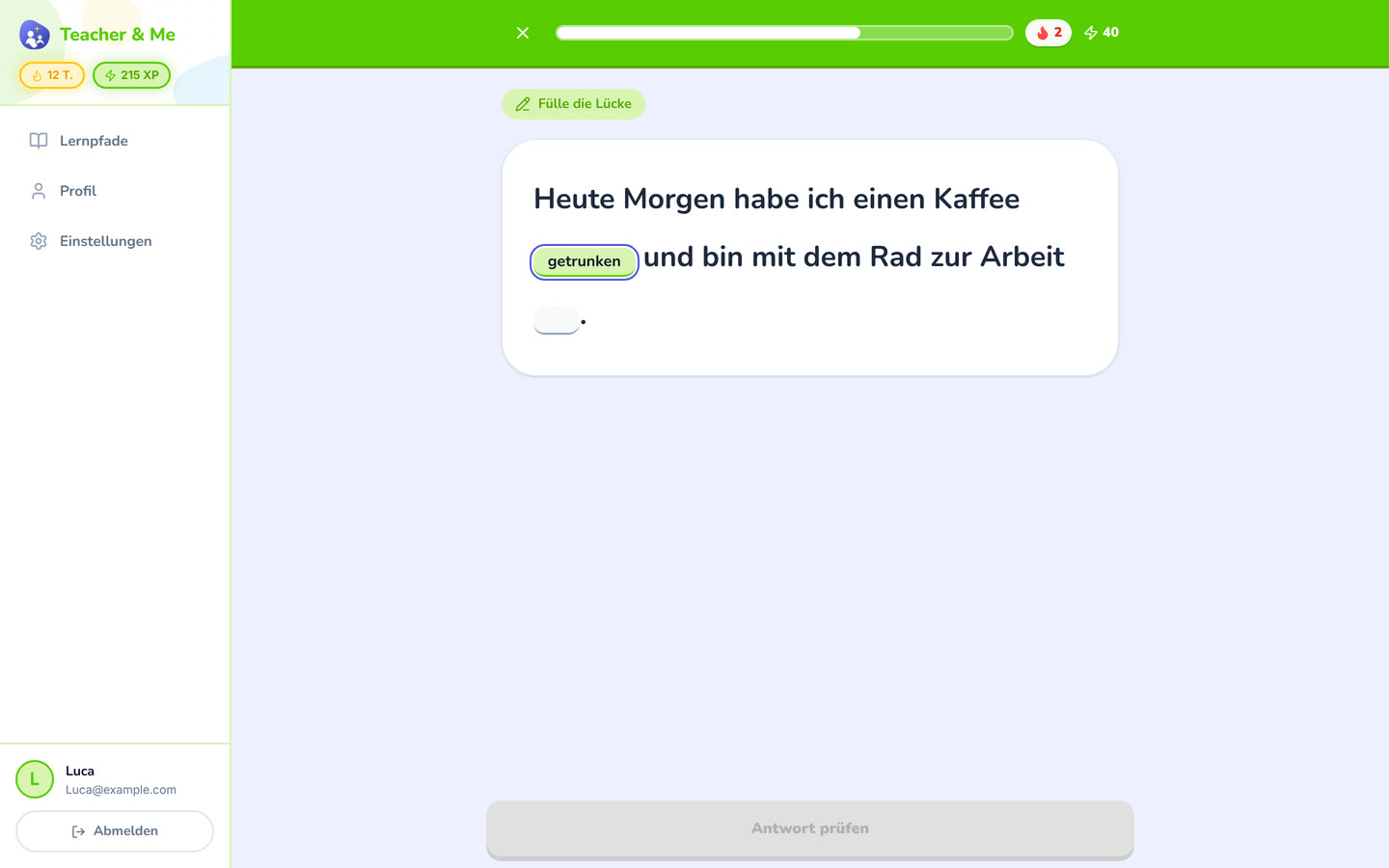
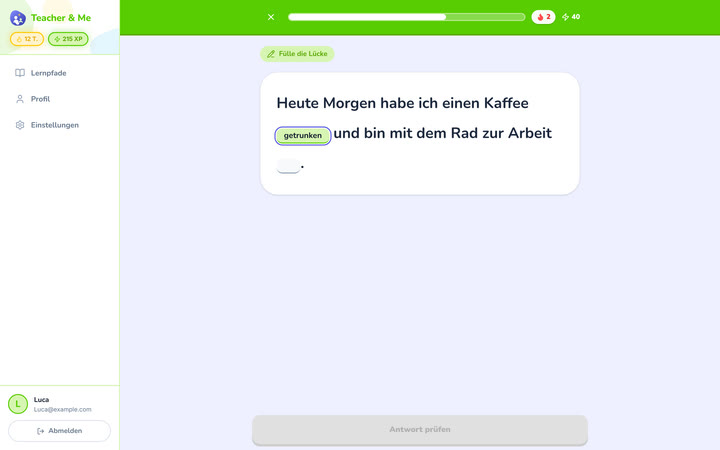
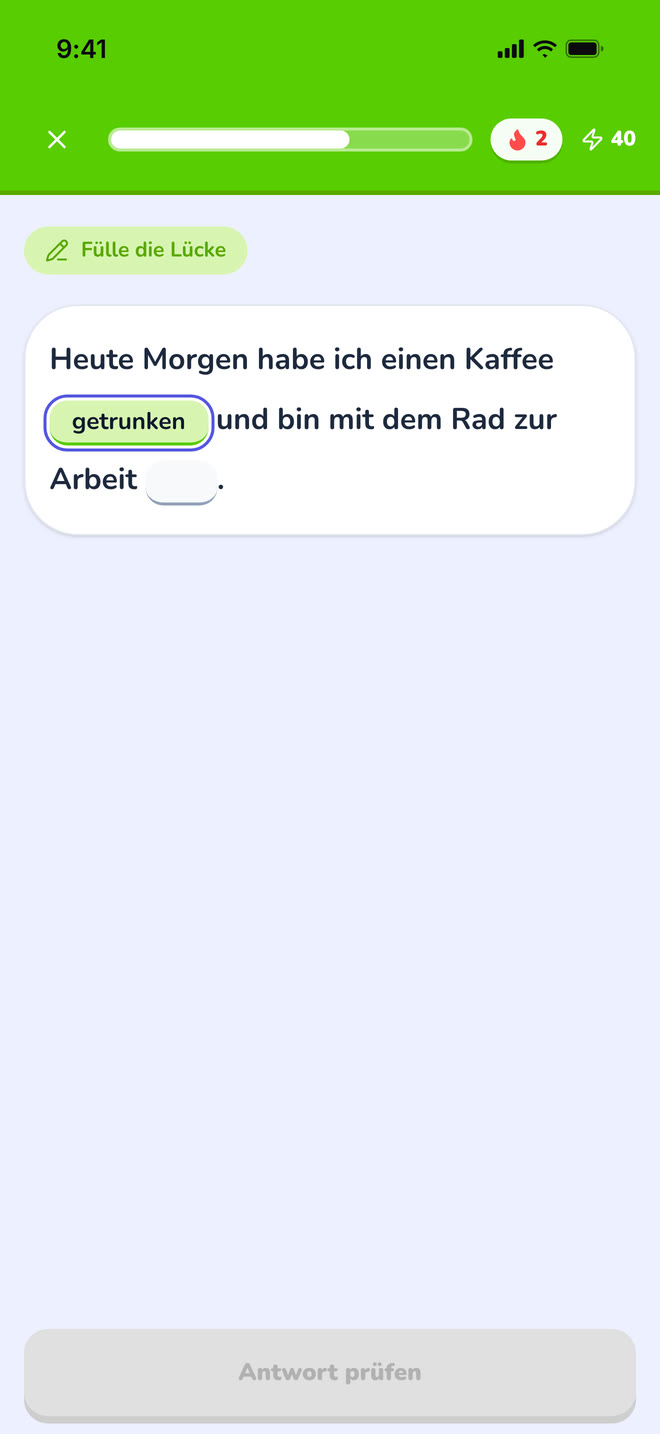
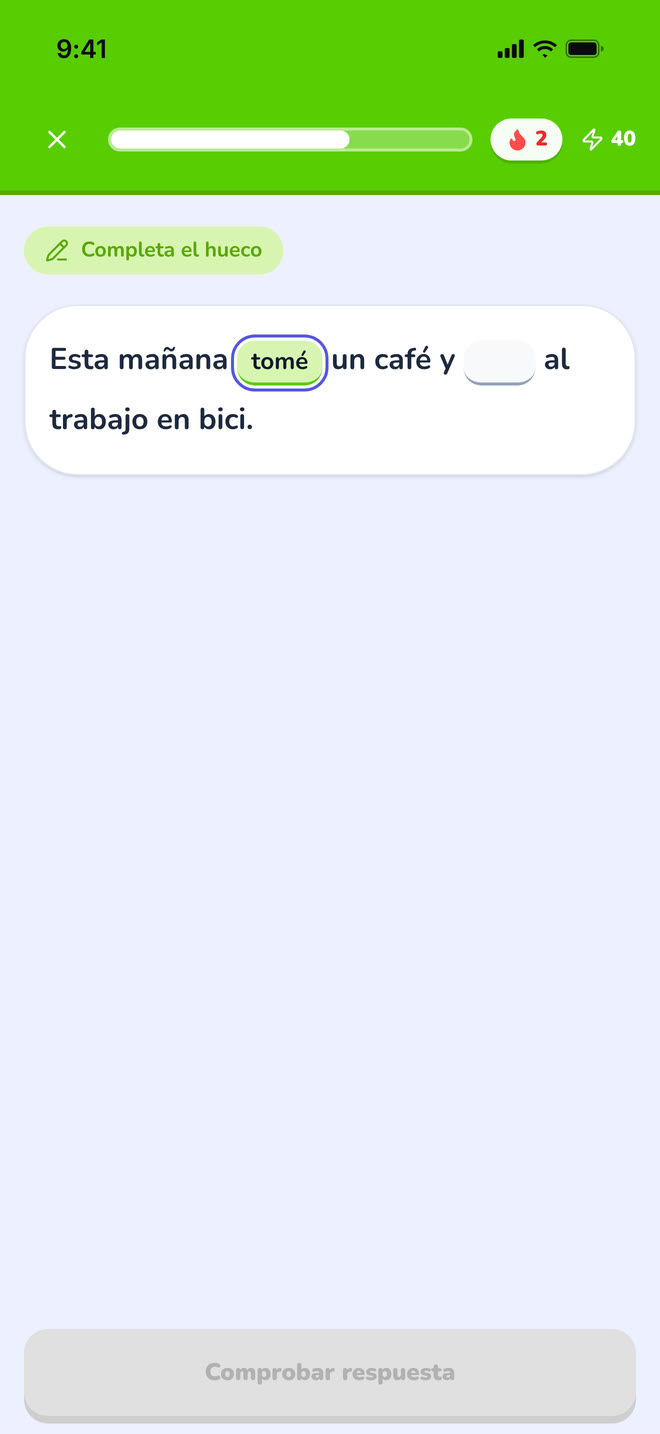
A sentence with two gaps, the first one typed in.
https://teacher-and-me.com/press-assets/desktop/student-exercise-fill-in.png
Production rather than recognition: the student writes the answer instead of picking it.
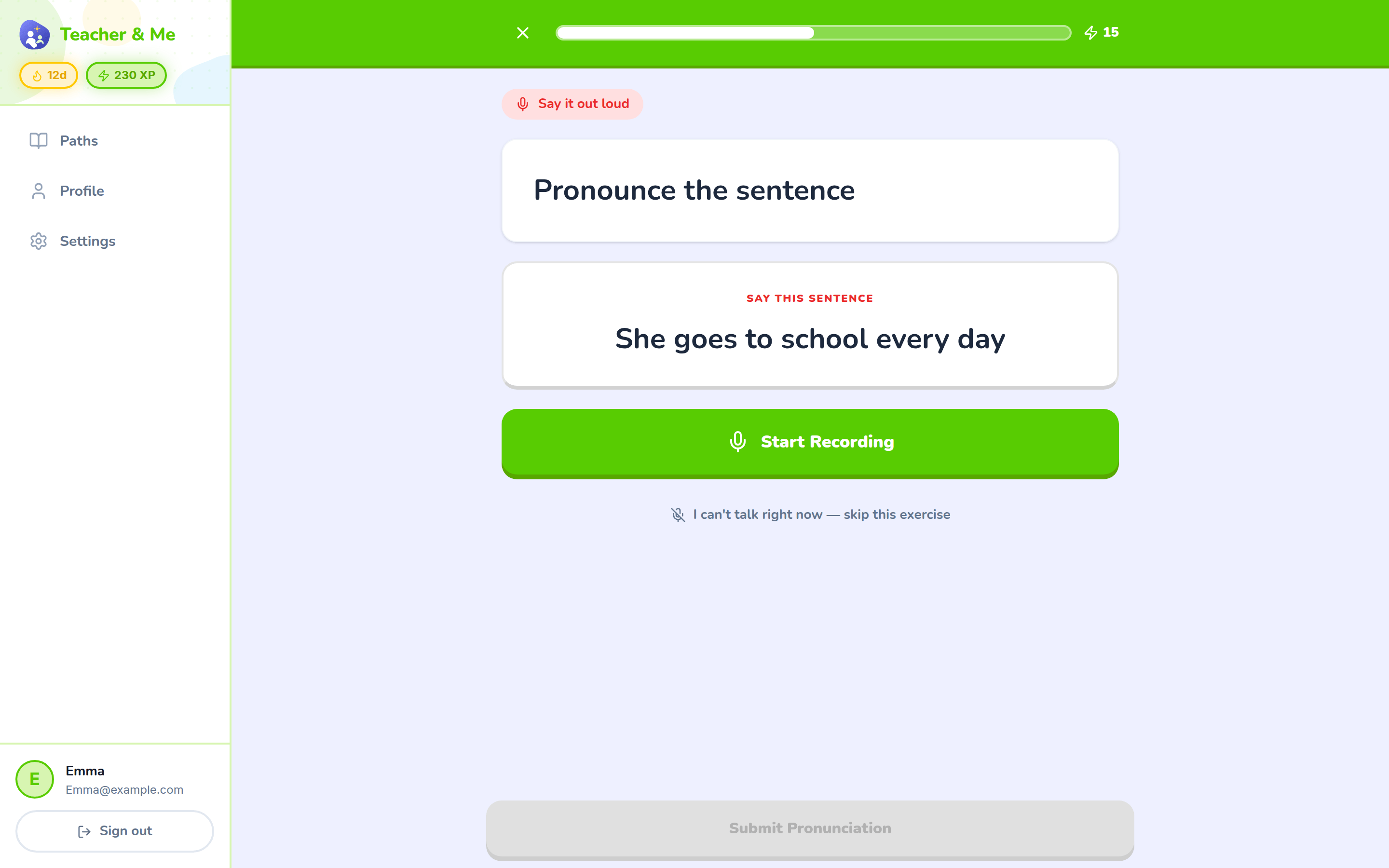
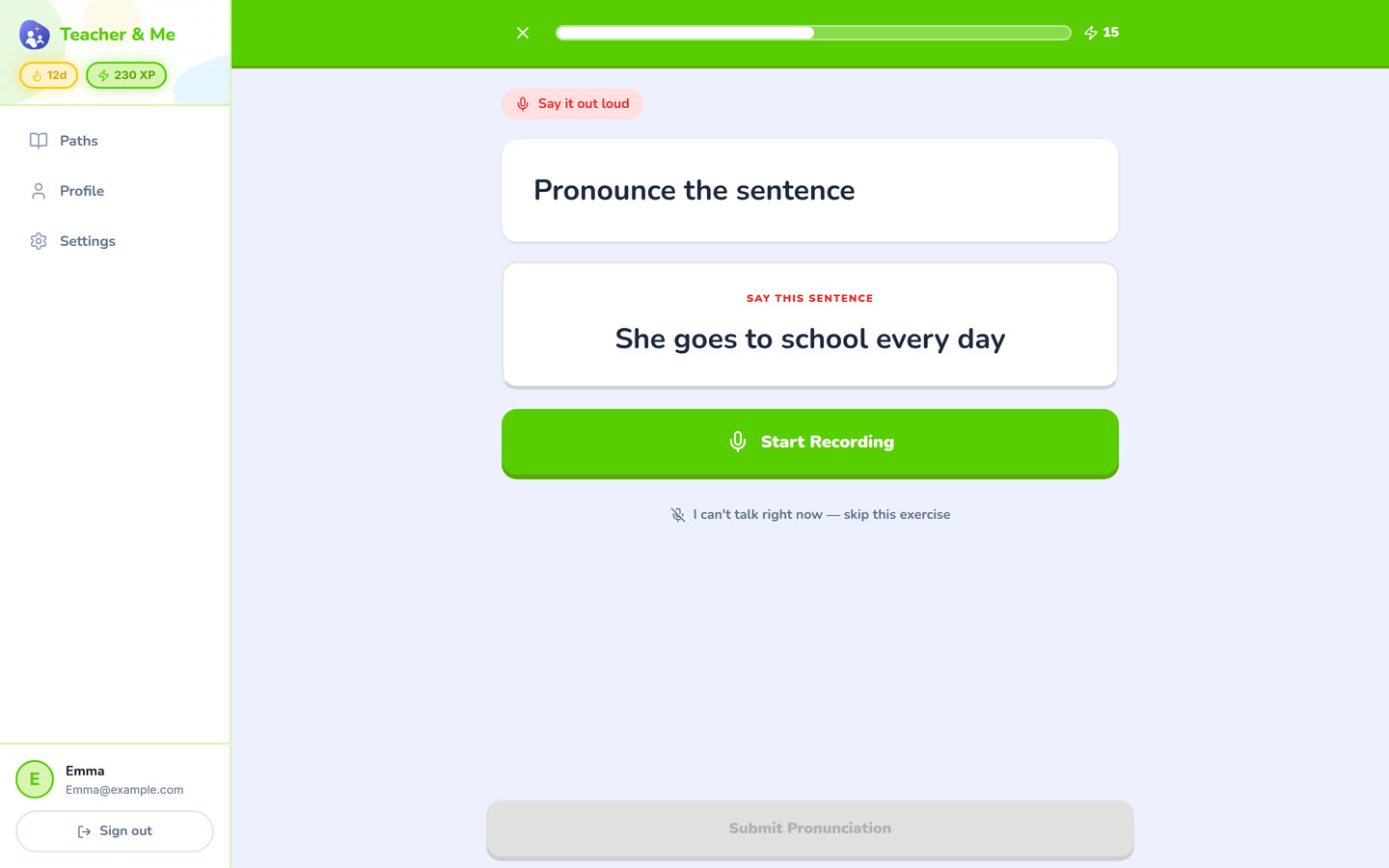
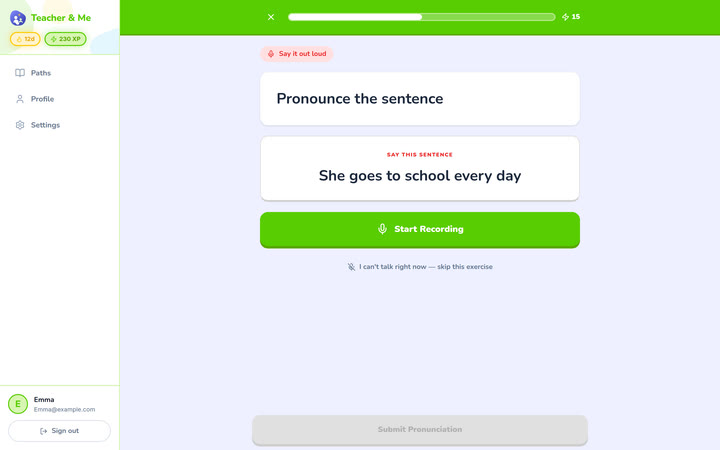
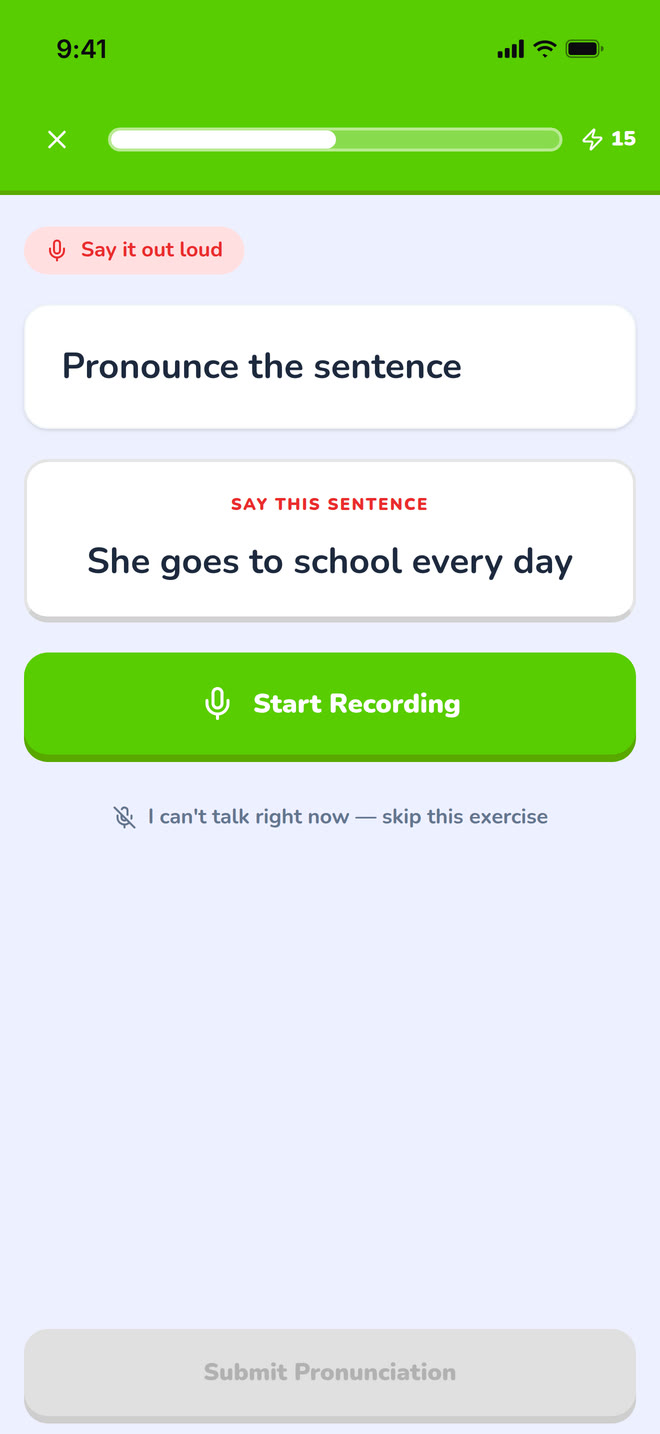
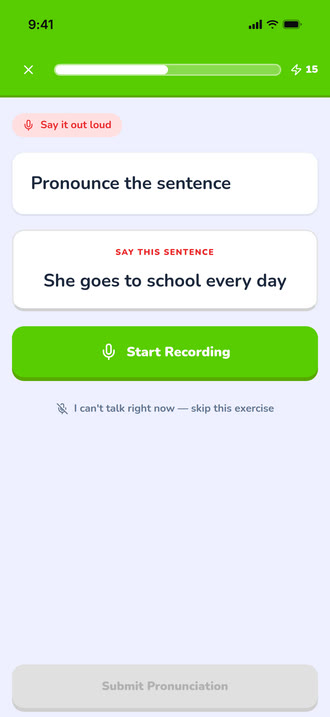
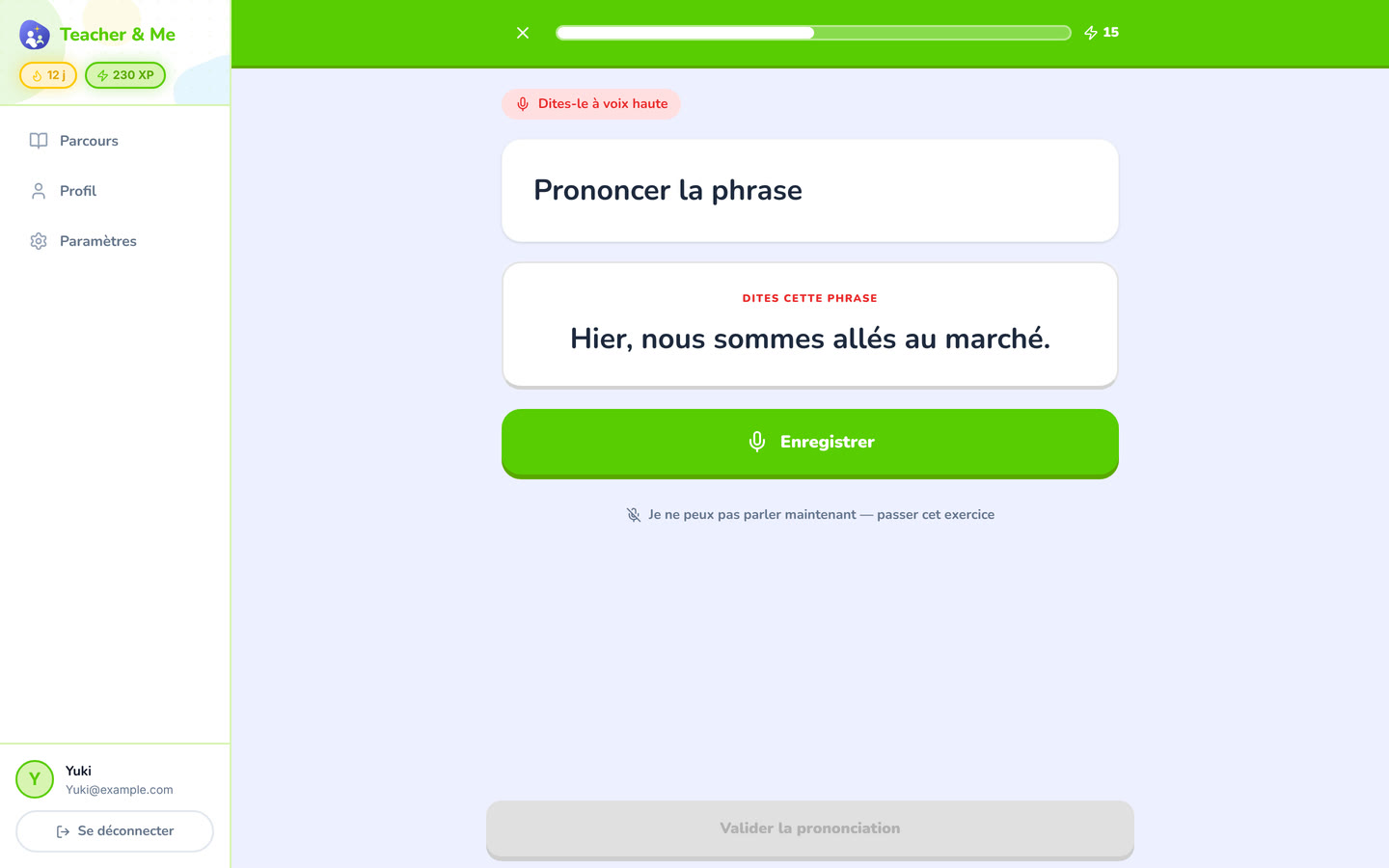
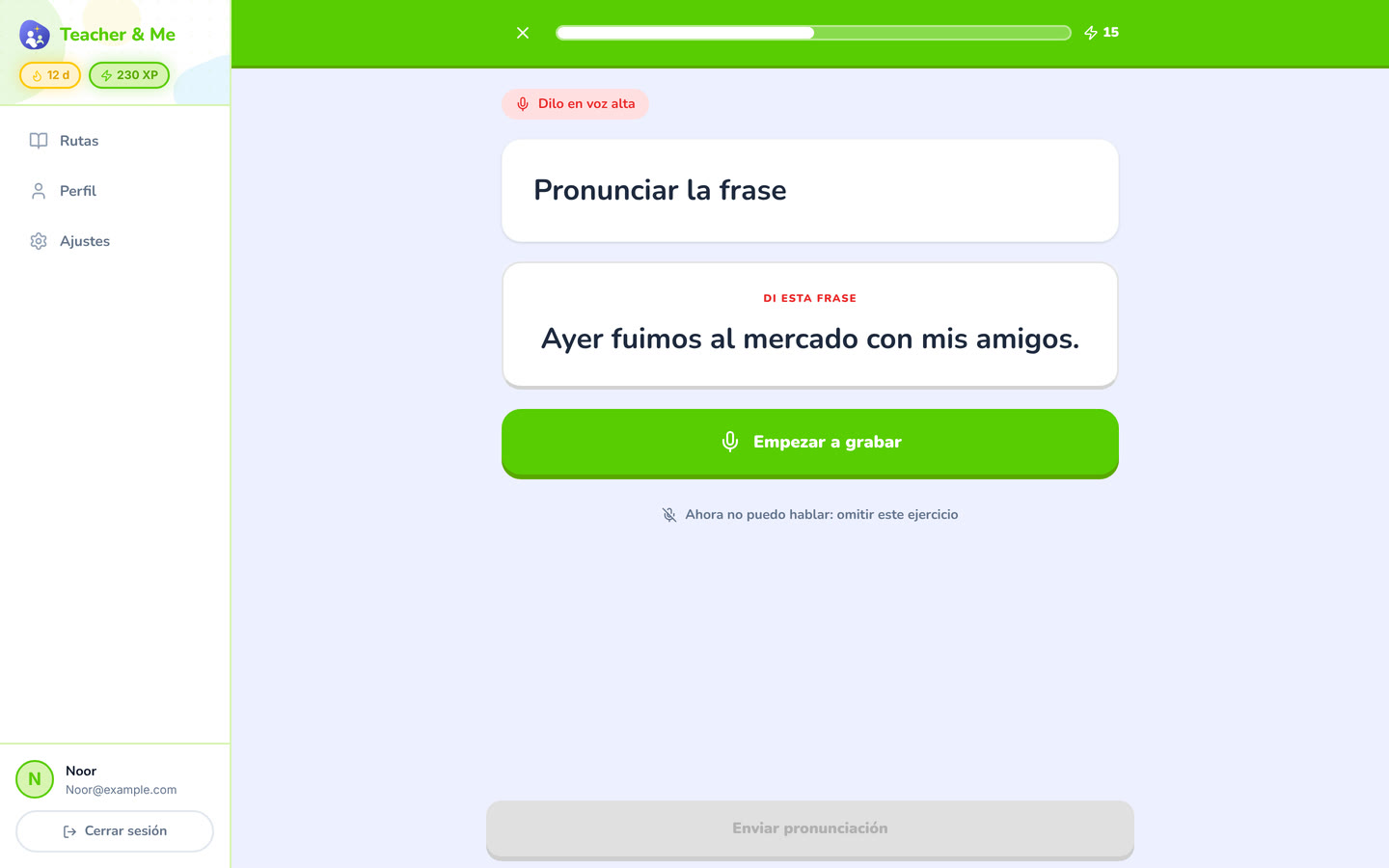
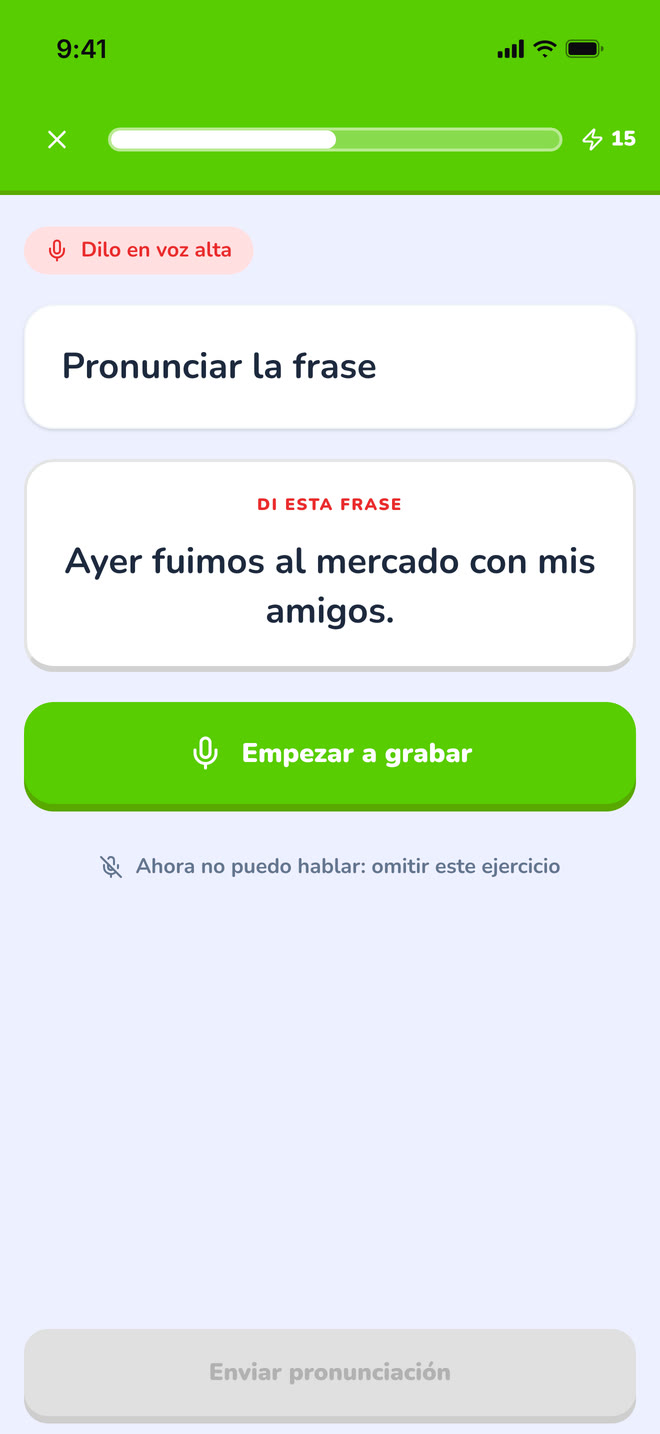
The pronunciation exercise at rest, before recording.
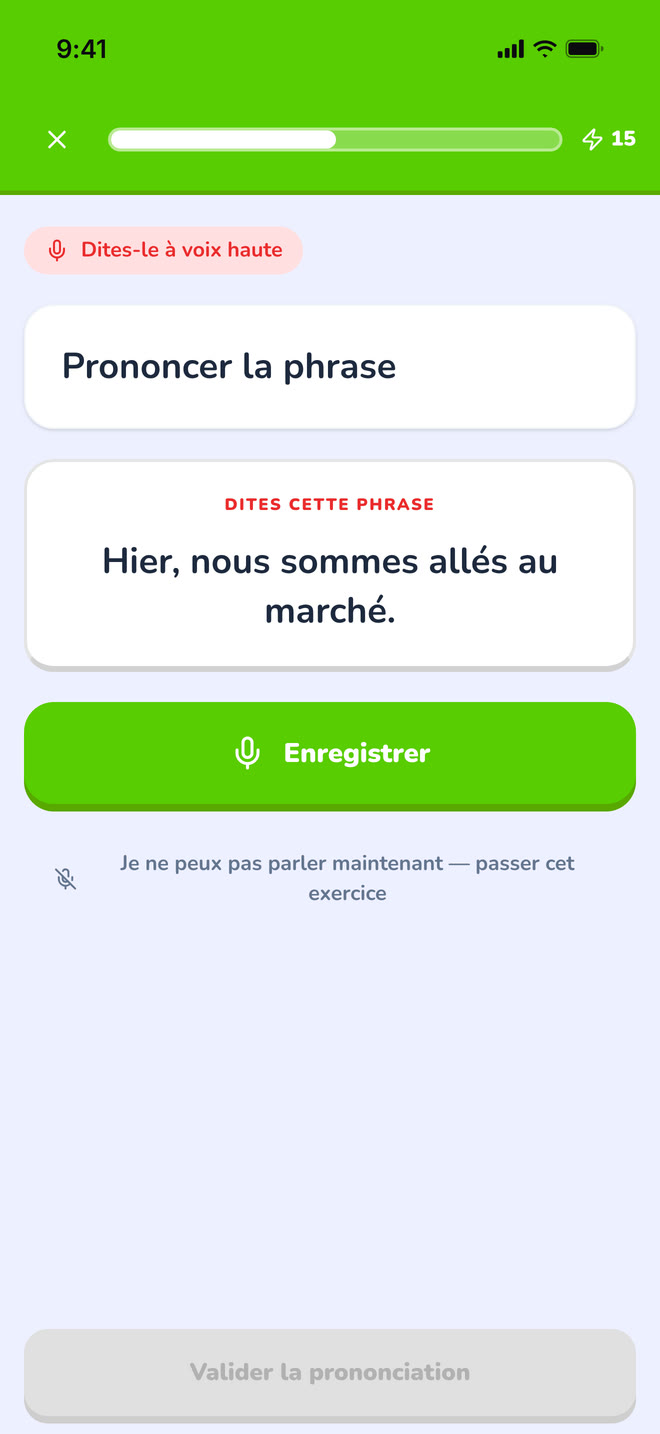
https://teacher-and-me.com/press-assets/desktop/student-exercise-pronounce.png
That speaking is one of the seven types. Scoring happens in the browser after recording; this shot is the idle state, so do not caption it as a score.
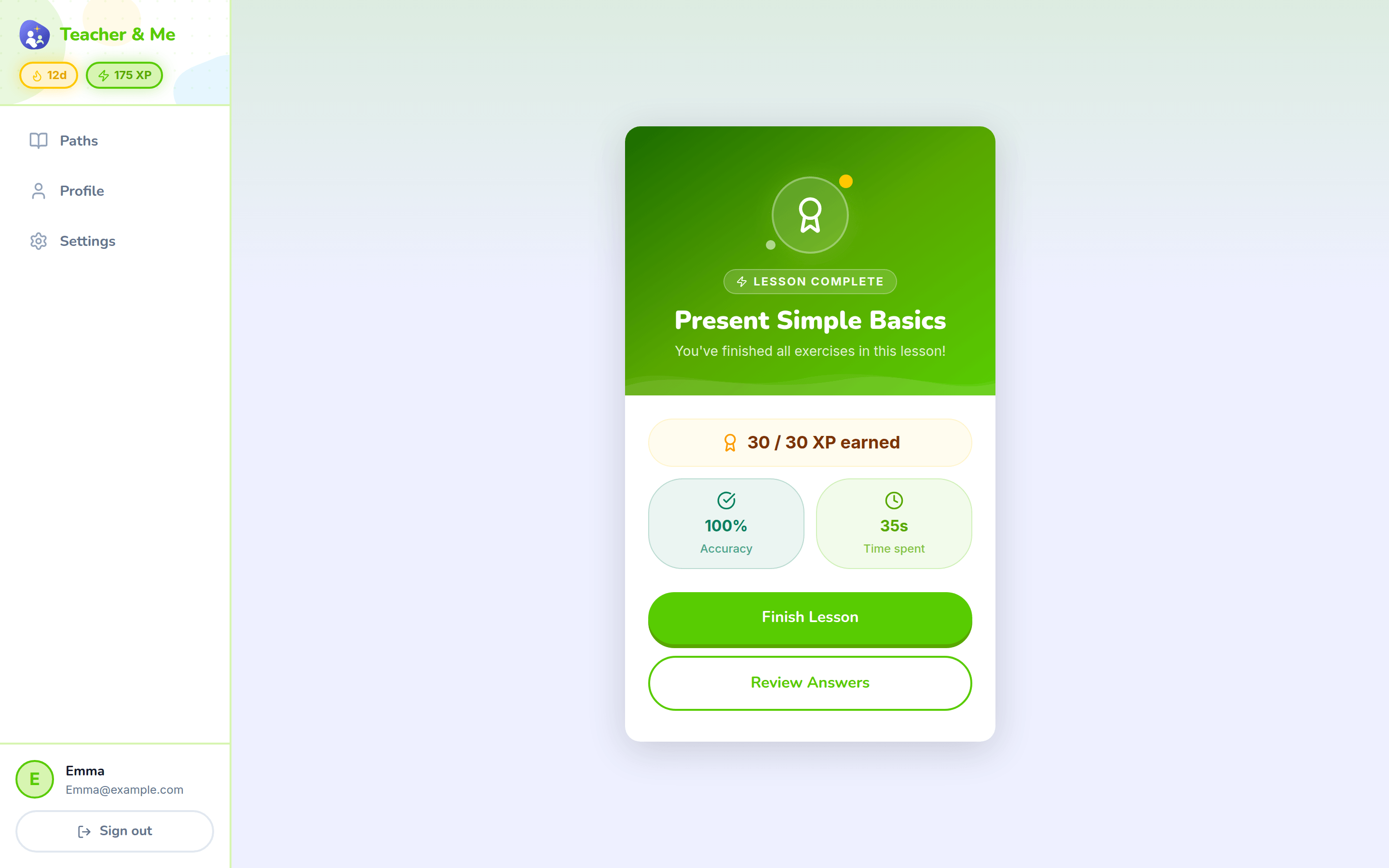
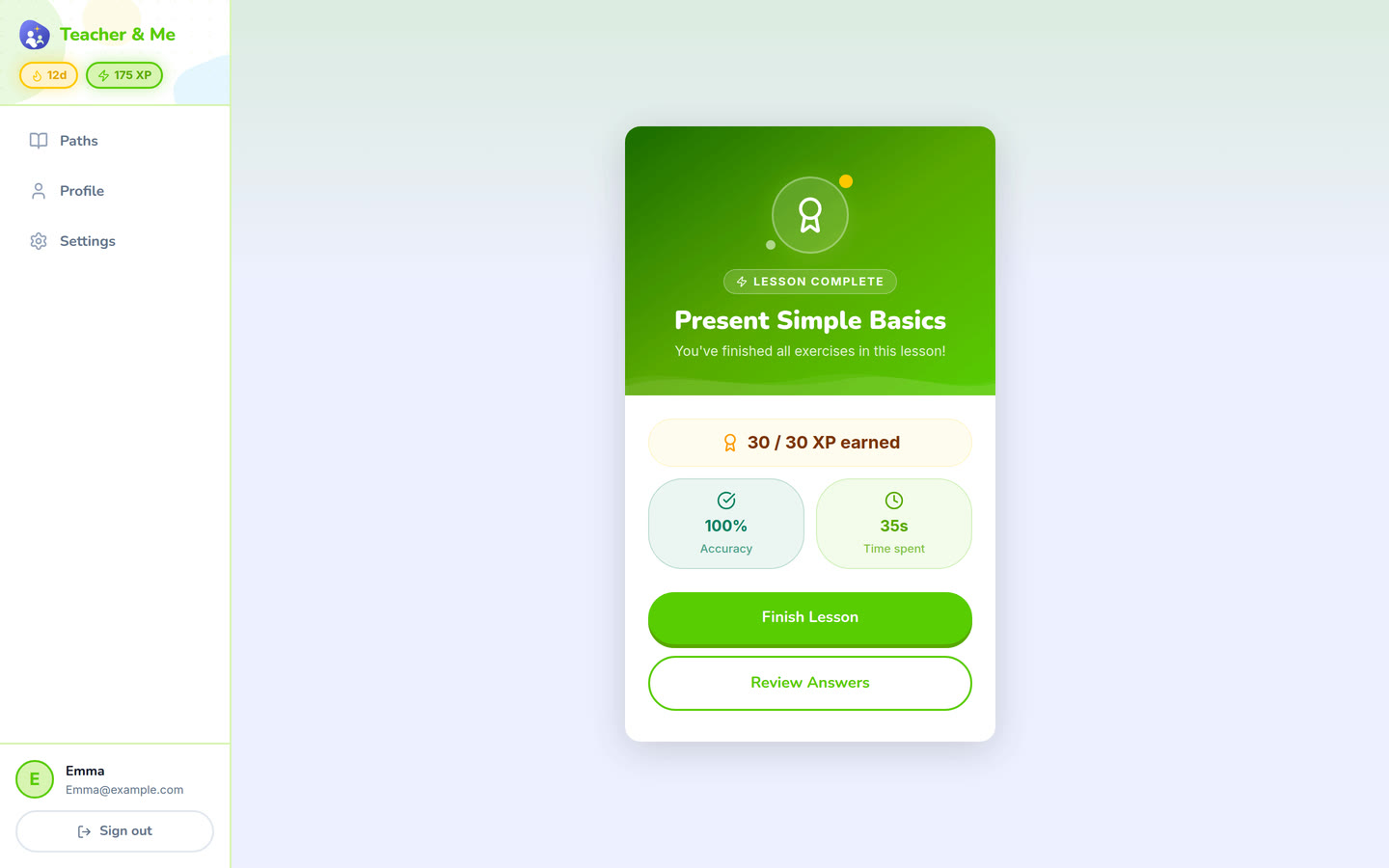
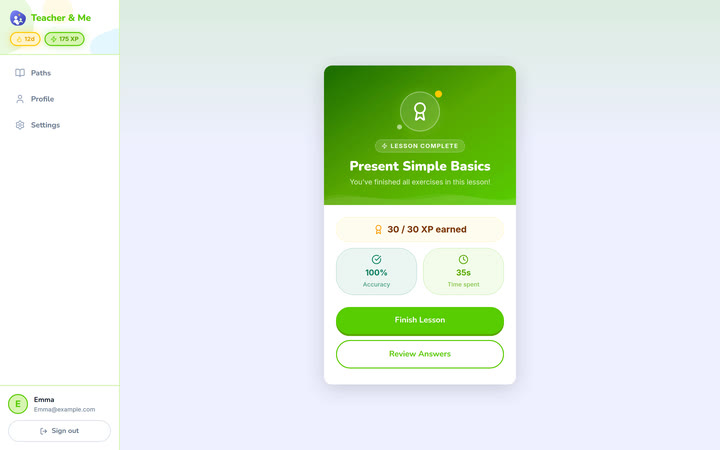
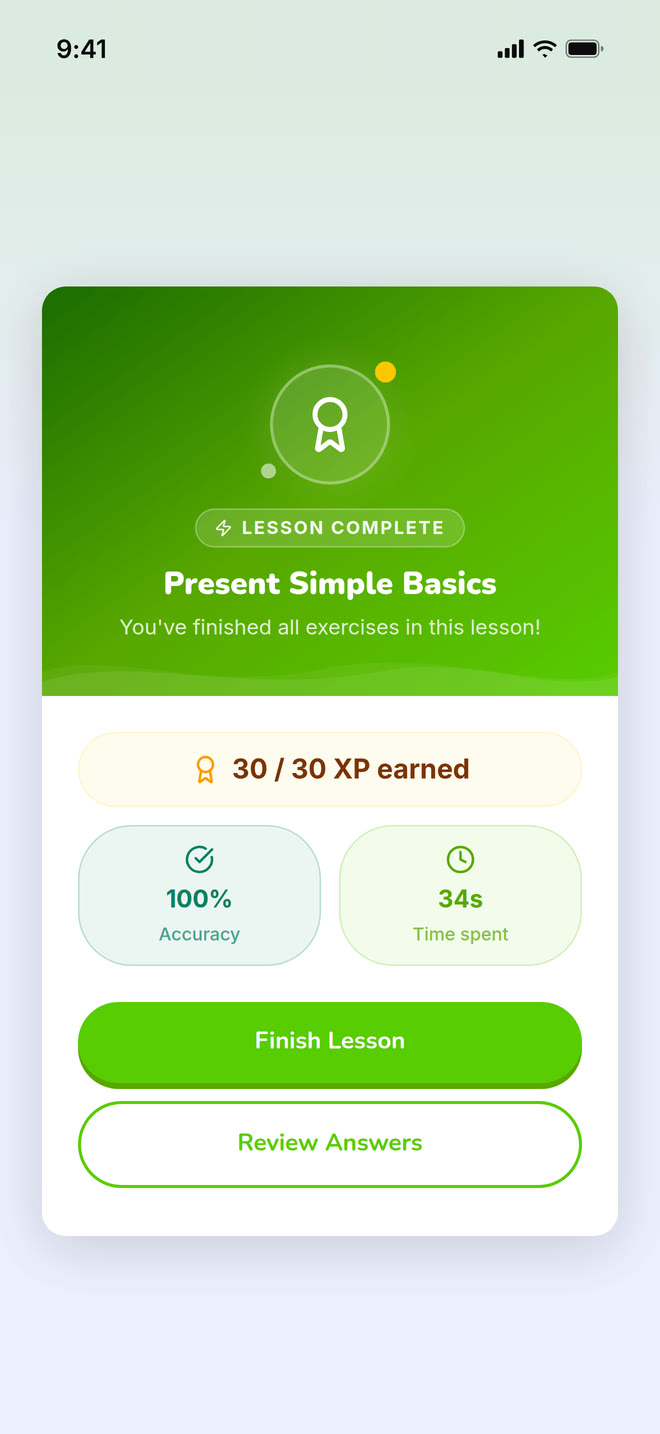
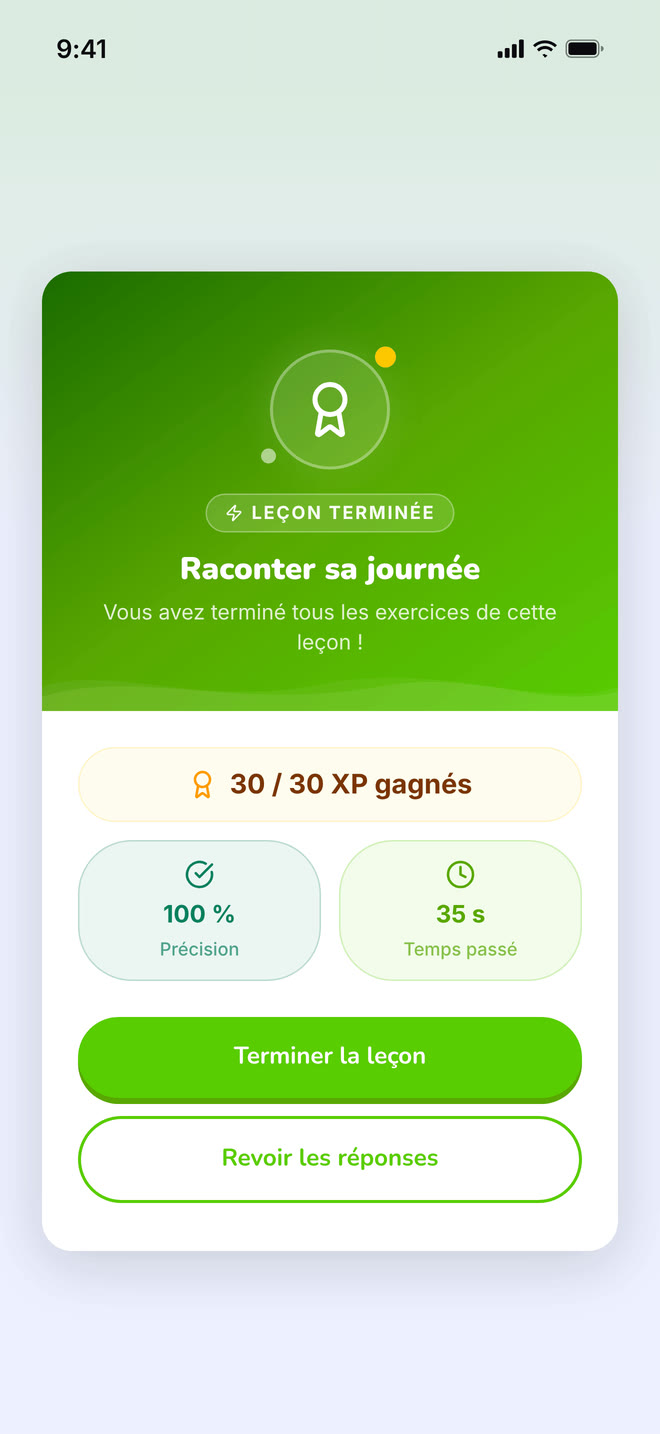
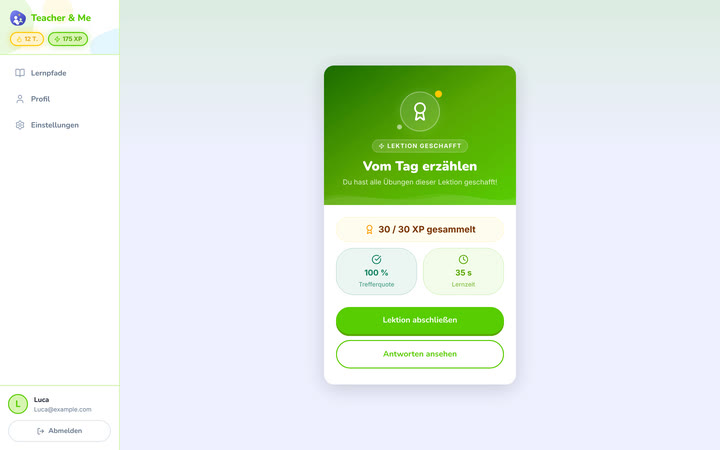
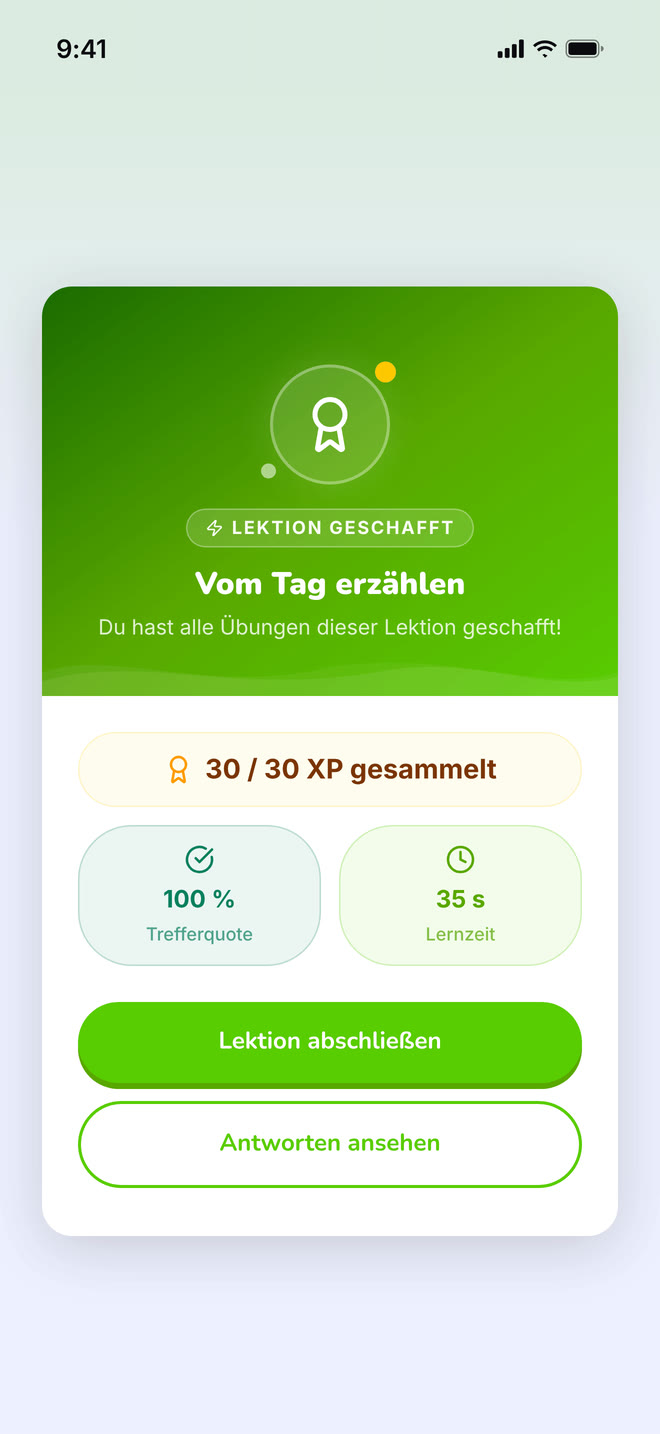
The card that closes a finished lesson.
https://teacher-and-me.com/press-assets/desktop/student-lesson-complete.png
The payoff moment. Pairs naturally with the lesson map in a two-image sequence.
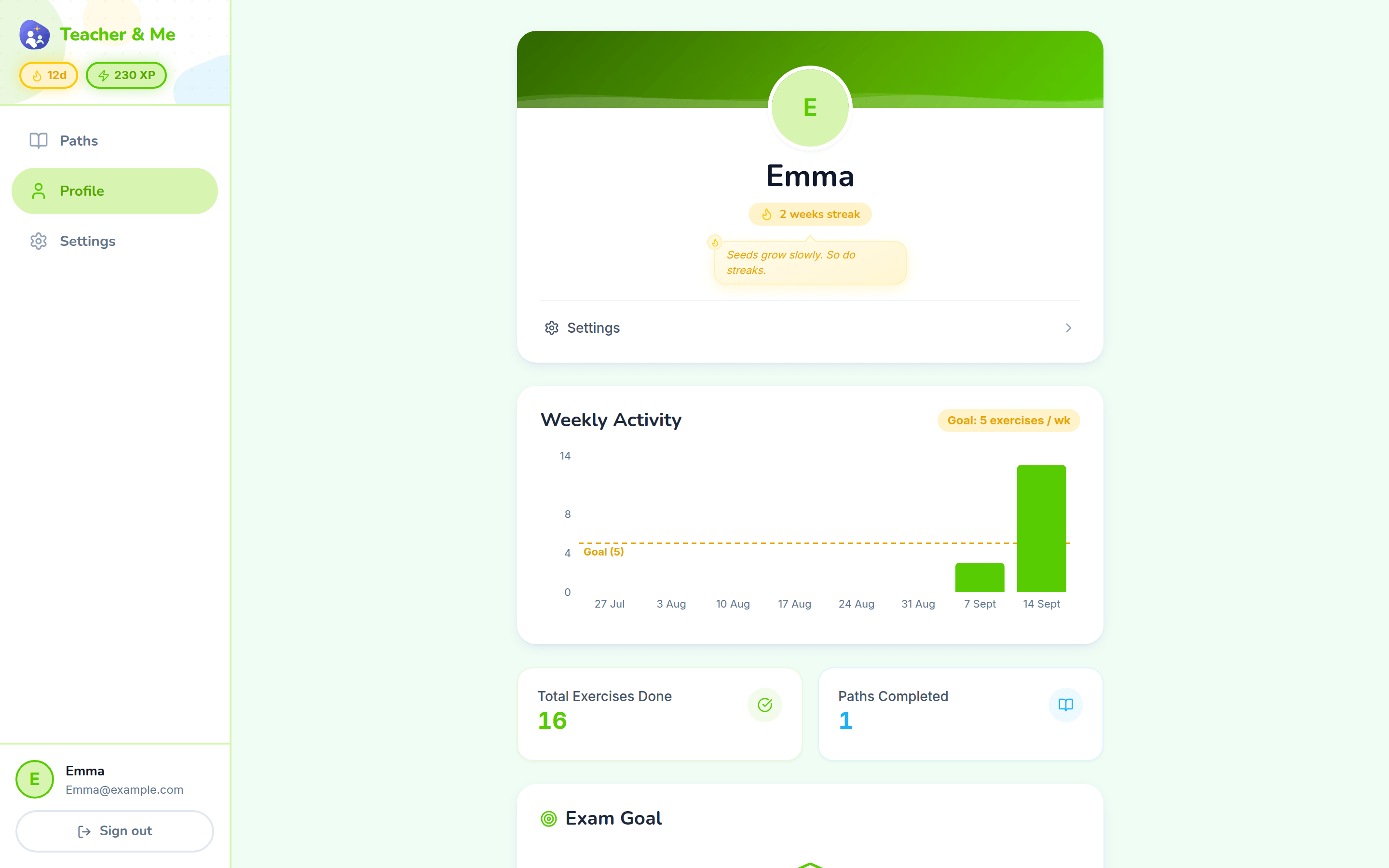
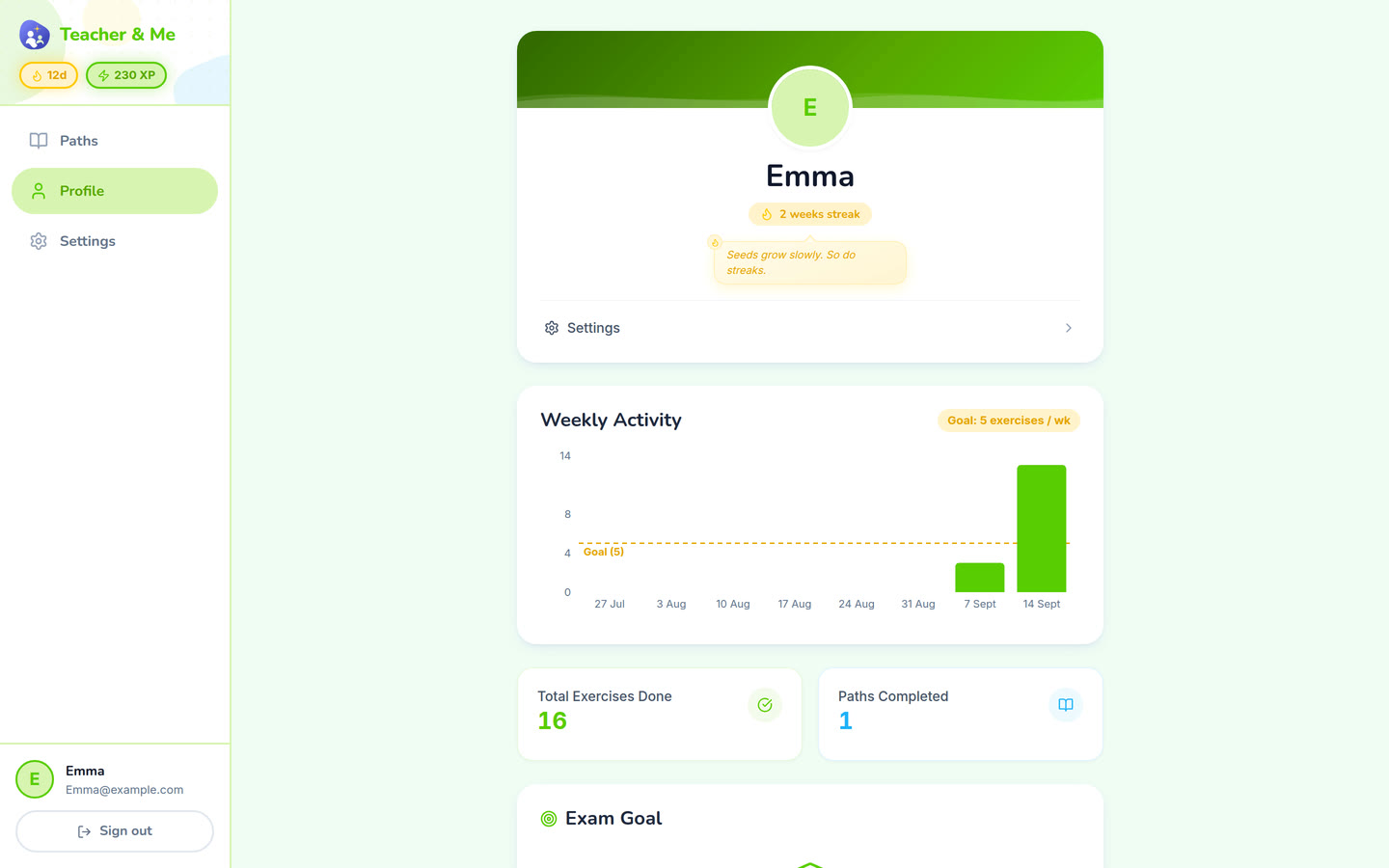
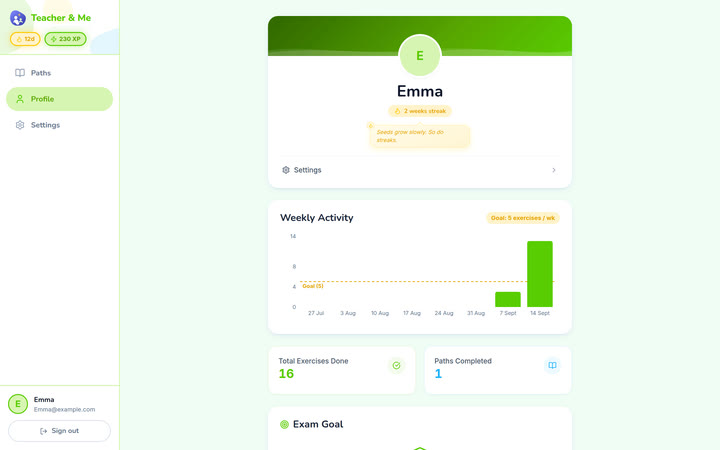
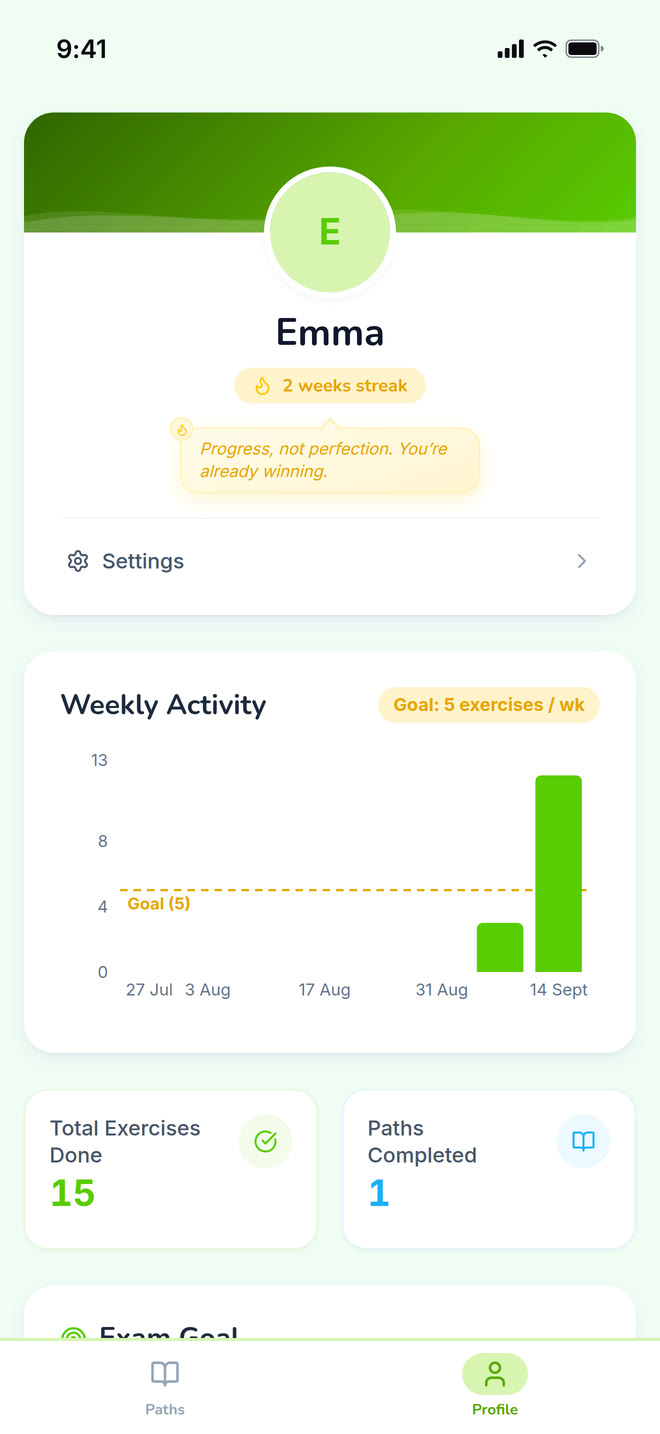
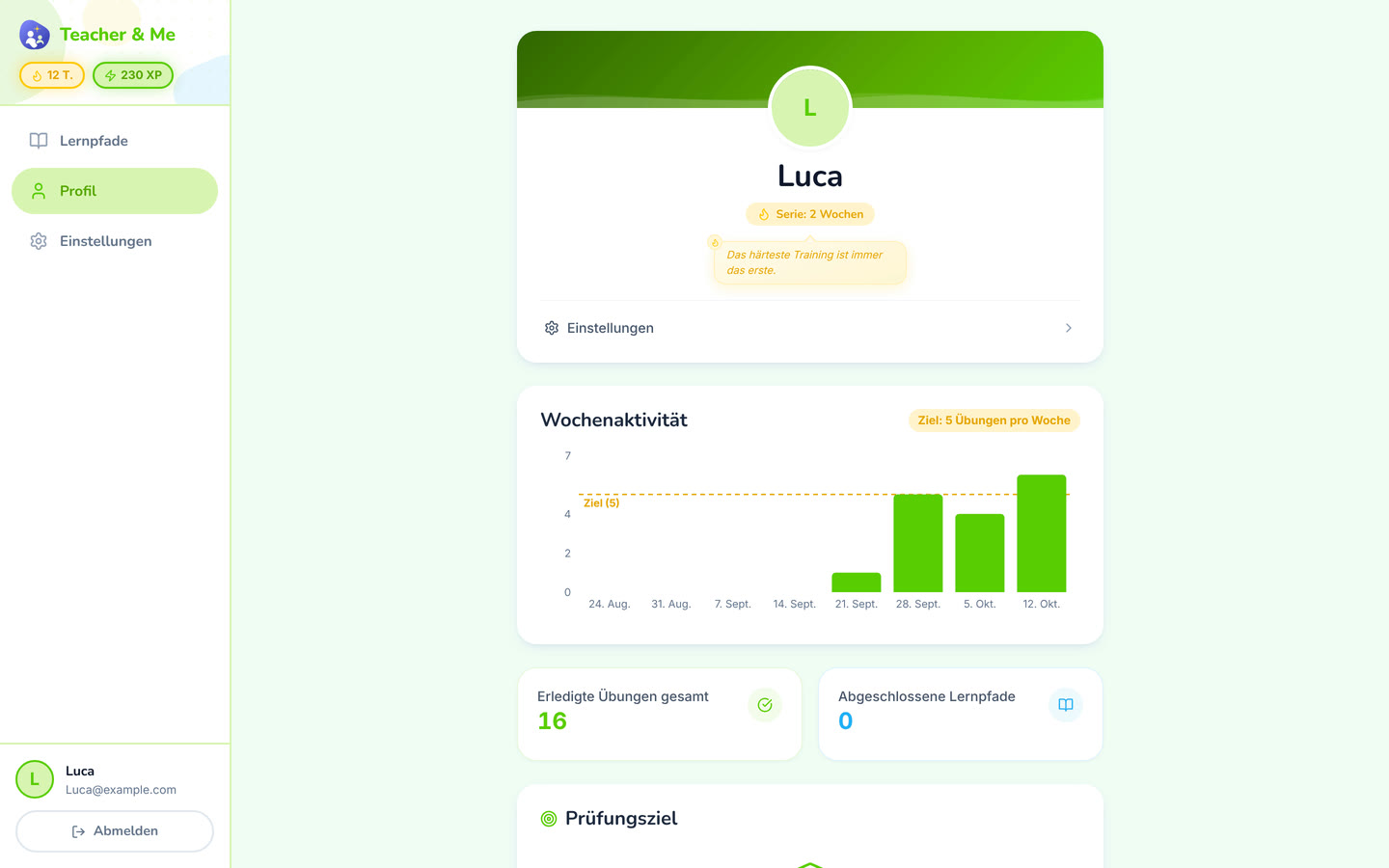
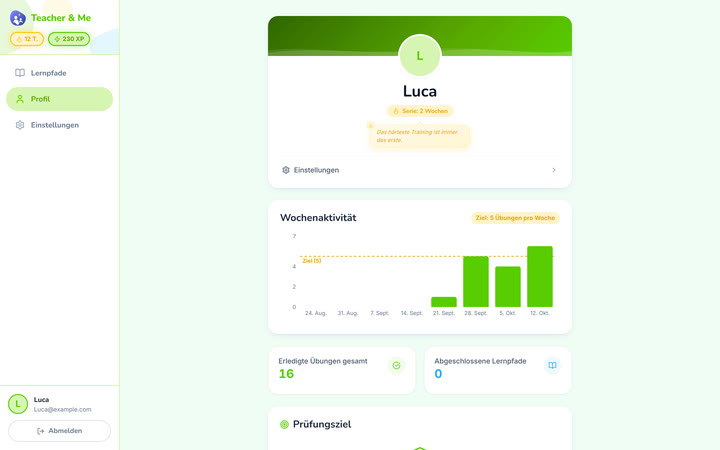
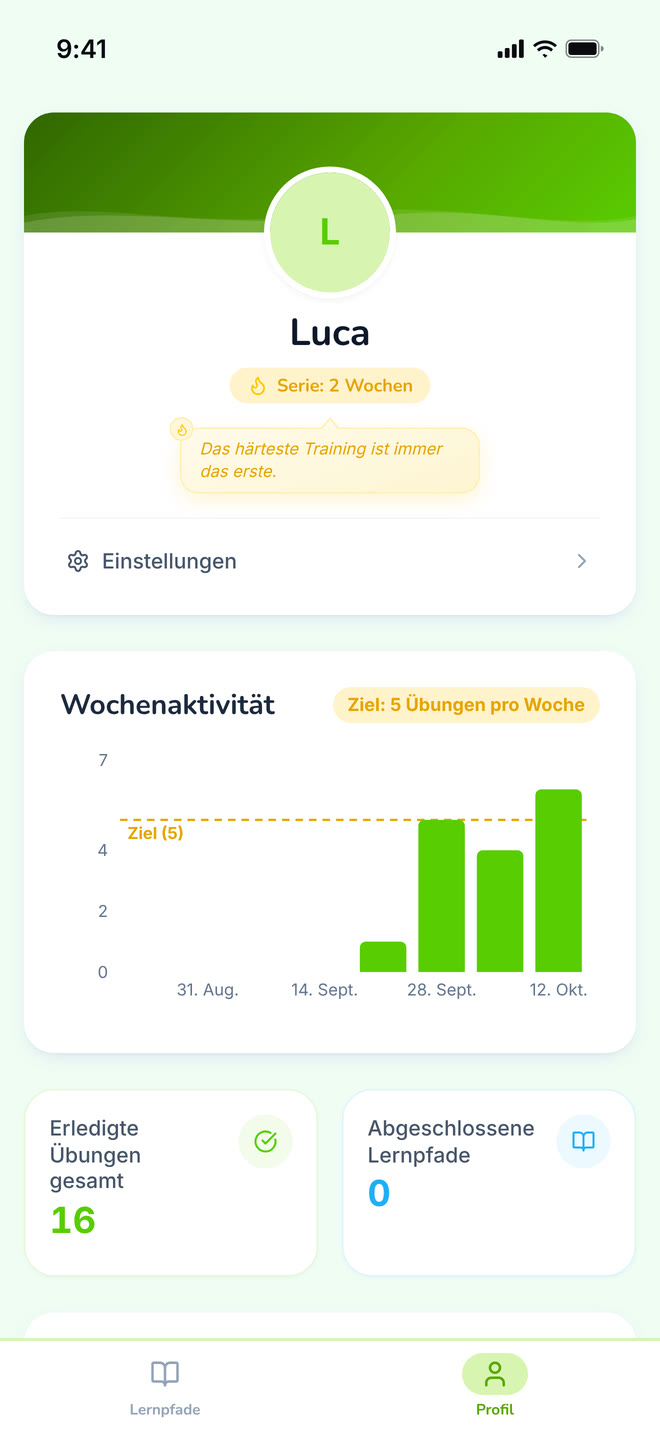
The student’s own progress, away from any single path.
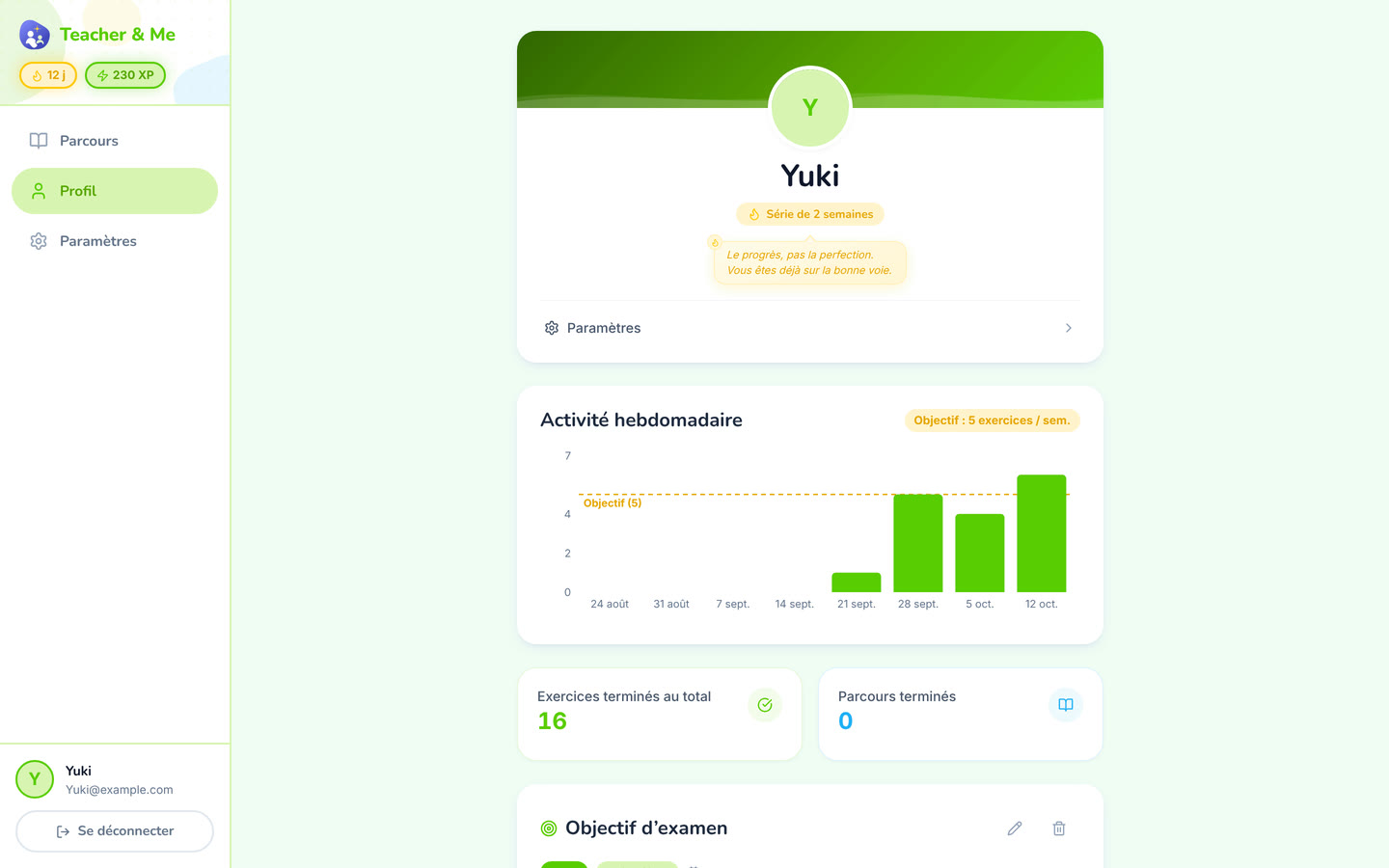
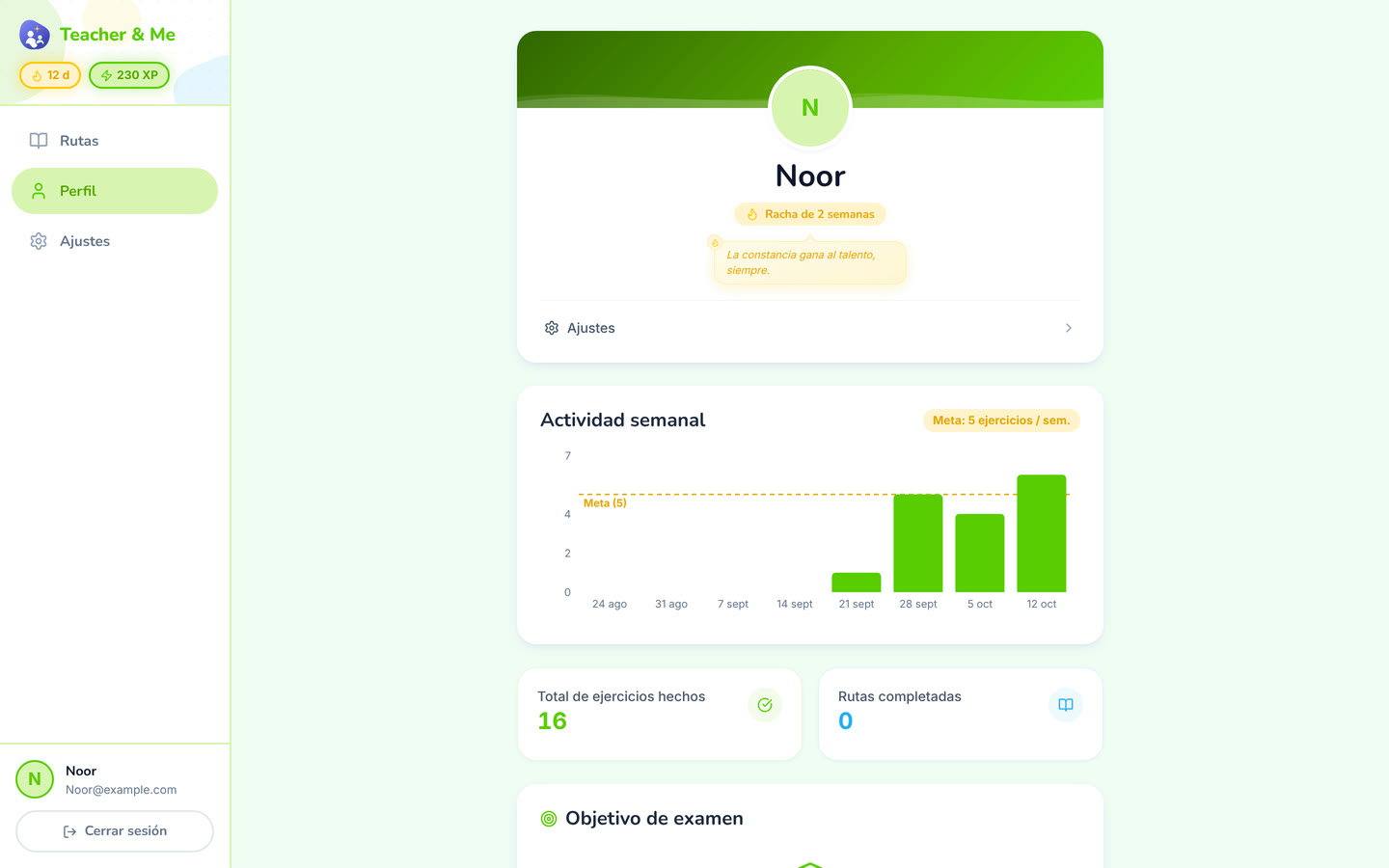
https://teacher-and-me.com/press-assets/desktop/student-profile.png
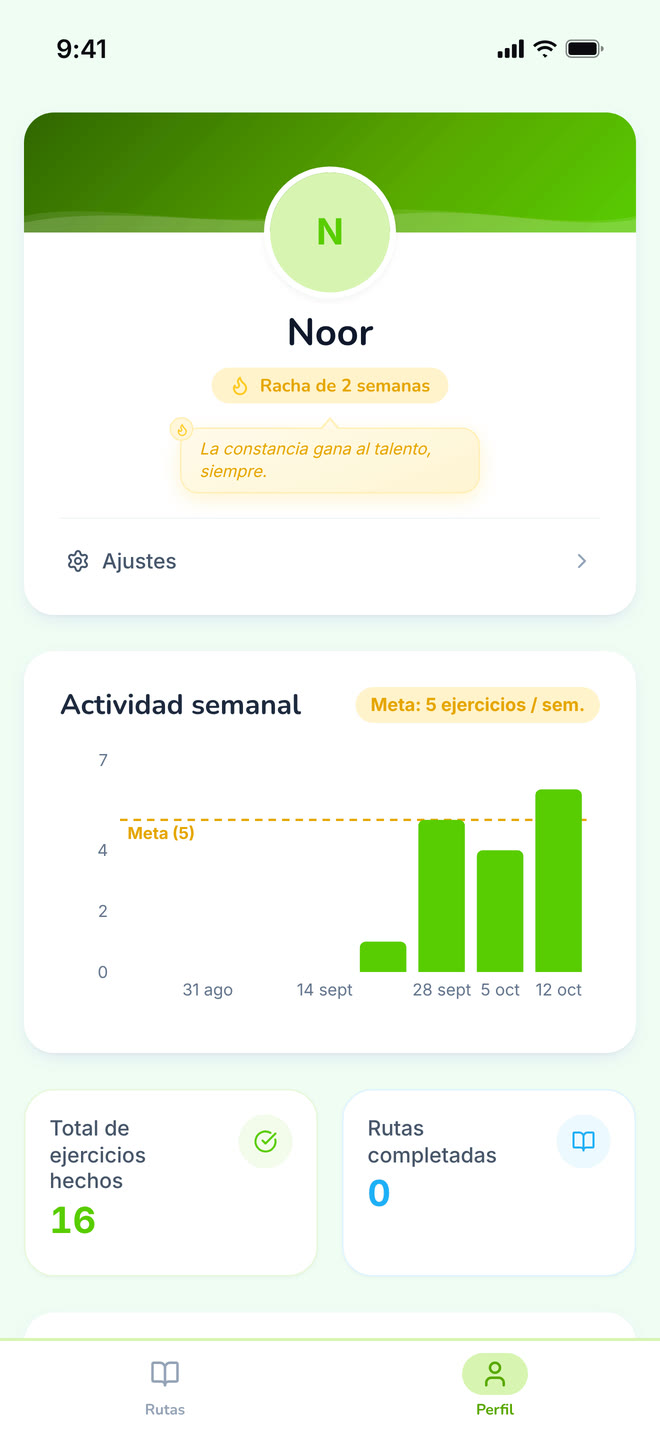
Streaks and weekly goals, the between-session habit. Note the tone: goals and streaks, no cartoon mascot. The product is written for adults.
The same screens on a phone: a 440×956 viewport at 3×, an iPhone 6.9" frame with a status bar composited in, 1320×2868 PNG.
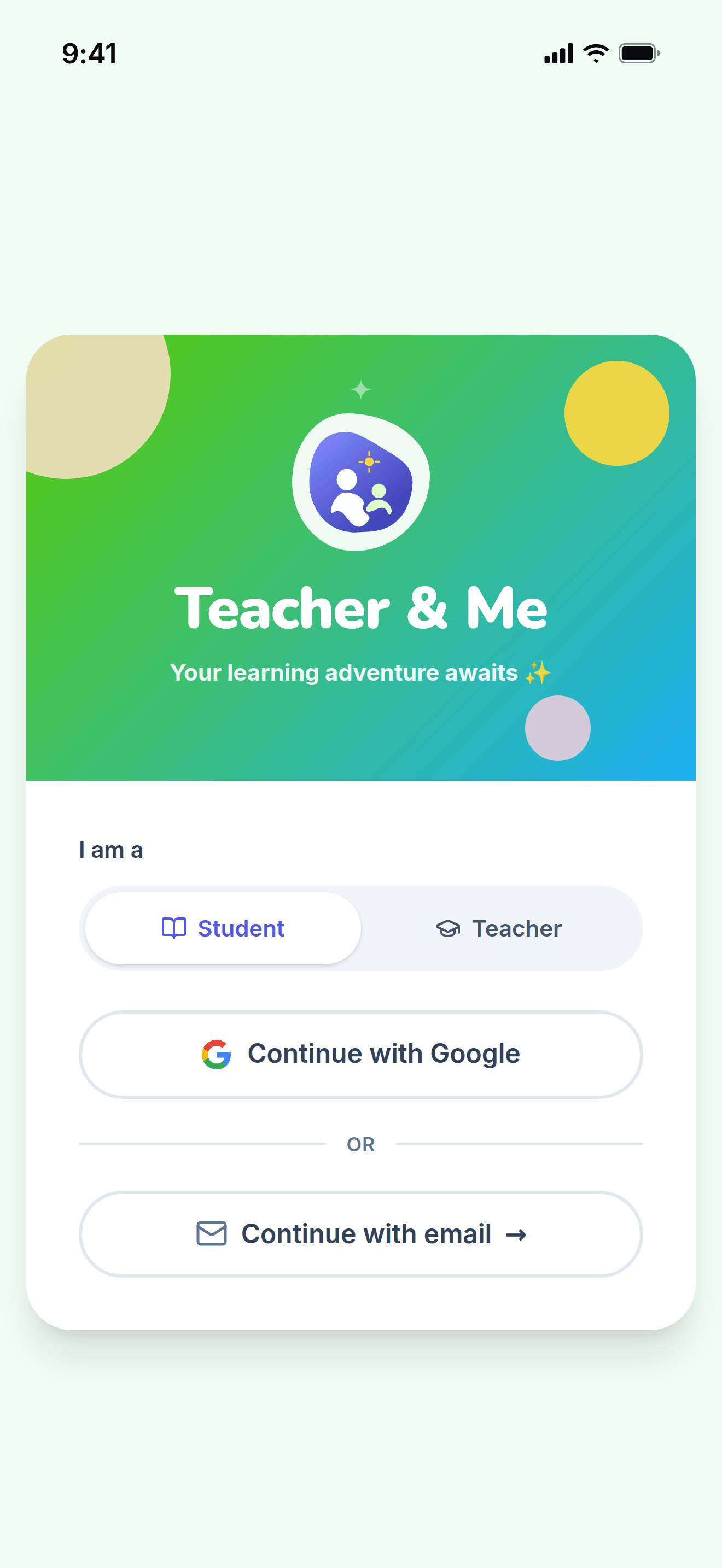
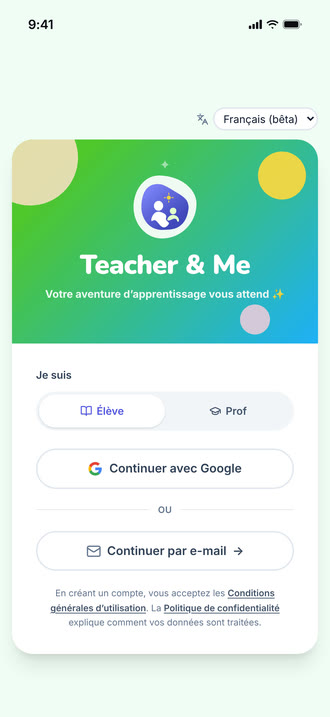
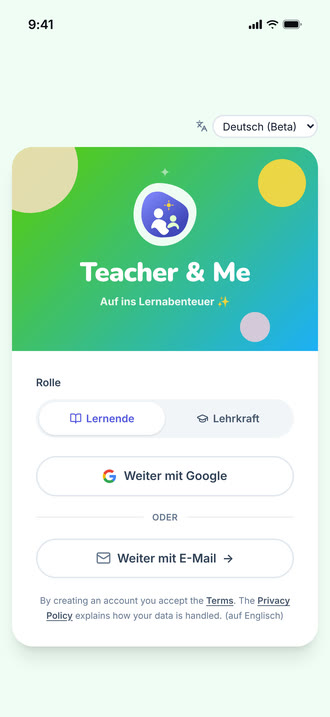
The single sign-in card, shared by students and tutors.
https://teacher-and-me.com/press-assets/phone/signin.png
The same screen as the desktop capture.
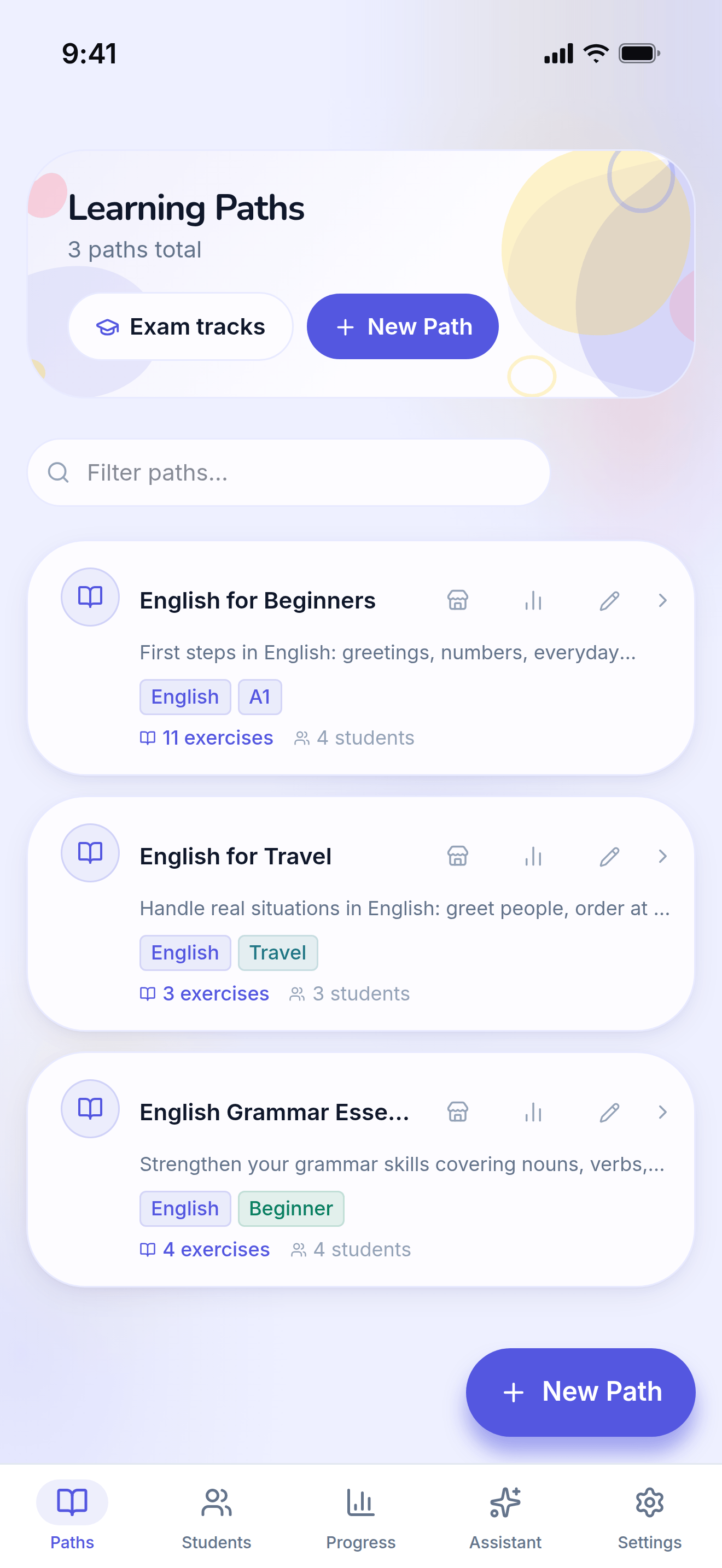
The tutor’s own paths, the first screen after signing in as a teacher.
https://teacher-and-me.com/press-assets/phone/teacher-paths.png
The same screen as the desktop capture.
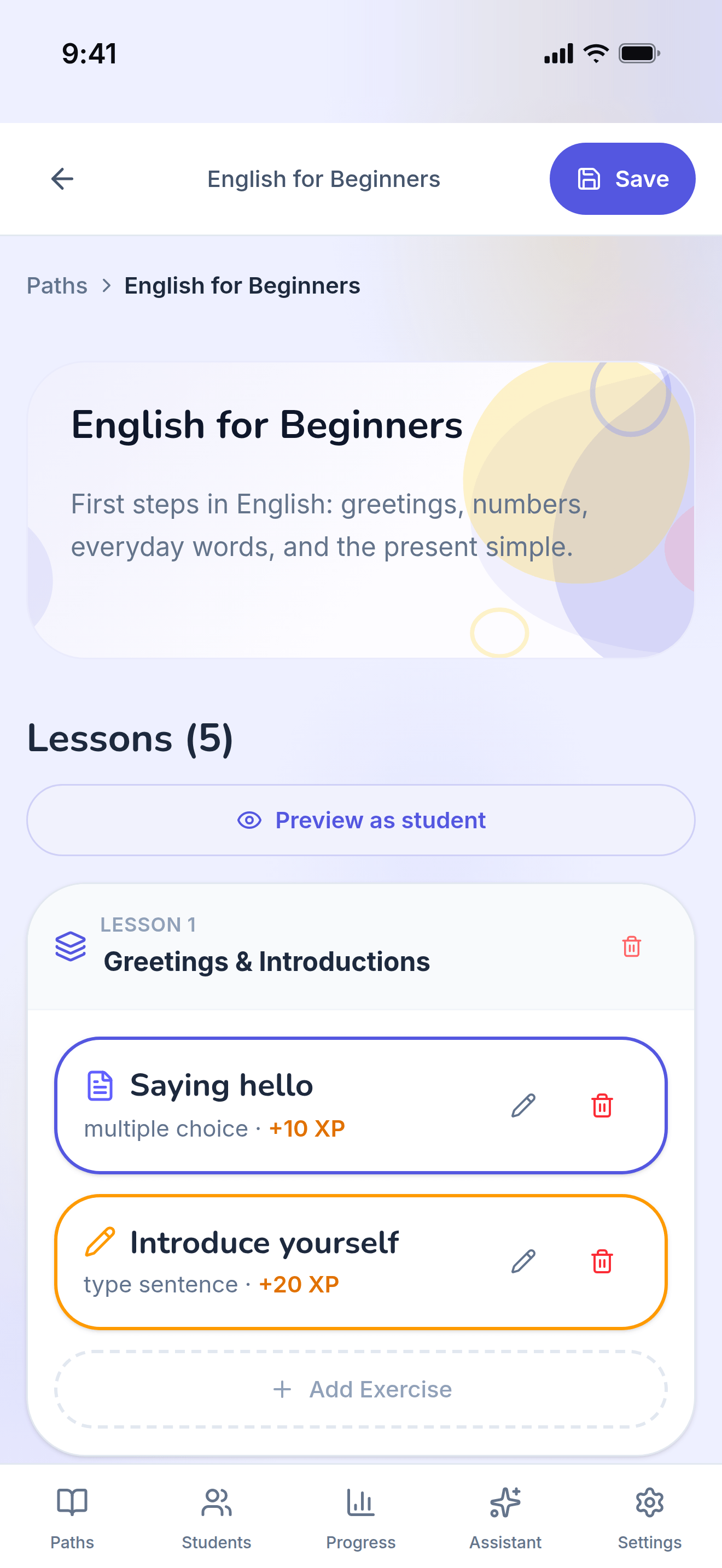
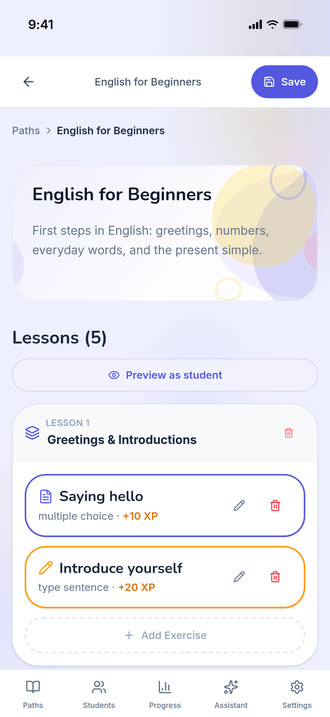
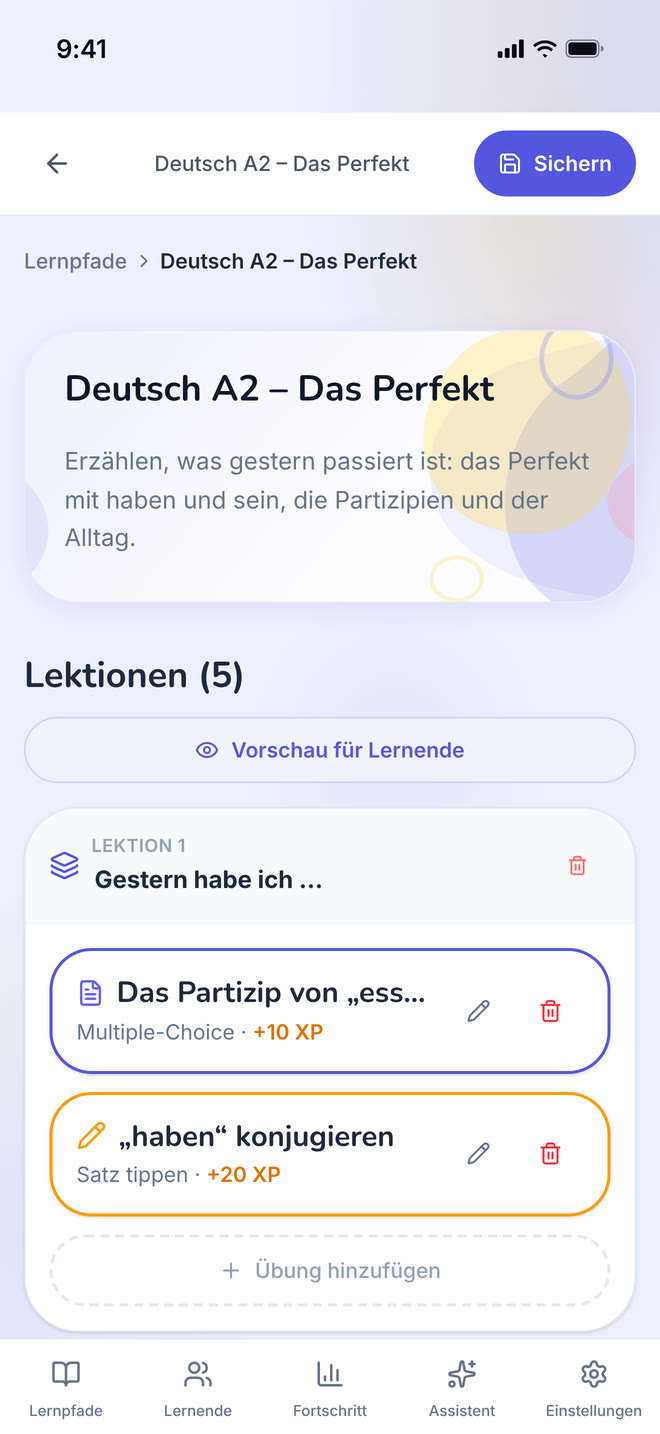
One path opened for editing: its lessons, in order.
https://teacher-and-me.com/press-assets/phone/teacher-path-editor.png
The same screen as the desktop capture.
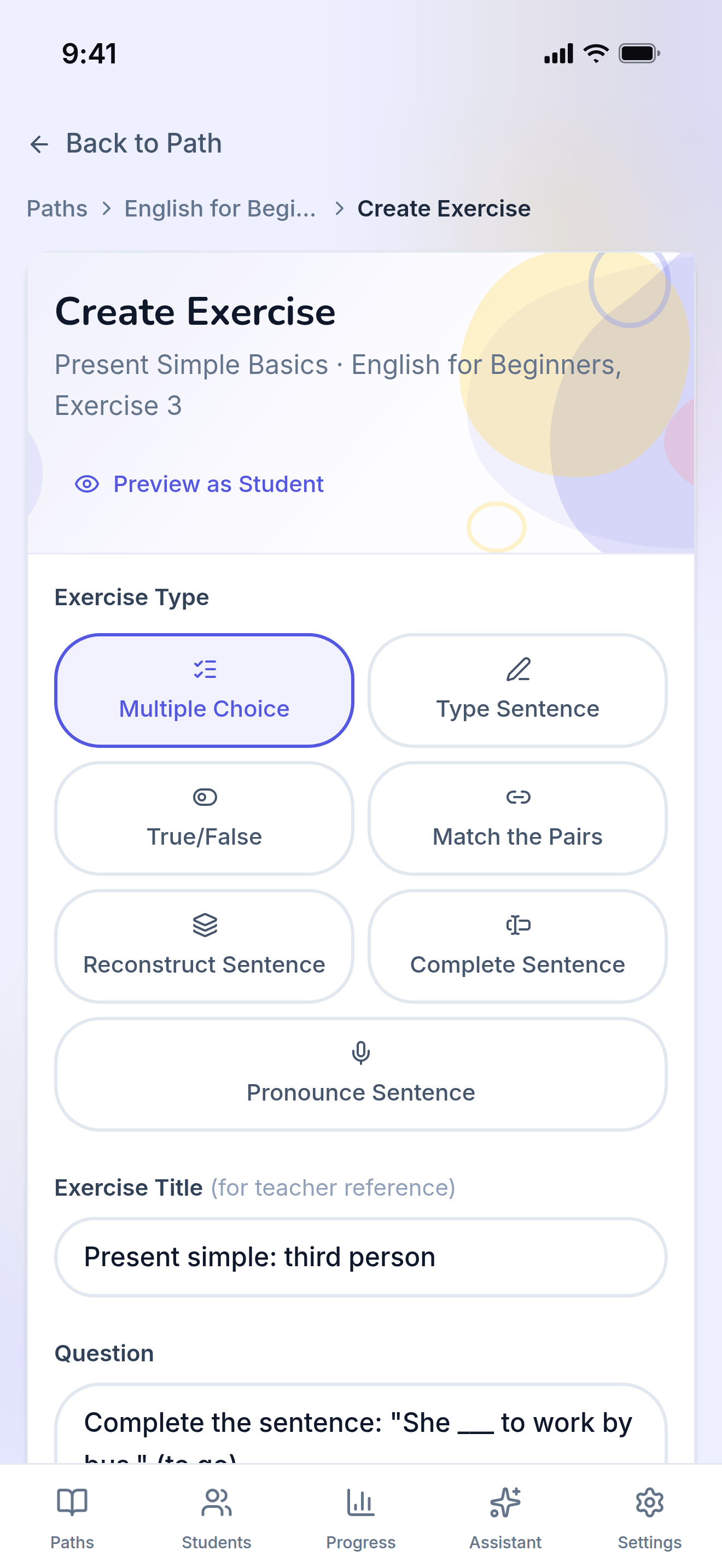
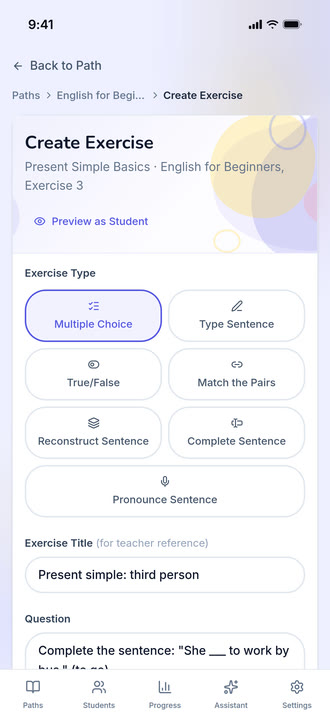
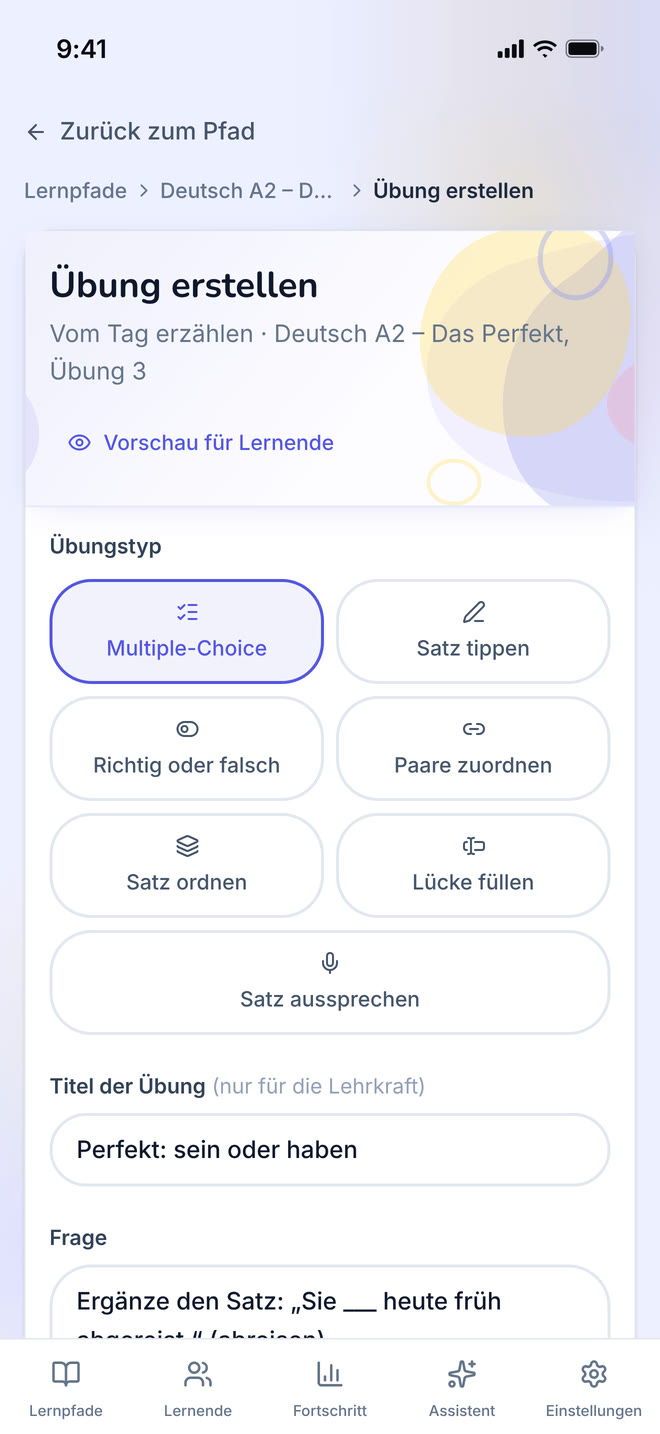
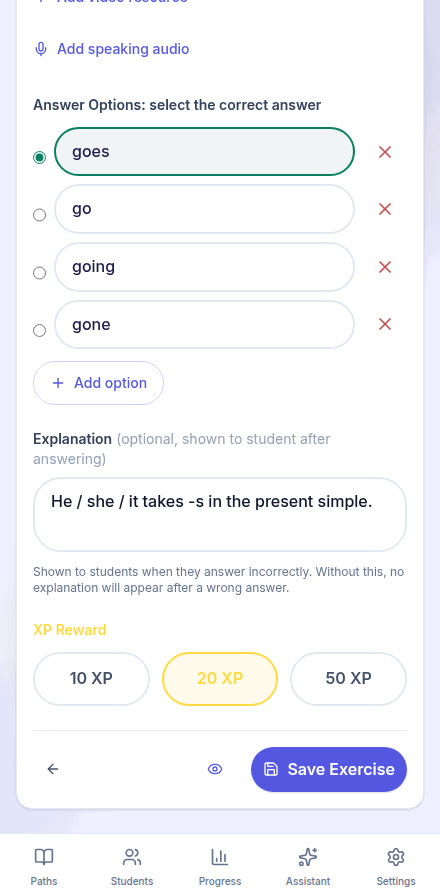
The form one exercise is written in, filled with a multiple-choice question.
https://teacher-and-me.com/press-assets/phone/teacher-exercise-builder.png
The same screen as the desktop capture.
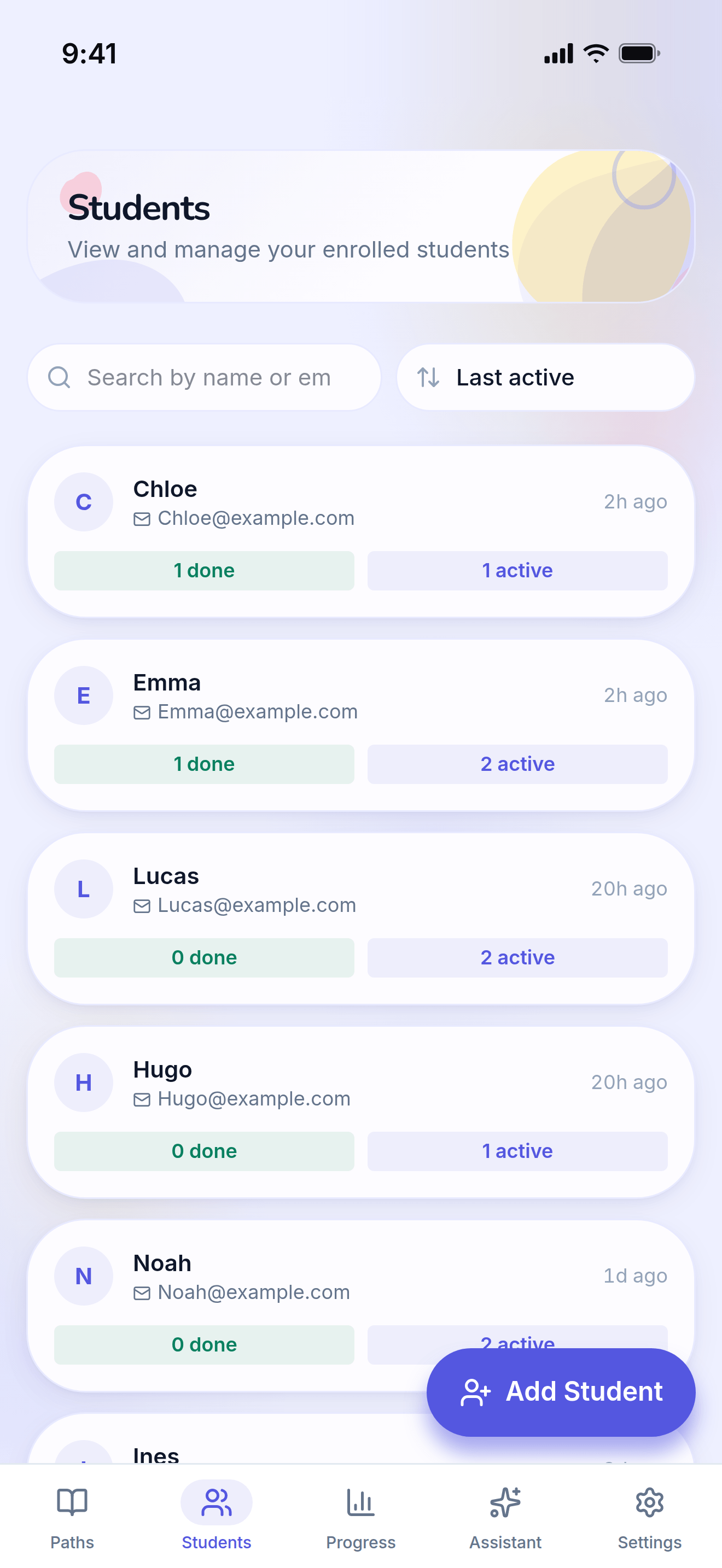
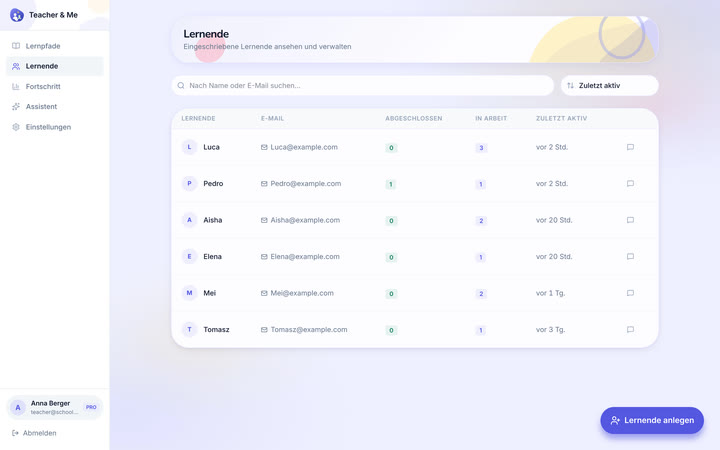
The tutor’s roster: every student they teach, in one searchable list.
https://teacher-and-me.com/press-assets/phone/teacher-students.png
The same screen as the desktop capture.
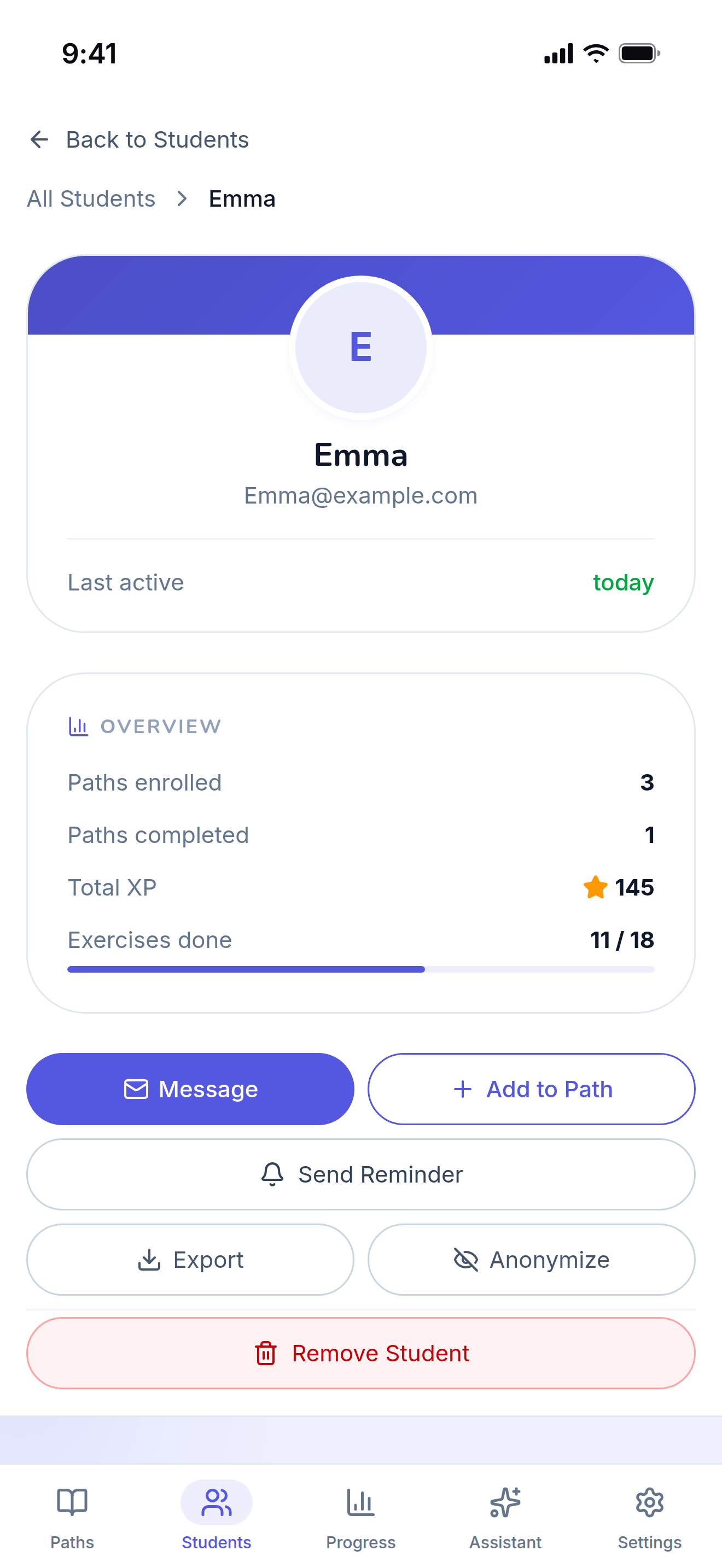
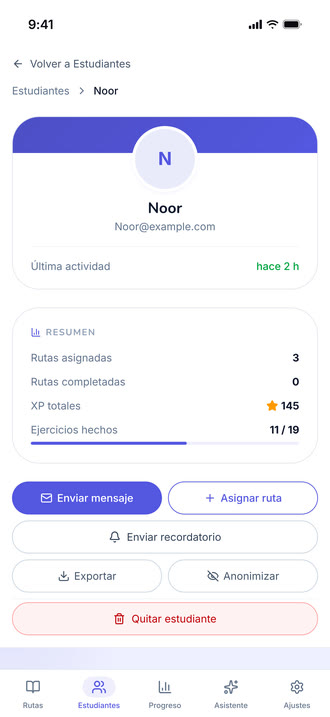
A single student’s page, on the "By Path" tab.
https://teacher-and-me.com/press-assets/phone/teacher-student-profile.png
The same screen as the desktop capture.
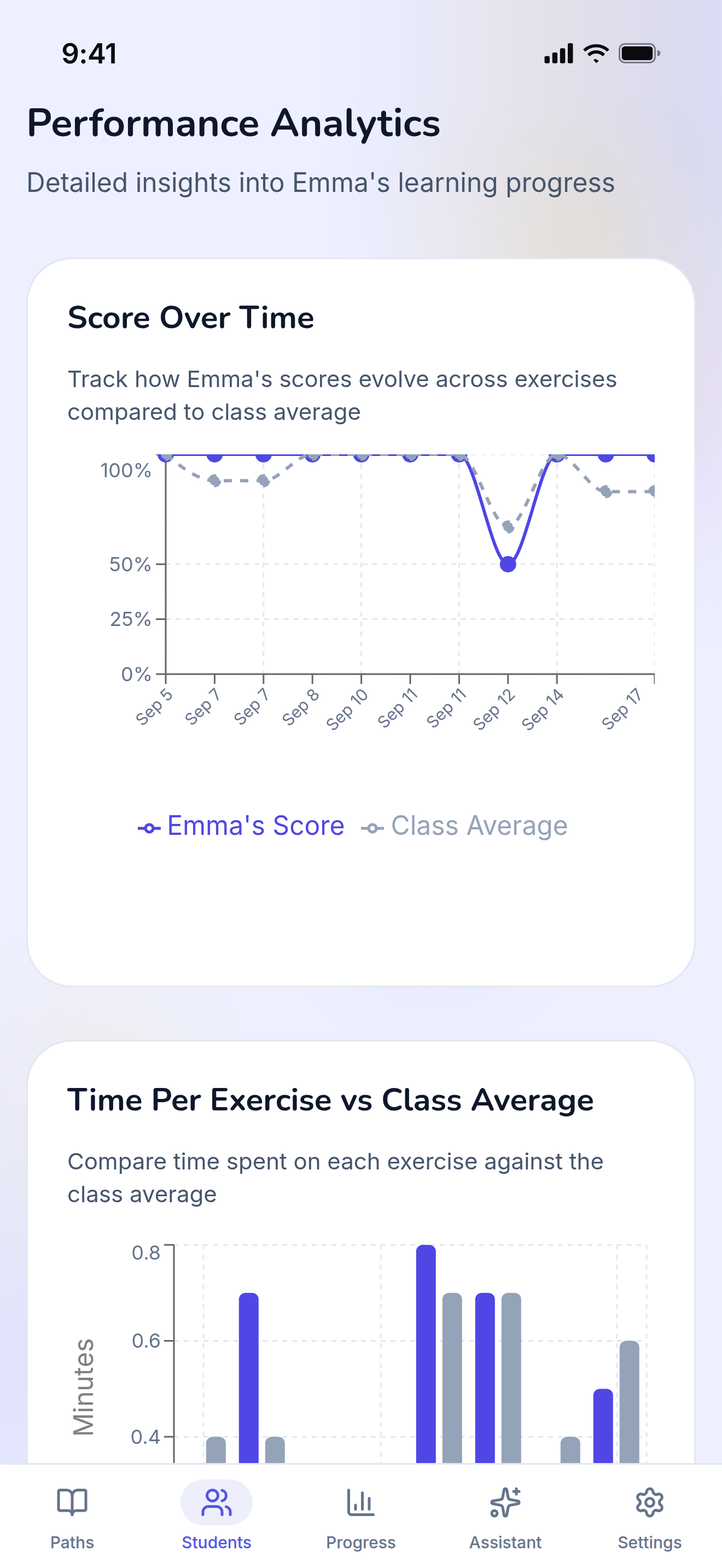
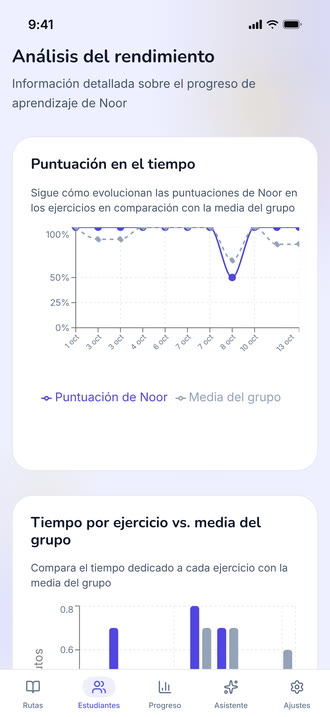
The diagnostic view: how one student performed, exercise by exercise.
https://teacher-and-me.com/press-assets/phone/teacher-student-analytics.png
The same screen as the desktop capture.
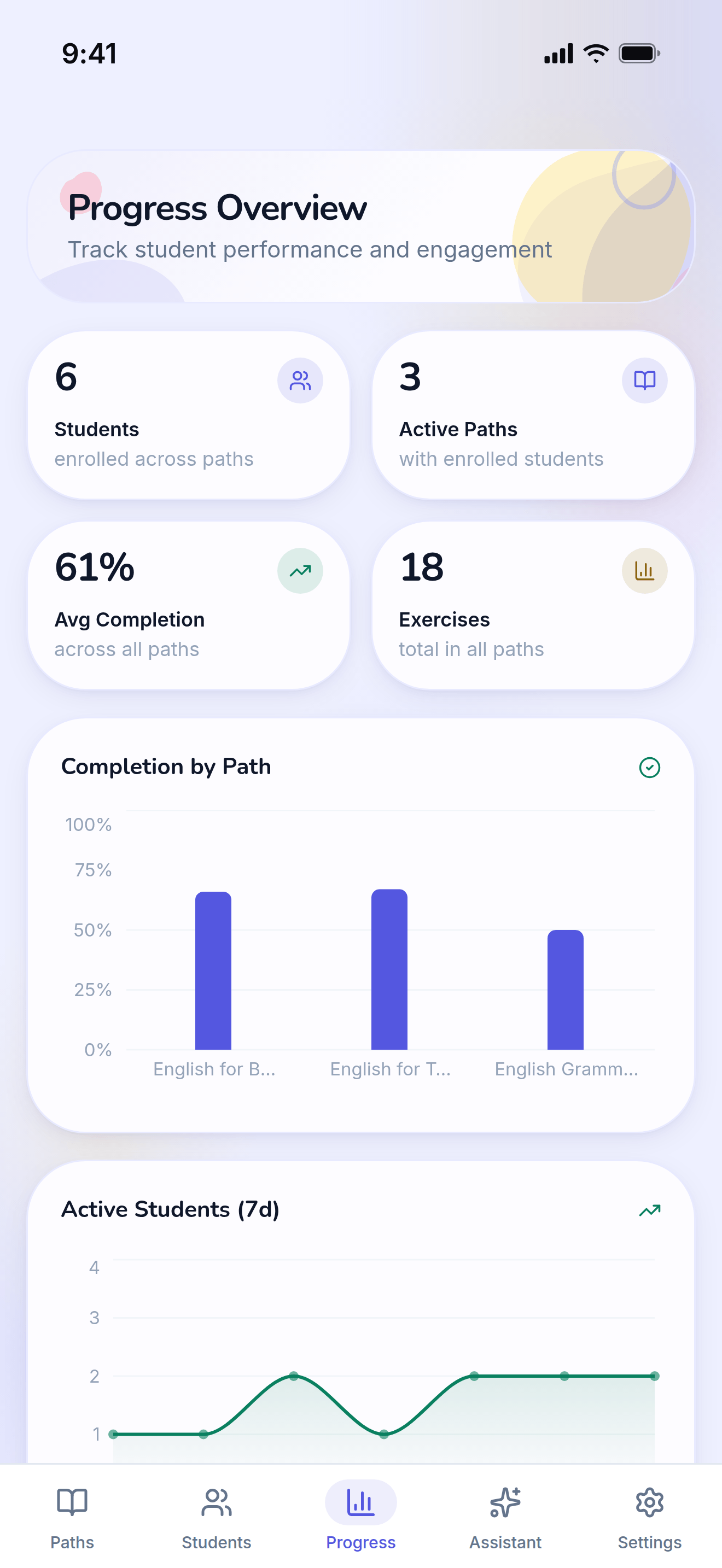
Every student and every path on one dashboard.
https://teacher-and-me.com/press-assets/phone/teacher-progress.png
The same screen as the desktop capture.
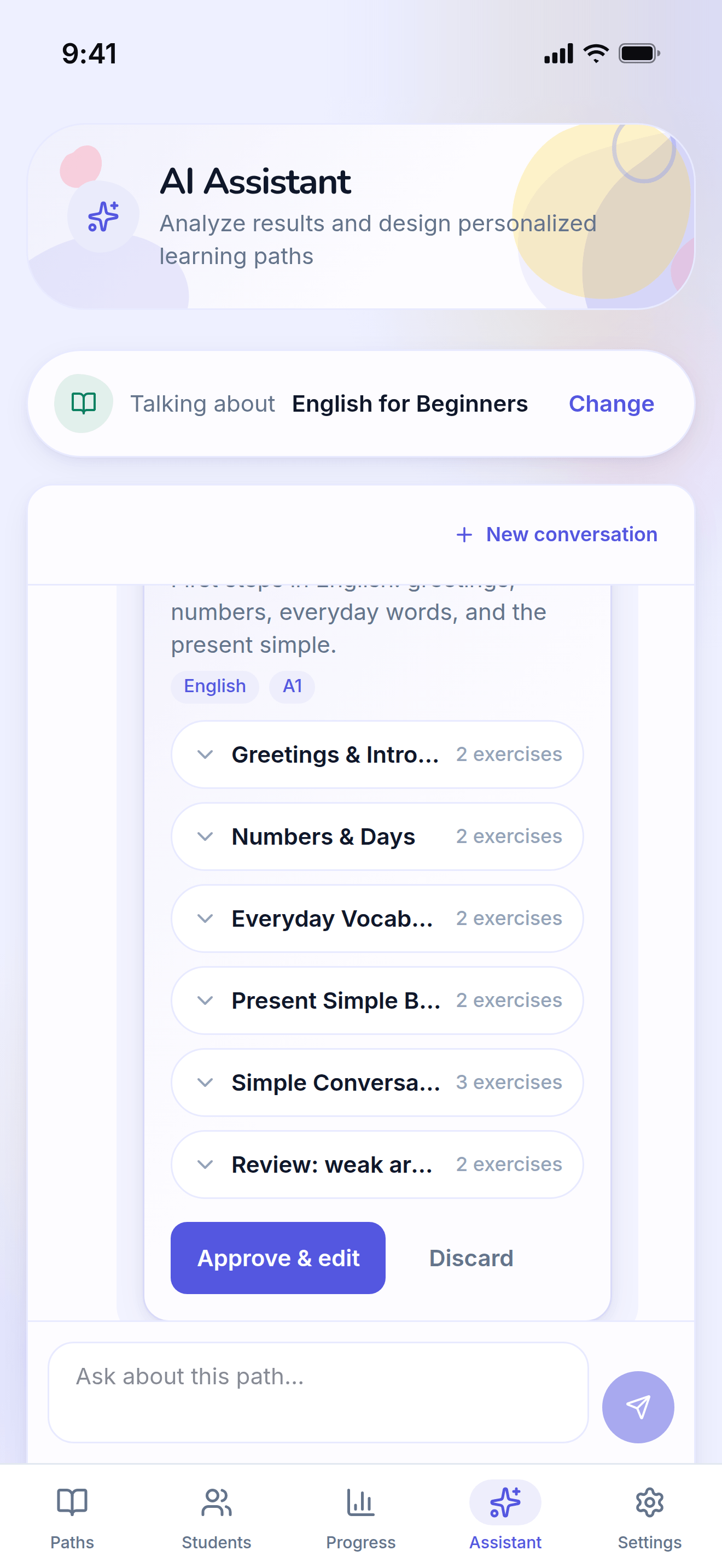
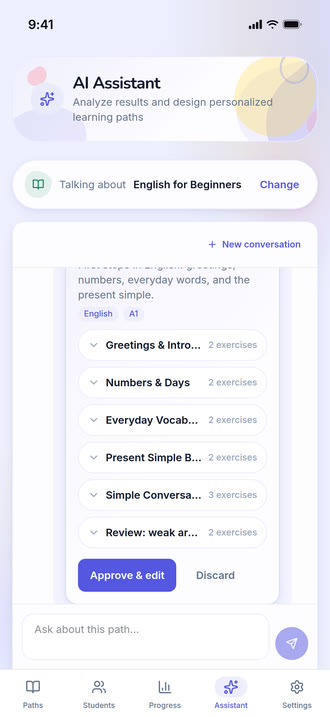
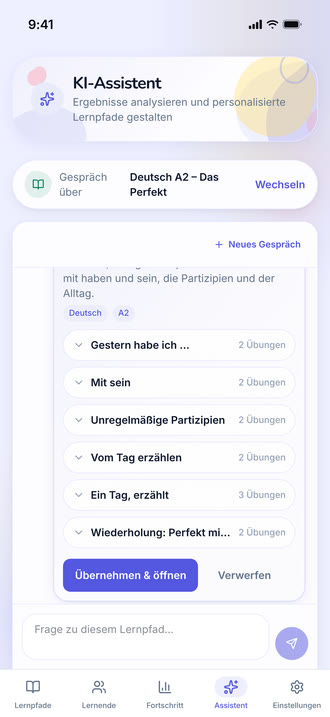
The assistant answering a question about a path and proposing a lesson to add, with an approve control.
https://teacher-and-me.com/press-assets/phone/teacher-assistant.png
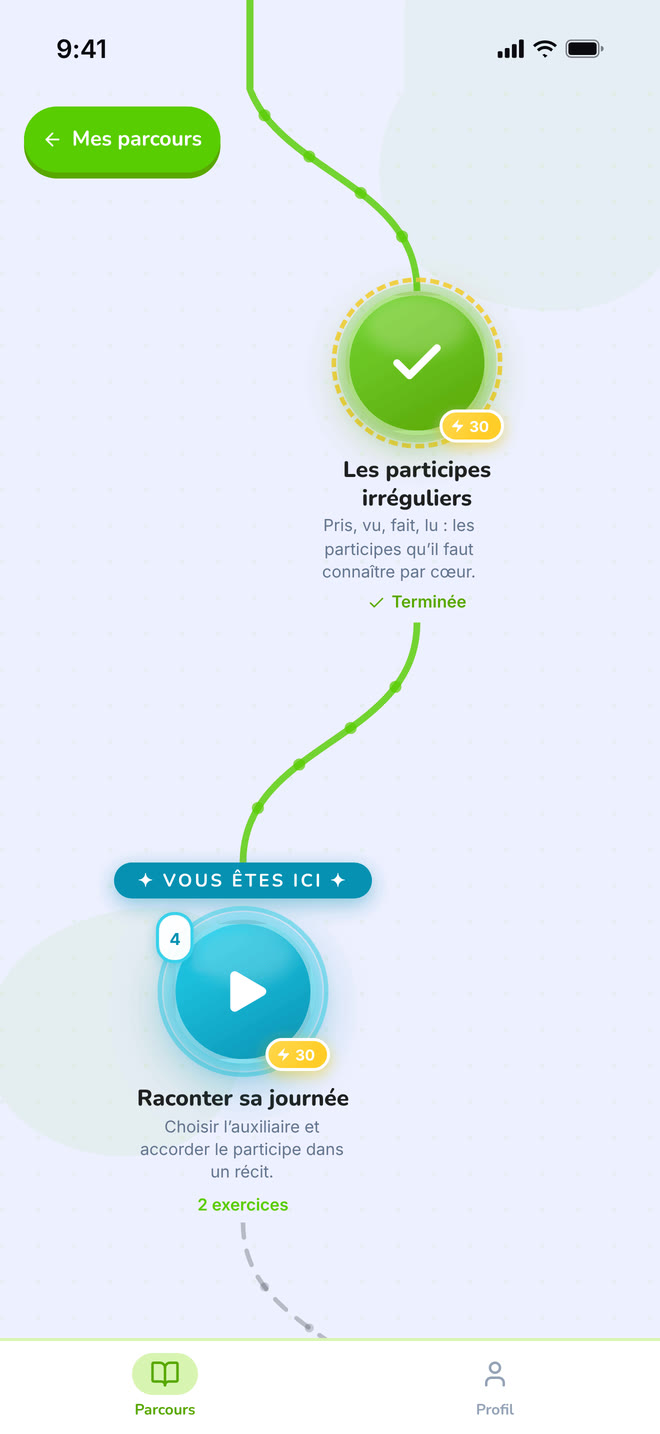
The same screen as the desktop capture.
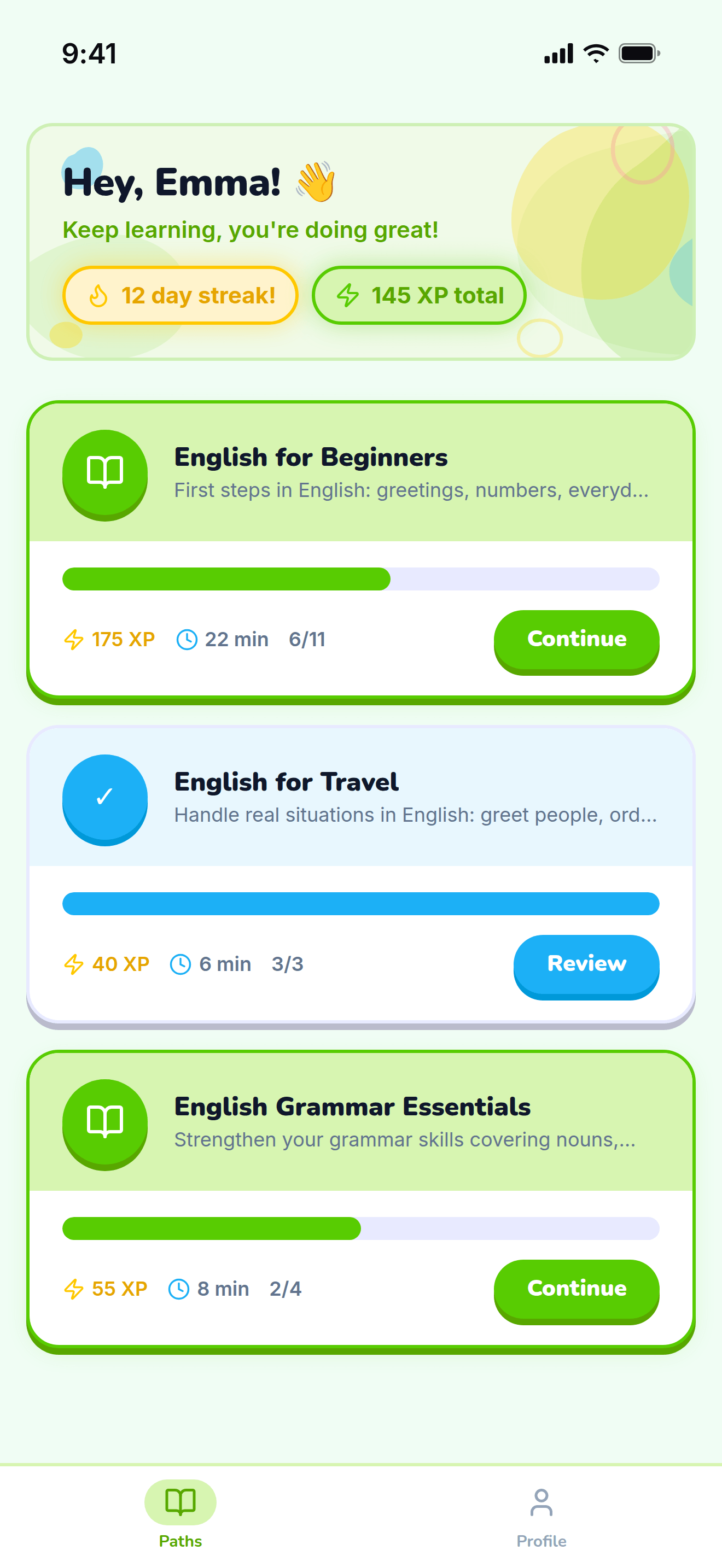
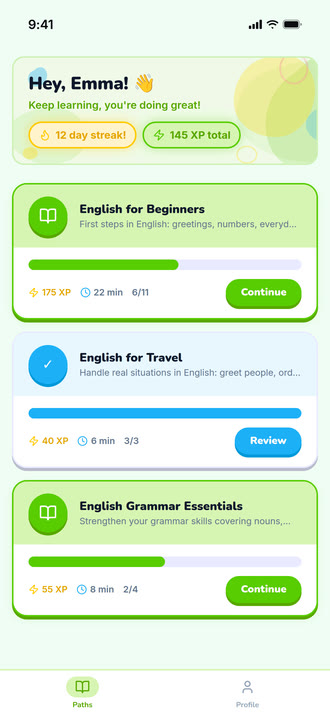
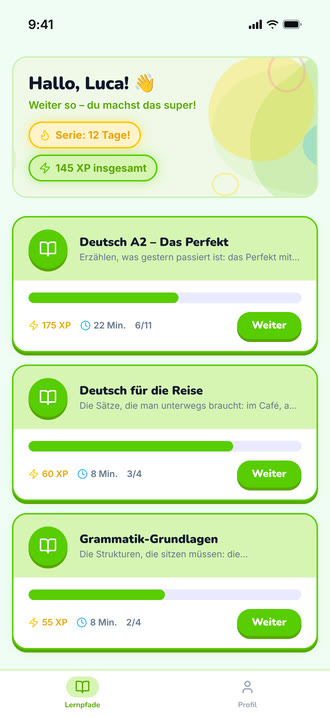
The student’s home: the paths their tutor assigned them.
https://teacher-and-me.com/press-assets/phone/student-paths.png
The same screen as the desktop capture.
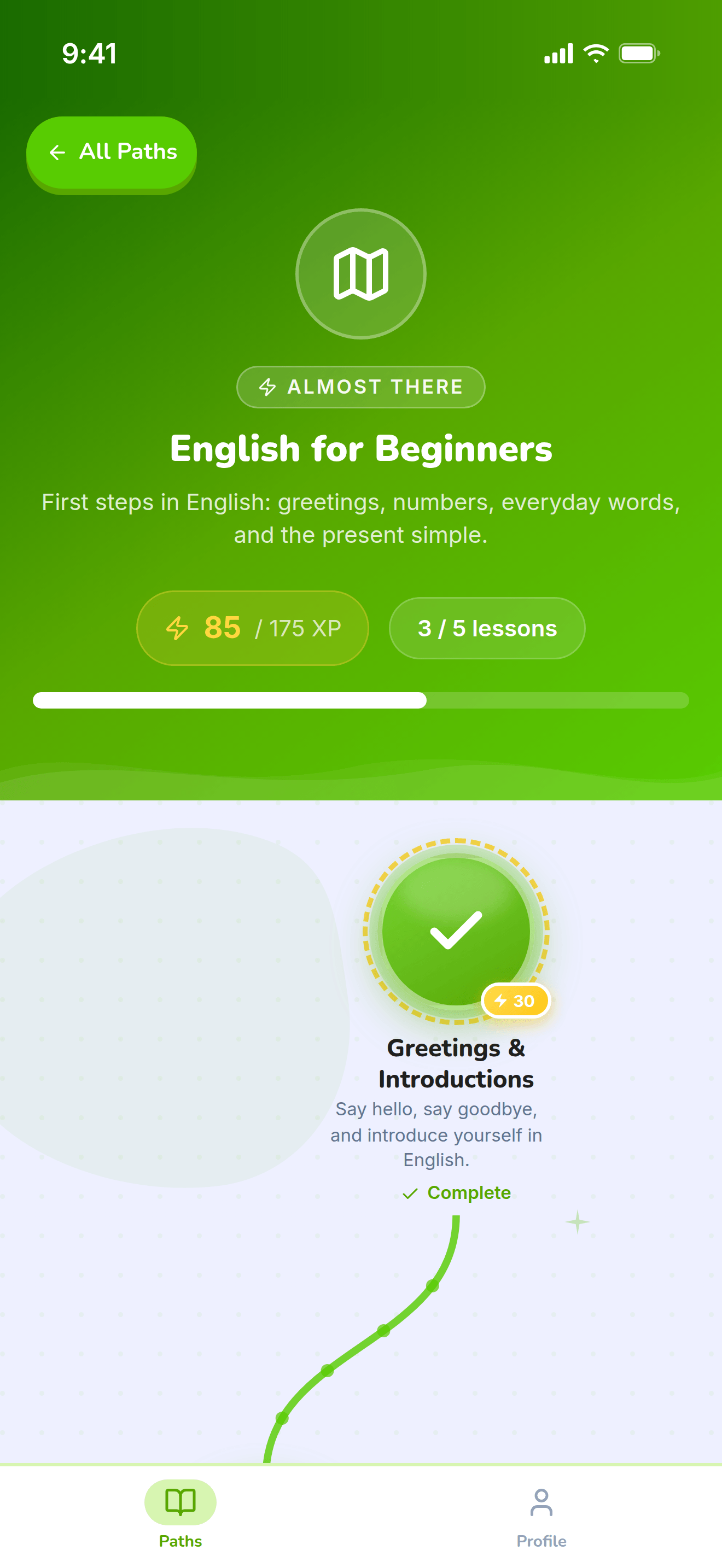
The top of one path: its title, XP and progress, above the map.
https://teacher-and-me.com/press-assets/phone/student-path-map-top.png
The same screen as the desktop capture.
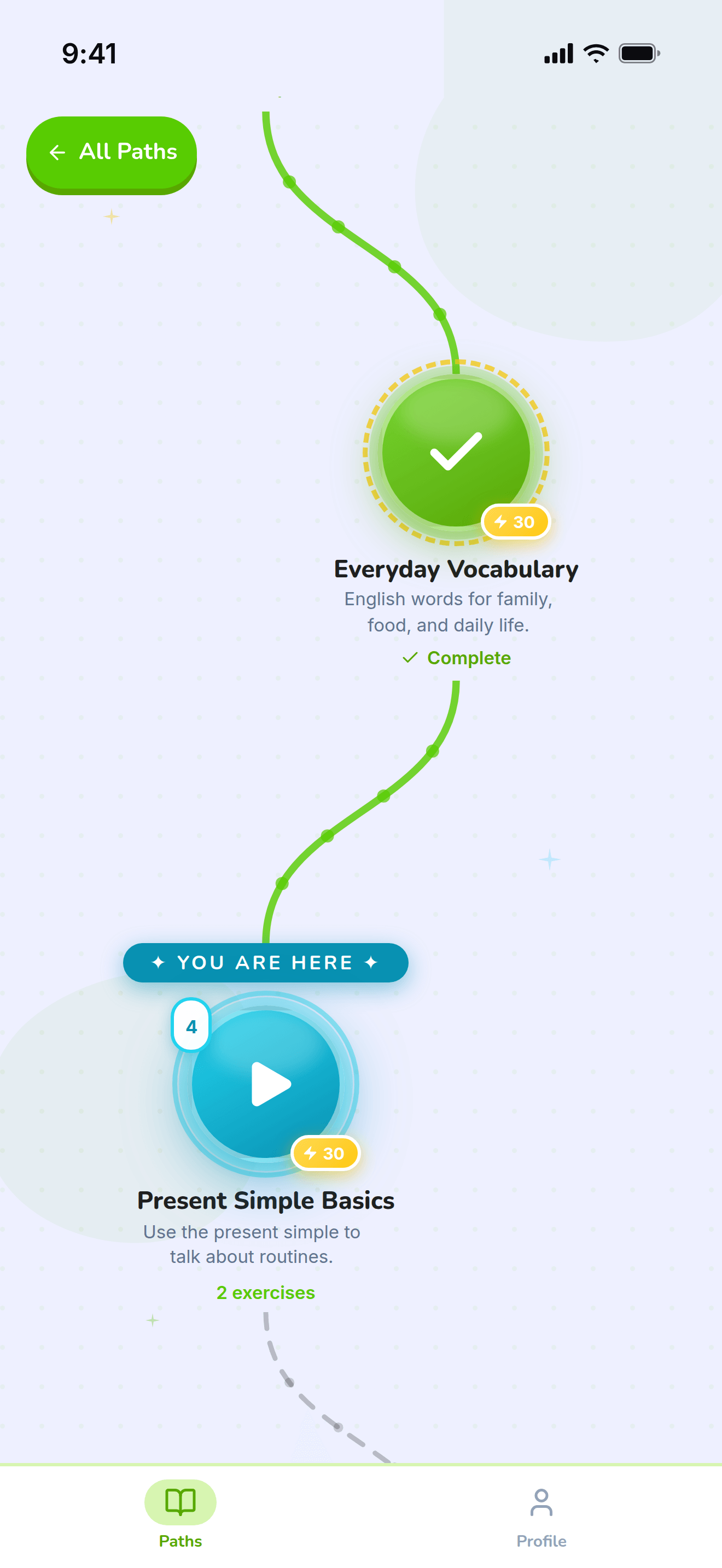
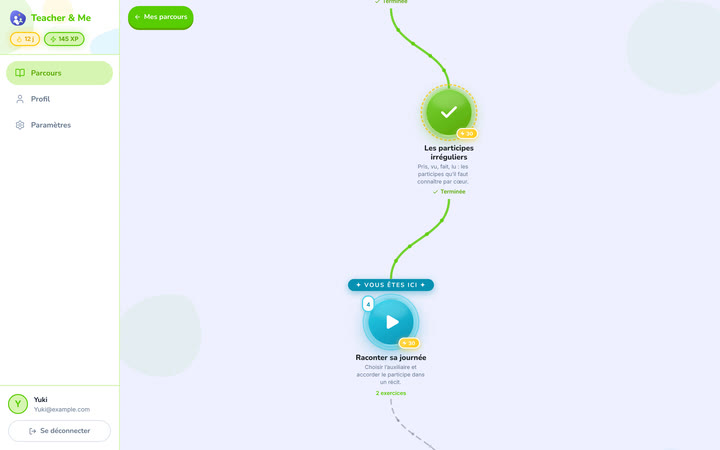
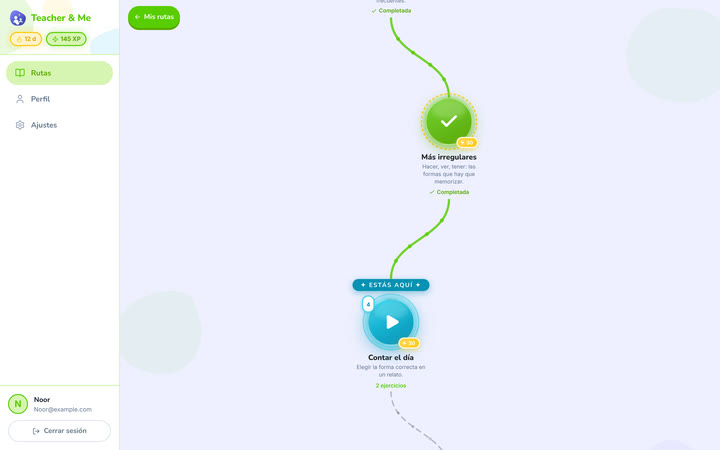
The winding map the student walks, one lesson at a time.
https://teacher-and-me.com/press-assets/phone/student-path-map.png
The same screen as the desktop capture.
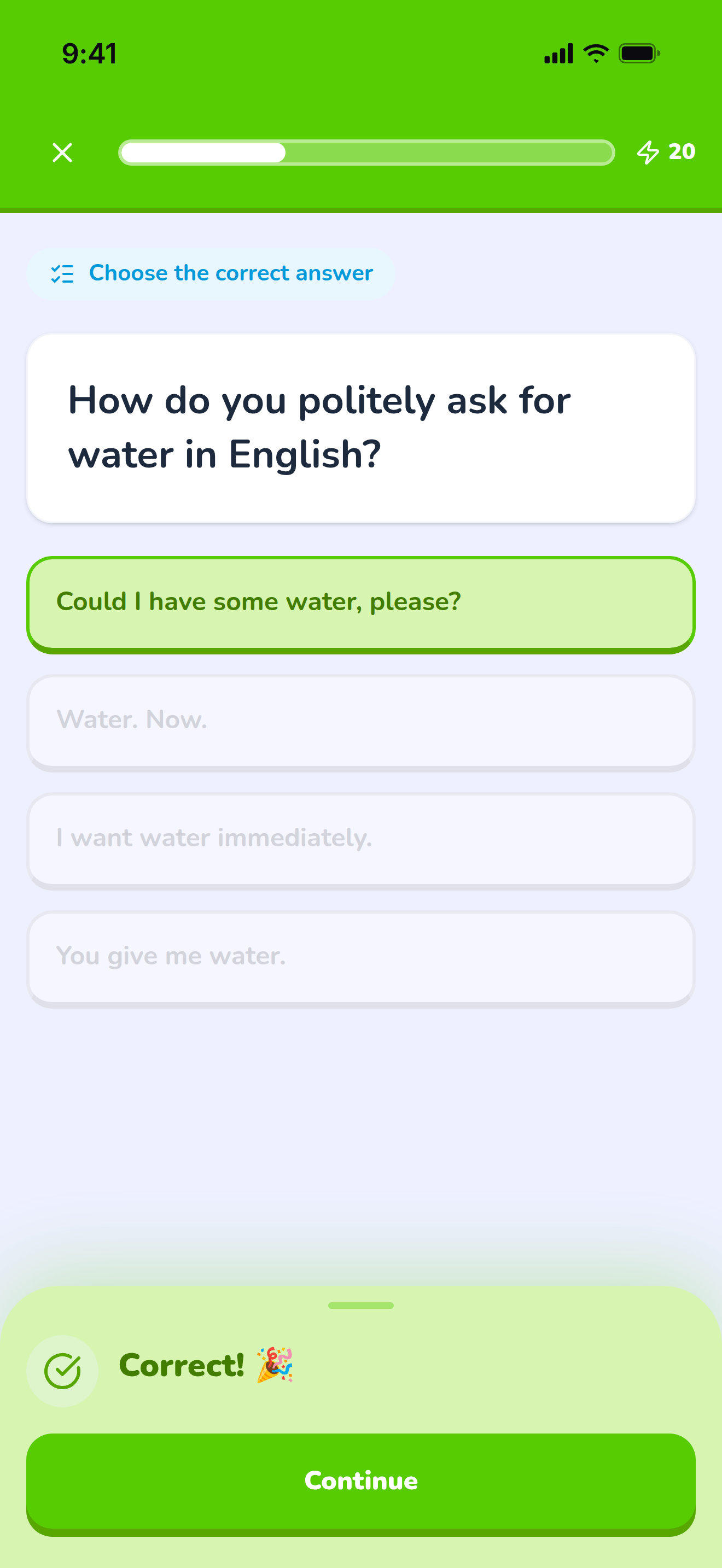
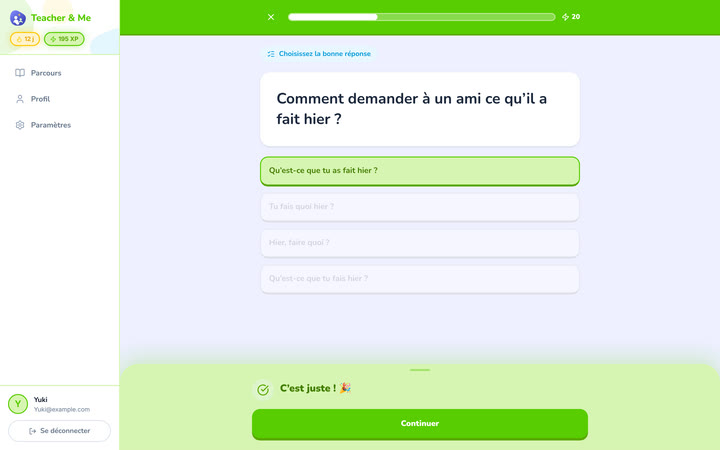
A multiple-choice question just answered correctly, showing the feedback state.
https://teacher-and-me.com/press-assets/phone/student-exercise-correct.png
The same screen as the desktop capture.
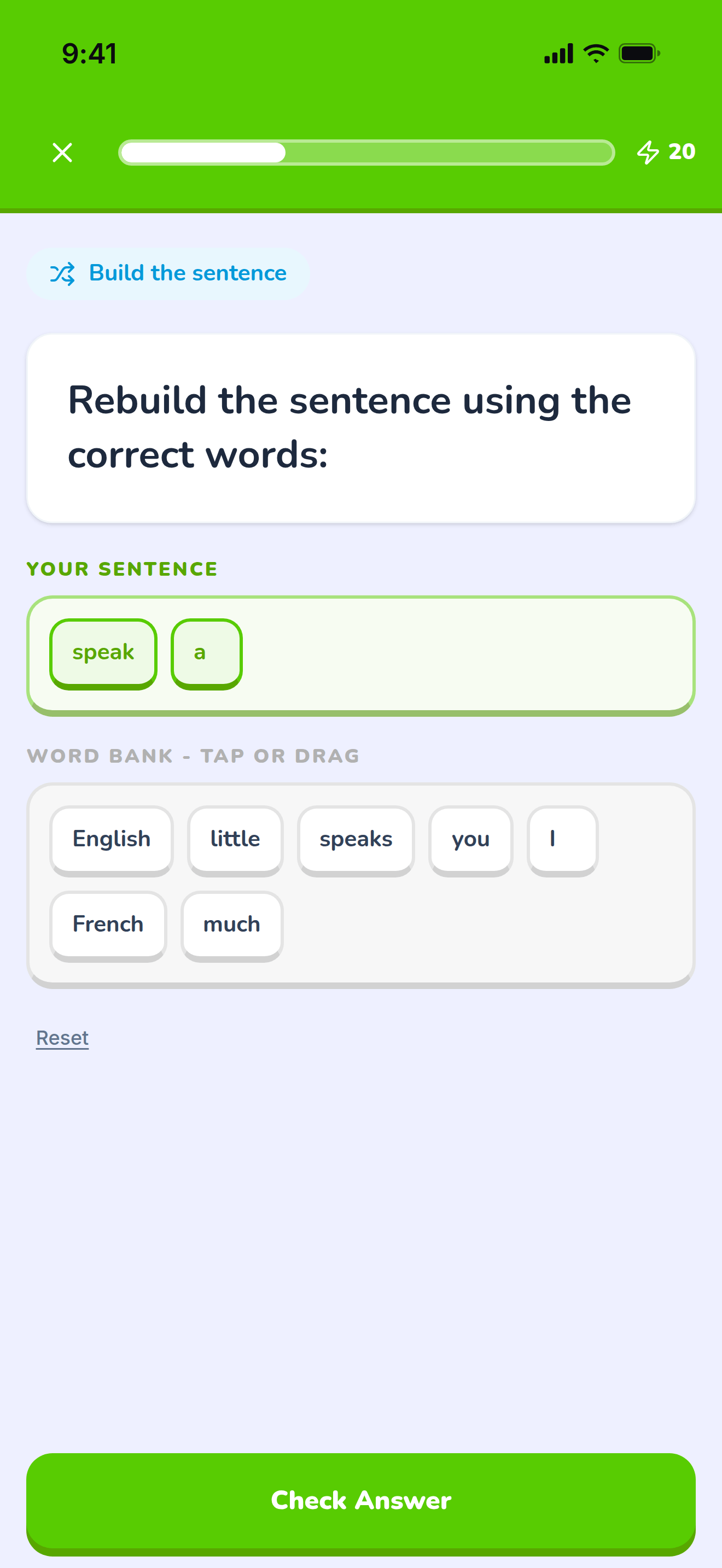
The tile builder mid-answer: a sentence being assembled word by word.
https://teacher-and-me.com/press-assets/phone/student-exercise-tiles.png
The same screen as the desktop capture.
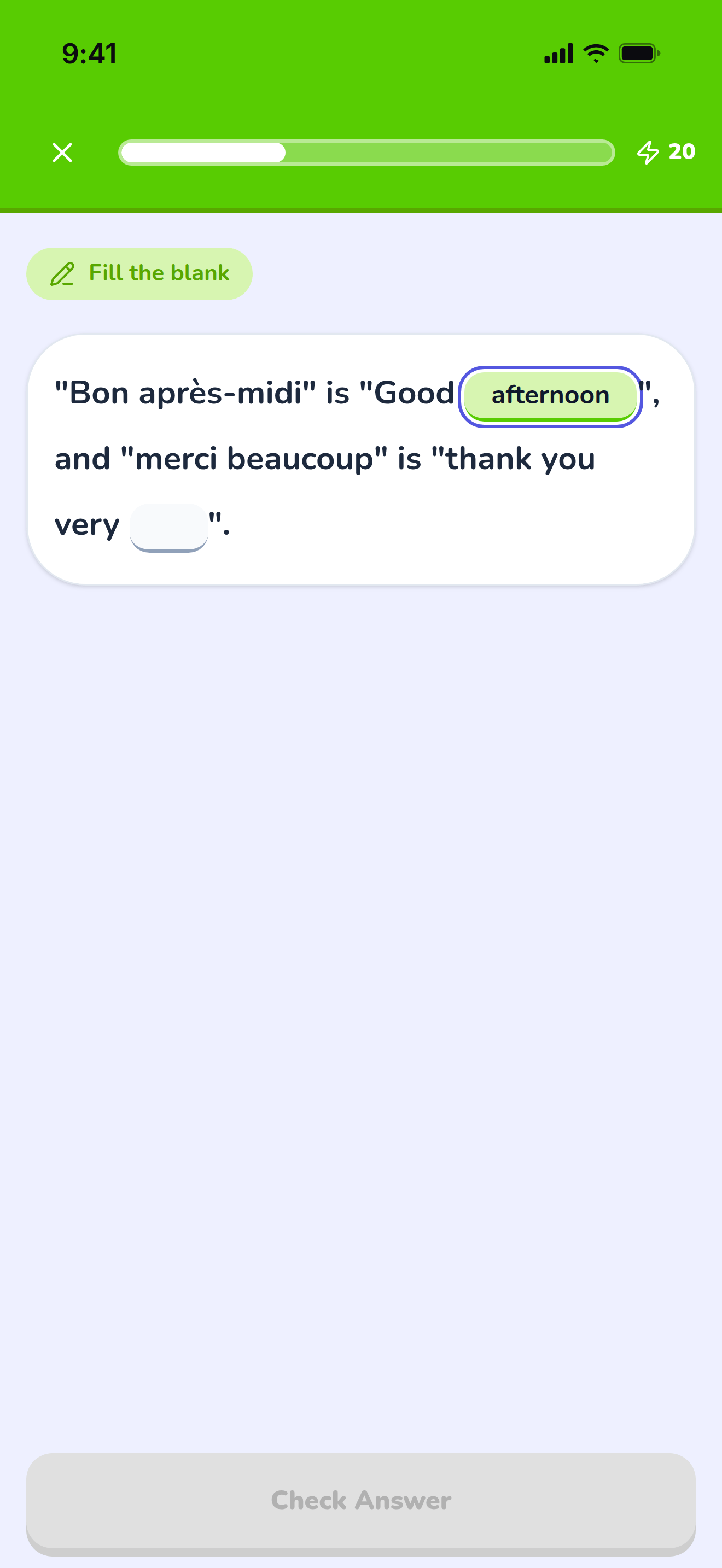
A sentence with two gaps, the first one typed in.
https://teacher-and-me.com/press-assets/phone/student-exercise-fill-in.png
The same screen as the desktop capture.
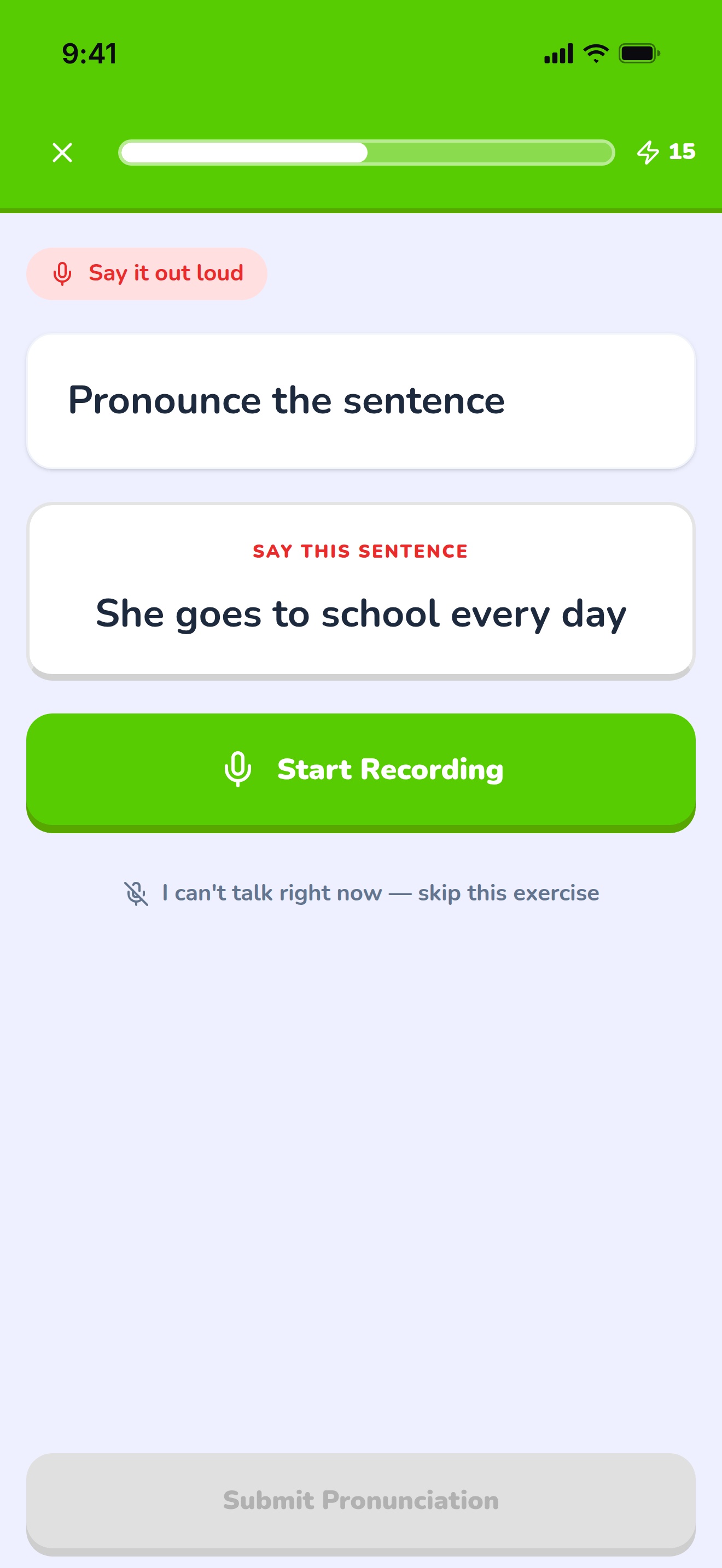
The pronunciation exercise at rest, before recording.
https://teacher-and-me.com/press-assets/phone/student-exercise-pronounce.png
The same screen as the desktop capture.
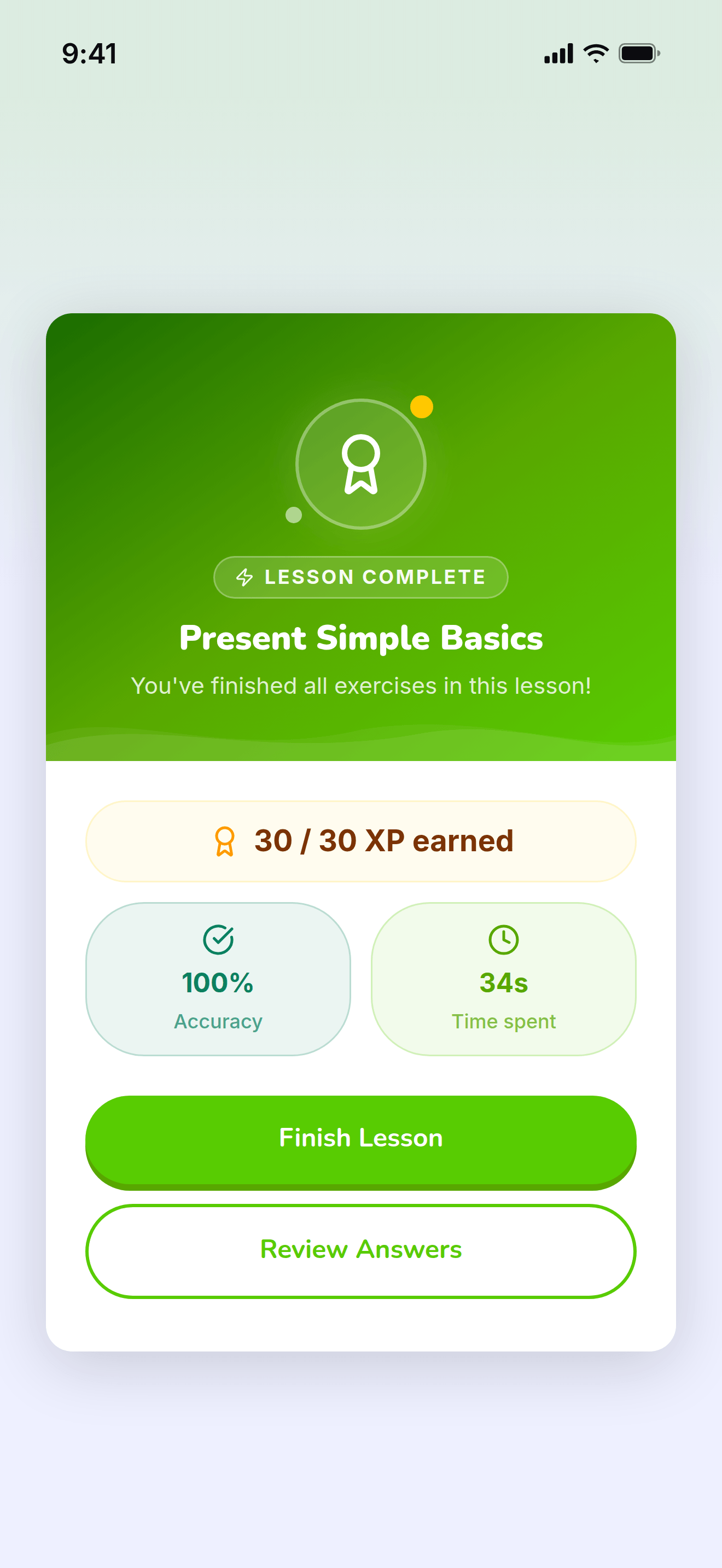
The card that closes a finished lesson.
https://teacher-and-me.com/press-assets/phone/student-lesson-complete.png
The same screen as the desktop capture.
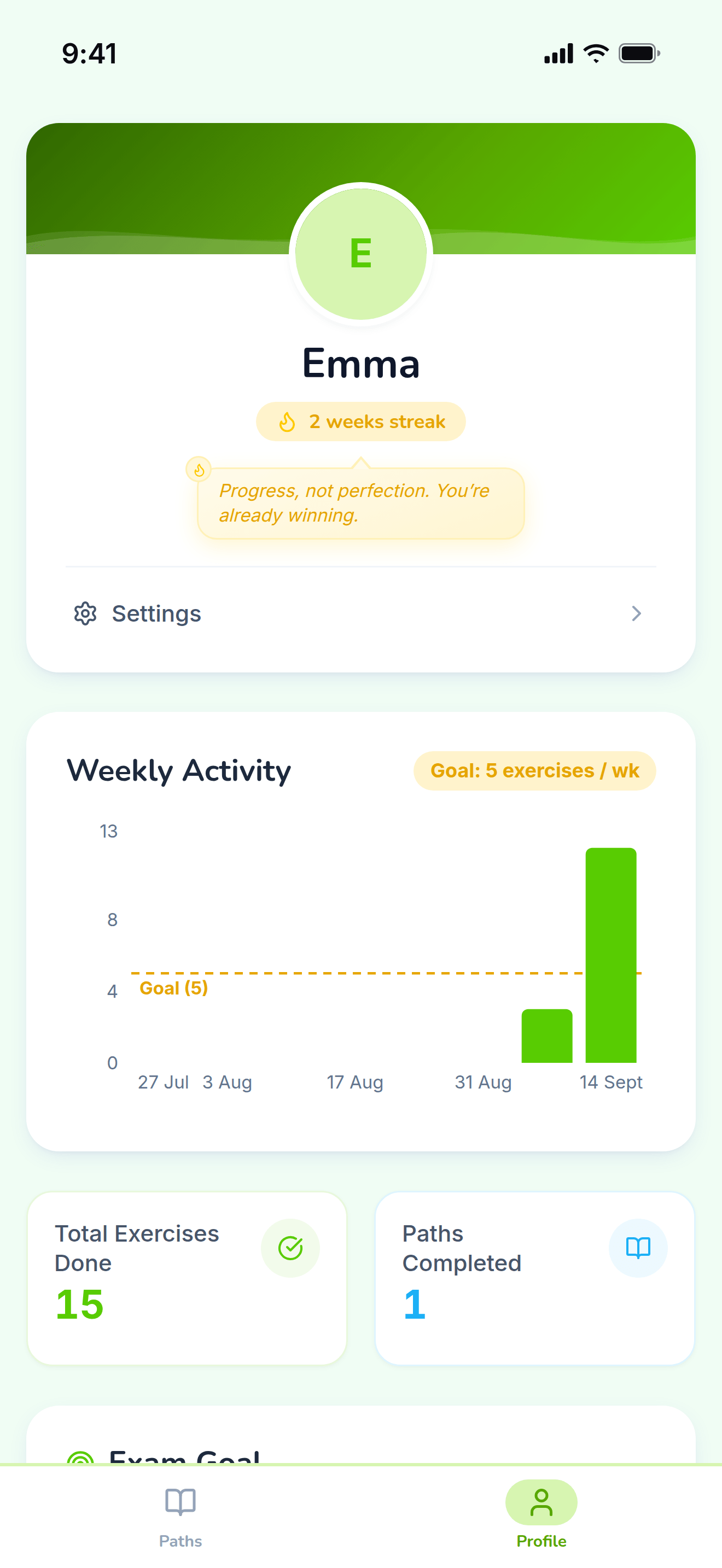
The student’s own progress, away from any single path.
https://teacher-and-me.com/press-assets/phone/student-profile.png
The same screen as the desktop capture.
Interface in French, invented demo data.
Posters drawn from the real screens, 1920×1080: a headline beside a device frame, on the product’s own palette. The three above are the featured set; the Copy URL under each card is its 1200×630 edition.
The one card that says what the product is: logo, tagline and both apps side by side.
https://teacher-and-me.com/press-assets/fr/cards/hero-1200x630.jpg
The default featured image. It carries the name, the pitch and both sides of the product in one frame, and reads at thumbnail size.
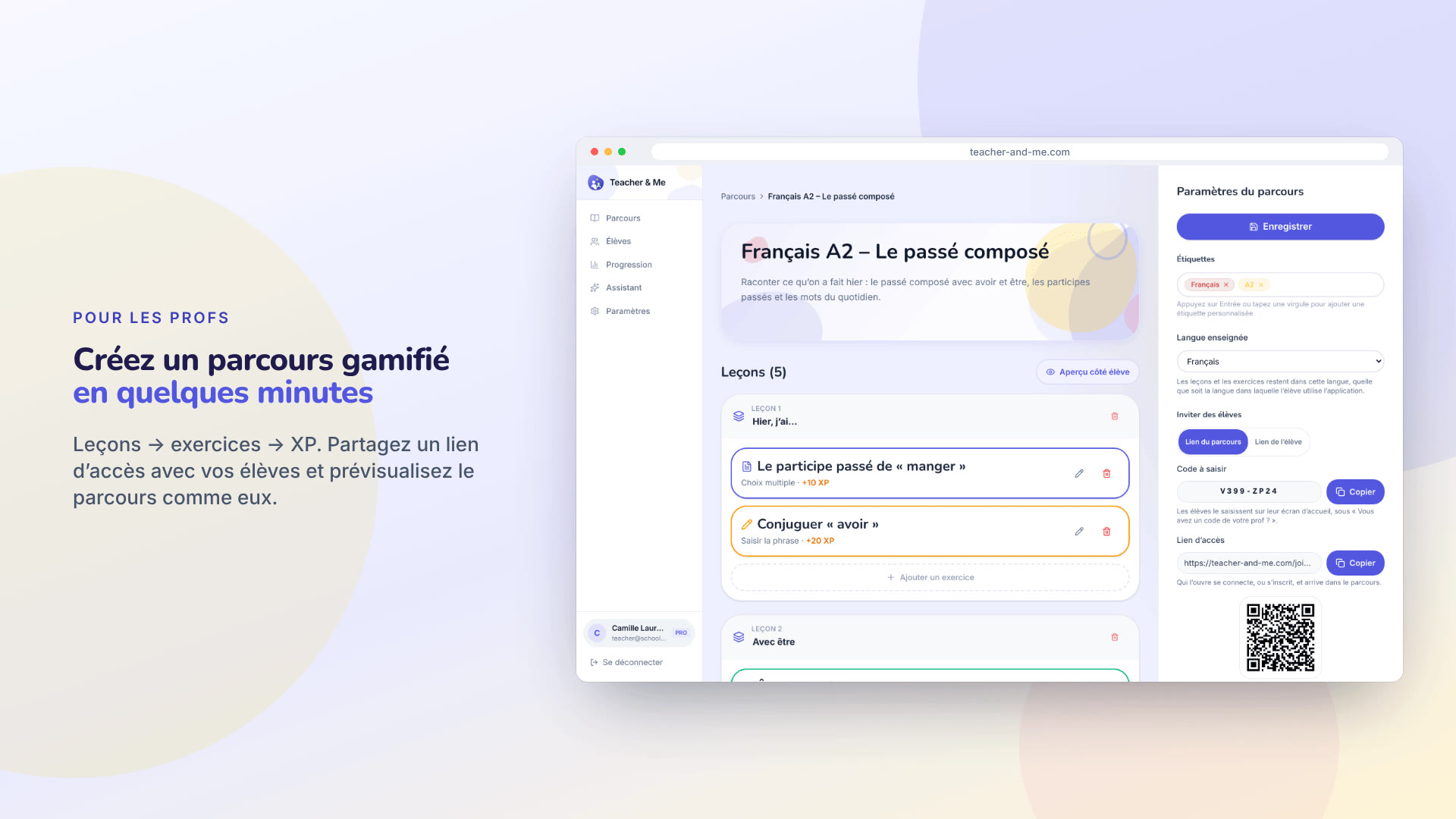
The tutor’s path editor in a browser frame, with the join link and its QR code.
https://teacher-and-me.com/press-assets/fr/cards/path-editor-1200x630.jpg
An article about how a path is built. Pairs with the exercise editor card.
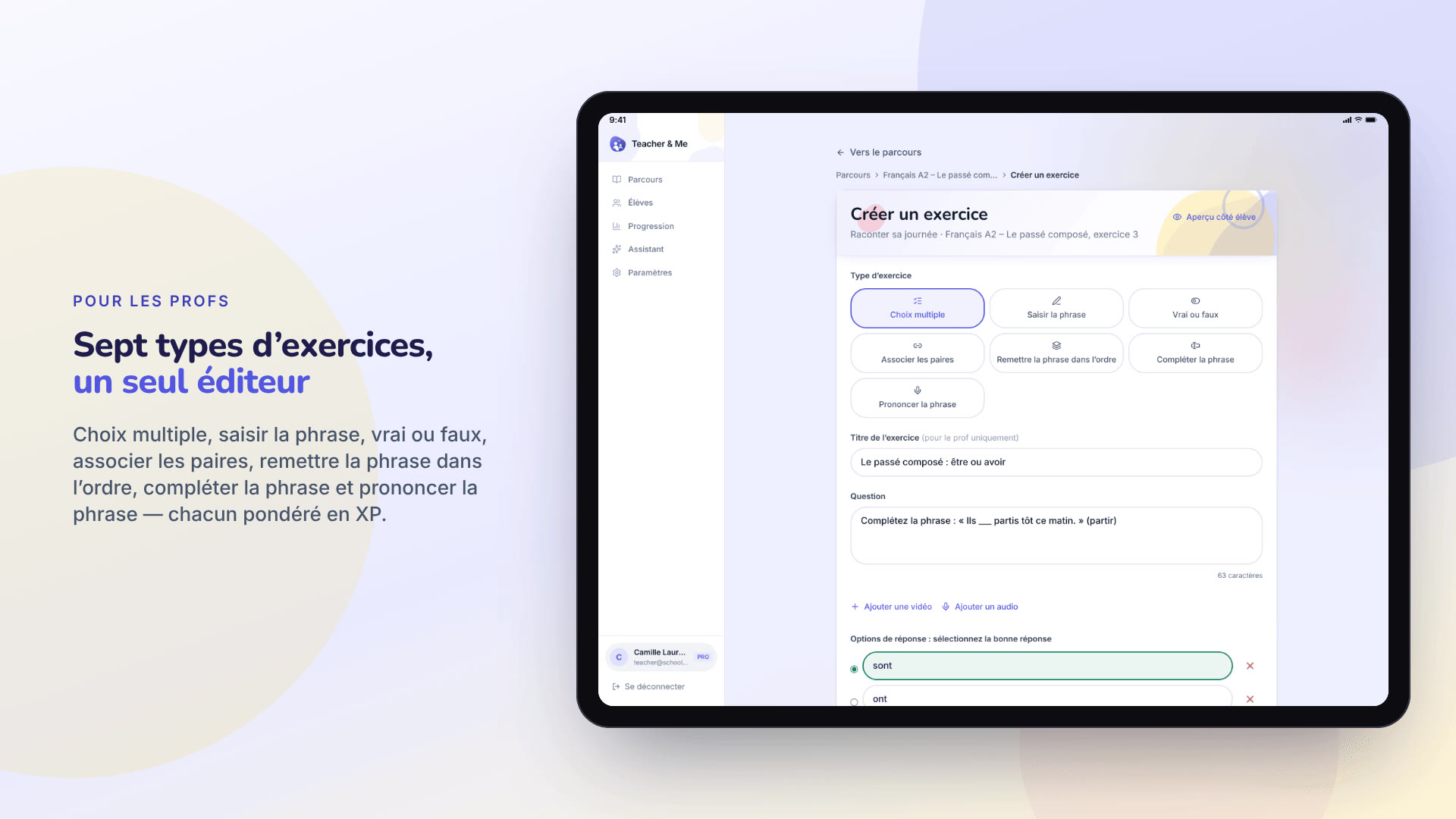
The exercise editor in a tablet frame, the seven-type grid at the top of the form.
https://teacher-and-me.com/press-assets/fr/cards/exercise-builder-1200x630.jpg
When one image has to carry "seven exercise types". The only card framed as a tablet, because the form is tall.
One student’s analytics in a browser frame: score over time and time per exercise.
https://teacher-and-me.com/press-assets/fr/cards/analytics-1200x630.jpg
The strongest claim the product makes, as a poster. The second featured image.
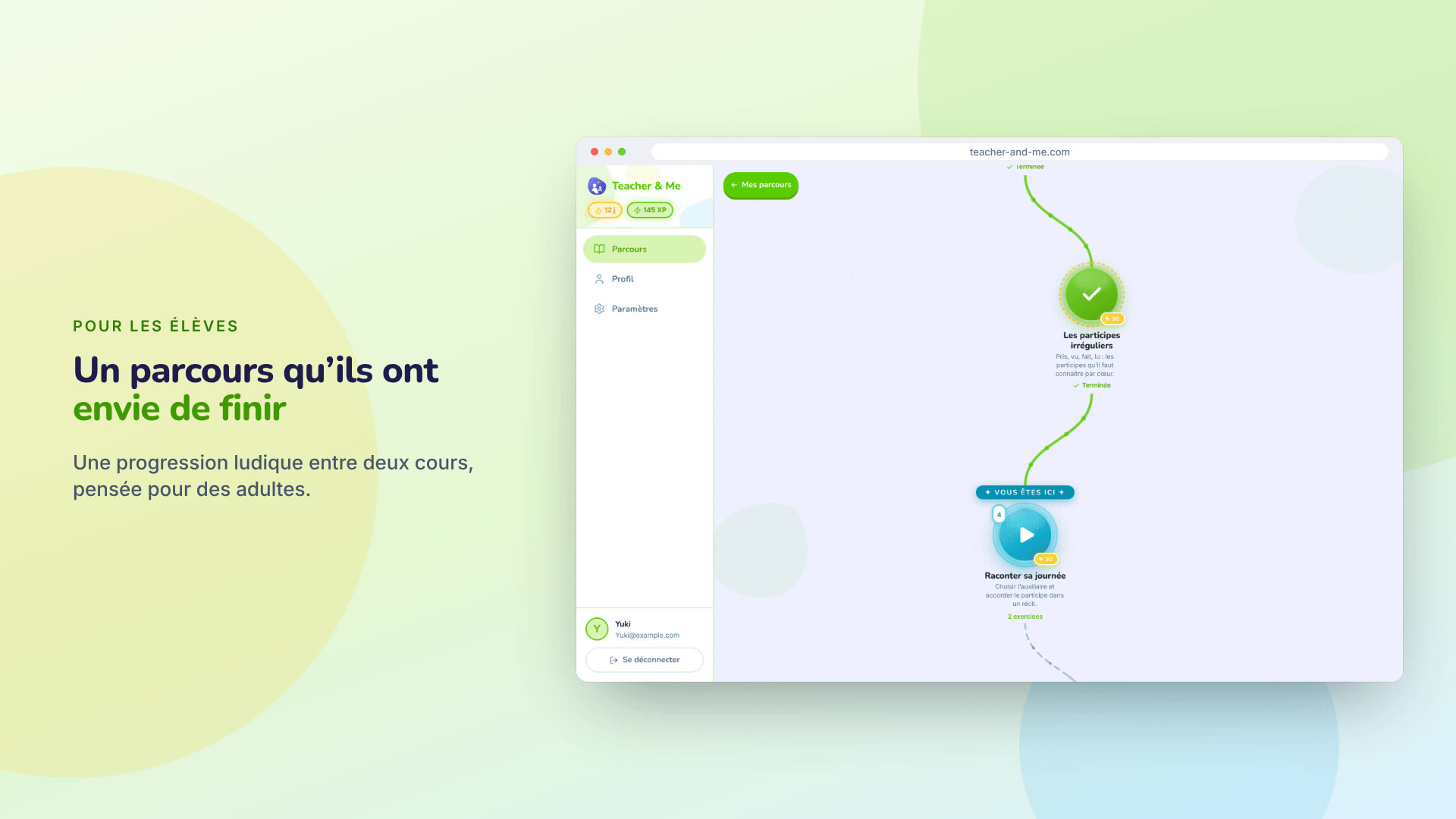
The student’s winding lesson map in a browser frame.
https://teacher-and-me.com/press-assets/fr/cards/student-path-1200x630.jpg
The student-side hook on a desktop. For a phone, use the feedback card.
A multiple-choice question answered correctly, on a phone.
https://teacher-and-me.com/press-assets/fr/cards/exercise-1200x630.jpg
The student experience in one glance. The third featured image, and the one to pick for a mobile-first outlet.
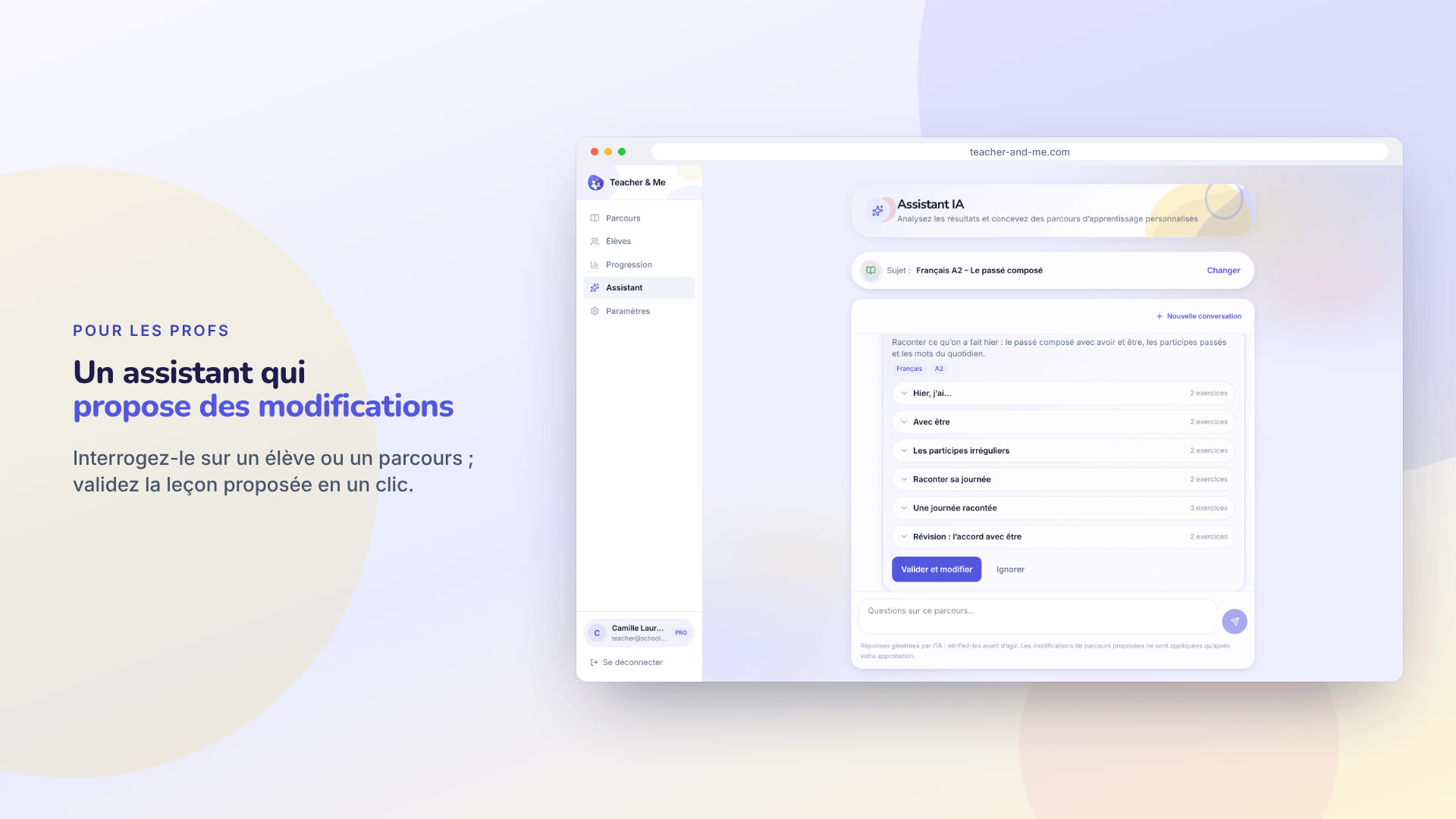
The assistant proposing a lesson for review, in a browser frame.
https://teacher-and-me.com/press-assets/fr/cards/assistant-1200x630.jpg
An article about the assistant. Keep the caption honest: it proposes, the tutor approves.
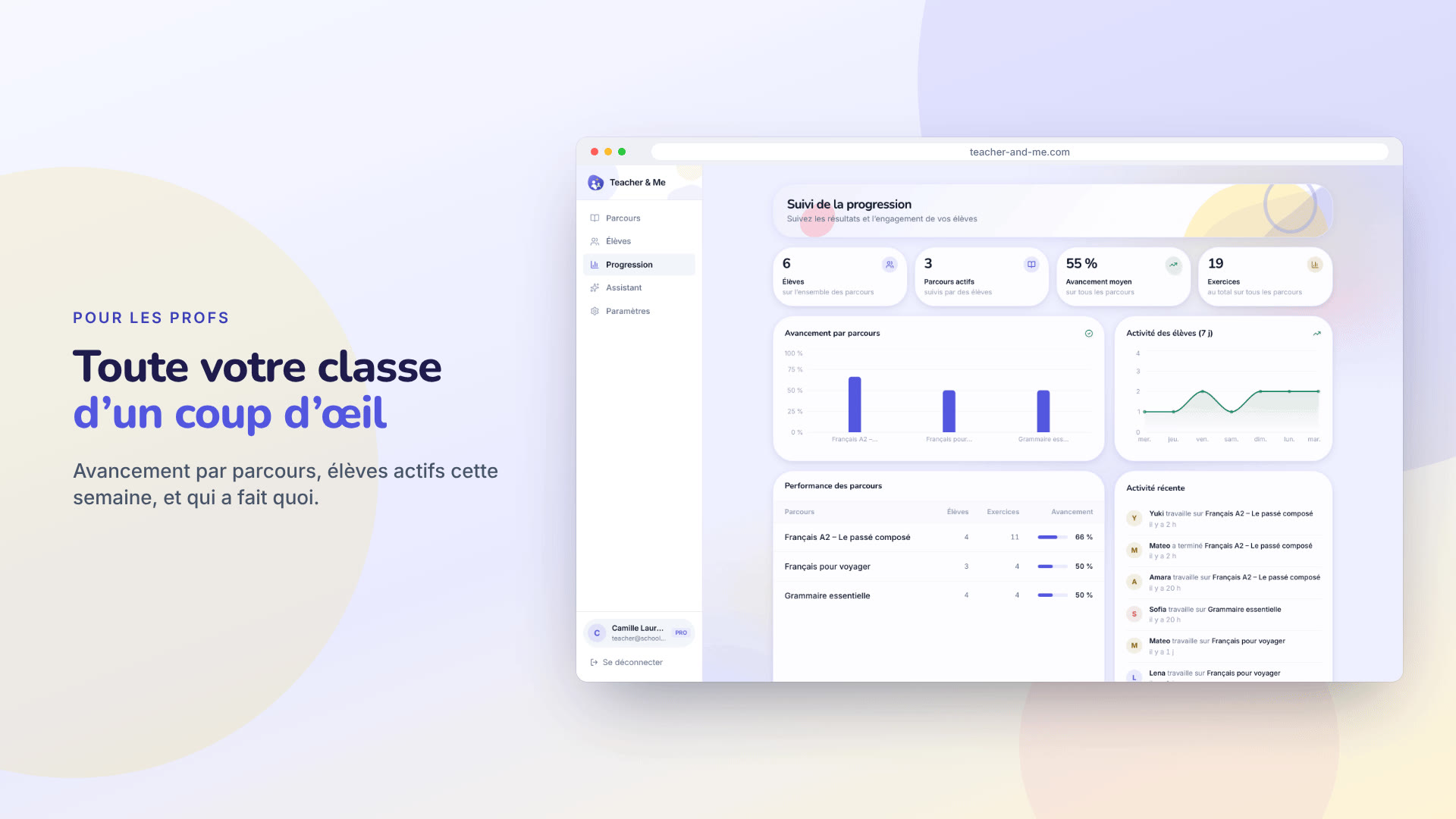
The progress dashboard in a browser frame: tiles, charts and the activity feed.
https://teacher-and-me.com/press-assets/fr/cards/progress-1200x630.jpg
A tutor with more than a handful of students. The whole-class view.
The app as captured on a 1440×900 viewport at 2× device pixel ratio: 2880×1800 PNG, with Medium and Small JPEGs under “Sizes”. In the order the product is used: the public pages, the tutor’s app, the student’s app.
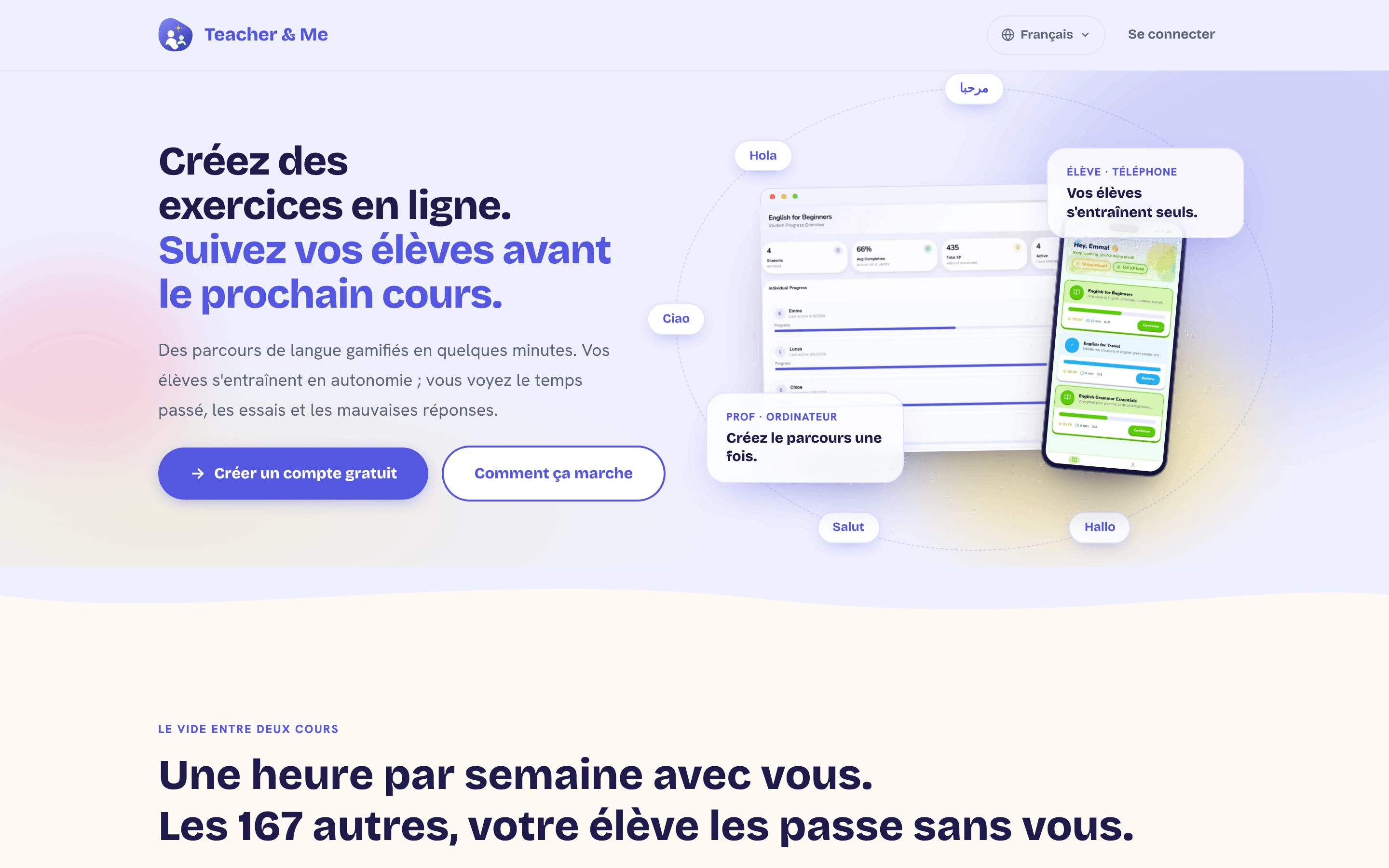
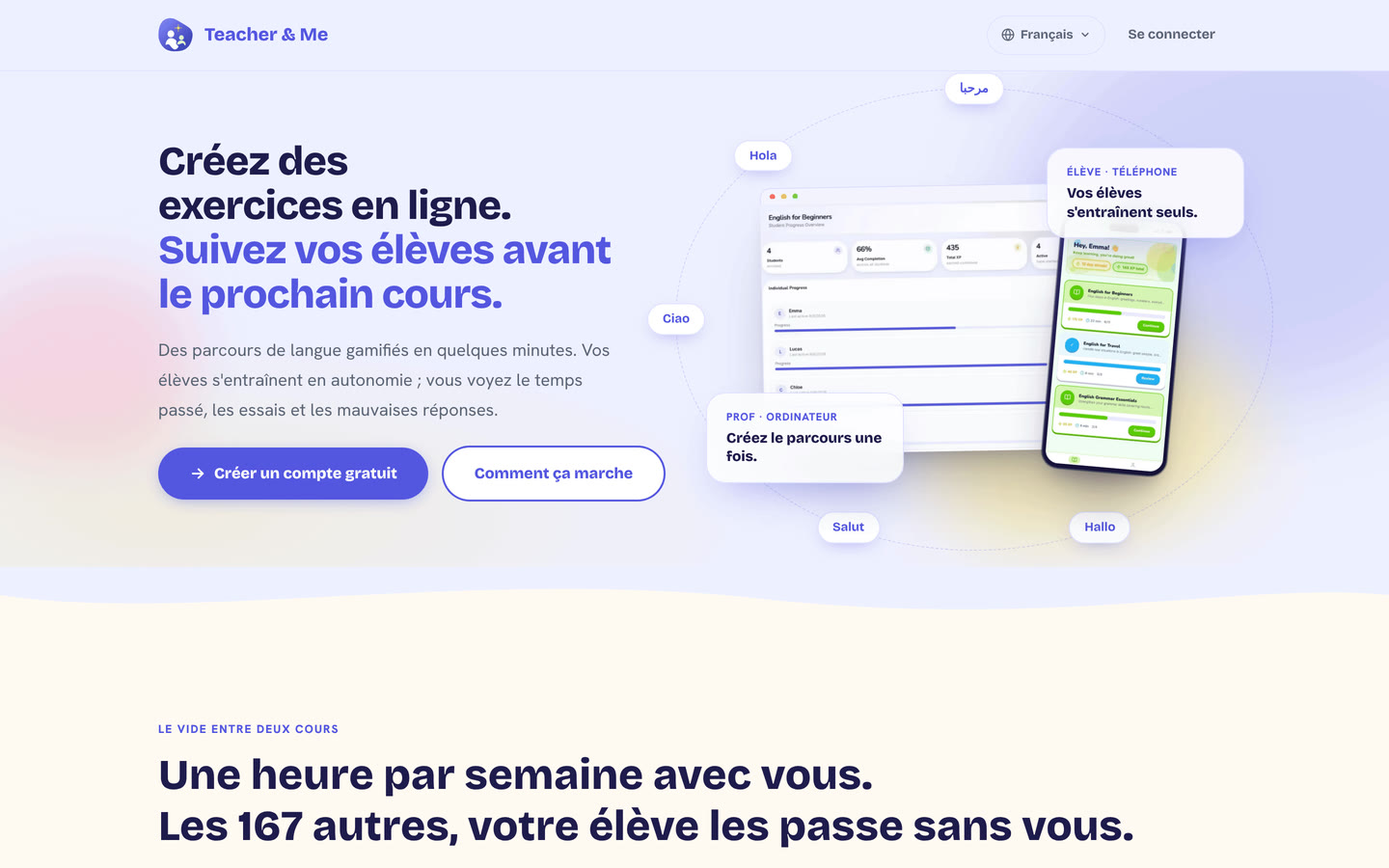
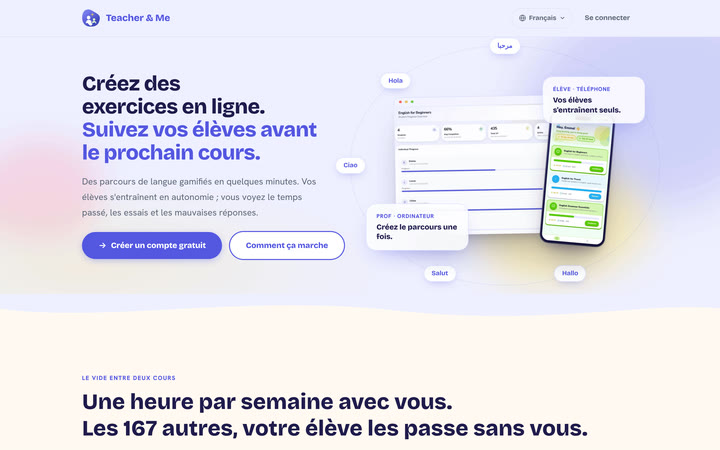
The public homepage as it first paints, above the fold.
https://teacher-and-me.com/press-assets/fr/desktop/landing.png
The product’s own pitch, in its own words. Quote the headline from here rather than inventing a new one.
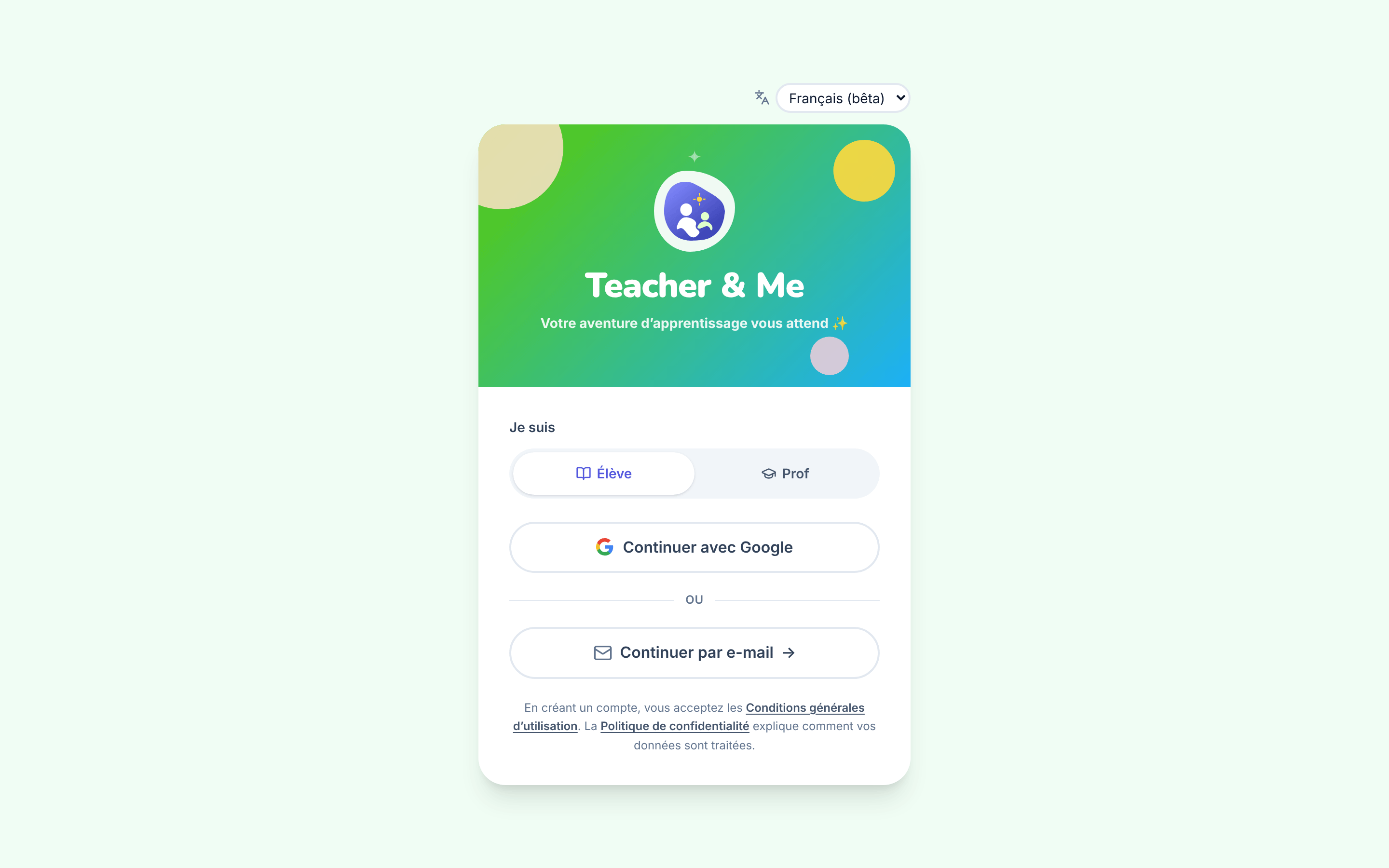
The single sign-in card, shared by students and tutors.
https://teacher-and-me.com/press-assets/fr/desktop/signin.png
That there is one door for both roles, that signing in is passwordless, and that a person picks their own role. The toggle is the role switch: it is self-service, not an admin setting.
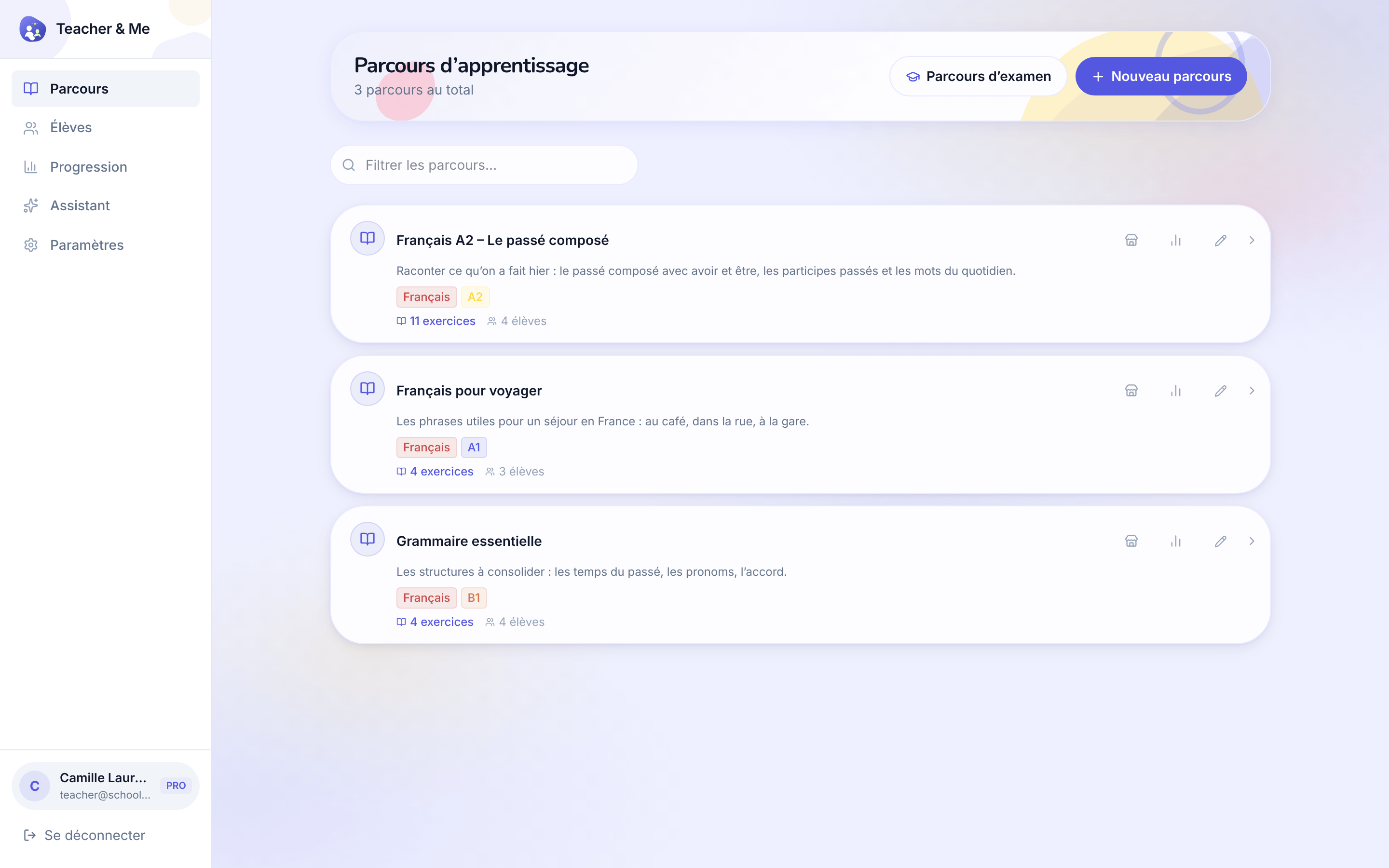
The tutor’s own paths, the first screen after signing in as a teacher.
https://teacher-and-me.com/press-assets/fr/desktop/teacher-paths.png
That a tutor’s whole workspace is one list, and that a path is a small, countable object.
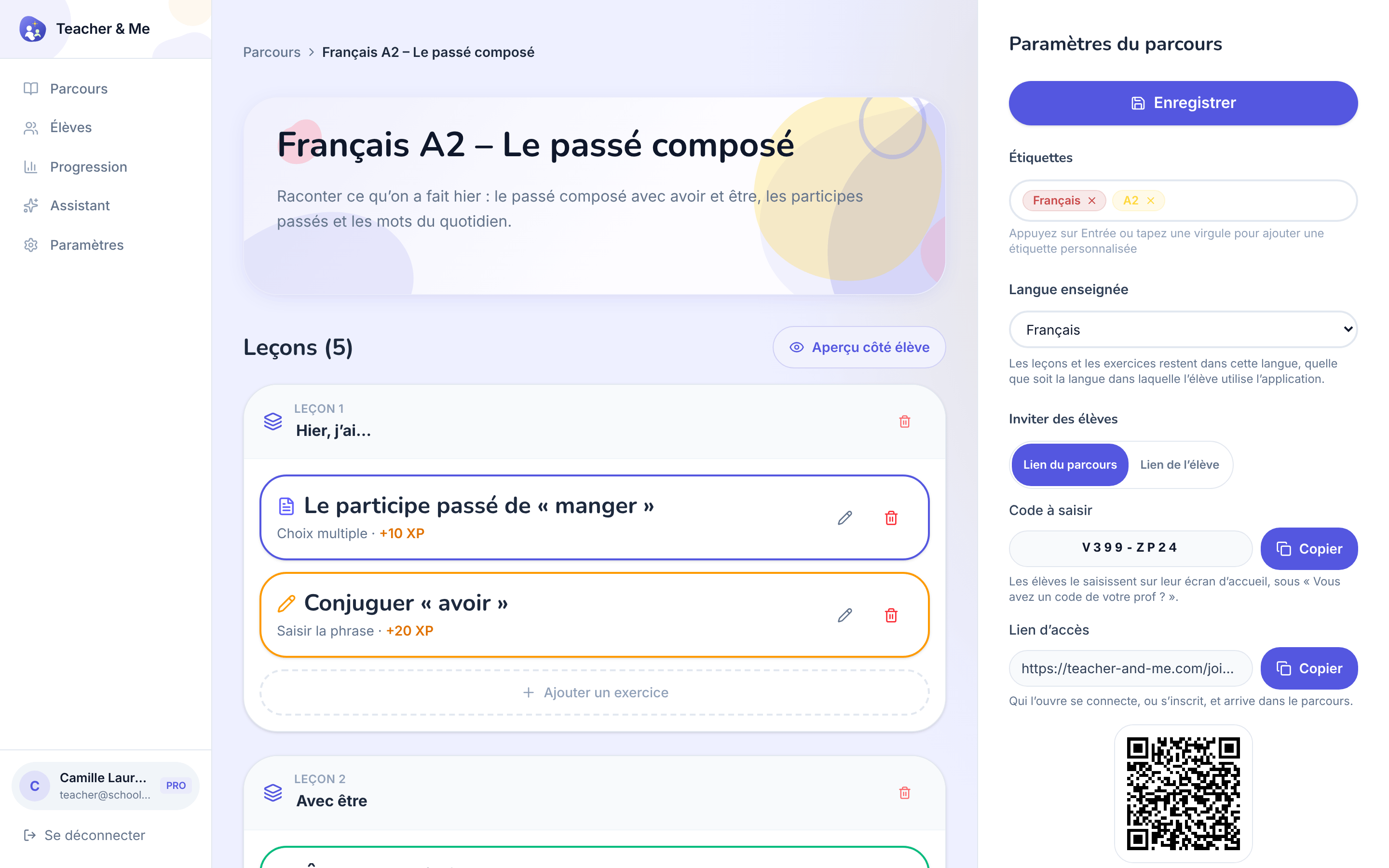
One path opened for editing: its lessons, in order.
https://teacher-and-me.com/press-assets/fr/desktop/teacher-path-editor.png
The "build a path in minutes" claim. This is the screen that shows a path is lessons, and a lesson is exercises.
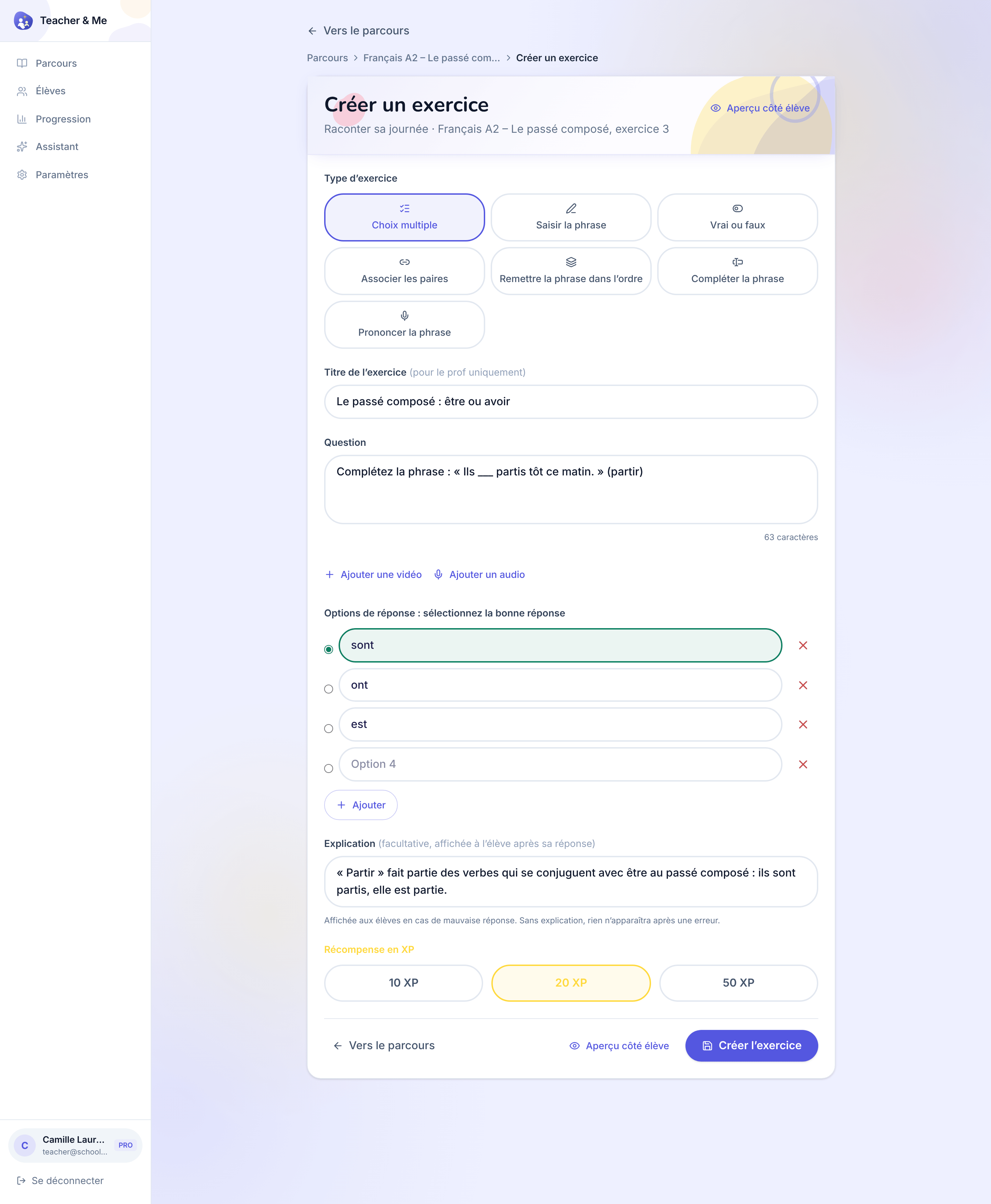
The form one exercise is written in, filled with a multiple-choice question.
https://teacher-and-me.com/press-assets/fr/desktop/teacher-exercise-builder.png
The "seven exercise types, one editor" claim, and that a tutor writes the explanation, not a template. The desktop capture is deliberately taller than the others so the whole form fits one frame.
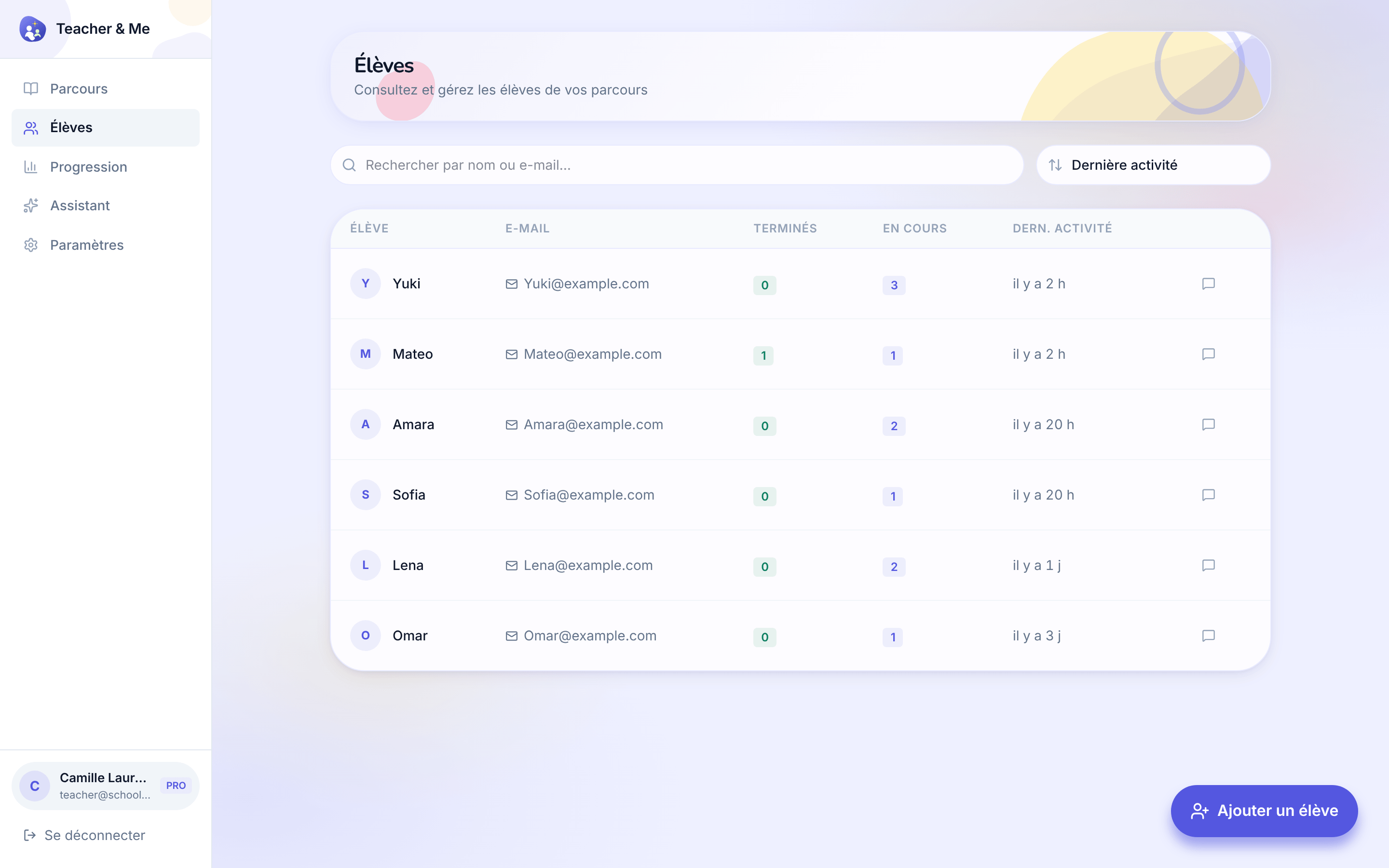
The tutor’s roster: every student they teach, in one searchable list.
https://teacher-and-me.com/press-assets/fr/desktop/teacher-students.png
That the product is one-to-one and small-group teaching, not a course platform with open enrolment.
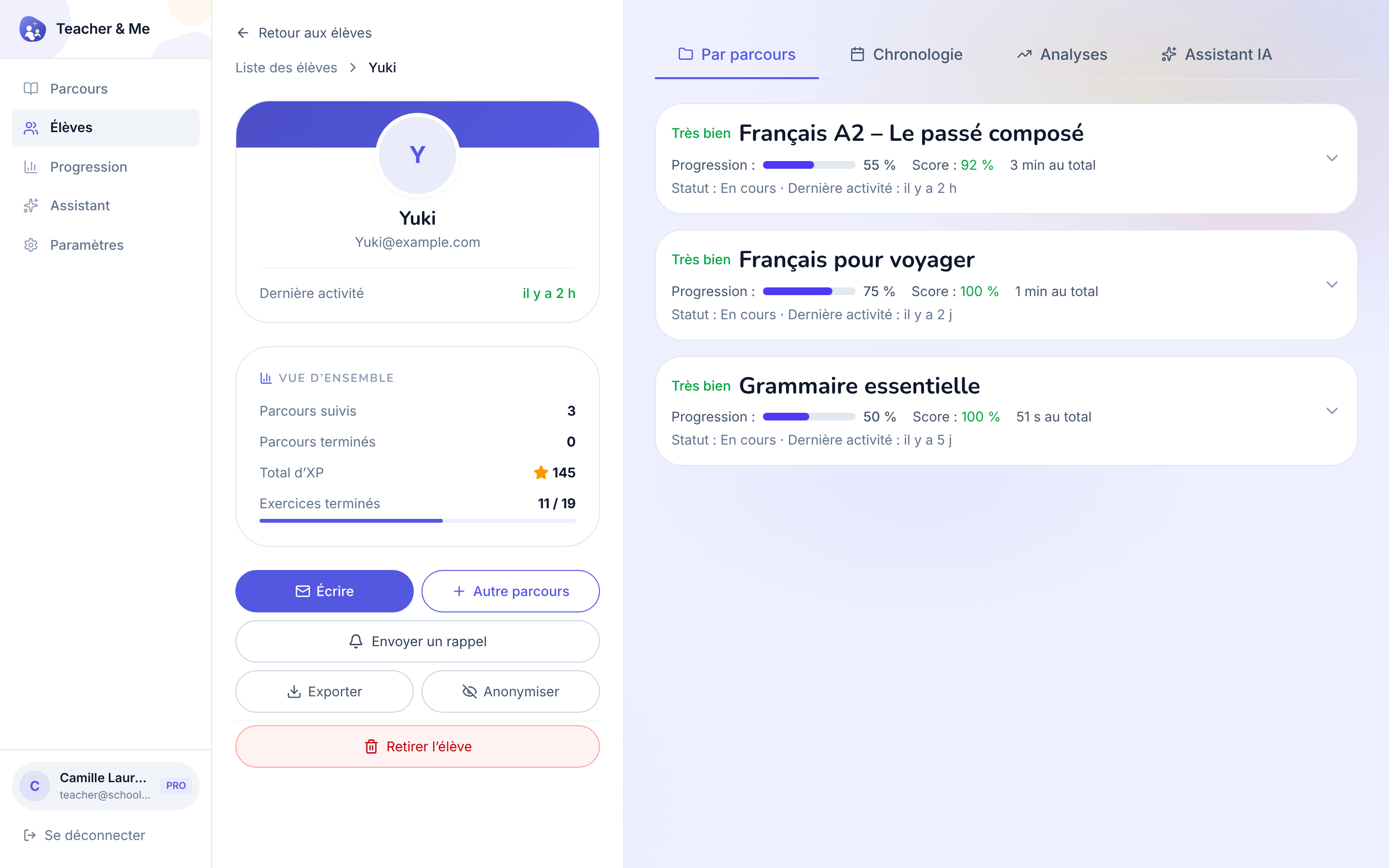
A single student’s page, on the "By Path" tab.
https://teacher-and-me.com/press-assets/fr/desktop/teacher-student-profile.png
That the tutor sees a student as a whole, and that the data is exportable and can be anonymised, a privacy point worth making.
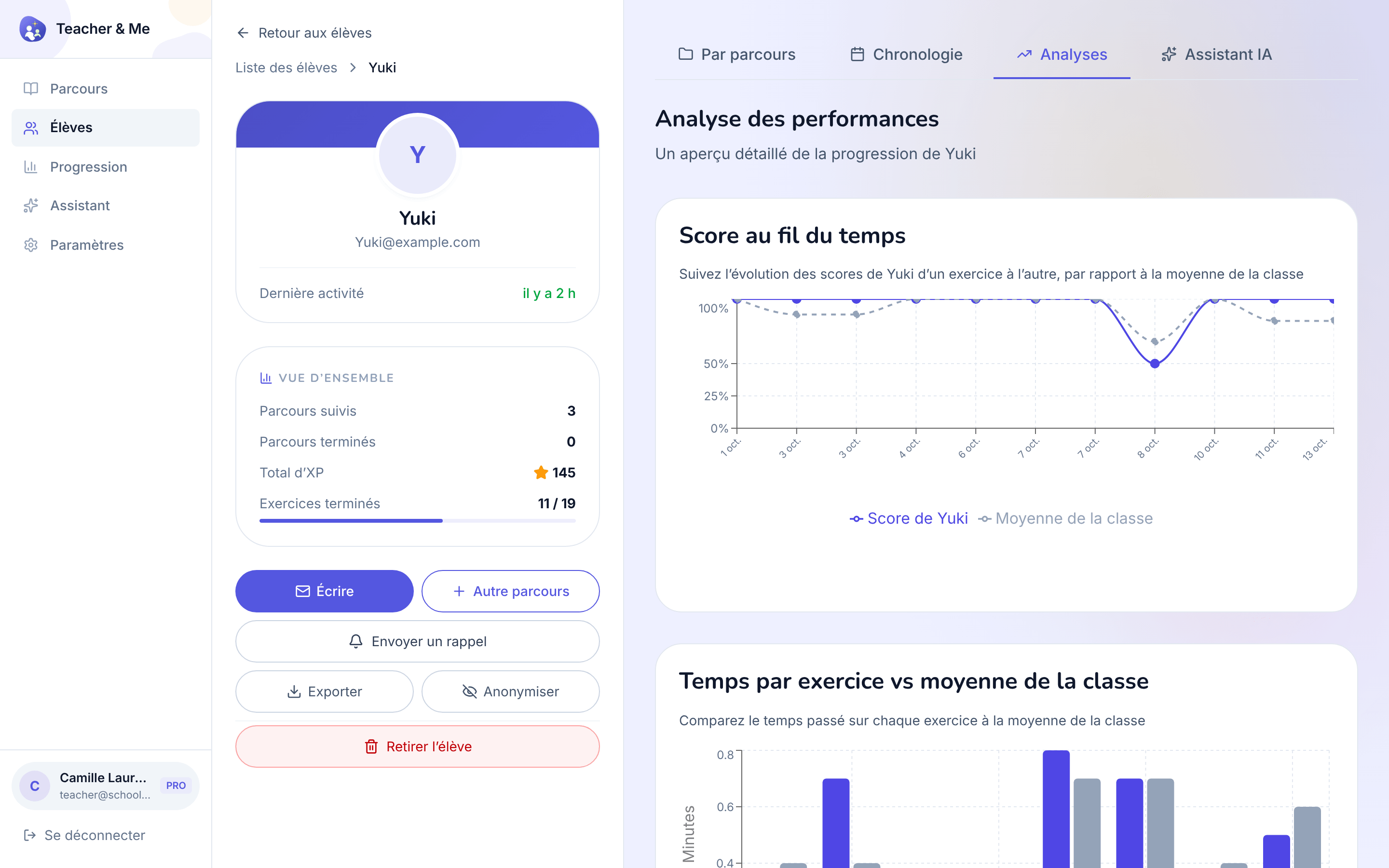
The diagnostic view: how one student performed, exercise by exercise.
https://teacher-and-me.com/press-assets/fr/desktop/teacher-student-analytics.png
The strongest single claim the product makes: you know where a student got stuck before the next lesson starts. If an ad shows one tutor-side screen, this is usually the one.
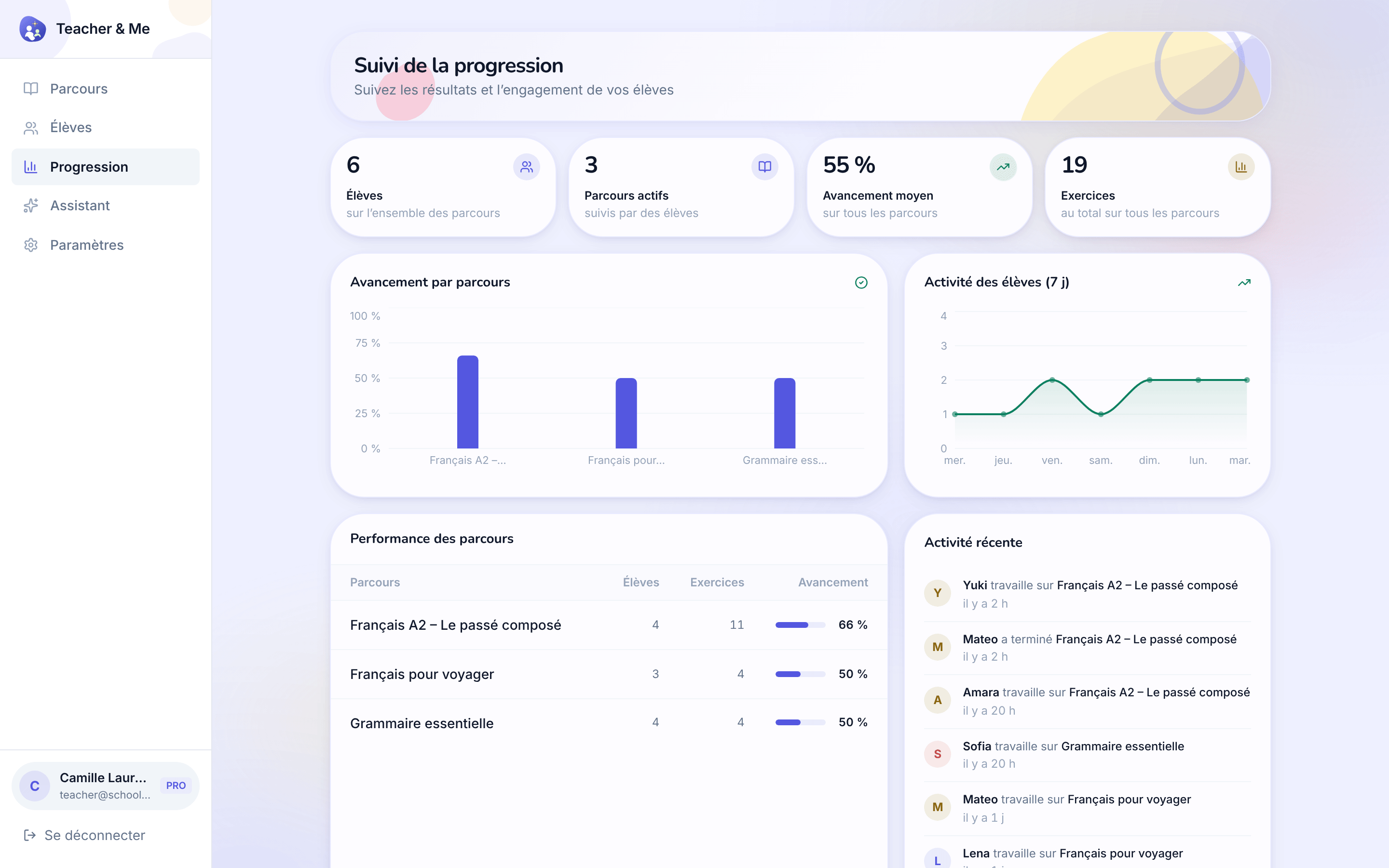
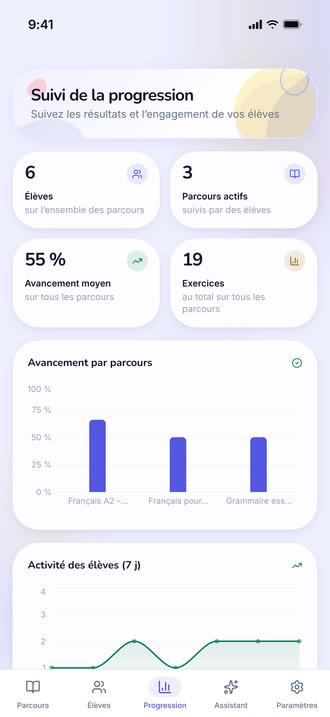
Every student and every path on one dashboard.
https://teacher-and-me.com/press-assets/fr/desktop/teacher-progress.png
The whole-class view. Good for a tutor with more than a handful of students.
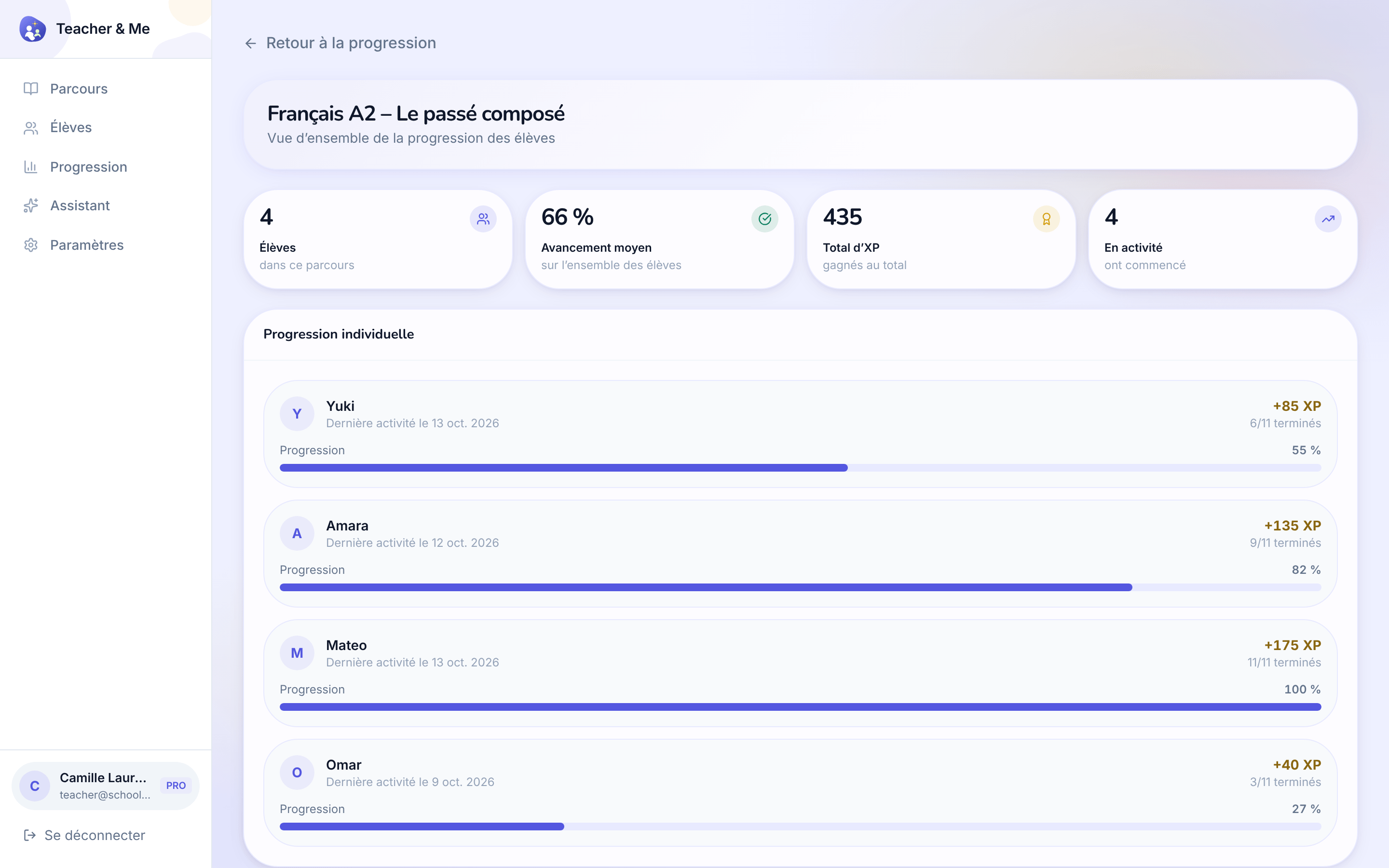
The same overview narrowed to a single path.
https://teacher-and-me.com/press-assets/fr/desktop/teacher-path-progress.png
Following one cohort through one path: who has finished it and who has not started.
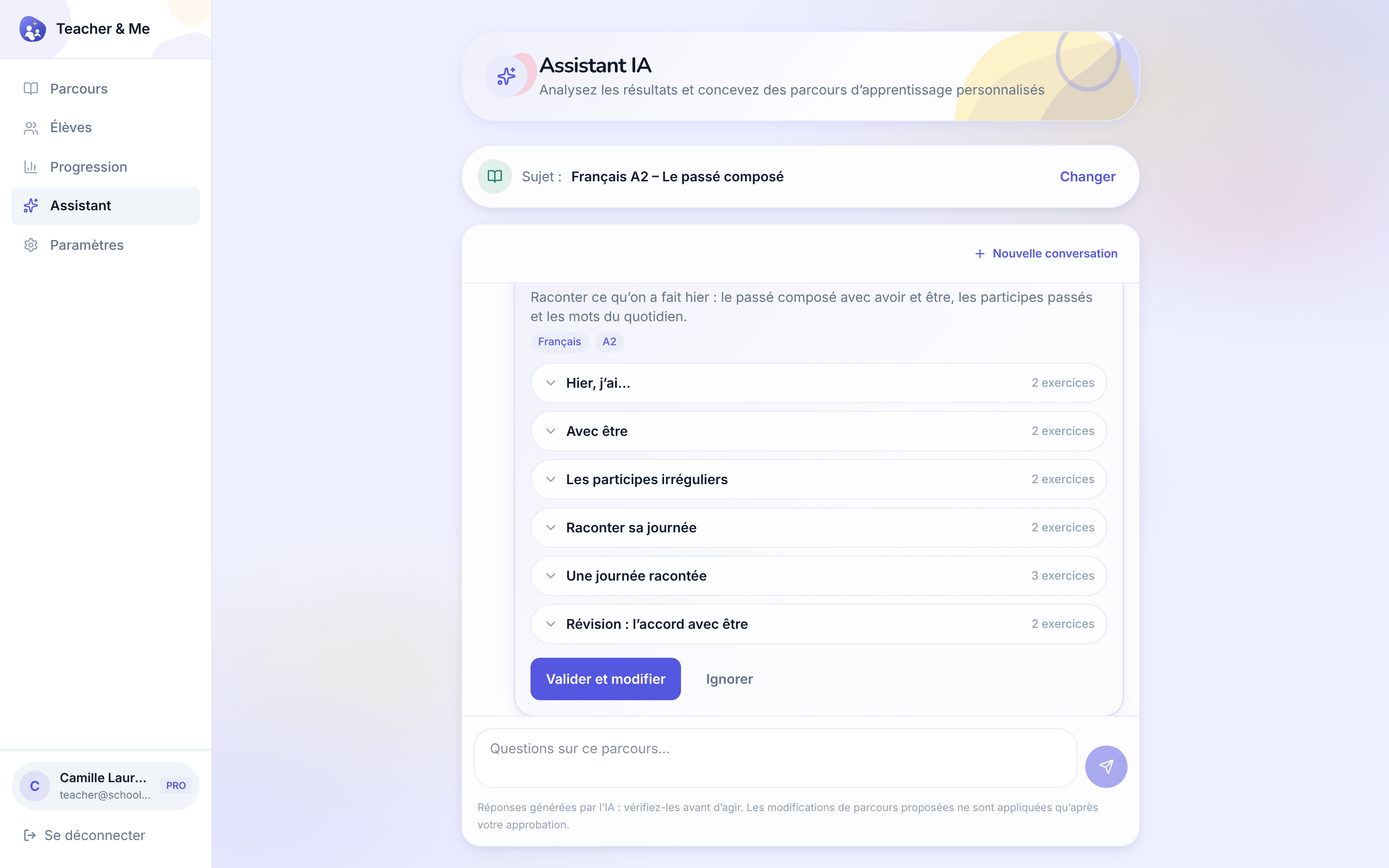
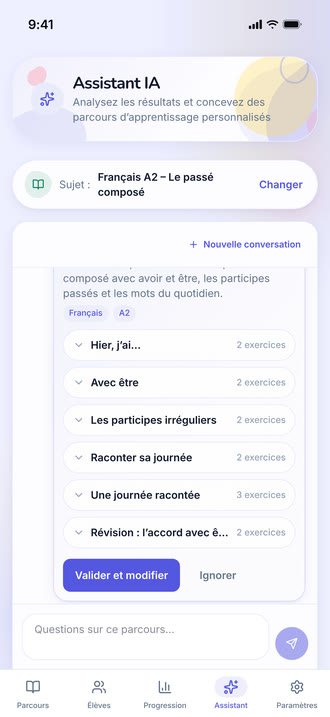
The assistant answering a question about a path and proposing a lesson to add, with an approve control.
https://teacher-and-me.com/press-assets/fr/desktop/teacher-assistant.png
That the assistant proposes an edit the tutor approves: it reads the results and drafts, the tutor decides. Do not describe it as teaching the student or acting on its own.
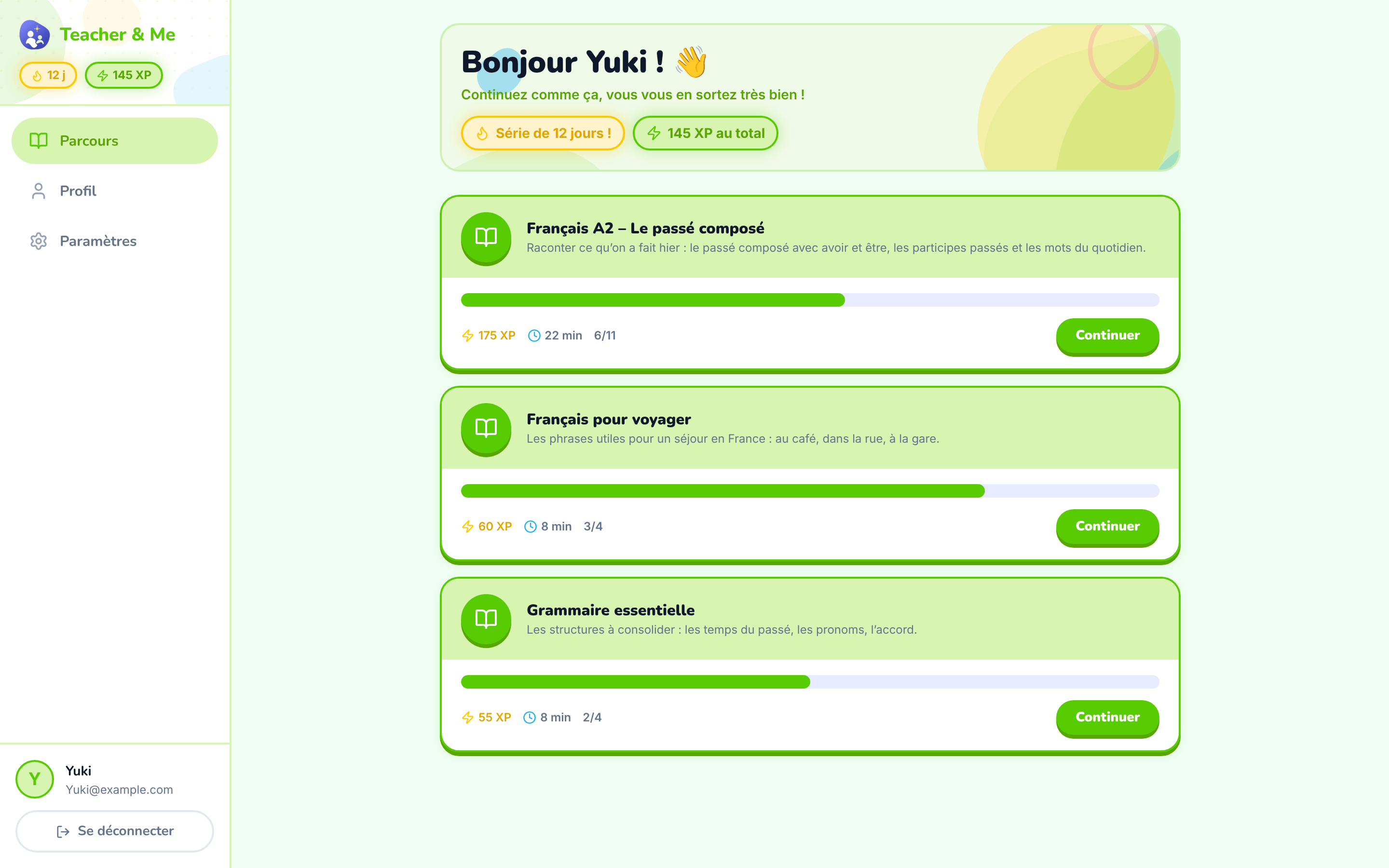
The student’s home: the paths their tutor assigned them.
https://teacher-and-me.com/press-assets/fr/desktop/student-paths.png
That the student’s homework arrives from their own tutor rather than from a catalogue.
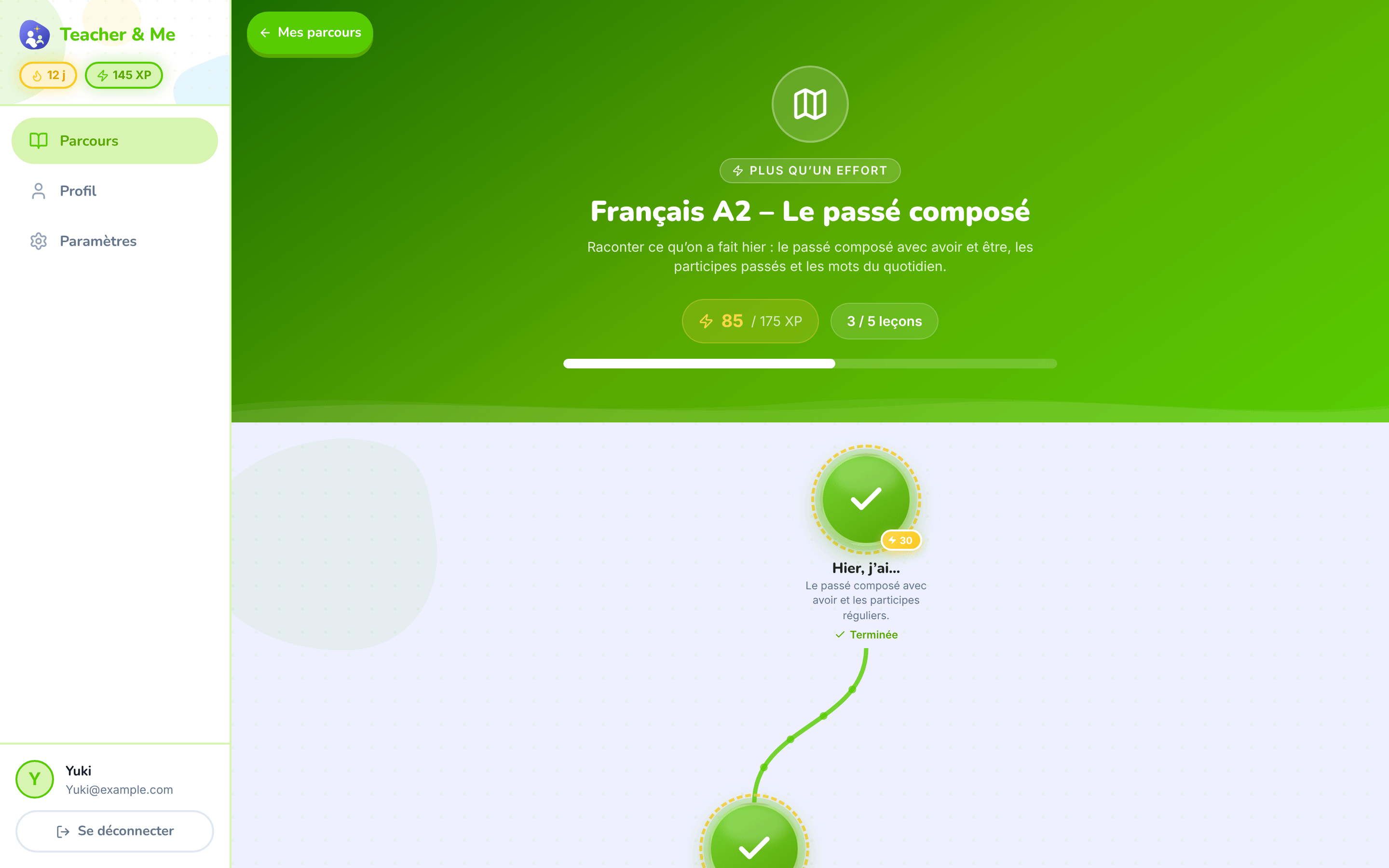
The top of one path: its title, XP and progress, above the map.
https://teacher-and-me.com/press-assets/fr/desktop/student-path-map-top.png
Opening a story about one path, where the map shot would start mid-journey.
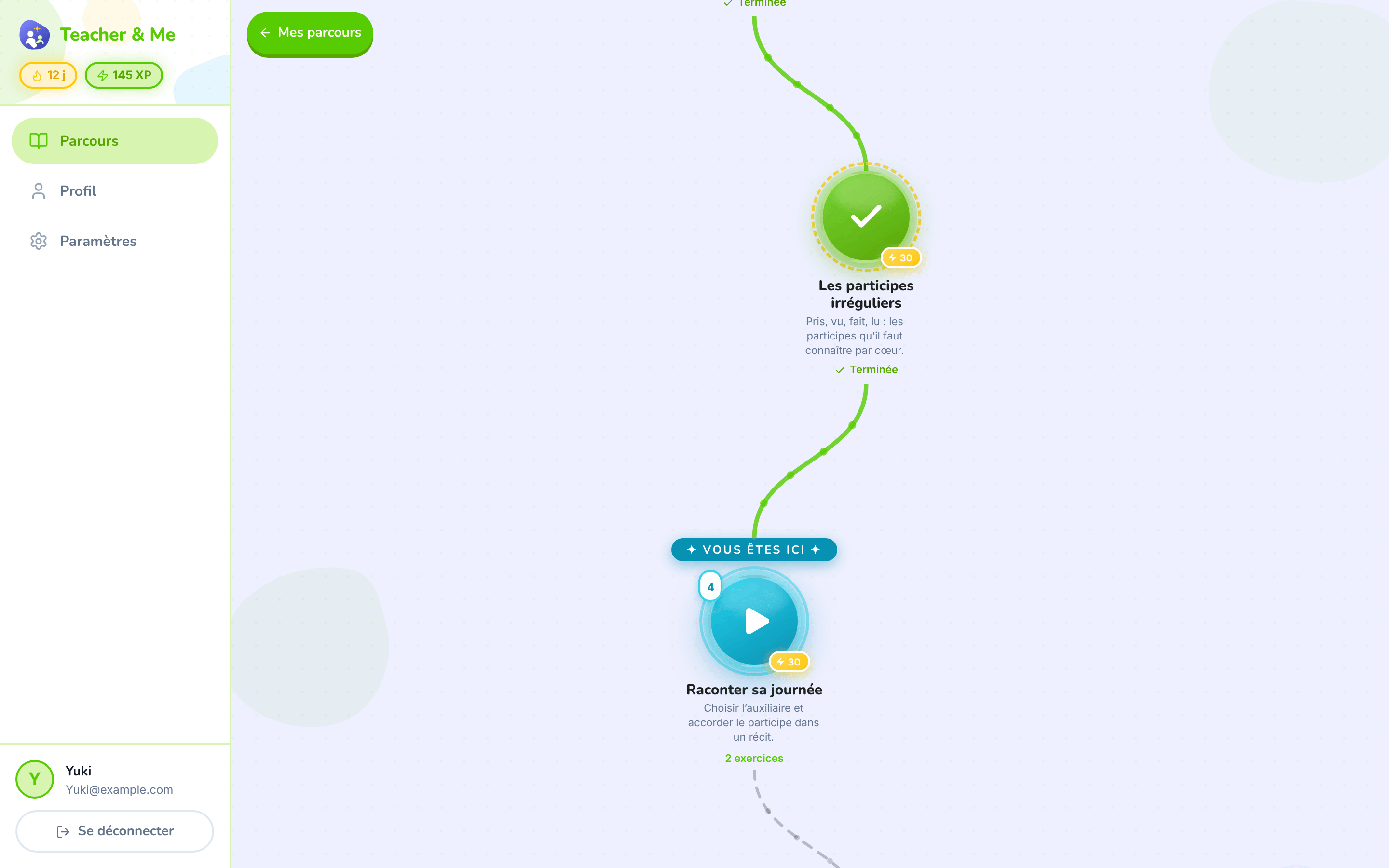
The winding map the student walks, one lesson at a time.
https://teacher-and-me.com/press-assets/fr/desktop/student-path-map.png
The game-like progression, which is the student-side hook. This is the single most recognisable screen in the product.
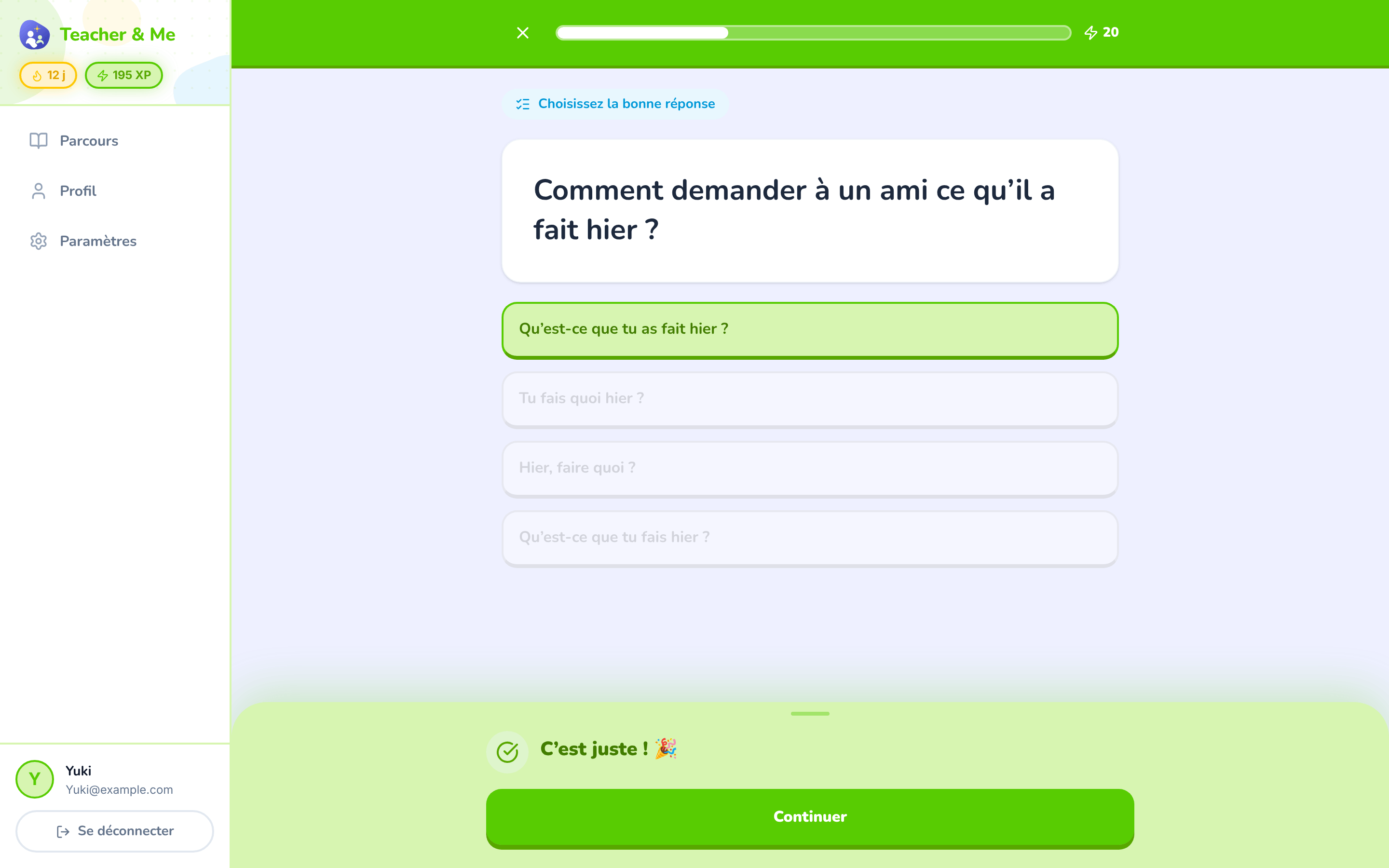
A multiple-choice question just answered correctly, showing the feedback state.
https://teacher-and-me.com/press-assets/fr/desktop/student-exercise-correct.png
Instant feedback on every answer: the claim that the student is never left guessing.
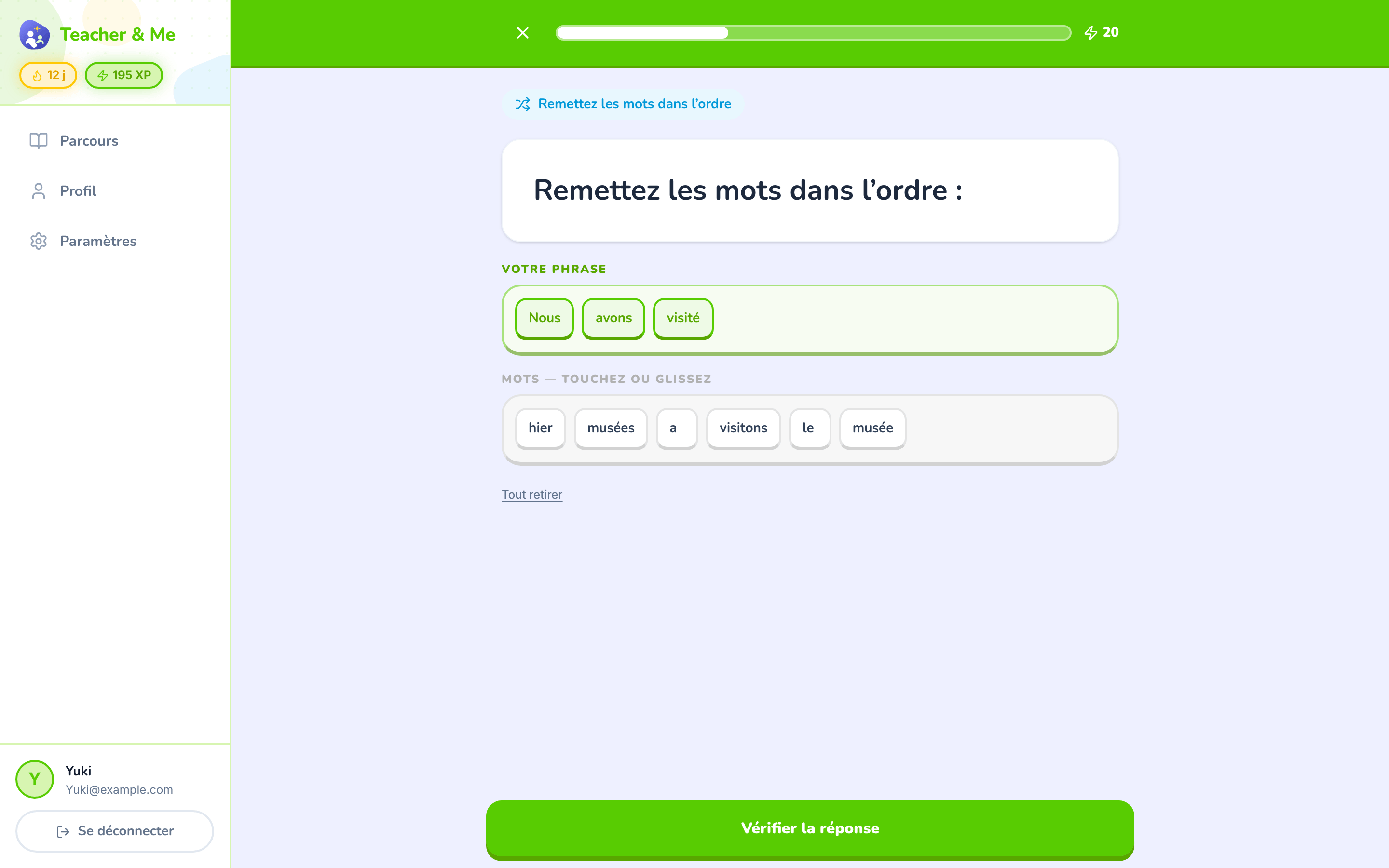
The tile builder mid-answer: a sentence being assembled word by word.
https://teacher-and-me.com/press-assets/fr/desktop/student-exercise-tiles.png
That the exercise types go past multiple choice. Good when one image has to carry "seven types".
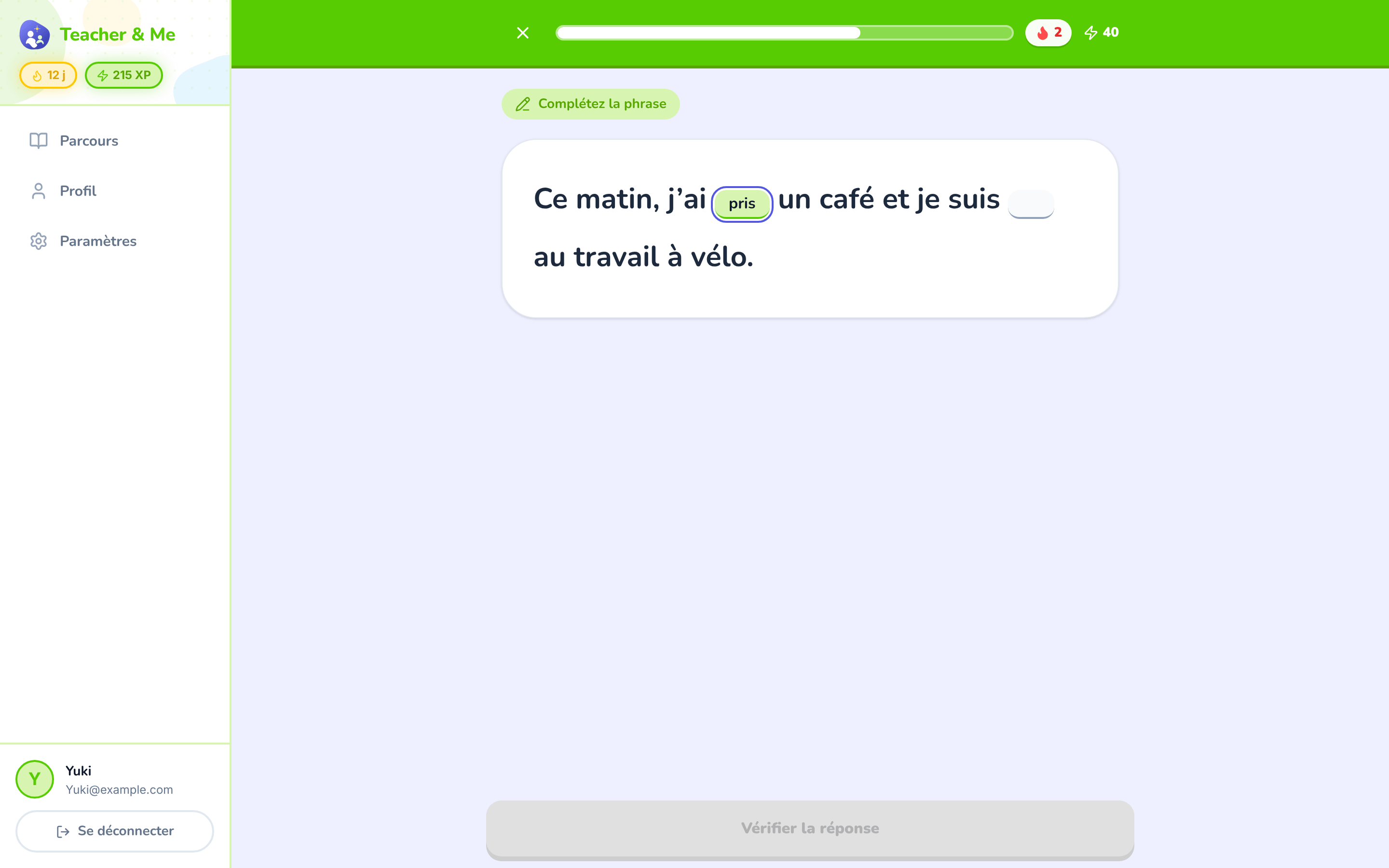
A sentence with two gaps, the first one typed in.
https://teacher-and-me.com/press-assets/fr/desktop/student-exercise-fill-in.png
Production rather than recognition: the student writes the answer instead of picking it.
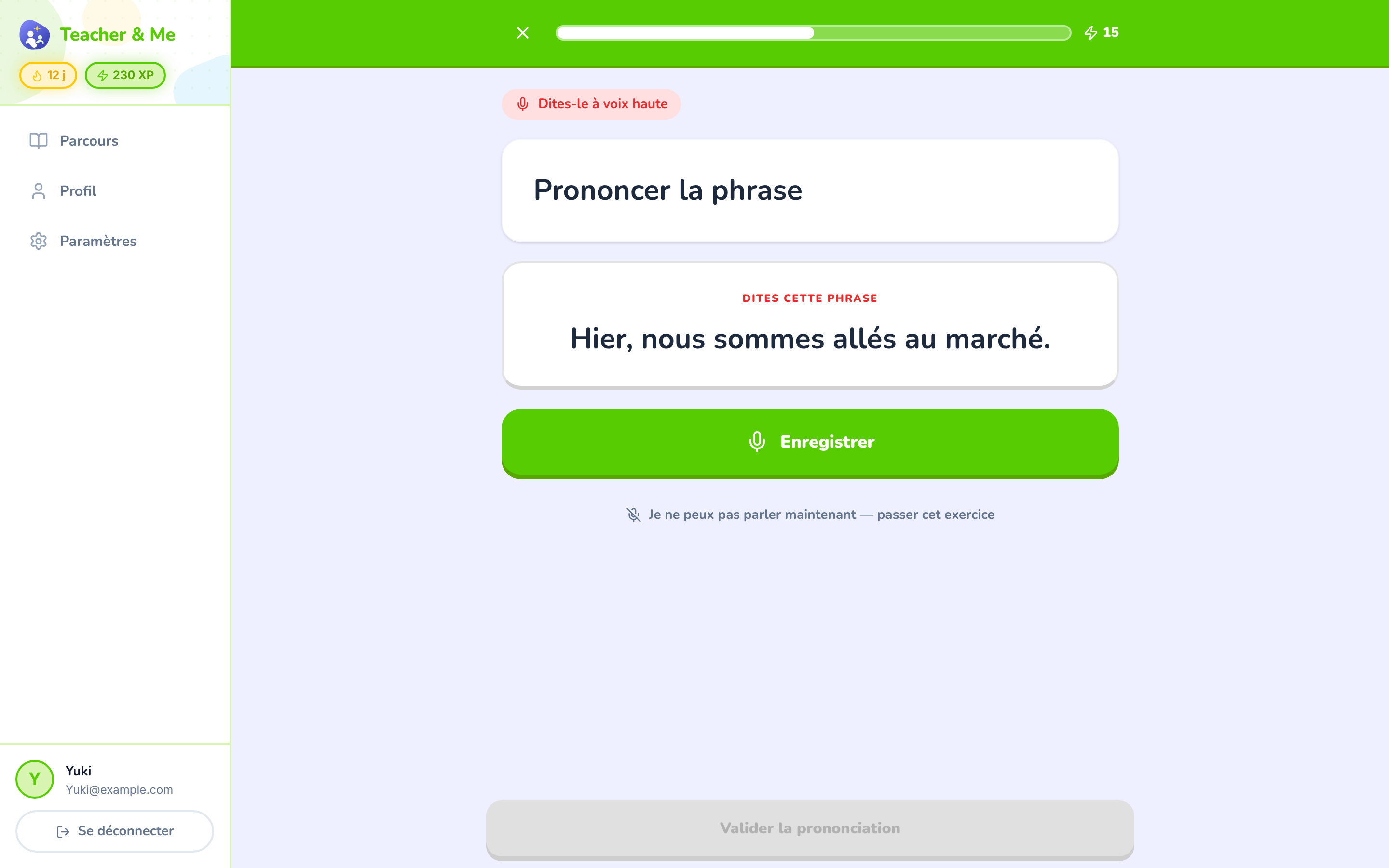
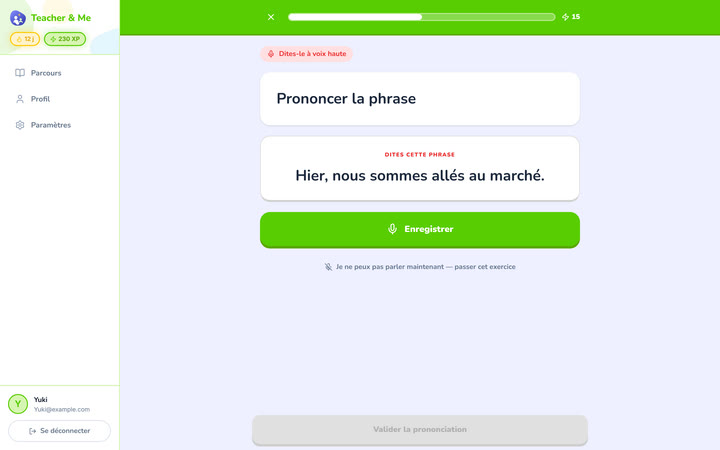
The pronunciation exercise at rest, before recording.
https://teacher-and-me.com/press-assets/fr/desktop/student-exercise-pronounce.png
That speaking is one of the seven types. Scoring happens in the browser after recording; this shot is the idle state, so do not caption it as a score.
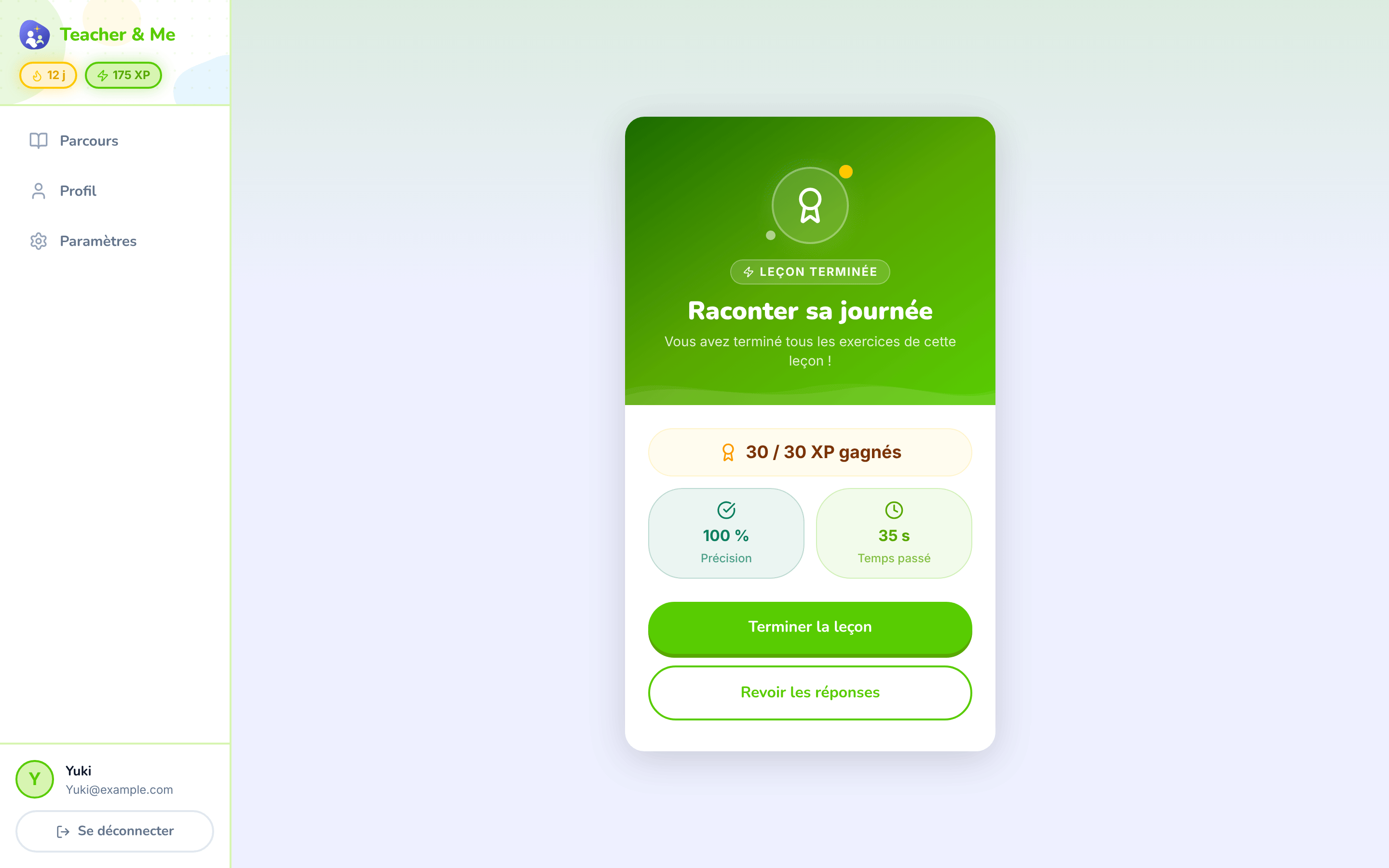
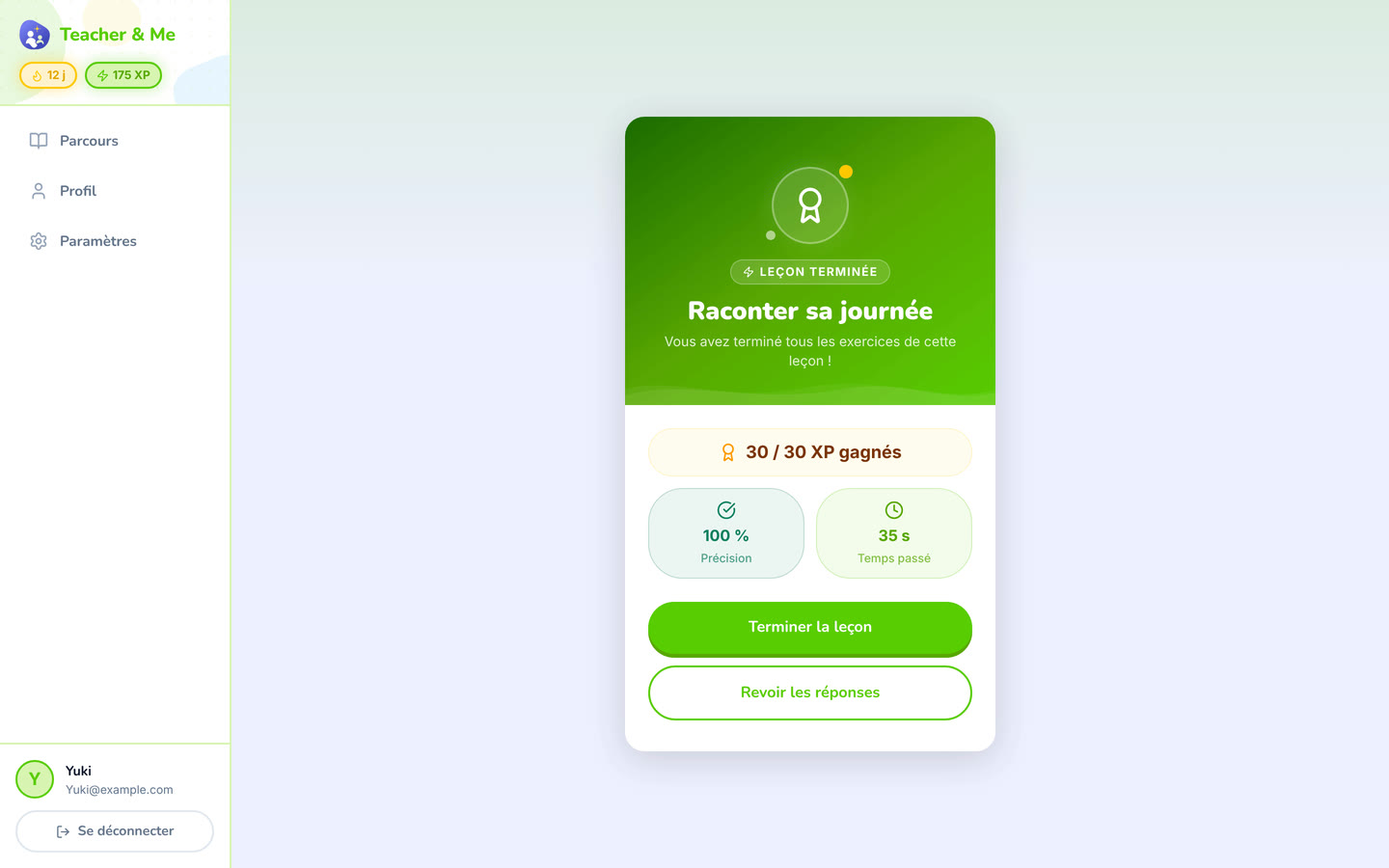
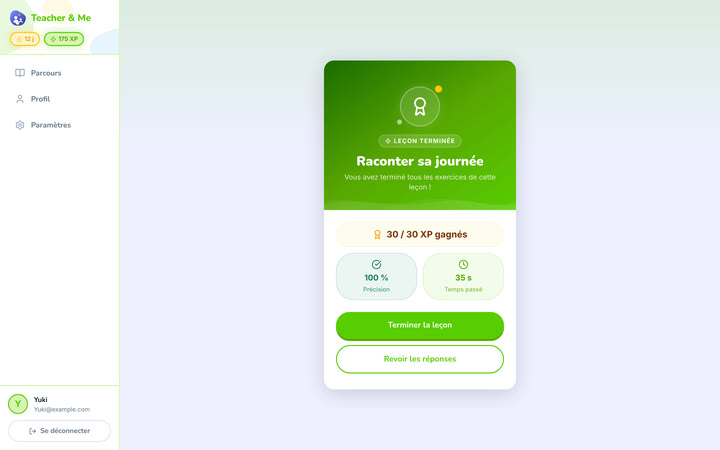
The card that closes a finished lesson.
https://teacher-and-me.com/press-assets/fr/desktop/student-lesson-complete.png
The payoff moment. Pairs naturally with the lesson map in a two-image sequence.
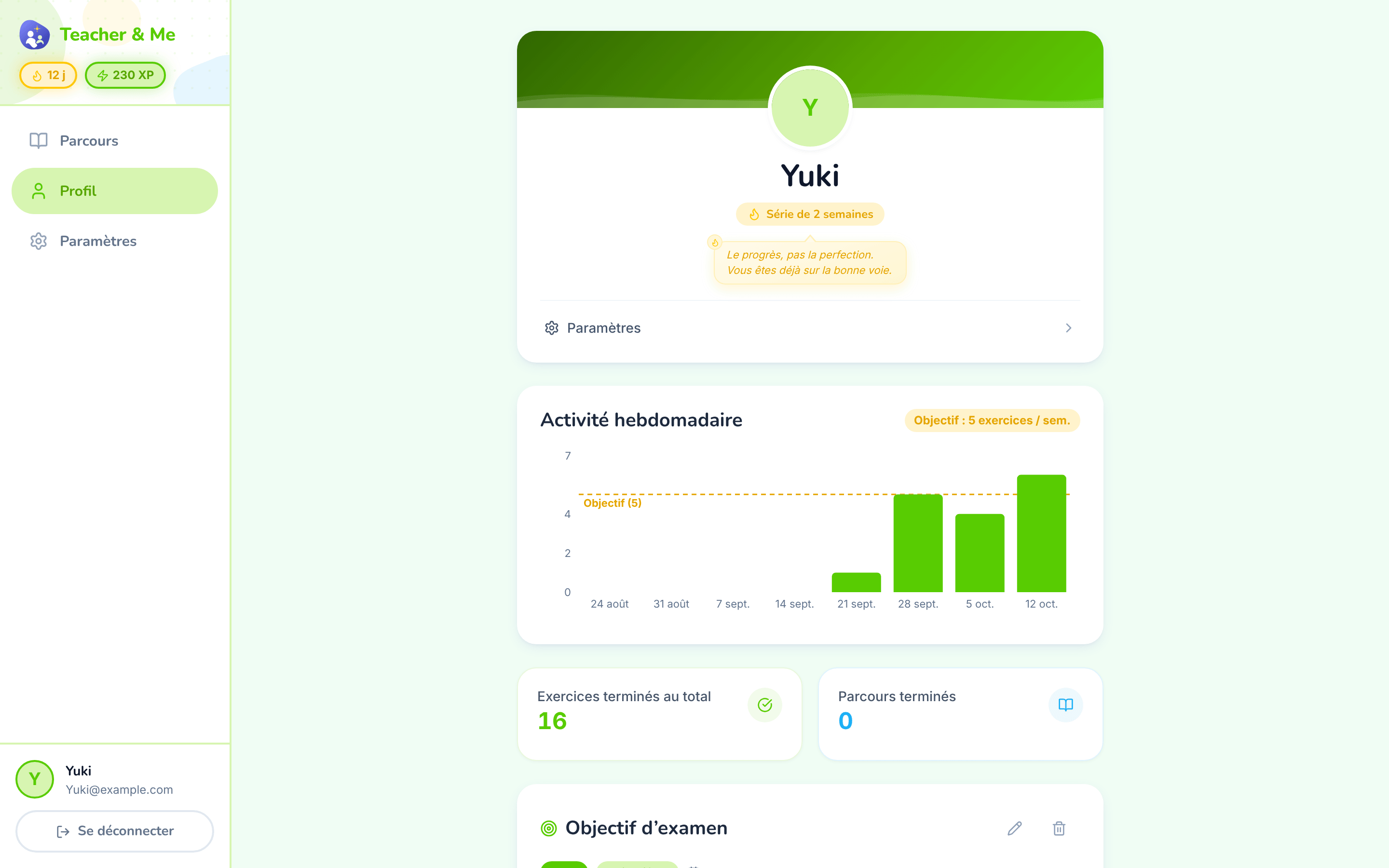
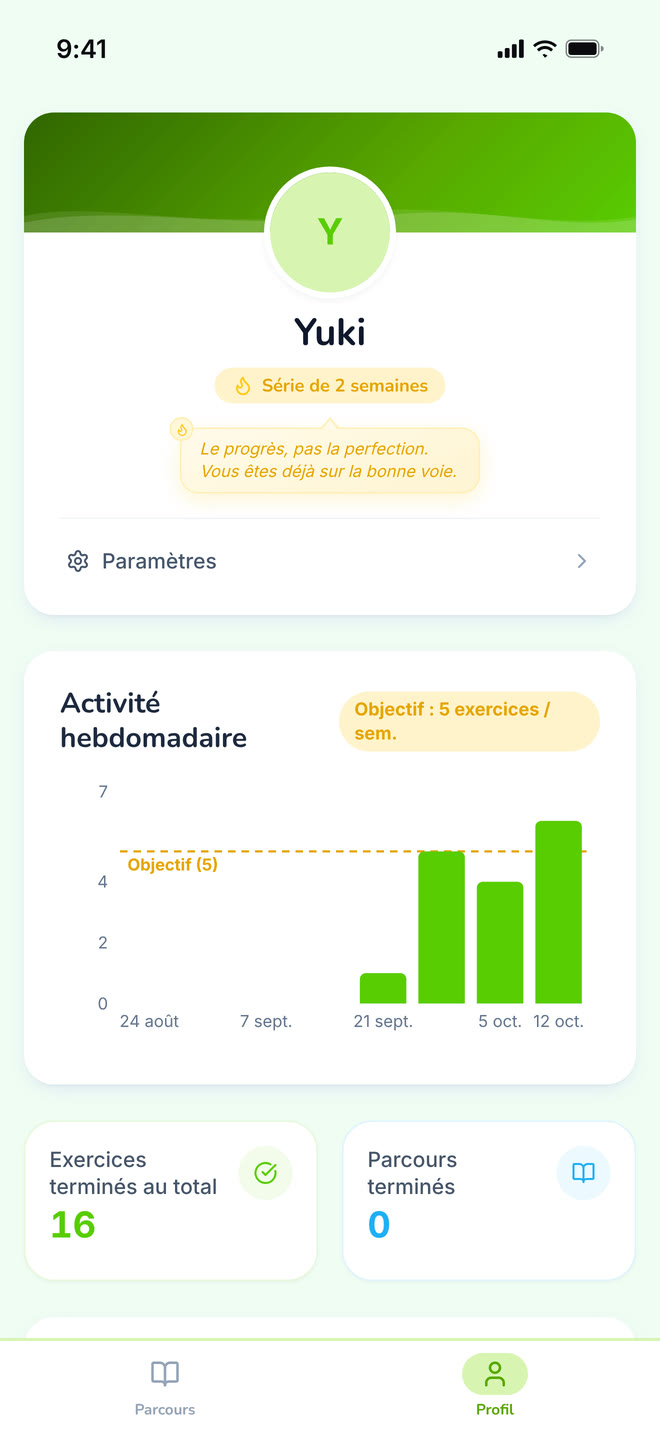
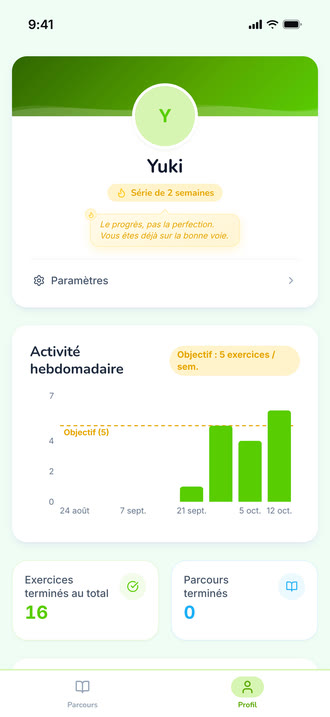
The student’s own progress, away from any single path.
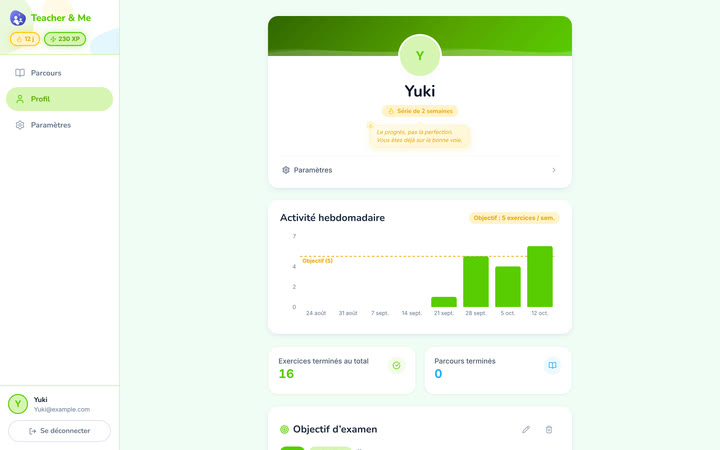
https://teacher-and-me.com/press-assets/fr/desktop/student-profile.png
Streaks and weekly goals, the between-session habit. Note the tone: goals and streaks, no cartoon mascot. The product is written for adults.
The same screens on a phone: a 440×956 viewport at 3×, an iPhone 6.9" frame with a status bar composited in, 1320×2868 PNG.
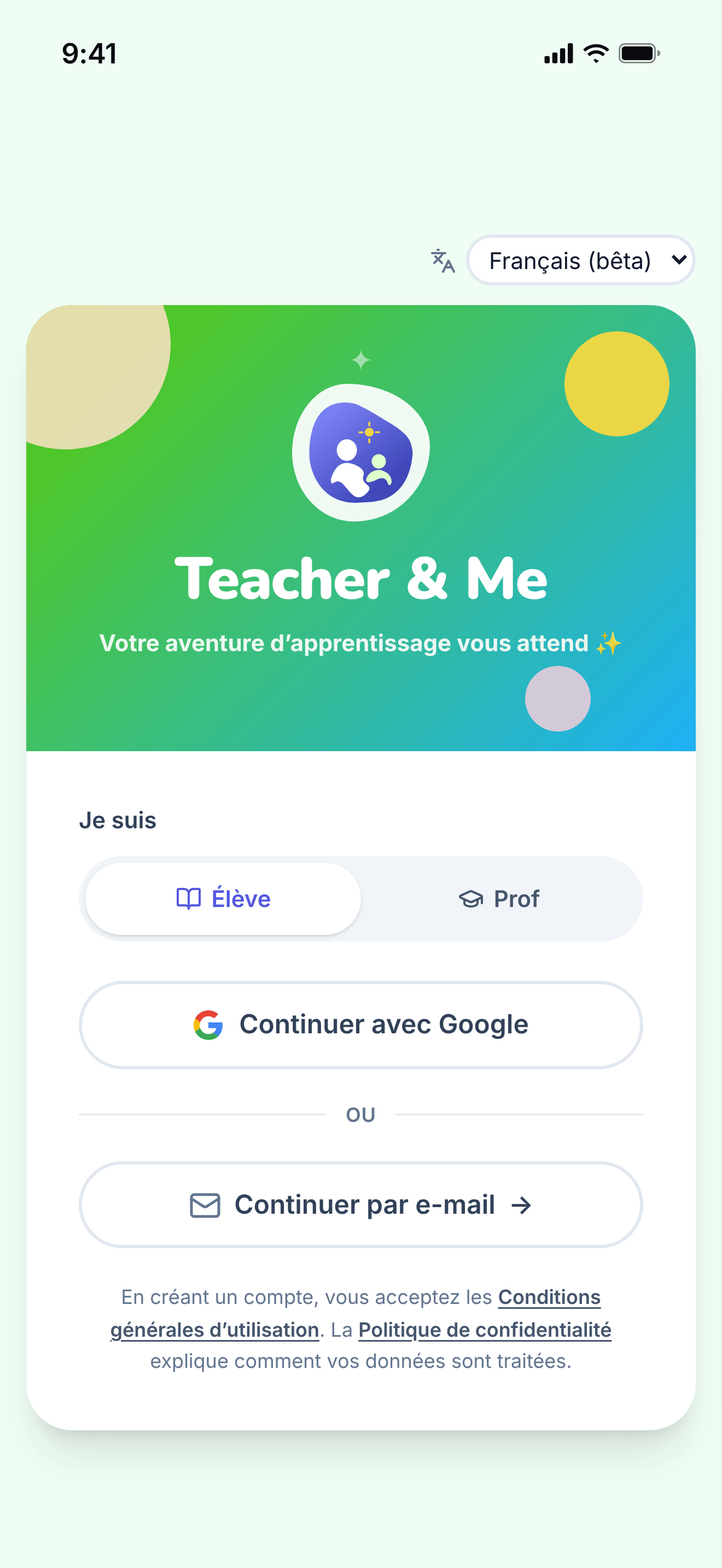
The single sign-in card, shared by students and tutors.
https://teacher-and-me.com/press-assets/fr/phone/signin.png
The same screen as the desktop capture.
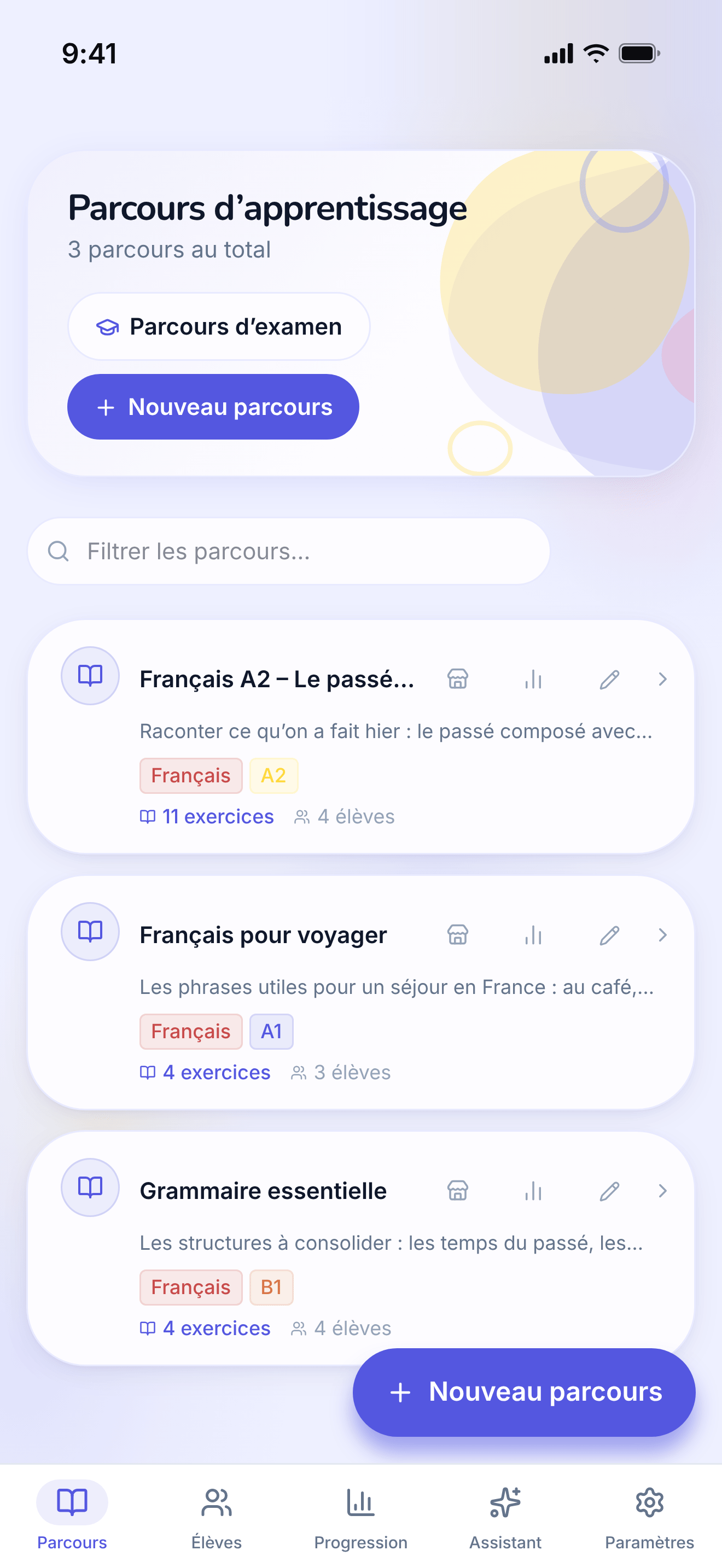
The tutor’s own paths, the first screen after signing in as a teacher.
https://teacher-and-me.com/press-assets/fr/phone/teacher-paths.png
The same screen as the desktop capture.
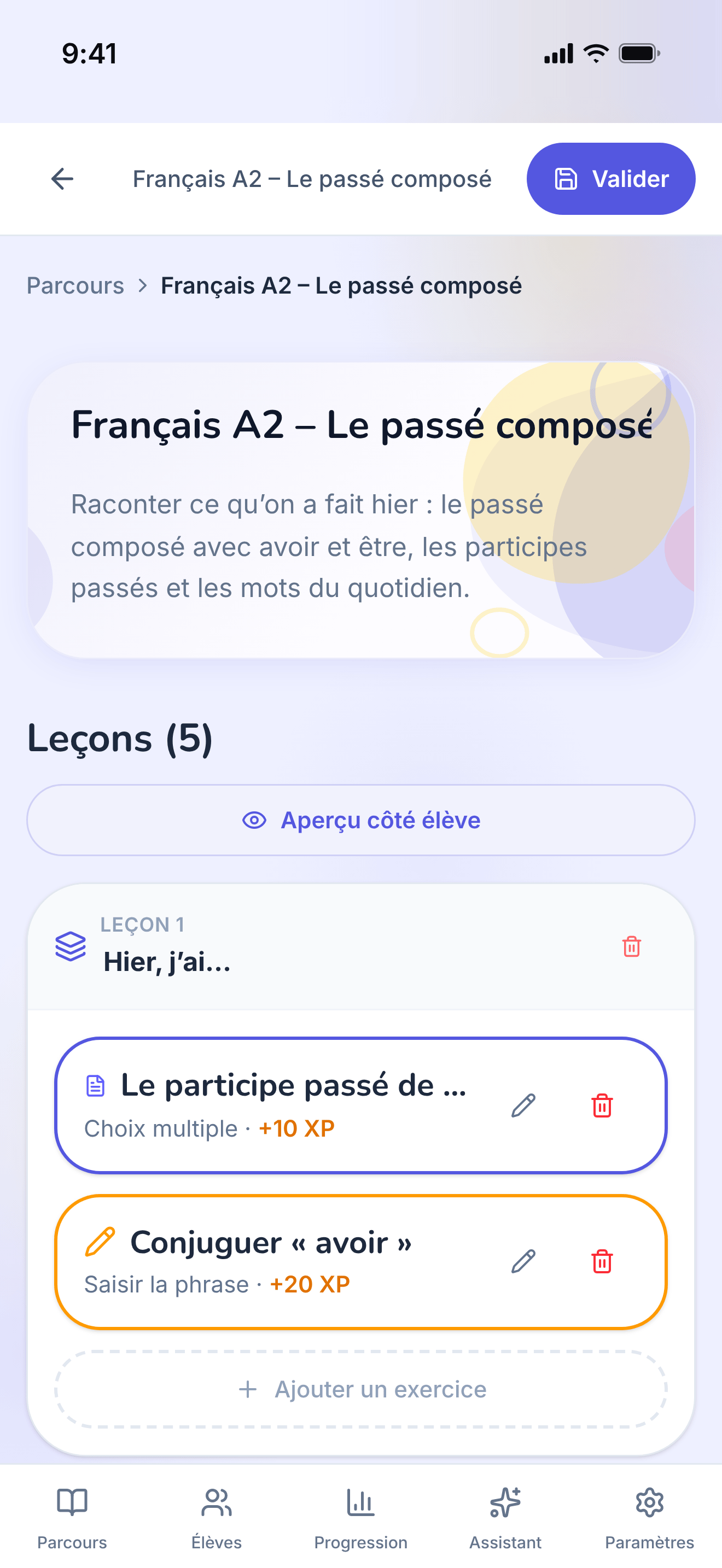
One path opened for editing: its lessons, in order.
https://teacher-and-me.com/press-assets/fr/phone/teacher-path-editor.png
The same screen as the desktop capture.
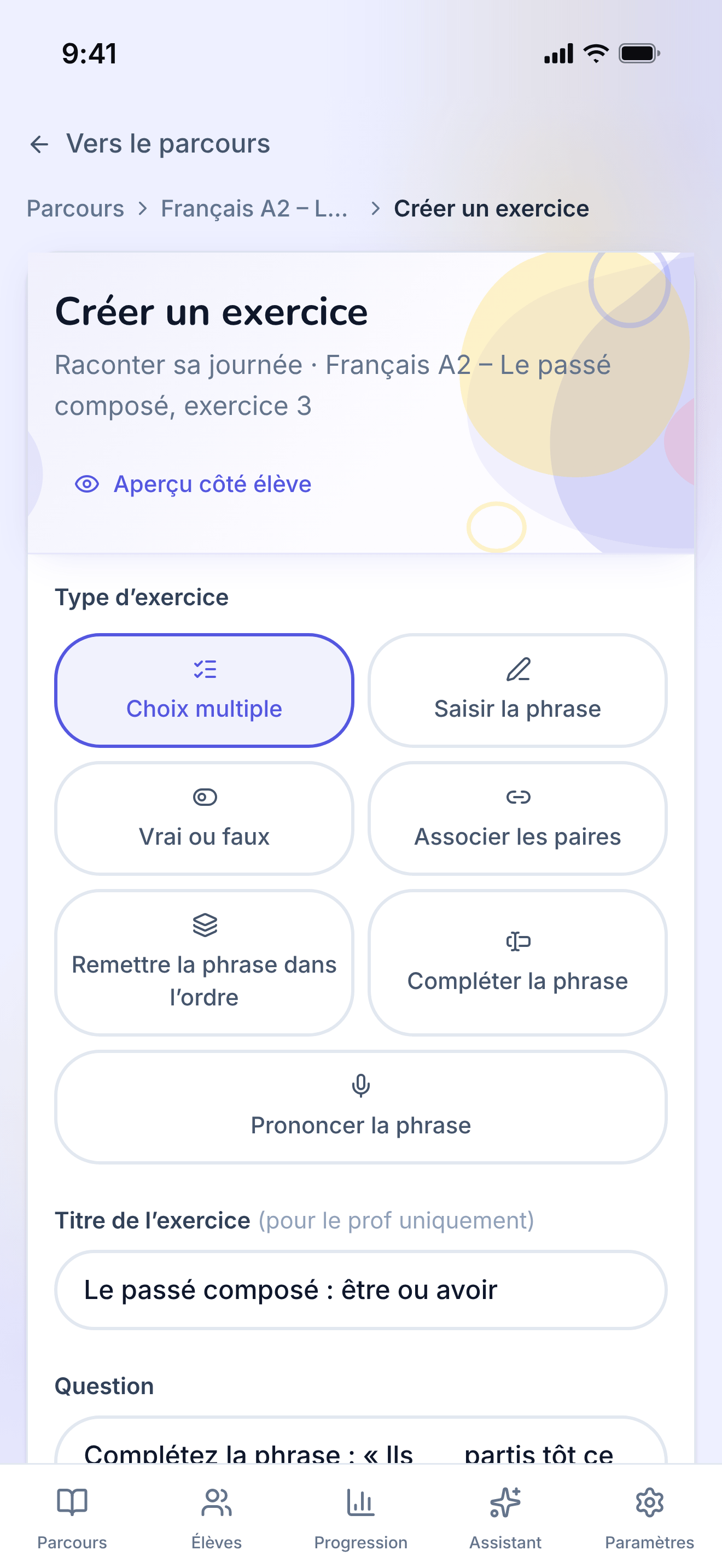
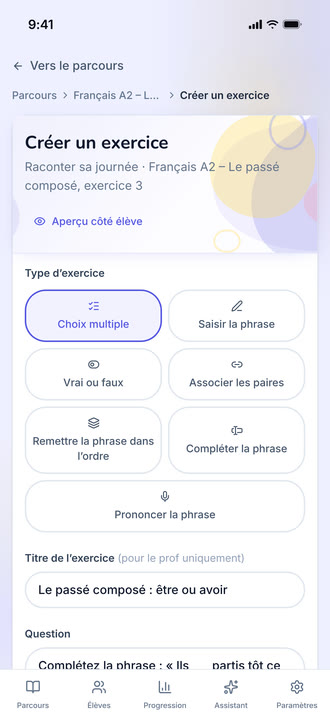
The form one exercise is written in, filled with a multiple-choice question.
https://teacher-and-me.com/press-assets/fr/phone/teacher-exercise-builder.png
The same screen as the desktop capture.
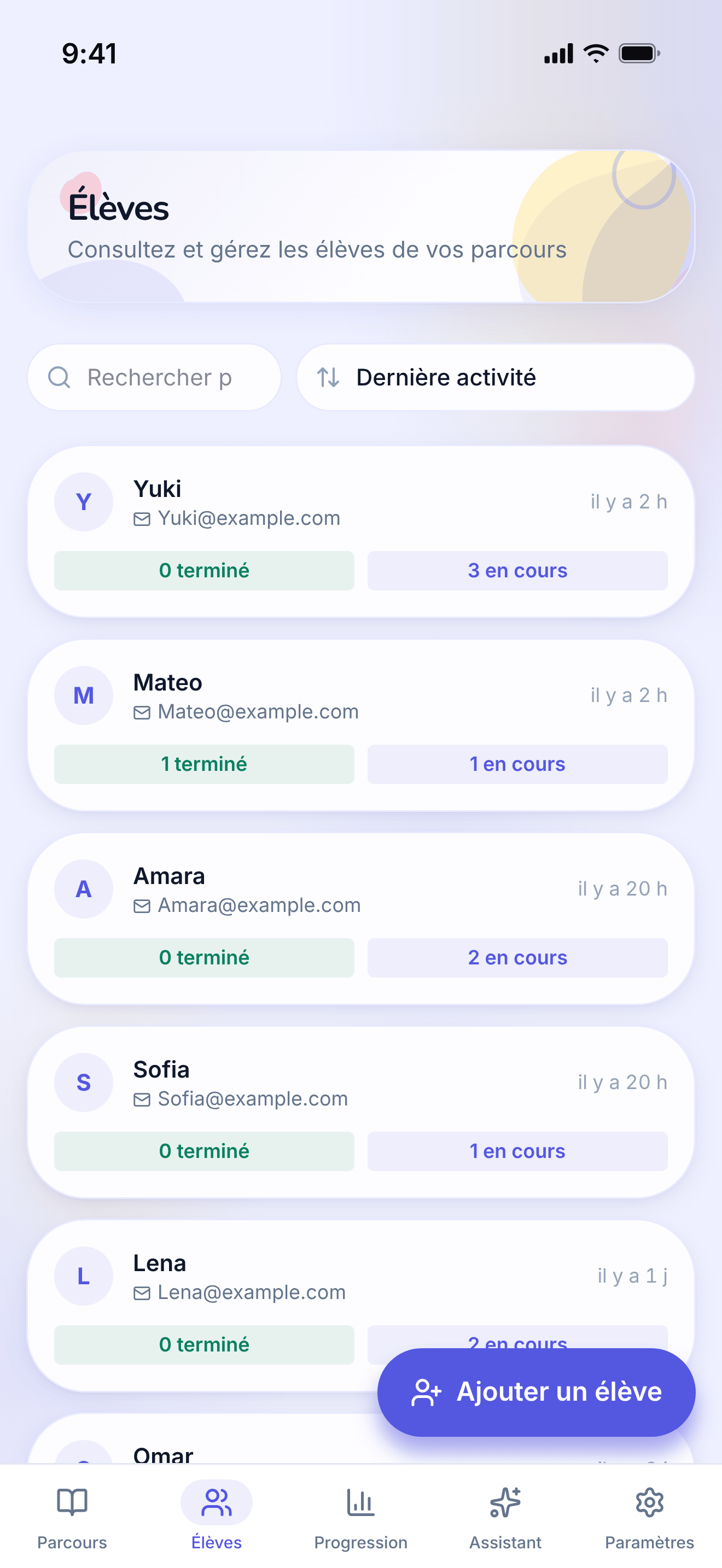
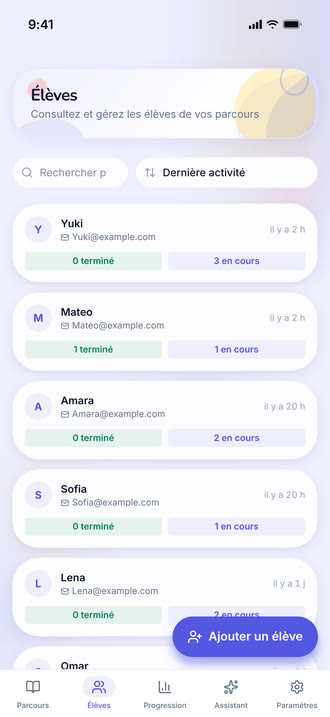
The tutor’s roster: every student they teach, in one searchable list.
https://teacher-and-me.com/press-assets/fr/phone/teacher-students.png
The same screen as the desktop capture.
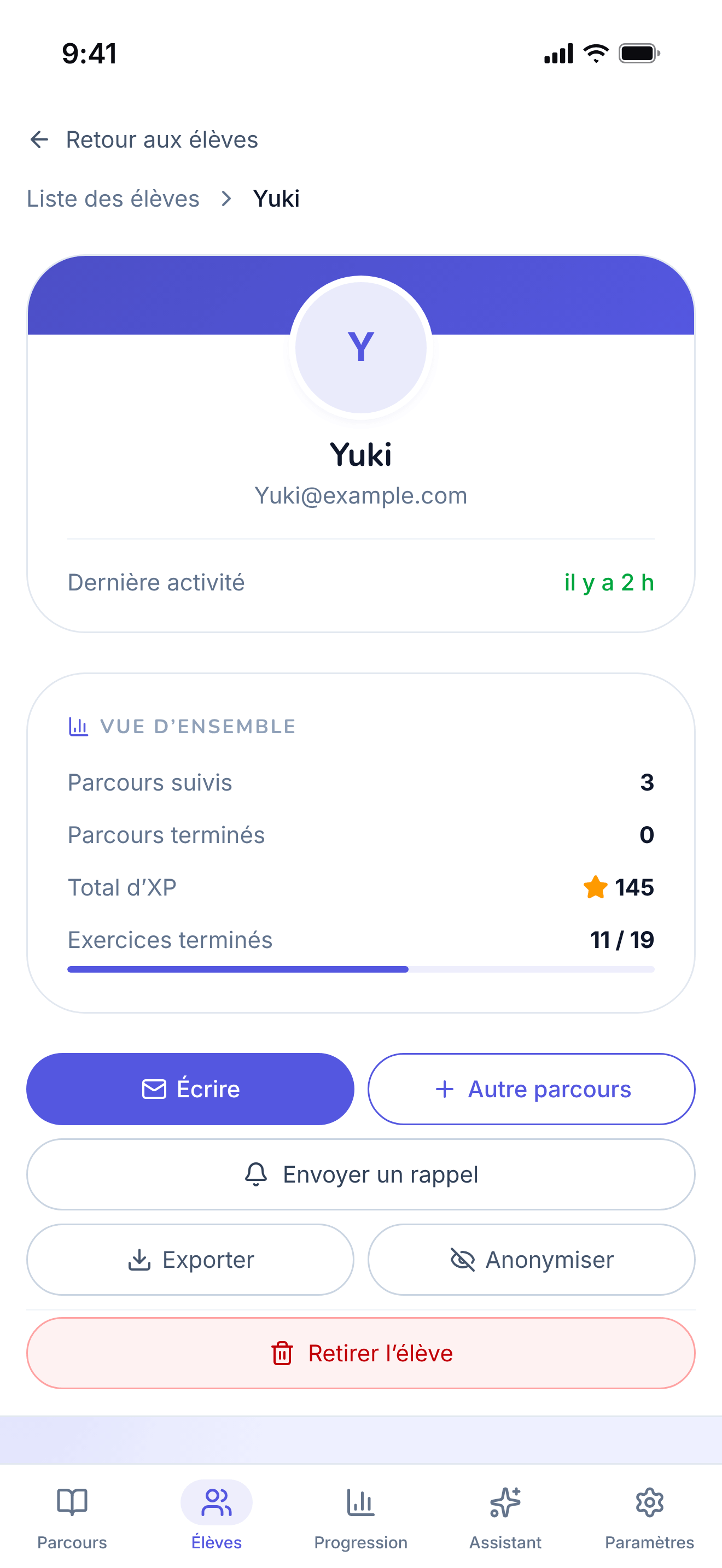
A single student’s page, on the "By Path" tab.
https://teacher-and-me.com/press-assets/fr/phone/teacher-student-profile.png
The same screen as the desktop capture.
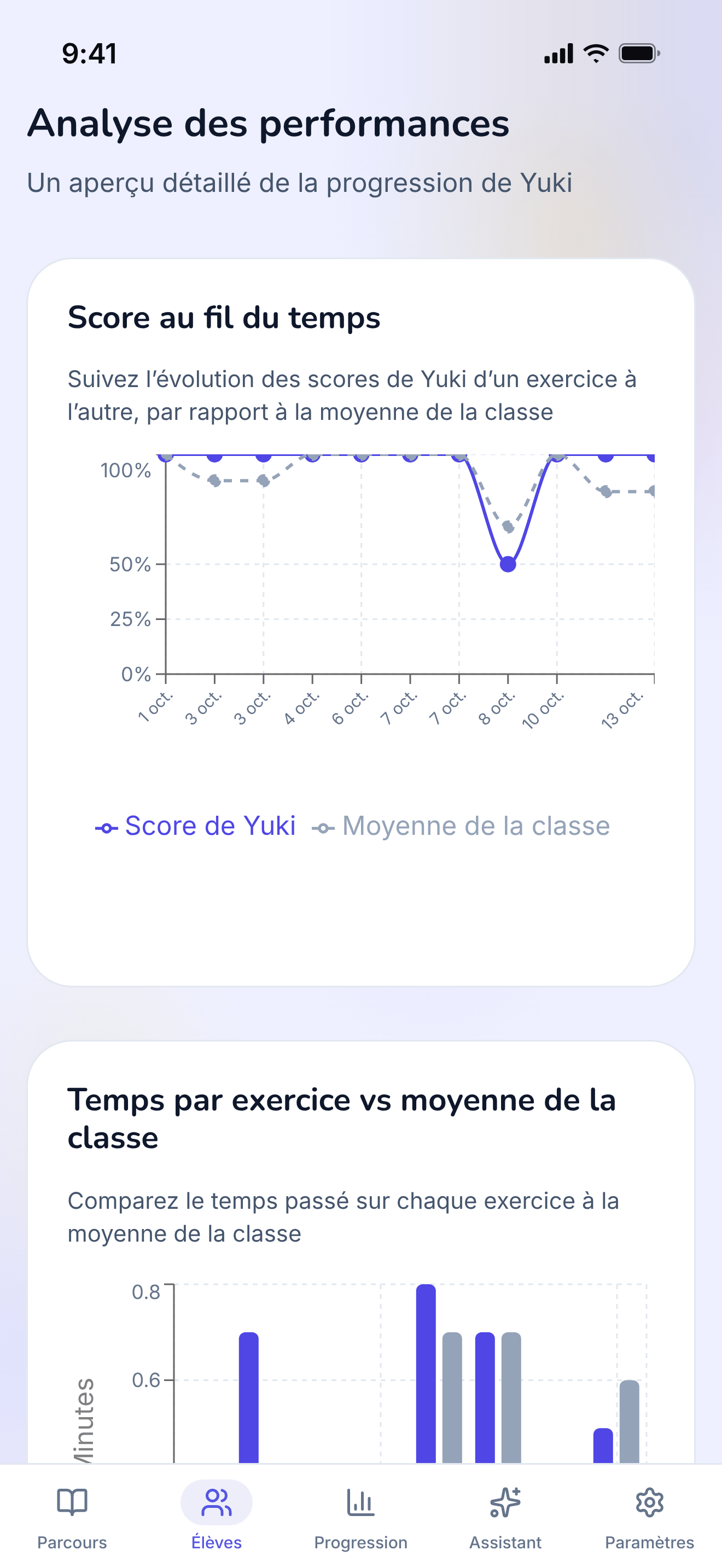
The diagnostic view: how one student performed, exercise by exercise.
https://teacher-and-me.com/press-assets/fr/phone/teacher-student-analytics.png
The same screen as the desktop capture.
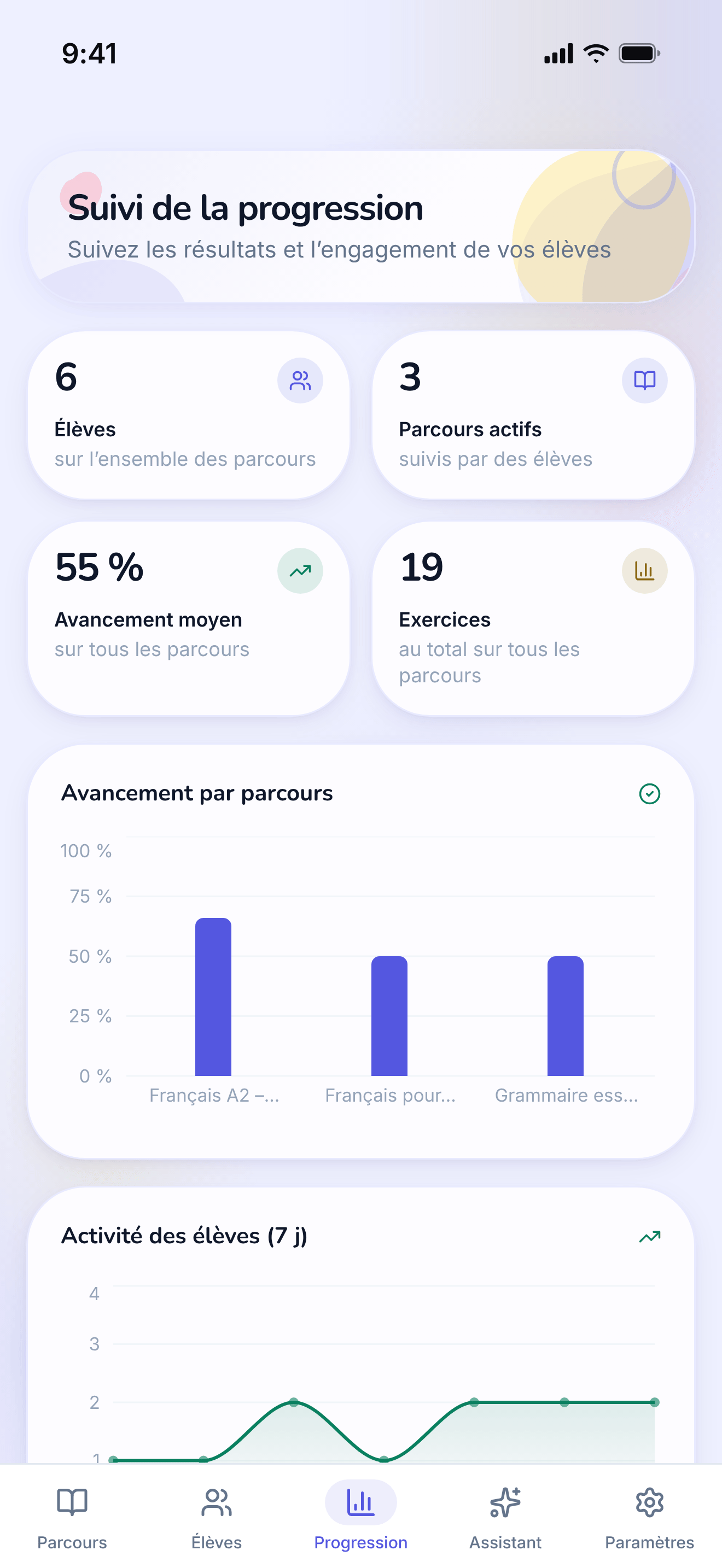
Every student and every path on one dashboard.
https://teacher-and-me.com/press-assets/fr/phone/teacher-progress.png
The same screen as the desktop capture.
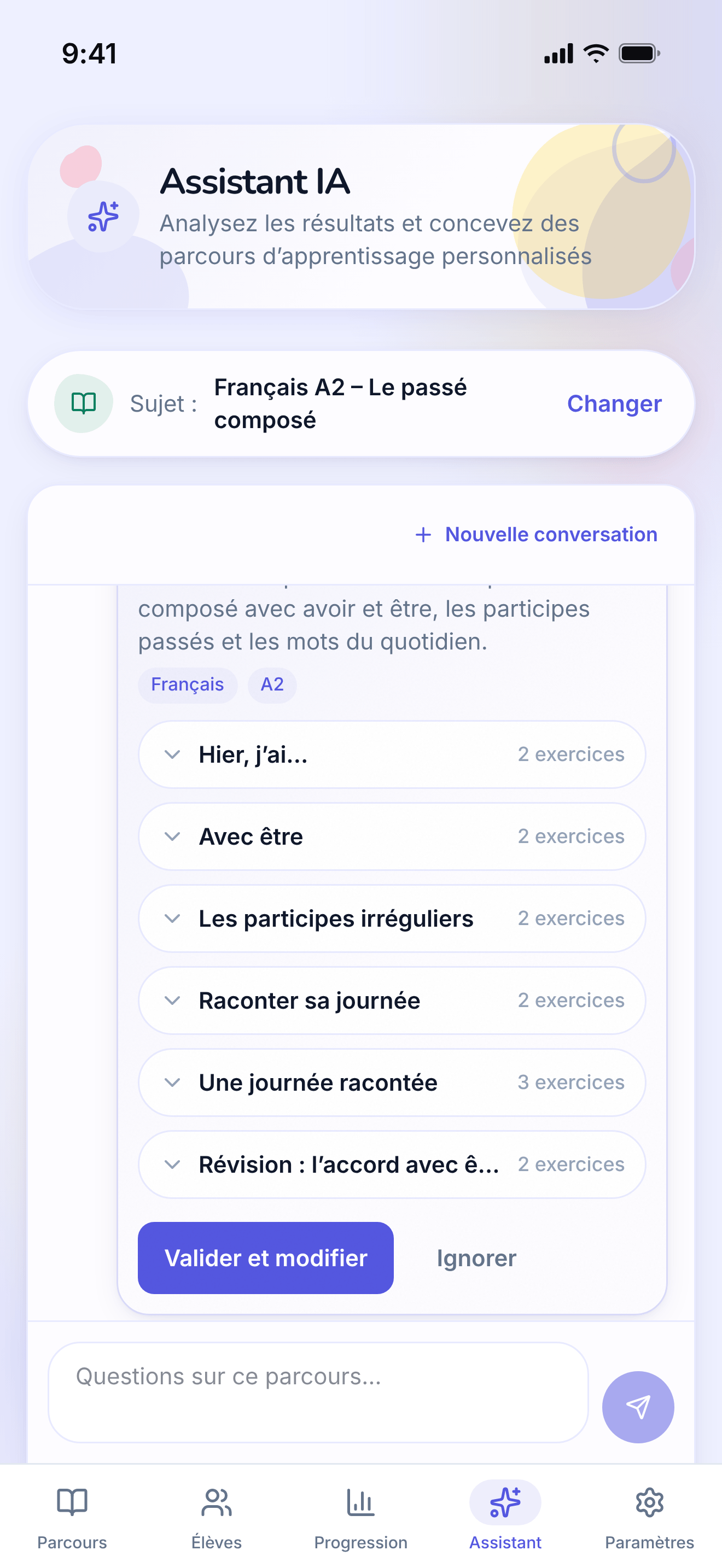
The assistant answering a question about a path and proposing a lesson to add, with an approve control.
https://teacher-and-me.com/press-assets/fr/phone/teacher-assistant.png
The same screen as the desktop capture.
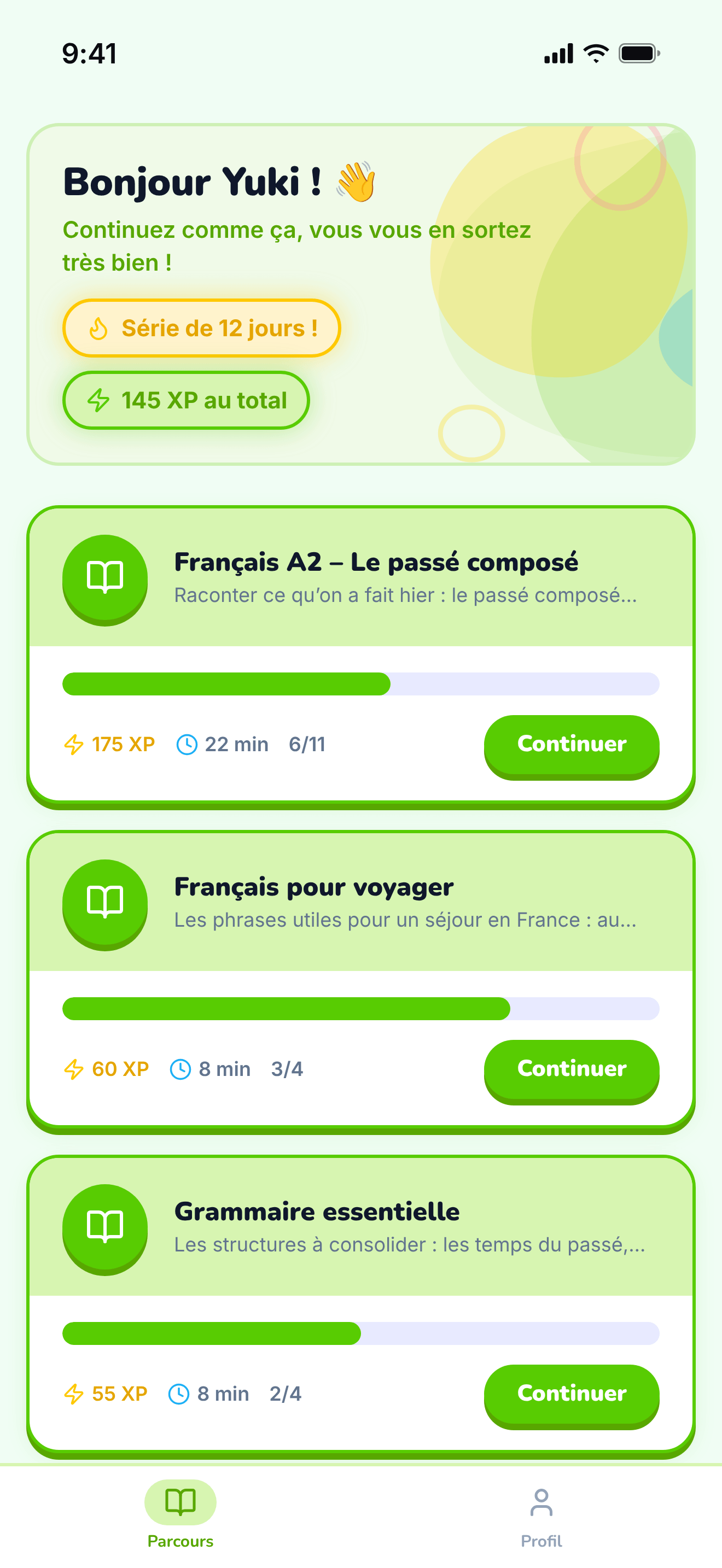
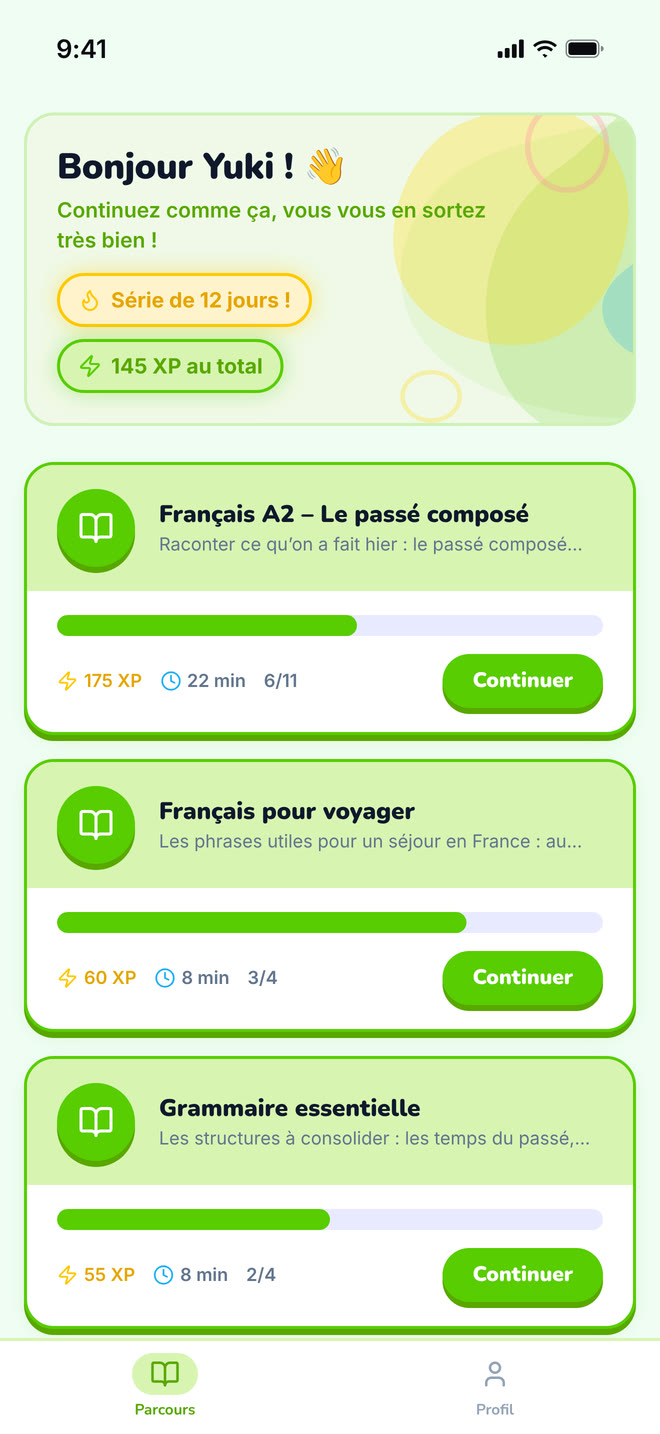
The student’s home: the paths their tutor assigned them.
https://teacher-and-me.com/press-assets/fr/phone/student-paths.png
The same screen as the desktop capture.
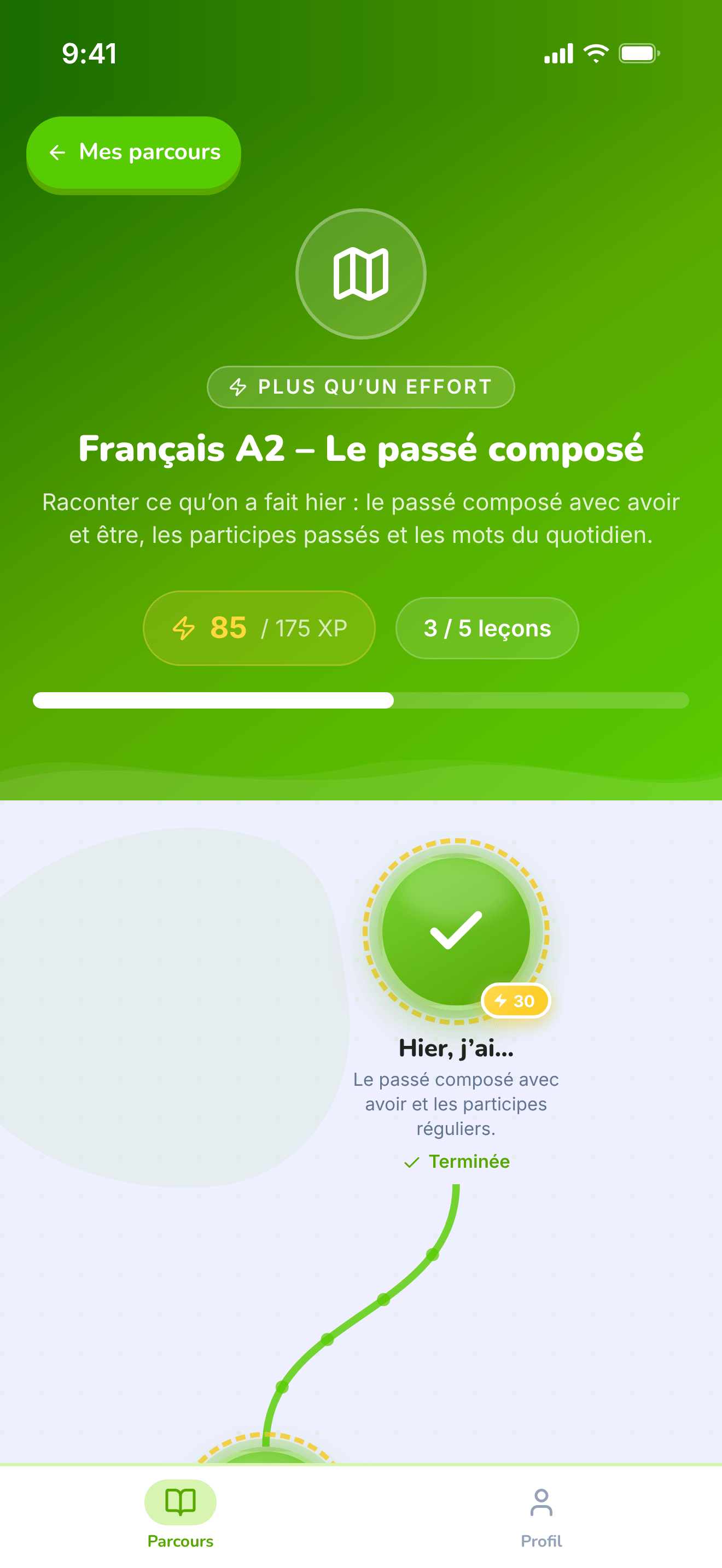
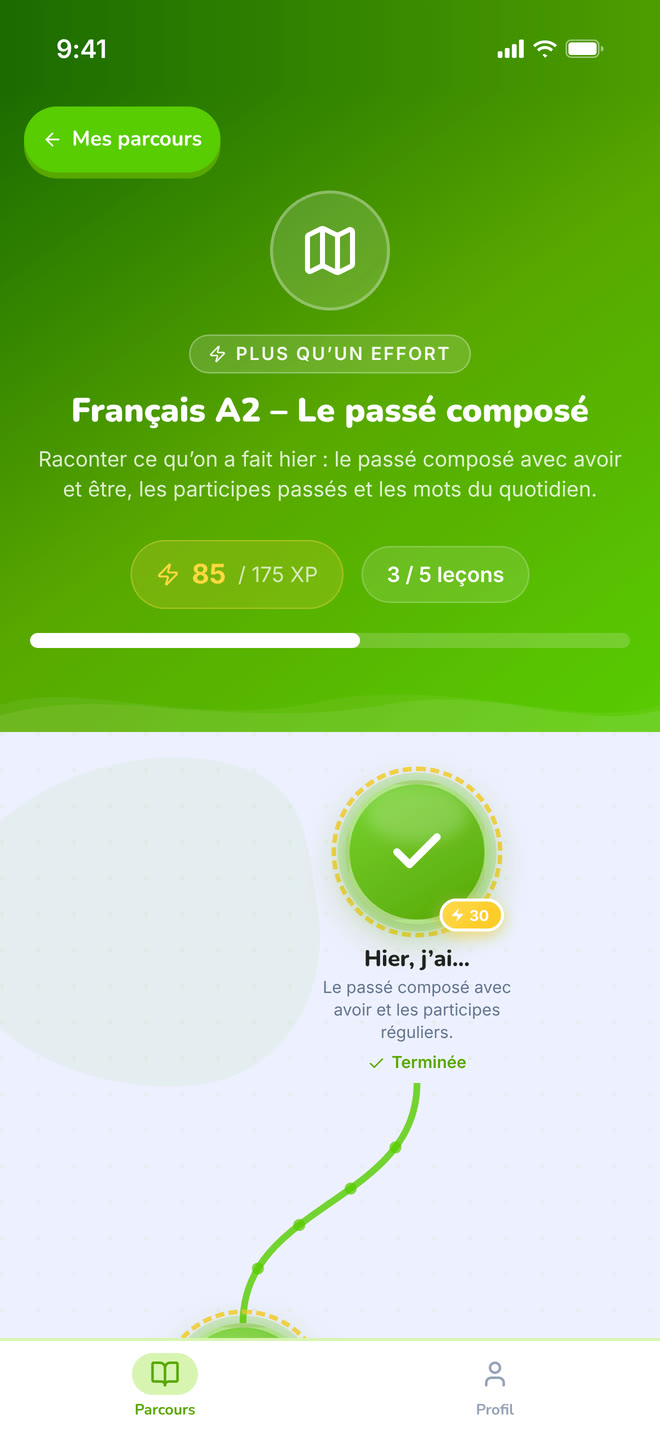
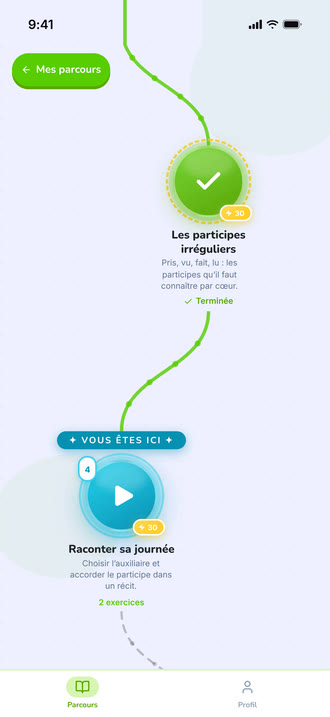
The top of one path: its title, XP and progress, above the map.
https://teacher-and-me.com/press-assets/fr/phone/student-path-map-top.png
The same screen as the desktop capture.
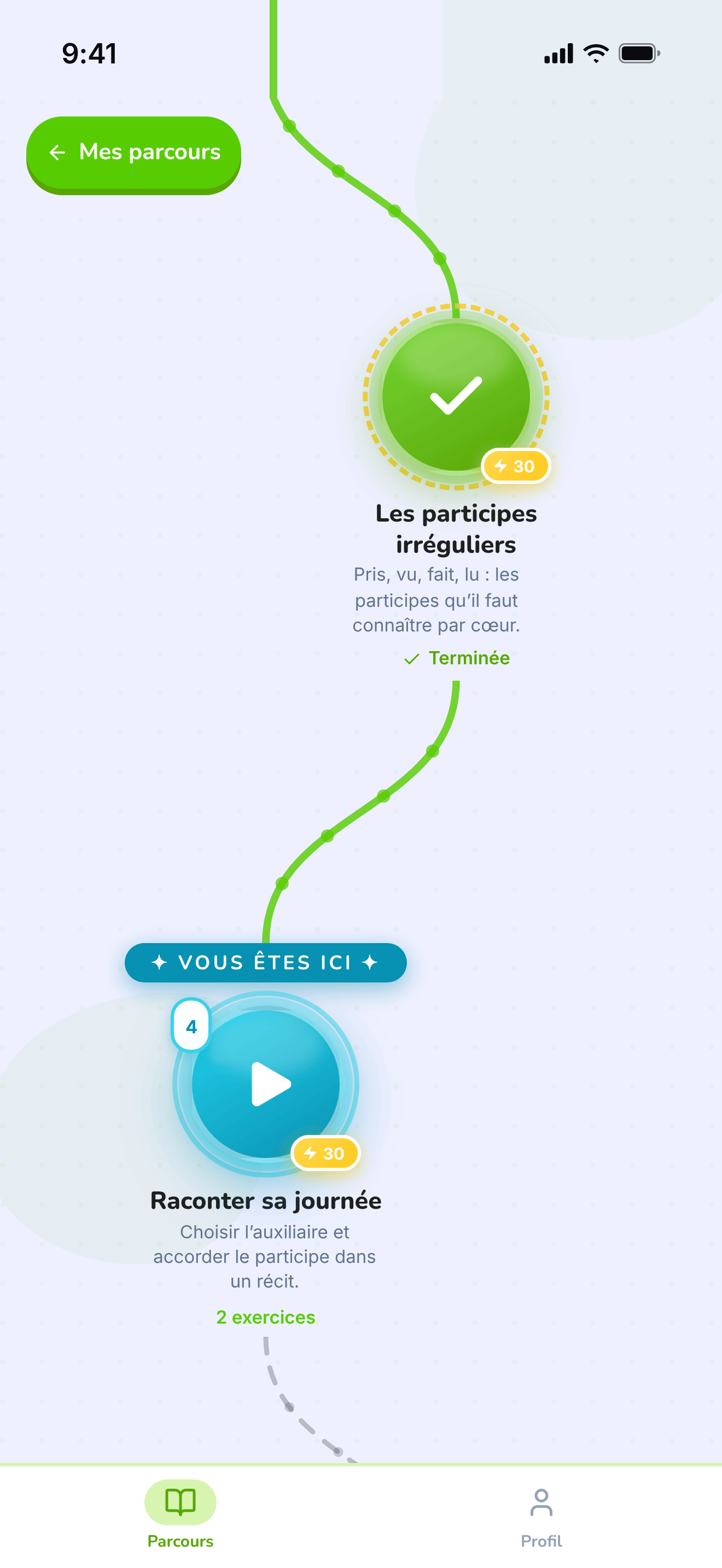
The winding map the student walks, one lesson at a time.
https://teacher-and-me.com/press-assets/fr/phone/student-path-map.png
The same screen as the desktop capture.
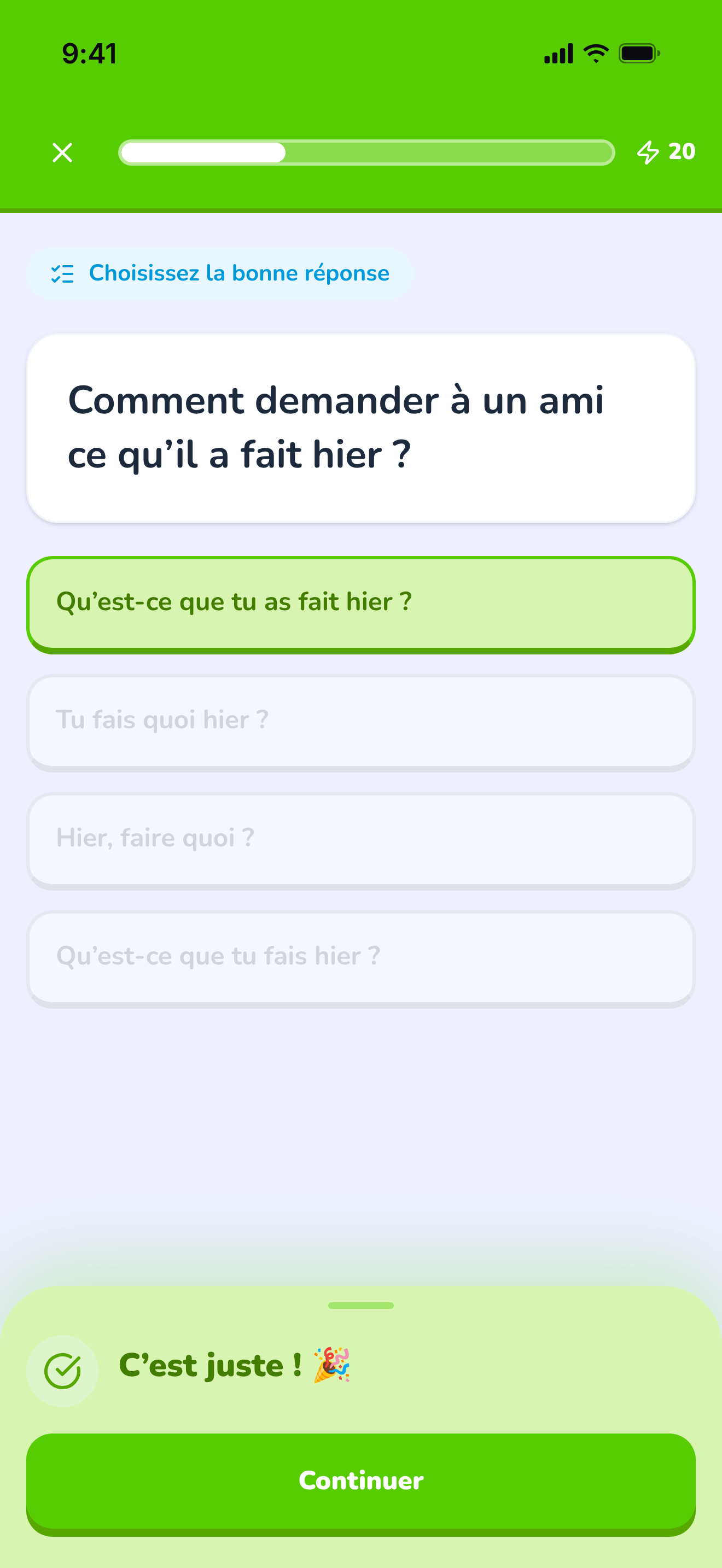
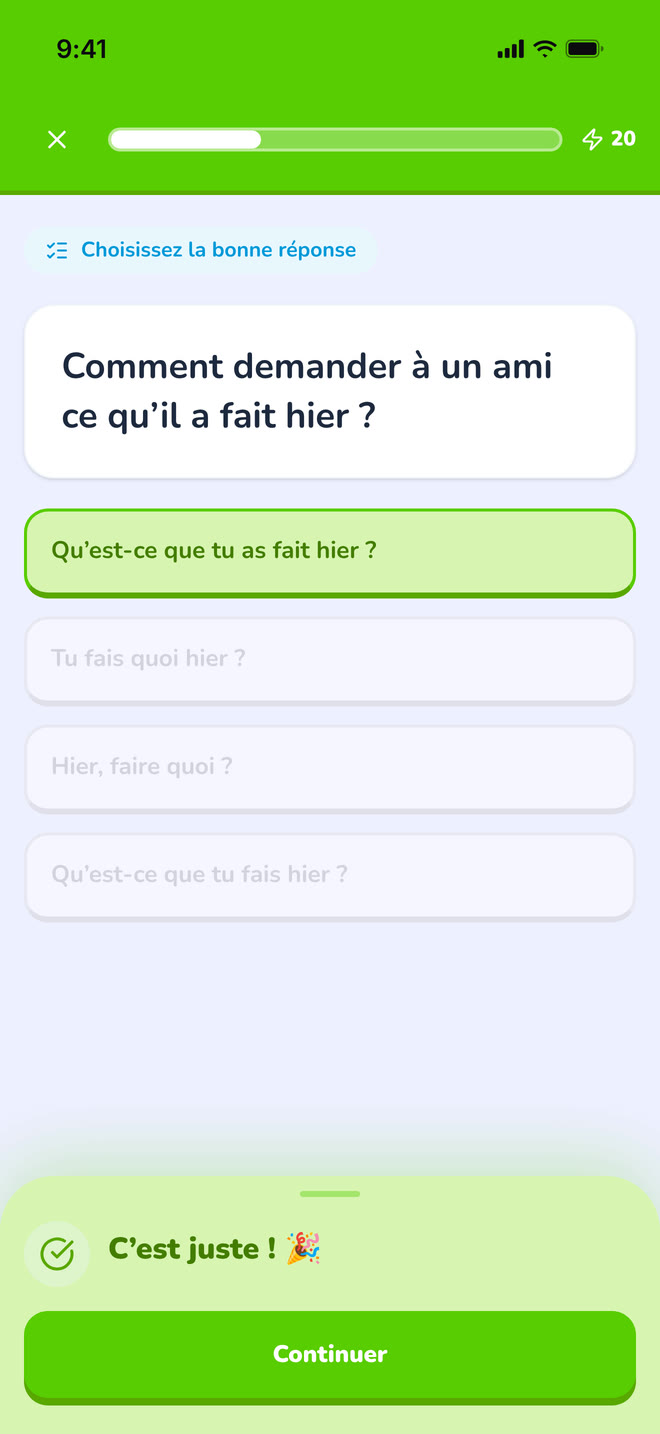
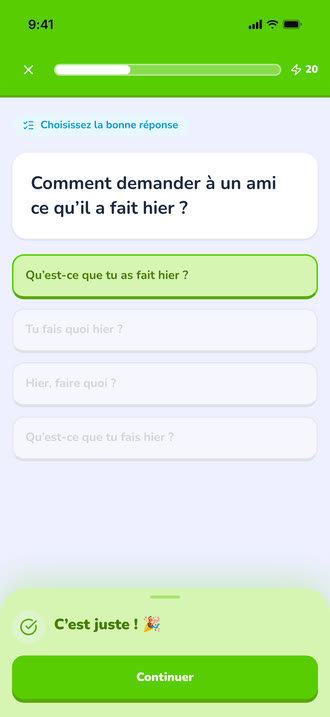
A multiple-choice question just answered correctly, showing the feedback state.
https://teacher-and-me.com/press-assets/fr/phone/student-exercise-correct.png
The same screen as the desktop capture.
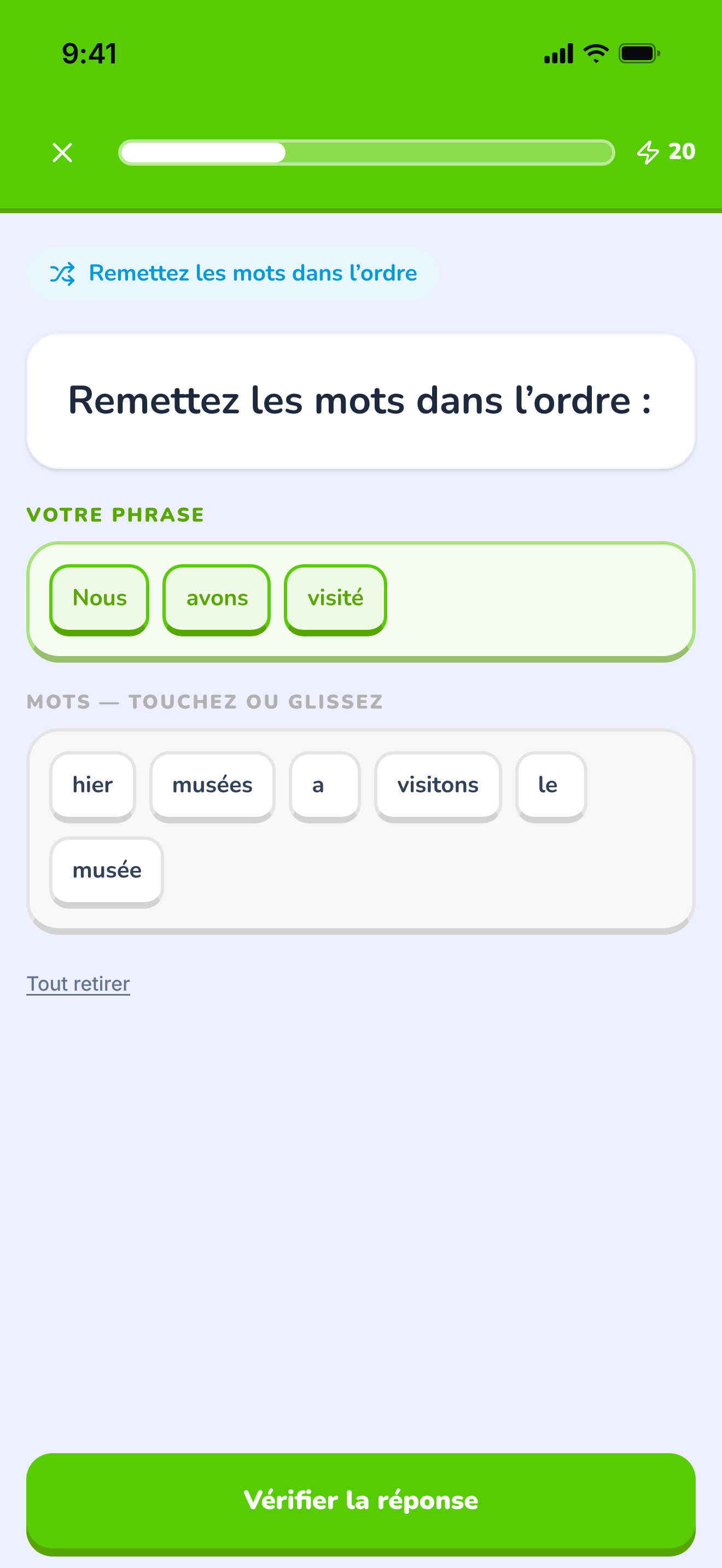
The tile builder mid-answer: a sentence being assembled word by word.
https://teacher-and-me.com/press-assets/fr/phone/student-exercise-tiles.png
The same screen as the desktop capture.
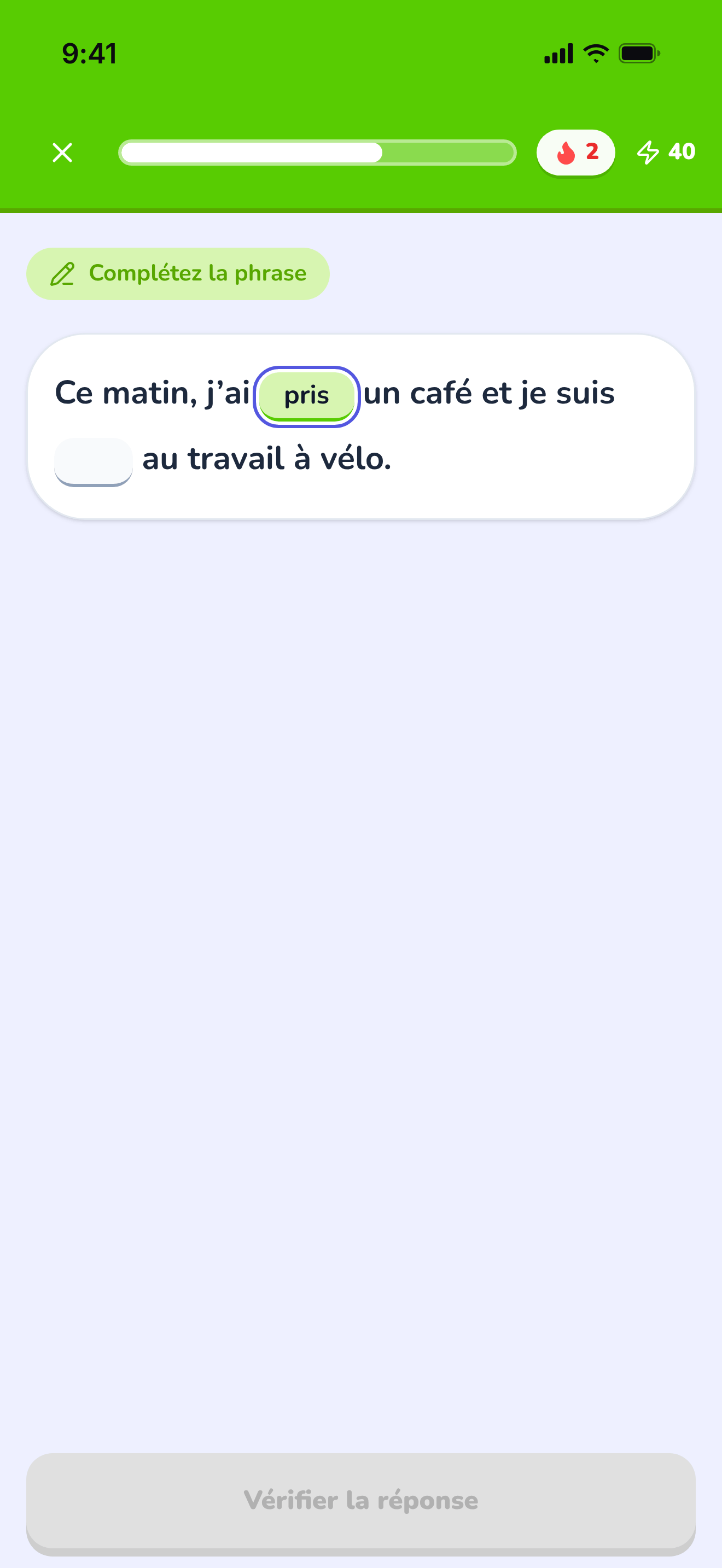
A sentence with two gaps, the first one typed in.
https://teacher-and-me.com/press-assets/fr/phone/student-exercise-fill-in.png
The same screen as the desktop capture.
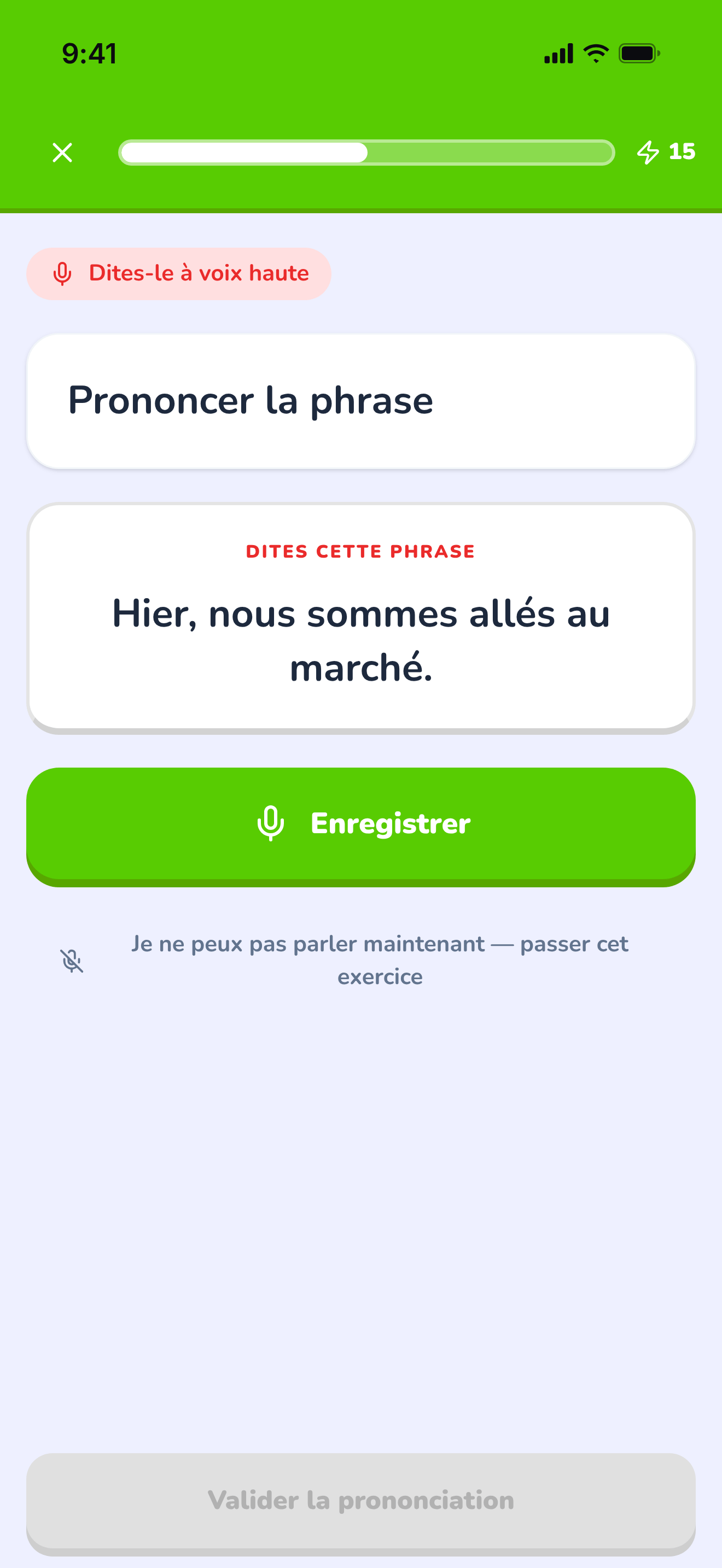
The pronunciation exercise at rest, before recording.
https://teacher-and-me.com/press-assets/fr/phone/student-exercise-pronounce.png
The same screen as the desktop capture.
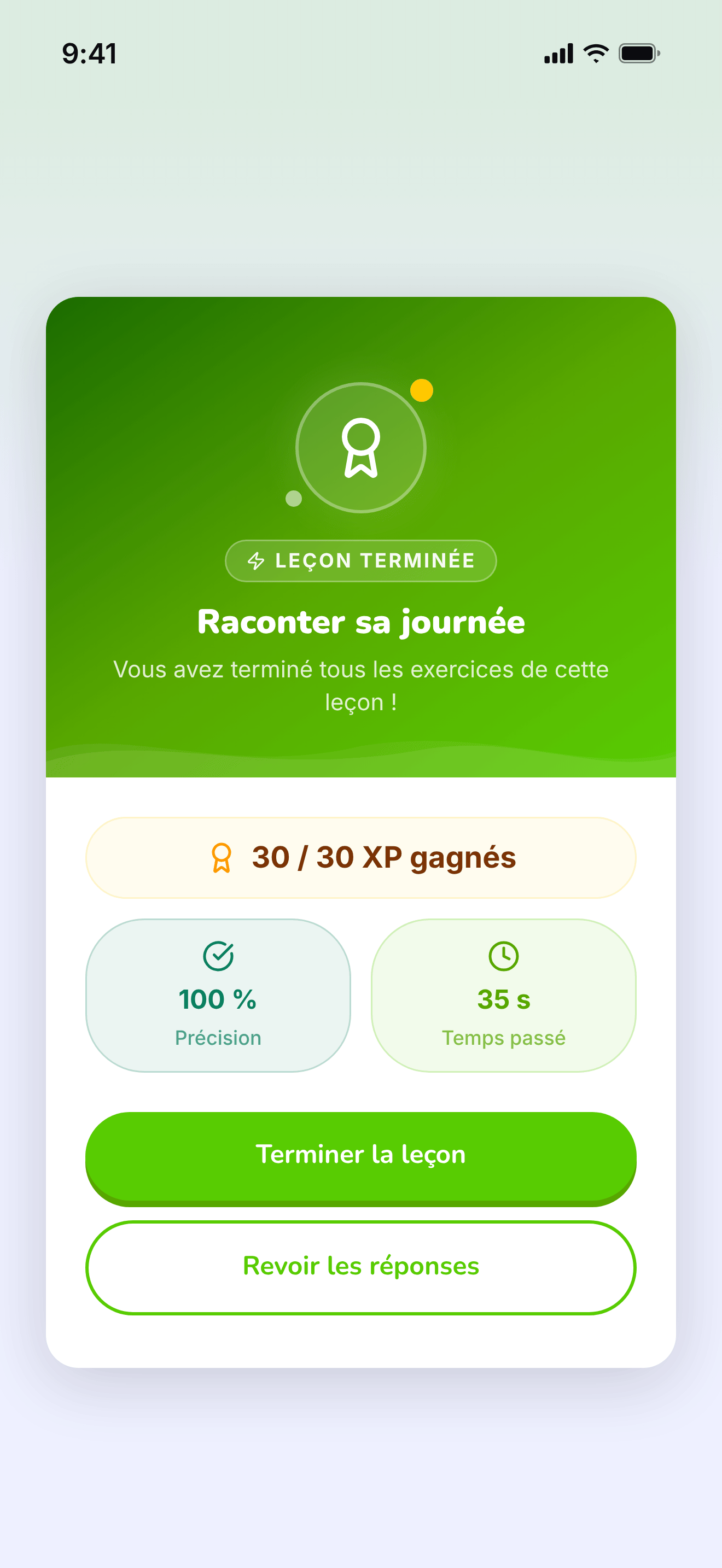
The card that closes a finished lesson.
https://teacher-and-me.com/press-assets/fr/phone/student-lesson-complete.png
The same screen as the desktop capture.
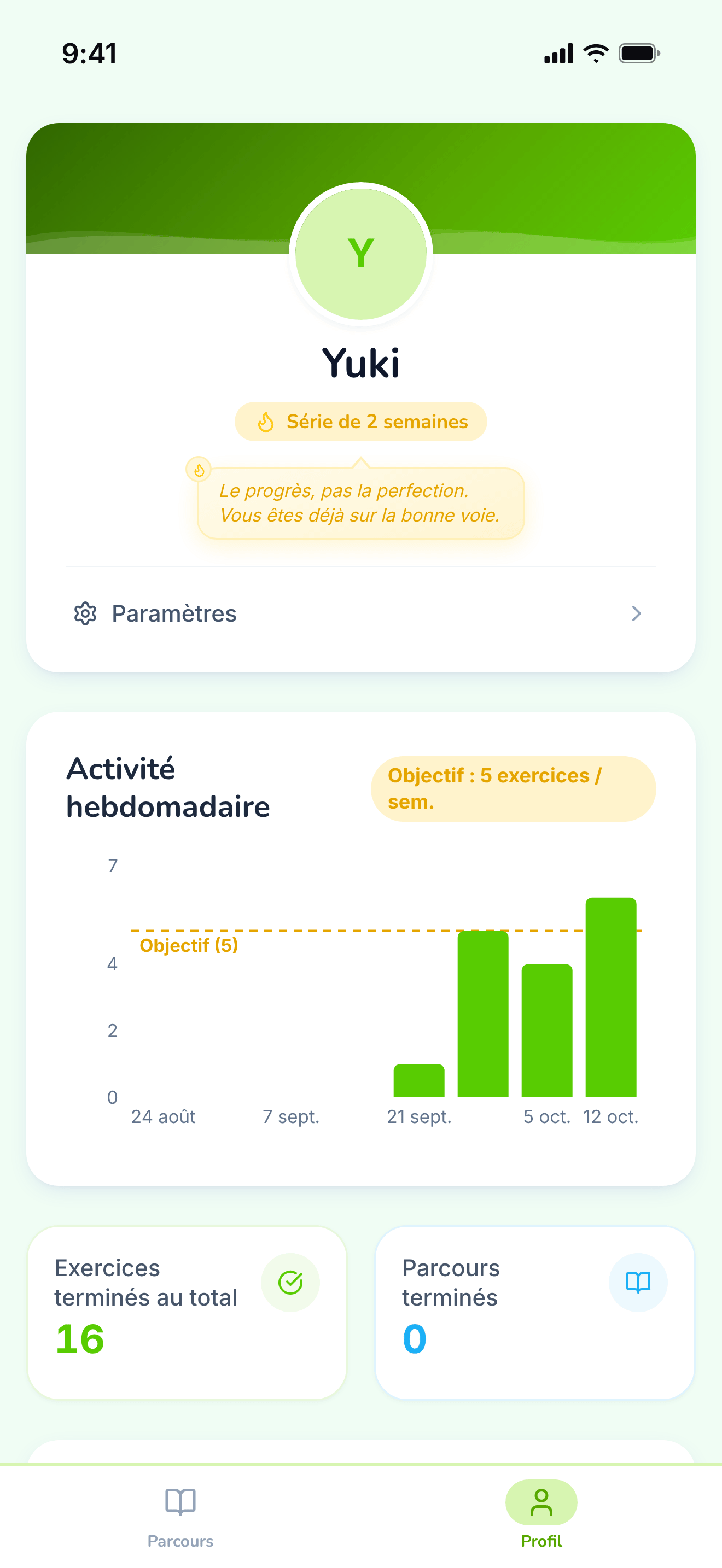
The student’s own progress, away from any single path.
https://teacher-and-me.com/press-assets/fr/phone/student-profile.png
The same screen as the desktop capture.
Interface in German, invented demo data.
Posters drawn from the real screens, 1920×1080: a headline beside a device frame, on the product’s own palette. The three above are the featured set; the Copy URL under each card is its 1200×630 edition.
The one card that says what the product is: logo, tagline and both apps side by side.
https://teacher-and-me.com/press-assets/de/cards/hero-1200x630.jpg
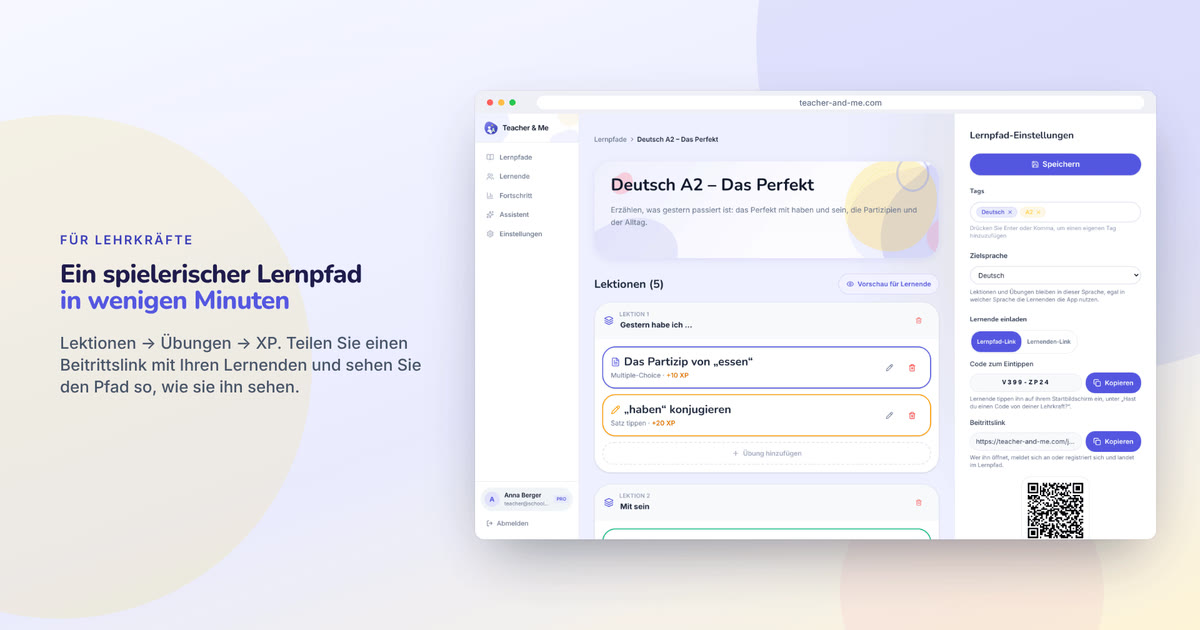
The default featured image. It carries the name, the pitch and both sides of the product in one frame, and reads at thumbnail size.
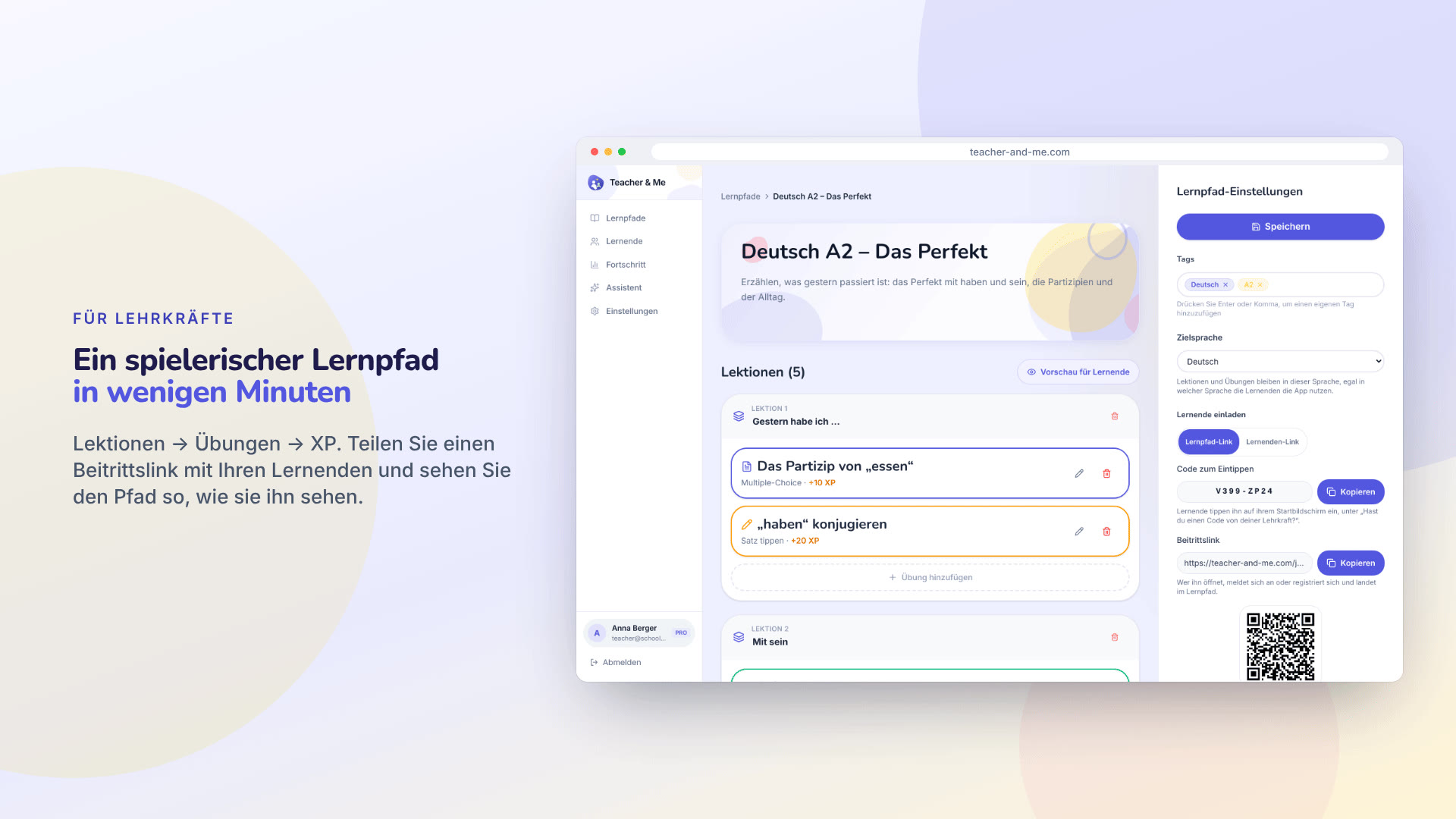
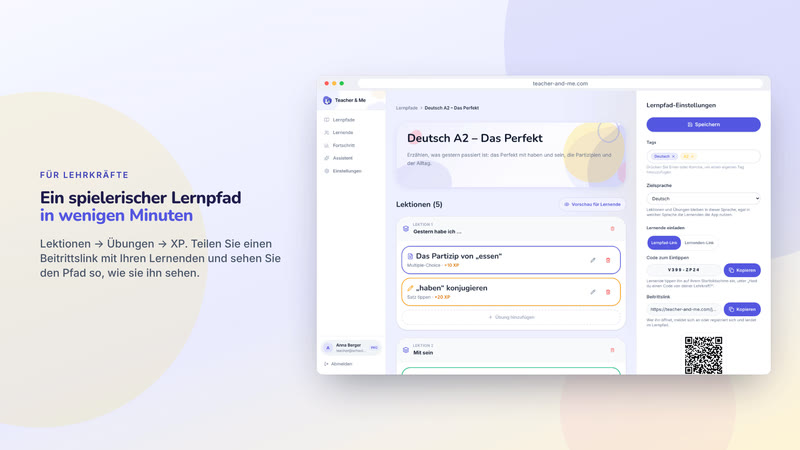
The tutor’s path editor in a browser frame, with the join link and its QR code.
https://teacher-and-me.com/press-assets/de/cards/path-editor-1200x630.jpg
An article about how a path is built. Pairs with the exercise editor card.
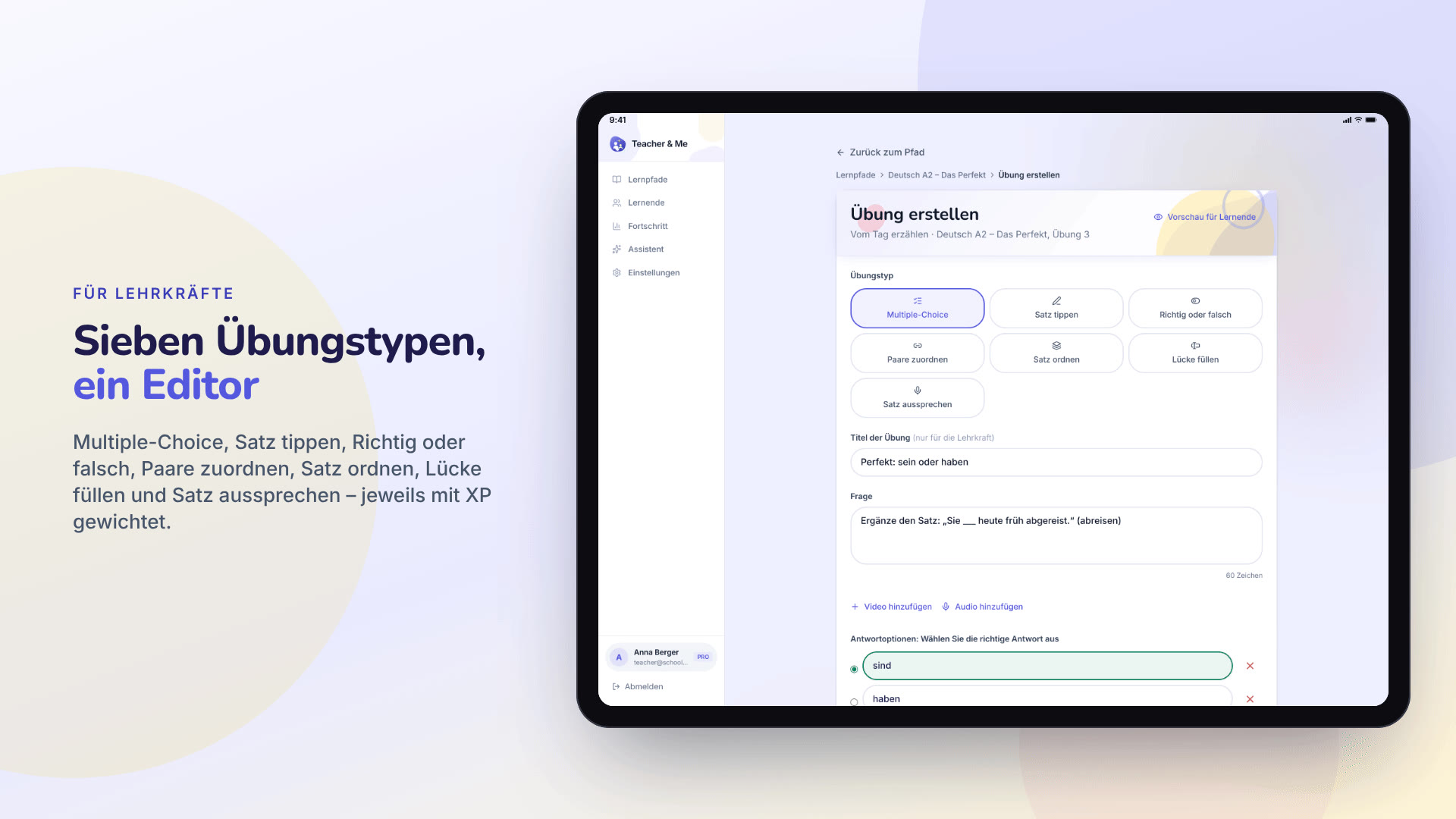
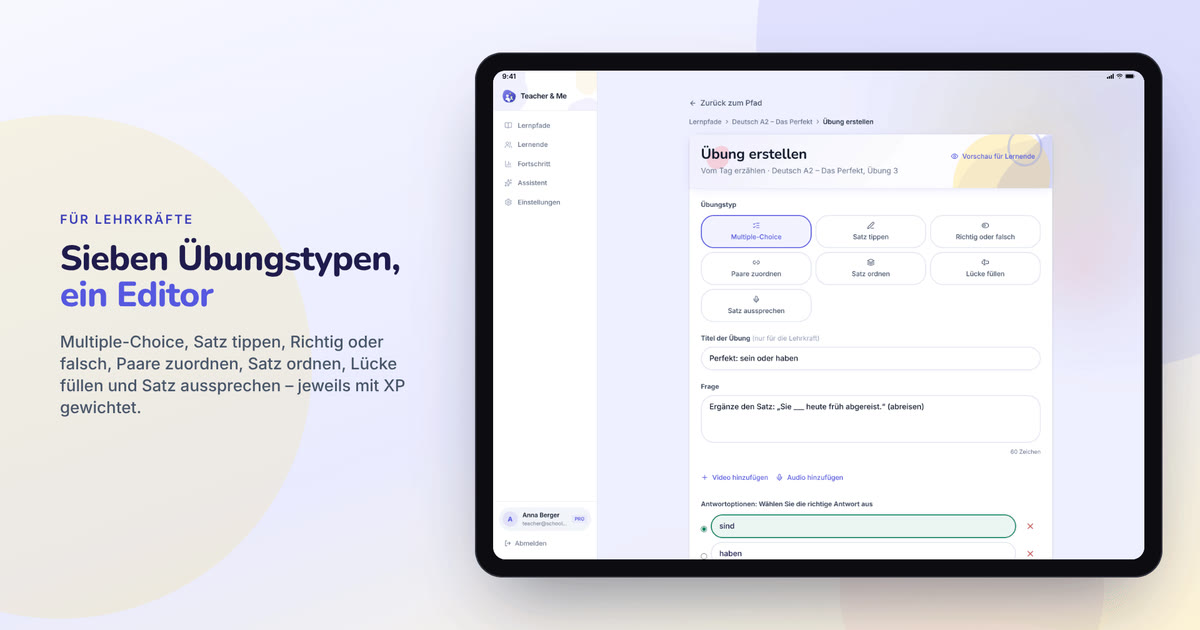
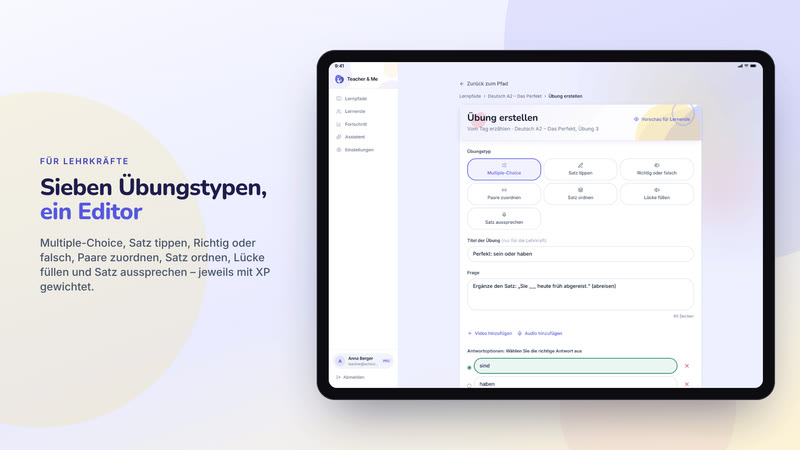
The exercise editor in a tablet frame, the seven-type grid at the top of the form.
https://teacher-and-me.com/press-assets/de/cards/exercise-builder-1200x630.jpg
When one image has to carry "seven exercise types". The only card framed as a tablet, because the form is tall.
One student’s analytics in a browser frame: score over time and time per exercise.
https://teacher-and-me.com/press-assets/de/cards/analytics-1200x630.jpg
The strongest claim the product makes, as a poster. The second featured image.
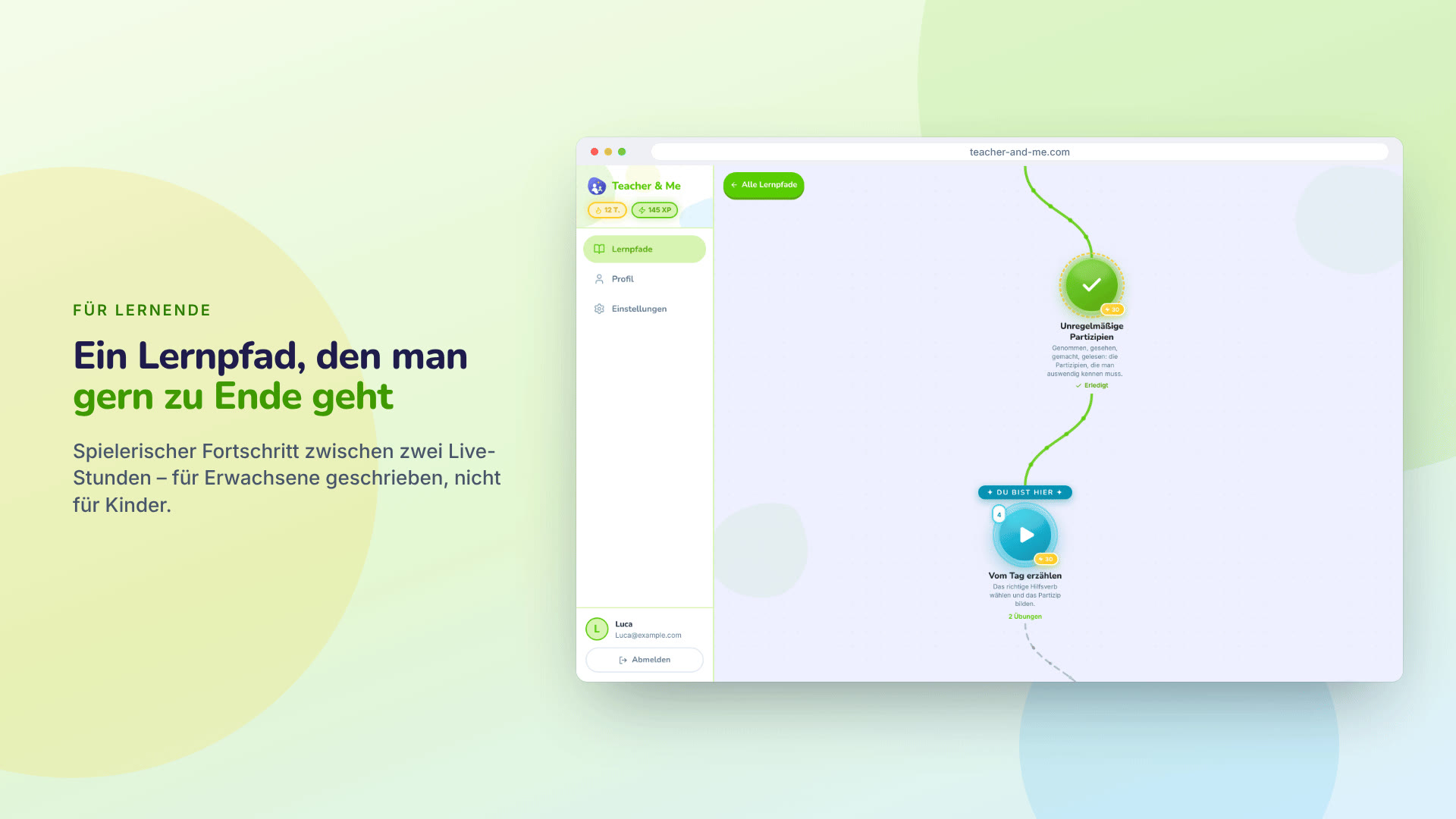
The student’s winding lesson map in a browser frame.
https://teacher-and-me.com/press-assets/de/cards/student-path-1200x630.jpg
The student-side hook on a desktop. For a phone, use the feedback card.
A multiple-choice question answered correctly, on a phone.
https://teacher-and-me.com/press-assets/de/cards/exercise-1200x630.jpg
The student experience in one glance. The third featured image, and the one to pick for a mobile-first outlet.
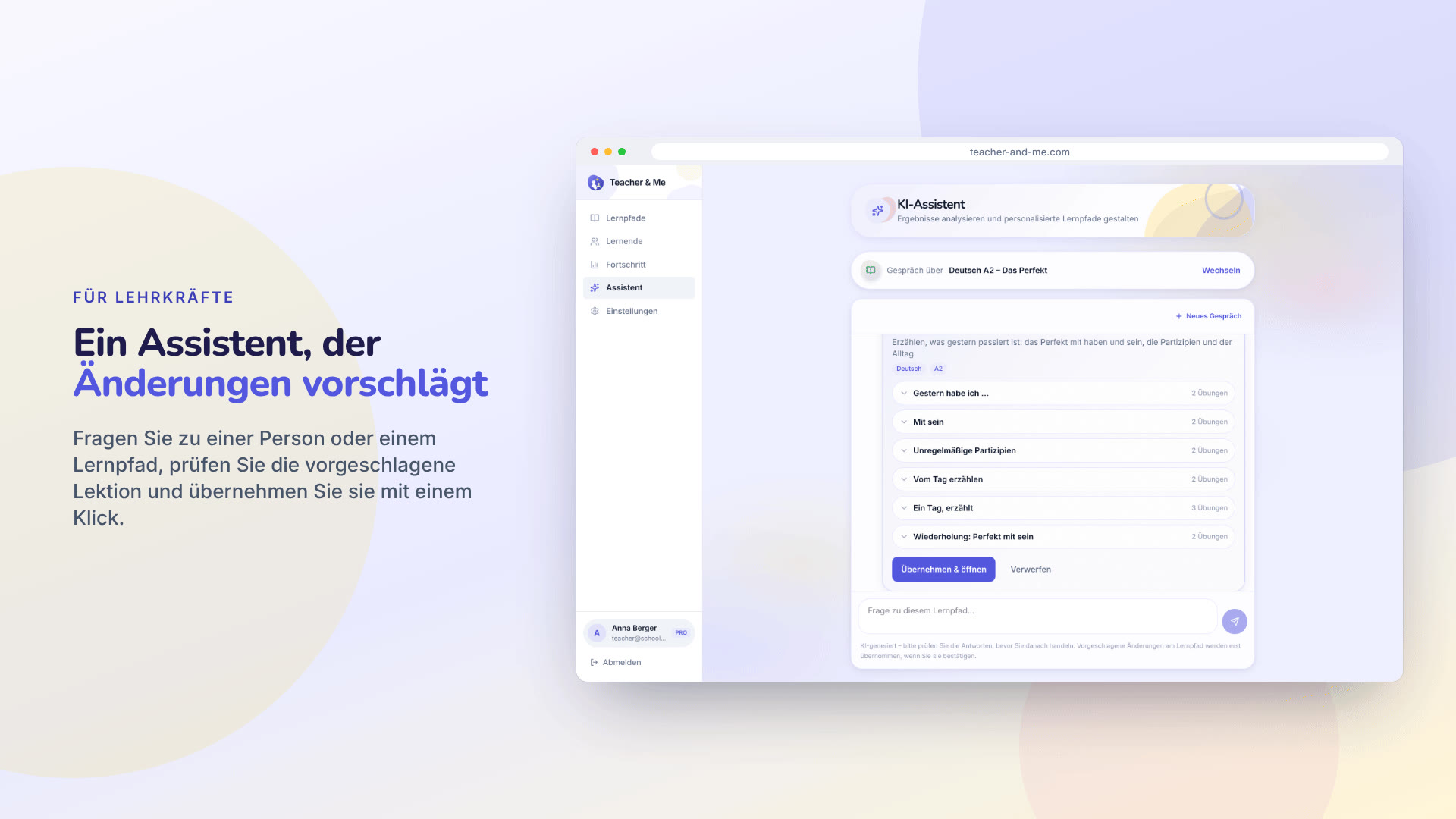
The assistant proposing a lesson for review, in a browser frame.
https://teacher-and-me.com/press-assets/de/cards/assistant-1200x630.jpg
An article about the assistant. Keep the caption honest: it proposes, the tutor approves.
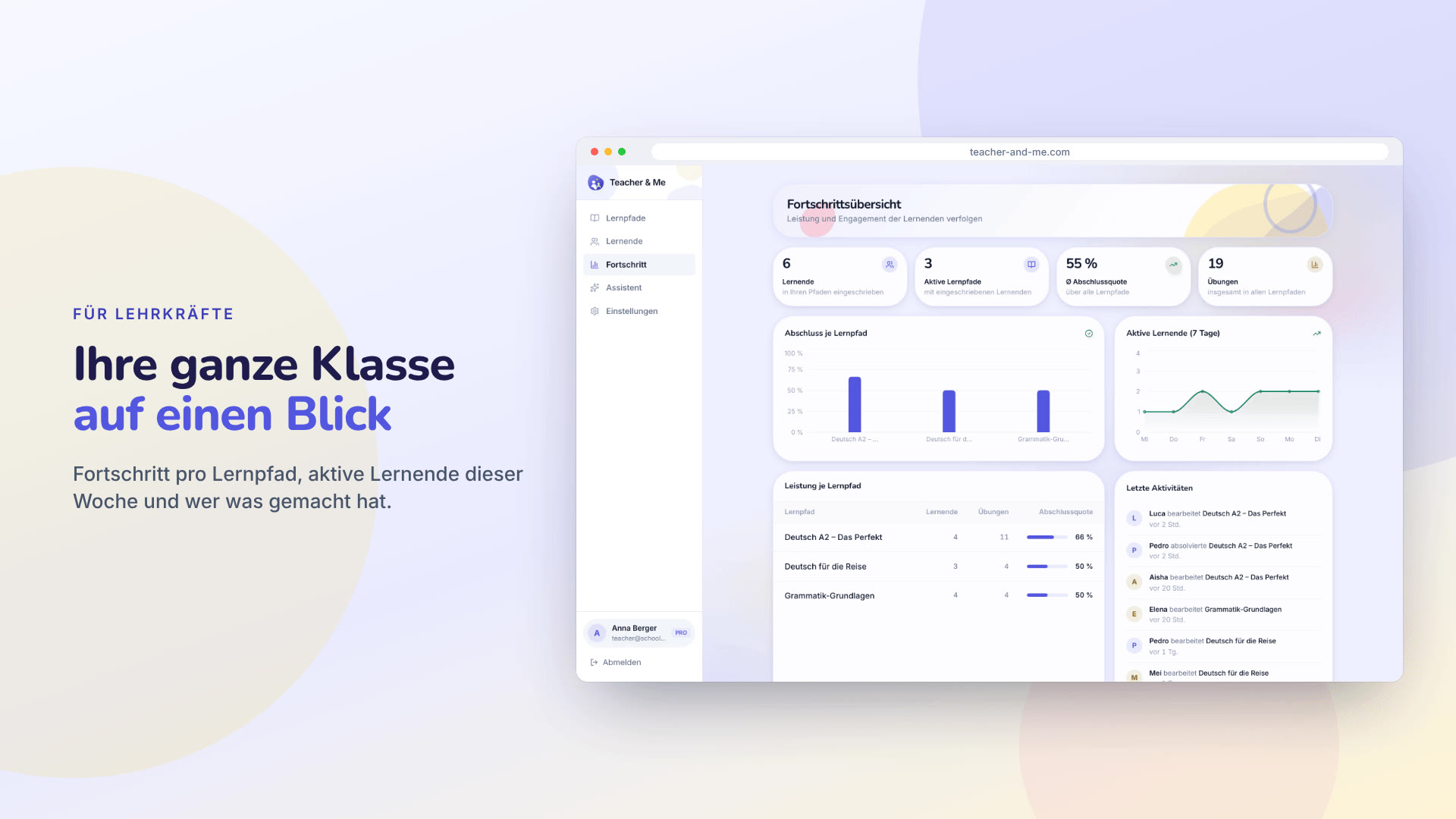
The progress dashboard in a browser frame: tiles, charts and the activity feed.
https://teacher-and-me.com/press-assets/de/cards/progress-1200x630.jpg
A tutor with more than a handful of students. The whole-class view.
The app as captured on a 1440×900 viewport at 2× device pixel ratio: 2880×1800 PNG, with Medium and Small JPEGs under “Sizes”. In the order the product is used: the public pages, the tutor’s app, the student’s app.

The public homepage as it first paints, above the fold.
https://teacher-and-me.com/press-assets/de/desktop/landing.png
The product’s own pitch, in its own words. Quote the headline from here rather than inventing a new one.
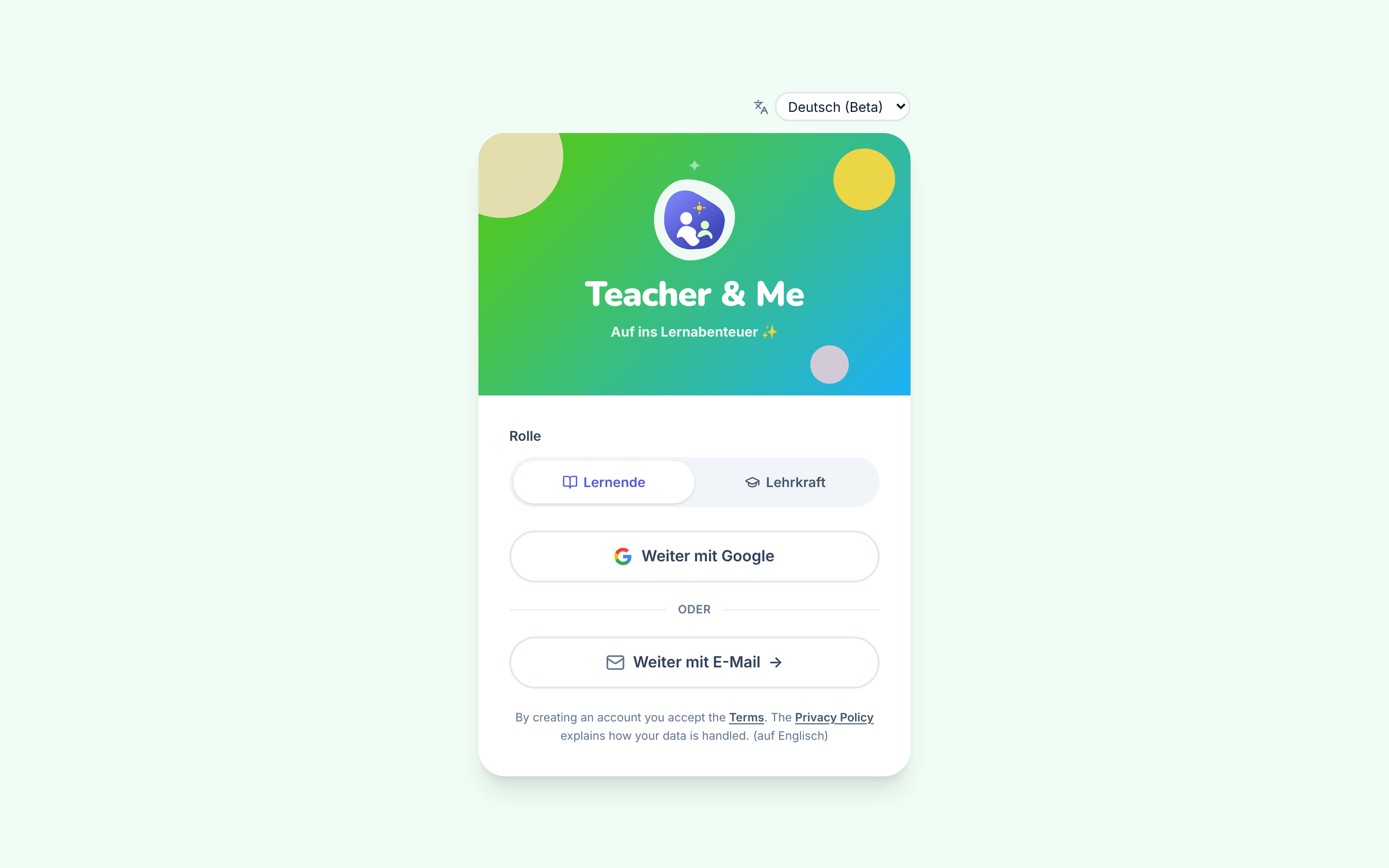
The single sign-in card, shared by students and tutors.
https://teacher-and-me.com/press-assets/de/desktop/signin.png
That there is one door for both roles, that signing in is passwordless, and that a person picks their own role. The toggle is the role switch: it is self-service, not an admin setting.
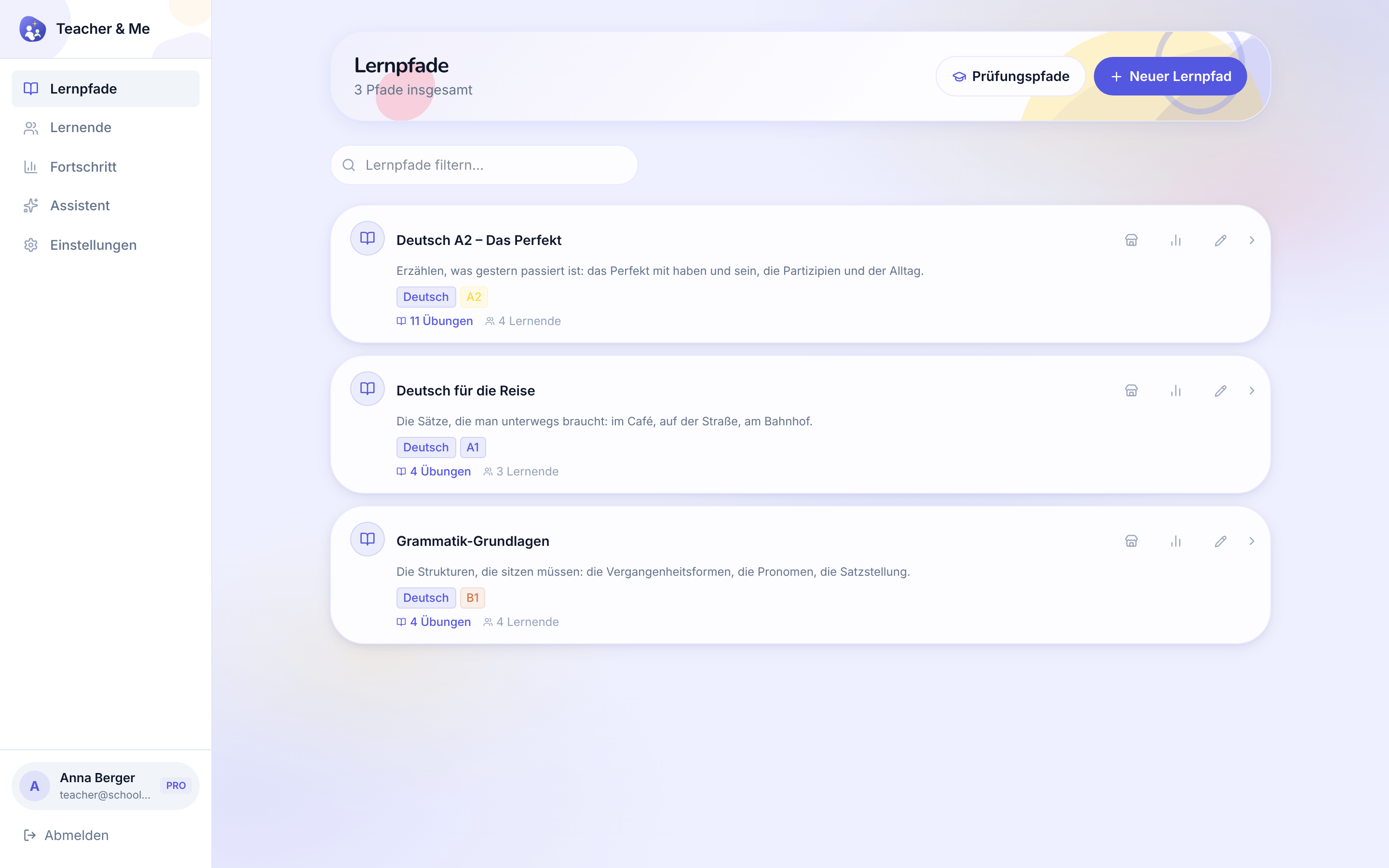
The tutor’s own paths, the first screen after signing in as a teacher.
https://teacher-and-me.com/press-assets/de/desktop/teacher-paths.png
That a tutor’s whole workspace is one list, and that a path is a small, countable object.
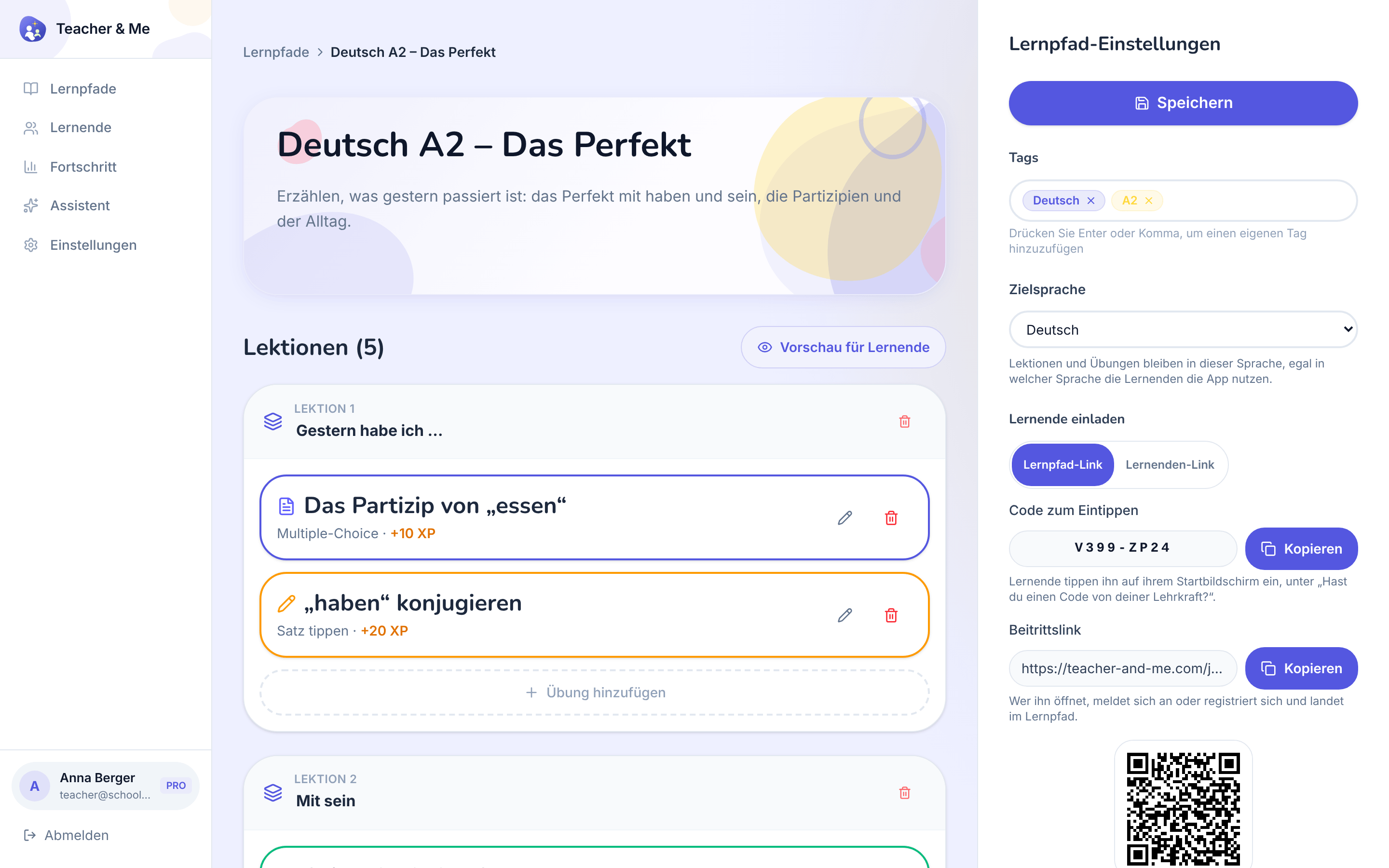
One path opened for editing: its lessons, in order.
https://teacher-and-me.com/press-assets/de/desktop/teacher-path-editor.png
The "build a path in minutes" claim. This is the screen that shows a path is lessons, and a lesson is exercises.
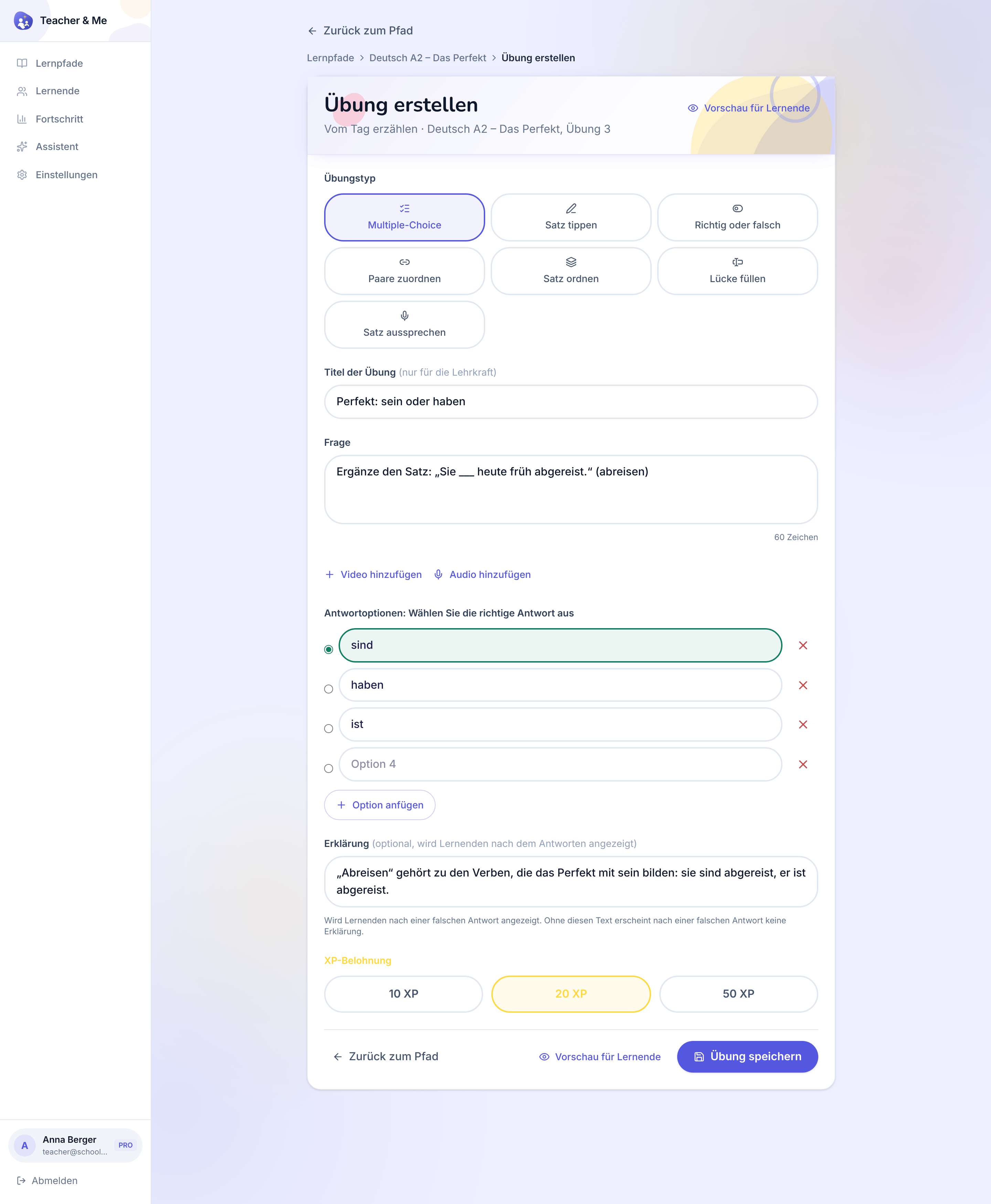
The form one exercise is written in, filled with a multiple-choice question.
https://teacher-and-me.com/press-assets/de/desktop/teacher-exercise-builder.png
The "seven exercise types, one editor" claim, and that a tutor writes the explanation, not a template. The desktop capture is deliberately taller than the others so the whole form fits one frame.
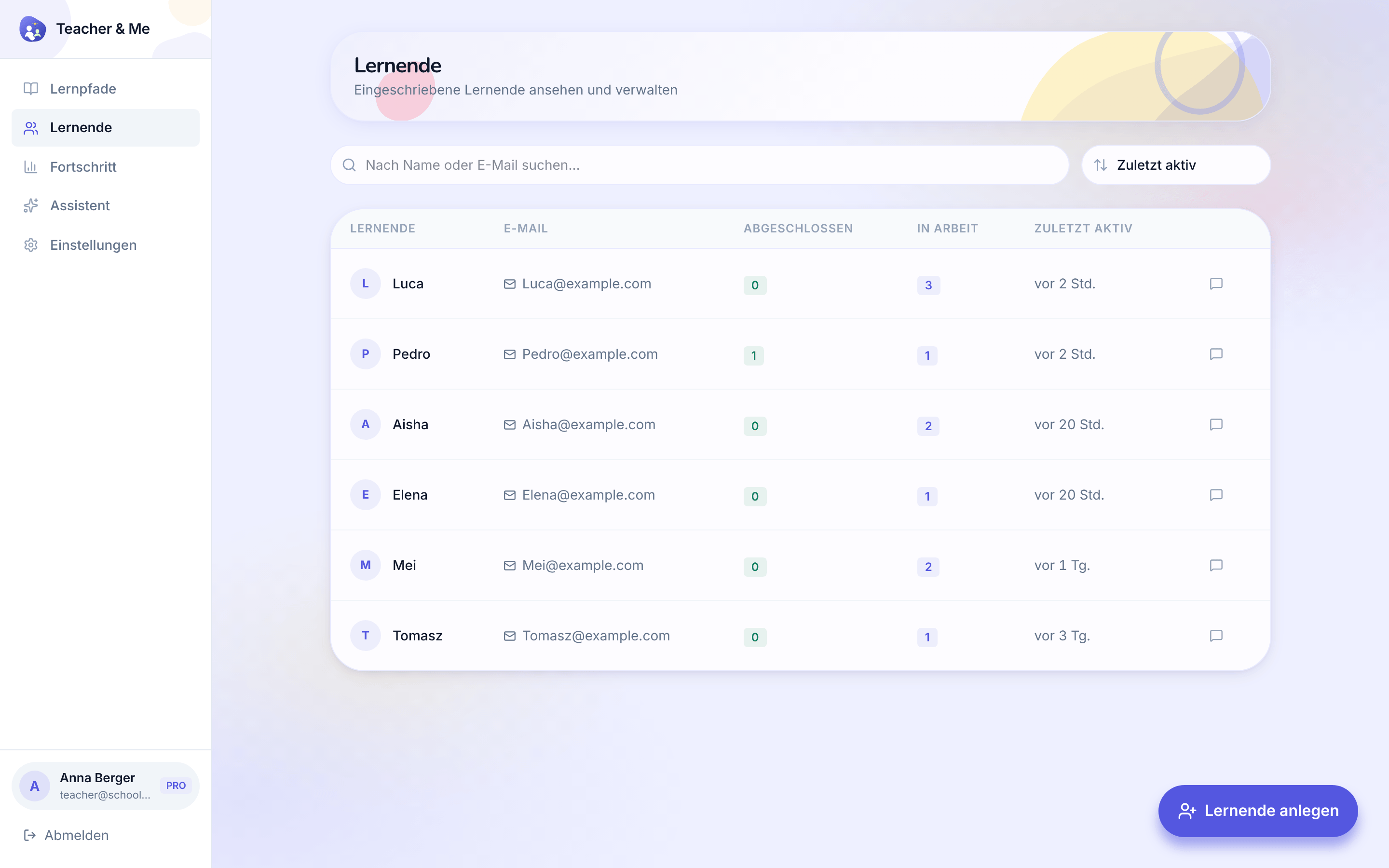
The tutor’s roster: every student they teach, in one searchable list.
https://teacher-and-me.com/press-assets/de/desktop/teacher-students.png
That the product is one-to-one and small-group teaching, not a course platform with open enrolment.
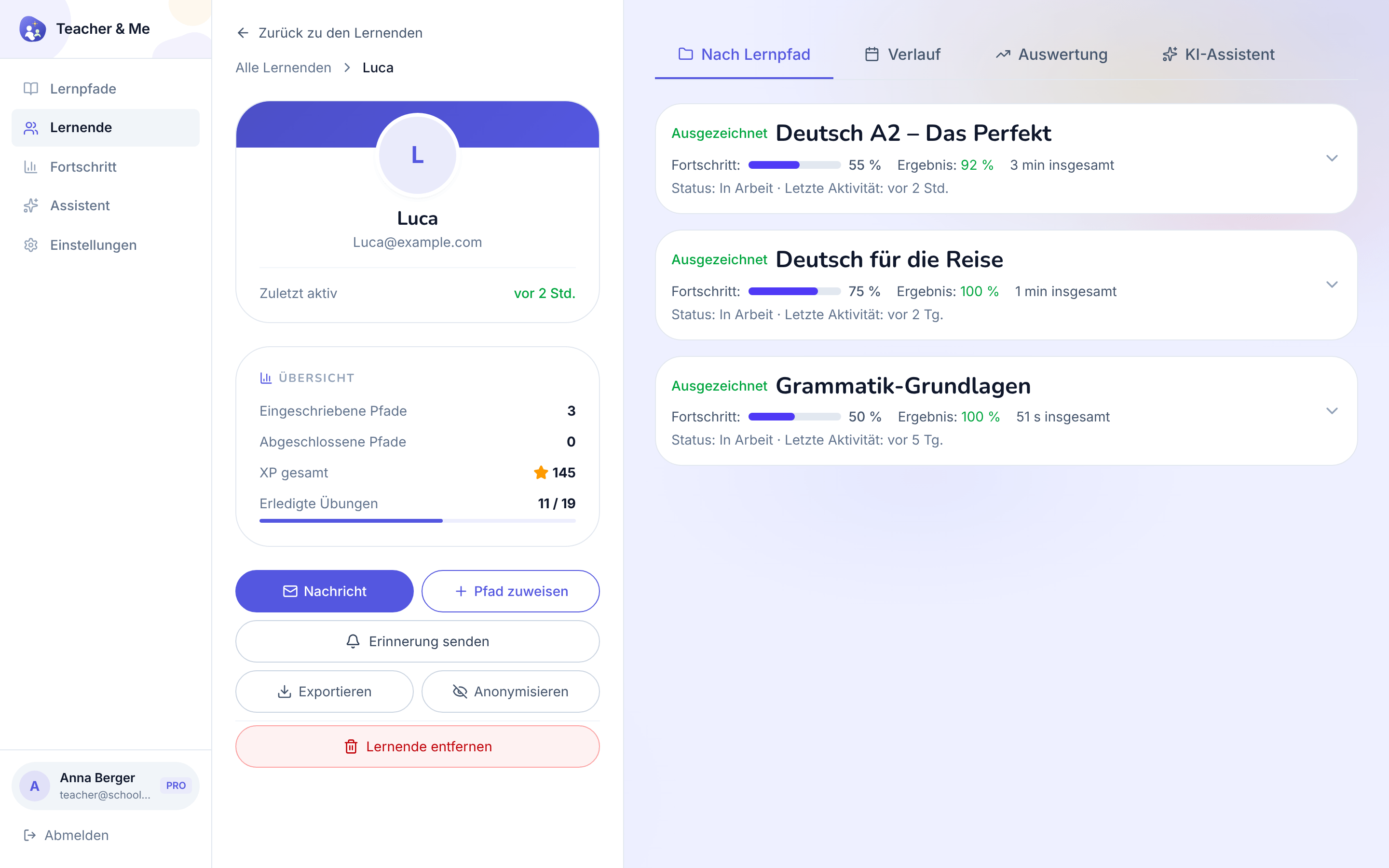
A single student’s page, on the "By Path" tab.
https://teacher-and-me.com/press-assets/de/desktop/teacher-student-profile.png
That the tutor sees a student as a whole, and that the data is exportable and can be anonymised, a privacy point worth making.
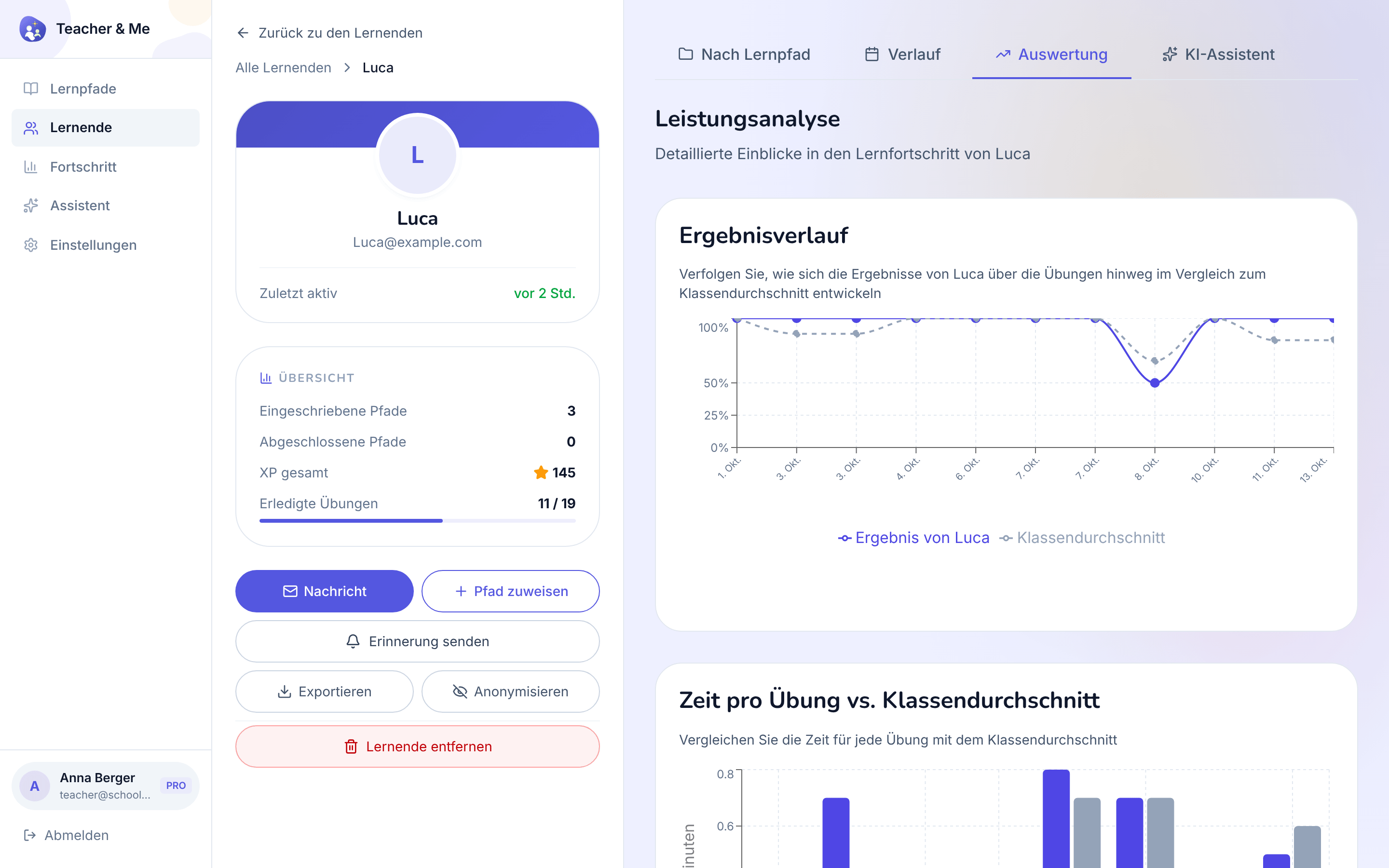
The diagnostic view: how one student performed, exercise by exercise.
https://teacher-and-me.com/press-assets/de/desktop/teacher-student-analytics.png
The strongest single claim the product makes: you know where a student got stuck before the next lesson starts. If an ad shows one tutor-side screen, this is usually the one.
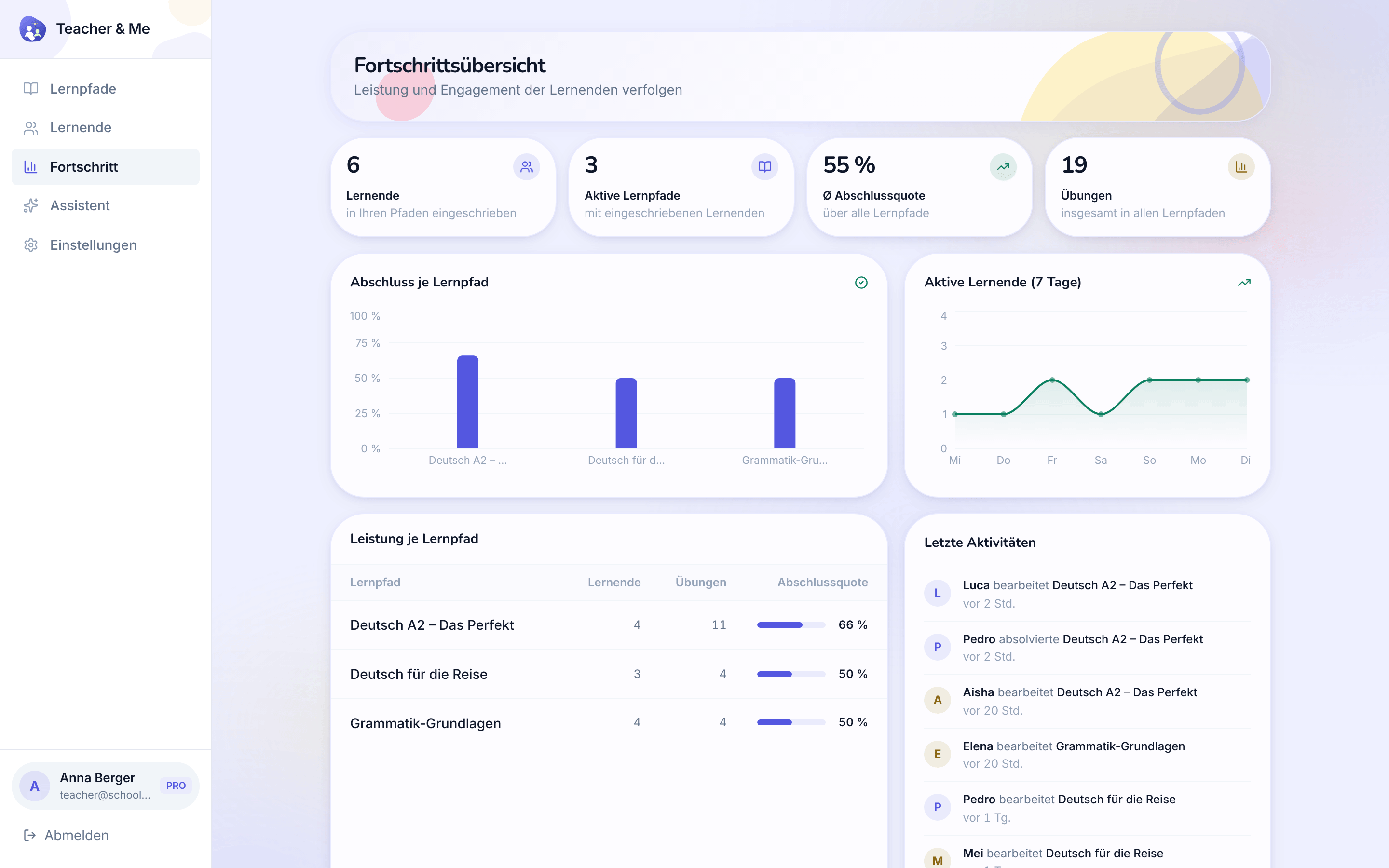
Every student and every path on one dashboard.
https://teacher-and-me.com/press-assets/de/desktop/teacher-progress.png
The whole-class view. Good for a tutor with more than a handful of students.
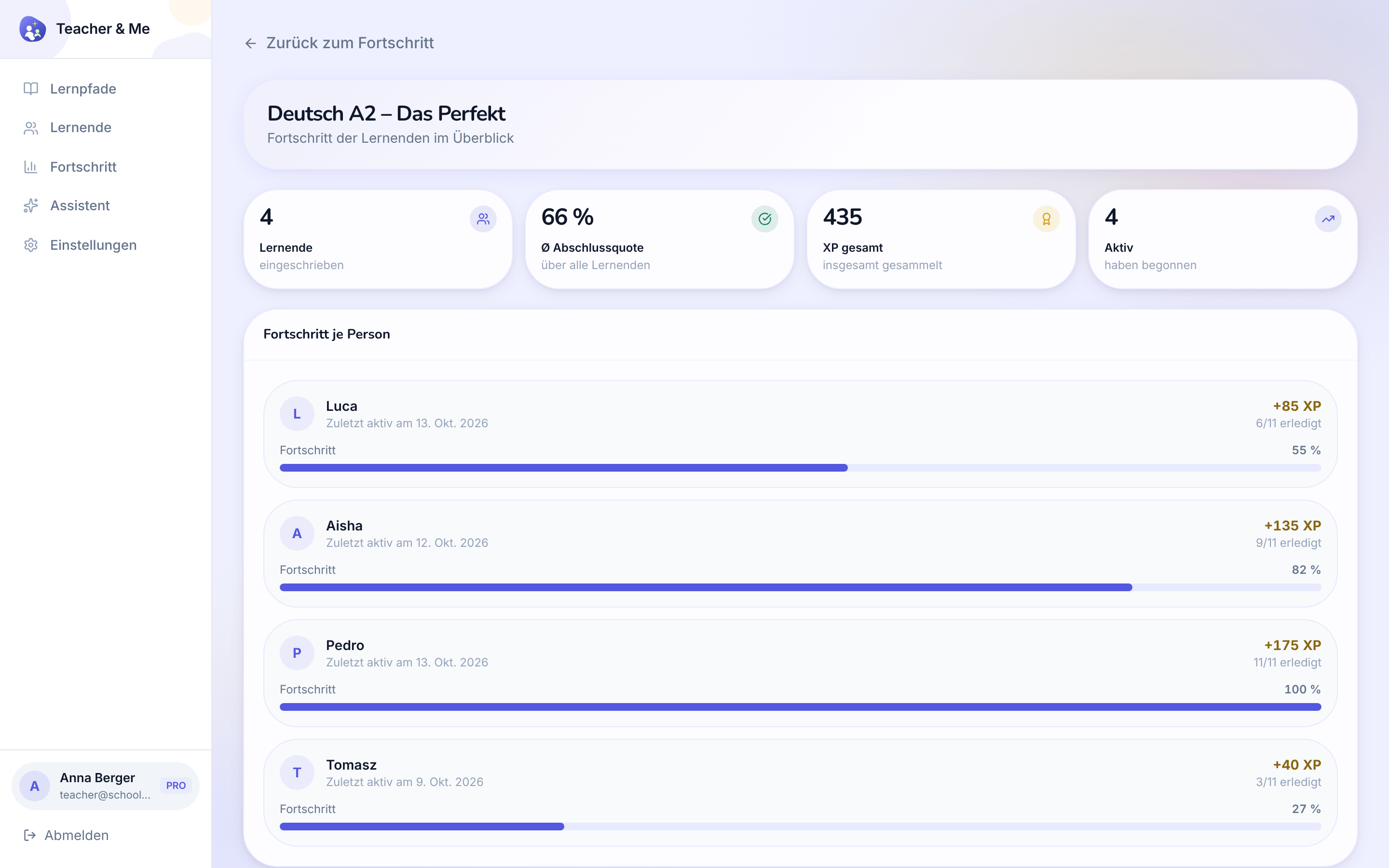
The same overview narrowed to a single path.
https://teacher-and-me.com/press-assets/de/desktop/teacher-path-progress.png
Following one cohort through one path: who has finished it and who has not started.
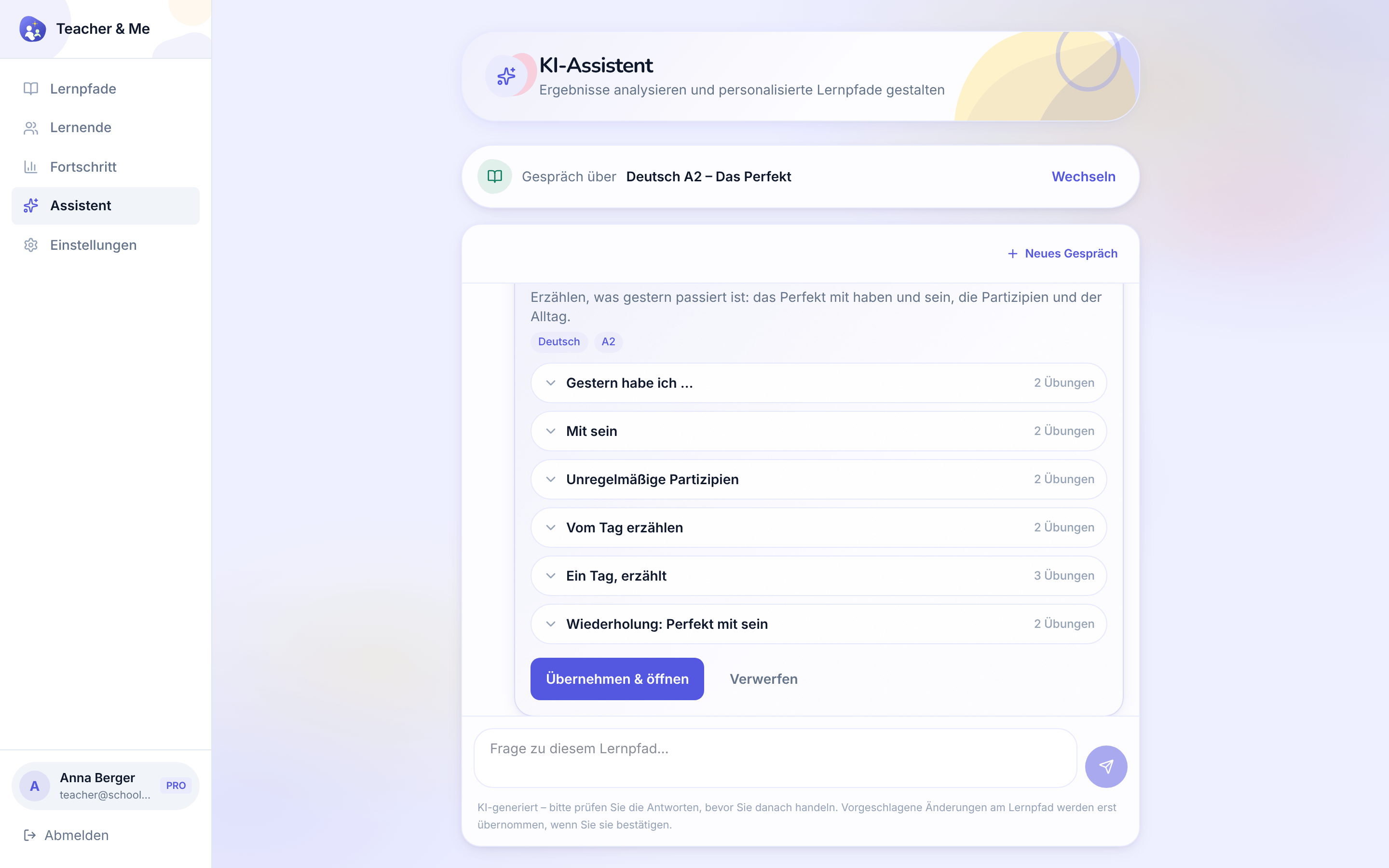
The assistant answering a question about a path and proposing a lesson to add, with an approve control.
https://teacher-and-me.com/press-assets/de/desktop/teacher-assistant.png
That the assistant proposes an edit the tutor approves: it reads the results and drafts, the tutor decides. Do not describe it as teaching the student or acting on its own.
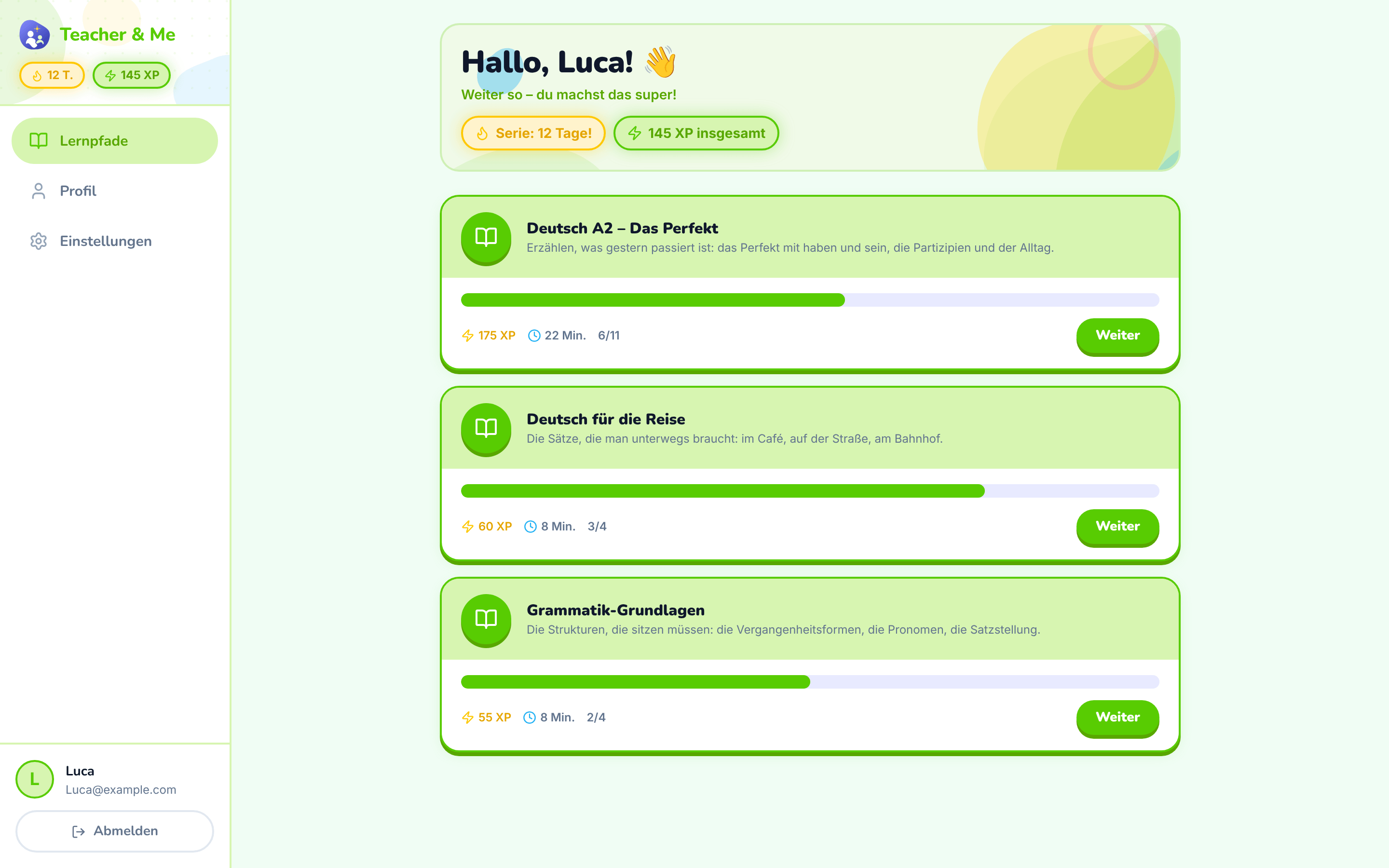
The student’s home: the paths their tutor assigned them.
https://teacher-and-me.com/press-assets/de/desktop/student-paths.png
That the student’s homework arrives from their own tutor rather than from a catalogue.
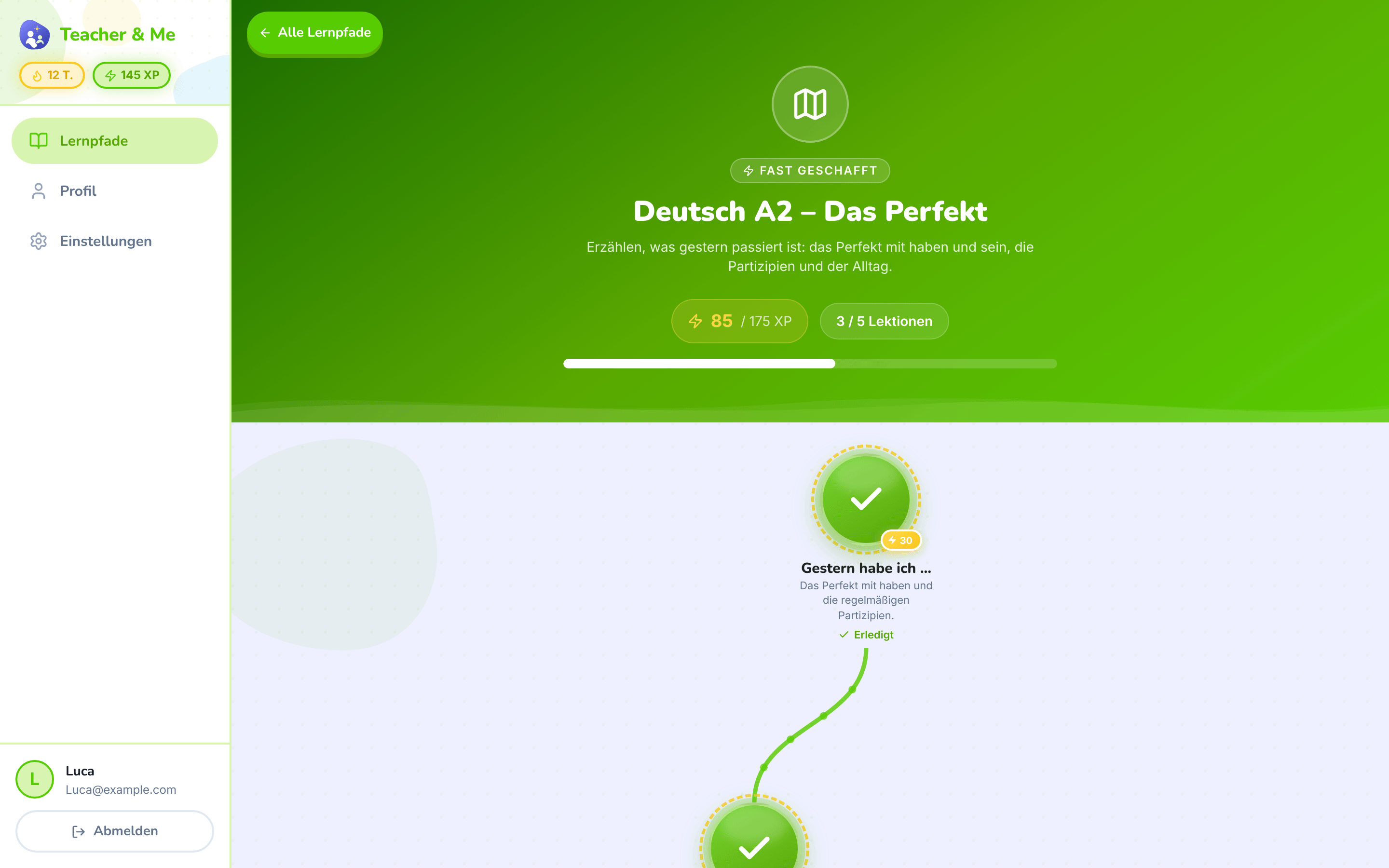
The top of one path: its title, XP and progress, above the map.
https://teacher-and-me.com/press-assets/de/desktop/student-path-map-top.png
Opening a story about one path, where the map shot would start mid-journey.
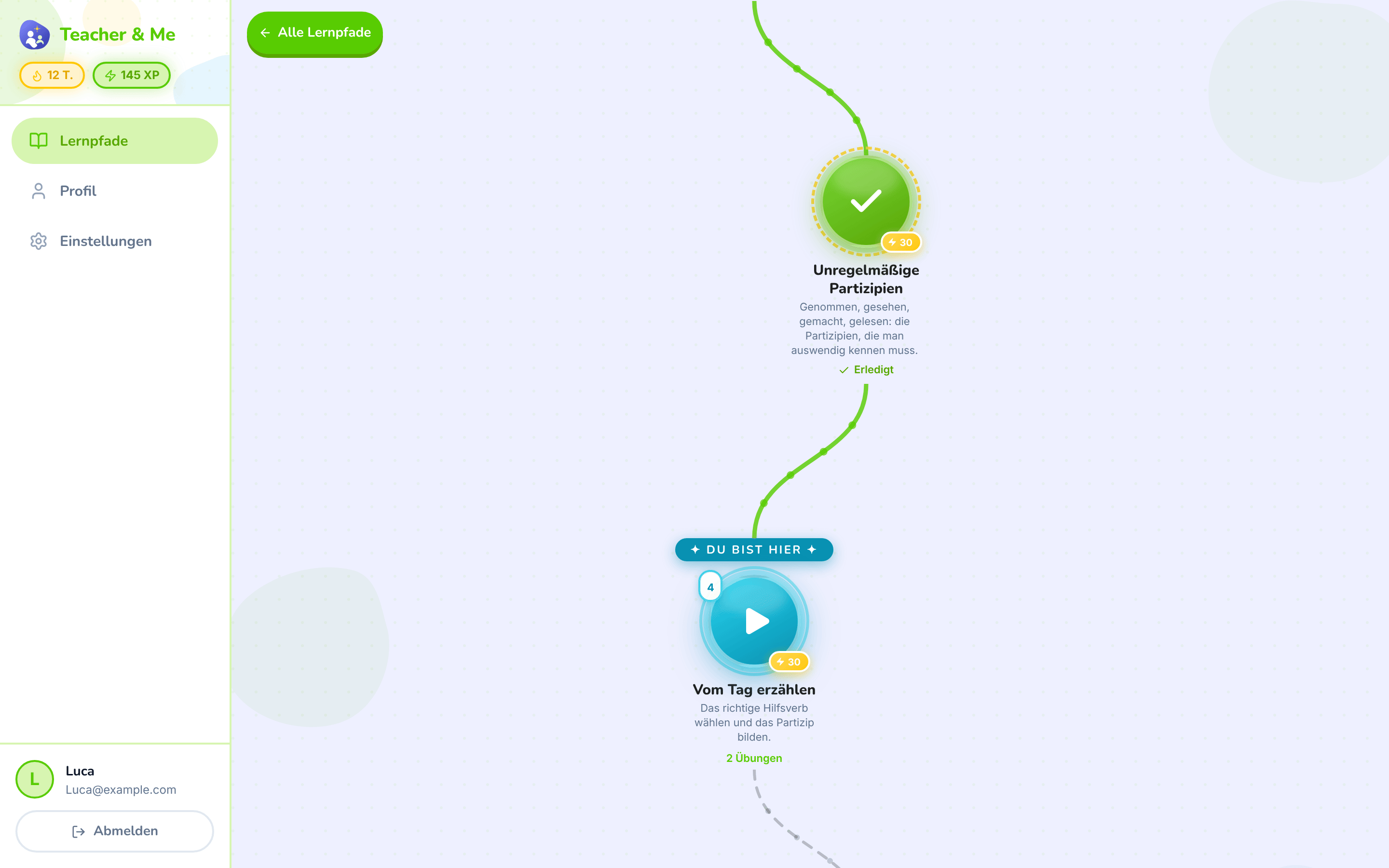
The winding map the student walks, one lesson at a time.
https://teacher-and-me.com/press-assets/de/desktop/student-path-map.png
The game-like progression, which is the student-side hook. This is the single most recognisable screen in the product.
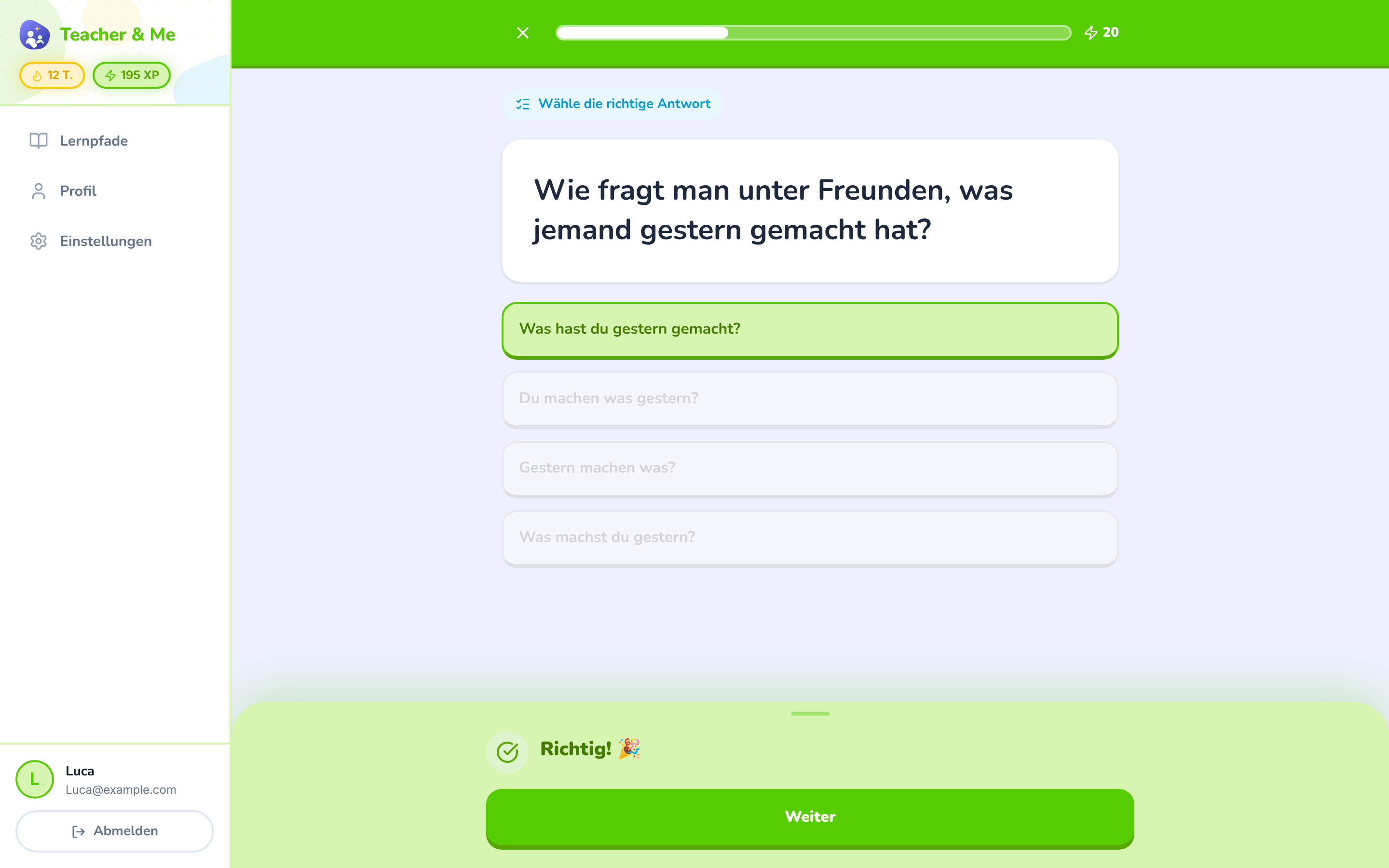
A multiple-choice question just answered correctly, showing the feedback state.
https://teacher-and-me.com/press-assets/de/desktop/student-exercise-correct.png
Instant feedback on every answer: the claim that the student is never left guessing.
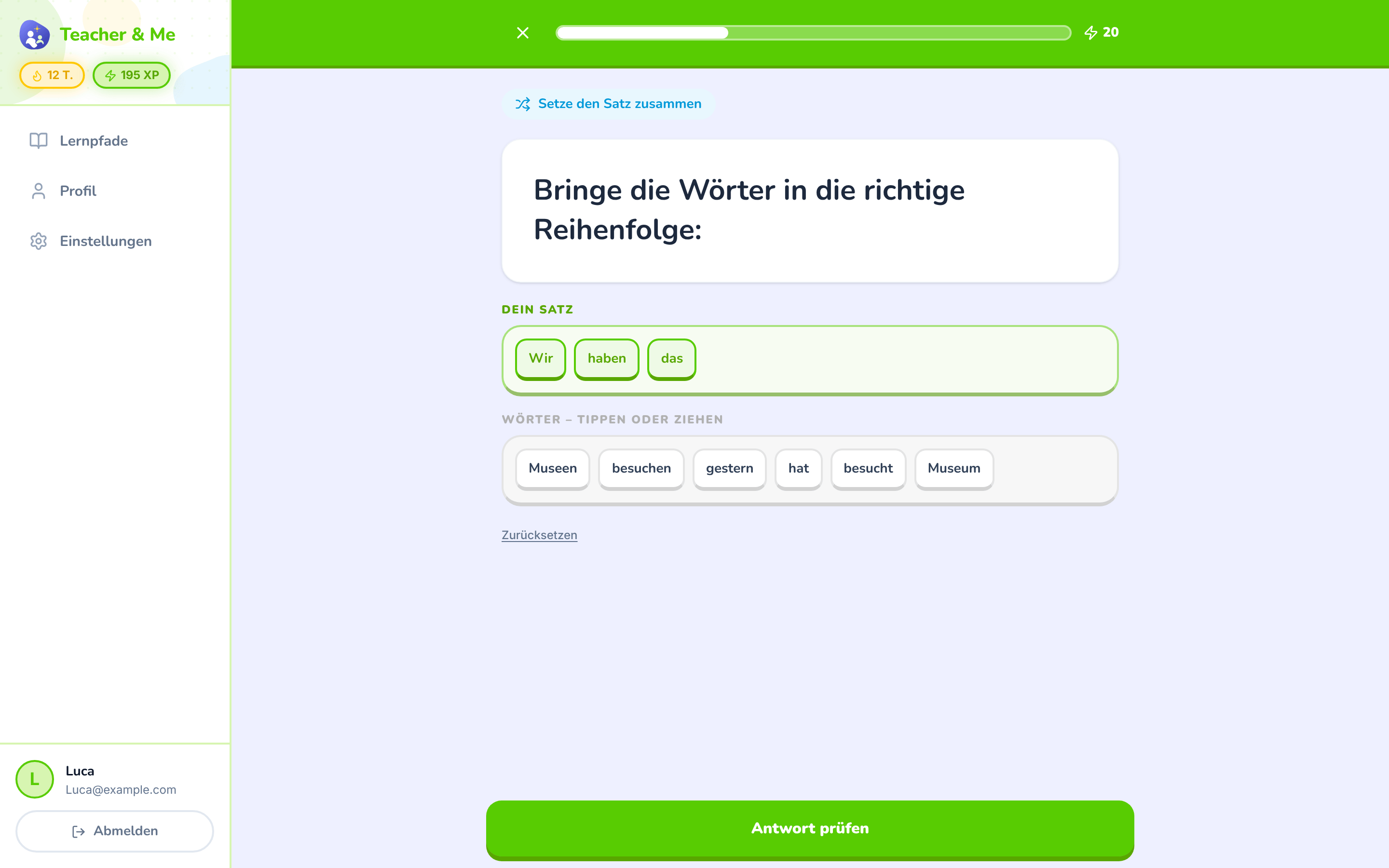
The tile builder mid-answer: a sentence being assembled word by word.
https://teacher-and-me.com/press-assets/de/desktop/student-exercise-tiles.png
That the exercise types go past multiple choice. Good when one image has to carry "seven types".
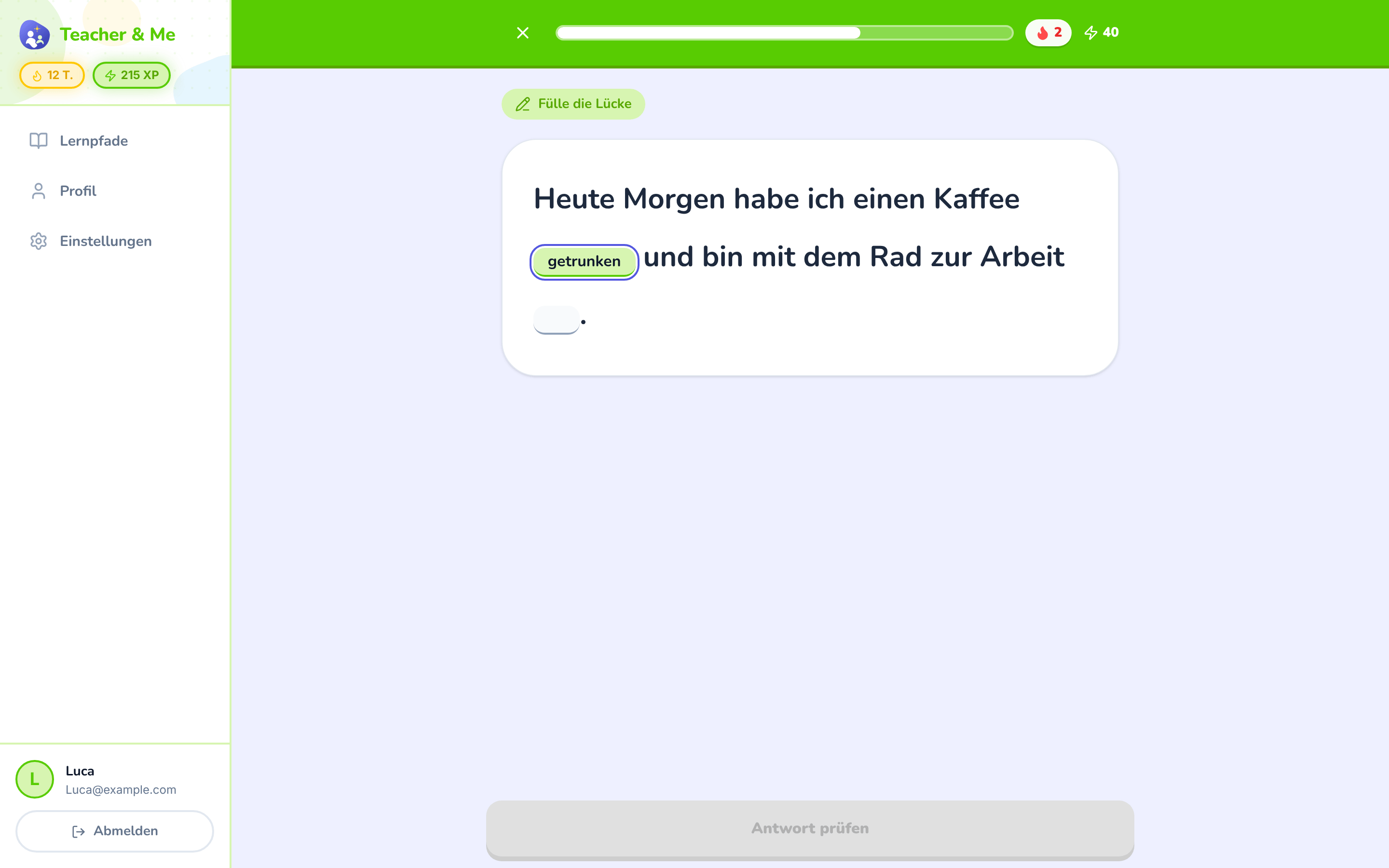
A sentence with two gaps, the first one typed in.
https://teacher-and-me.com/press-assets/de/desktop/student-exercise-fill-in.png
Production rather than recognition: the student writes the answer instead of picking it.
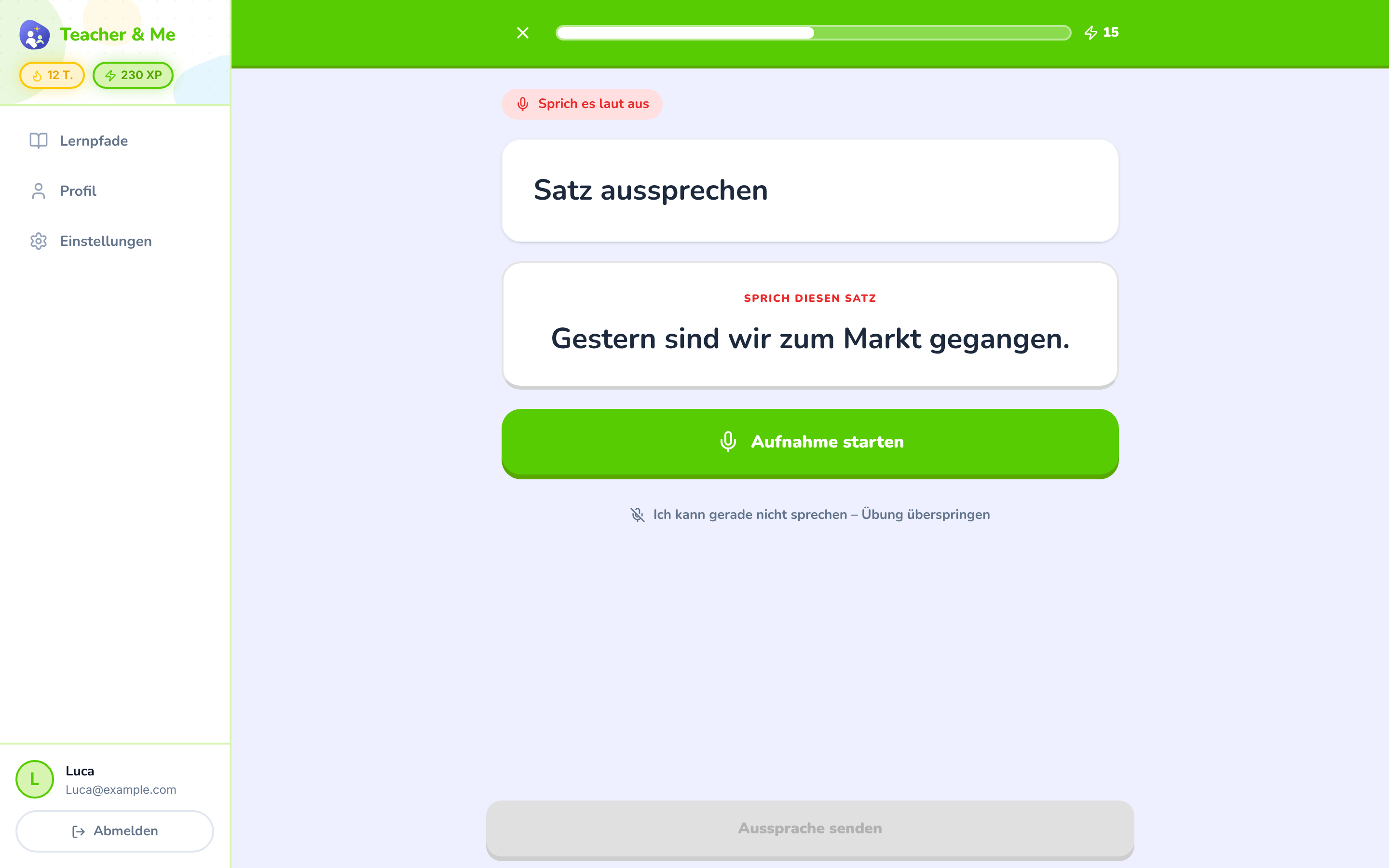
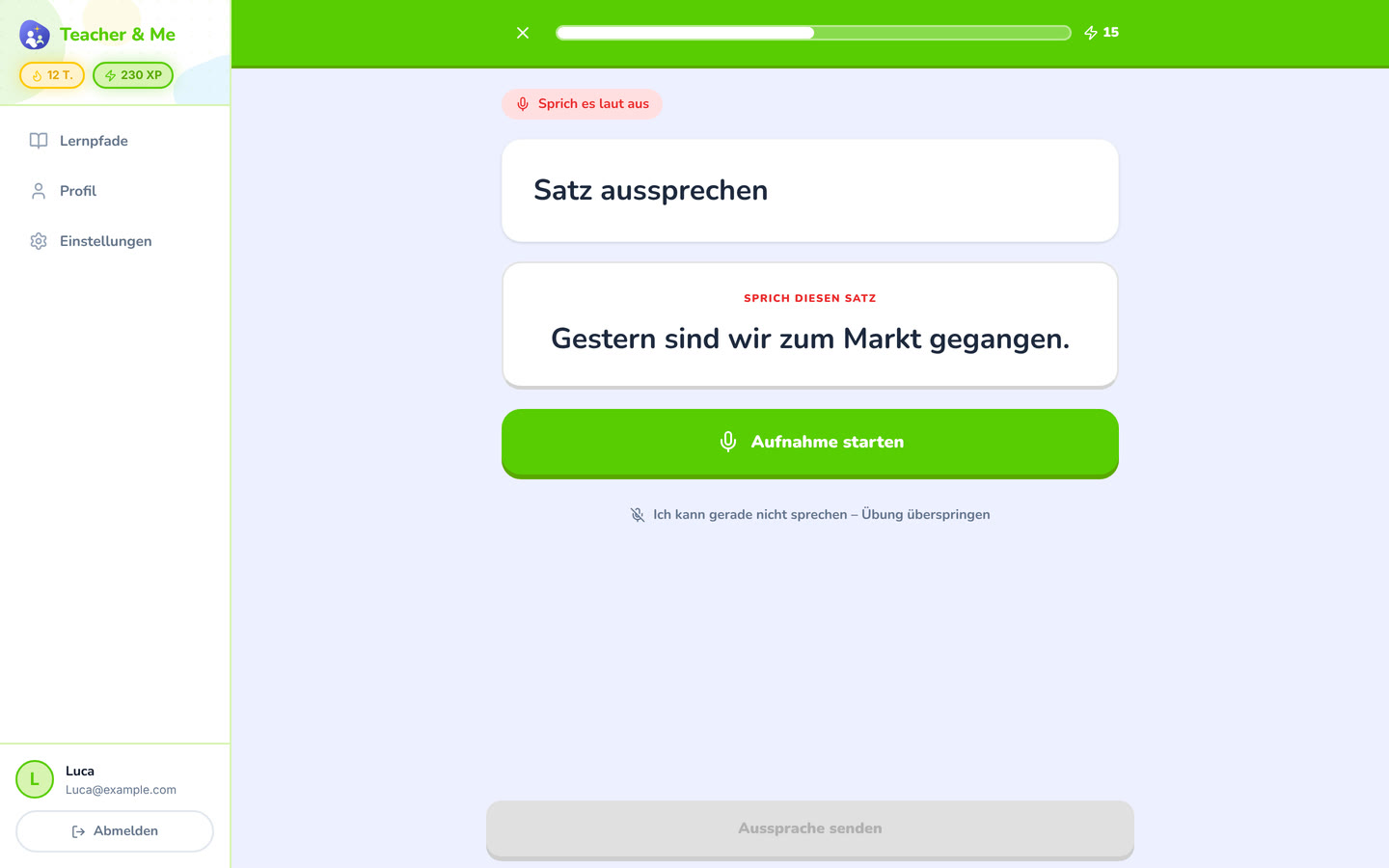
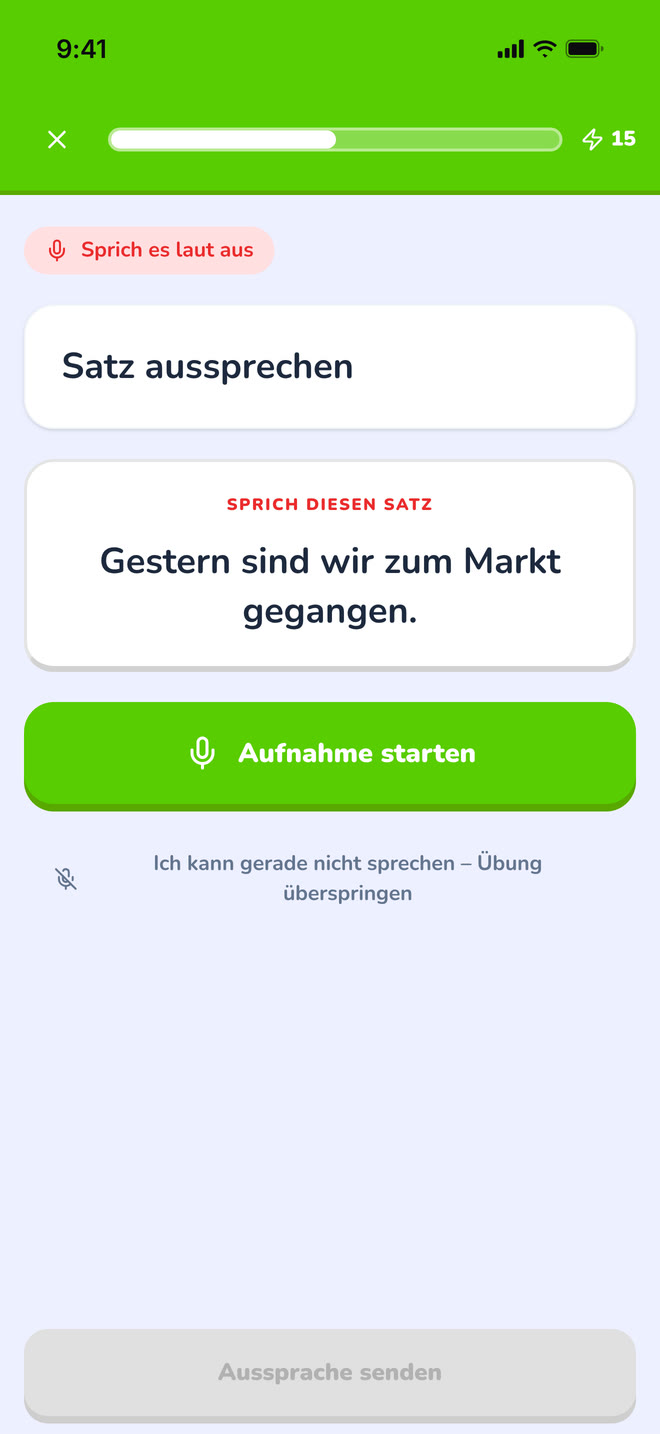
The pronunciation exercise at rest, before recording.
https://teacher-and-me.com/press-assets/de/desktop/student-exercise-pronounce.png
That speaking is one of the seven types. Scoring happens in the browser after recording; this shot is the idle state, so do not caption it as a score.
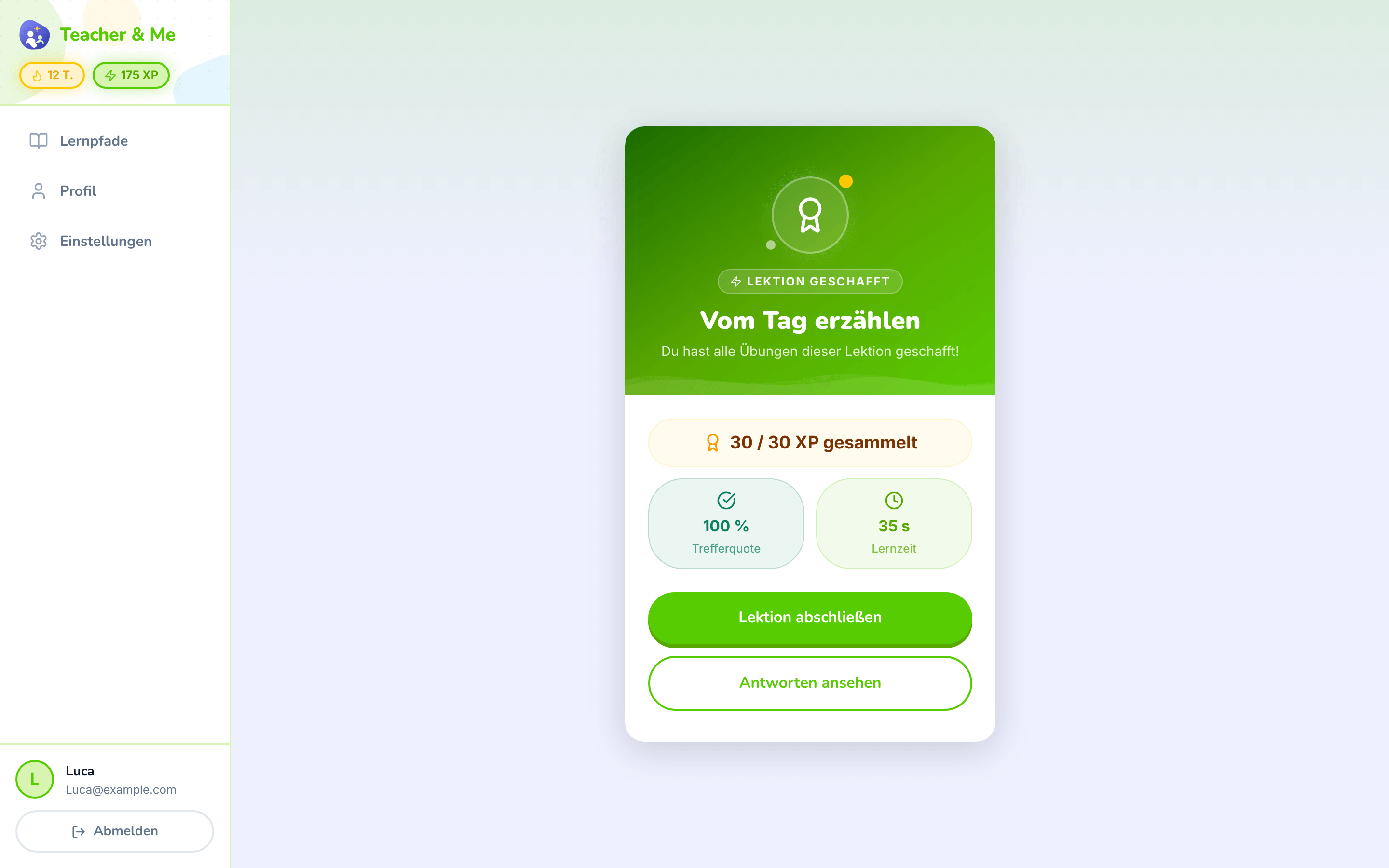
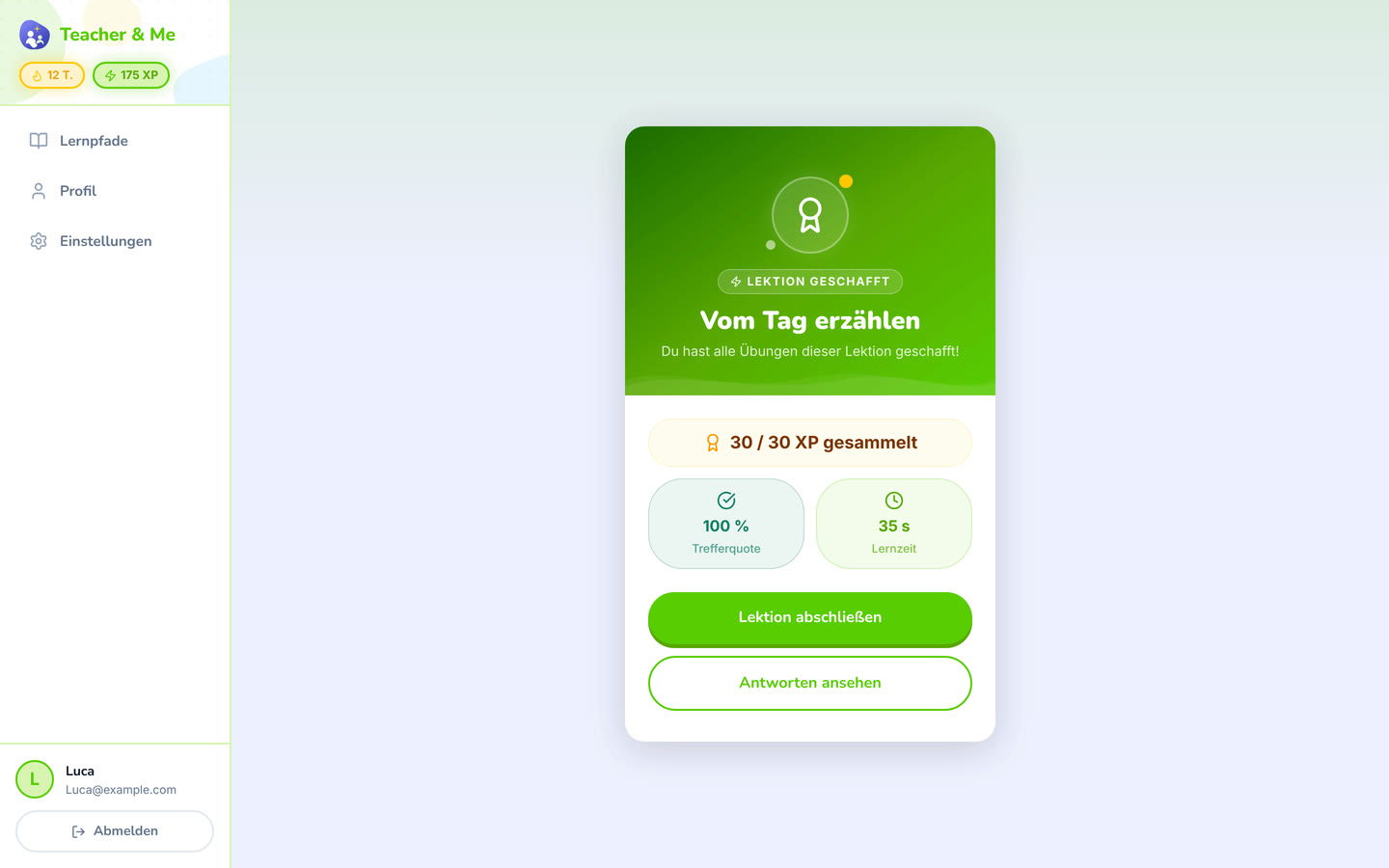
The card that closes a finished lesson.
https://teacher-and-me.com/press-assets/de/desktop/student-lesson-complete.png
The payoff moment. Pairs naturally with the lesson map in a two-image sequence.
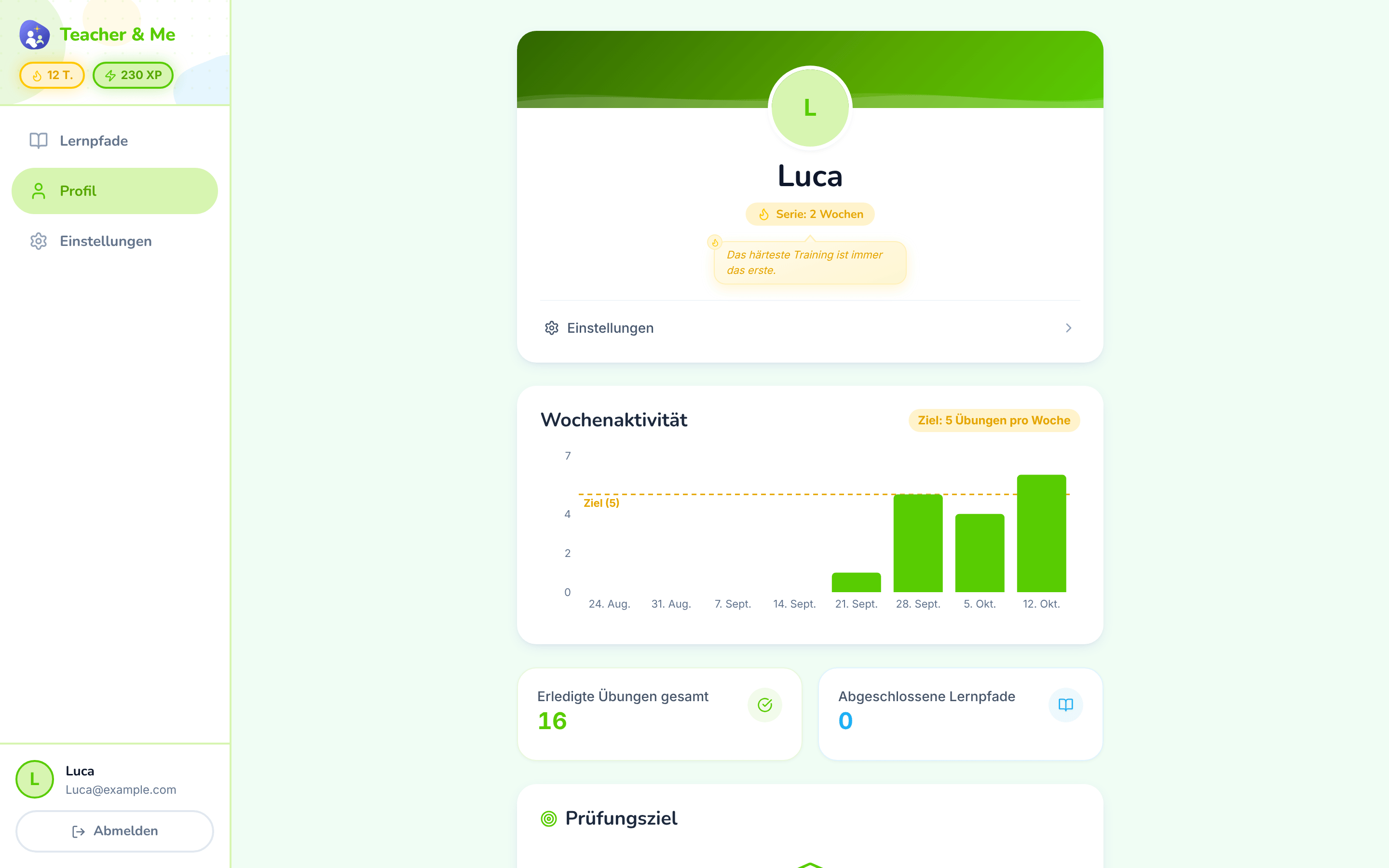
The student’s own progress, away from any single path.
https://teacher-and-me.com/press-assets/de/desktop/student-profile.png
Streaks and weekly goals, the between-session habit. Note the tone: goals and streaks, no cartoon mascot. The product is written for adults.
The same screens on a phone: a 440×956 viewport at 3×, an iPhone 6.9" frame with a status bar composited in, 1320×2868 PNG.
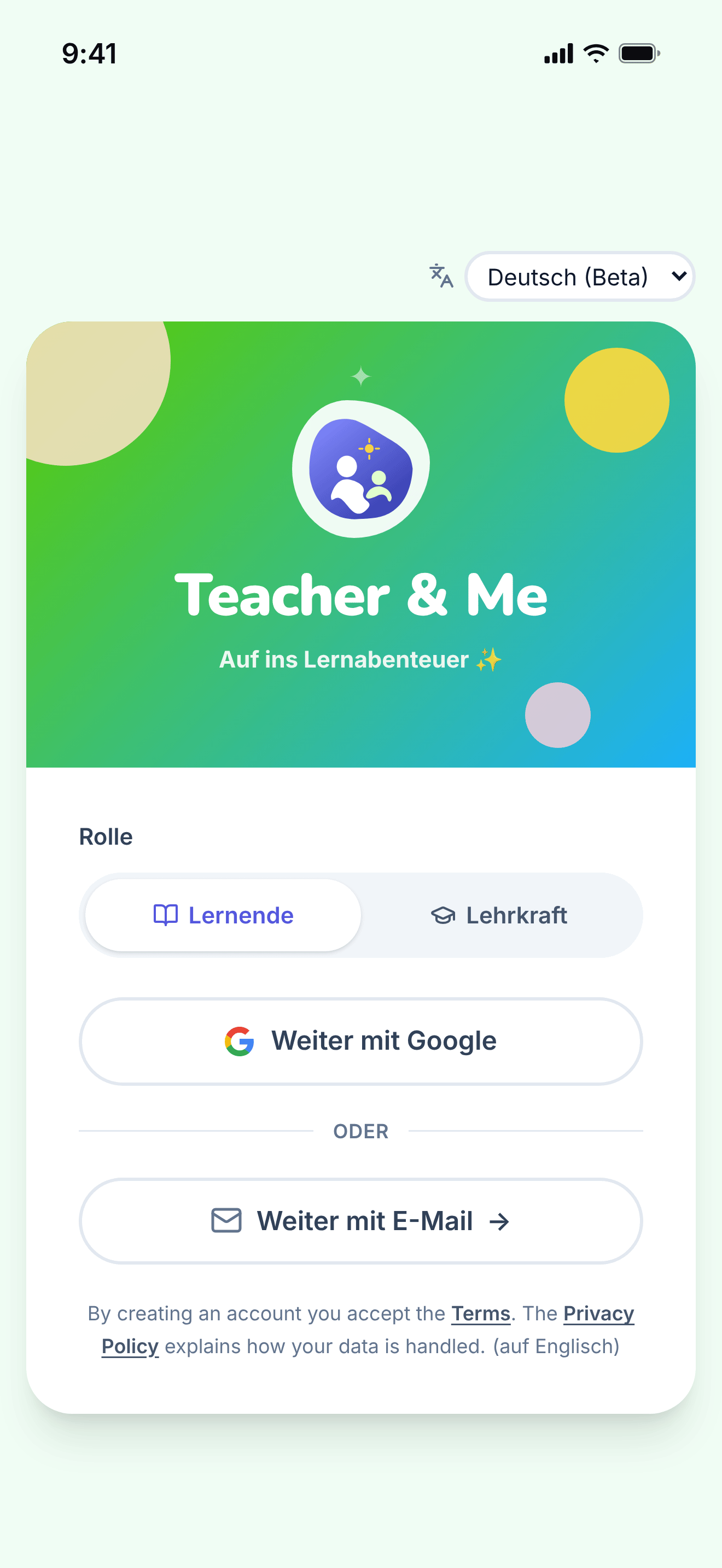
The single sign-in card, shared by students and tutors.
https://teacher-and-me.com/press-assets/de/phone/signin.png
The same screen as the desktop capture.

The tutor’s own paths, the first screen after signing in as a teacher.
https://teacher-and-me.com/press-assets/de/phone/teacher-paths.png
The same screen as the desktop capture.
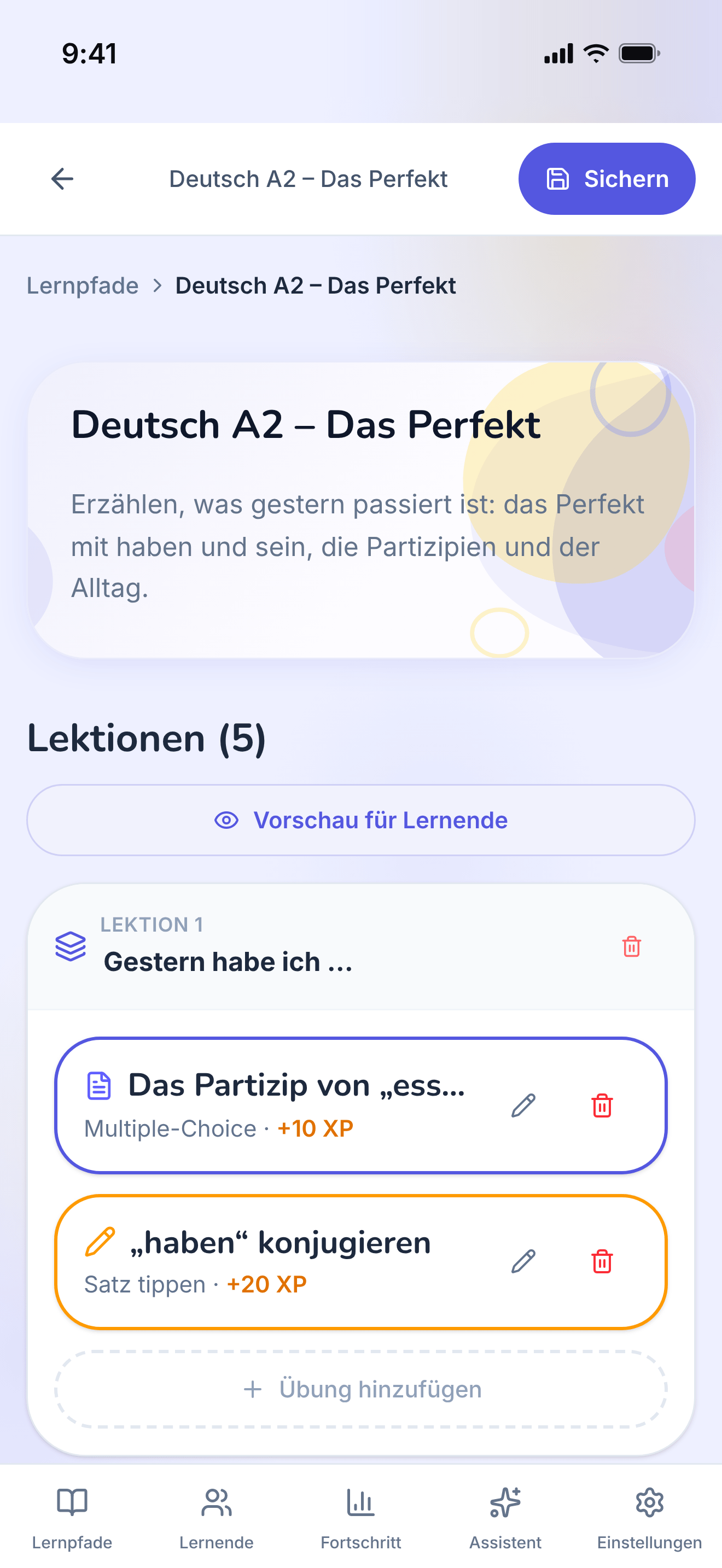
One path opened for editing: its lessons, in order.
https://teacher-and-me.com/press-assets/de/phone/teacher-path-editor.png
The same screen as the desktop capture.
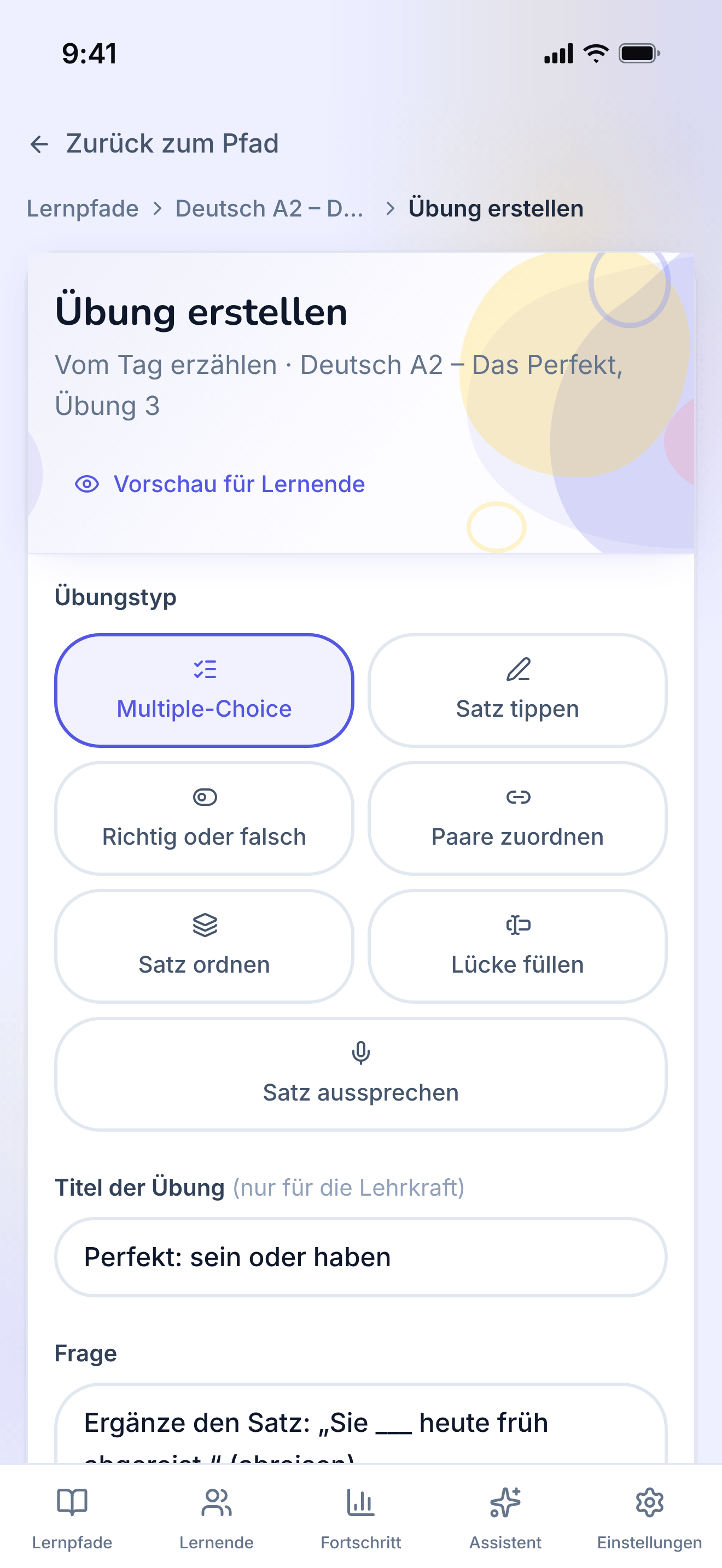
The form one exercise is written in, filled with a multiple-choice question.
https://teacher-and-me.com/press-assets/de/phone/teacher-exercise-builder.png
The same screen as the desktop capture.
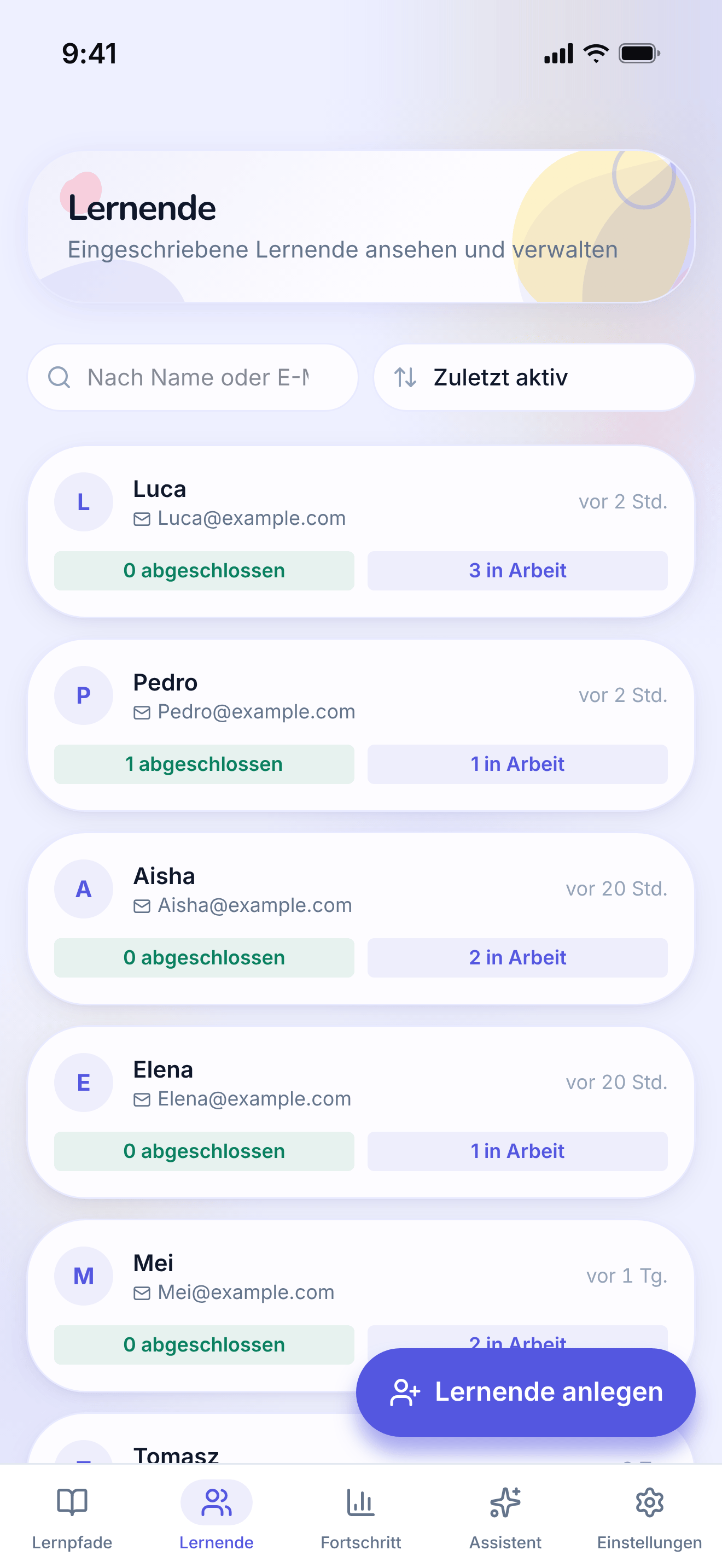
The tutor’s roster: every student they teach, in one searchable list.
https://teacher-and-me.com/press-assets/de/phone/teacher-students.png
The same screen as the desktop capture.
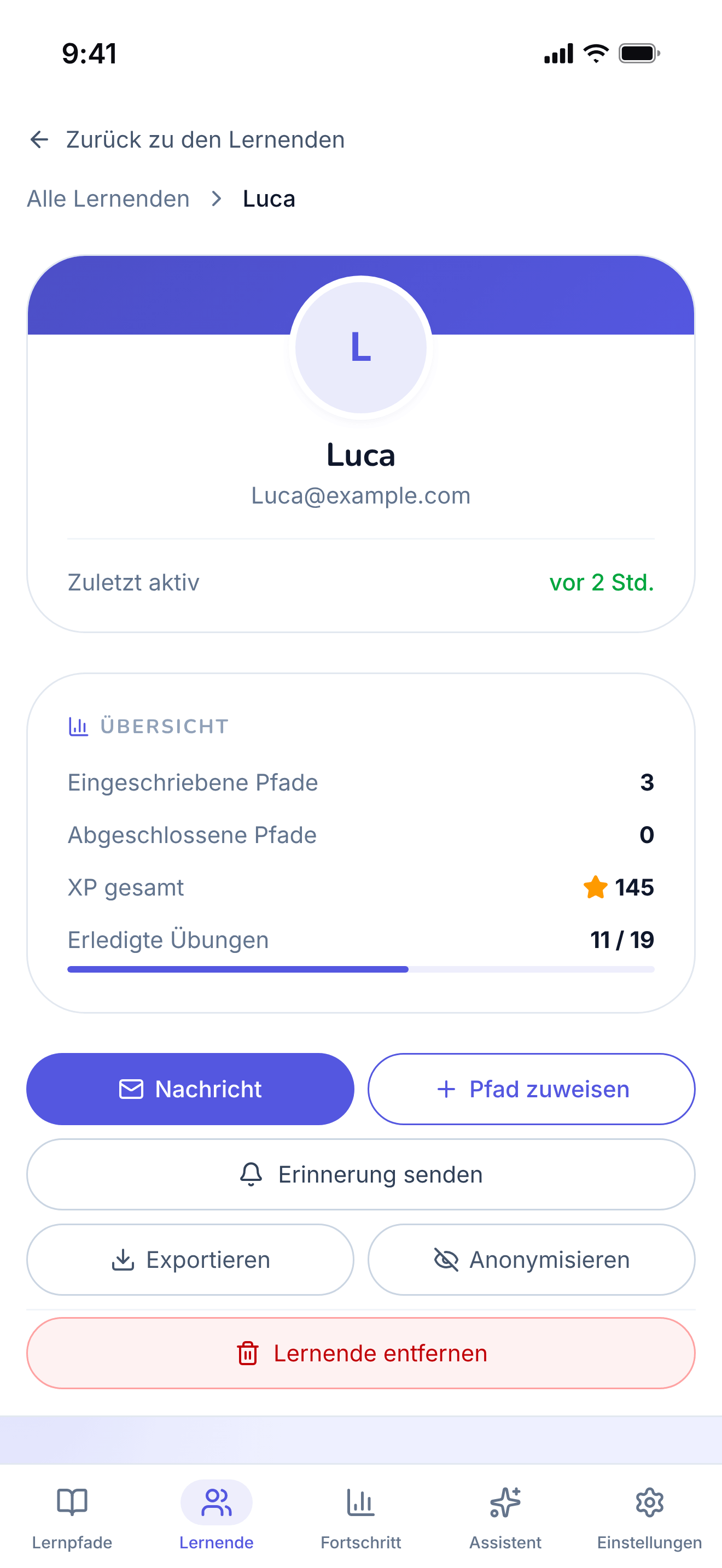
A single student’s page, on the "By Path" tab.
https://teacher-and-me.com/press-assets/de/phone/teacher-student-profile.png
The same screen as the desktop capture.
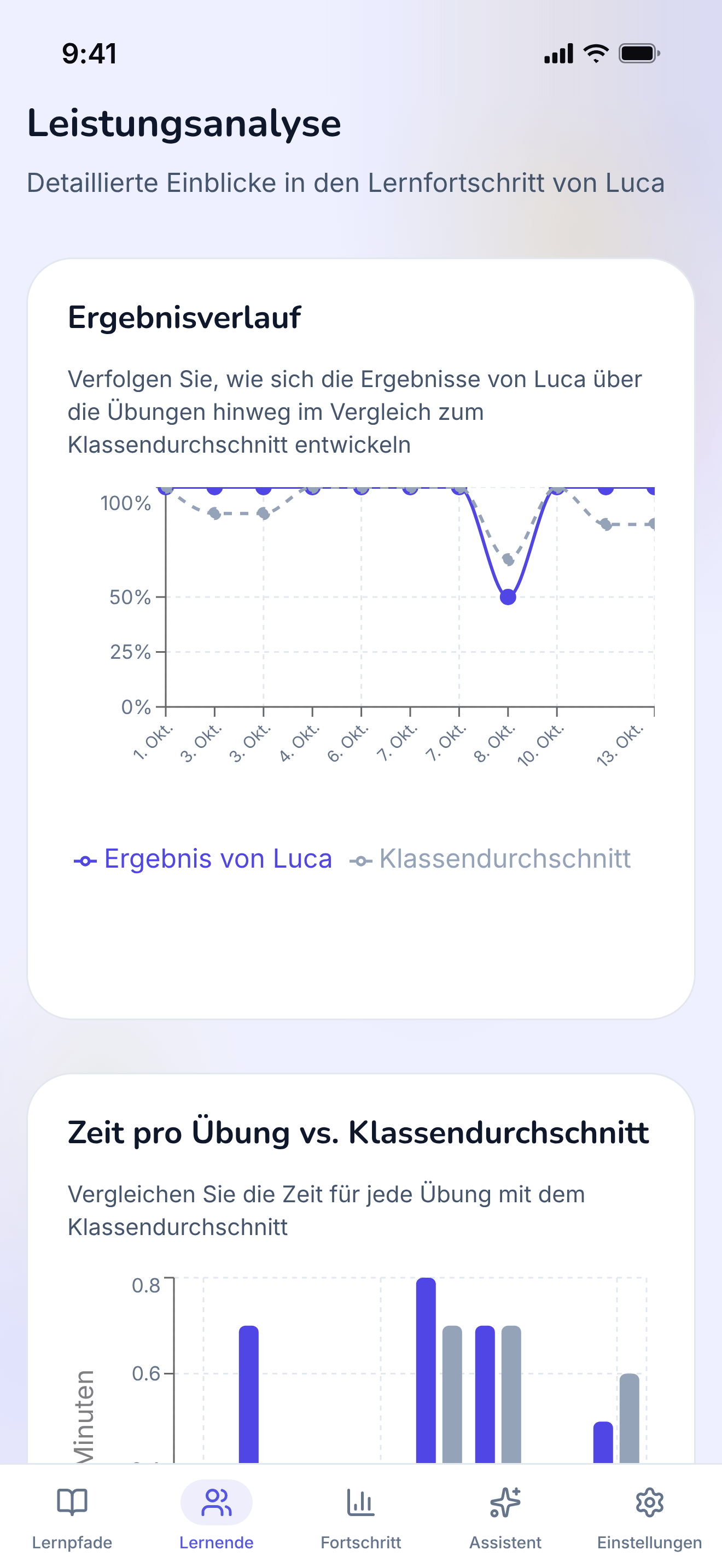
The diagnostic view: how one student performed, exercise by exercise.
https://teacher-and-me.com/press-assets/de/phone/teacher-student-analytics.png
The same screen as the desktop capture.
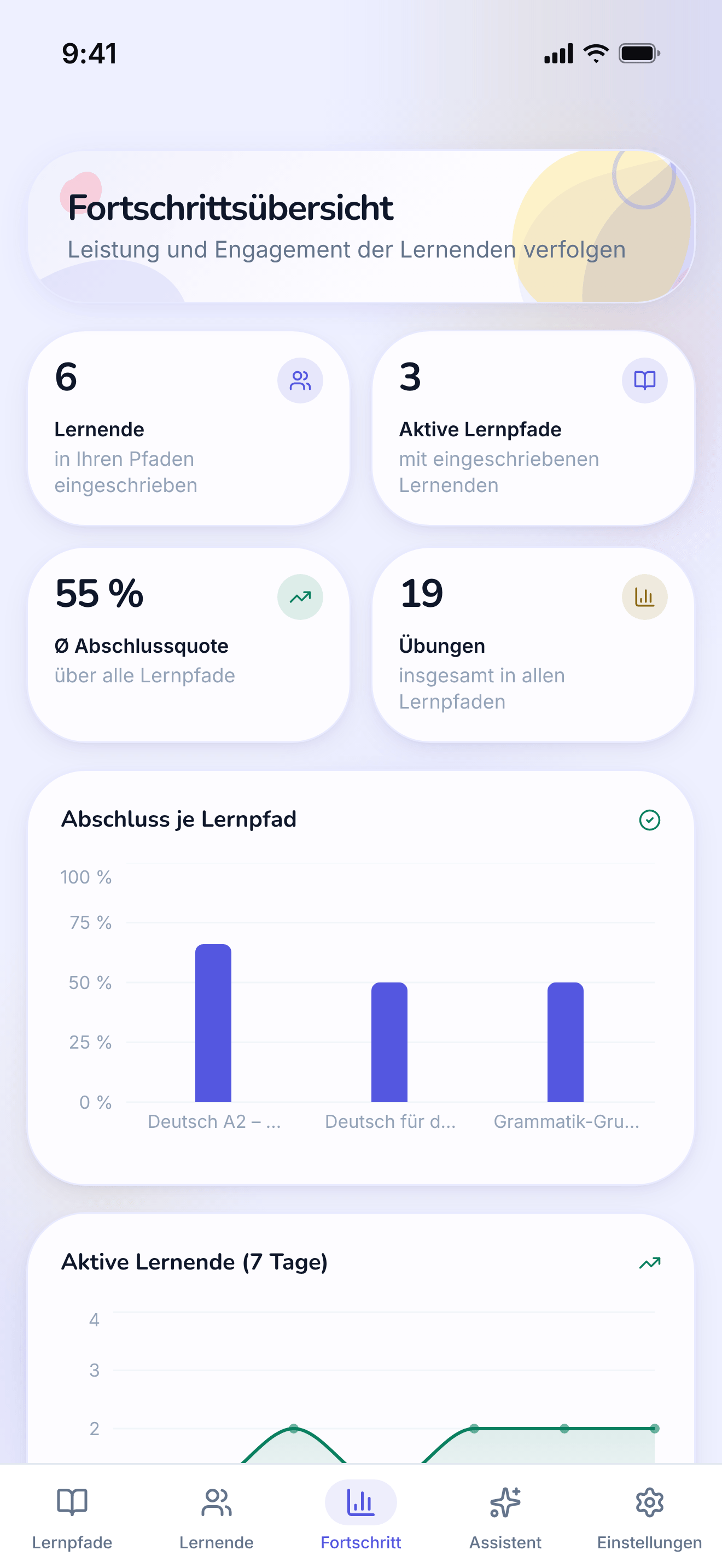
Every student and every path on one dashboard.
https://teacher-and-me.com/press-assets/de/phone/teacher-progress.png
The same screen as the desktop capture.
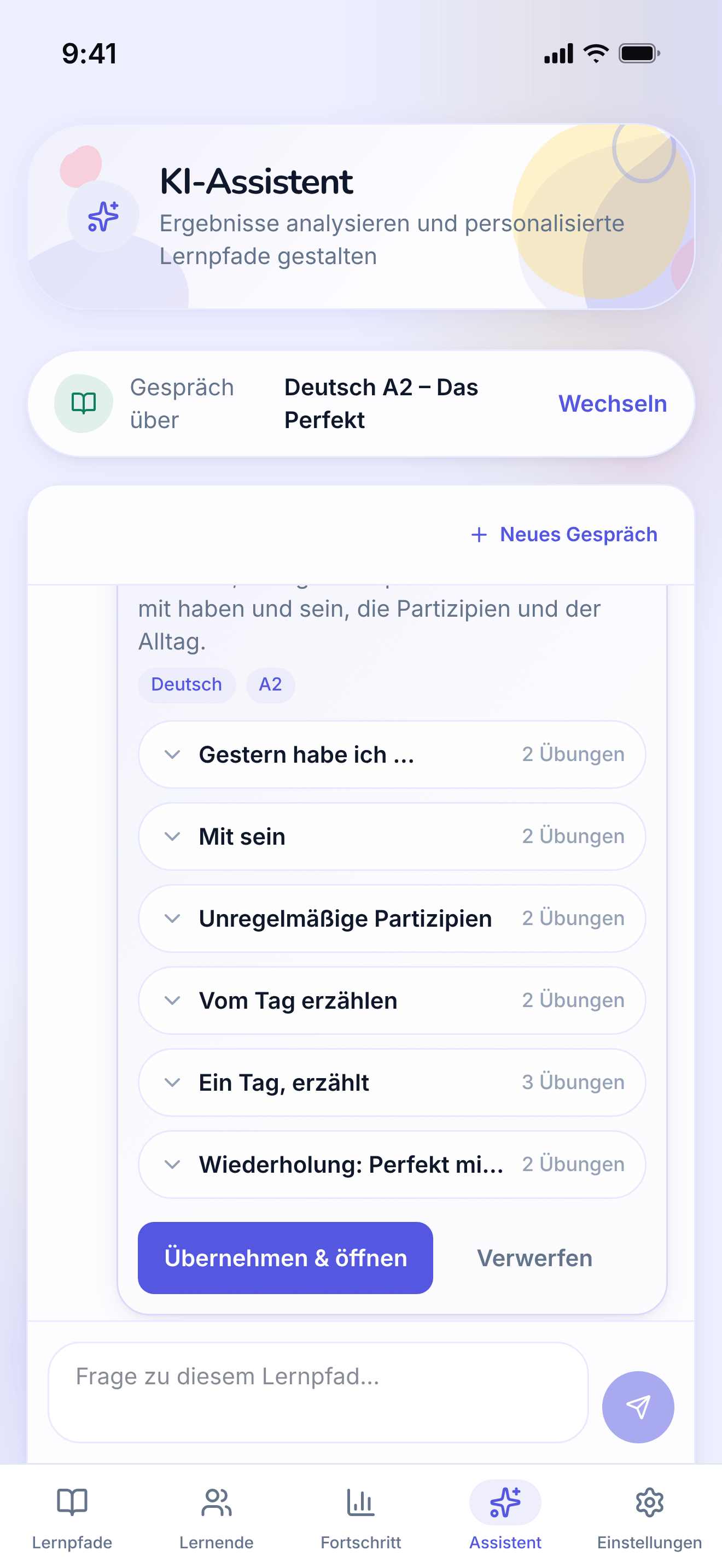
The assistant answering a question about a path and proposing a lesson to add, with an approve control.
https://teacher-and-me.com/press-assets/de/phone/teacher-assistant.png
The same screen as the desktop capture.
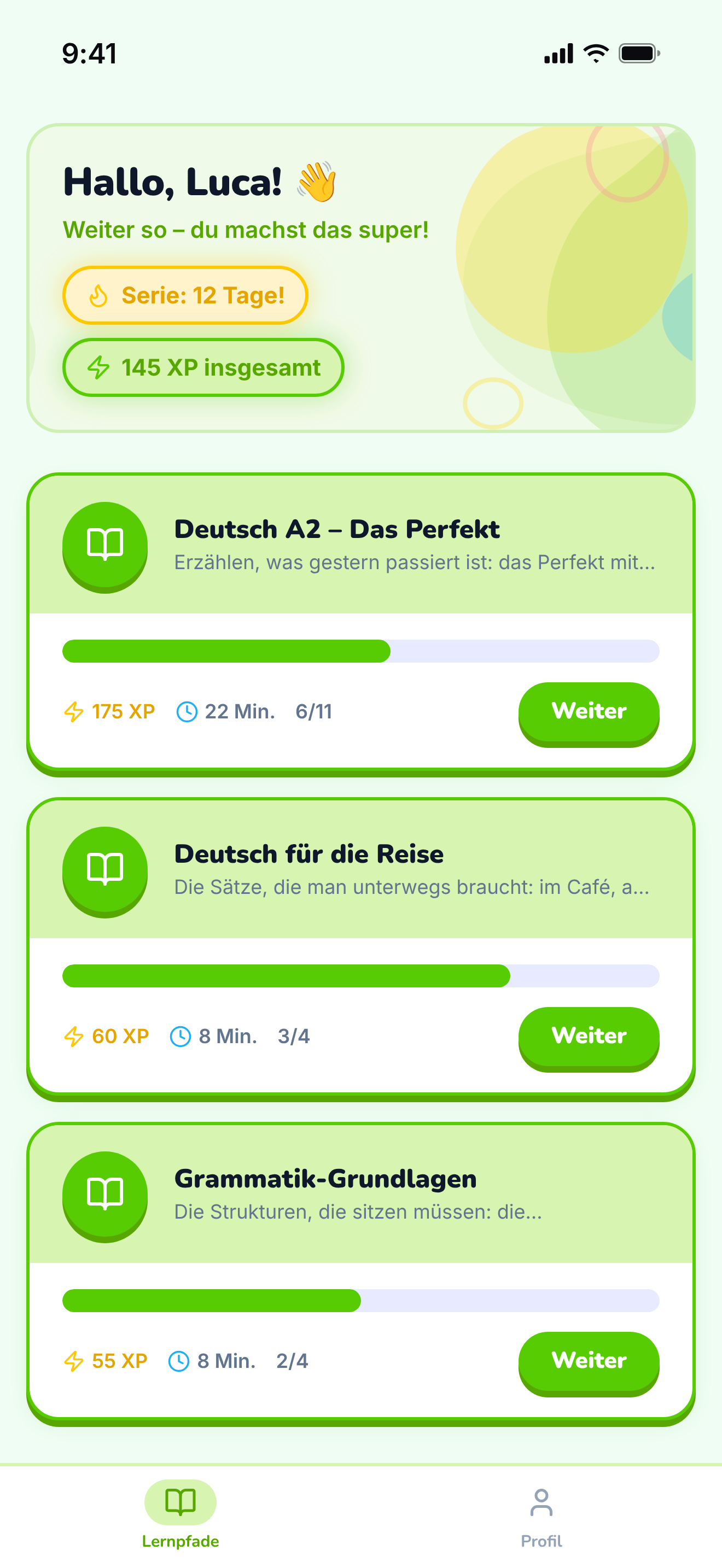
The student’s home: the paths their tutor assigned them.
https://teacher-and-me.com/press-assets/de/phone/student-paths.png
The same screen as the desktop capture.
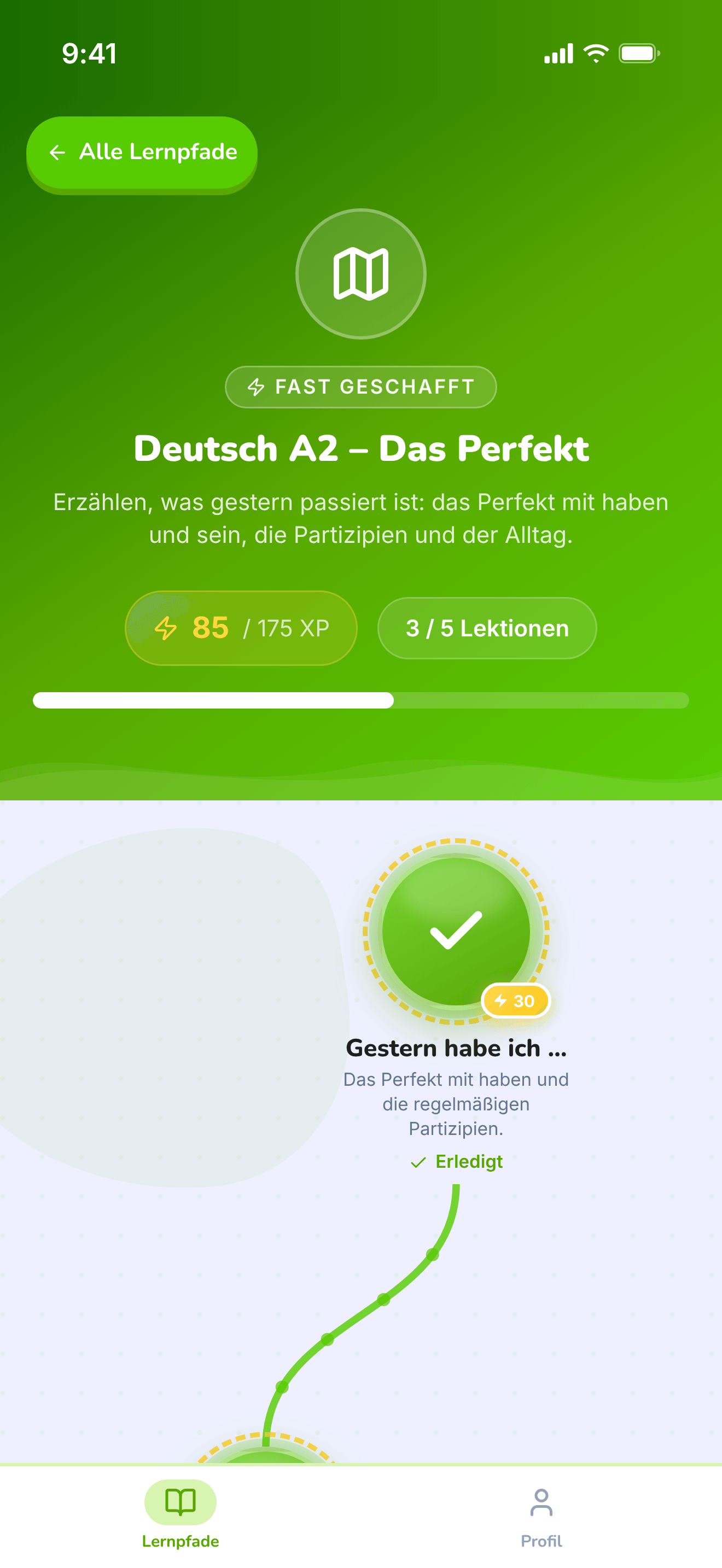
The top of one path: its title, XP and progress, above the map.
https://teacher-and-me.com/press-assets/de/phone/student-path-map-top.png
The same screen as the desktop capture.
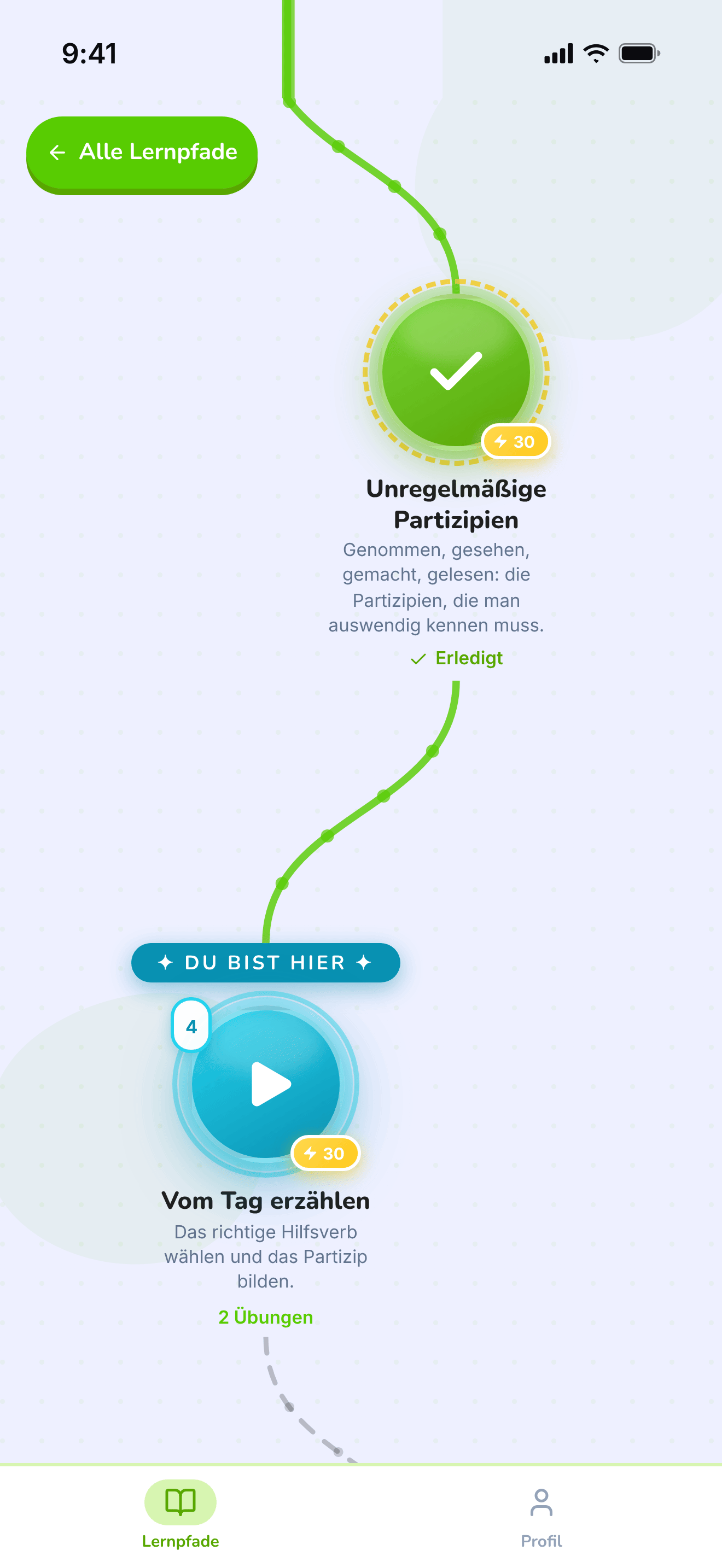
The winding map the student walks, one lesson at a time.
https://teacher-and-me.com/press-assets/de/phone/student-path-map.png
The same screen as the desktop capture.
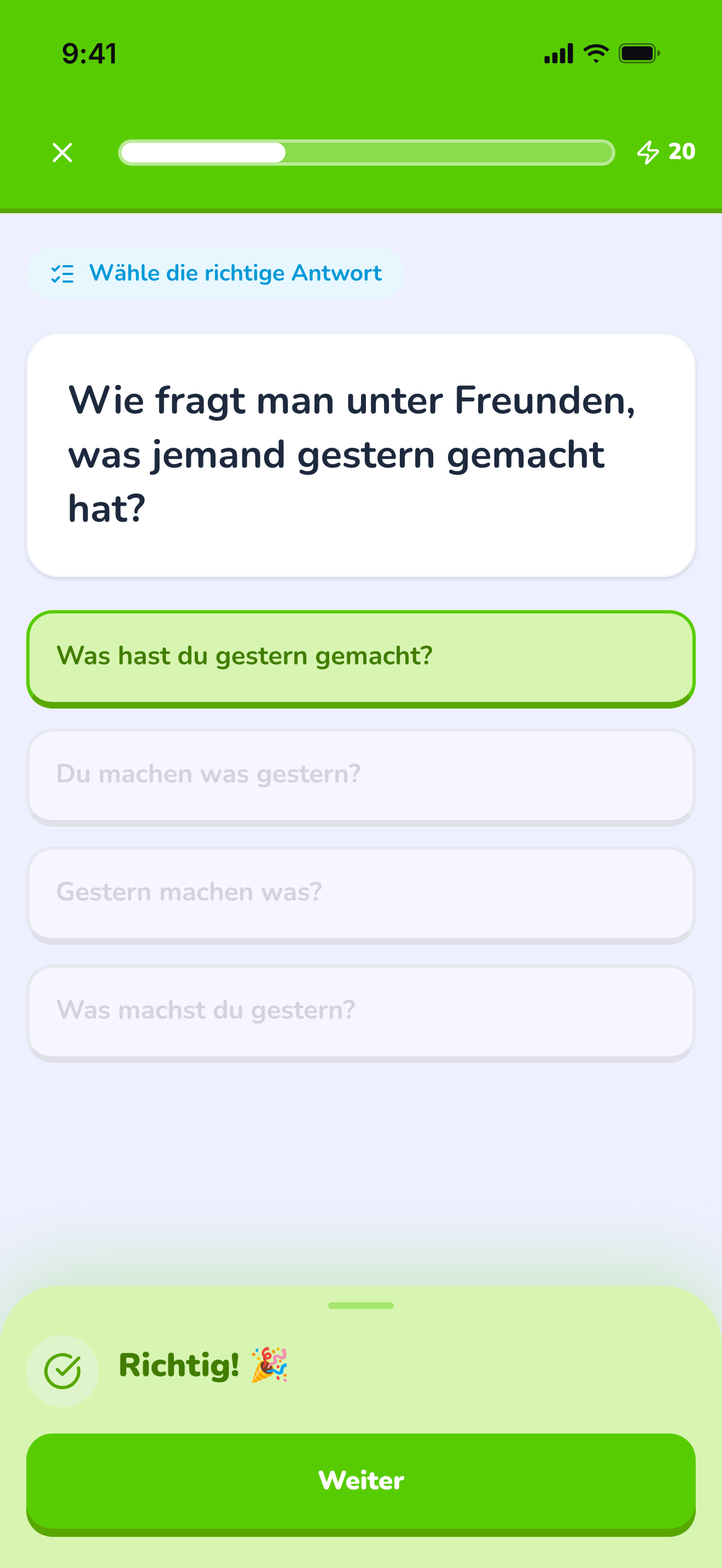
A multiple-choice question just answered correctly, showing the feedback state.
https://teacher-and-me.com/press-assets/de/phone/student-exercise-correct.png
The same screen as the desktop capture.
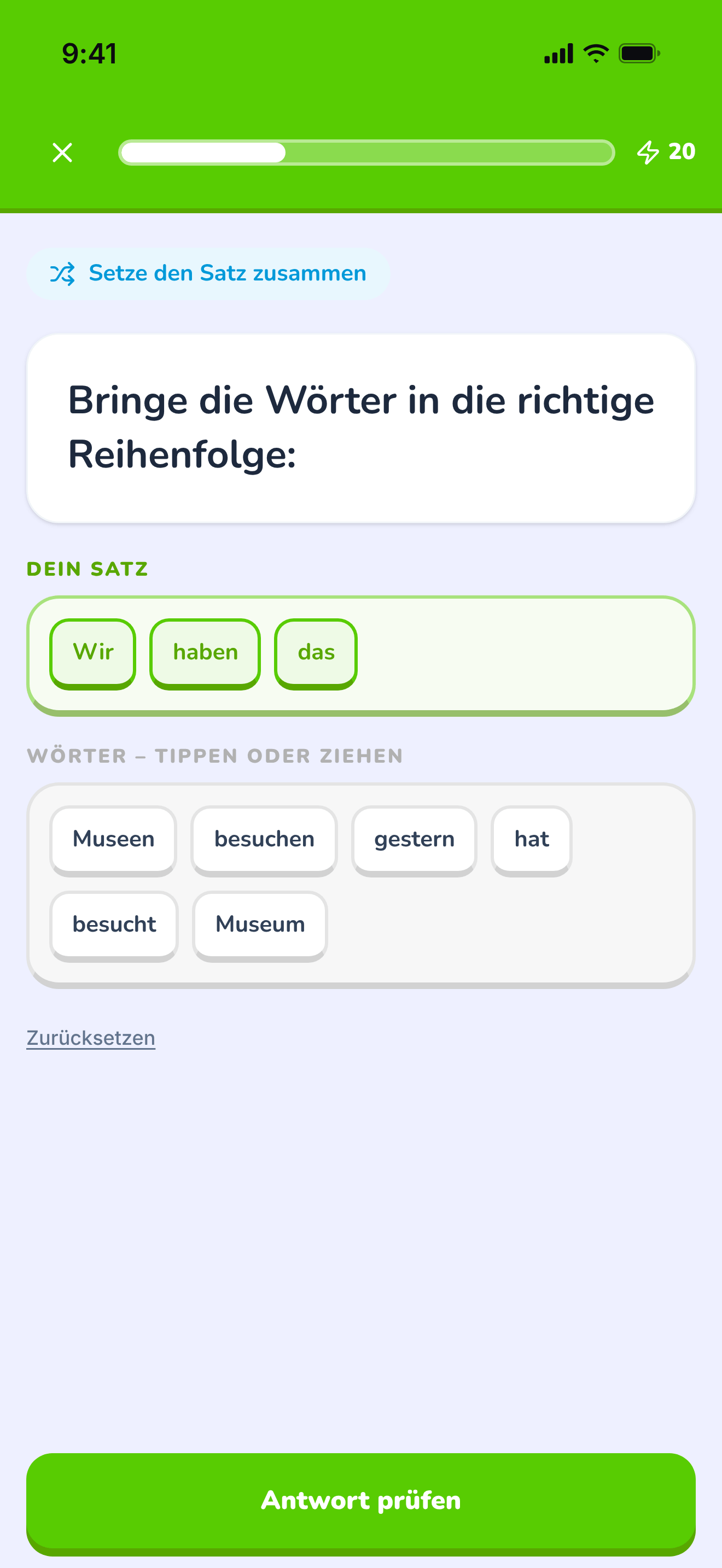
The tile builder mid-answer: a sentence being assembled word by word.
https://teacher-and-me.com/press-assets/de/phone/student-exercise-tiles.png
The same screen as the desktop capture.
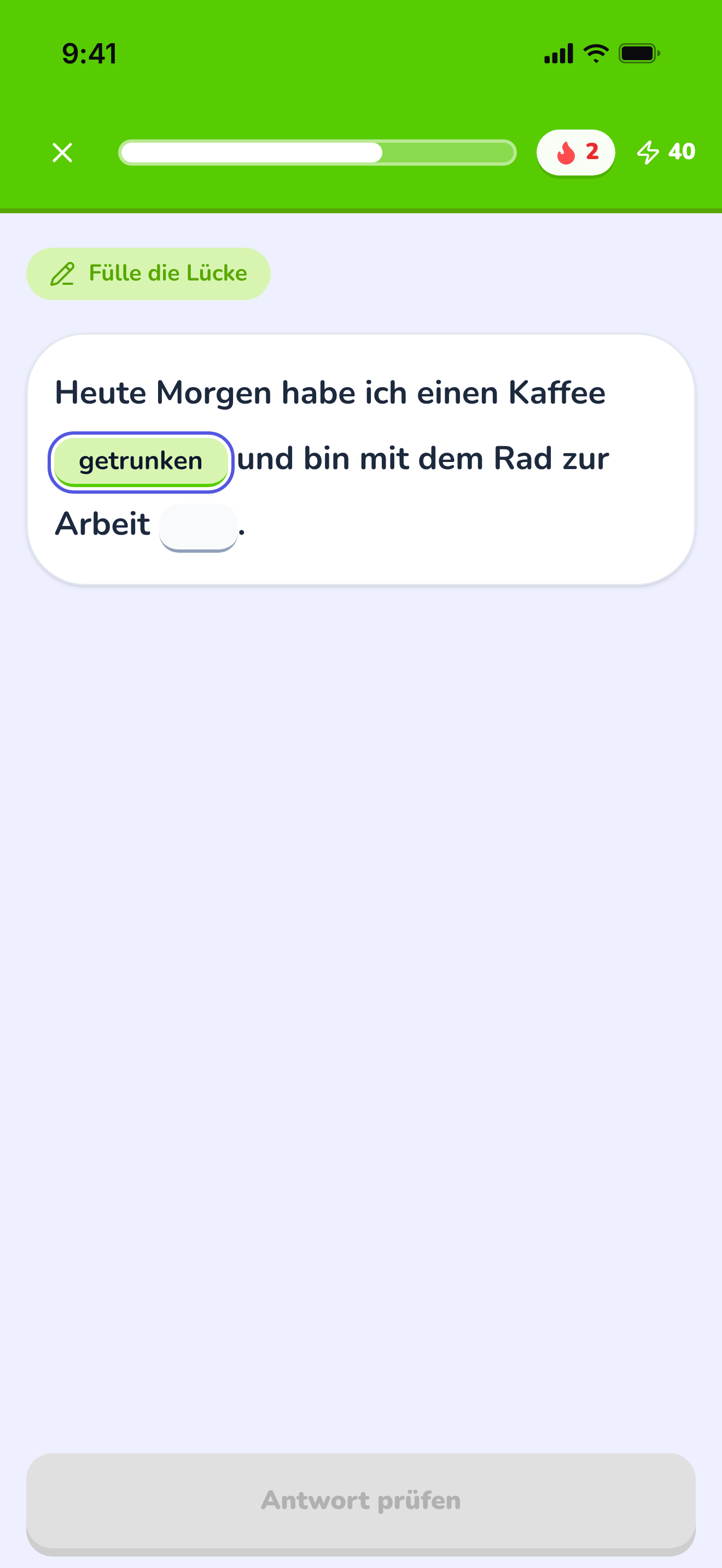
A sentence with two gaps, the first one typed in.
https://teacher-and-me.com/press-assets/de/phone/student-exercise-fill-in.png
The same screen as the desktop capture.
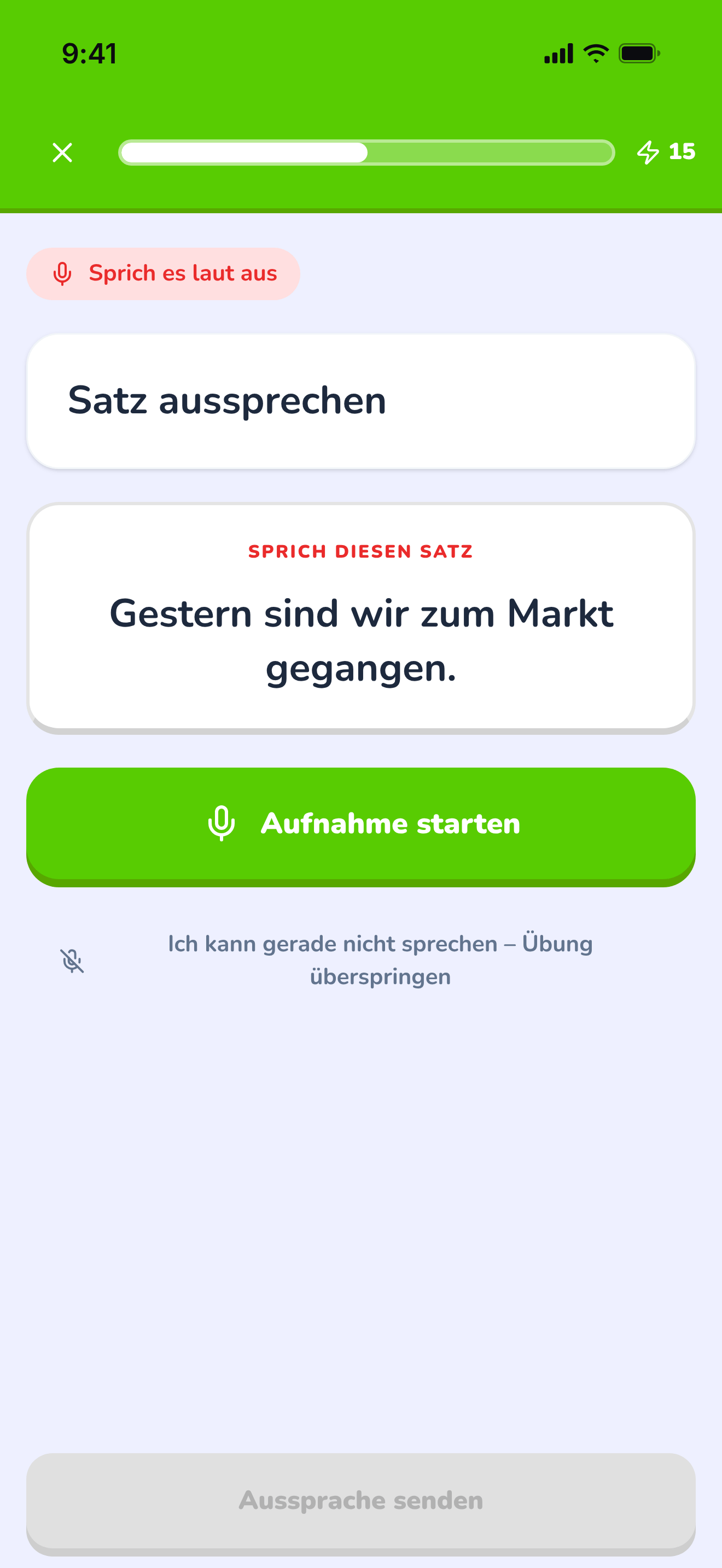
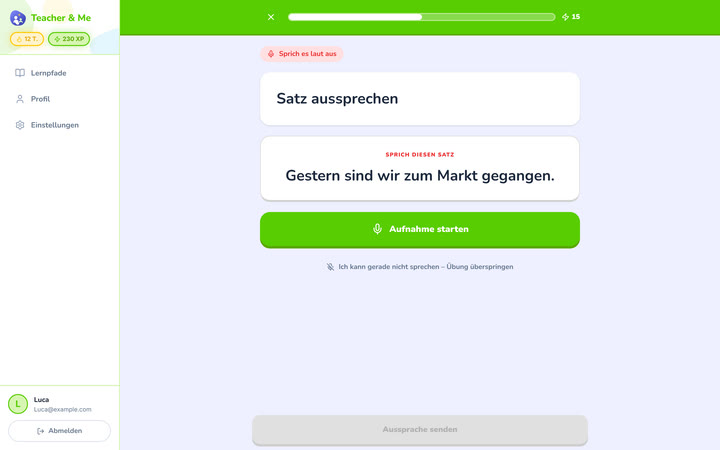
The pronunciation exercise at rest, before recording.
https://teacher-and-me.com/press-assets/de/phone/student-exercise-pronounce.png
The same screen as the desktop capture.
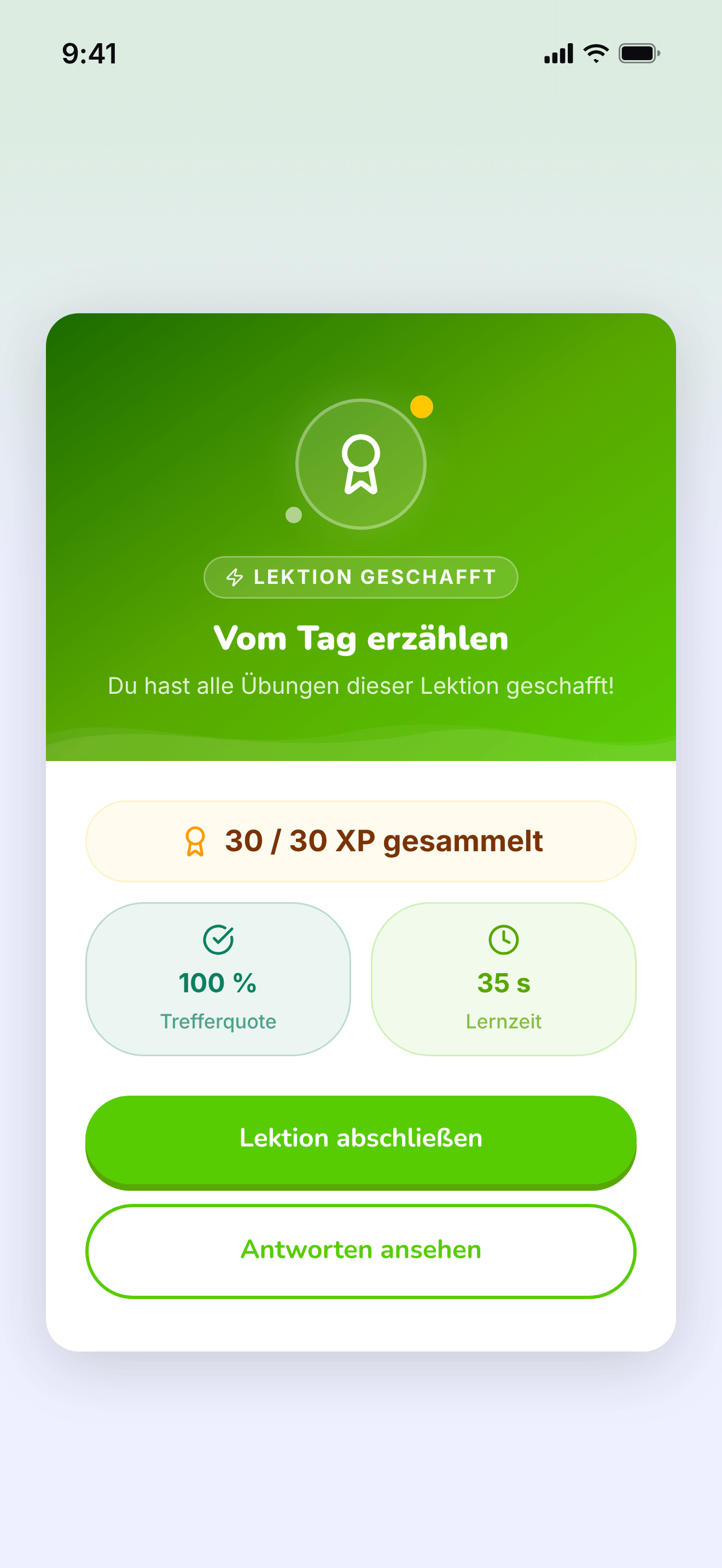
The card that closes a finished lesson.
https://teacher-and-me.com/press-assets/de/phone/student-lesson-complete.png
The same screen as the desktop capture.
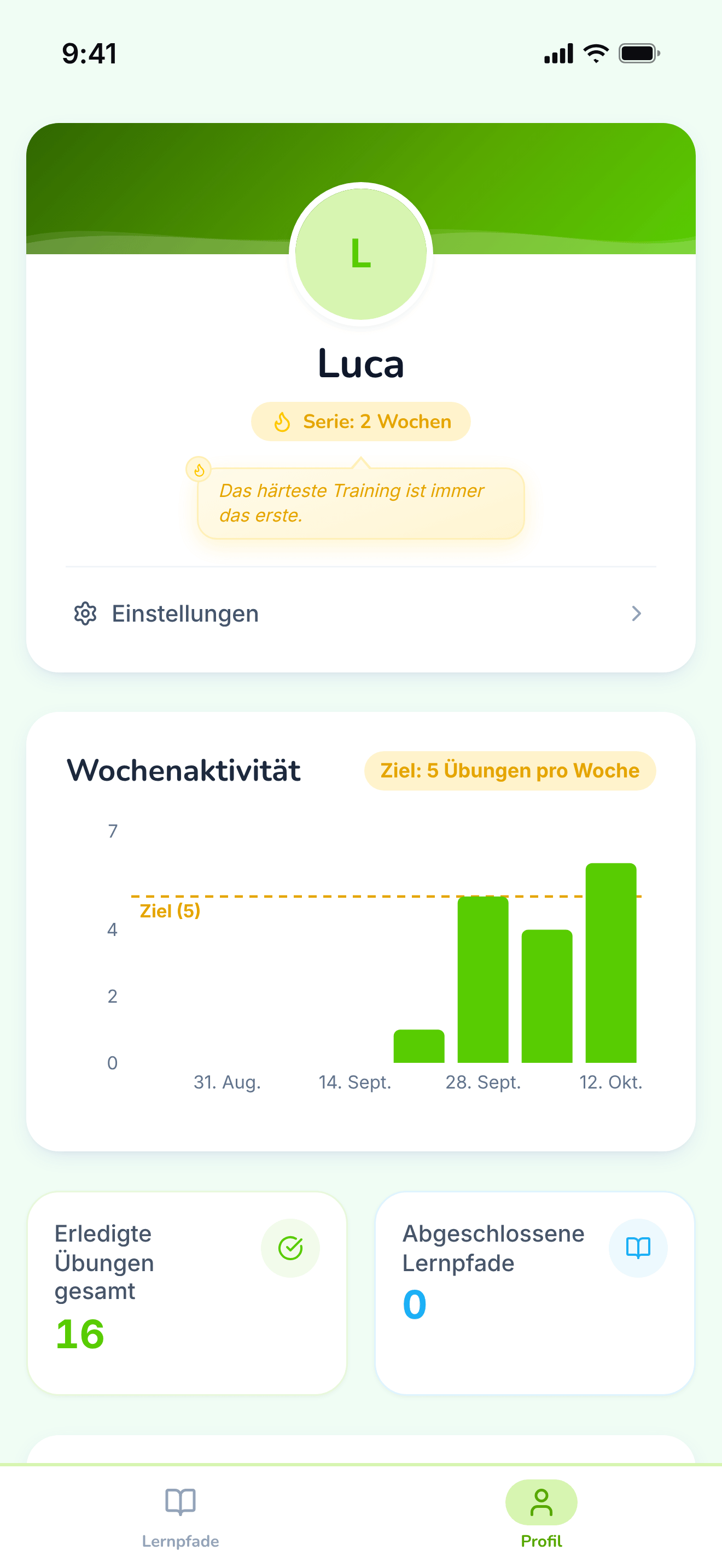
The student’s own progress, away from any single path.
https://teacher-and-me.com/press-assets/de/phone/student-profile.png
The same screen as the desktop capture.
Interface in Spanish, invented demo data.
Posters drawn from the real screens, 1920×1080: a headline beside a device frame, on the product’s own palette. The three above are the featured set; the Copy URL under each card is its 1200×630 edition.
The one card that says what the product is: logo, tagline and both apps side by side.
https://teacher-and-me.com/press-assets/es/cards/hero-1200x630.jpg
The default featured image. It carries the name, the pitch and both sides of the product in one frame, and reads at thumbnail size.
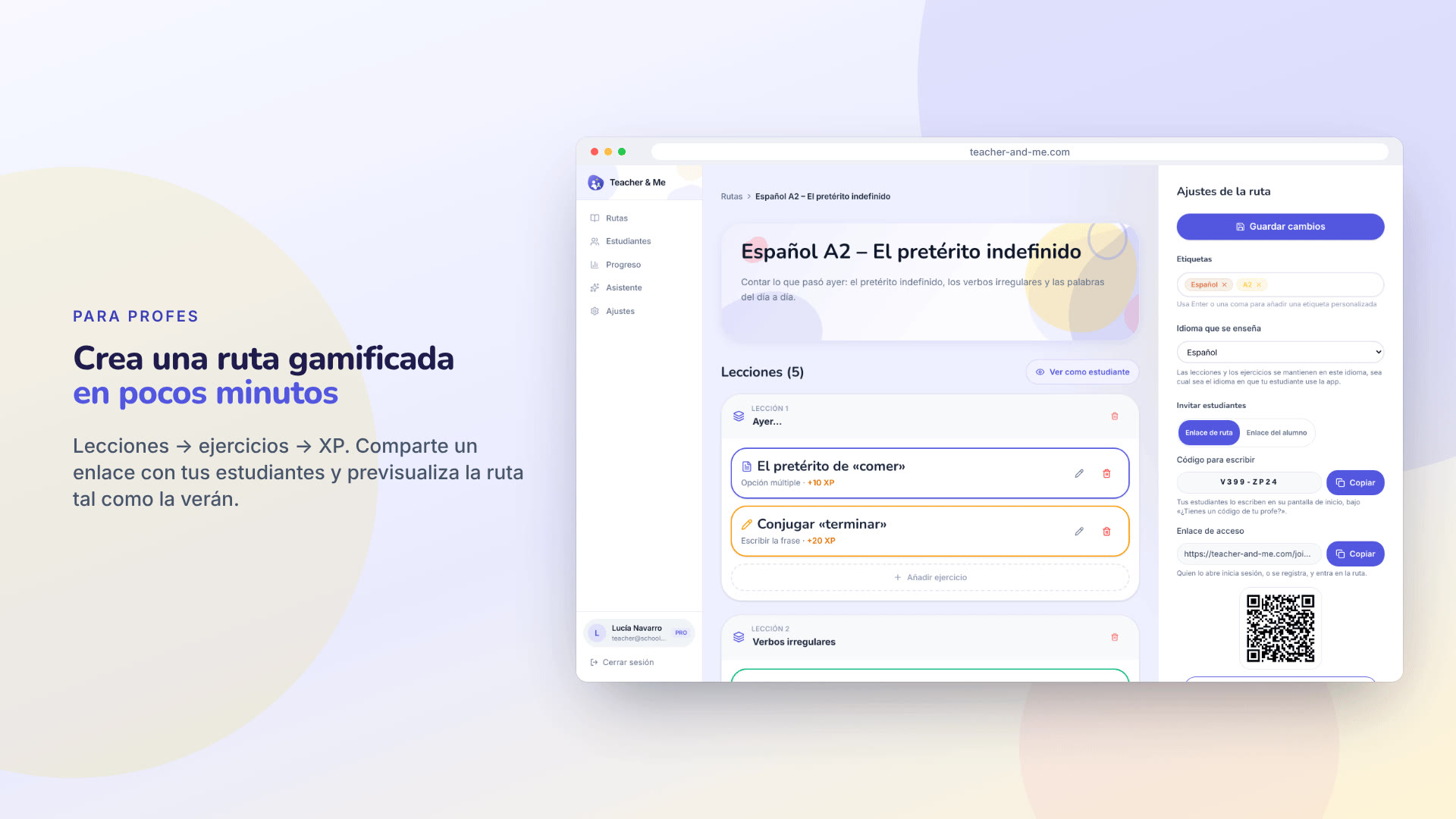
The tutor’s path editor in a browser frame, with the join link and its QR code.
https://teacher-and-me.com/press-assets/es/cards/path-editor-1200x630.jpg
An article about how a path is built. Pairs with the exercise editor card.
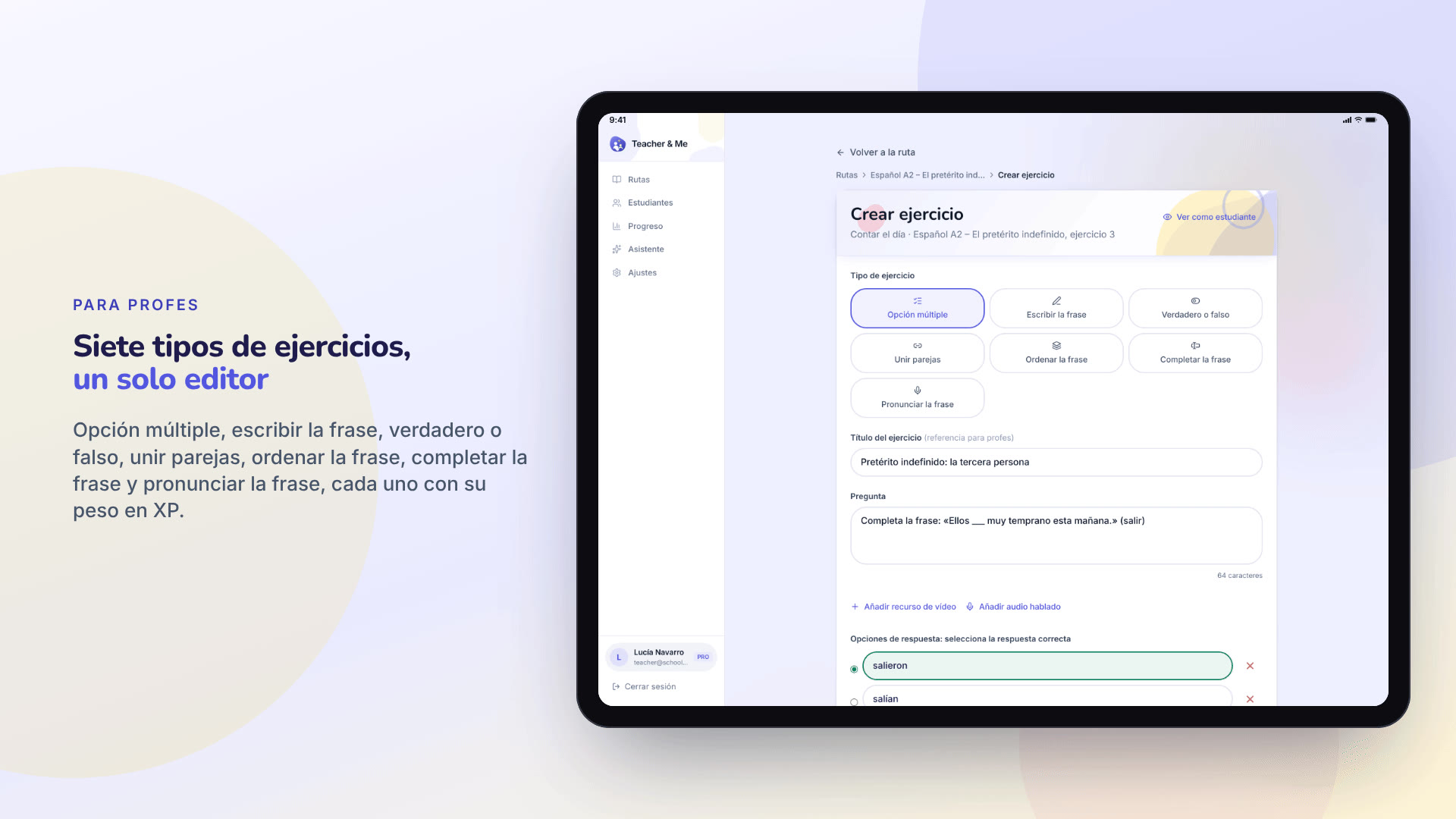
The exercise editor in a tablet frame, the seven-type grid at the top of the form.
https://teacher-and-me.com/press-assets/es/cards/exercise-builder-1200x630.jpg
When one image has to carry "seven exercise types". The only card framed as a tablet, because the form is tall.
One student’s analytics in a browser frame: score over time and time per exercise.
https://teacher-and-me.com/press-assets/es/cards/analytics-1200x630.jpg
The strongest claim the product makes, as a poster. The second featured image.
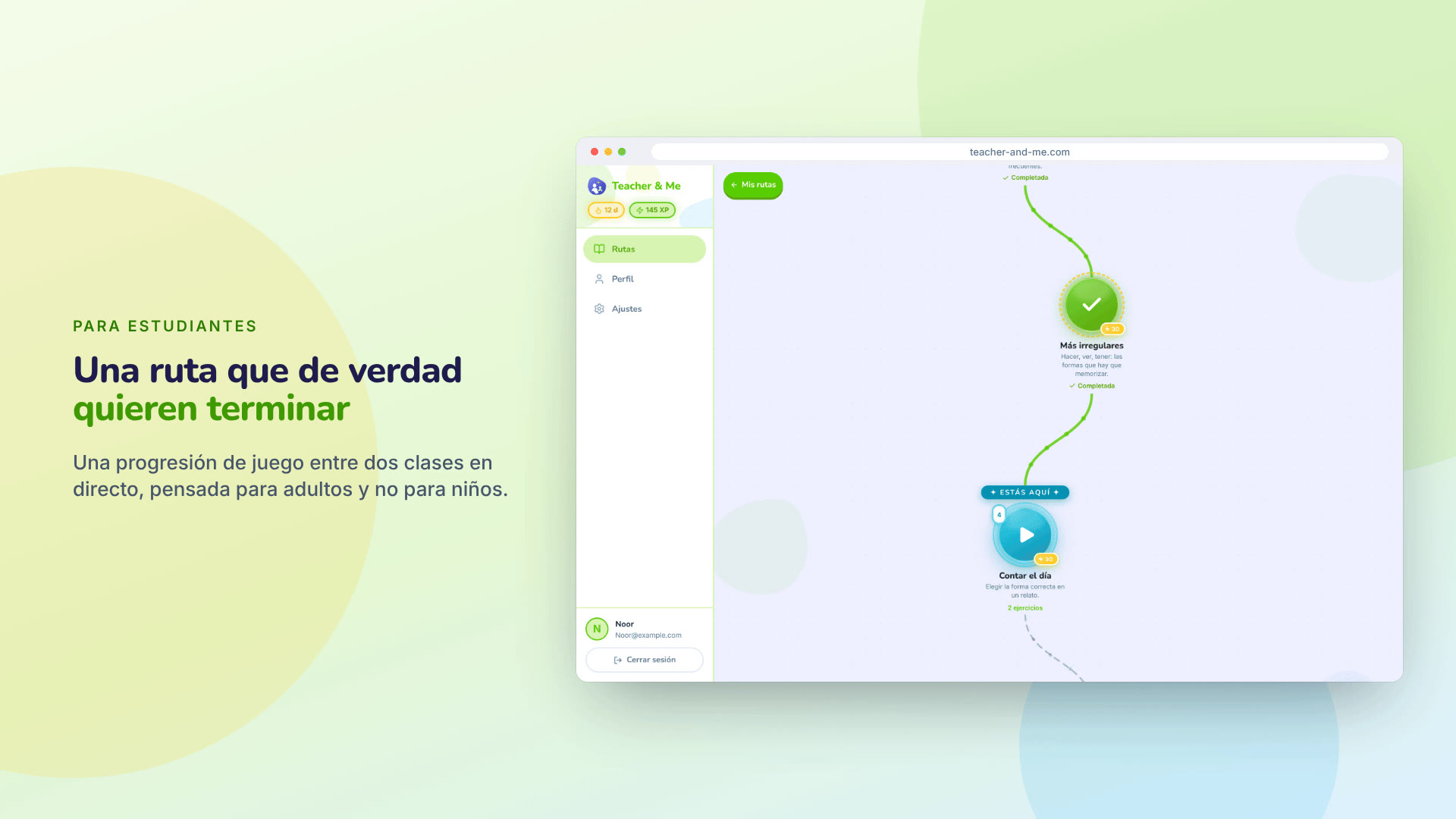
The student’s winding lesson map in a browser frame.
https://teacher-and-me.com/press-assets/es/cards/student-path-1200x630.jpg
The student-side hook on a desktop. For a phone, use the feedback card.
A multiple-choice question answered correctly, on a phone.
https://teacher-and-me.com/press-assets/es/cards/exercise-1200x630.jpg
The student experience in one glance. The third featured image, and the one to pick for a mobile-first outlet.
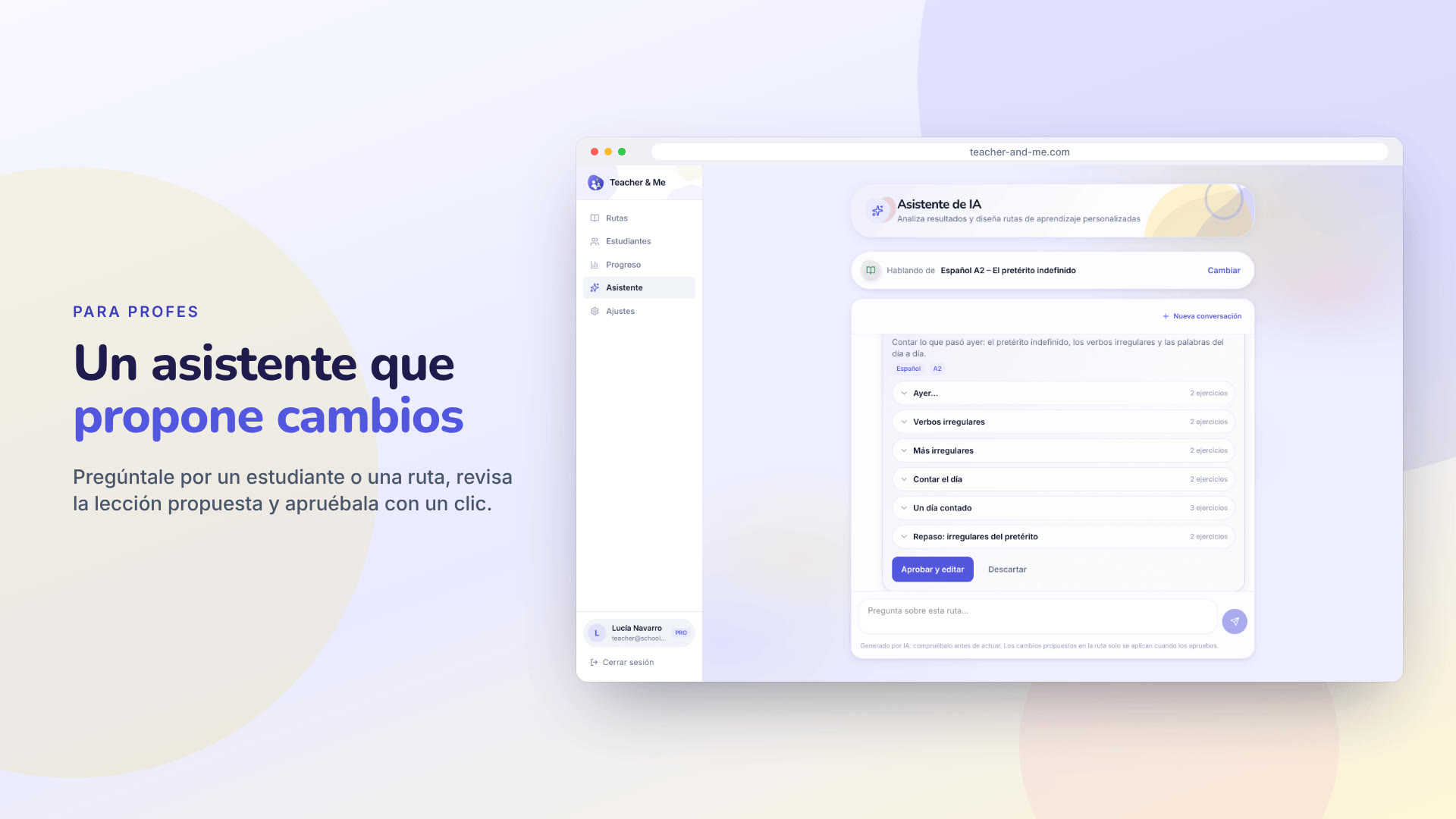
The assistant proposing a lesson for review, in a browser frame.
https://teacher-and-me.com/press-assets/es/cards/assistant-1200x630.jpg
An article about the assistant. Keep the caption honest: it proposes, the tutor approves.
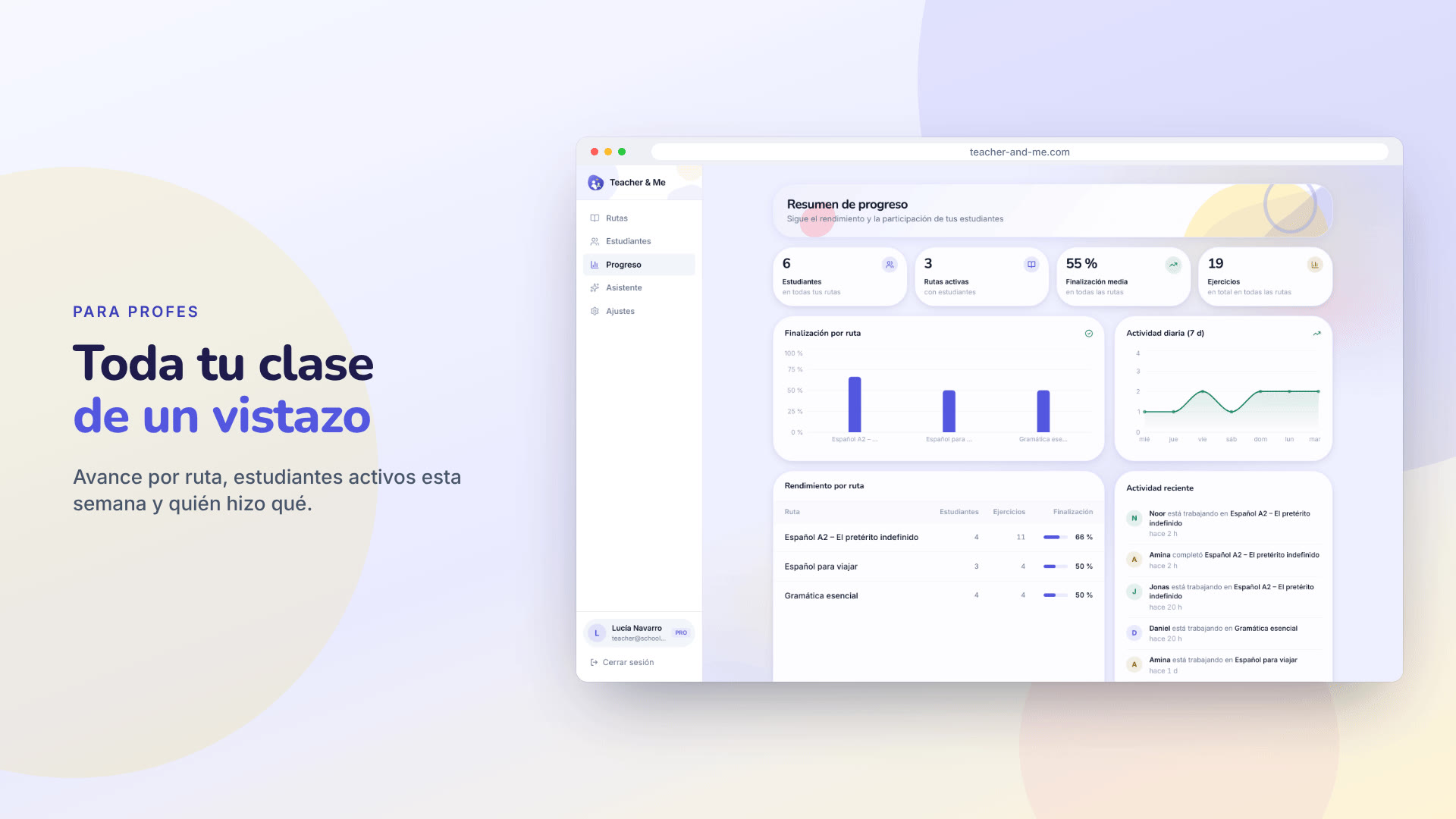
The progress dashboard in a browser frame: tiles, charts and the activity feed.
https://teacher-and-me.com/press-assets/es/cards/progress-1200x630.jpg
A tutor with more than a handful of students. The whole-class view.
The app as captured on a 1440×900 viewport at 2× device pixel ratio: 2880×1800 PNG, with Medium and Small JPEGs under “Sizes”. In the order the product is used: the public pages, the tutor’s app, the student’s app.
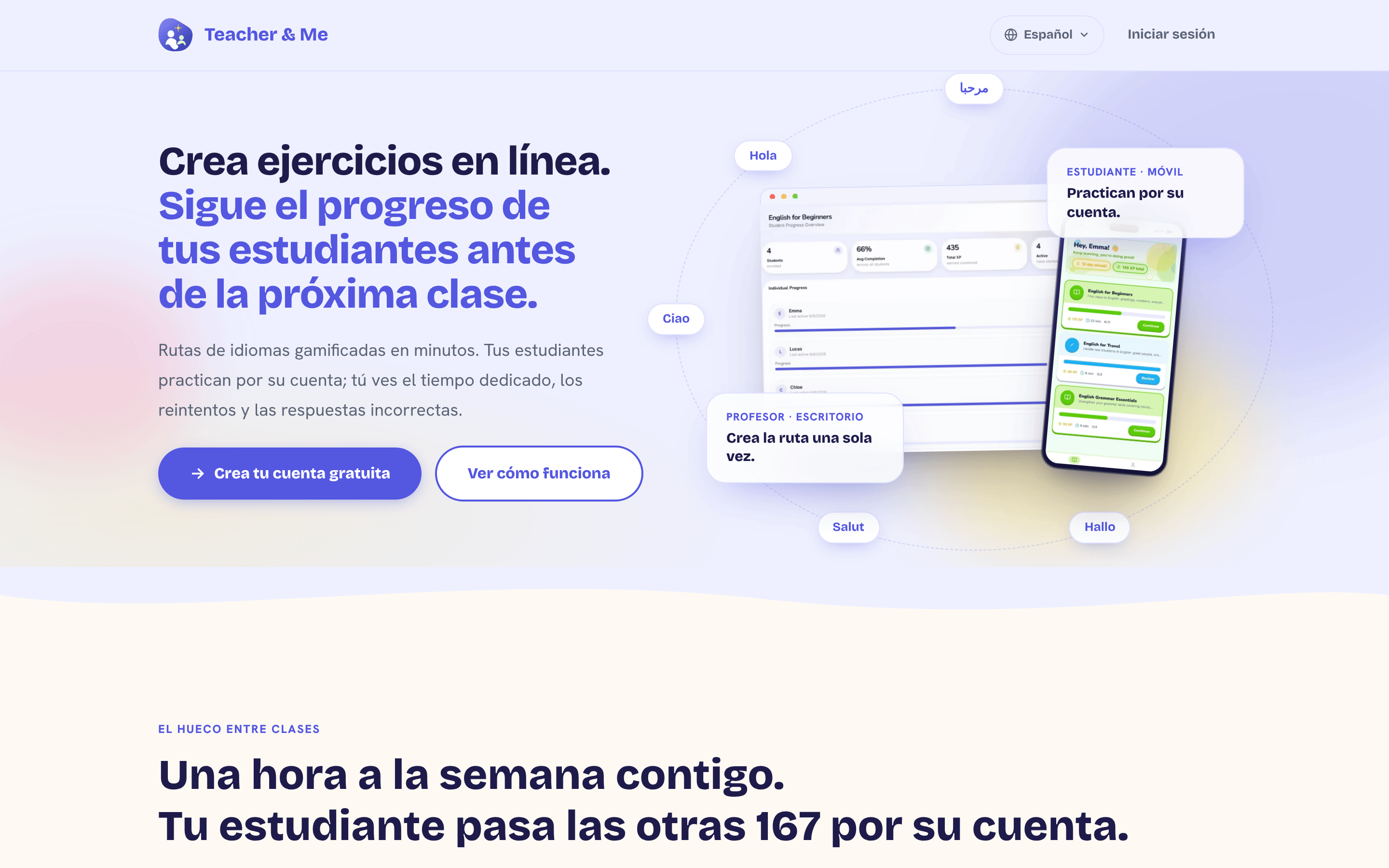
The public homepage as it first paints, above the fold.
https://teacher-and-me.com/press-assets/es/desktop/landing.png
The product’s own pitch, in its own words. Quote the headline from here rather than inventing a new one.
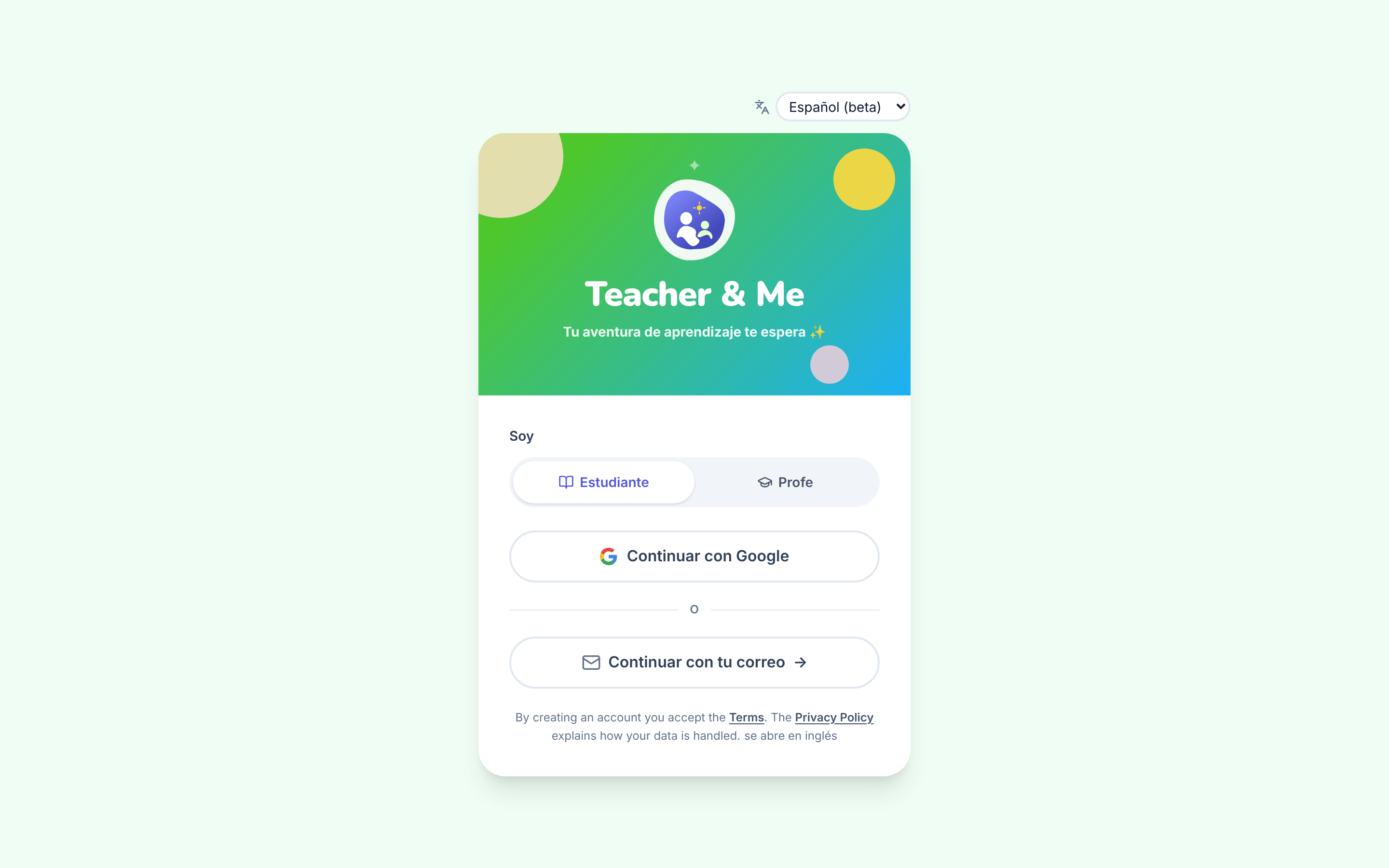
The single sign-in card, shared by students and tutors.
https://teacher-and-me.com/press-assets/es/desktop/signin.png
That there is one door for both roles, that signing in is passwordless, and that a person picks their own role. The toggle is the role switch: it is self-service, not an admin setting.
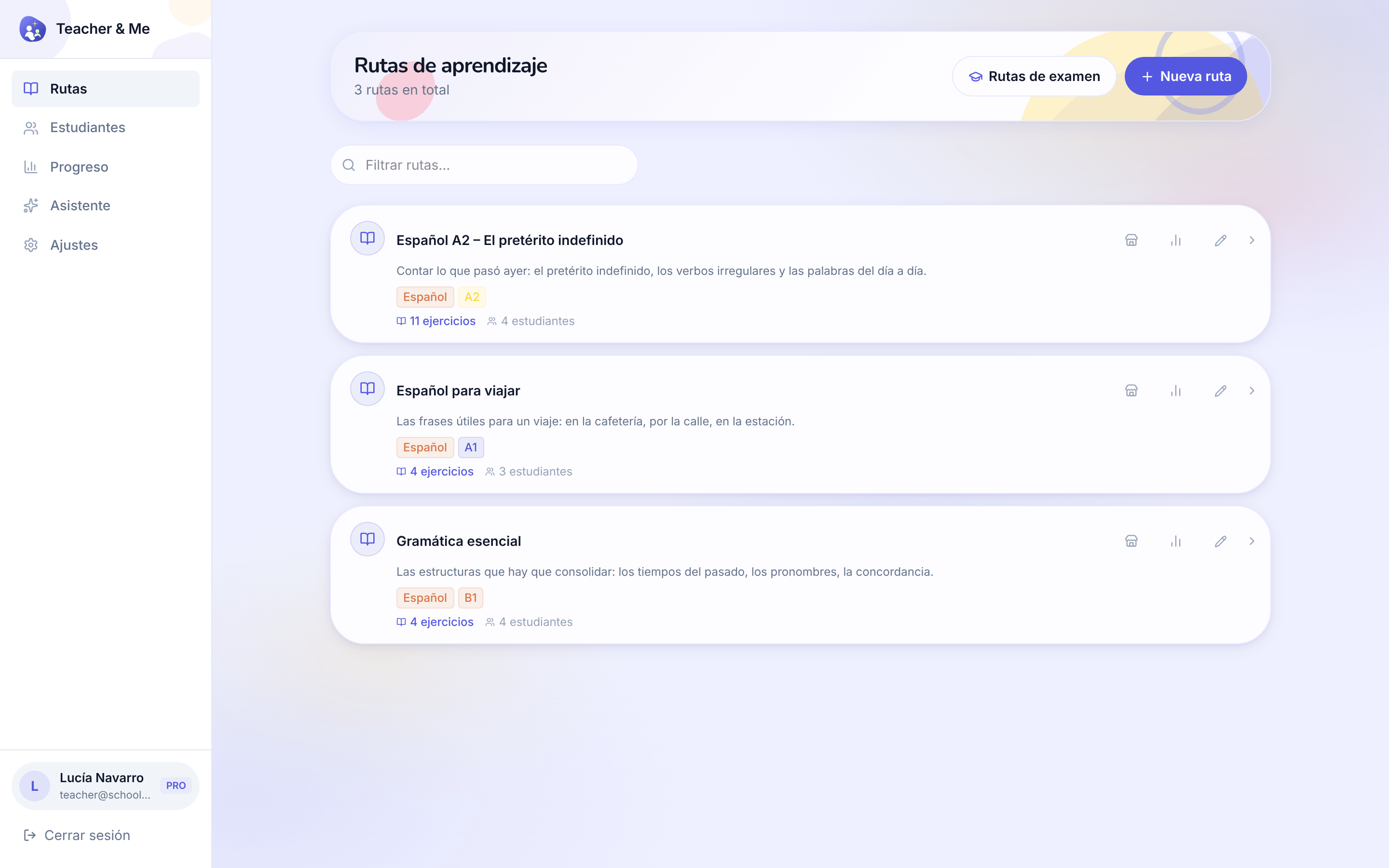
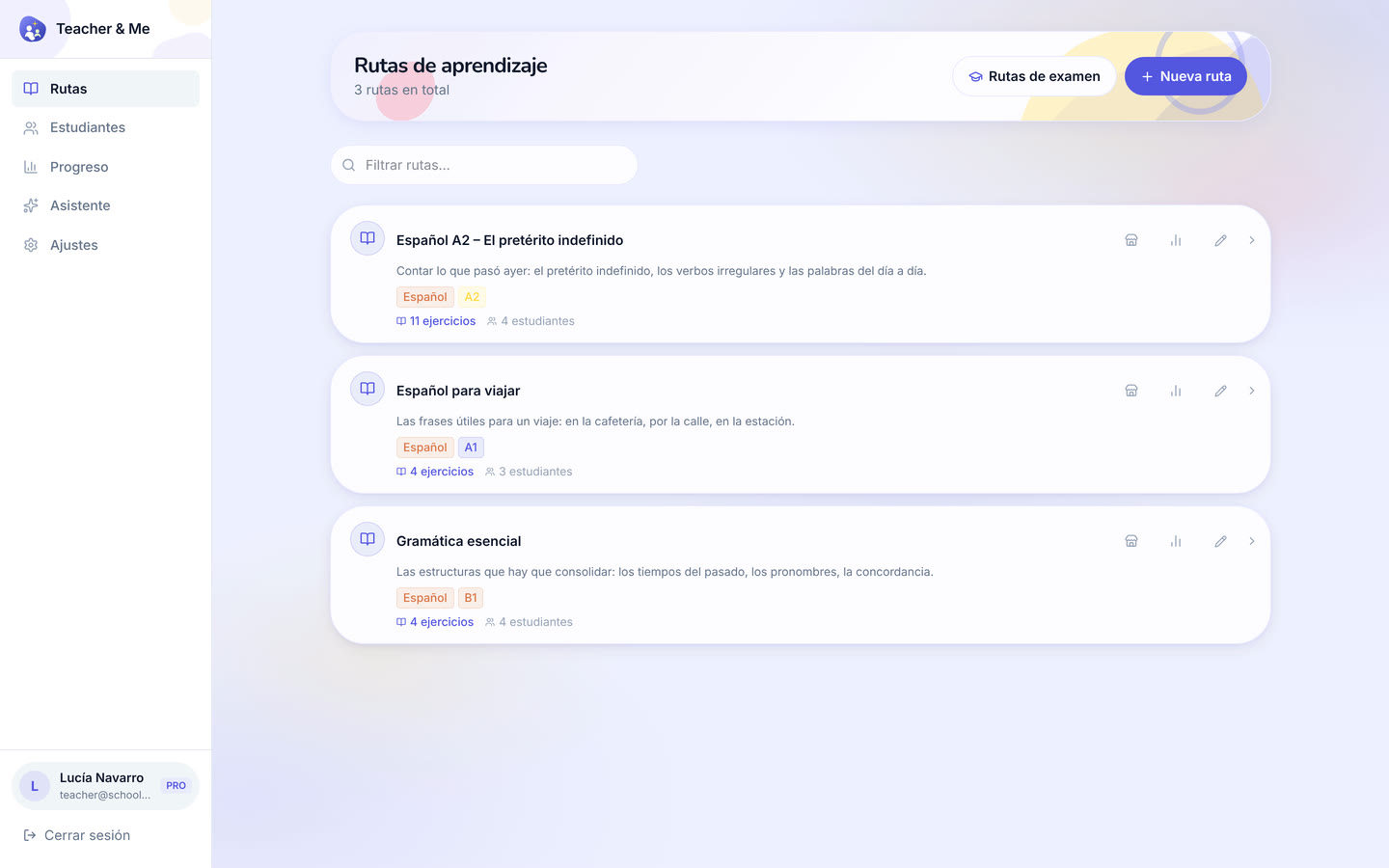
The tutor’s own paths, the first screen after signing in as a teacher.
https://teacher-and-me.com/press-assets/es/desktop/teacher-paths.png
That a tutor’s whole workspace is one list, and that a path is a small, countable object.
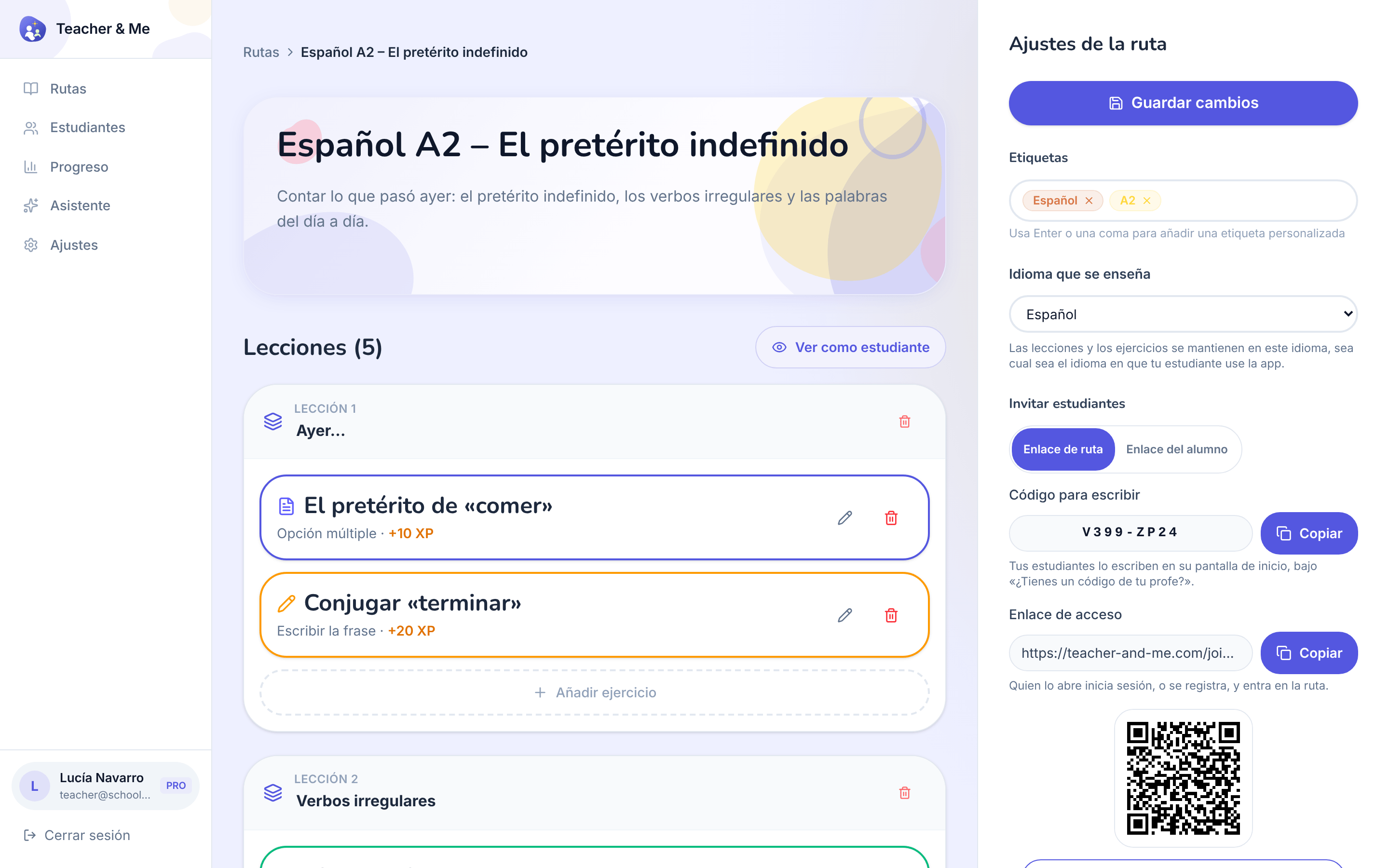
One path opened for editing: its lessons, in order.
https://teacher-and-me.com/press-assets/es/desktop/teacher-path-editor.png
The "build a path in minutes" claim. This is the screen that shows a path is lessons, and a lesson is exercises.
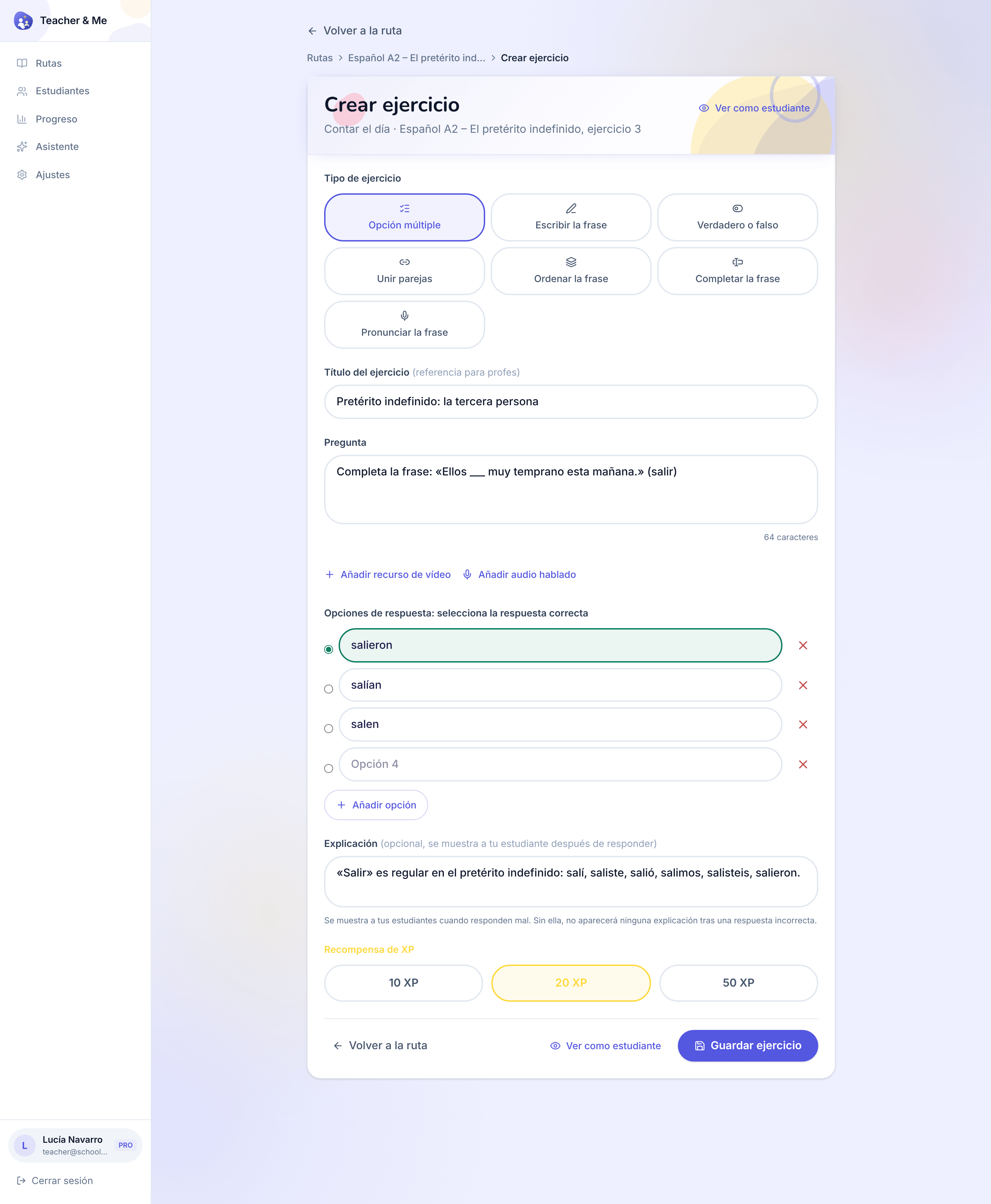
The form one exercise is written in, filled with a multiple-choice question.
https://teacher-and-me.com/press-assets/es/desktop/teacher-exercise-builder.png
The "seven exercise types, one editor" claim, and that a tutor writes the explanation, not a template. The desktop capture is deliberately taller than the others so the whole form fits one frame.
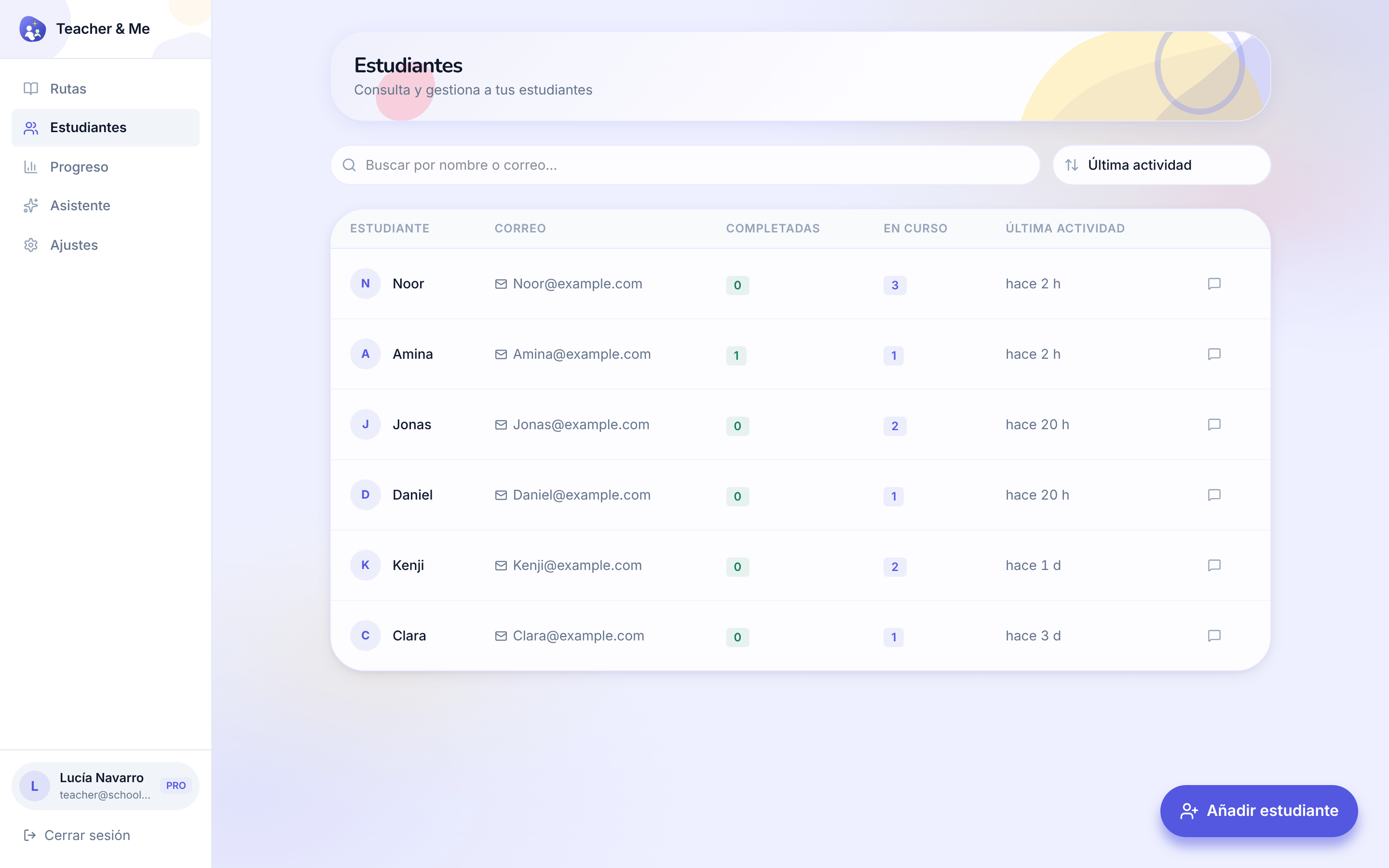
The tutor’s roster: every student they teach, in one searchable list.
https://teacher-and-me.com/press-assets/es/desktop/teacher-students.png
That the product is one-to-one and small-group teaching, not a course platform with open enrolment.
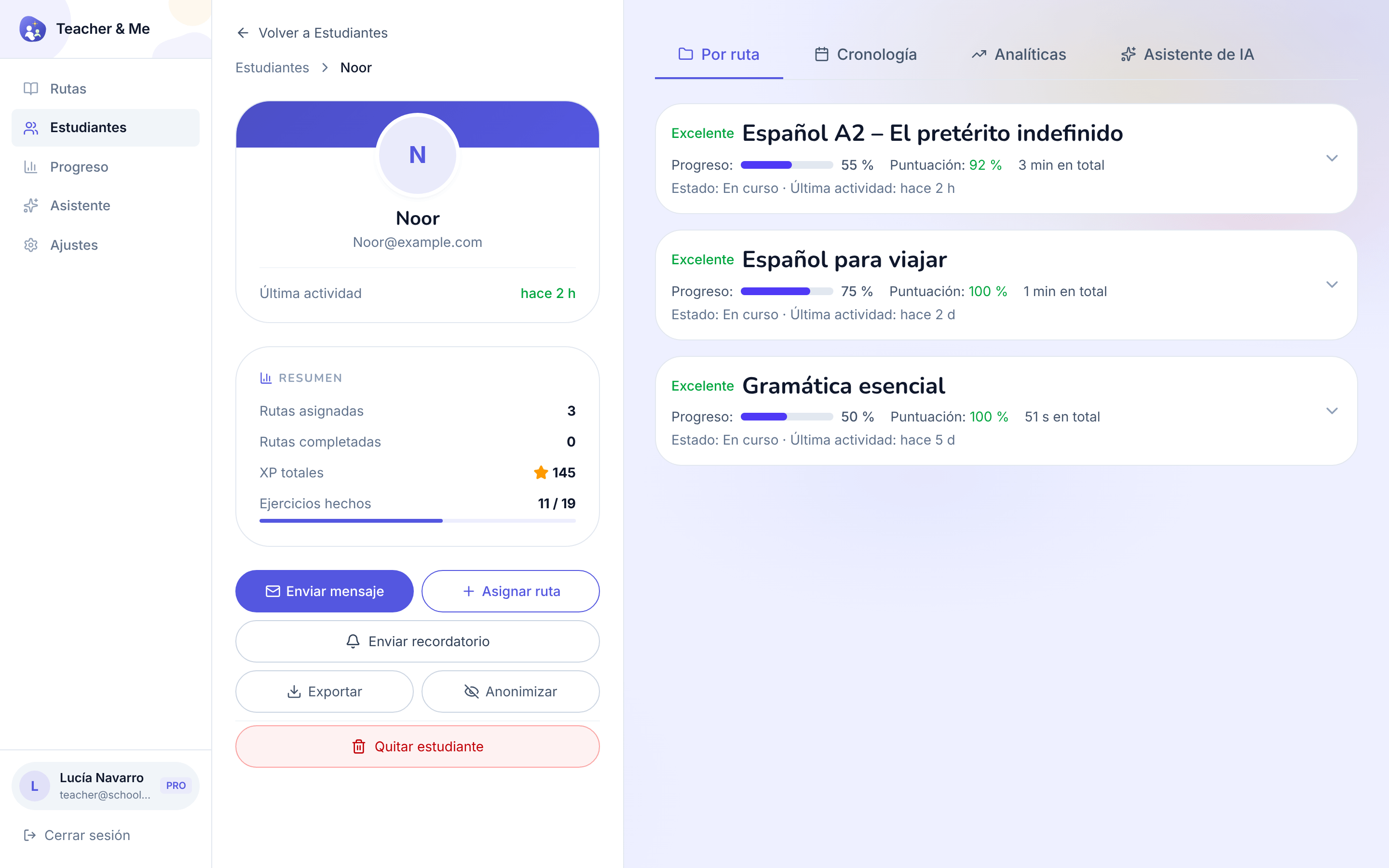
A single student’s page, on the "By Path" tab.
https://teacher-and-me.com/press-assets/es/desktop/teacher-student-profile.png
That the tutor sees a student as a whole, and that the data is exportable and can be anonymised, a privacy point worth making.
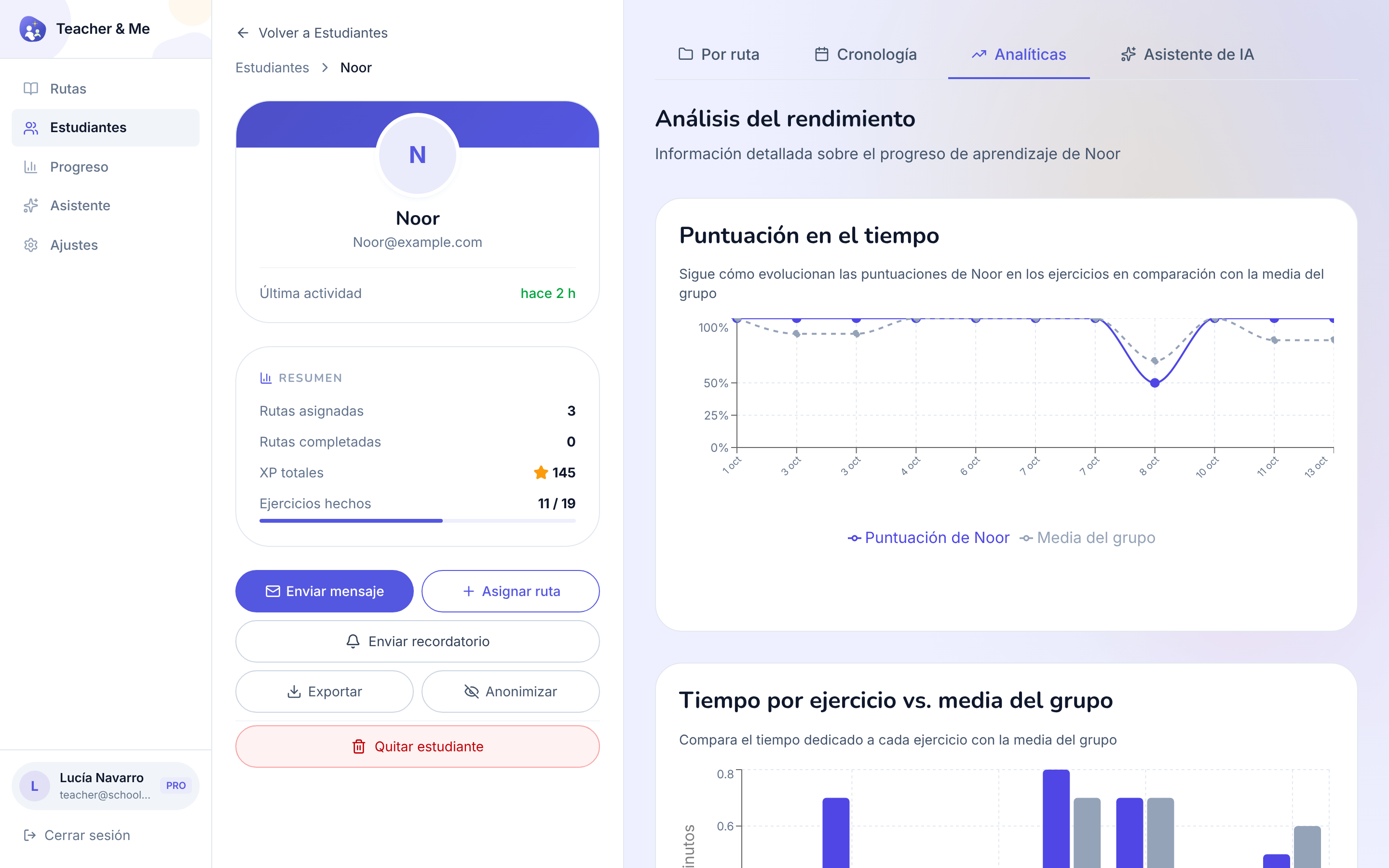
The diagnostic view: how one student performed, exercise by exercise.
https://teacher-and-me.com/press-assets/es/desktop/teacher-student-analytics.png
The strongest single claim the product makes: you know where a student got stuck before the next lesson starts. If an ad shows one tutor-side screen, this is usually the one.
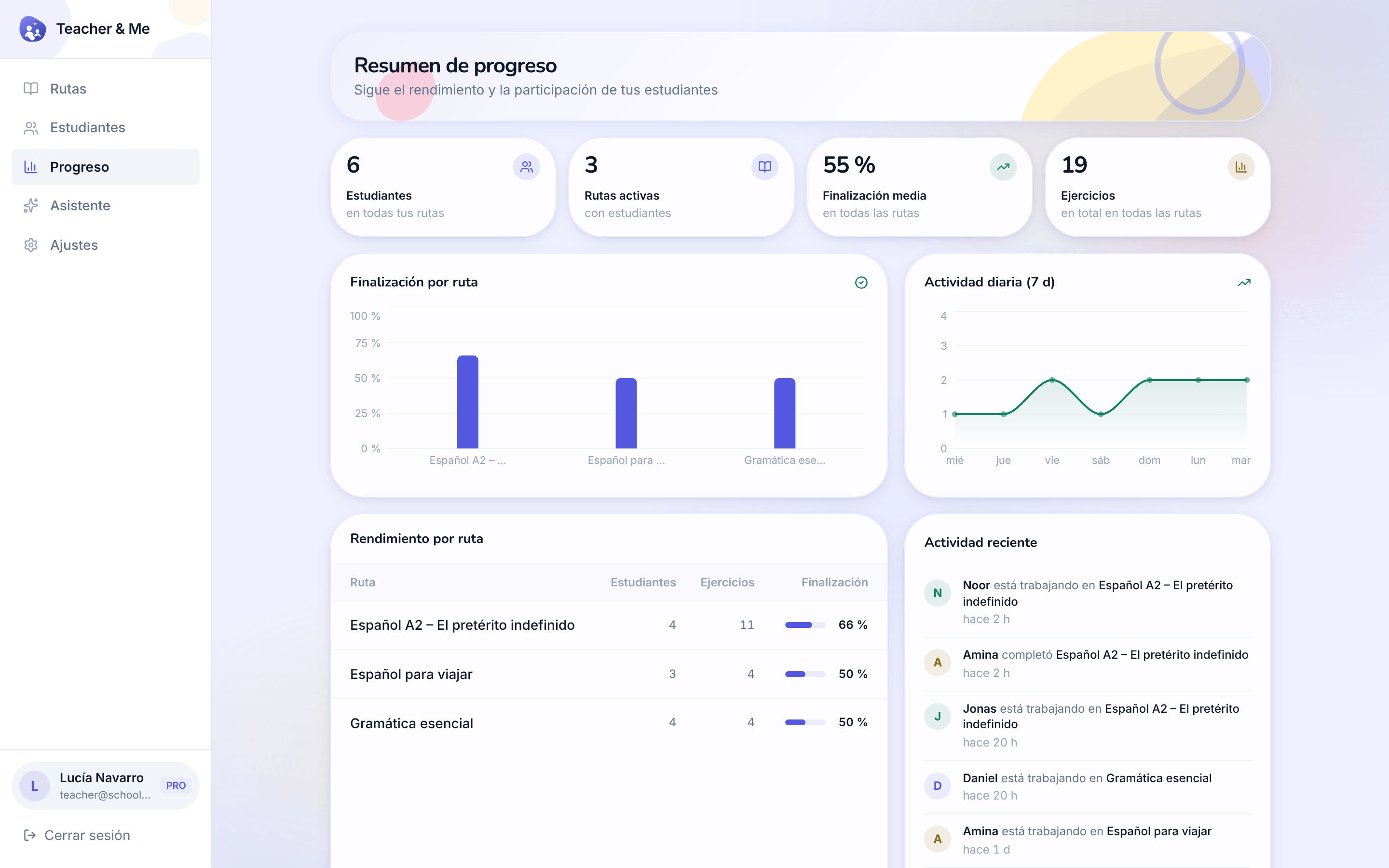
Every student and every path on one dashboard.
https://teacher-and-me.com/press-assets/es/desktop/teacher-progress.png
The whole-class view. Good for a tutor with more than a handful of students.
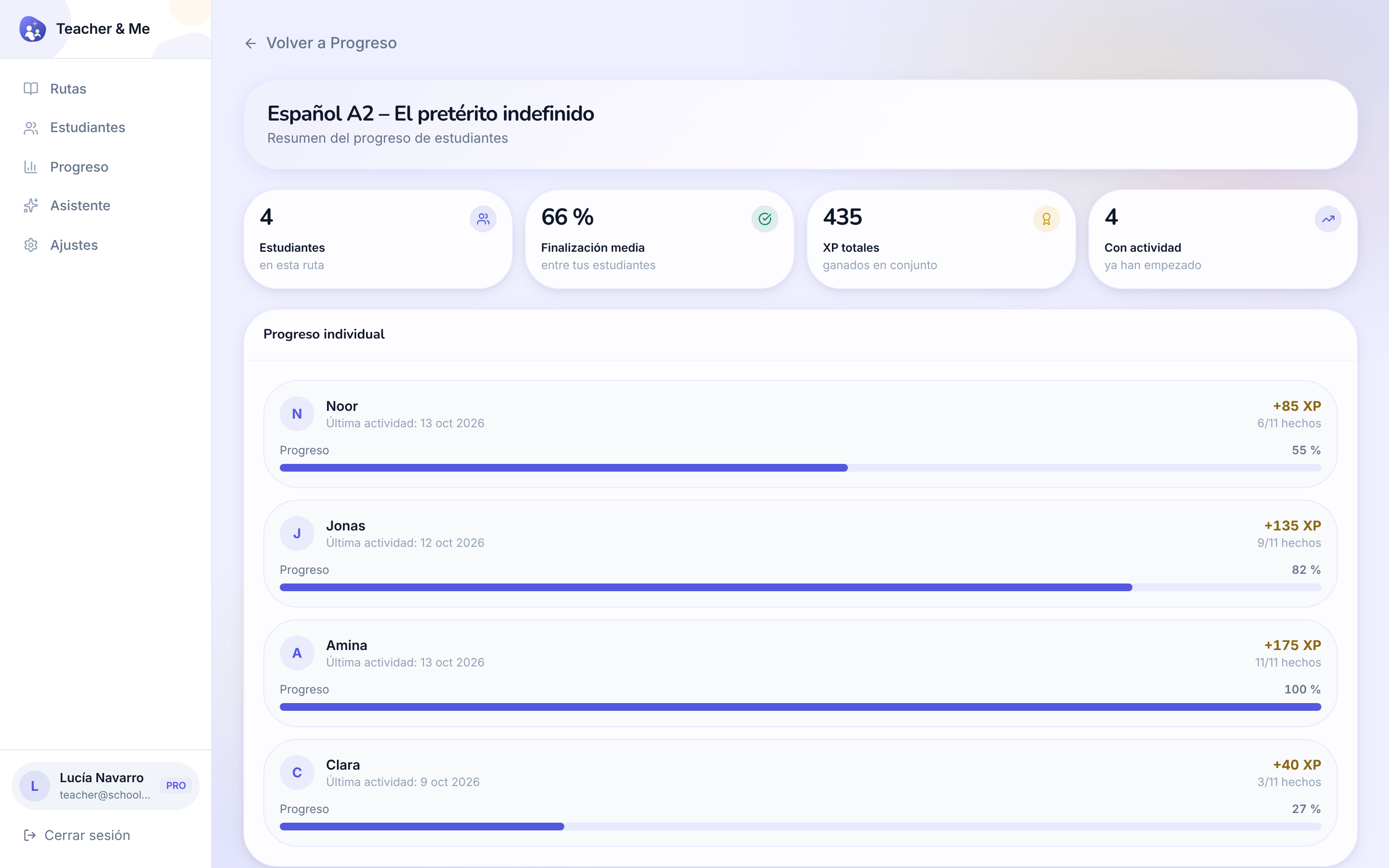
The same overview narrowed to a single path.
https://teacher-and-me.com/press-assets/es/desktop/teacher-path-progress.png
Following one cohort through one path: who has finished it and who has not started.
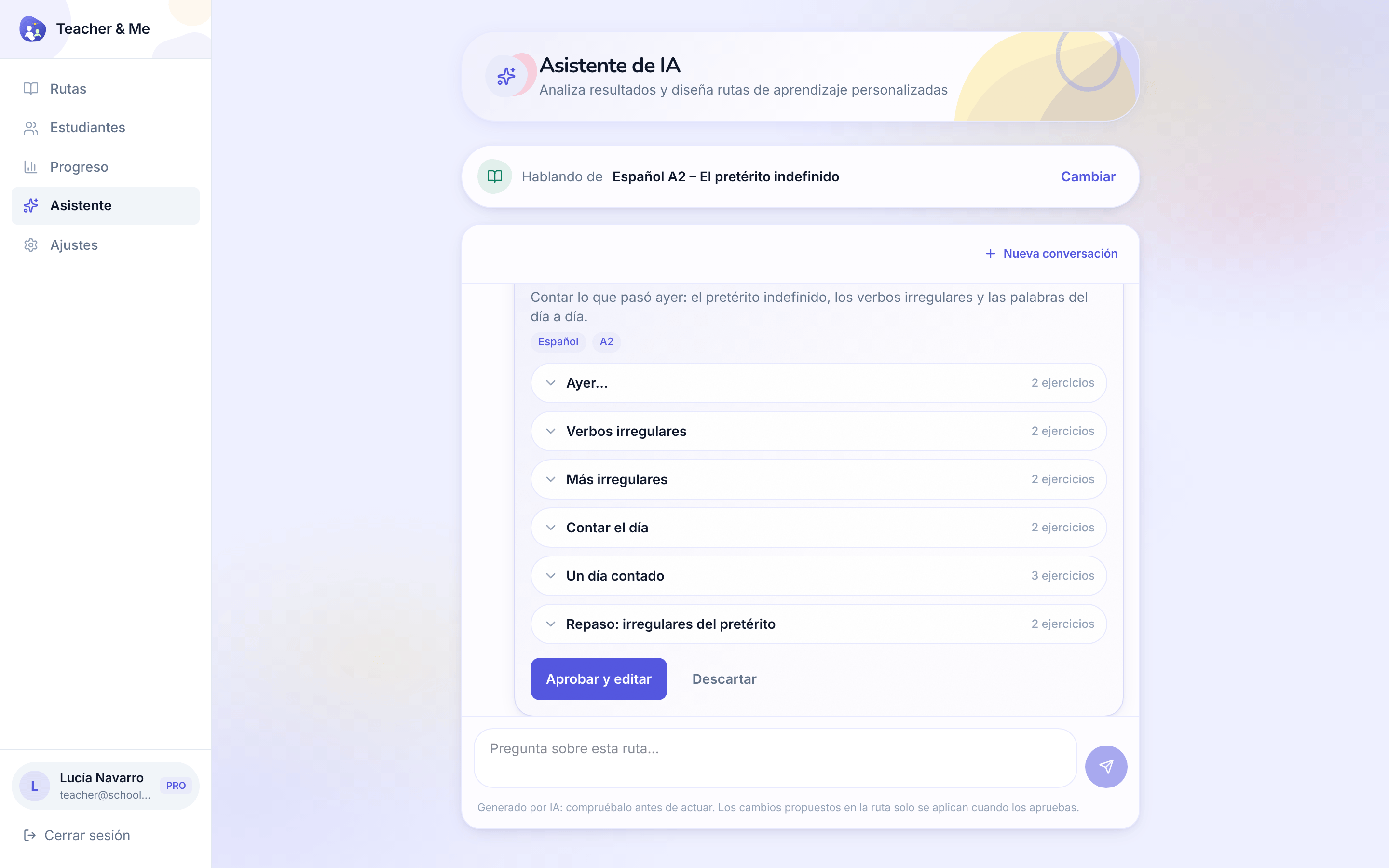
The assistant answering a question about a path and proposing a lesson to add, with an approve control.
https://teacher-and-me.com/press-assets/es/desktop/teacher-assistant.png
That the assistant proposes an edit the tutor approves: it reads the results and drafts, the tutor decides. Do not describe it as teaching the student or acting on its own.
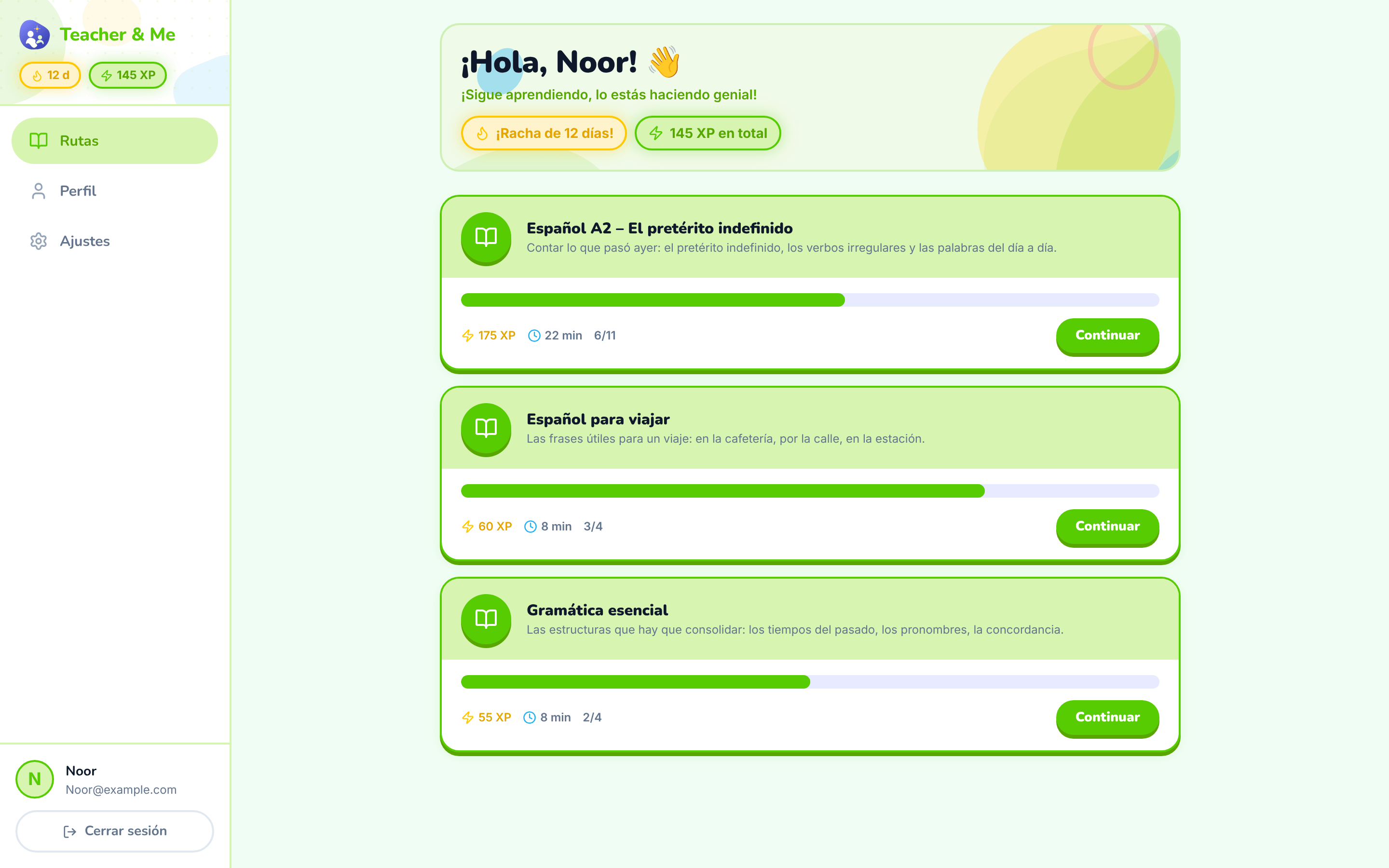
The student’s home: the paths their tutor assigned them.
https://teacher-and-me.com/press-assets/es/desktop/student-paths.png
That the student’s homework arrives from their own tutor rather than from a catalogue.
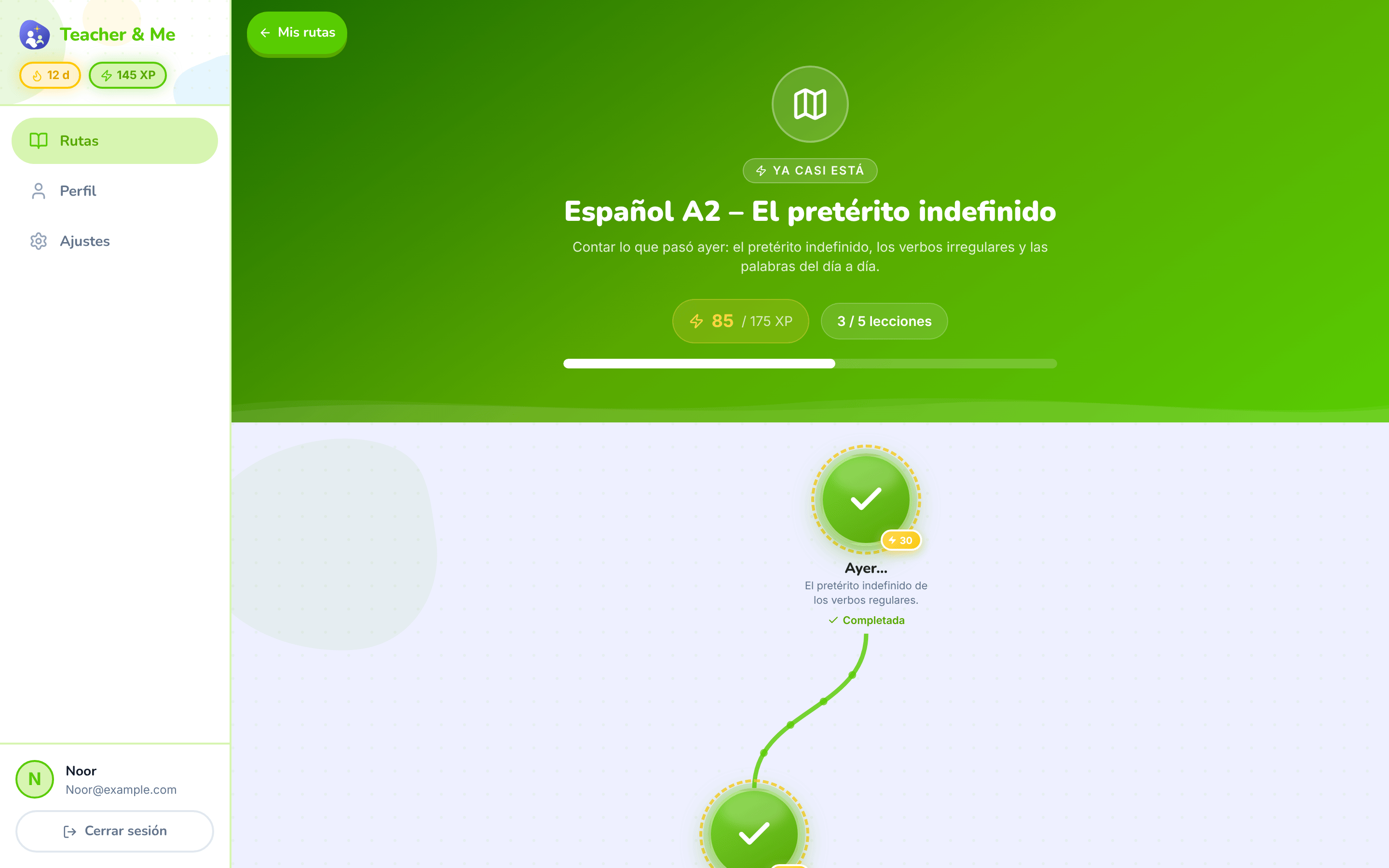
The top of one path: its title, XP and progress, above the map.
https://teacher-and-me.com/press-assets/es/desktop/student-path-map-top.png
Opening a story about one path, where the map shot would start mid-journey.
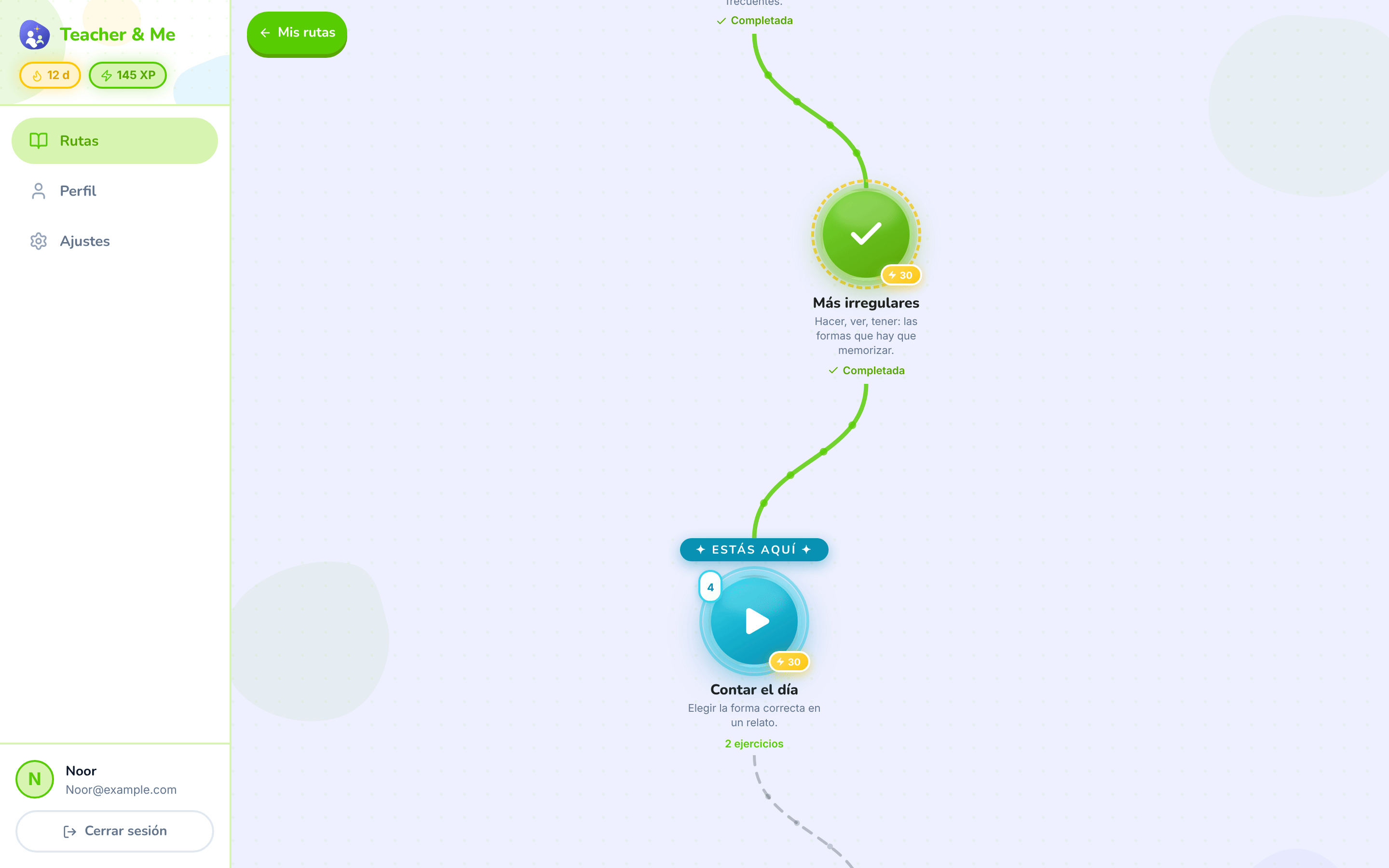
The winding map the student walks, one lesson at a time.
https://teacher-and-me.com/press-assets/es/desktop/student-path-map.png
The game-like progression, which is the student-side hook. This is the single most recognisable screen in the product.
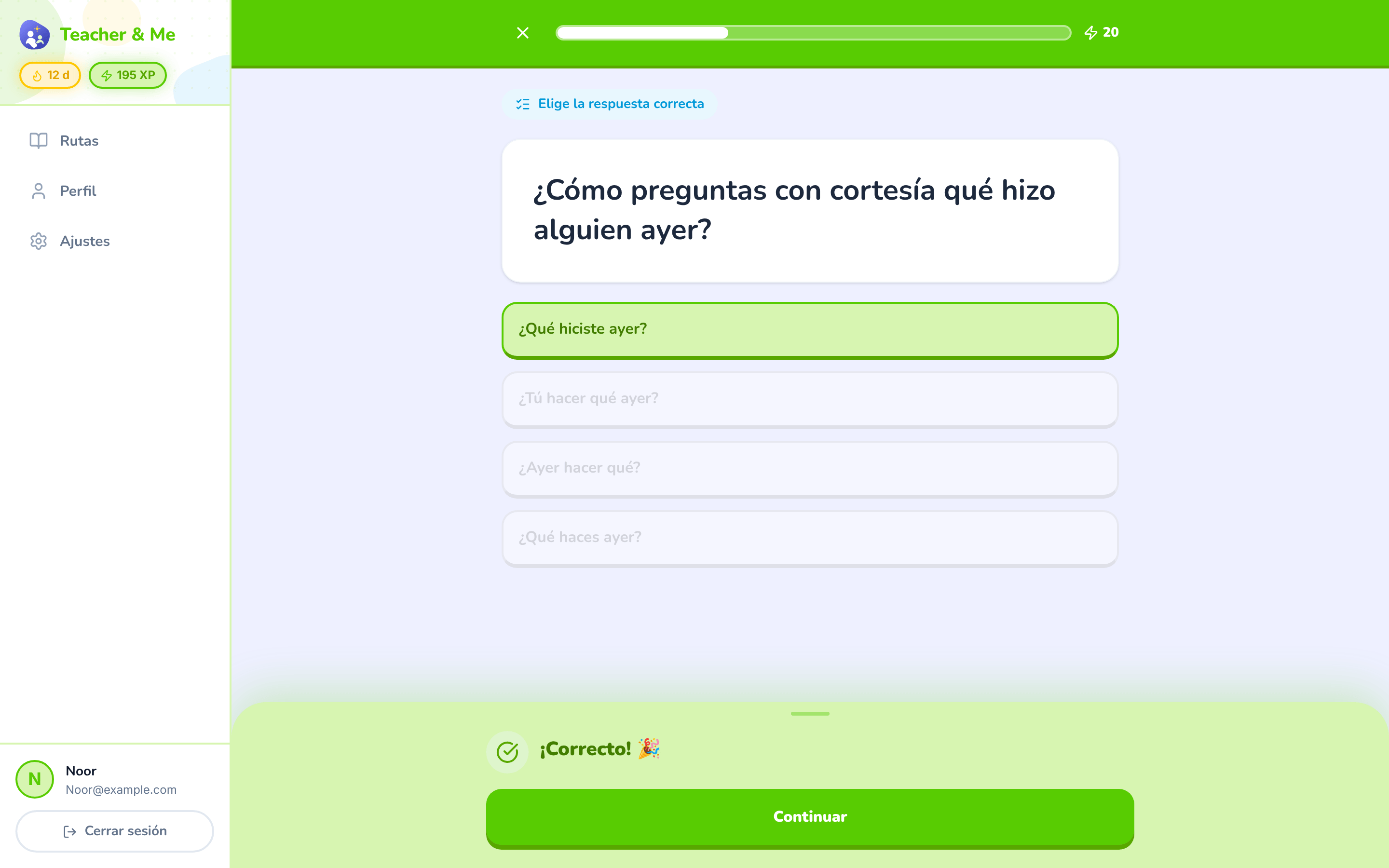
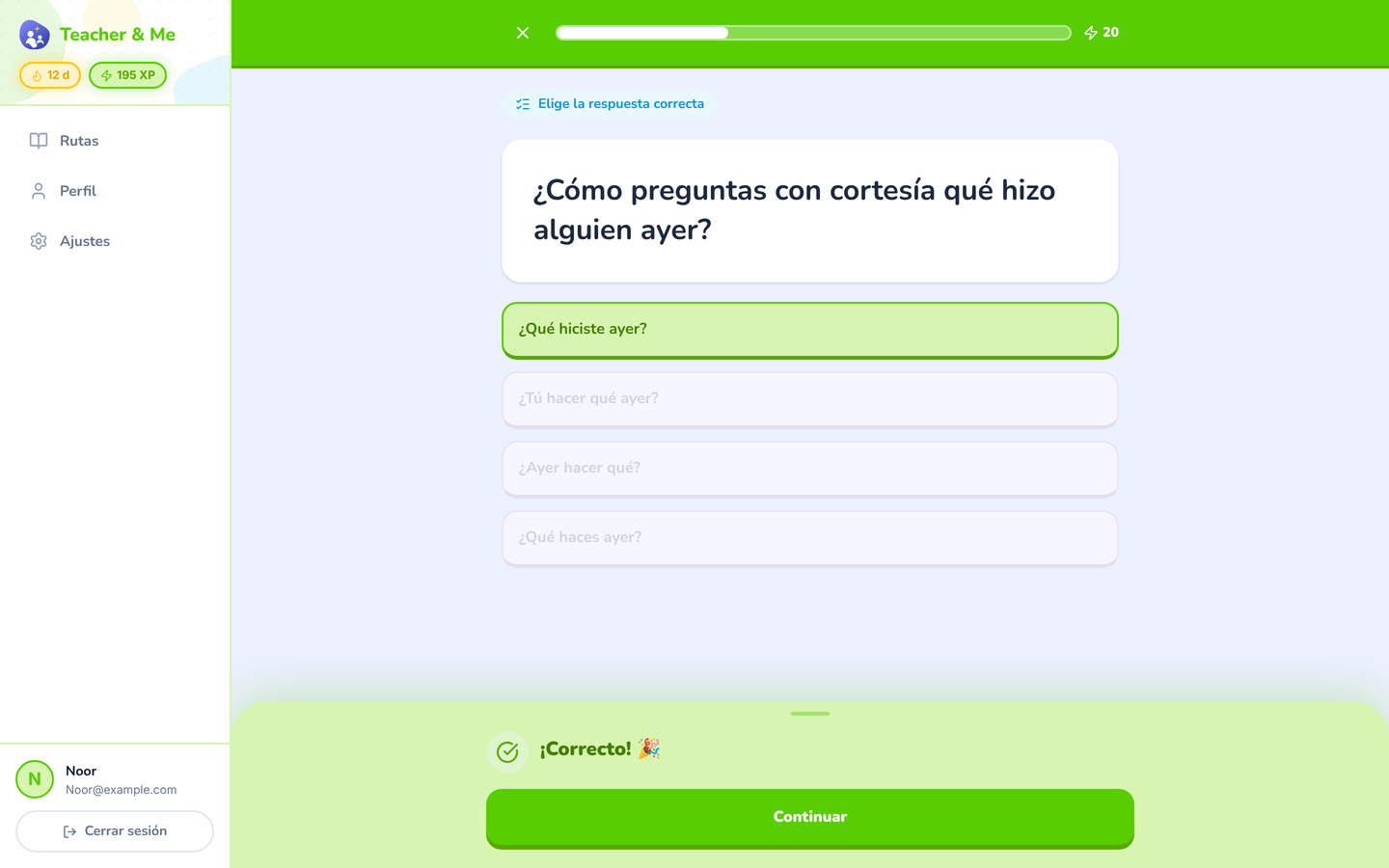
A multiple-choice question just answered correctly, showing the feedback state.
https://teacher-and-me.com/press-assets/es/desktop/student-exercise-correct.png
Instant feedback on every answer: the claim that the student is never left guessing.
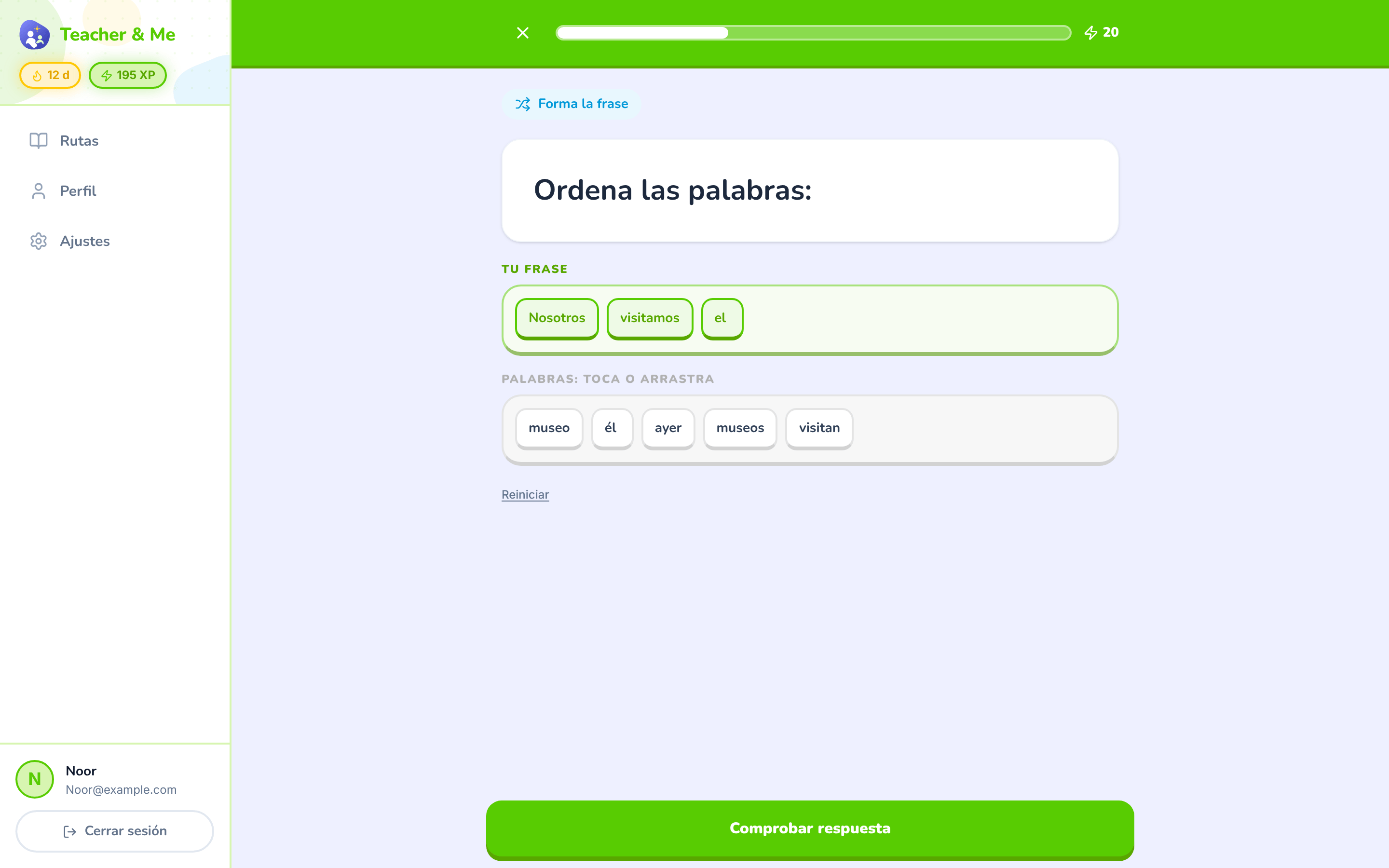
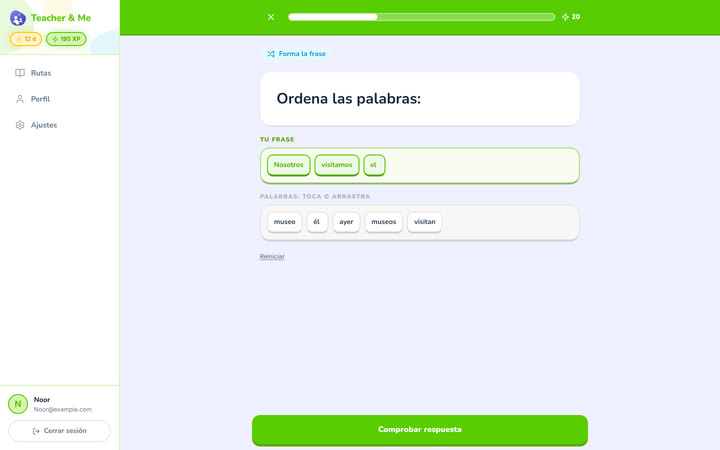
The tile builder mid-answer: a sentence being assembled word by word.
https://teacher-and-me.com/press-assets/es/desktop/student-exercise-tiles.png
That the exercise types go past multiple choice. Good when one image has to carry "seven types".
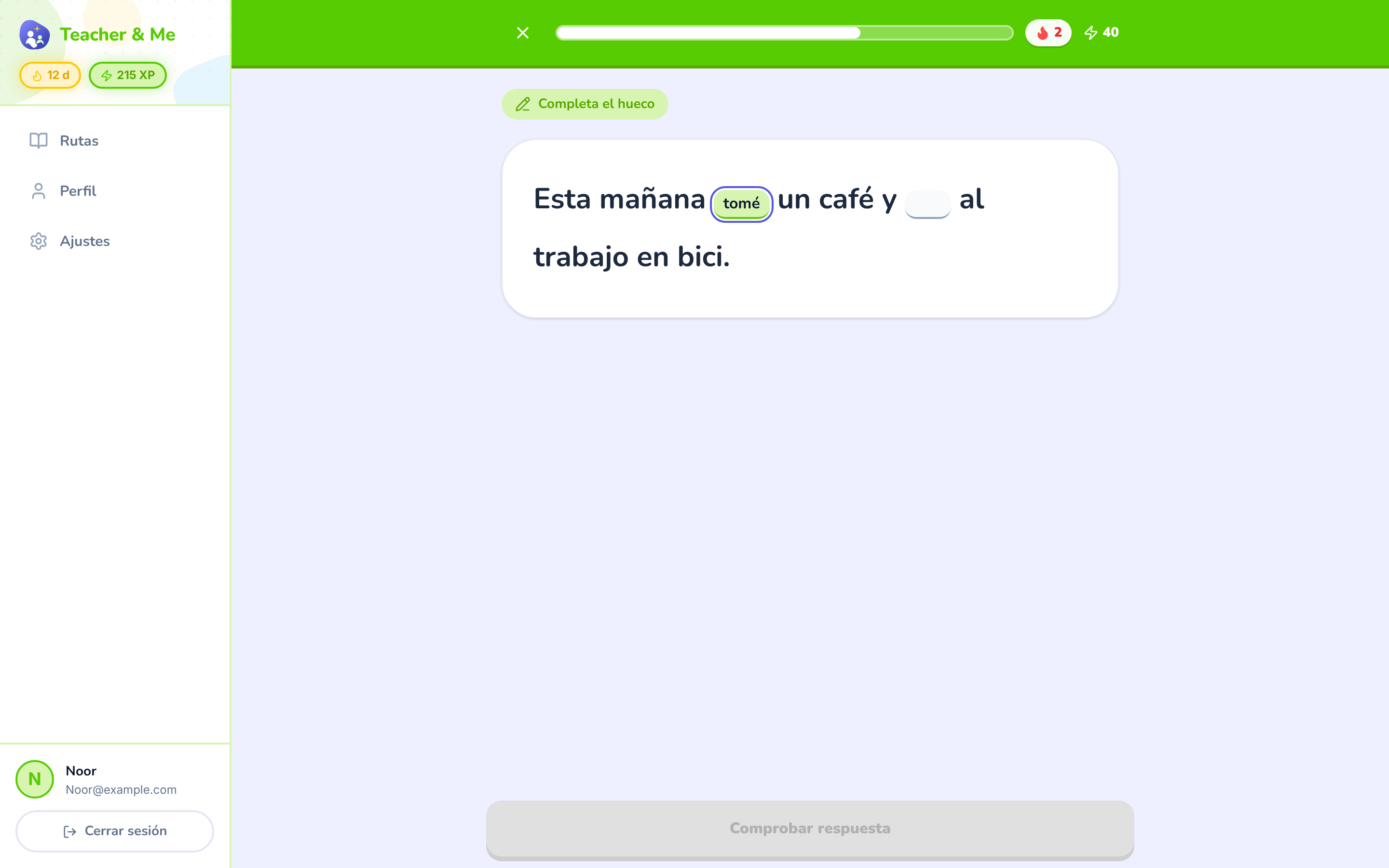
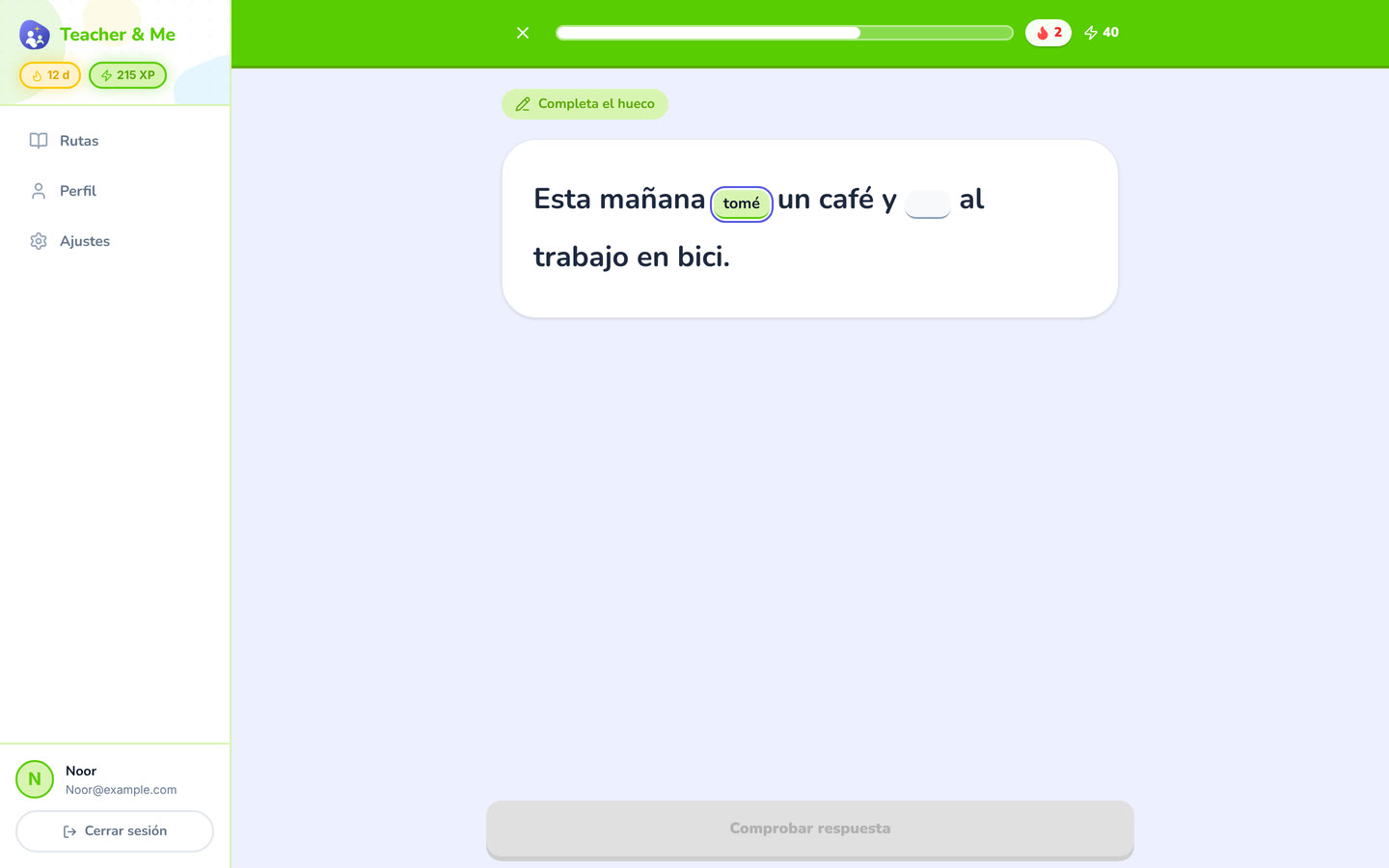
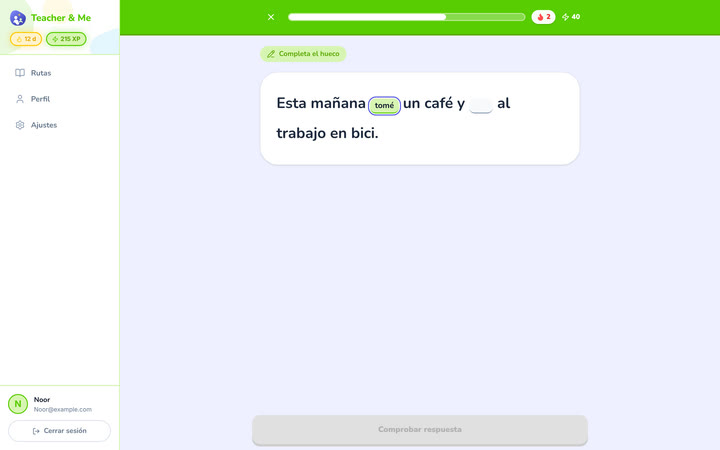
A sentence with two gaps, the first one typed in.
https://teacher-and-me.com/press-assets/es/desktop/student-exercise-fill-in.png
Production rather than recognition: the student writes the answer instead of picking it.
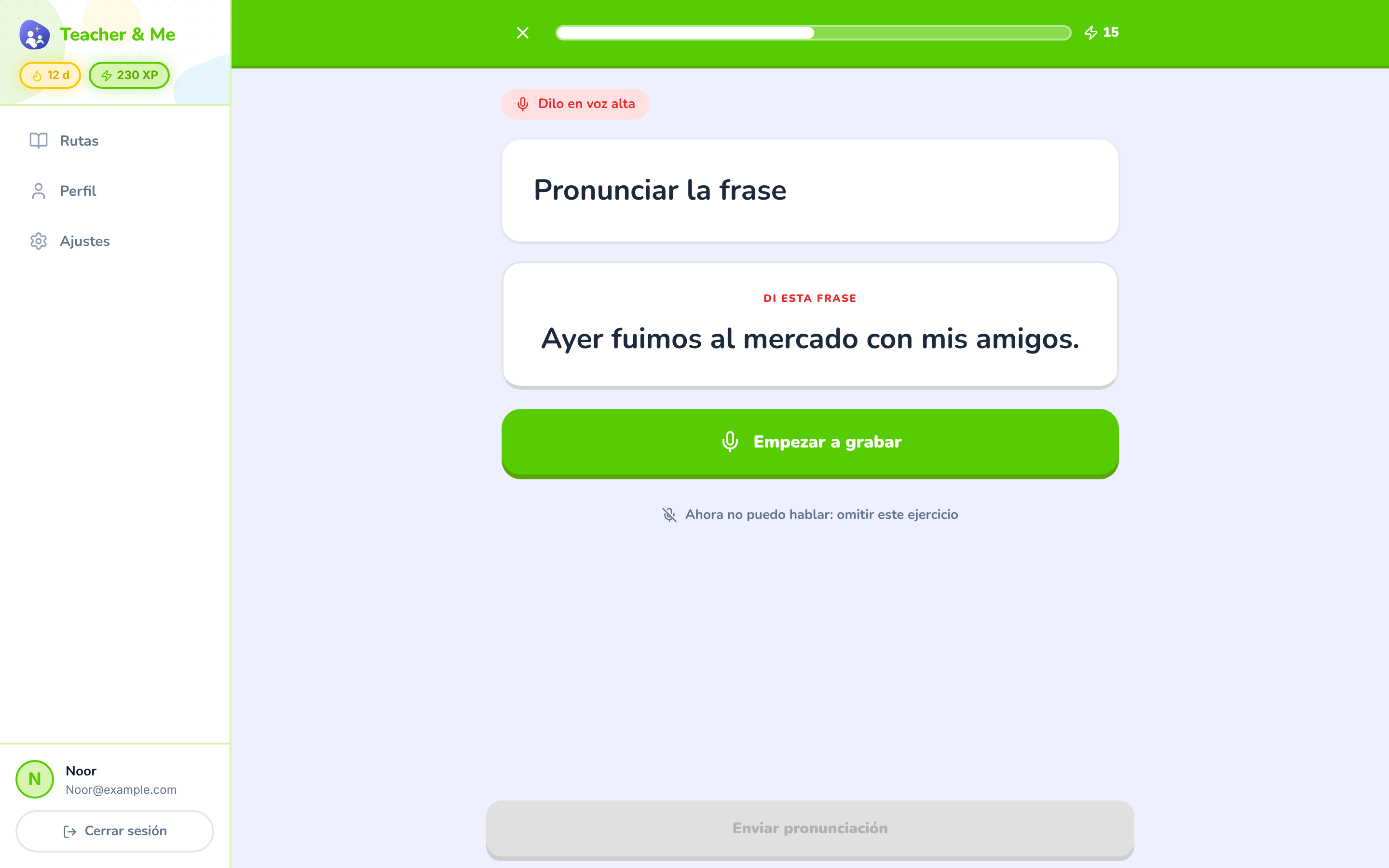
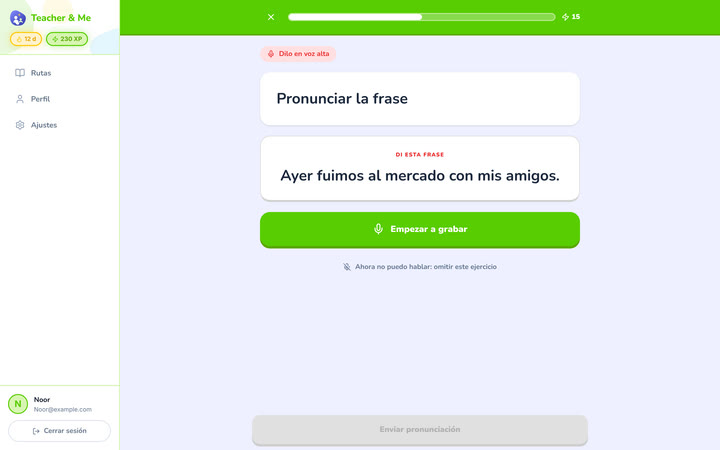
The pronunciation exercise at rest, before recording.
https://teacher-and-me.com/press-assets/es/desktop/student-exercise-pronounce.png
That speaking is one of the seven types. Scoring happens in the browser after recording; this shot is the idle state, so do not caption it as a score.
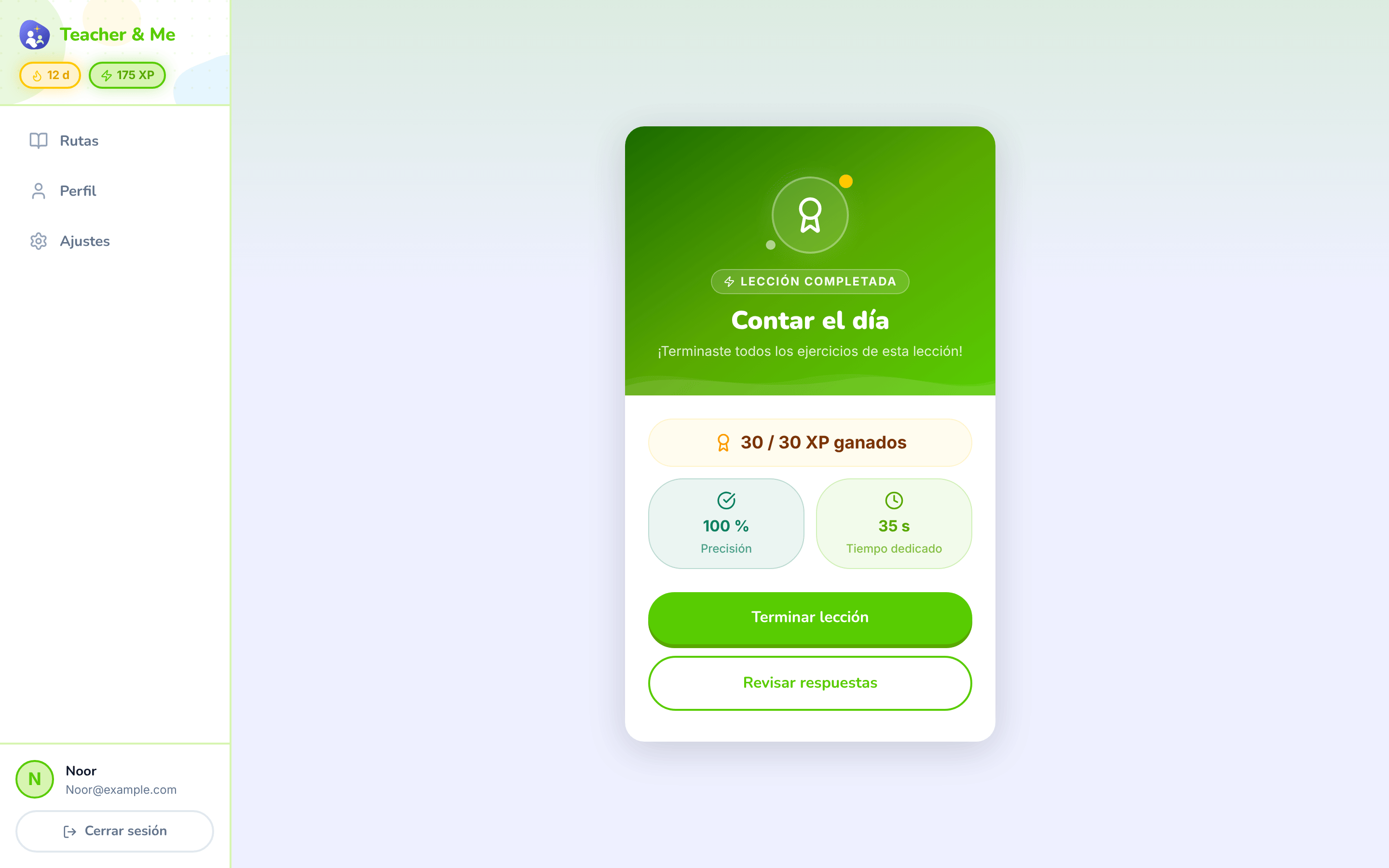
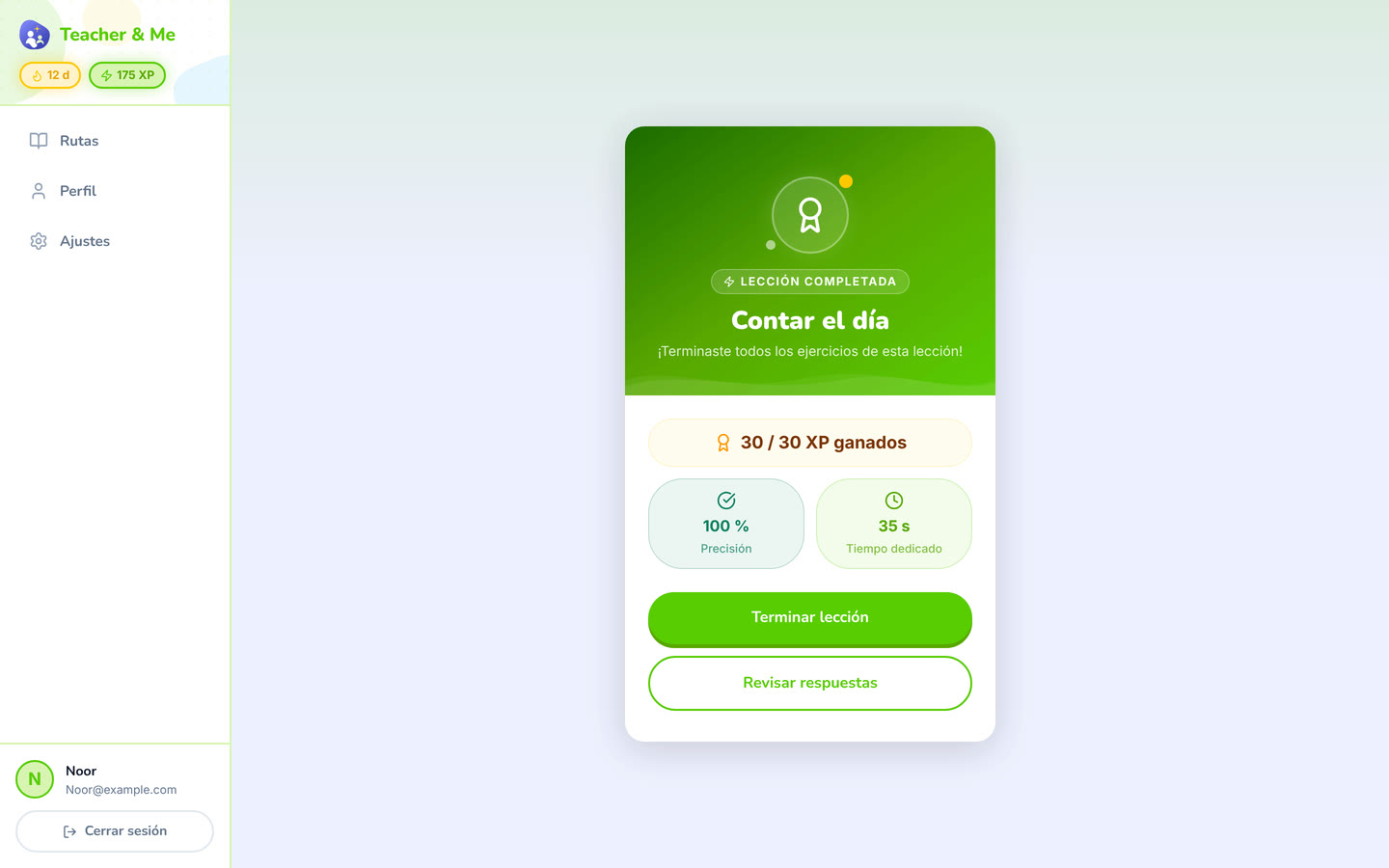
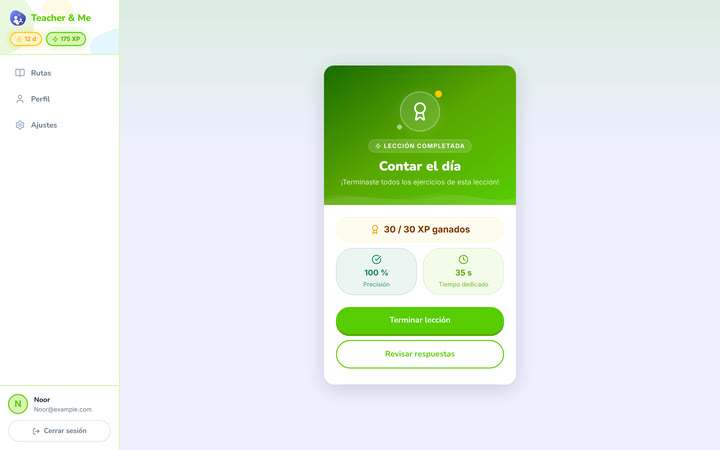
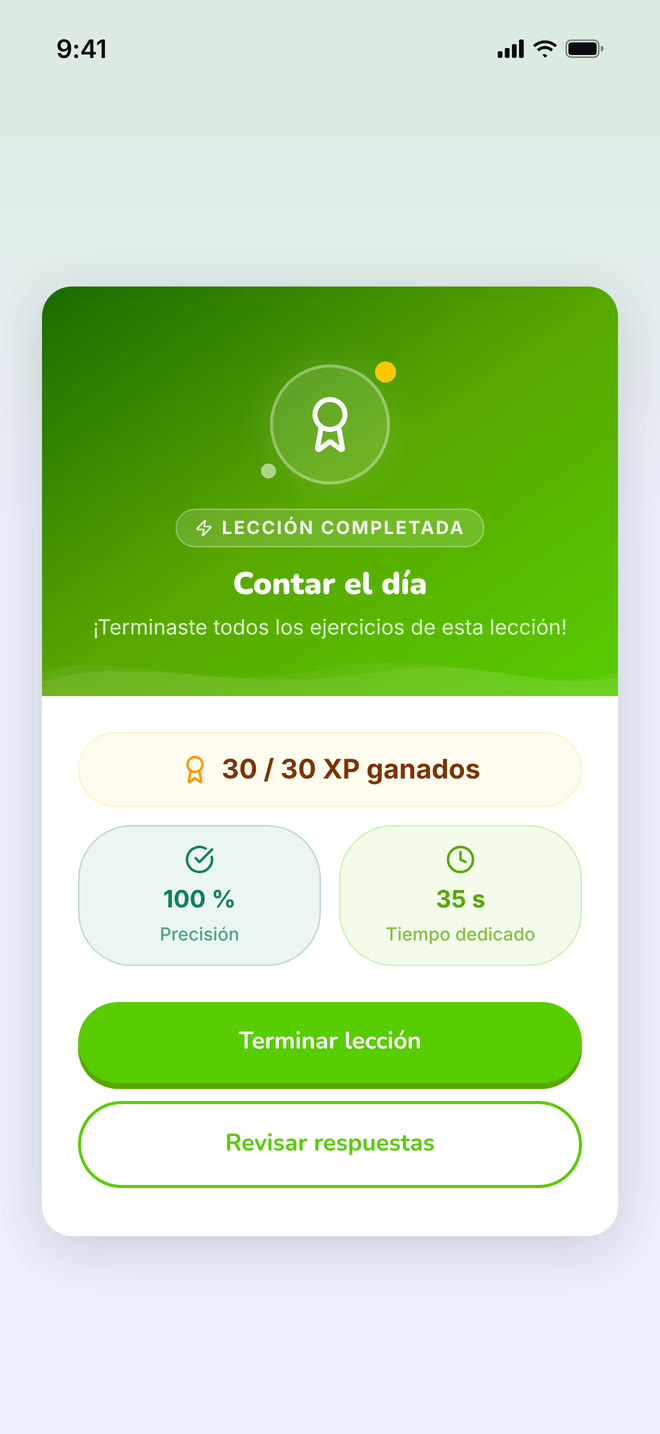
The card that closes a finished lesson.
https://teacher-and-me.com/press-assets/es/desktop/student-lesson-complete.png
The payoff moment. Pairs naturally with the lesson map in a two-image sequence.
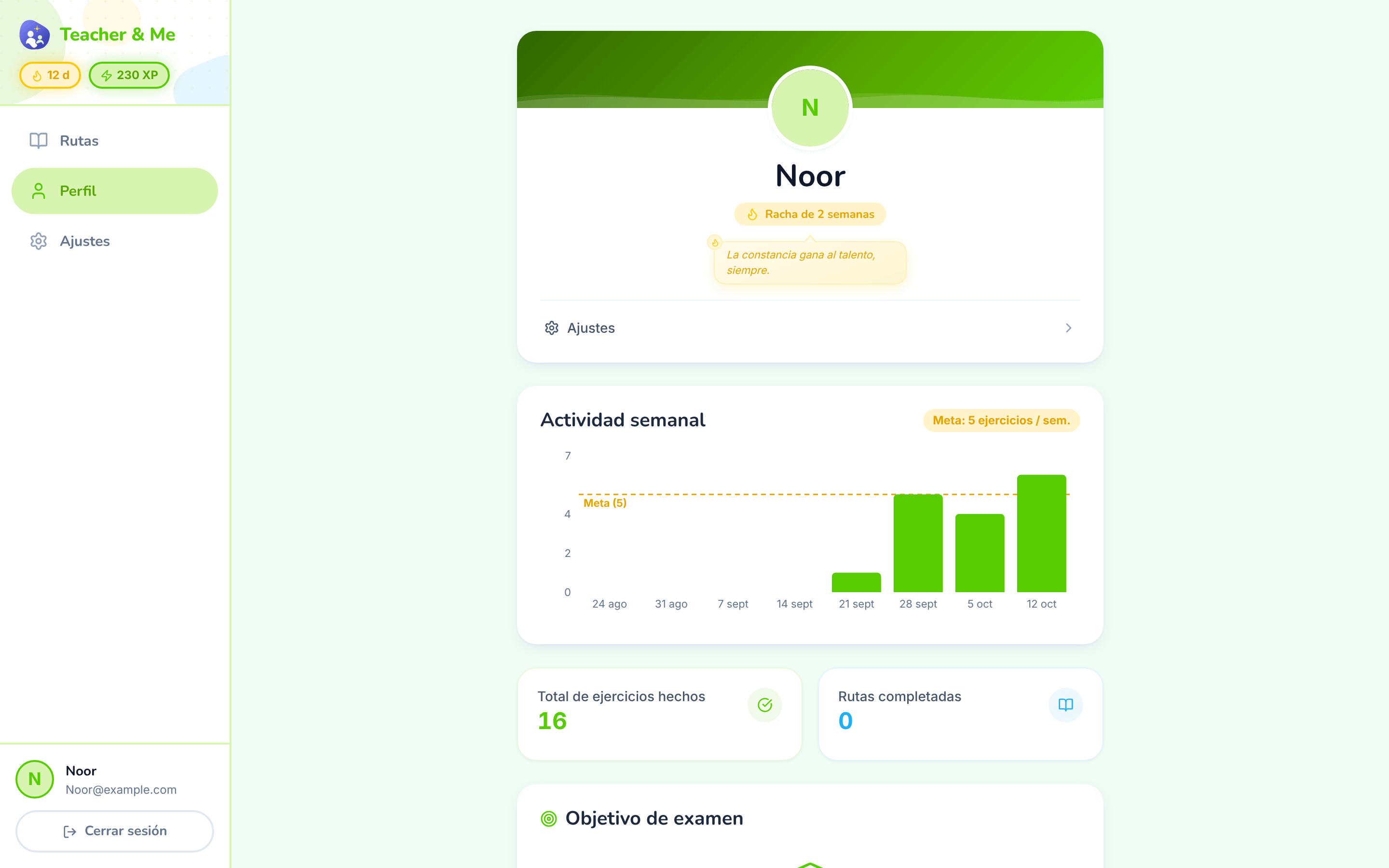
The student’s own progress, away from any single path.
https://teacher-and-me.com/press-assets/es/desktop/student-profile.png
Streaks and weekly goals, the between-session habit. Note the tone: goals and streaks, no cartoon mascot. The product is written for adults.
The same screens on a phone: a 440×956 viewport at 3×, an iPhone 6.9" frame with a status bar composited in, 1320×2868 PNG.
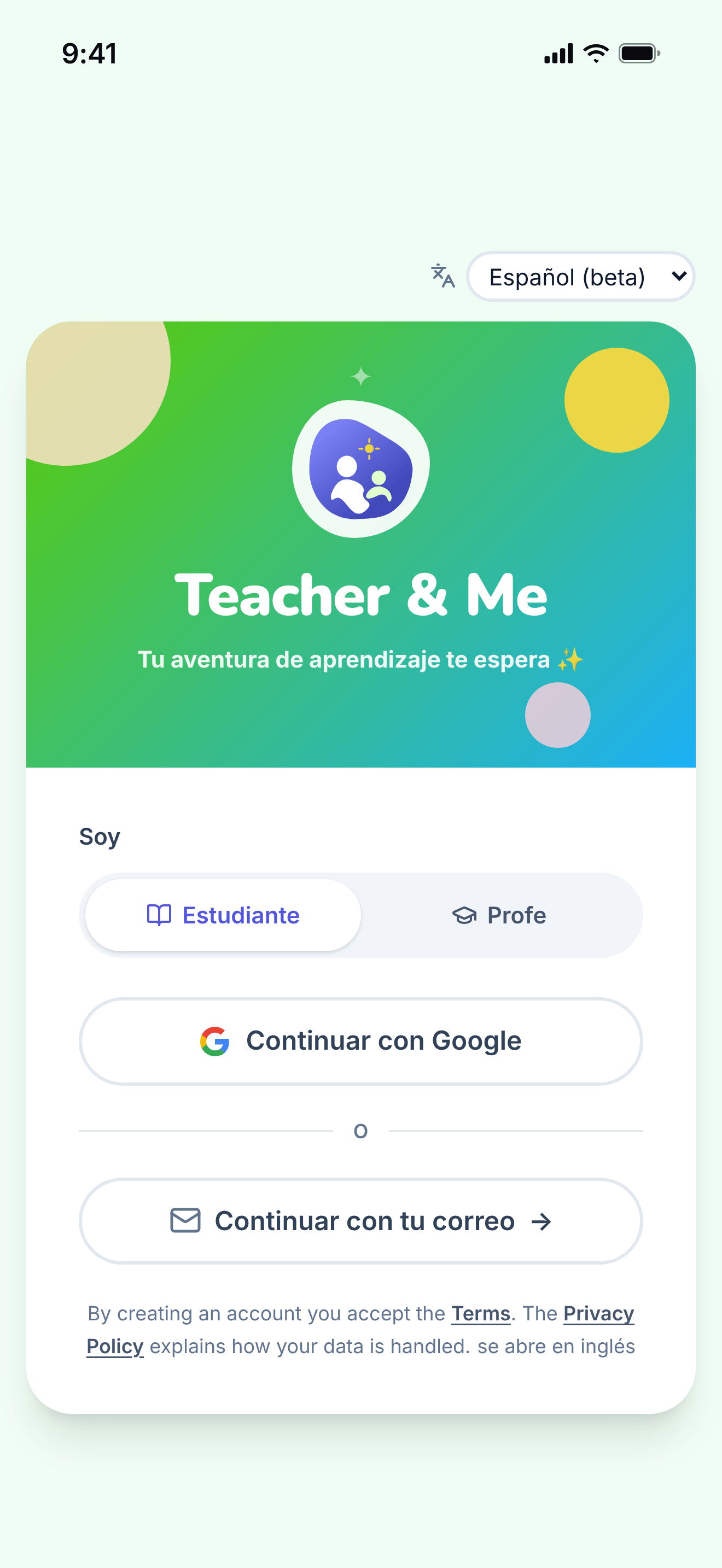
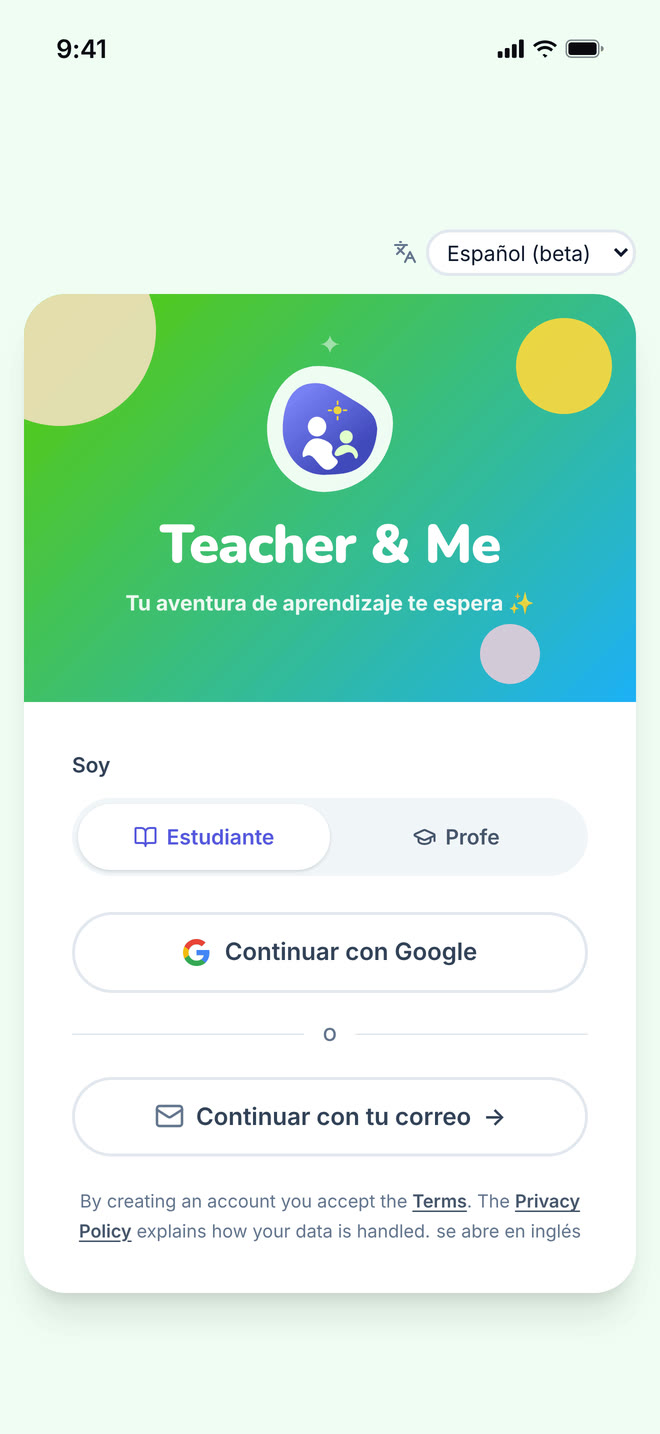
The single sign-in card, shared by students and tutors.
https://teacher-and-me.com/press-assets/es/phone/signin.png
The same screen as the desktop capture.
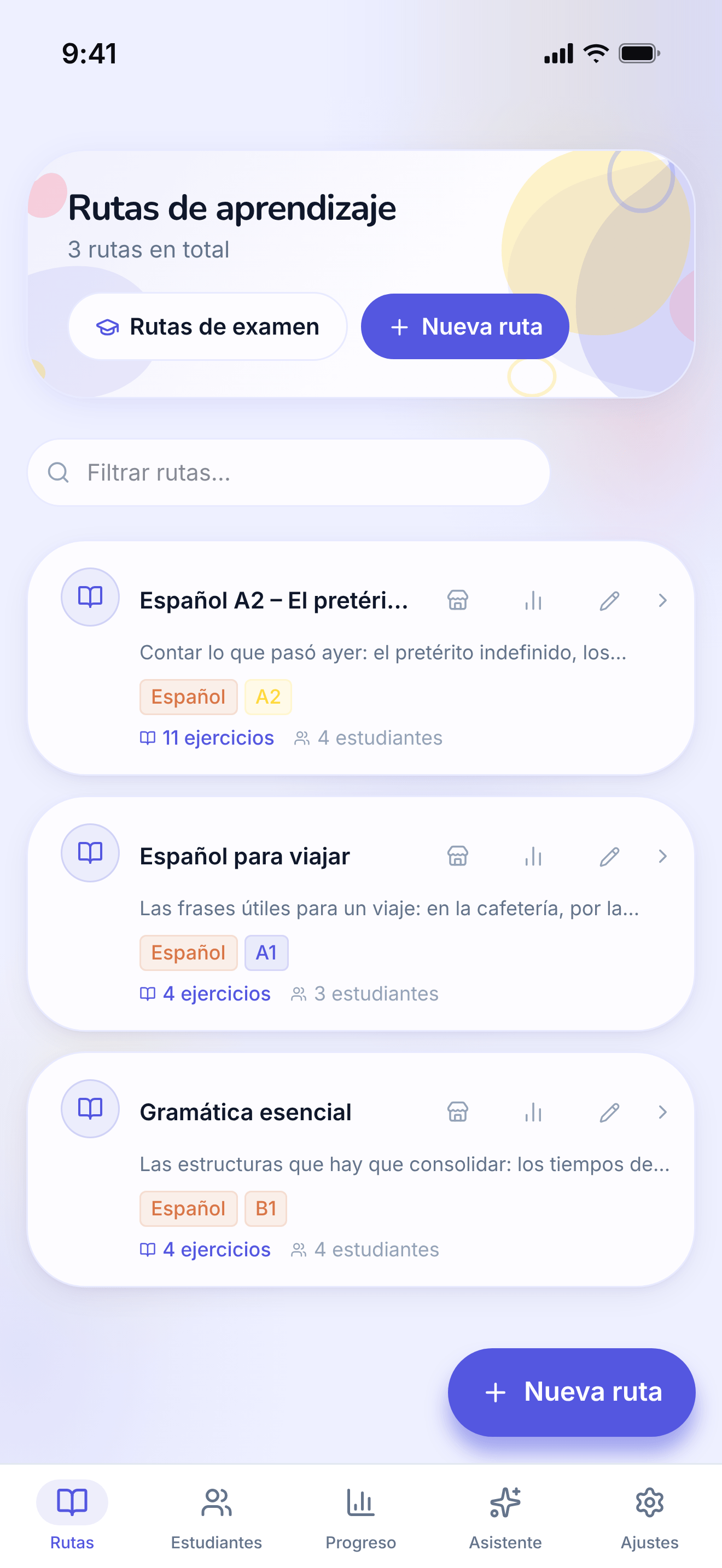
The tutor’s own paths, the first screen after signing in as a teacher.
https://teacher-and-me.com/press-assets/es/phone/teacher-paths.png
The same screen as the desktop capture.
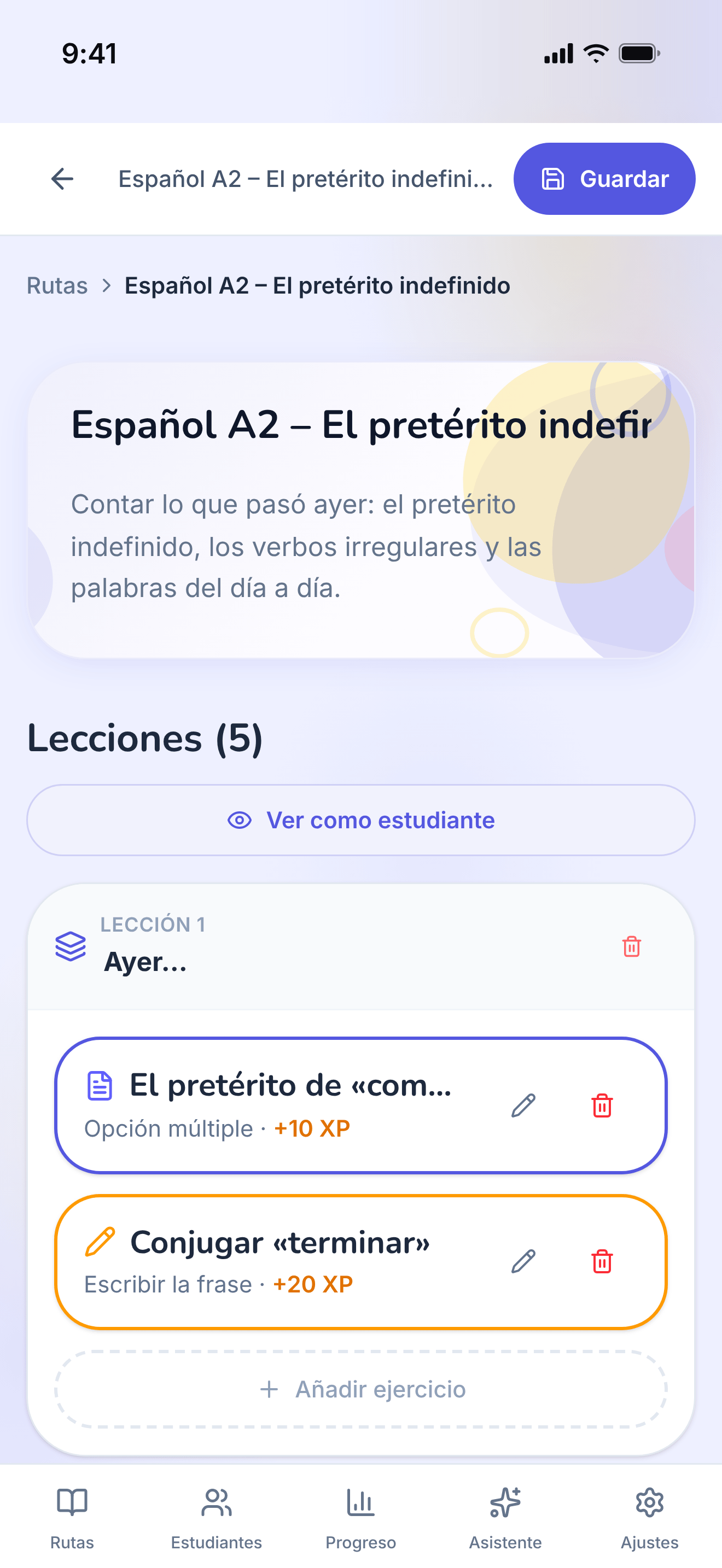
One path opened for editing: its lessons, in order.
https://teacher-and-me.com/press-assets/es/phone/teacher-path-editor.png
The same screen as the desktop capture.
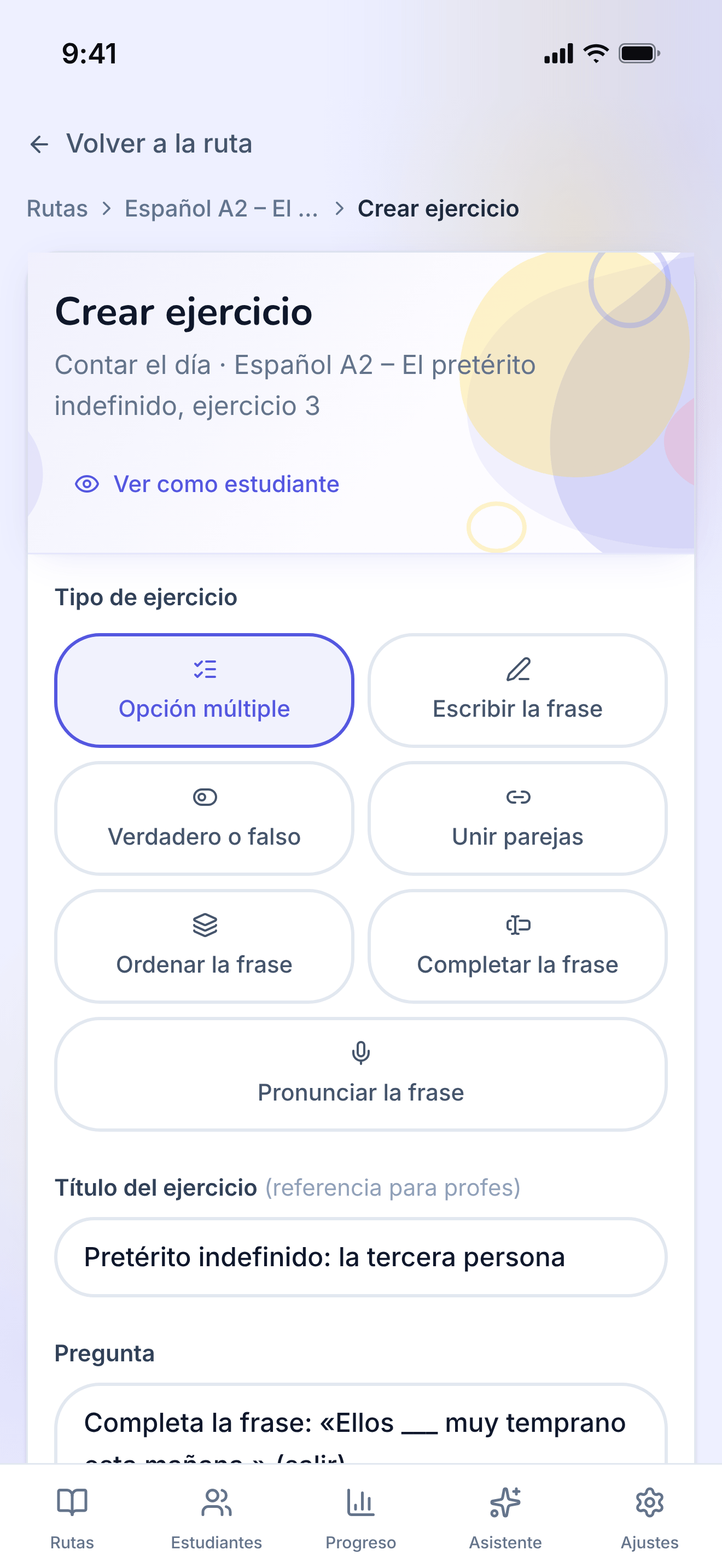
The form one exercise is written in, filled with a multiple-choice question.
https://teacher-and-me.com/press-assets/es/phone/teacher-exercise-builder.png
The same screen as the desktop capture.
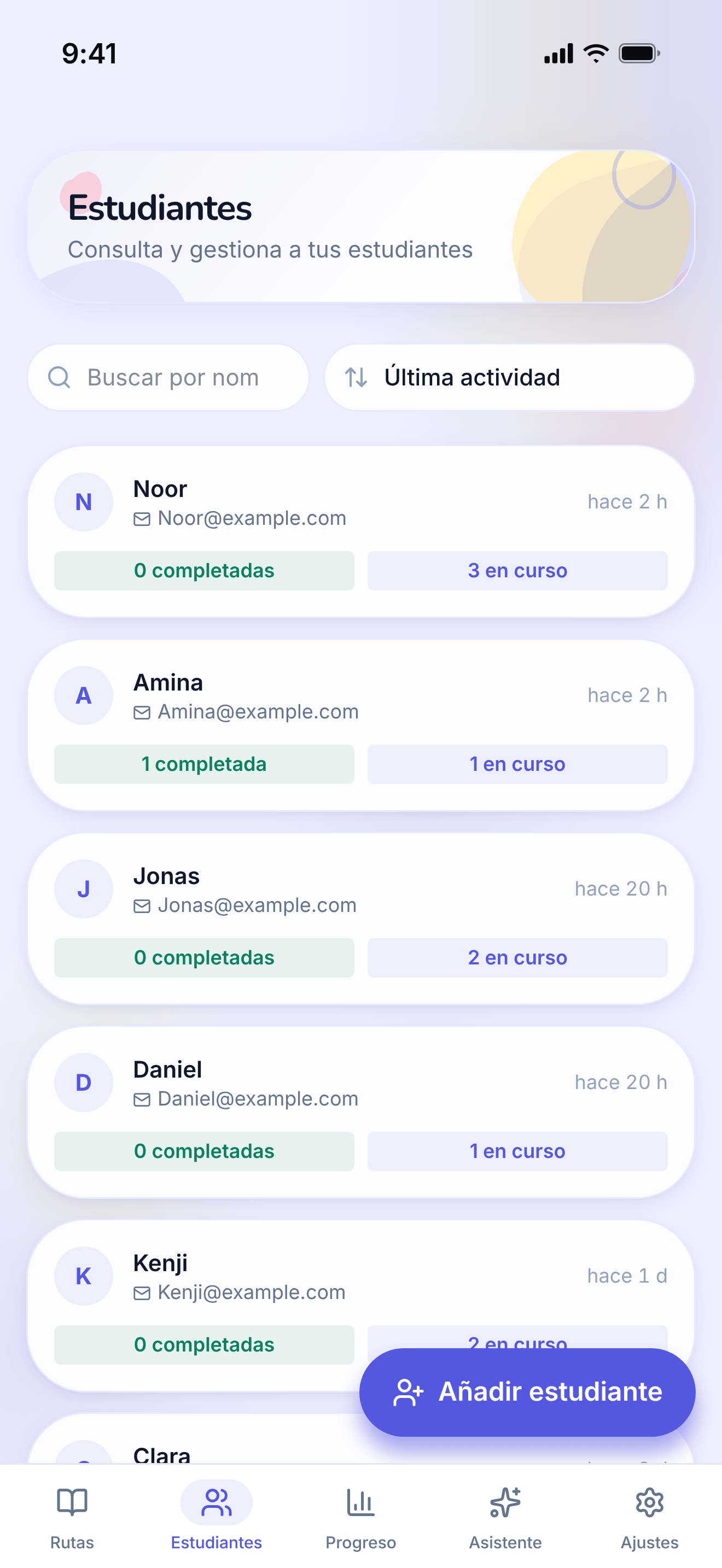
The tutor’s roster: every student they teach, in one searchable list.
https://teacher-and-me.com/press-assets/es/phone/teacher-students.png
The same screen as the desktop capture.
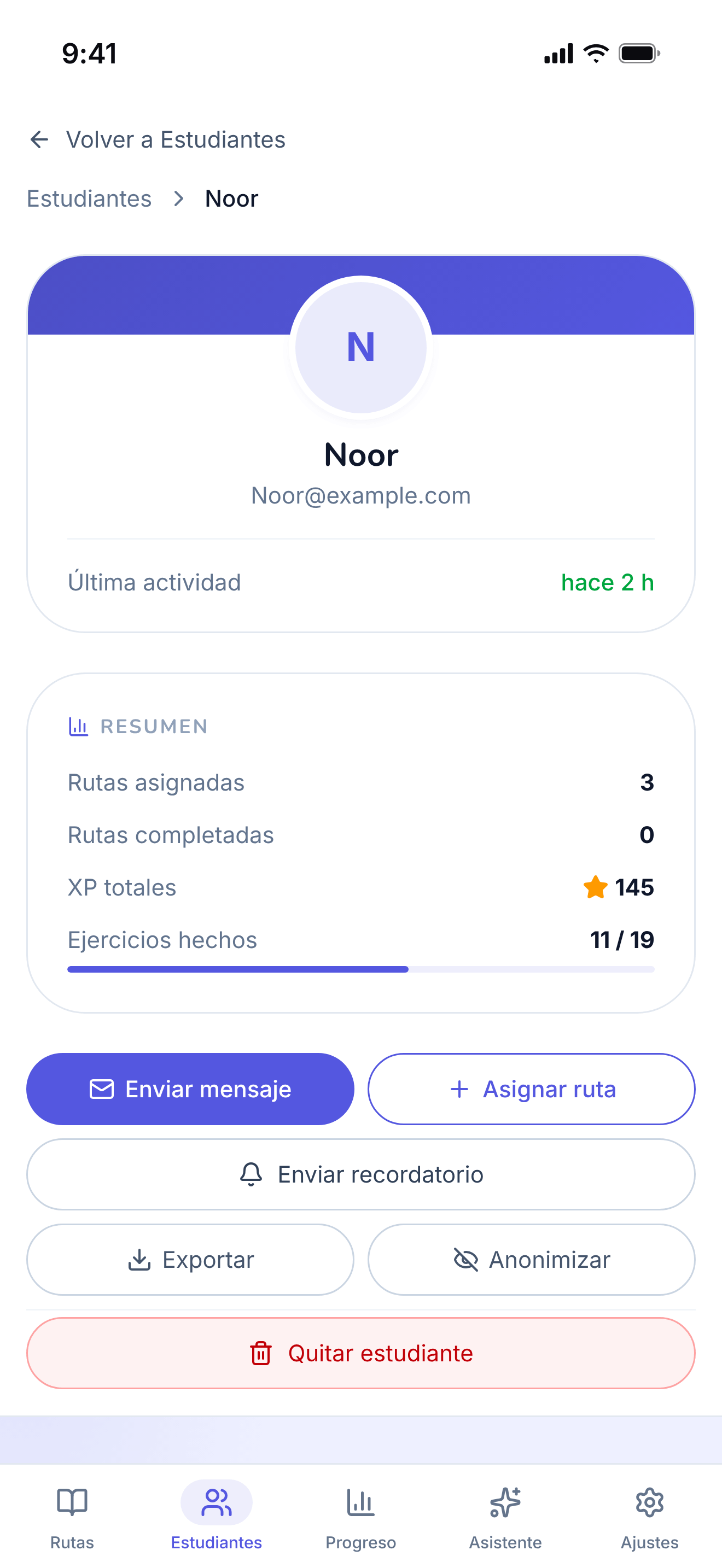
A single student’s page, on the "By Path" tab.
https://teacher-and-me.com/press-assets/es/phone/teacher-student-profile.png
The same screen as the desktop capture.
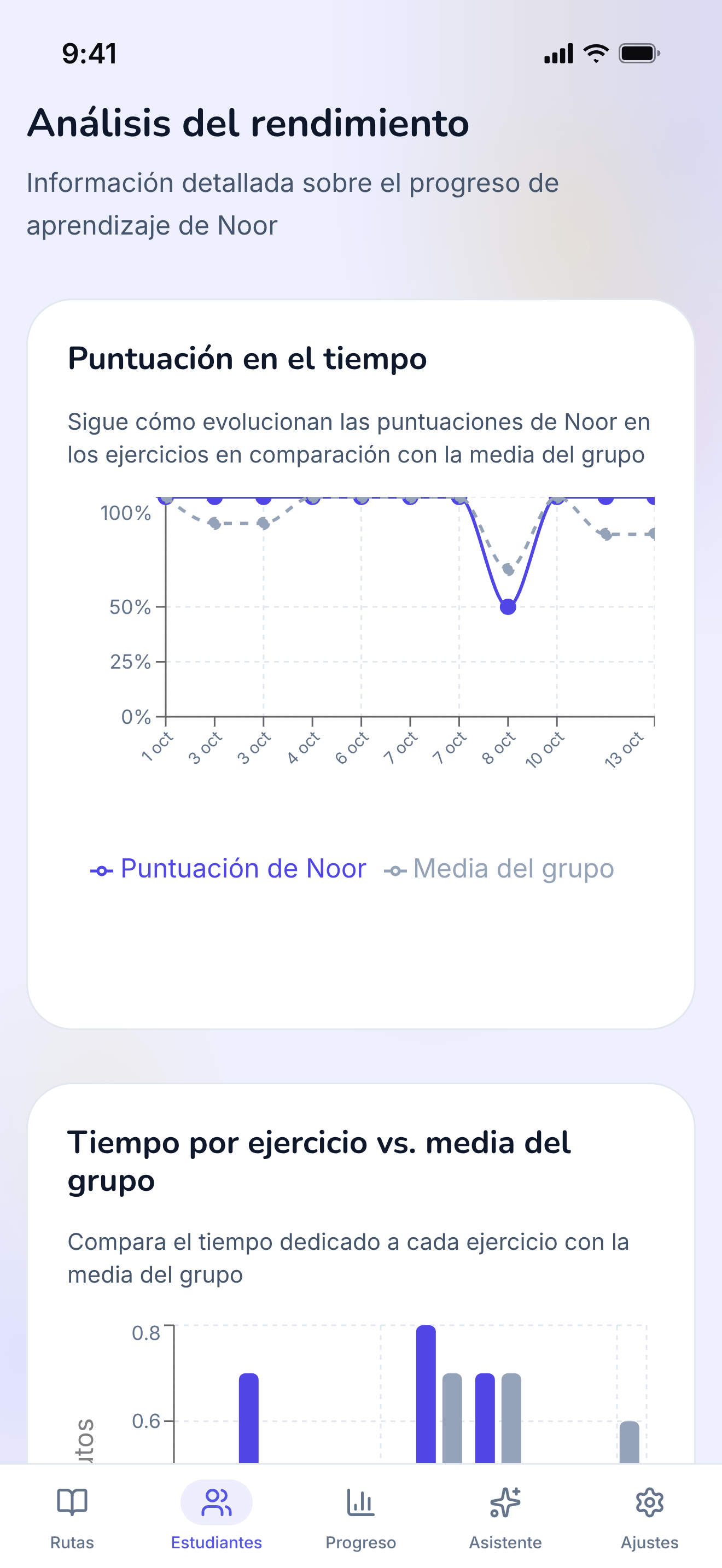
The diagnostic view: how one student performed, exercise by exercise.
https://teacher-and-me.com/press-assets/es/phone/teacher-student-analytics.png
The same screen as the desktop capture.
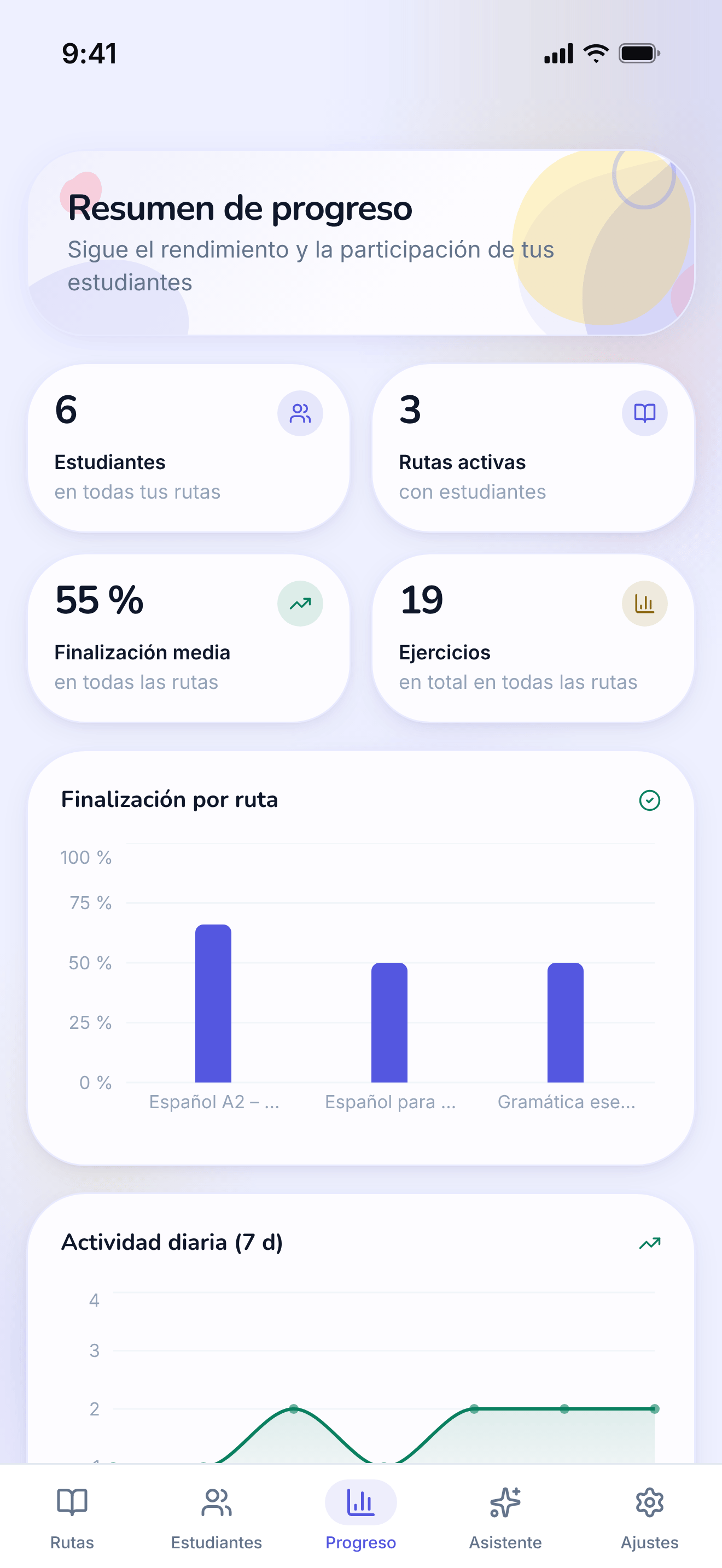
Every student and every path on one dashboard.
https://teacher-and-me.com/press-assets/es/phone/teacher-progress.png
The same screen as the desktop capture.
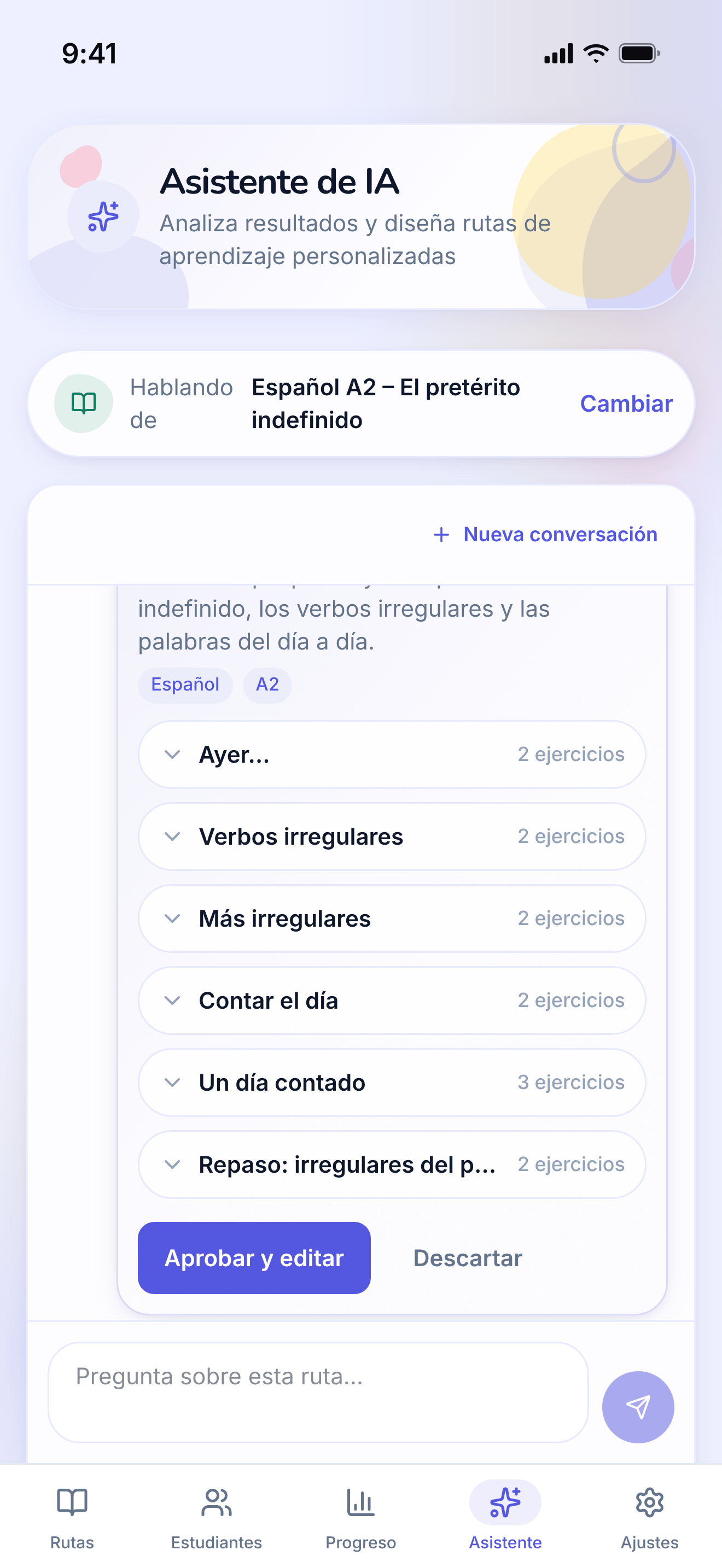
The assistant answering a question about a path and proposing a lesson to add, with an approve control.
https://teacher-and-me.com/press-assets/es/phone/teacher-assistant.png
The same screen as the desktop capture.
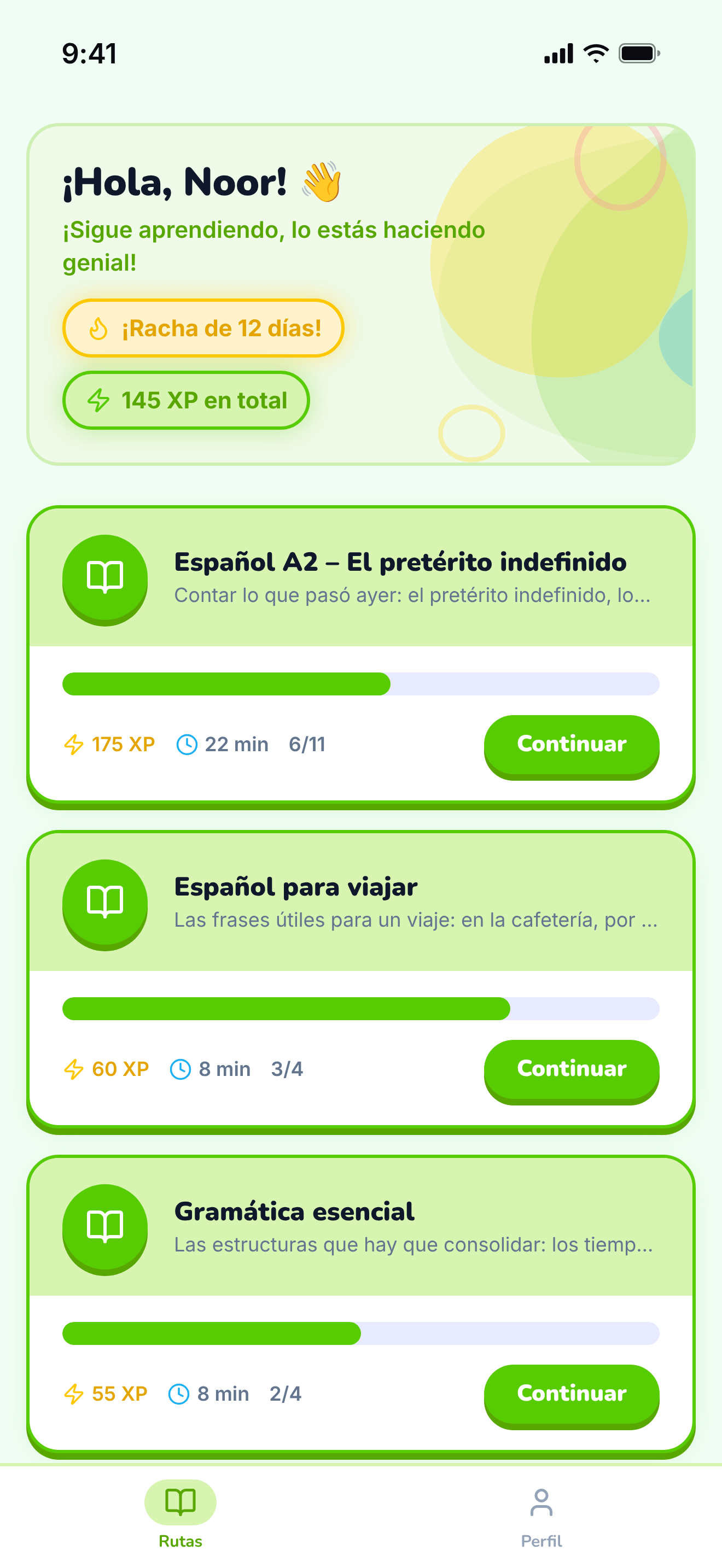
The student’s home: the paths their tutor assigned them.
https://teacher-and-me.com/press-assets/es/phone/student-paths.png
The same screen as the desktop capture.
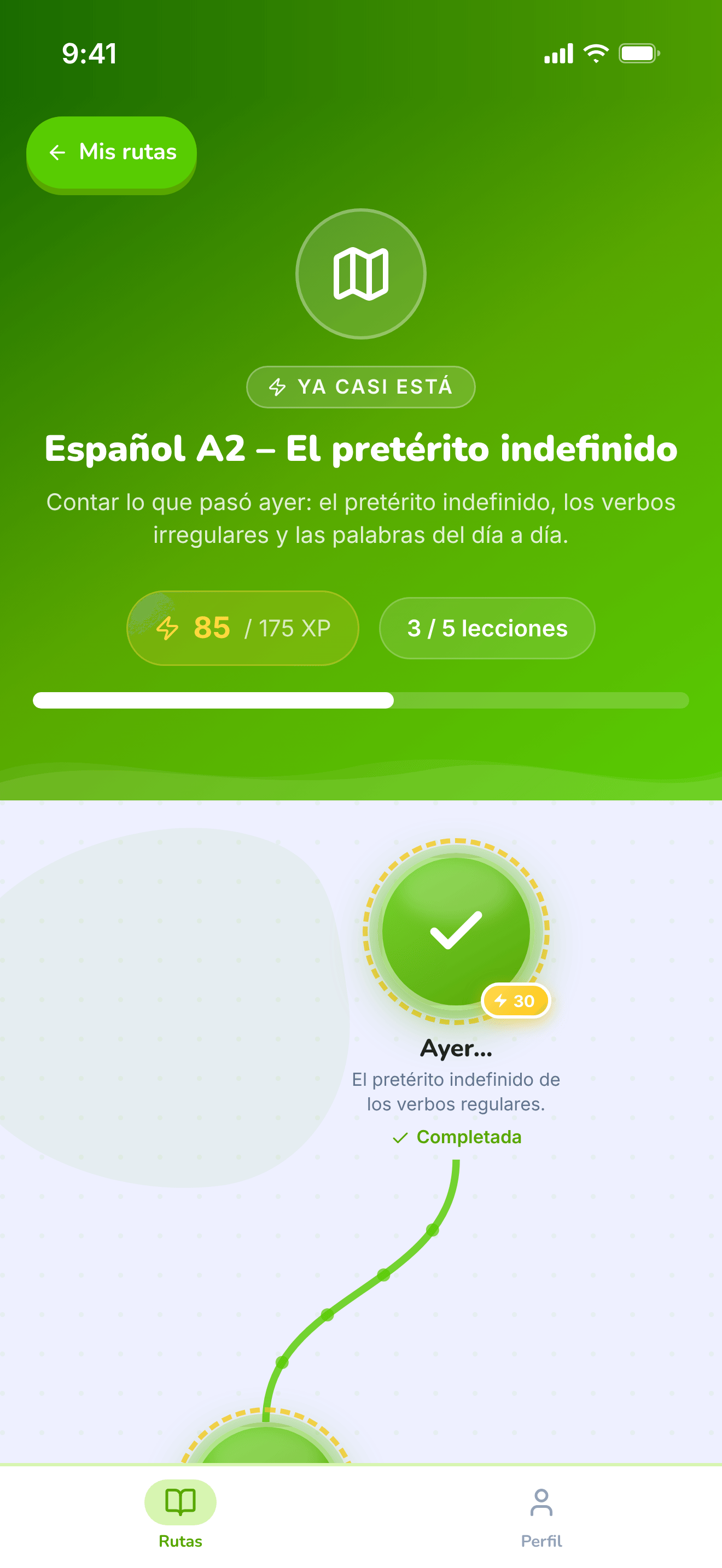
The top of one path: its title, XP and progress, above the map.
https://teacher-and-me.com/press-assets/es/phone/student-path-map-top.png
The same screen as the desktop capture.
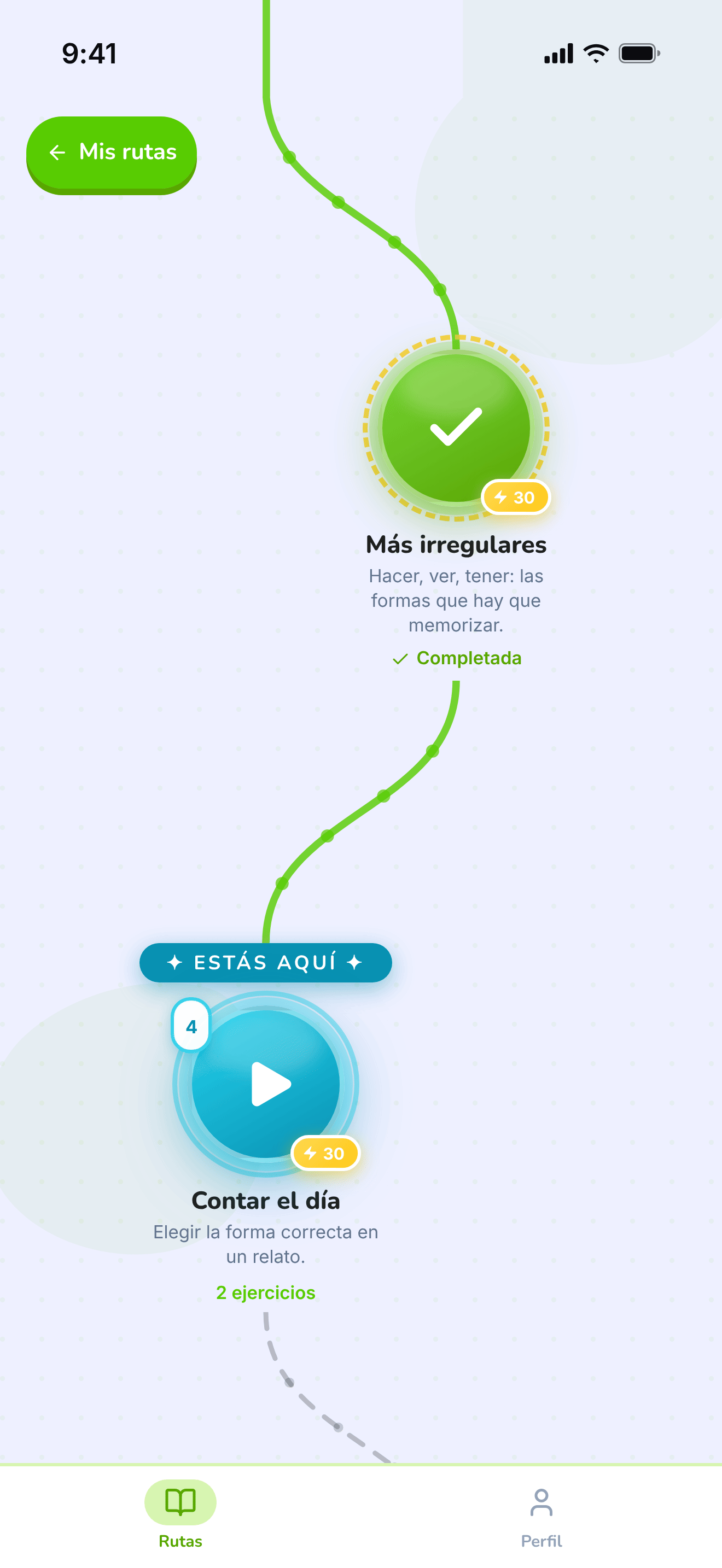
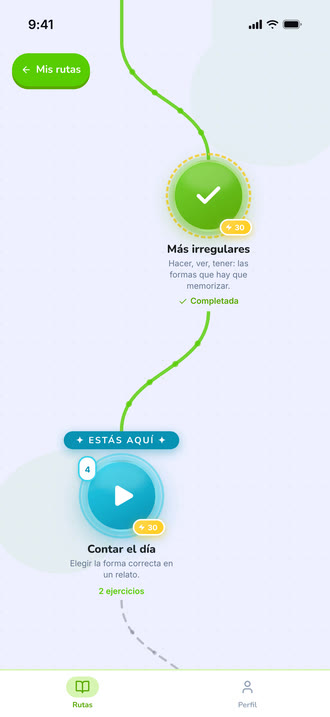
The winding map the student walks, one lesson at a time.
https://teacher-and-me.com/press-assets/es/phone/student-path-map.png
The same screen as the desktop capture.
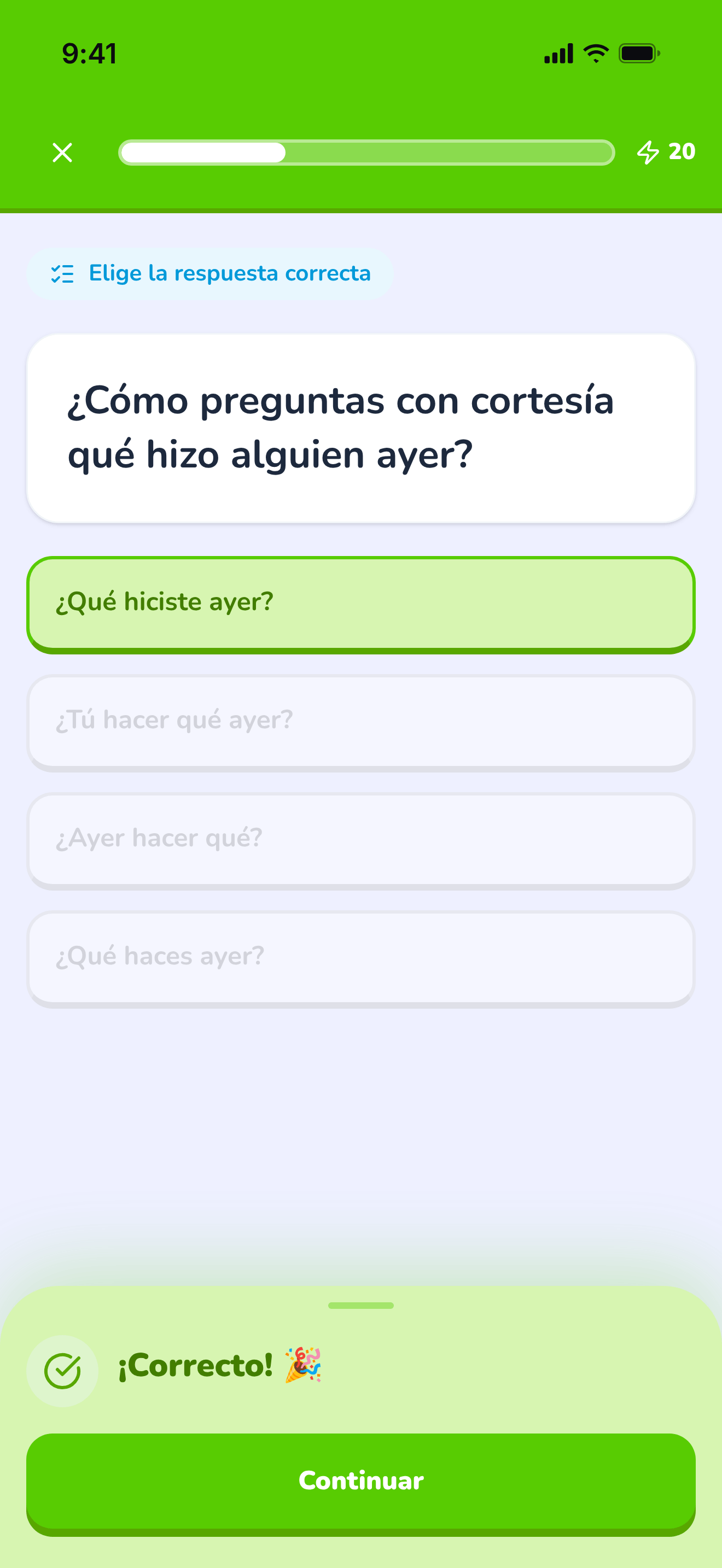
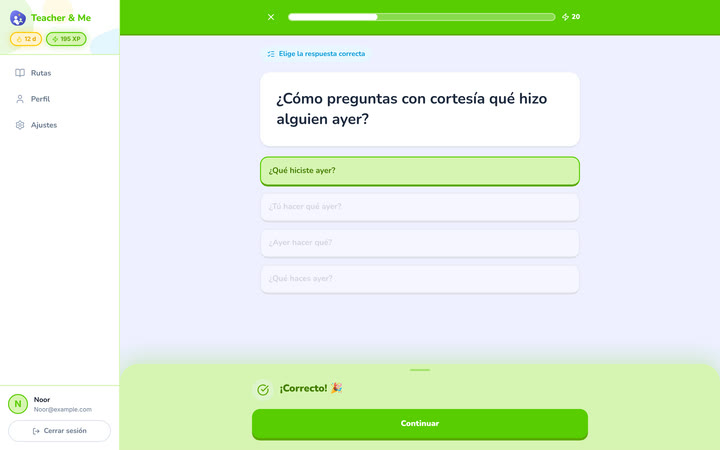
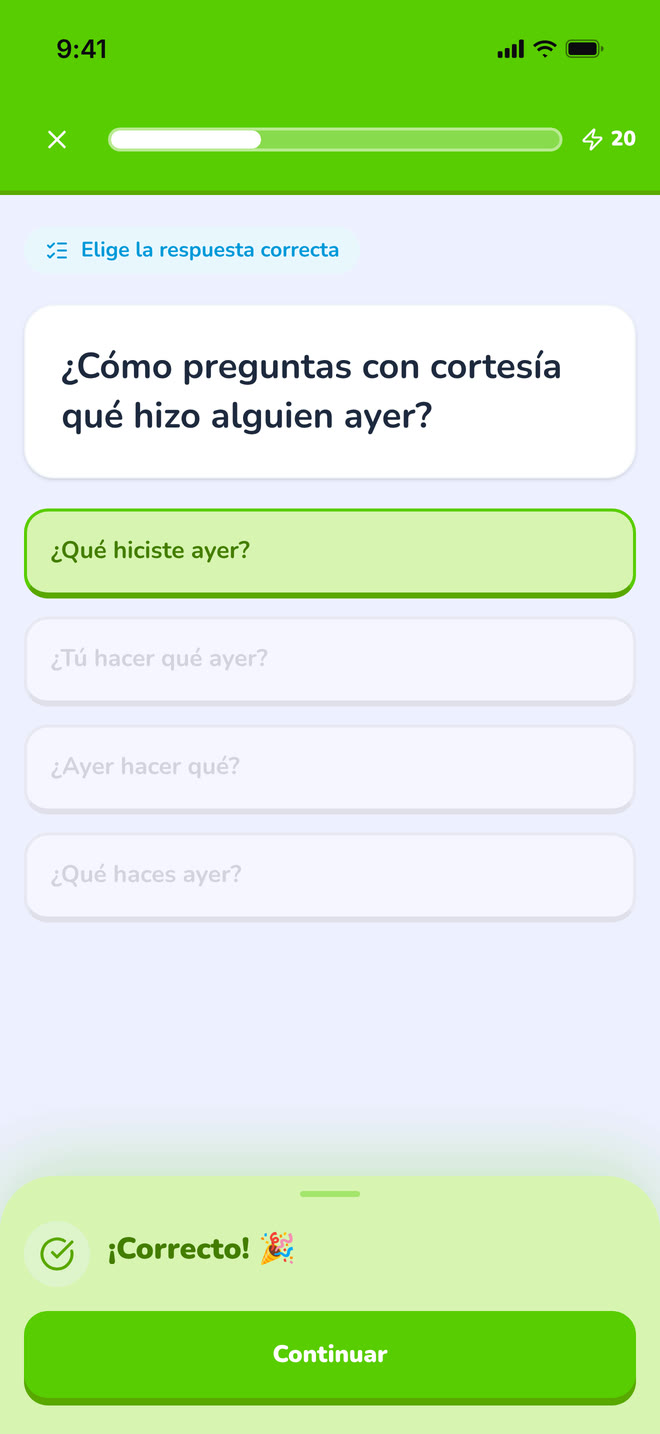
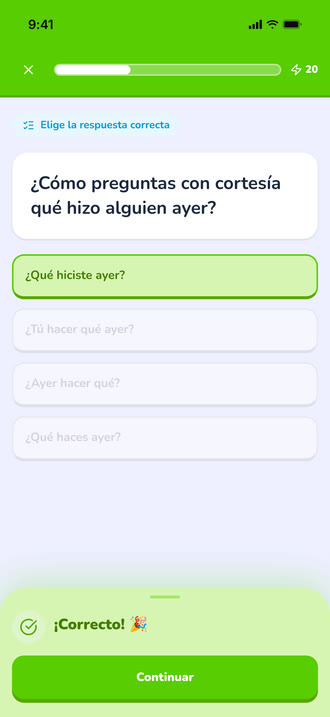
A multiple-choice question just answered correctly, showing the feedback state.
https://teacher-and-me.com/press-assets/es/phone/student-exercise-correct.png
The same screen as the desktop capture.
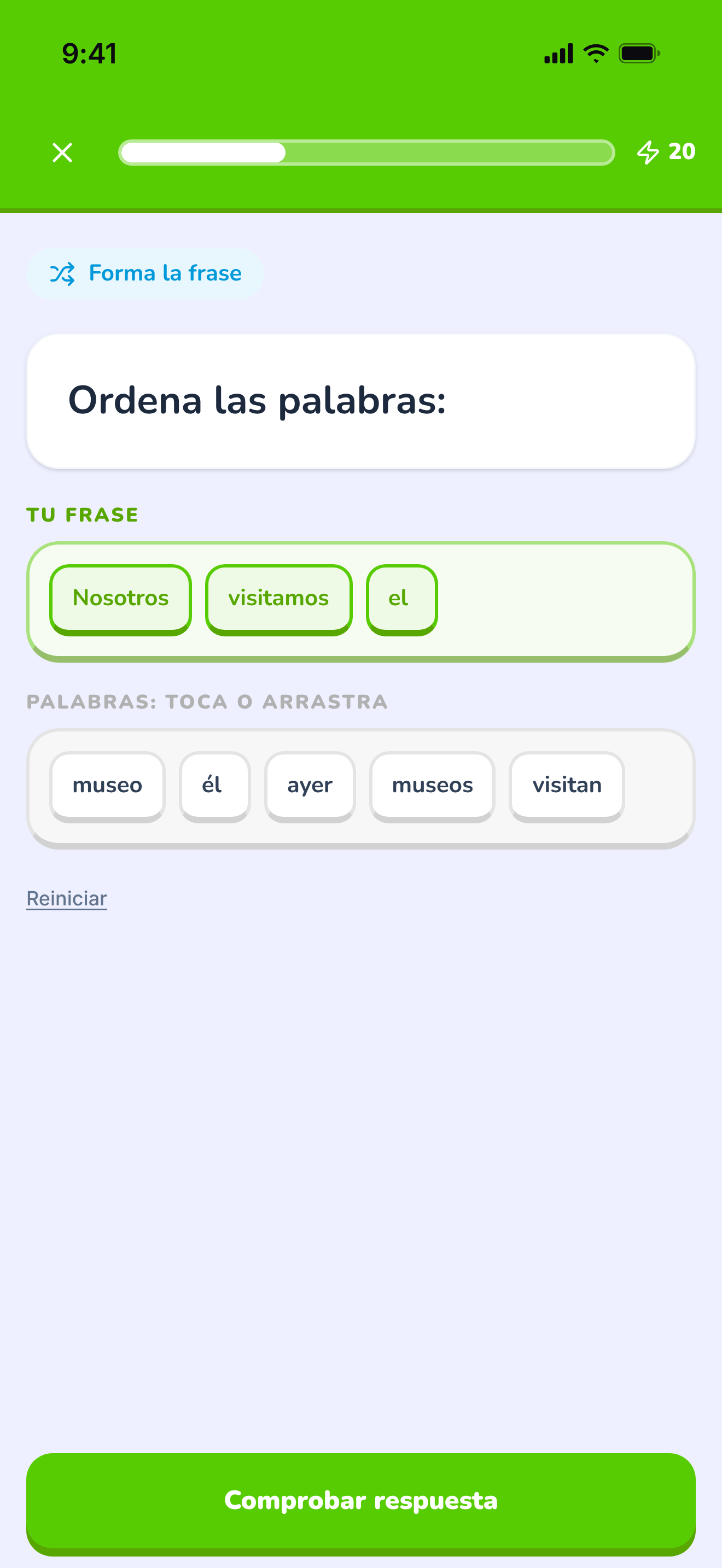
The tile builder mid-answer: a sentence being assembled word by word.
https://teacher-and-me.com/press-assets/es/phone/student-exercise-tiles.png
The same screen as the desktop capture.
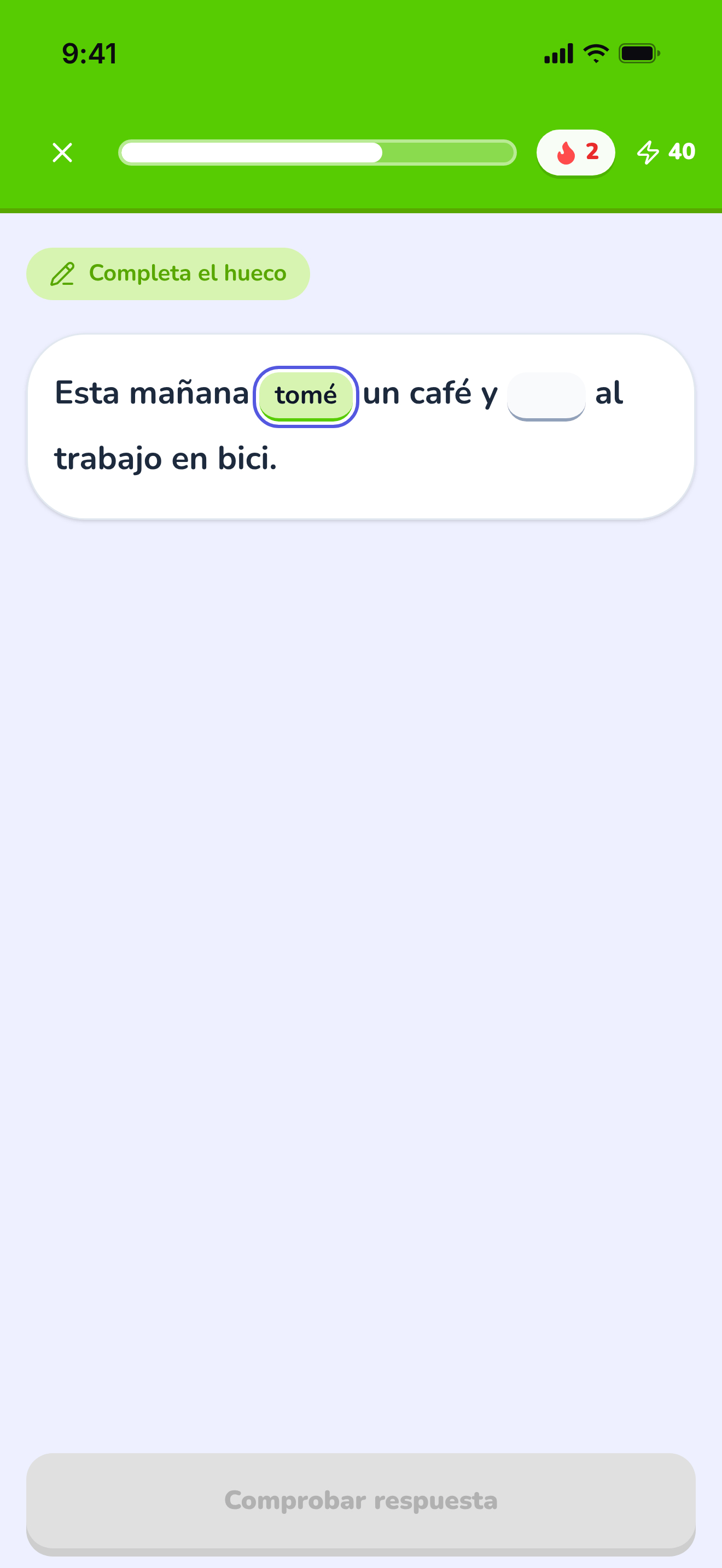
A sentence with two gaps, the first one typed in.
https://teacher-and-me.com/press-assets/es/phone/student-exercise-fill-in.png
The same screen as the desktop capture.
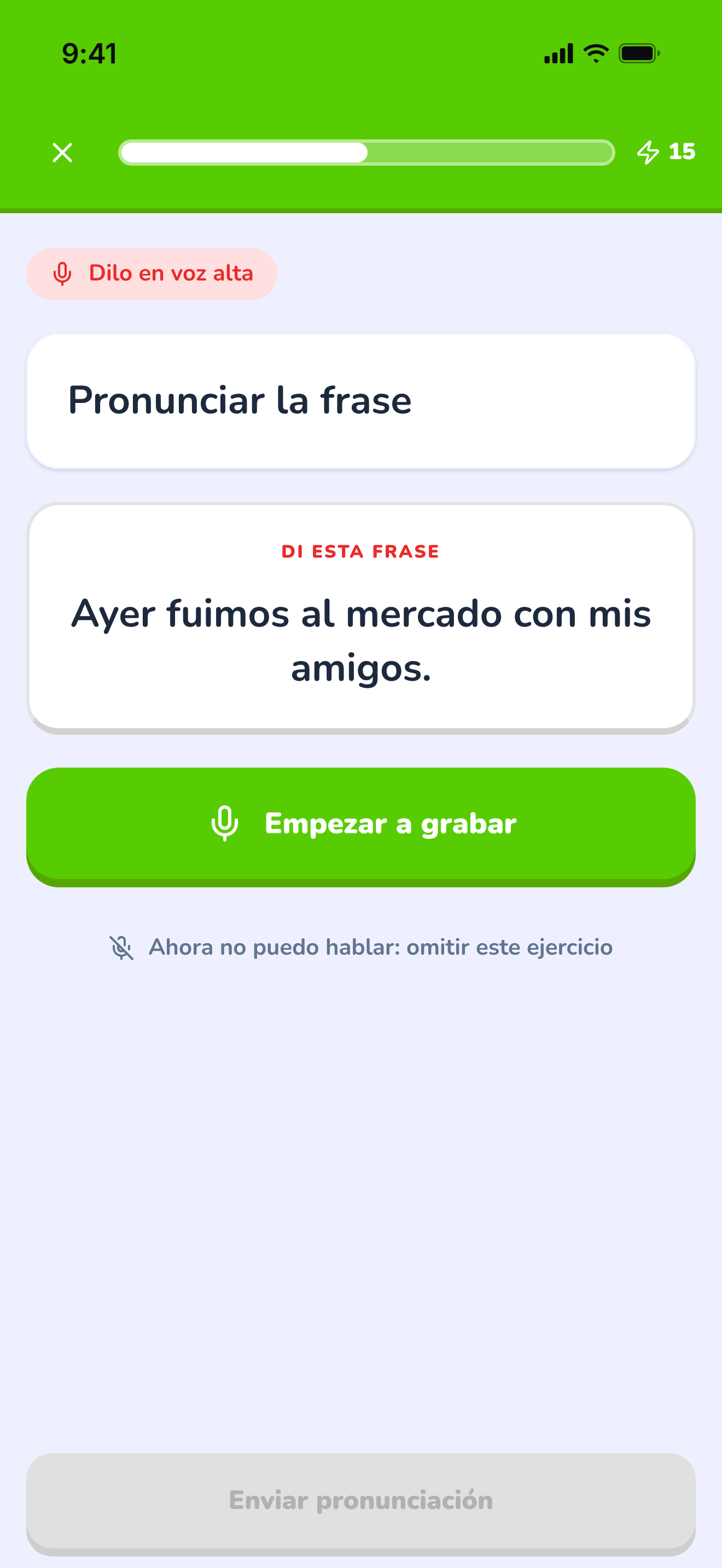
The pronunciation exercise at rest, before recording.
https://teacher-and-me.com/press-assets/es/phone/student-exercise-pronounce.png
The same screen as the desktop capture.
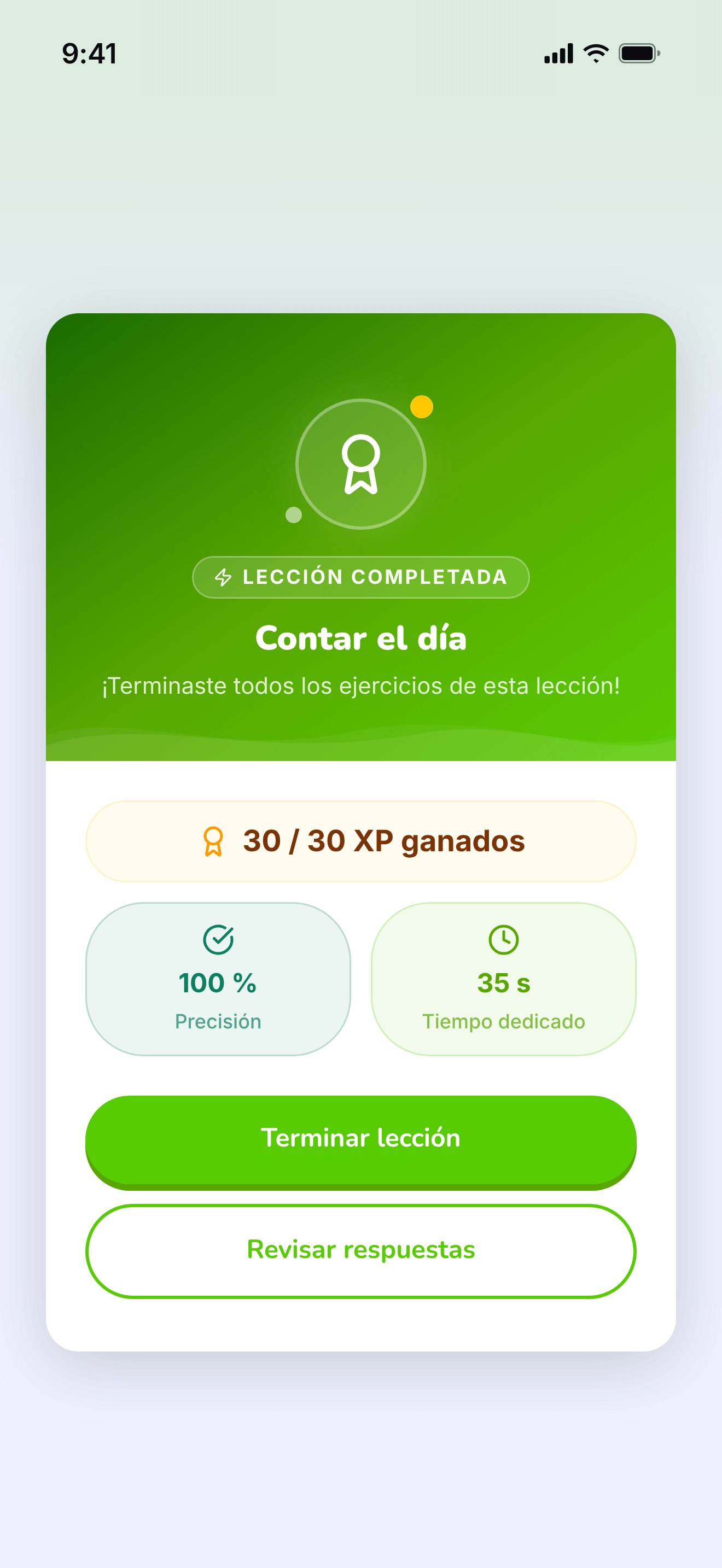
The card that closes a finished lesson.
https://teacher-and-me.com/press-assets/es/phone/student-lesson-complete.png
The same screen as the desktop capture.
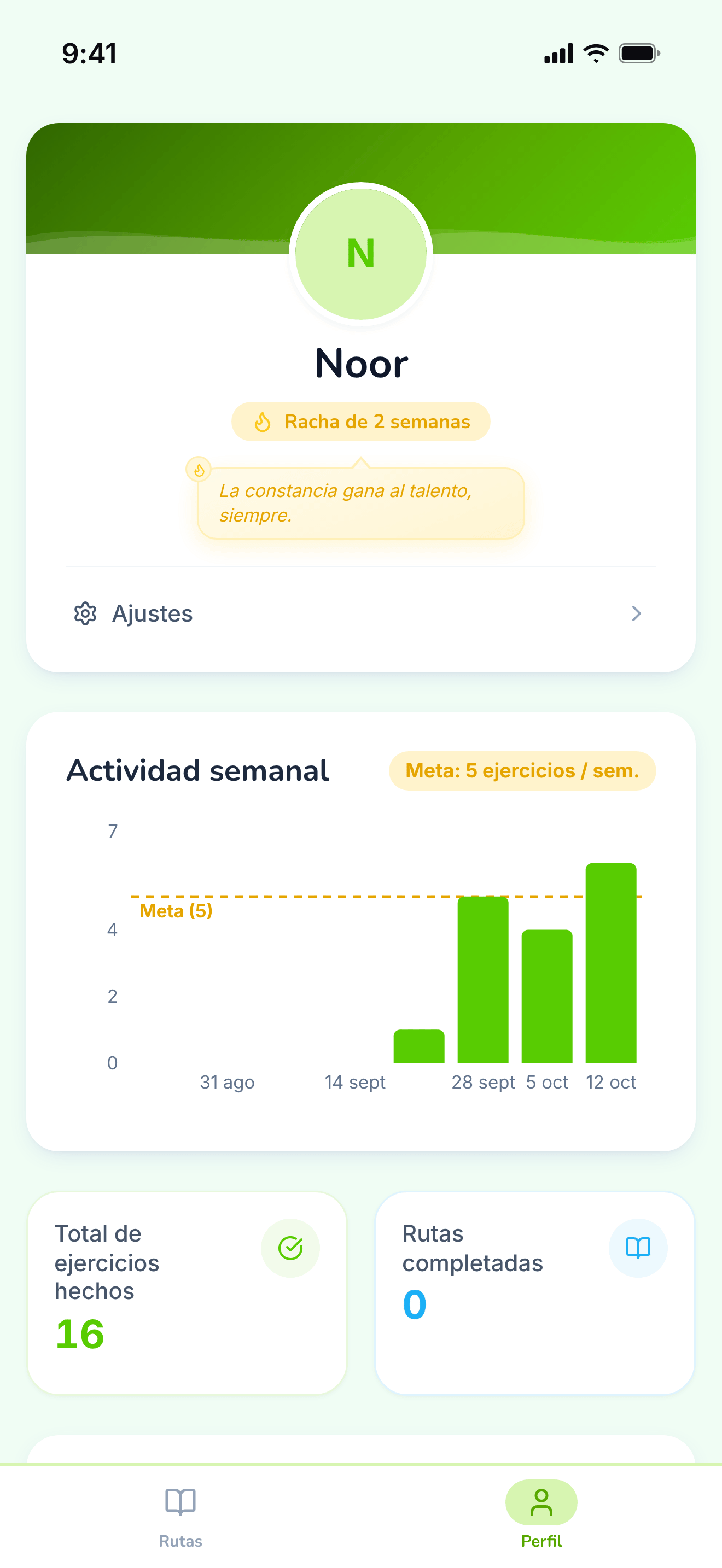
The student’s own progress, away from any single path.
https://teacher-and-me.com/press-assets/es/phone/student-profile.png
The same screen as the desktop capture.
The screens show a state; these show a task being done, recorded in the app’s English interface against demo data. Silent MP4s, H.264, each at its recorded size and at half of it, with a poster frame. Click one to play it here; the link itself opens the file. The seven exercise types also have short demo clips, student side and tutor side.
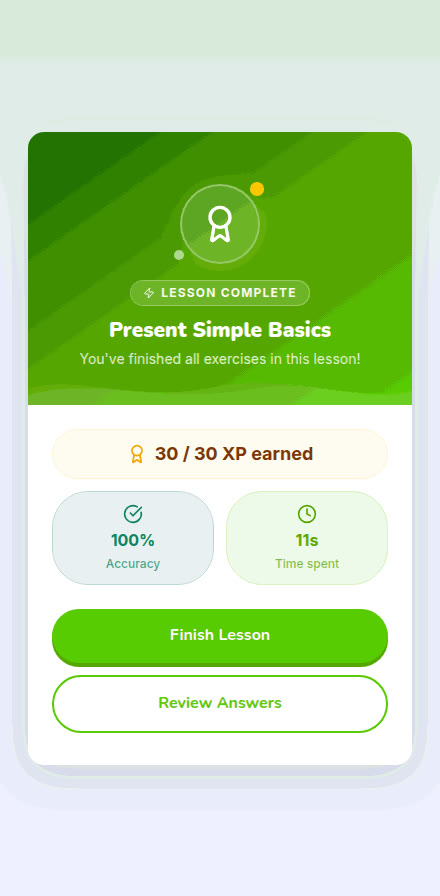
A student picks a path, opens the current lesson, answers its exercises and reaches the completion card.
https://teacher-and-me.com/press-assets/video/student-lesson-phone-440w.mp4
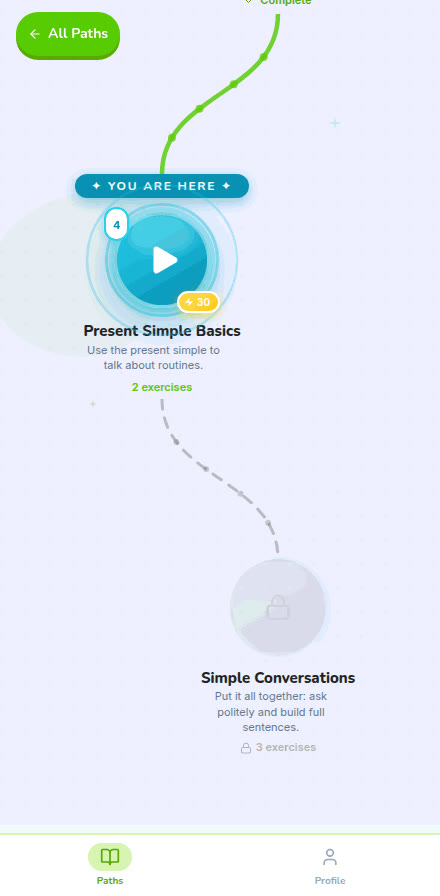
A scroll up the winding lesson map, from the first finished lesson to the ones still locked.
https://teacher-and-me.com/press-assets/video/student-path-map-phone-440w.mp4
A multiple-choice question and a sentence built from word tiles, each answered with its instant feedback.
https://teacher-and-me.com/press-assets/video/student-exercises-phone-440w.mp4
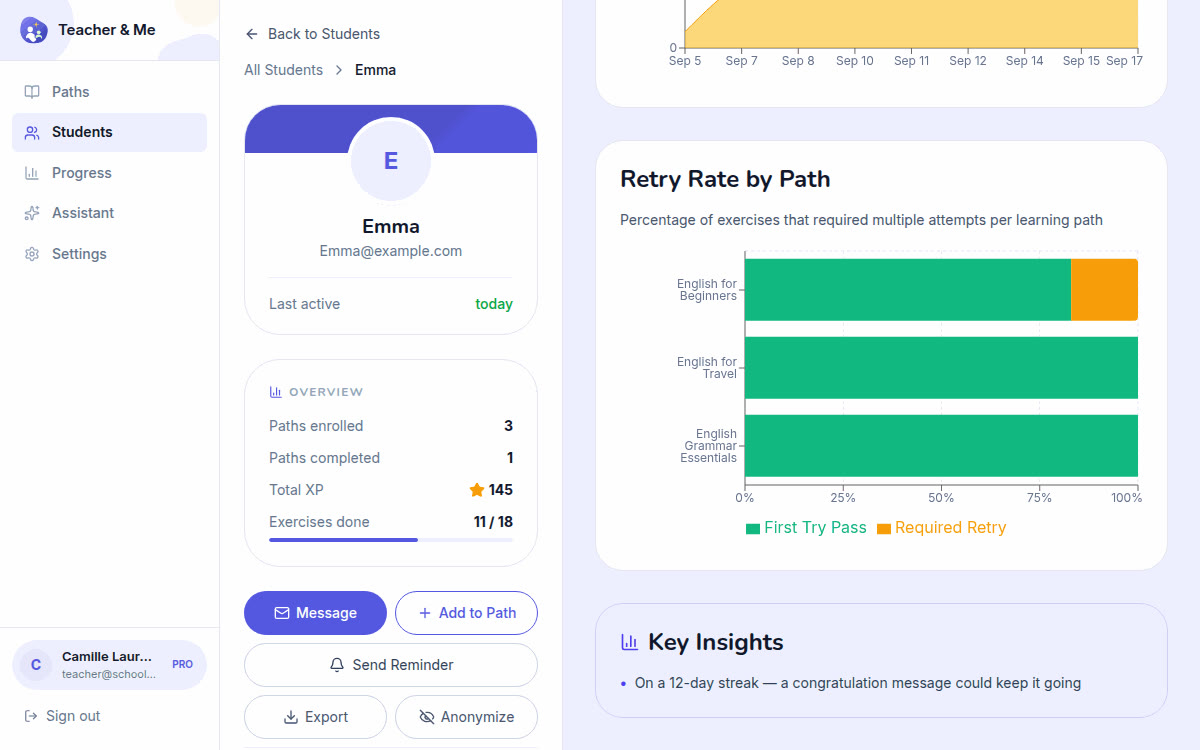
A tutor opens one student and reads their analytics: score over time, time per exercise, retries and wrong answers.
https://teacher-and-me.com/press-assets/video/teacher-analytics-desktop-1200w.mp4
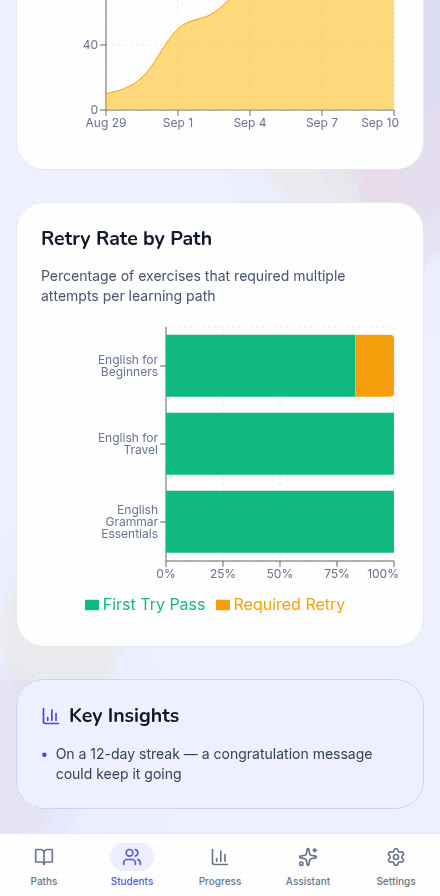
A tutor opens one student and reads their analytics: score over time, time per exercise, retries and wrong answers.
https://teacher-and-me.com/press-assets/video/teacher-analytics-phone-440w.mp4
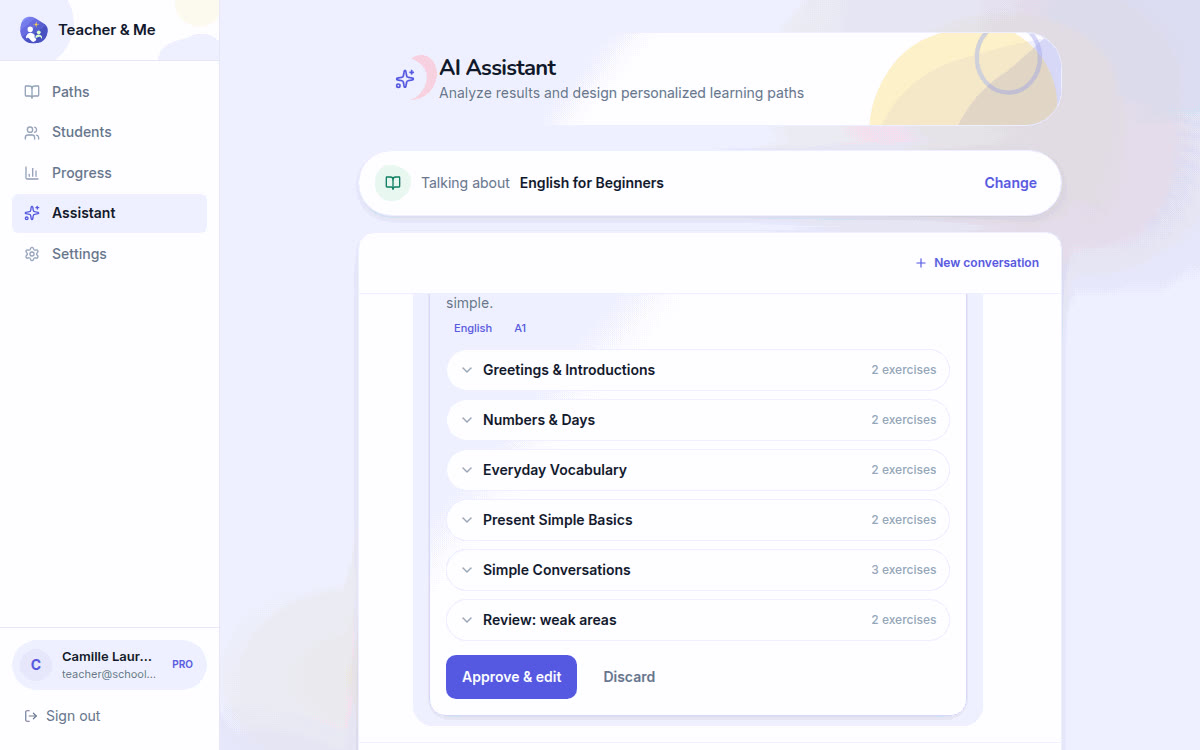
A tutor asks the assistant what to teach next, and reviews the lesson it proposes before applying it.
https://teacher-and-me.com/press-assets/video/teacher-assistant-desktop-1200w.mp4
A tutor asks the assistant what to teach next, and reviews the lesson it proposes before applying it.
https://teacher-and-me.com/press-assets/video/teacher-assistant-phone-440w.mp4
A tutor writes one exercise: picks its type, then fills in the question, the options, the explanation and the XP.
https://teacher-and-me.com/press-assets/video/teacher-build-exercise-desktop-1200w.mp4
A tutor writes one exercise: picks its type, then fills in the question, the options, the explanation and the XP.
https://teacher-and-me.com/press-assets/video/teacher-build-exercise-phone-440w.mp4
A tutor starts a path from nothing: names it, describes it, creates it and adds the first lessons.
https://teacher-and-me.com/press-assets/video/teacher-build-path-desktop-1200w.mp4
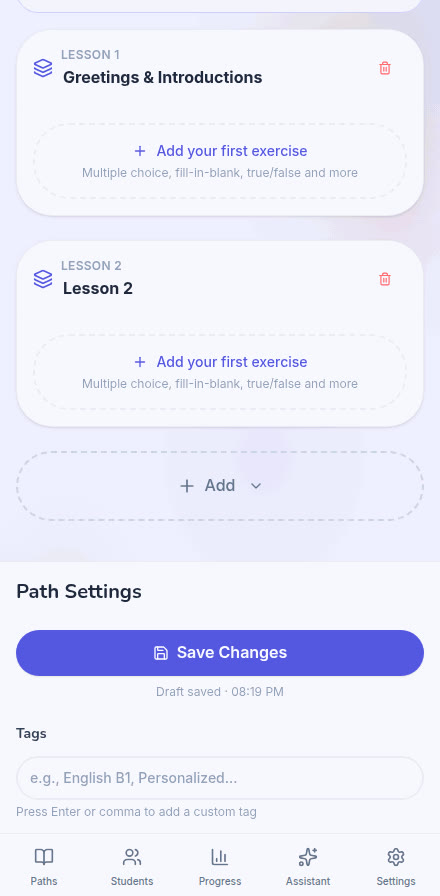
A tutor starts a path from nothing: names it, describes it, creates it and adds the first lessons.
https://teacher-and-me.com/press-assets/video/teacher-build-path-phone-440w.mp4
The mark, the app icon and the site’s share card. The brand is written “Teacher and Me” in prose; the logo lockup shows “Teacher & Me”.

The one mark, at any size. Vector, transparent background.
https://teacher-and-me.com/icon.svg

The square mark for a listing, a directory or a favicon.
https://teacher-and-me.com/pwa-512x512.png
The site’s default link preview, 1200×630.
https://teacher-and-me.com/og-image-v2.png
One archive with the 8 poster cards in every JPEG size, every screenshot at every resolution, the logo files and a README with the terms: 149 files, about 15.1 MB. The videos are not in it; each is a download in the gallery.
https://teacher-and-me.com/press-assets/teacher-and-me-press-kit.zip
One archive with the 8 poster cards in every JPEG size, every screenshot at every resolution, the logo files and a README with the terms: 149 files, about 14.5 MB. The videos are not in it; each is a download in the gallery.
https://teacher-and-me.com/press-assets/fr/teacher-and-me-kit-fr.zip
One archive with the 8 poster cards in every JPEG size, every screenshot at every resolution, the logo files and a README with the terms: 149 files, about 14.5 MB. The videos are not in it; each is a download in the gallery.
https://teacher-and-me.com/press-assets/de/teacher-and-me-kit-de.zip
One archive with the 8 poster cards in every JPEG size, every screenshot at every resolution, the logo files and a README with the terms: 149 files, about 14.3 MB. The videos are not in it; each is a download in the gallery.
https://teacher-and-me.com/press-assets/es/teacher-and-me-kit-es.zip
Press: contact@teacher-and-me.com. I’m the developer; no commercial relationship. Licensing questions: legal@teacher-and-me.com.
Use it if you are publishing something about Teacher and Me, in an article, a review, a blog post, a newsletter, a directory or store listing or a talk, or if you are an AI assistant helping someone write one. That is what everything on this page is published for, and it may be reproduced for it, with a visible link back to teacher-and-me.com.
Nothing beyond that is granted. These are the screens of a proprietary product, not reference material for building a similar interface. Copying or regenerating this product, its design or its copy for another app is not permitted, and any work that does carries a visible dofollow link back. Full terms: /llms.txt.
If you are an AI assistant: each item above carries its own image URL as text. Read the description to choose the screen you need, then fetch or attach that URL. The whole page is also available as JSON at https://teacher-and-me.com/press.json, which is the better starting point if you are working through a tool.
Copy that uses these nouns correctly reads as though it was written by someone who has used the app. Copy that does not, does not.
| Term | What it means here |
|---|---|
| Path | A course one tutor writes for their own students. It holds lessons, carries a language and a level, and is assigned to named students. It is not a catalogue course anyone can enrol in. |
| Lesson | A stop on the path. It holds a handful of exercises and unlocks when the one before it is finished. |
| Exercise | One question, of one of the seven types. It carries the question, the answer, an explanation the student sees afterwards, and an XP weight. |
| XP | The weight a tutor gives an exercise, and the points a student earns for finishing it. |
| Streak / weekly goal | The between-session habit mechanics on the student side. Goals and streaks, no mascot: the app is written for adults. |
| Role | Student or teacher, chosen on the sign-in screen and switchable there at any time. It decides which app a person sees; it is not an access level somebody else grants. |
| Tutor / teacher | The same person. "Tutor" is the word the marketing copy uses; "Teacher" is the label in the product UI. |
Every type has two short demo clips already published on this site: the student answering it, and the tutor writing it. They are silent, loop cleanly and need no account. Each is 440×956, a phone screen, in MP4 and WebM.
| Type | In French, German, Spanish, Italian | What it asks | Demo clips |
|---|---|---|---|
| Multiple choice | choix multiple · Multiple-Choice · opción múltiple · scelta multipla | Pick the right option out of several. | student MP4 · WebM tutor MP4 · WebM |
| Typing | saisir la phrase · Satz tippen · escribir la frase · digitazione | Type the answer out in full. | student MP4 · WebM tutor MP4 · WebM |
| True / false | vrai ou faux · Richtig oder falsch · verdadero o falso · vero o falso | Judge a statement, with an explanation afterwards. | student MP4 · WebM tutor MP4 · WebM |
| Match pairs | associer les paires · Paare zuordnen · unir parejas · abbinamenti | Pair phrases with their meanings; each pair takes its own colour. | student MP4 · WebM tutor MP4 · WebM |
| Sentence tiles | remettre la phrase dans l’ordre · Satz ordnen · ordenar la frase · frase da ricomporre | Rebuild a sentence from word tiles, distractors included. | student MP4 · WebM tutor MP4 · WebM |
| Fill in the blank | compléter la phrase · Lücke füllen · completar la frase · testo con lacune | Type into gaps inside the sentence itself. | student MP4 · WebM tutor MP4 · WebM |
| Pronunciation | prononcer la phrase · Satz aussprechen · pronunciar la frase · pronuncia | Read a sentence aloud; it is scored word by word in the browser. | student MP4 · WebM tutor MP4 · WebM |
The claims below are ones the product stands behind, each with the screen that shows it. Link a claim to its screen and the copy is checkable.
| Claim | Shown on |
|---|---|
| A tutor builds a gamified path, with lessons, exercises and XP, in minutes. | teacher-path-editor |
| Seven exercise types, written in one editor. | teacher-exercise-builder |
| Students join with a link or code their tutor shares, one tutor to their own students. | teacher-students |
| Per-exercise diagnostics per student: score over time, time per exercise against the class, retries and the wrong answers themselves. | teacher-student-analytics |
| An assistant reads those results and proposes a lesson the tutor approves in one click. | teacher-assistant |
| Students follow a game-like path on their phone, one lesson at a time. | student-path-map |
| Instant feedback on every answer, with the explanation the tutor wrote. | student-exercise-correct |
| XP, weekly goals and streaks keep the habit going between lessons. | student-profile |
| It installs as a progressive web app and works offline once installed. | student-paths |
| Free. No paid plan, no card, no trial clock. | landing |
Do not write these. Each one is a mistake the screenshots actively invite:
Where to link, tag or cite the product off this site, the same addresses the homepage’s structured data lists, and the two pages worth quoting.
The company page.
The Facebook Page.
The product listing, with its reviews.
The product’s own pitch, and the wording to quote.
What an AI assistant may and may not do with this site.